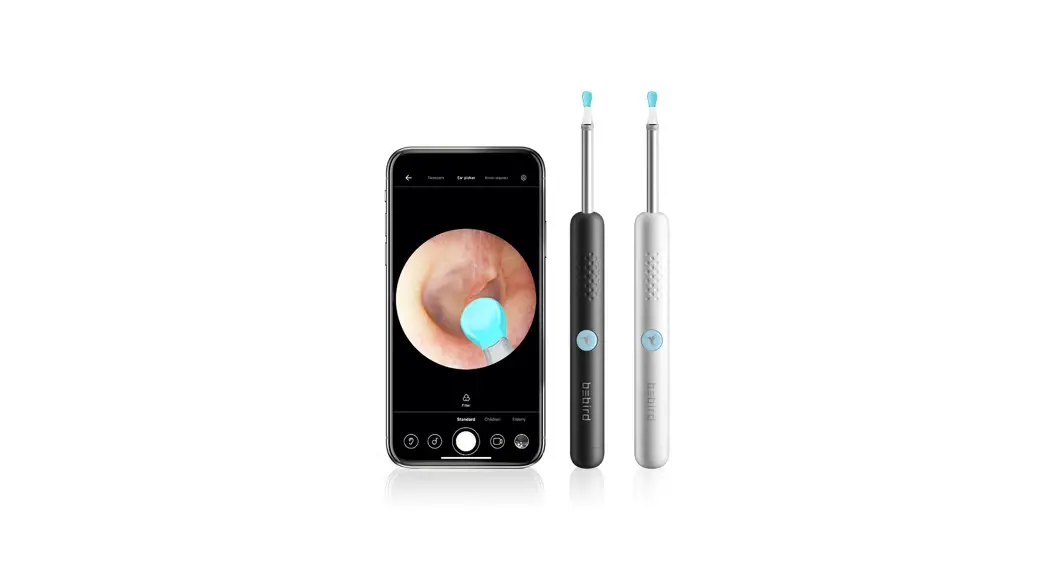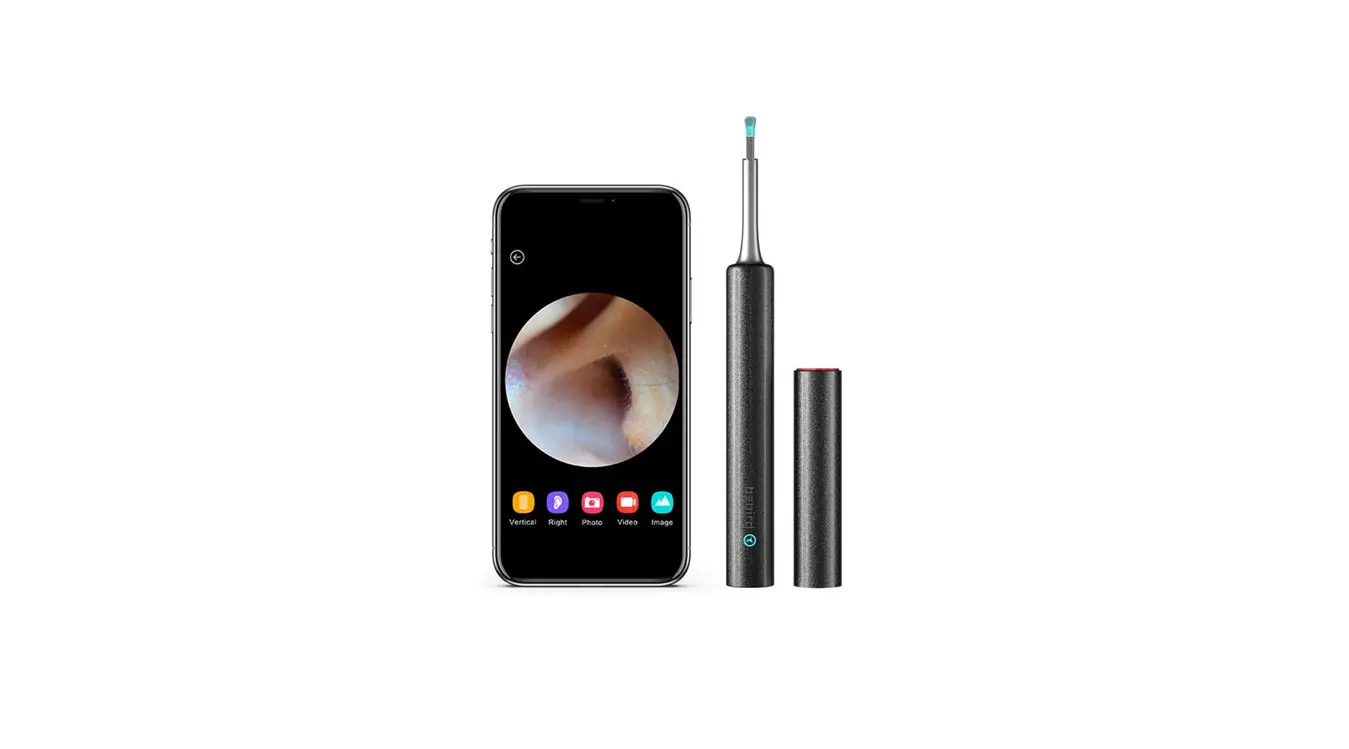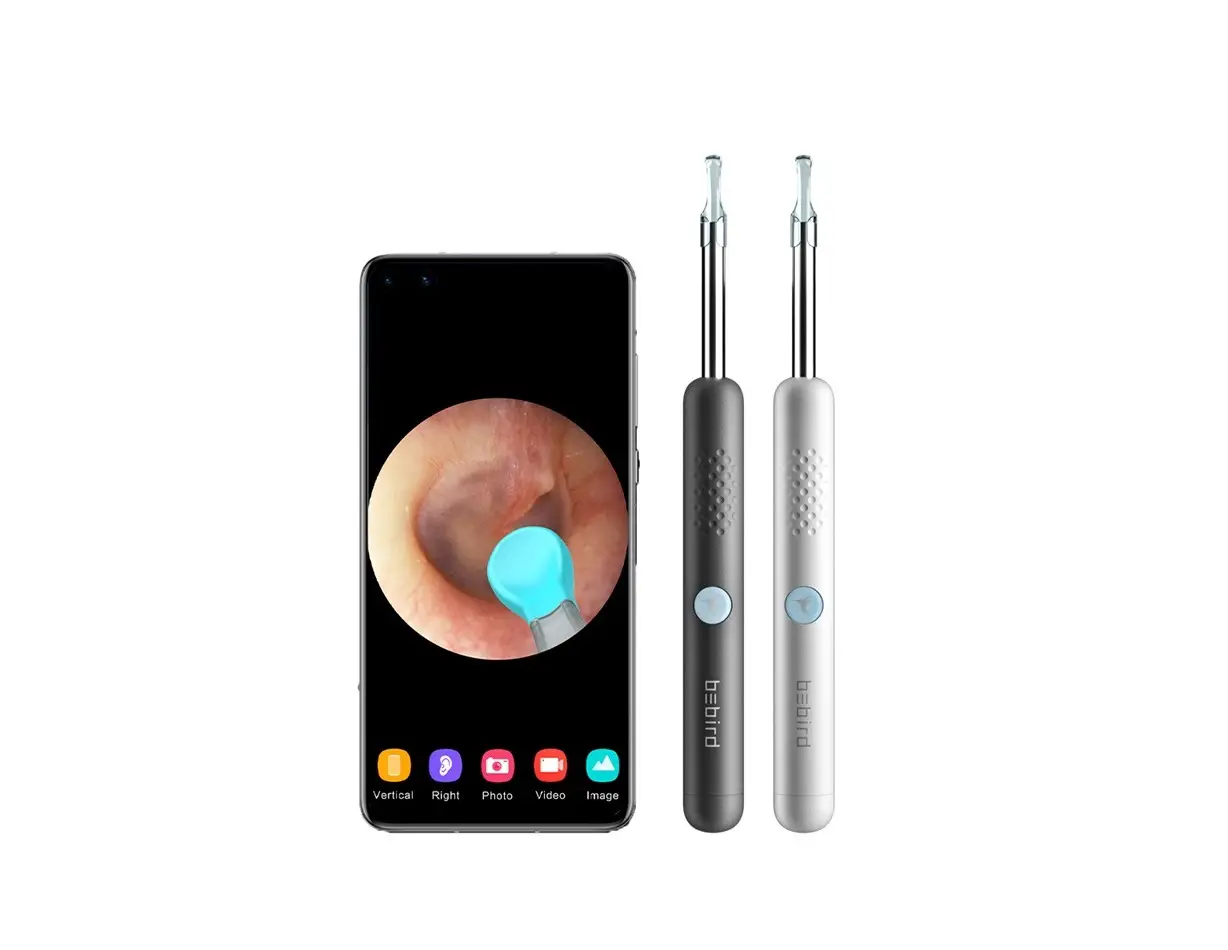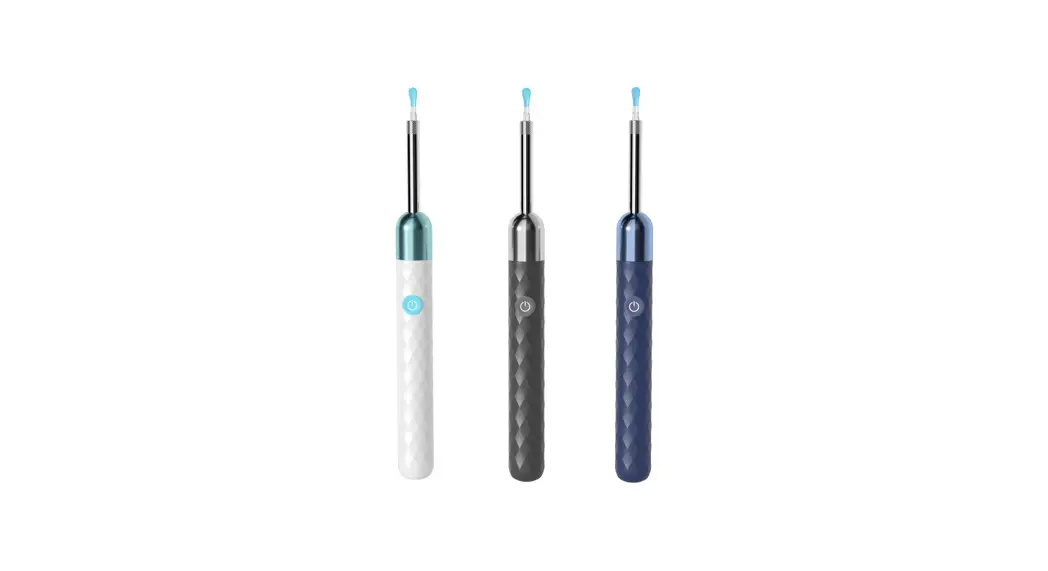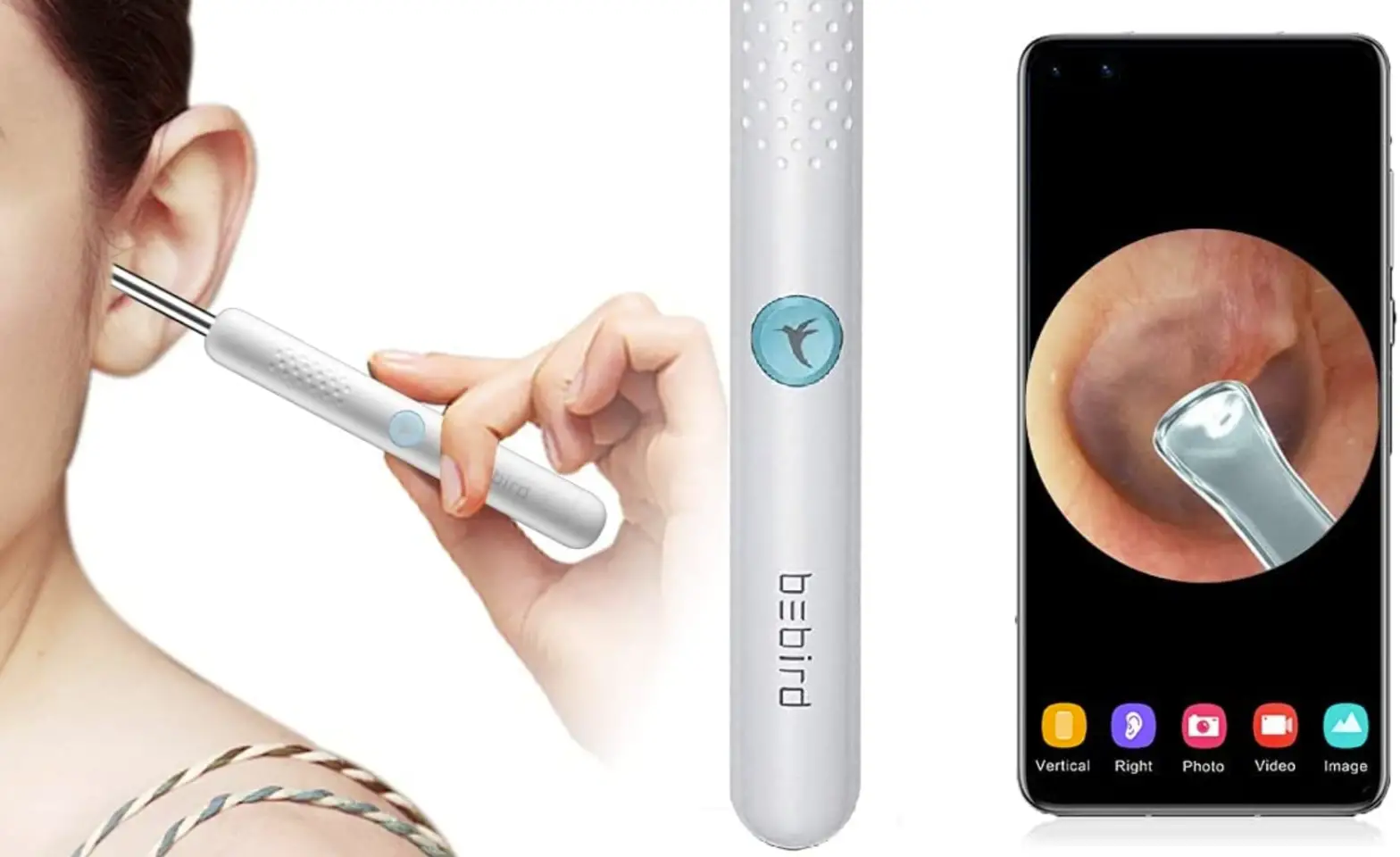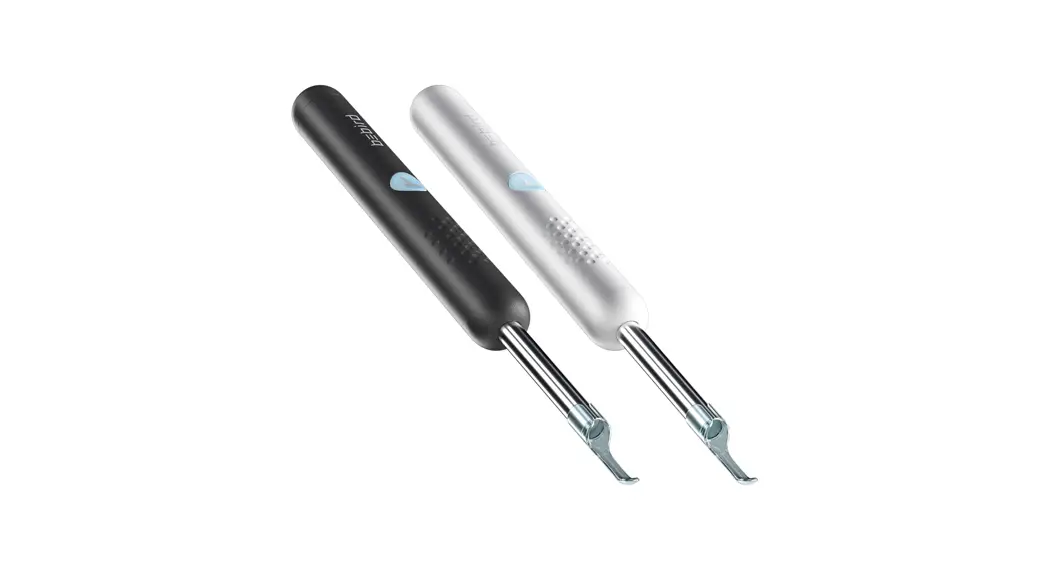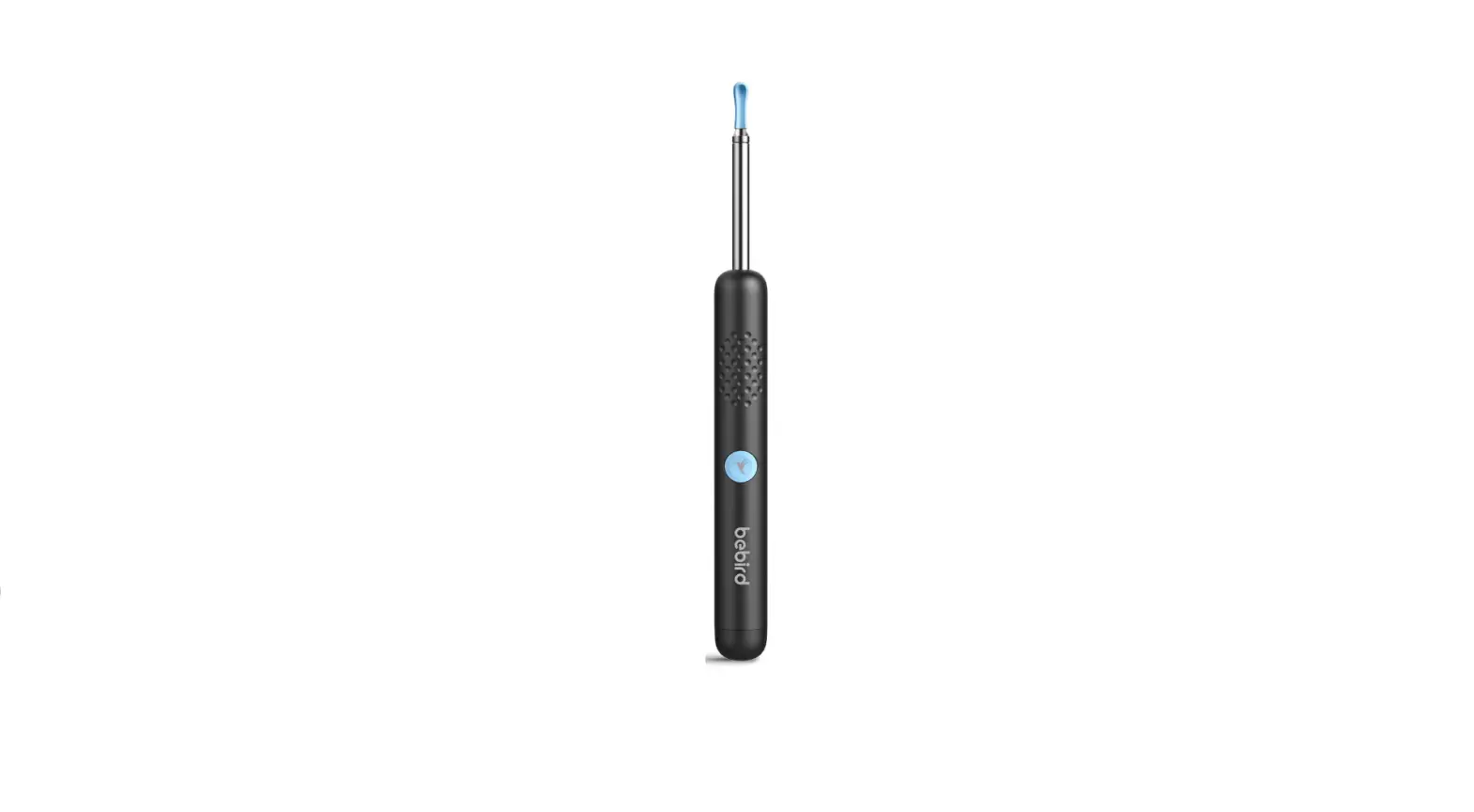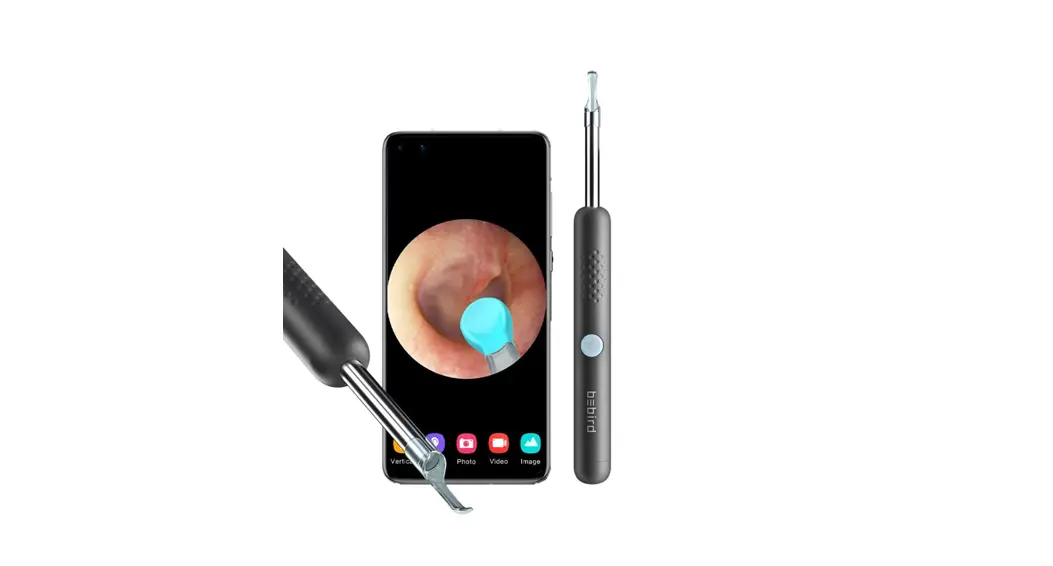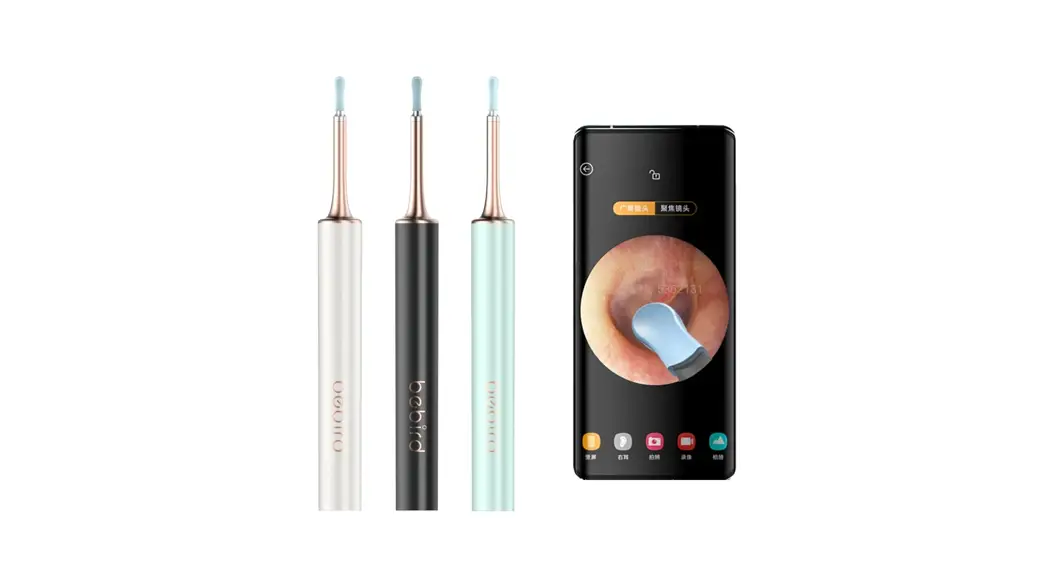

Visual Ear Cleaner
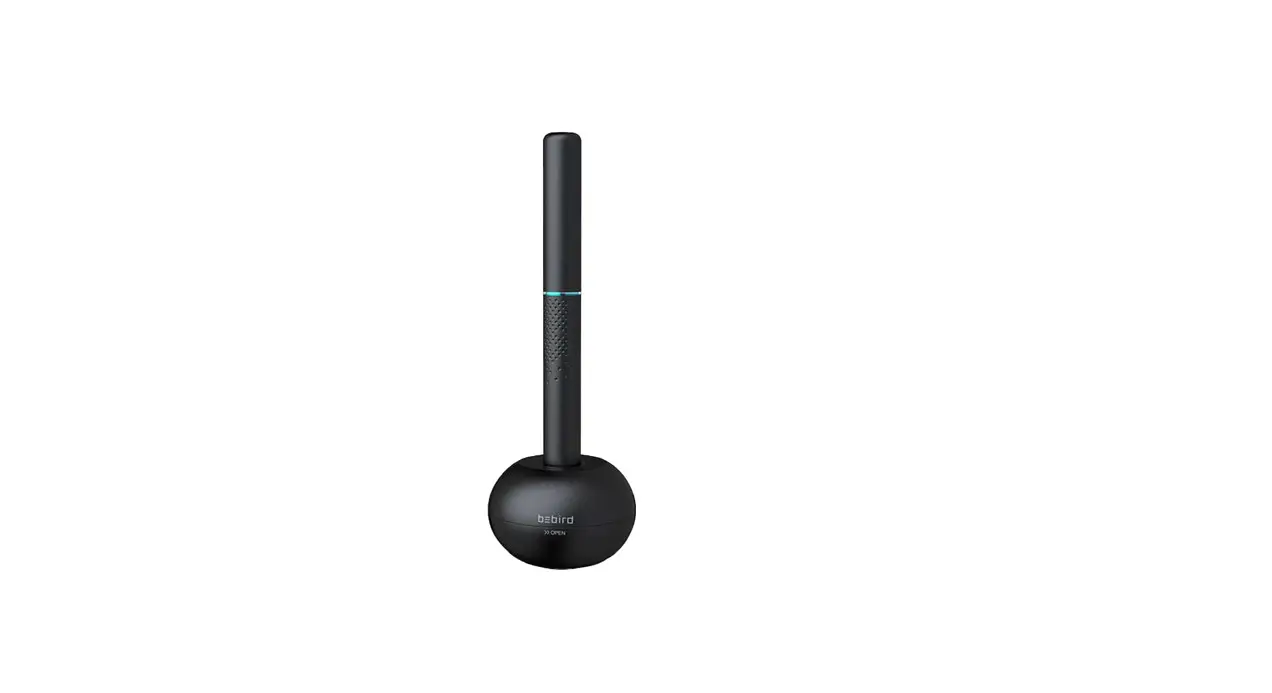
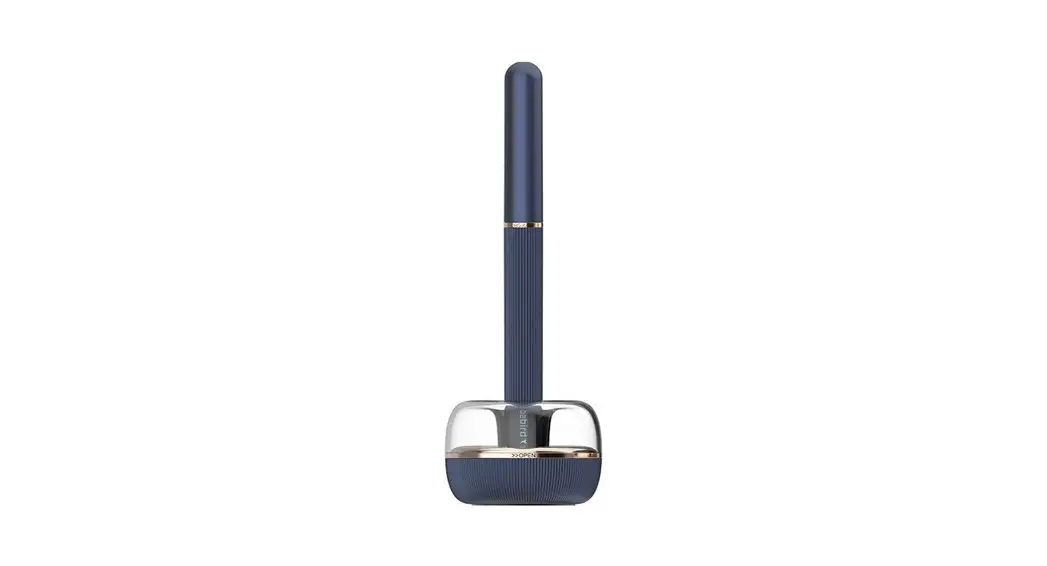
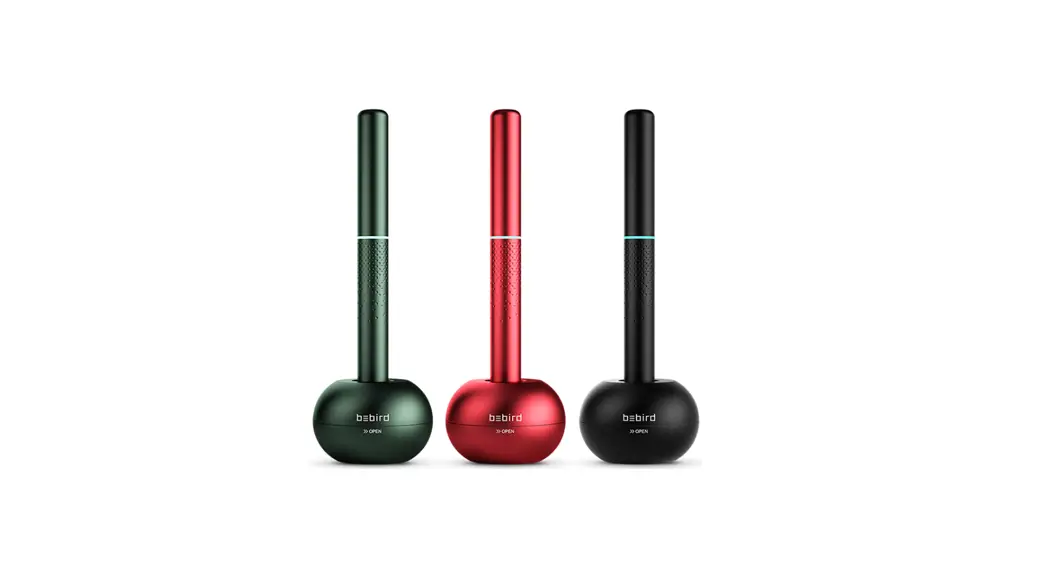
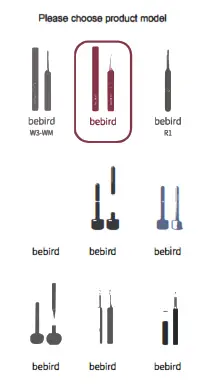
Open be bird E3
- IOS
Search for “bird” in App Store
Android
Search for “bird” in Google Play - Scan QR code to download APP
 http://www.bebird.cn/app/en.html
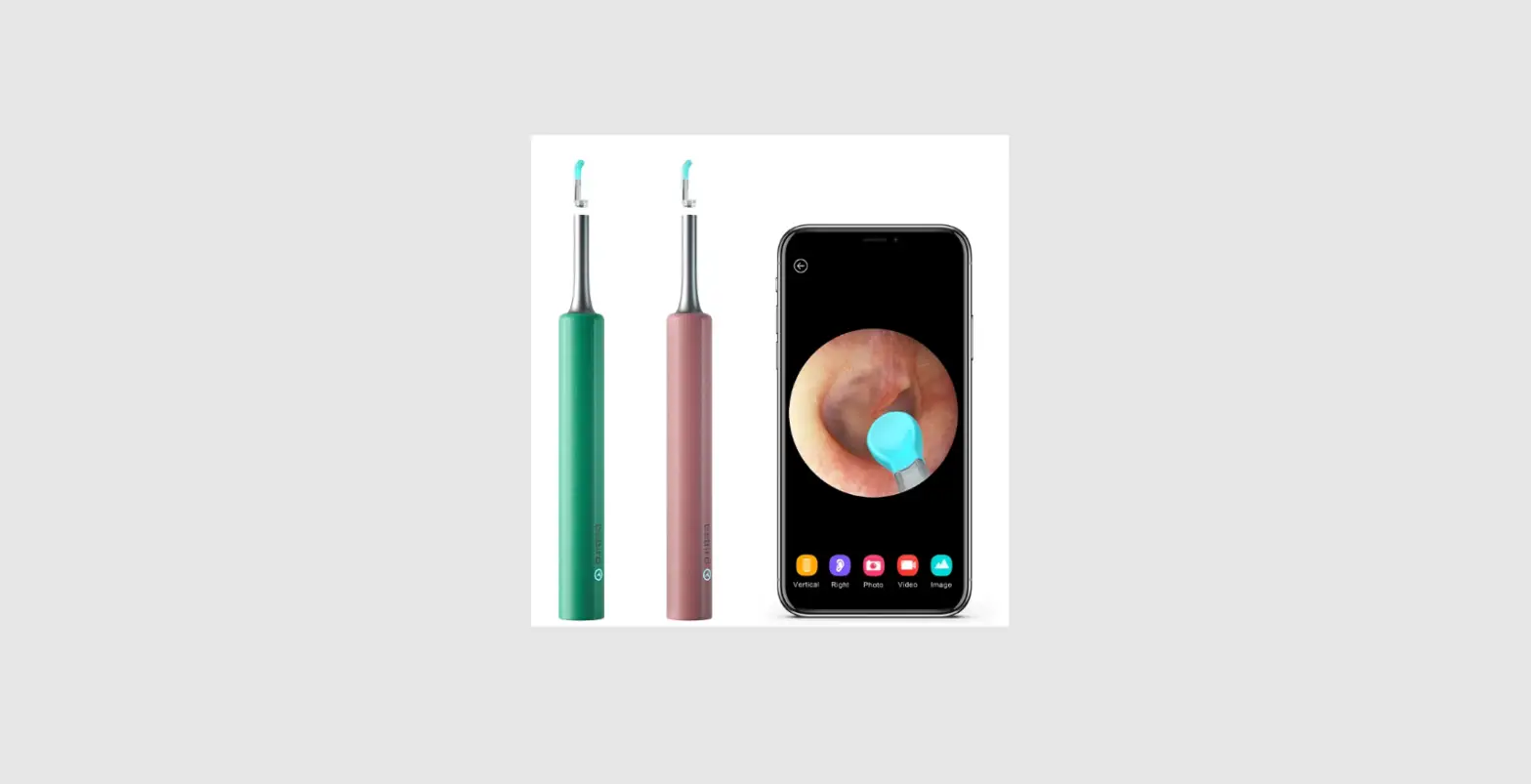
 - Enter APP Select be bird E3

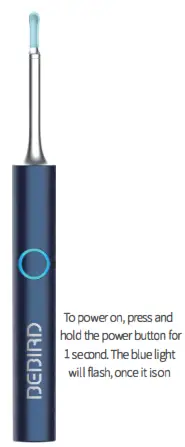
- Press and hold the power button to turn on the ear cleaning rod

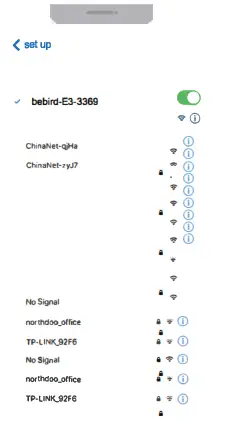
WiFi Connectivity
- Connect product
WiFi”bluebird-E3-XXXX”
WiFi Password:12345678
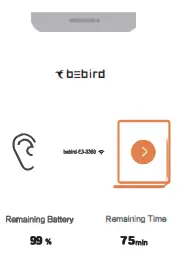
- Press Start, to power the App

Replacement of Accessories
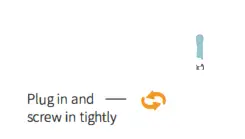
Unscrew the current accessory and pull it out.
Put in the desired accessory and screw it in to secure.
Accessories
Tongue Depressor x 1
PC and silica gel synthetic teaspoon
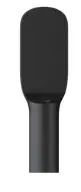
Q-Elastic Large Ear Spoon x 1 PC and silica gel synthetic teaspoon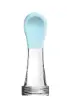
Q-Elastic Small Ear Spoon x 1 PC and sr Lica gel Onetic eat spoon.

Round Ear Spoon x 1 PC and silica genetic ear spoon
Ear Canal Sheath x 1 
Sponge Ear Spoon x 1 Removing of ear wax and grease in ears 
Type-C Cable x 1 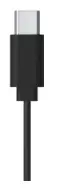
Troubleshooting
| Problem | Solution |
| Startup and no response | Please try several more times according to the correct boot-up method Please use the attached charging base for charging. The charging time is about lh
|
| Camera does not turn on
| Shut down and restart the ear cleaning rod
|
| APP quits quickly
| Delete the existing APP and re-scan the QR code for installation
|
| The power indicator of the ear cleaning rod shows blue light falling rapidly
| Charge the ear cleaning rod with the charging basef “Dm the original Packing
|
| WiFi connection is unstable, sometimes it is disconnected in seconds
| Restart ear cleaning rod, reconnect bluebird APP
|
| The product faled to display the real-time image after successfully connecting the bluebird APP
| Disconnect the phone f romWiFi, restart the product and reconnect the WiFi
|
If the above operation still fails to solve the problem, please contact Customer Service for further assistance
Hazardous Material
| Hazardous Material | ||||||
| Part name | (Pb) | (Hg ) | (Cd) | (Cr(VI)) | (PBS) | (PBOE) |
| Printed Circuit Components | X | 0 | 0 | 0 | 0 | 0 |
| Case | 0 | 0 | 0 | 0 | 0 | 0 |
| Plastic rubber accessory | 0 | 0 | 0 | 0 | 0 | 0 |
This「orm is formulated in accordance with SJ/T ll364
O represent the hazardous material ratio is GB/T26572-2011
X represent hazardous material ratio is over GB八26572-2011
Product parameter
| Brand | bebird |
| Product Name | Smart visual ear cleaning rod |
| Model | E3 |
| Rod weight | 24g |
| Network standard | IEEE 802.llb/g/n |
| Antenna | Internal FPC antenna |
| Working frequency | 2.4Ghz |
| Image transm1ss1on rate | 30fps |
| Image sensor | CMOS |
| Working temperature -10∼50ºc | |
| Battery | 250mAh lithium battery |
| Battery life | About 75 minutes |
| Cha「ging time | lh |
| Input parameters | SV 0.4A 0.4A |
| Working voltage | 4.2V |
| Rated power | l.SW |
| Lens diameter | 3.5mm |
| Optimum focal length | 1.5∼2cm |
| Pixel | 3M |
| Gyroscope | 3axis |
Warranty Card
| User information | |
| User name | Telephone number |
| Purchase date | |
| Seller | Telephone number |
This form is formulated in accordance with SJ/T 11364
0 represent the hazardous material ratio is below GB/T265722011
X represent the hazardous material ratio is over GB/T26572-2011

FCC Warning
- This device complies with part 15 of the FCC rules. Operation is subject to the following two conditions:
(1) this device may not cause harmful interference, and (2) this device must accept any interference received, including interference that may cause undesired operation
Changes or modifications not expressly approved by the party responsible for compliance could void the user’s authority to operate the equipment.
NOTF. This equipment has been tested and found to comply with the limits for a Class B digital device, pursuant to part 15 of the FCC Rules. These limits are designed to provide reasonable protection against harmful interference in a residential installation. This equipment generates uses and can radiate radio frequency energy and, if not installed and used in accordance with the instructions, may cause harmful interference to radio communications. However, there is no guitar tee that interference will not occur in a particular installation. If this equipment does cause harmful interference to radio or television reception, which can be determined by turning the equipment off and on, the user is encouraged to try to correct the interference by one or more of the following measures: - Reorder tor relocate the receiving antenna a.
- Increase the separation between the equipment and receiver.
- Connect the equipment into an outlet on a circuit different from t h a to which the receiver is connected
- Const. lt the dealer or an experienced radio/TV technician for help
Radiation Exposure Statement
The device has been evaluated to meet the general RF exposure requirements. The device can be used in portable exposure conditions without restriction.