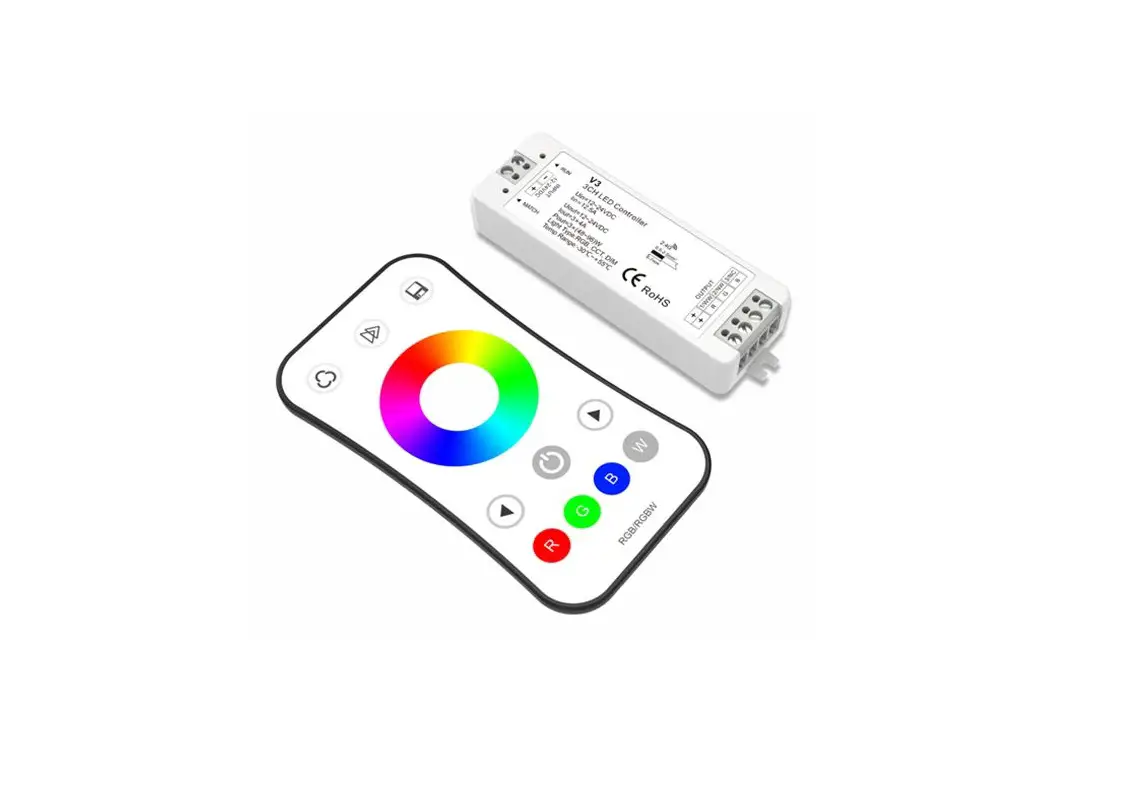
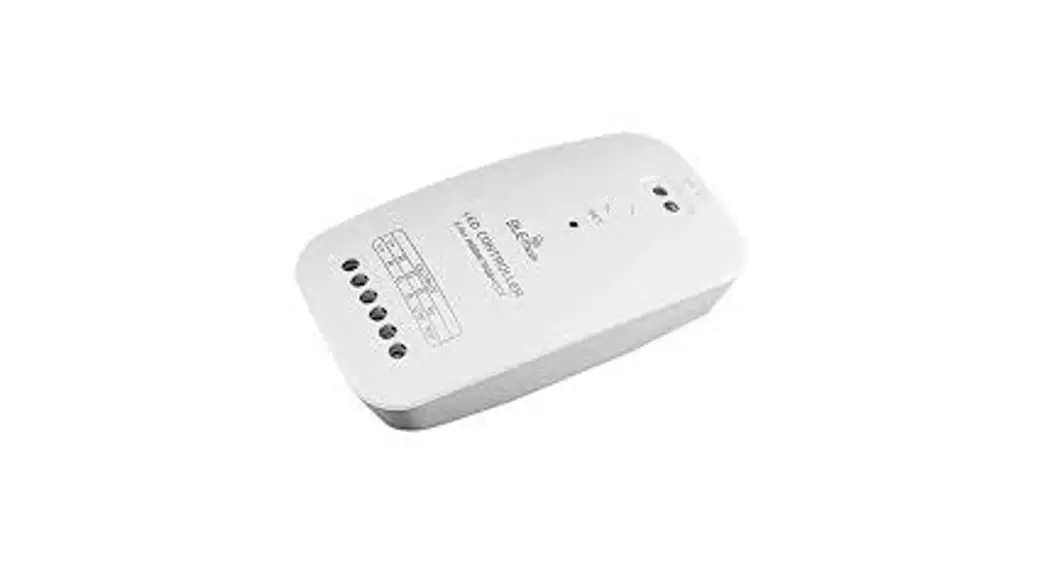
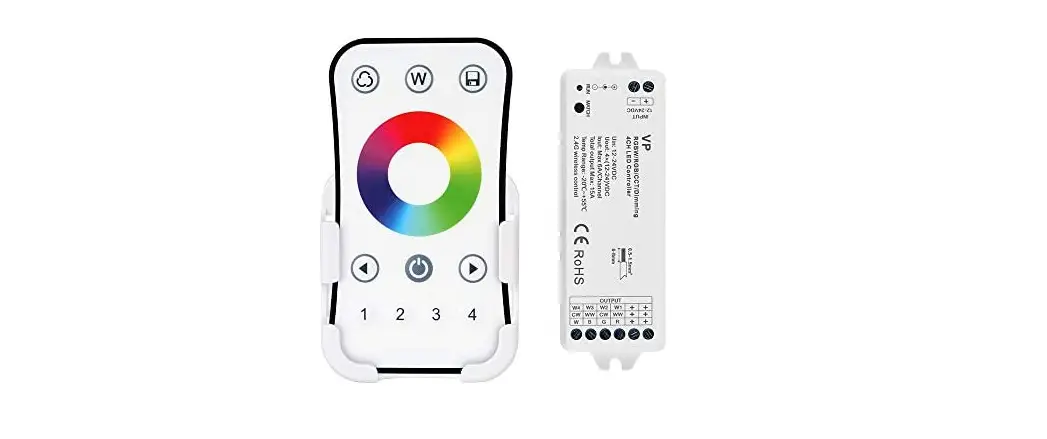
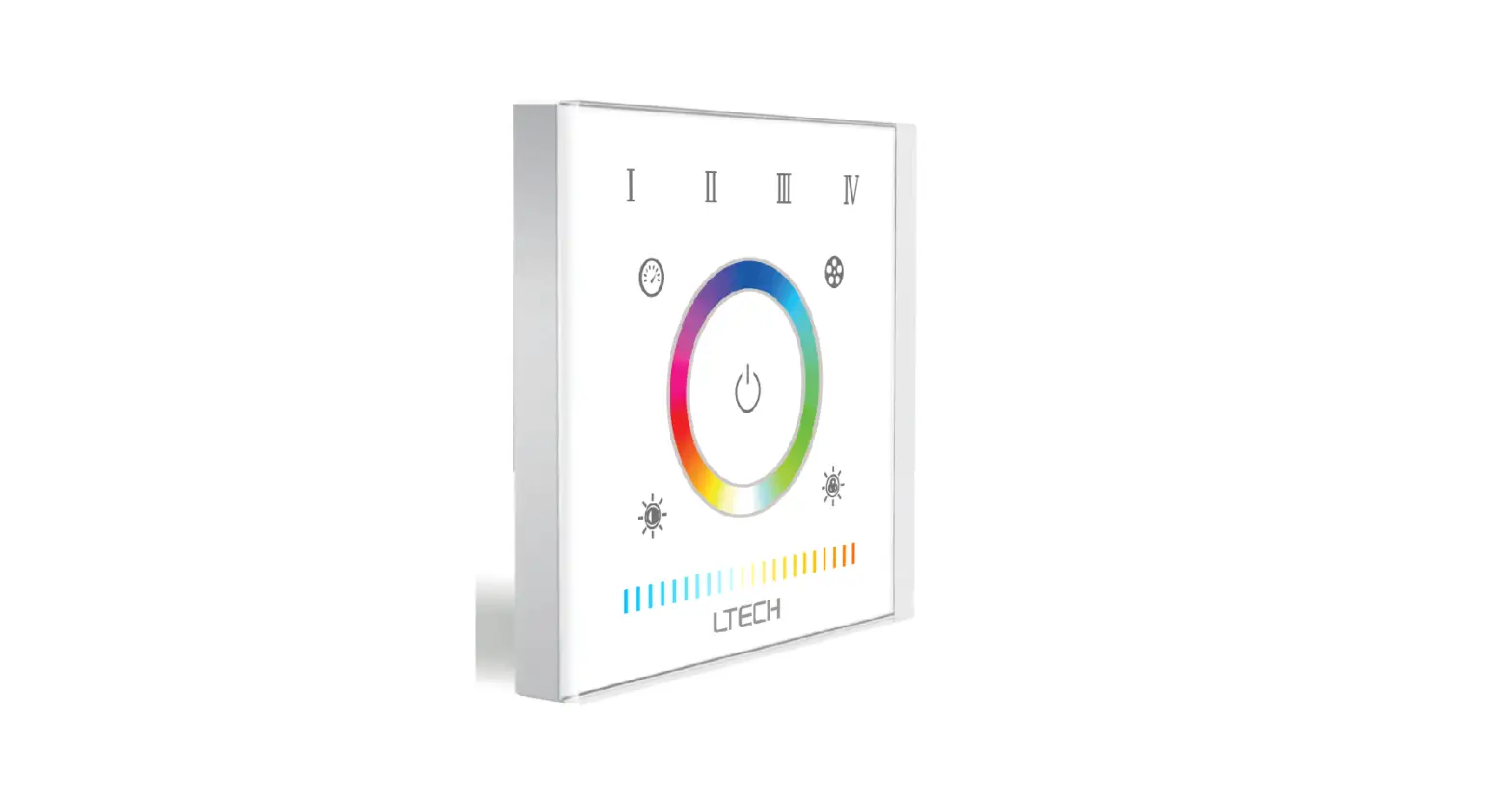
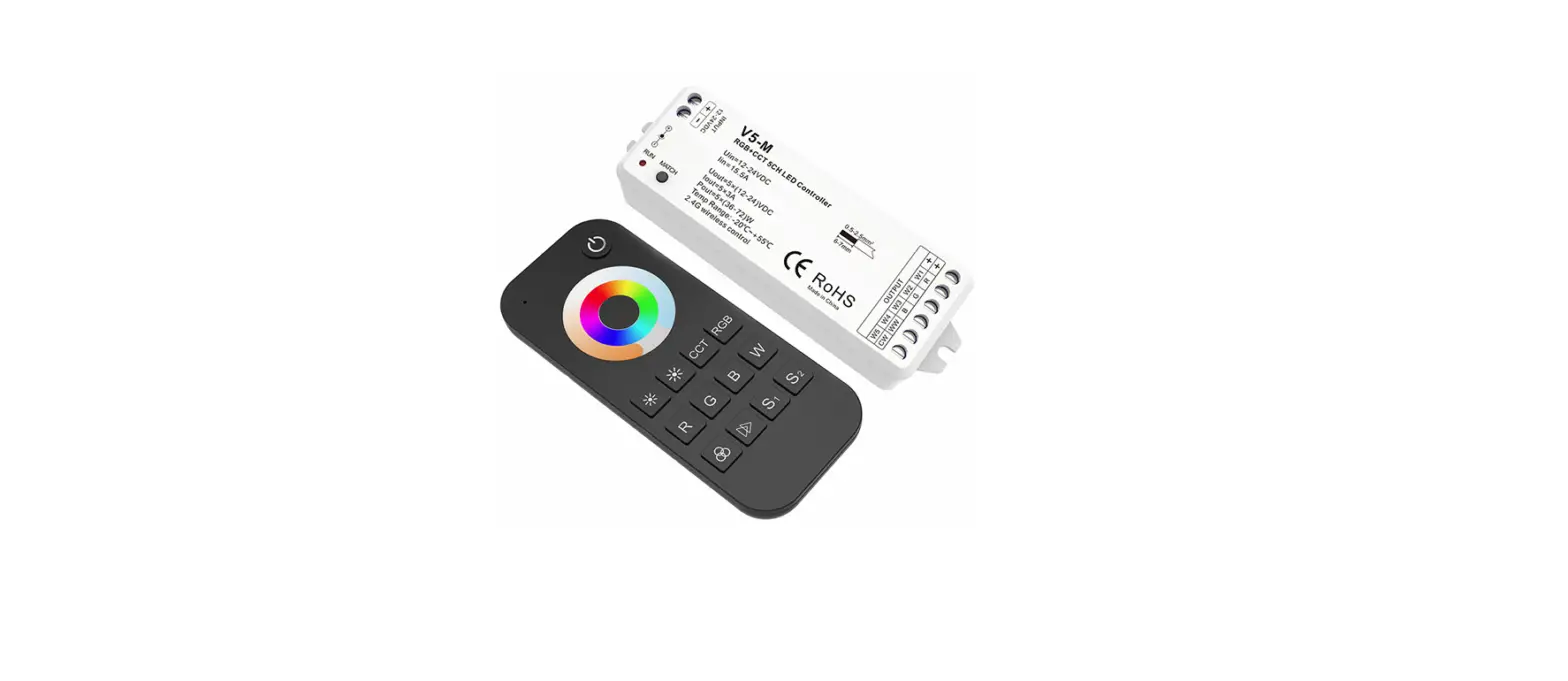
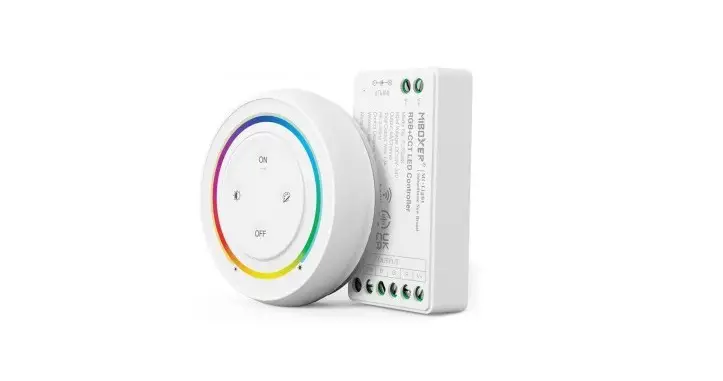
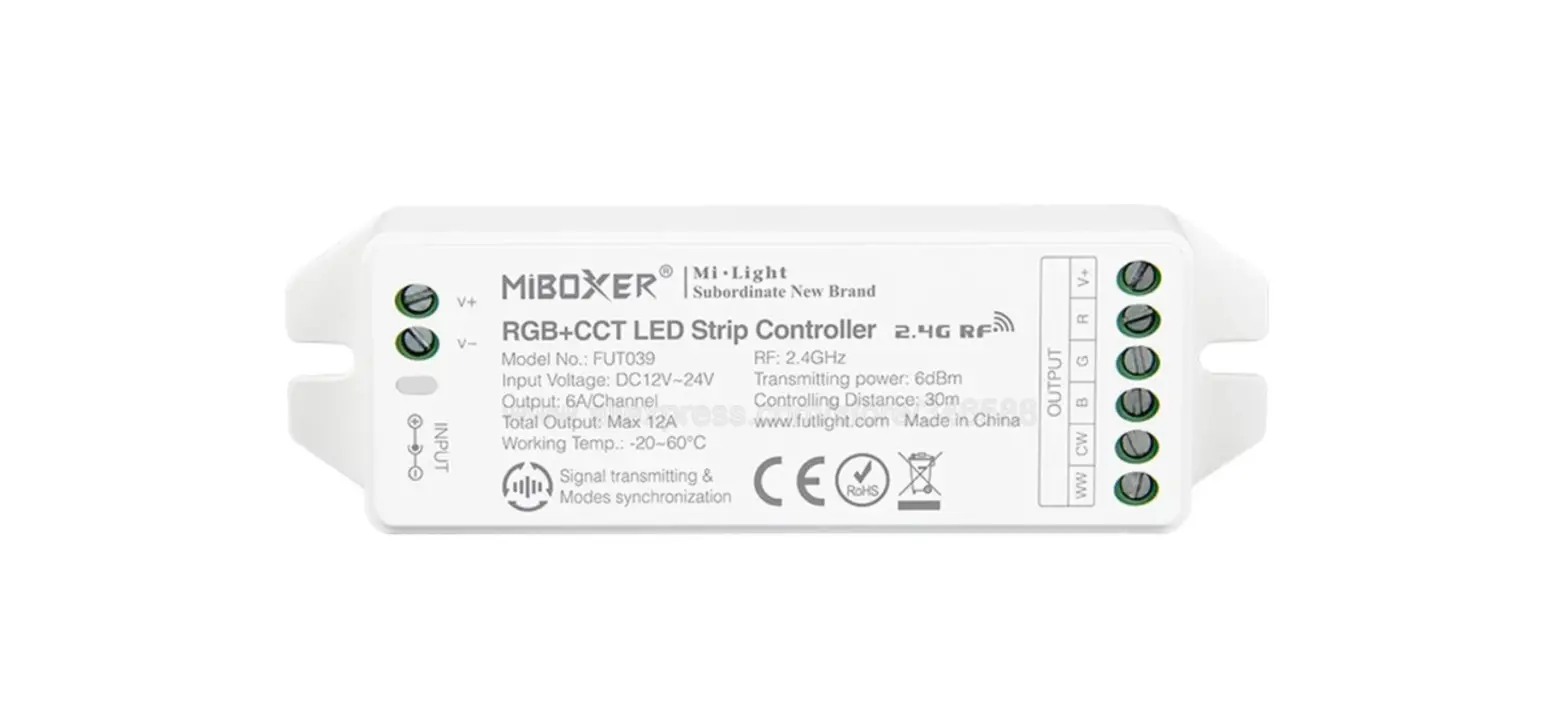
V5-M+RT5 RGB+CCT LED Strip Controller Kit
Product Information:
Product Name: RGB+CCT LED Strip Controller
Kit
Model No.: V5-M + RT5
Features:
- 5 channels constant voltage
- Touch color wheel
- Step-less dimming
- Wireless remote with 30m distance
Technical Parameters:
- Input and Output:
- Input voltage: 12-24VDC
- Input current: 15.5A
- Output voltage: 5 x (12-24)VDC
- Output current: 5CH,3A/CH
- Output power: 5 x (36-72)W
- Output type: Constant voltage
- Dimming data:
- Input signal: RF 2.4GHz
- Dimming range: 0 – 100%
- Dimming curve: Logarithmic
- PWM Frequency: 1000Hz (default)
Warranty and Protection:
- Warranty: 5 years
- Protection: Reverse Polarity
LED Remote’s Input and Output:
- Output signal: RF(2.4GHz)
- Working voltage: 3VDC (AAAx2)
- Working current: 5mA
- Standby current: 10A
- Standby time: 2 years
- Remote distance: 30m
Safety and EMC:
- EMC standard (EMC): ETSI EN 301 489-1 V2.2.3
- Safety standard (LVD): ETSI EN 301 489-17 V3.2.4
- Radio Equipment (RED): EN 62368-1:2020+A11:2020
- Certification: CE, EMC, LVD, RED (ETSI EN 300 328 V2.2.2)
Environment:
- Operation temperature: -30°C ~ +55°C
- Case temperature (Max.): +85°C
- IP rating: IP20
Mechanical Structures and Installations:
- Power input +
- Power input –
- Installation rack +
- DC socket input
- LED indicator
- Match key
Wiring Diagram:
- Power Adapter 12-24VDC
- OUTPUT W5 W4
- V5-M + RT5 RGB+CCT LED Strip Controller Kit
- Output LED + Output Red LED Output Green LED Installation rack
Output Blue LED Output Warm White LED Output Cold White LED – - RGB+CCT LED strip WW CW
- RGB+CCT Remote
Product Usage Instructions:
- To turn on/off the light, use the touch function on the
remote. - To change the RGB color or color temperature, touch the
corresponding buttons on the remote. Press the RGB or CCT key to
switch between the RGB wheel and CCT wheel. - To adjust the brightness of the RGB color or color temperature,
short press the buttons for 10 levels of adjustment. Long press the
buttons for 1-6 seconds for continuous 256 levels adjustment. - To adjust the color temperature using the WW/CW channel, short
press the buttons for 11 levels of adjustment. Long press the
buttons to adjust the WW+CW brightness continuously. - To select static RGB colors, short press the RGB button to
cycle through 24 kinds of static RGB colors. - To run dynamic modes, short press the RGB button to switch to
the next mode. Long press the button for 2 seconds to enable
mode-cycle. - For dynamic RGB modes, you can adjust the speed by short
pressing the buttons for 10 levels of adjustment. Long press the
button for 2 seconds to reset to the default speed. - For static RGB colors, you can adjust the saturation by short
pressing the buttons for 11 levels of adjustment. Long press the
buttons for 1-6 seconds for continuous 256 levels adjustment. - To directly select red, green, or blue color, short press the
corresponding buttons. Long press the buttons for 1-6 seconds to
adjust the brightness of the respective color continuously. - To turn on/off white (WW/CW), short press the W button. Long
press the button for 1-6 seconds to adjust the white (WW+CW)
brightness continuously. - To recall a saved scene, short press the S1 or S2 button. Long
press the buttons for 2 seconds to save the current color into S1
or S2. The LED indicator will display green when the save is
successful. - The LED indicator will display blue when the light is turned
on, and red when the light is turned off. It will display the same
color as the touched color wheel and will display red if any press
or touch operation is invalid (if the light is off). - To extend battery life, avoid touch or press key operation
after a few seconds of inactivity.
RGB+CCT LED Strip Controller Kit Model No.: V5-M + RT5
5 channels constant voltage/Touch color wheel/Step-less dimming/Wireless remote 30m distance
Features
LVD RED
Mini style controller with 5 channel constant voltage output. Ultra sensitive color adjustment touch wheel. Smooth dimming and switch without any ickering. Built in 10 dynamic mode, include jump or gradual change style. Independent dimming function of each R, G, B, W channel to achieve millions of colors. 2 scene memory. Auto-transmitting function: Controller automaticly transmit signal to another controller with 30m control distance. Synchronize on multiple number of controllers. Light on/off fade time 3s selectable.
Technical Parameters
Input and Output Input voltage Input current Output voltage Output current Output power Output type
12-24VDC 15.5A 5 x (12-24)VDC 5CH,3A/CH 5 x (36-72)W Constant voltage
Dimming data Input signal Dimming range Dimming curve PWM Frequency
RF 2.4GHz 0 -100% Logarithmic 1000Hz (default)
Warranty and Protection
Warranty
5 years
Protection
Reverse Polarity
User Manual Ver 1.0.4
LED Remote’s Input and Output
Output signal
RF(2.4GHz)
Working voltage
3VDC(AAAx2)
Working current
5mA
Standby current
10A
Standby time
2 year
Remote distance
30m
Safety and EMC
EMC standard (EMC) Safety standard(LVD) Radio Equipment(RED) Certification
ETSI EN 301 489-1 V2.2.3 ETSI EN 301 489-17 V3.2.4
EN 62368-1:2020+A11:2020
ETSI EN 300 328 V2.2.2 CE,EMC,LVD,RED
Environment Operation temperature Case temperature (Max.) IP rating
Ta: -30 OC ~ +55 OC T c: +85OC IP20
Mechanical Structures and Installations
Power input + Power input –
Installation rack +
DC socket input LED indicator Match key
–
+
INPUT 12-24VDC
53.00 mm
17.50 mm
122.00 mm
–
+
INPUT 12-24VDC
Wiring Diagram
+
Power Adapter 12-24VDC
OUTPUT
W5 W4
+
+
OUTPUT
W5 W4
+
+
V5-M + RT5 RGB+CCT LED Strip Controller Kit
Output LED + Output Red LED Output Green LED Installation rack Output Blue LED Output Warm White LED Output Cold White LED –
114.00 mm
20.00 mm
38.00 mm
RGB+CCT LED strip
WW CW
RGB+CCT Remote
Page 1
Remote function
:Turn on/off light.
CCT RGB R G BW
:Touch to change RGB color or color temperature. Press RGB or CCT key to switch between RGB wheel and CCT wheel.
: Adjust RGB or color temperature brightness, short press 10 levels, long press 1-6s for continuous 256 levels adjustment.
CCT
: Adjust color temperature by WW/CW channel, short press 11 levels, long press adjust WW+CW brightness continuously.
S1 S2
1 Warm White WW 100% CW 0%
6 Natural White WW 100% CW 100%
11 Cool White WW 0% CW 100%
RGB : Short press get 24 kinds static RGB color.
1 R 100%
5 R 100% G 100%
9 G 100%
17 B 100% 13 G 100% B 100%
21 R 100% B 100%
25(1) R 100%
: Short press run next dynamic mode, long press 2s run mode-cycle.
: For dynamic RGB mode, adjust speed,
short press 10 levels, long press 2s get the default speed.
For static RGB color, adjust saturation,
namely change current static RGB color to mixed white slowly,
short press 11 levels, long press 1-6s for continuous 256 levels adjustment.
R
G
B
: Short press get red, green or blue color directly. long press 1-6s to adjust R/G/B brightness continuously to achieve millions of colors.
W
: Short press turn on/off white(WW/CW), long press 1-6s to adjust white(WW+CW) brightness continuously,
namely change saturation by adding white color slowly.
S1 S2 : Short press recall the scene, long press 2s save current color into S1/S2. the LED indicator display green when save OK.
* When turn on light, the indicator display blue. when turn off light, the indicator display red. * When touch the color wheel, the indicator will display the same color. * When press or touch operation is invalid (If the light is off), the indicator display red. * To extend battery life, no touch or press key operation after a few seconds,
the touch wheel will enter sleep state, you need press any key to make touch wheel quit sleep state.
Light on/off fade time
Long press match key 5s, then short press match key 3 times, the light on/off time will be set to 3s, the indicator light blink 3 times. Long press match key 10s, restore factory default parameter, the light on/off time also restore to 0.5s.
User Manual Ver 1.0.4
Match Remote Control (two match ways)
V5-M + RT5 RGB+CCT LED Strip Controller Kit
End user can choose the suitable match/delete ways. Two options are offered for selection:
Use the controller’s Match key
Use Power Restart
Match: Short press match key, immediately press on/off key of the remote.
Delete: Press and hold match key for 5s to delete all match, The light blinks 5 times means all matched remotes were deleted.
Match: Switch off the power, then switch on power, repeat again. Immediately short press on/off key 3 times on the remote. The light blinks 3 times means match is successful.
Delete: .Switch off the power, then switch on power, repeat again. Immediately short press on/off key 5 times on the remote. The light blinks 5 times means all matched remote controls were deleted.
Application notes
All the receivers are matched with one RF remote.
30m
30m
30m
RF remote
Auto-transmitting: One receiver can transmit the signals from the remote to another receiver within 30m, as long as there is a receiver within 30m, the remote control distance can be extended. Auto-synchronization: Multiple receivers within 30m distance can work synchronously when they are controlled by the same remote, under same dynamic mode and with same speed. Receiver placement may offer up to 30m communication distance. However, we recommend for indoor applications that receiver placements should be no further apart than15m.
Dynamic mode list
No.
Name
1
RGB jump
2
RGB smooth
3
6 color jump
4
6 color smooth
5
Color temperature smooth
No.
Name
6
RGB fade in and out
7
Red fade in and out
8
Green fade in and out
9
Blue fade in and out
10
White fade in and out
Dual color control
CH4=Warm white LED CH5=Cool white LED Each channel can supply up to 72W(@24V) and white balance can be controlled as such:
Color temperature Power distribution
Cool white CH4=0W,CH5=72W
Neutral white CH4=72W,CH5=72W
Warm white CH4=72W,CH5=0W
Page 2