Contents hide

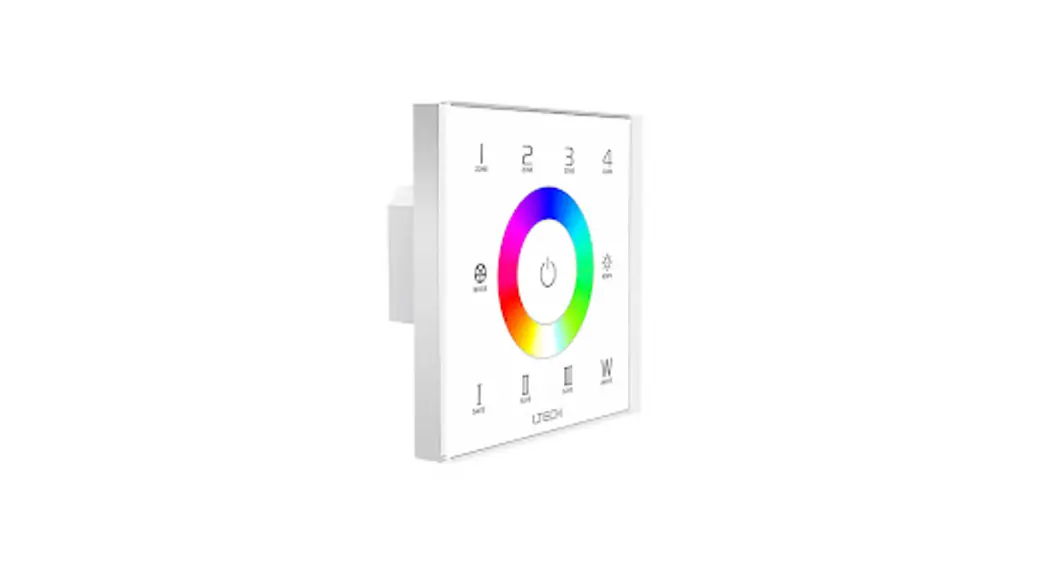
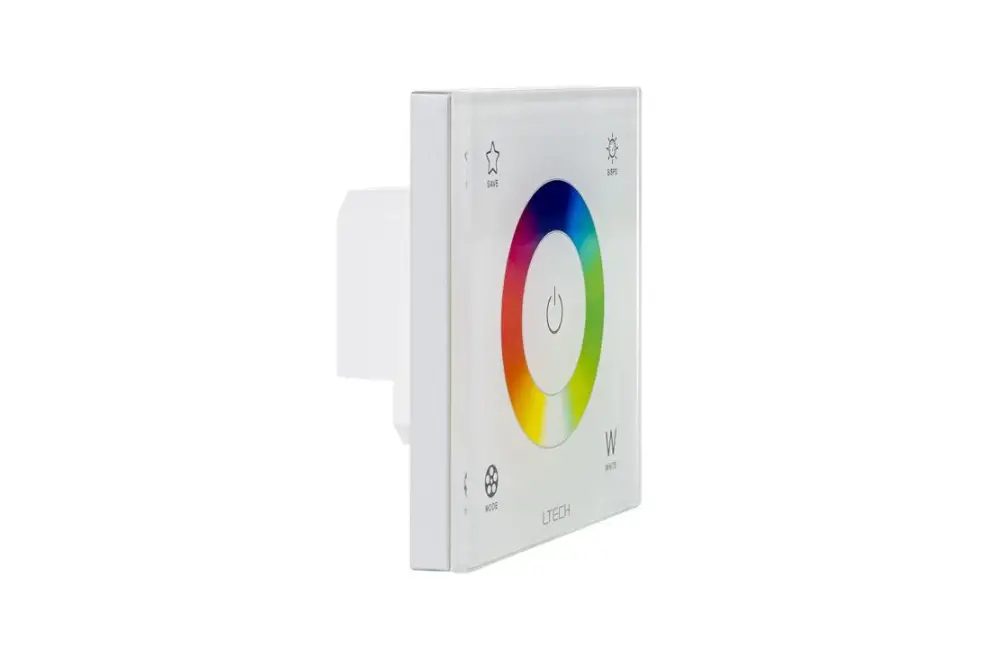
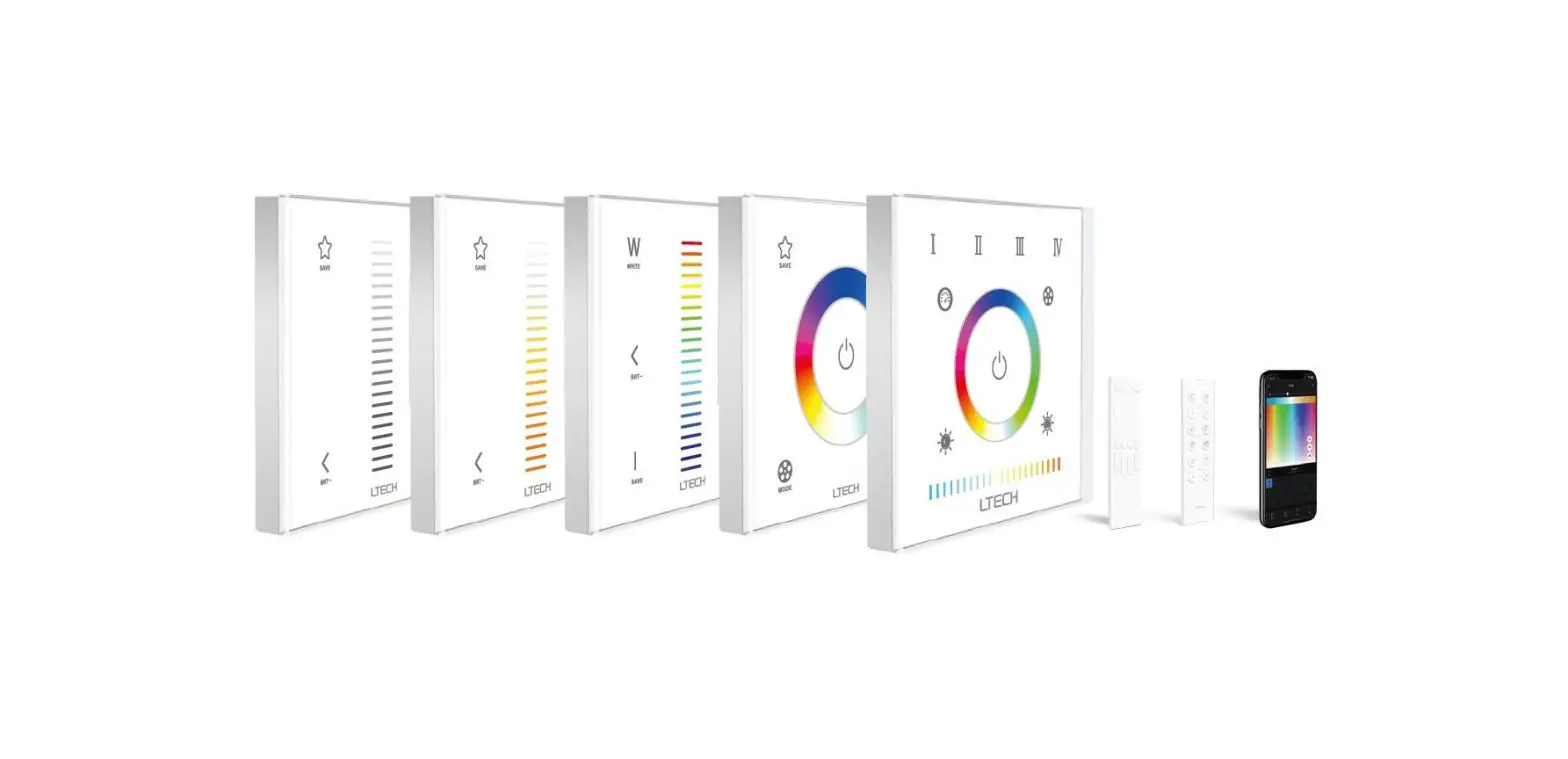
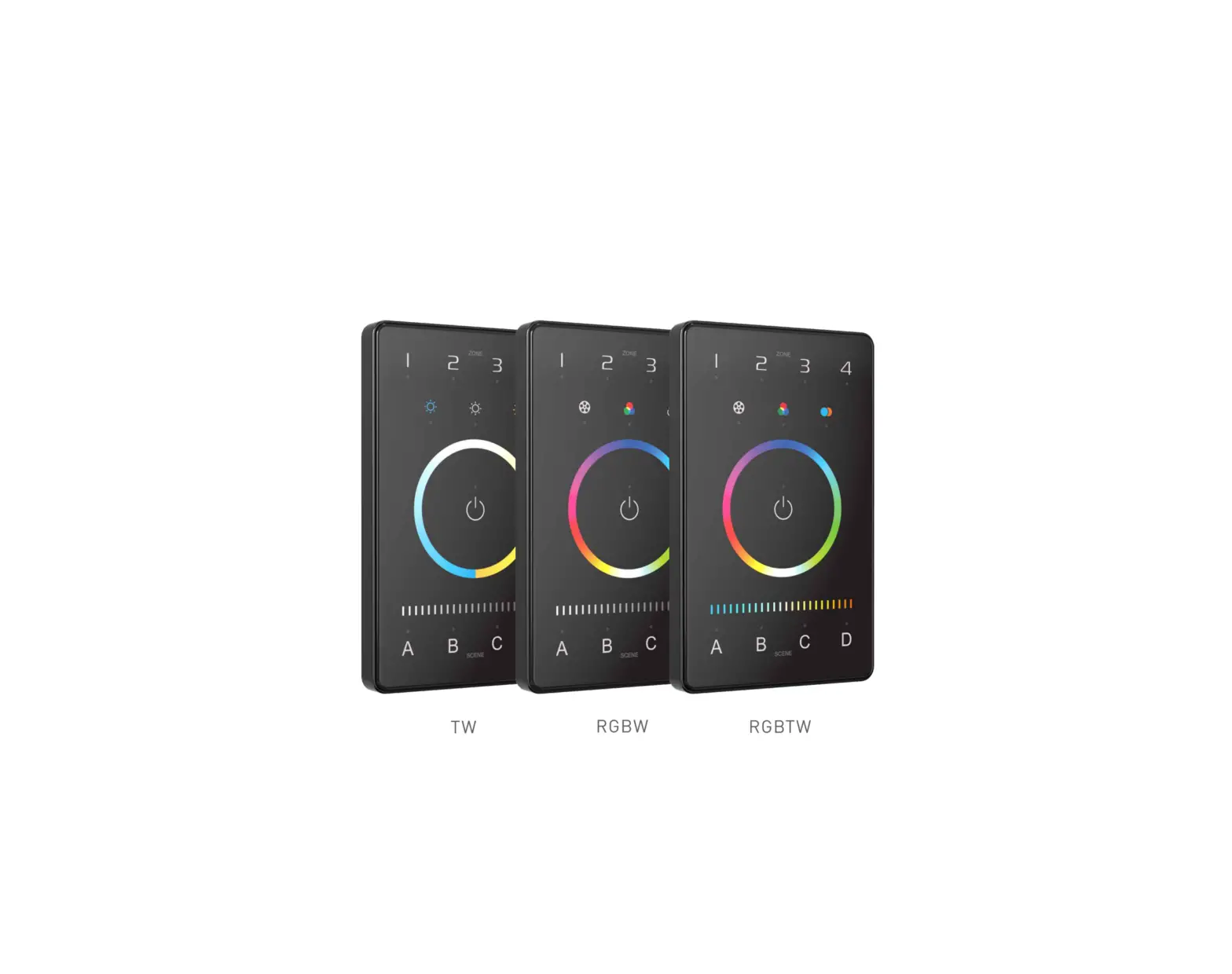
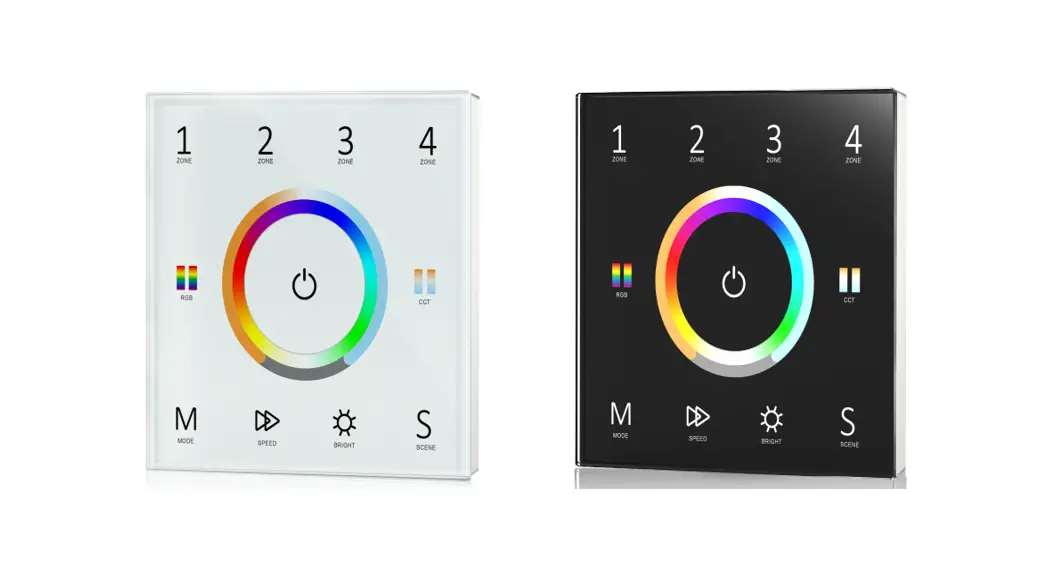
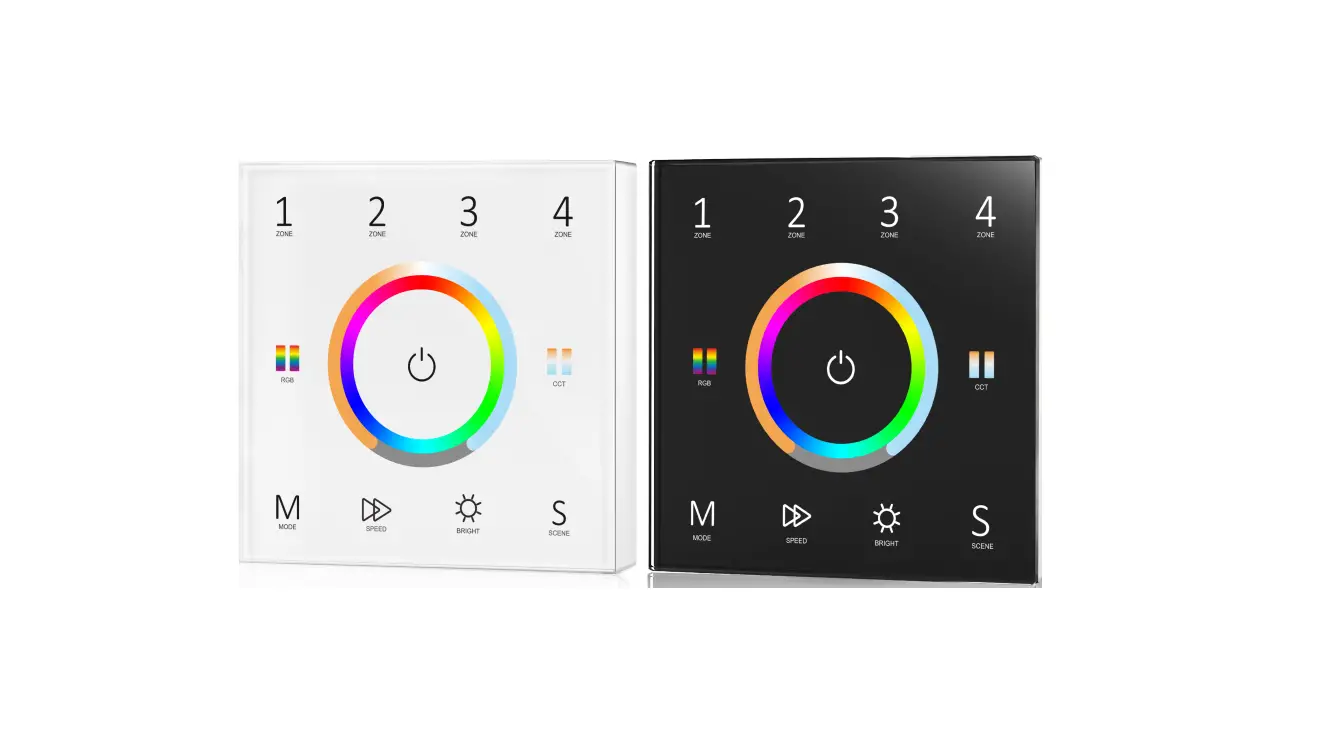
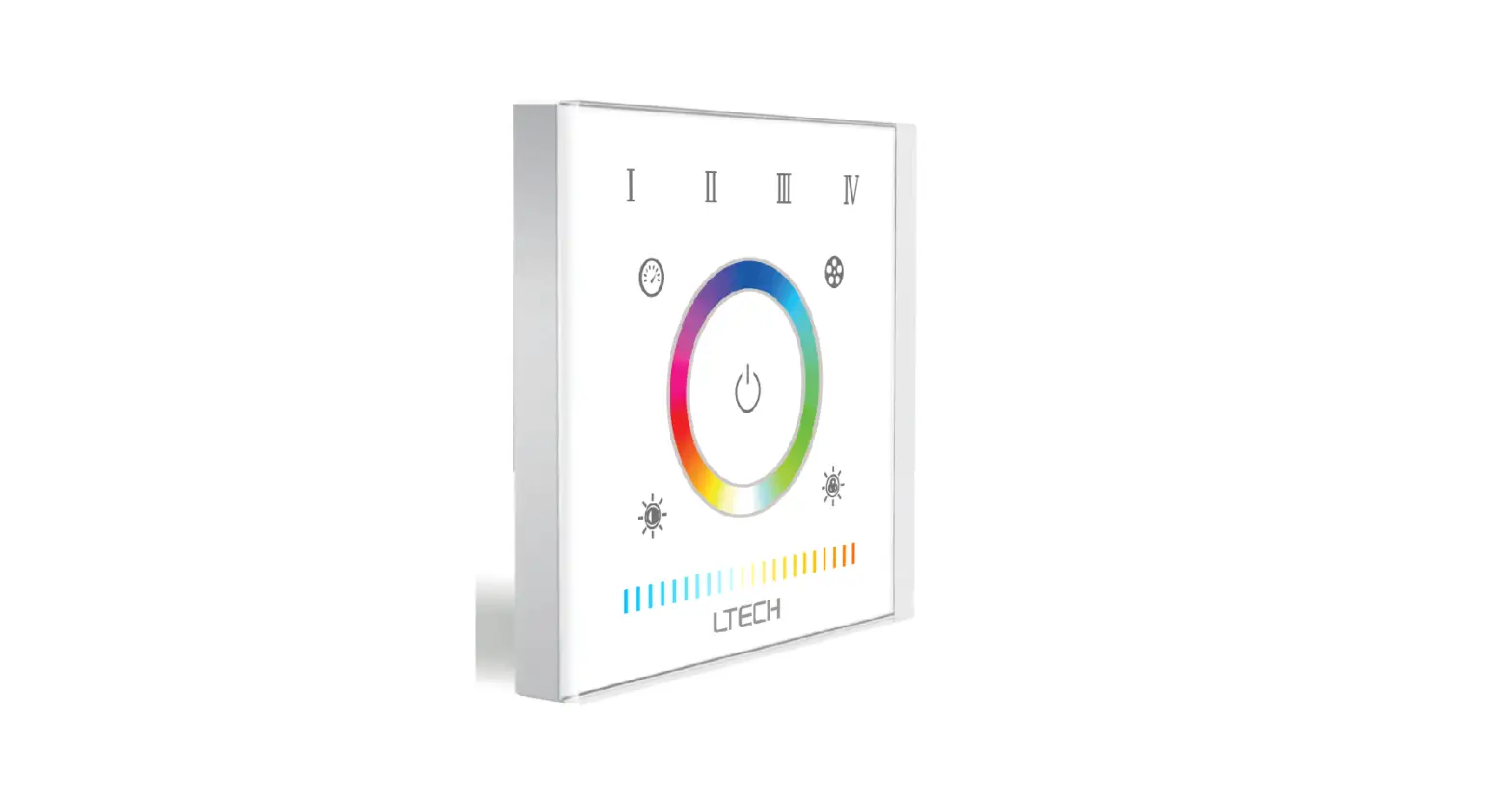
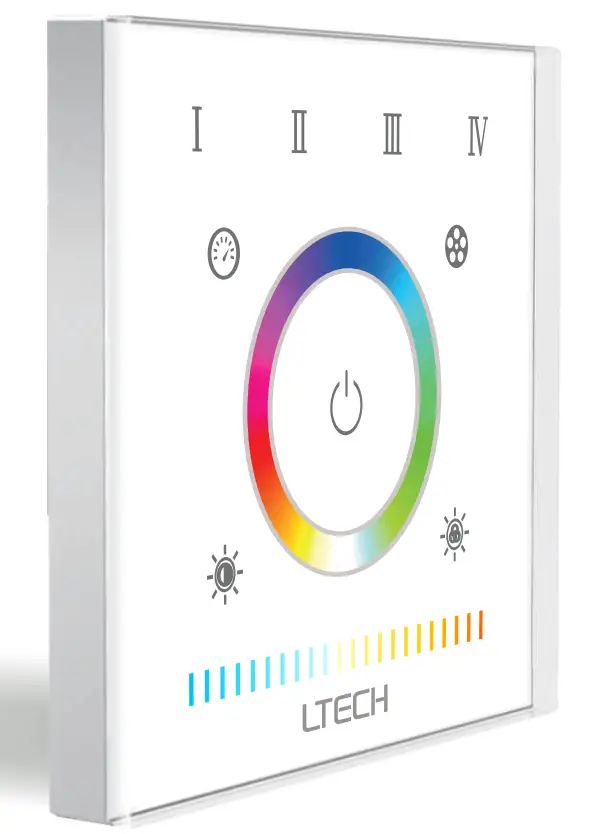
LTECH EX5S RGBCW LED Strip Touch Panel
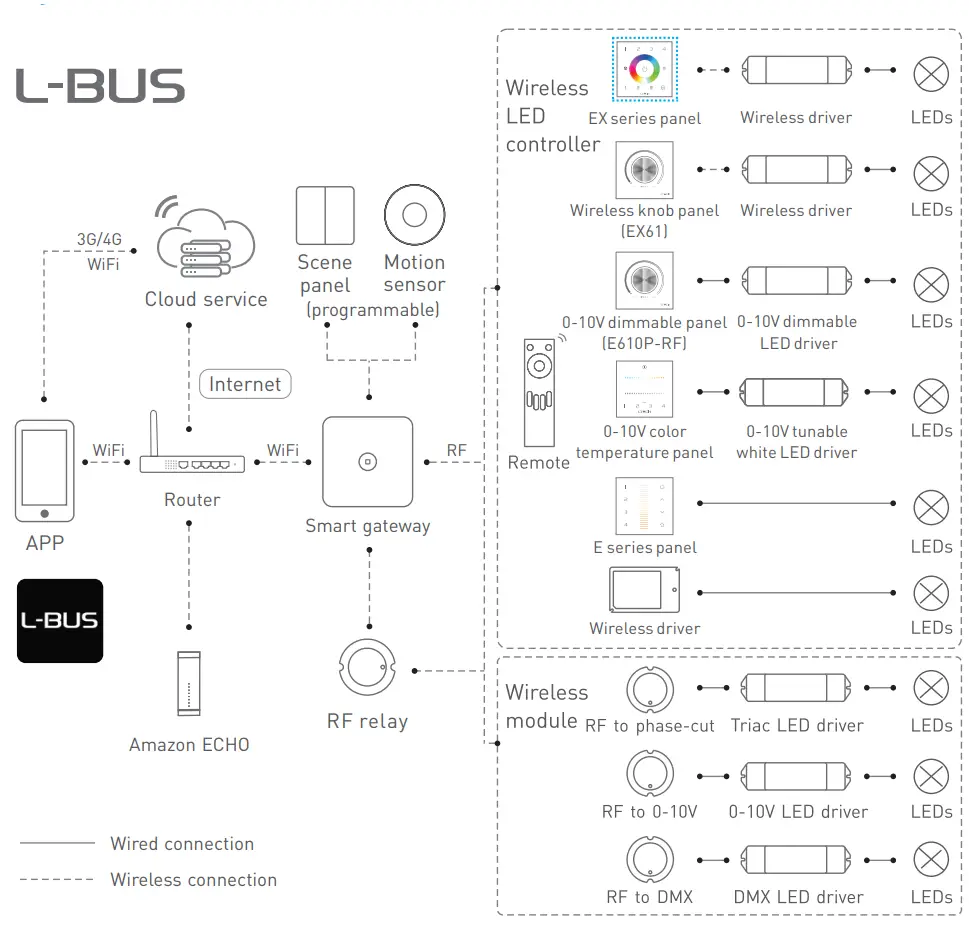
System Diagram
Product Features
- 2 in 1 control mode: RF and wired DMX512 protocol, more flexible and convenient for project installation. Advanced RF wireless sync control technology allows receivers to achieve dimming, color changing, and dynamic color changing effects in sync.
- RGB, RGBW, and RGB+CT LED lights can be controlled.
- Touch keys with chord and LED indicator.
- Panel adopts capacitive touch control technology, making LED color selections more user-friendly. Touch panel can be controlled by remote directly or smart phone if add a gateway.
Technical Specification
- Model: EX5S
- Input Voltage: 100-240Vac
- Wireless Type: RF 2.4GHz
- Output Signal: RF 2.4GHz, DMX 512
- Working Temp: -20°C 55°C
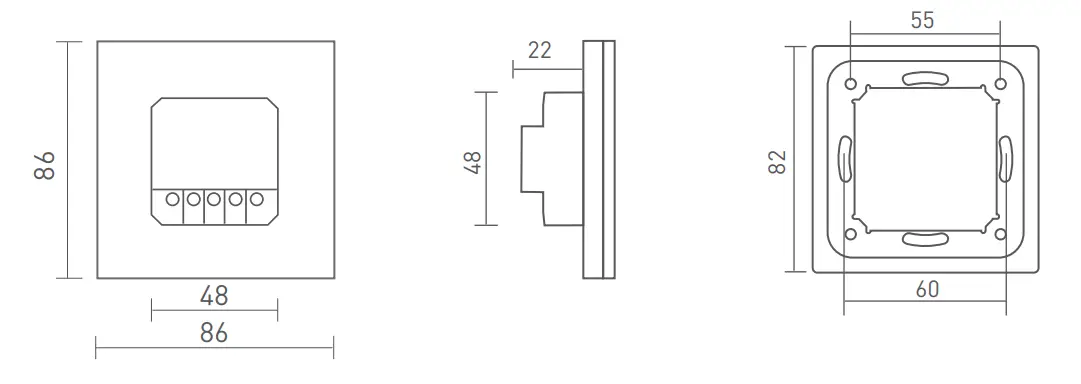
- Dimensions: 86x86x36mm(LxWxH)
- Package Size: 113x112x50mm|LxWxH)
- WeightlG.W.: 225g
Product Size
Key Functions
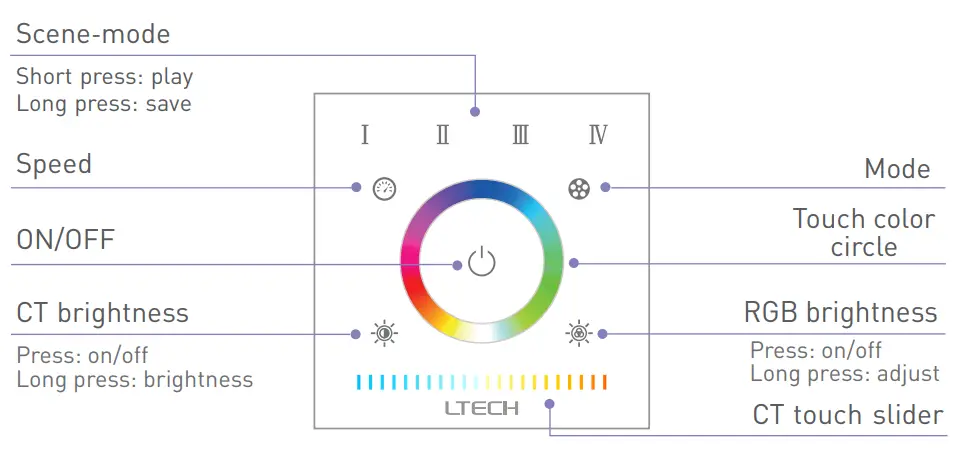
Mode
- Red-green jumping
- Green blue jumping
- Red blue jumping
- RGB jumping
- 7 color jumping
- Red-green gradient
- Green blue gradient
- Red blue gradient
- RGB gradient
- 7 color gradient
- When the blue indicator light of
 key is on, long press to turn on/off the buzzer.
 - When the white indicator light of key is on, long press to match code.
Terminals
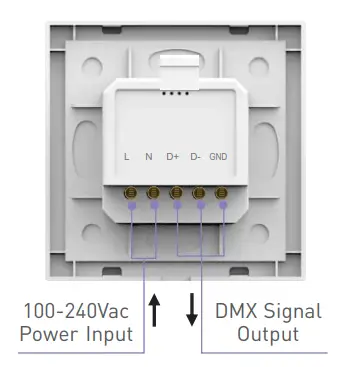
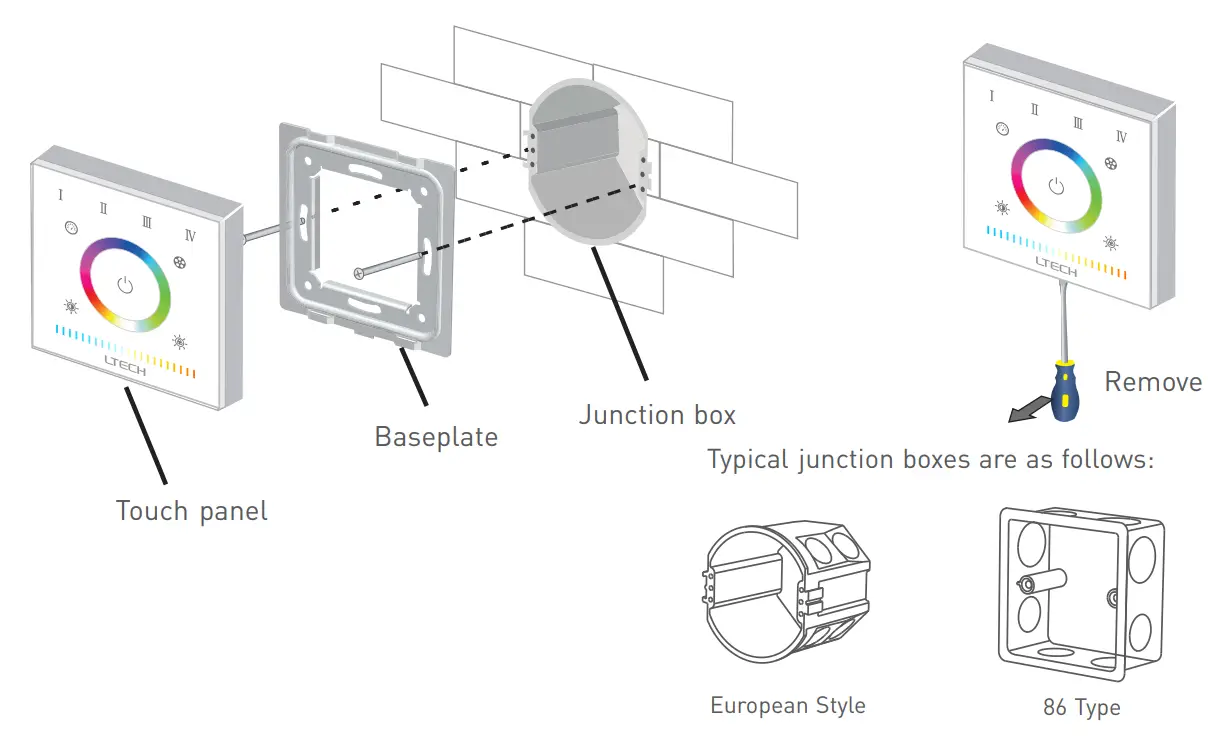
Installation Instructions
Application composition
DMX512 control 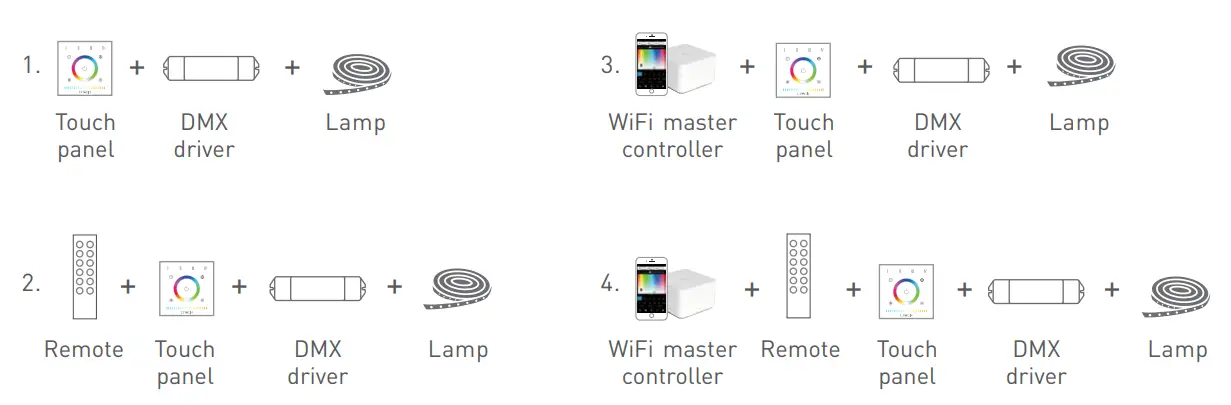
Wireless control 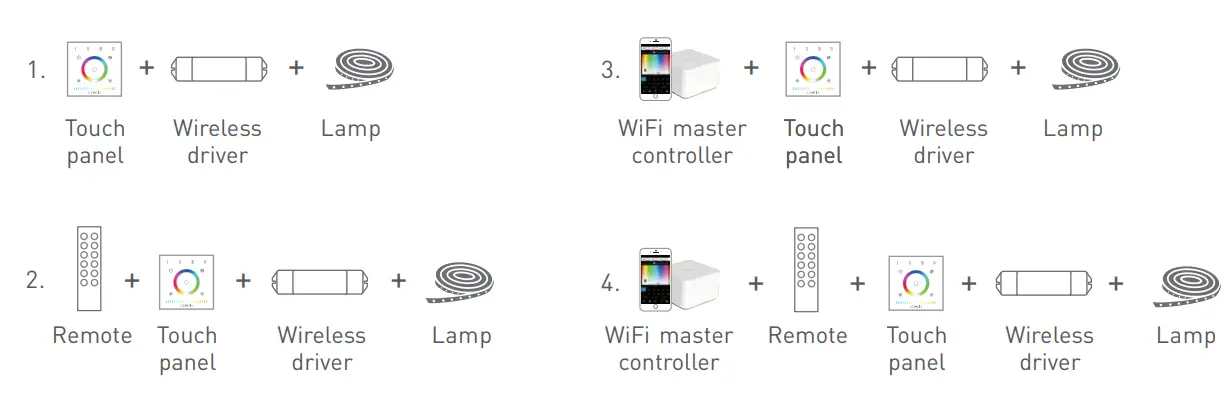
Match code sequence
DMX system wiring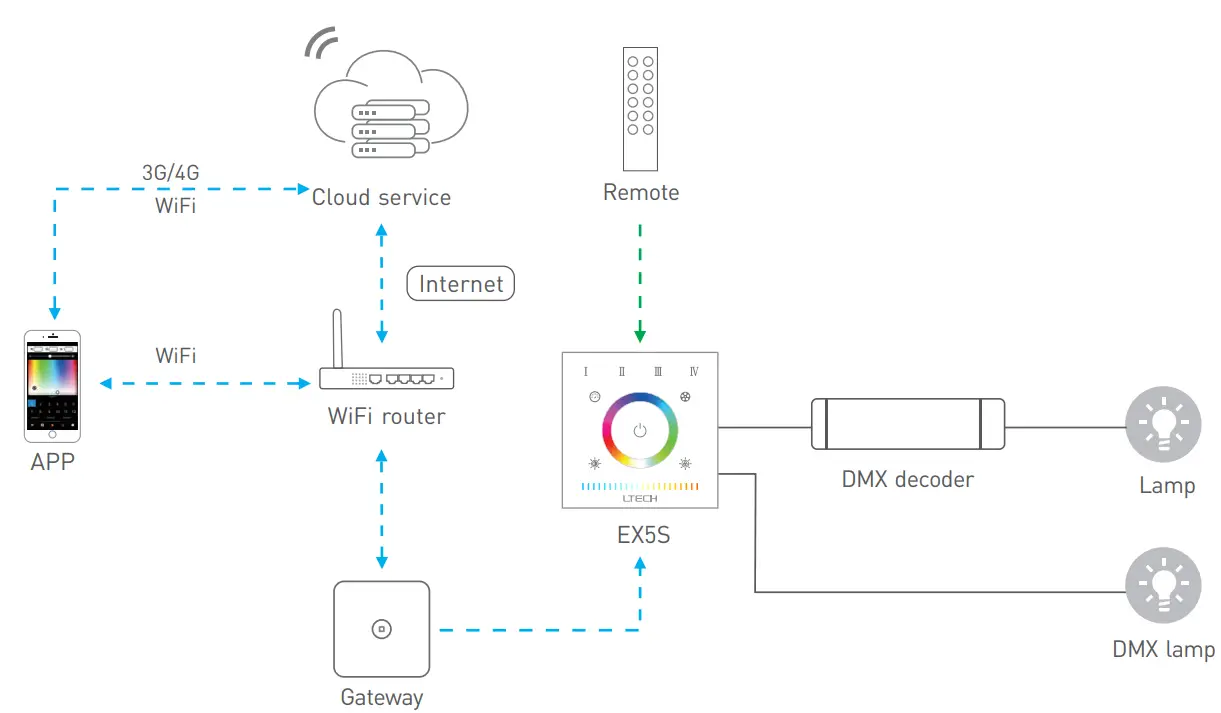
Match Code Sequence
- Pair a gateway with the panel, which enables the smartphone to control DMX devices via a gateway.
- Pair a remote with the panel, which enables the remote to control DMX devices.
Wireless system wiring
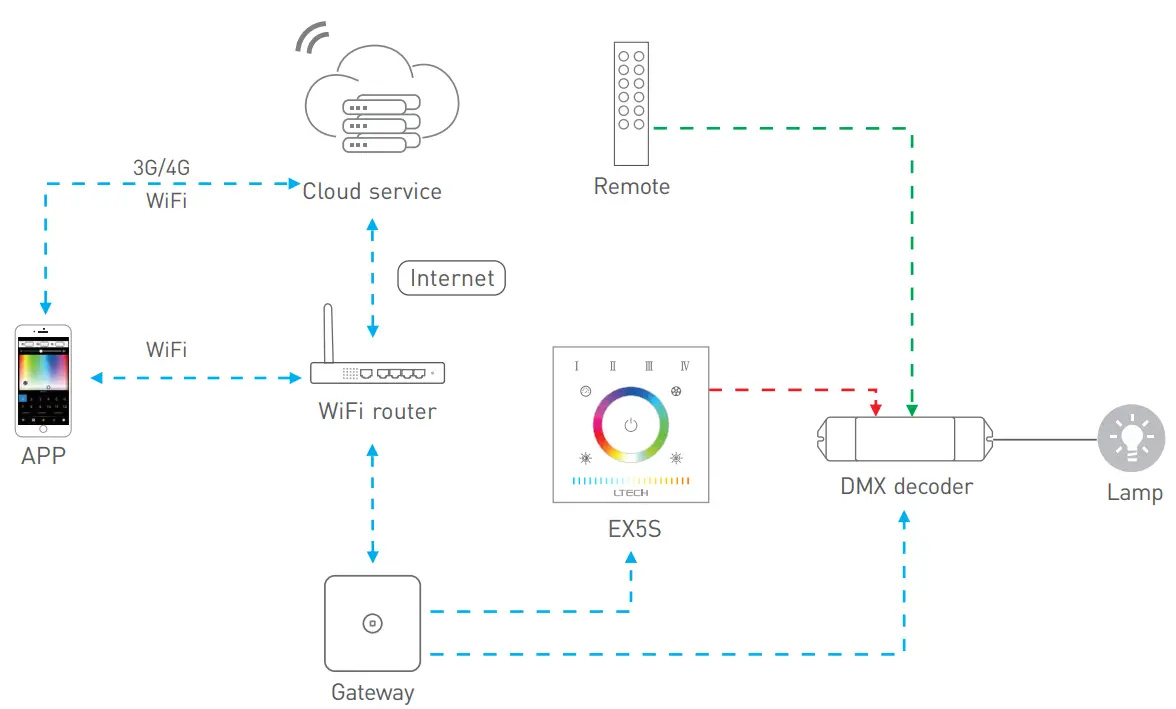
Match Code Sequence
- Wireless driver & gateway.
- Panel & gateway.
- Remote & panel, remote & wireless driver.
DMX Wiring
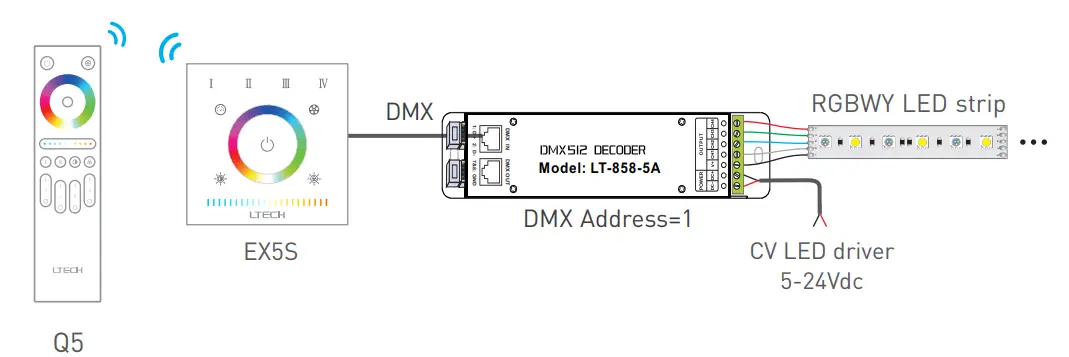
RF Wireless Wiring
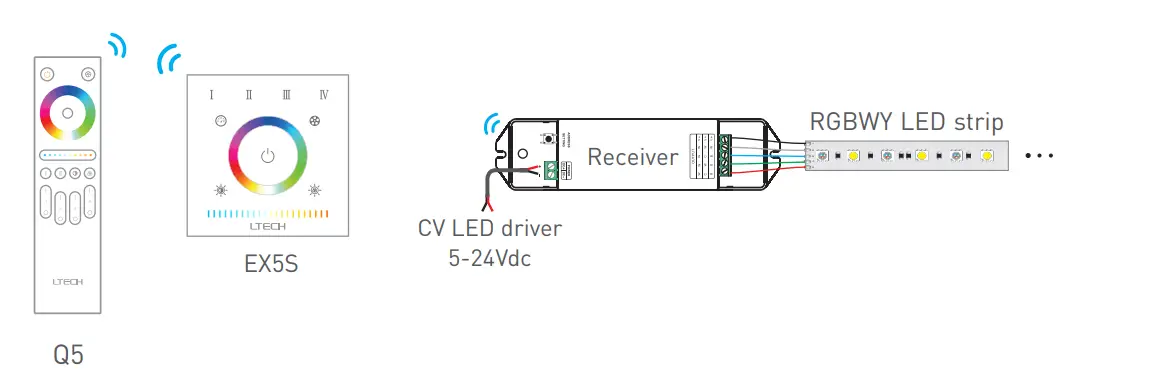
- Multiple receivers can be matched up with EX5S within an effective distance.
DMX Channel Output Sheet
| Address | RGBWY (0≦N≦101) | |||||||
| Type | 1 | 2 | 3 | 4 | 5 | 6 | … | 510 |
| Zone | R1 | G1 | B1 | W1 | Y1 | R1 | … | Y1 |
Match code between touch panel & wireless driver
Touch panels can work with wireless driver F5-DMX-4A.
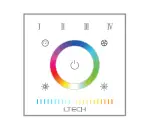
Method 1:
- Power off the driver.
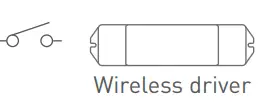
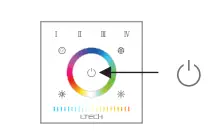
- Long press On/Off key of the panel until all indicator lights flash.
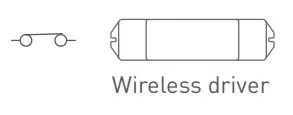
- Power on the driver, the lamps flash slowly, please complete step 4 within 15s
- Short press any key or color circle/slider on the panel, match successfully.
Method 2:
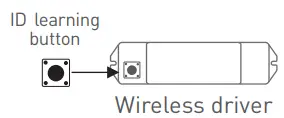
- Short press “ID learning button” on wireless driver, the lamp flashes, please complete next step within 15s.
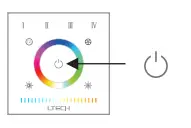
- Long press On/Off key on panel until all indicator lights flash.
- Short press any key or color circle/slider on the panel, match successfully
- Please match/clear code whenindicator light of panel is white
Match code between touch panels
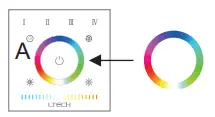
- B matches with A, long presson B until all indicator lights flash.
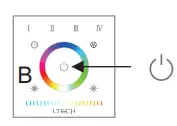
- Touch the slider on A within 15s, when indicator lights of B stop flashing, match successfully.
Match Code between Touch Panel & Remote
- Long presson the touch panel until all scene’s indicator lights flash.
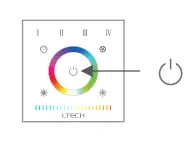
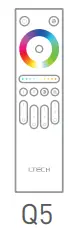
- Long press the matching zone’s “ON” key on Q5, the indicator light of the panel stop flashing, match successfully
Match Code between Touch Panel & Gateway
- Long press on the touch panel until all scene’s indicator lights flash.
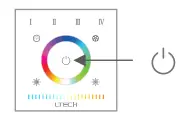
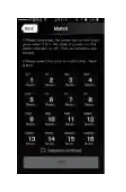
- Turn on APP, enter the “zone set” interface, click the right top “MATCH” key, then follow the prompts.
Clear Code
Press the bottom two key on the touch panel simultaneously for 5 seconds, the indicator light flashes several times, and clear code successfully. 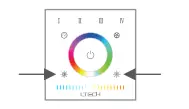
- Please match/clear code when the panel is on (white indicator light of key is on).
- This manual is subject to changes without further notice. Product functions depend on the goods. Please feel free to contact our official distributors if you have any questions.
Warranty Agreement
Warranty periods from the date of delivery 5 years. Free repair or replacement services for quality problems are provided within warranty periods.
Warranty exclusions below:
- Beyond warranty periods.
- Any artificial damage caused by high voltage, overload, or improper operations. Products with severe physical damage.
- Damage caused by natural disasters and force majeure.
- Warranty labels and barcodes have been damaged.
- No the contract was signed by LTECH.
- Repair or replacement provided is the only remedy for customers. LTECH is not liable for any incidental or consequential damage unless it is within the law.
- LTECH has the right to amend or adjust the terms of this warranty, and release in written form shall prevail. www.ltech-led.com
 Havit Lighting
 LED Controller | LED Dimmable Driver | LED Intelligent Lighting | Intelligent Home -LTECH