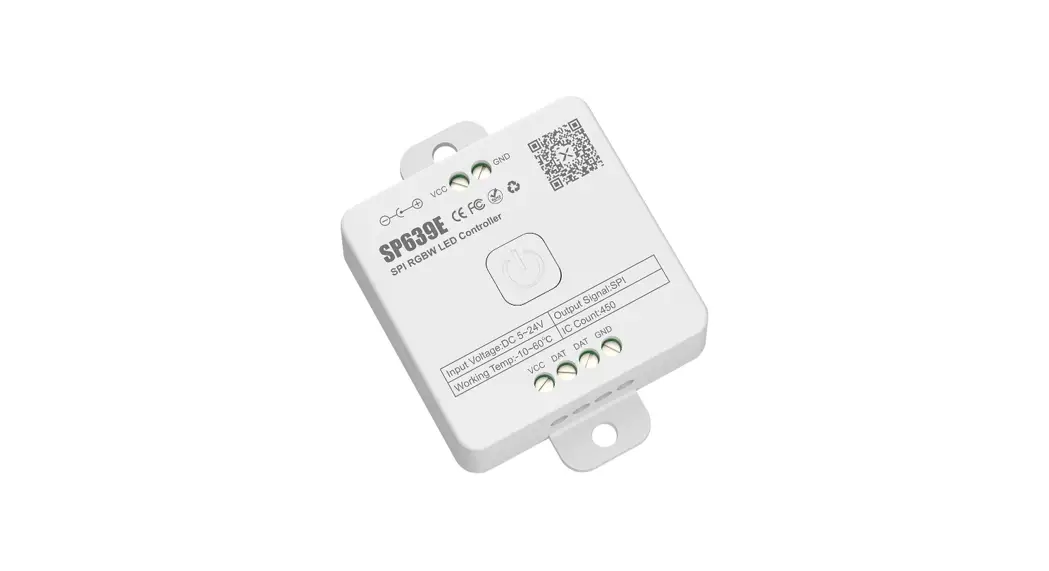
SP637E SPI CCT LED Controller
Product Information
The SP637E is a SPI dual channel addressable CCT LED controller.
It is designed to control 2 channels of single-wire RZ LED driver
IC to achieve static dimming, dynamic effects, and music effects.
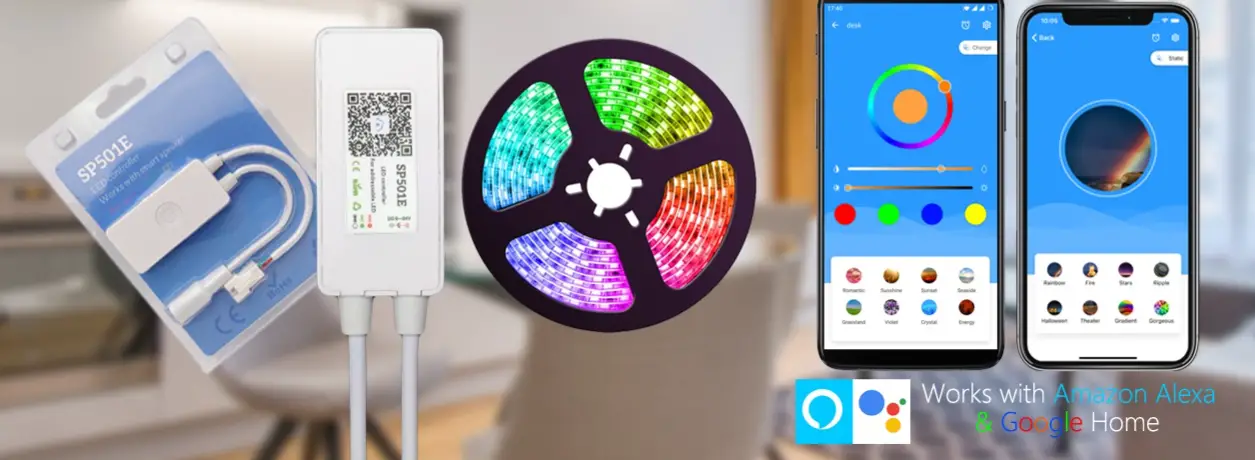
The controller supports various control methods including App
control, 2.4G touch remote control, and 2.4G touch 86-type control
panel. It can support up to 600 single-wire RZ RGB LED driver ICs.
The controller also features built-in CCT dynamic effects and music
effects with adjustable parameters, capture of music through the
phone microphone or on-board microphone, effect collection, ON/OFF
animation effects, ON/OFF timer function, and OTA firmware
upgrade.
Features:
- Support App control, 2.4G touch remote control, and 2.4G touch
86-type control panel - Support up to 600 single-wire RZ RGB LED driver ICs
- Built-in CCT dynamic effects and music effects with adjustable
parameters - Capture music through the phone microphone, player streamer,
and on-board microphone - Support effect collection
- With a variety of ON/OFF animation effects
- With ON/OFF timer function
- Support OTA firmware upgrade
App Compatibility:
The SP637E supports App control for both iOS and Android
devices. For Apple devices, it requires iOS 10.0 or higher. For
Android devices, it requires Android 4.4 or higher. The App can be
found by searching BanlanXin App Store or Google Play, or by
scanning the provided QR code to download and install.
2.4G Touch Remote Control:
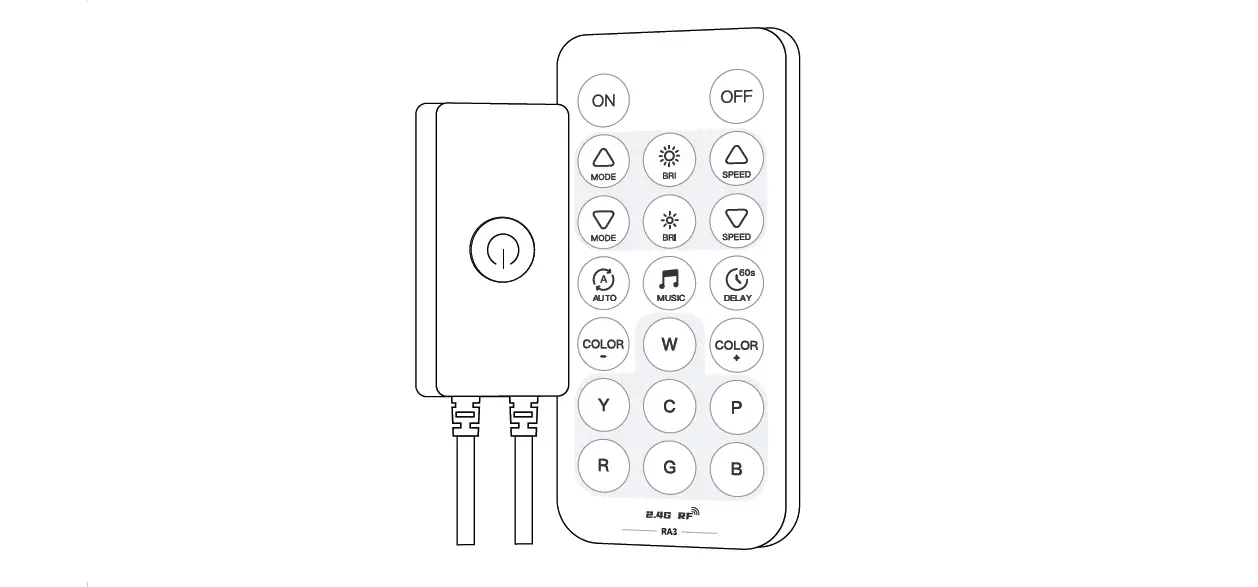
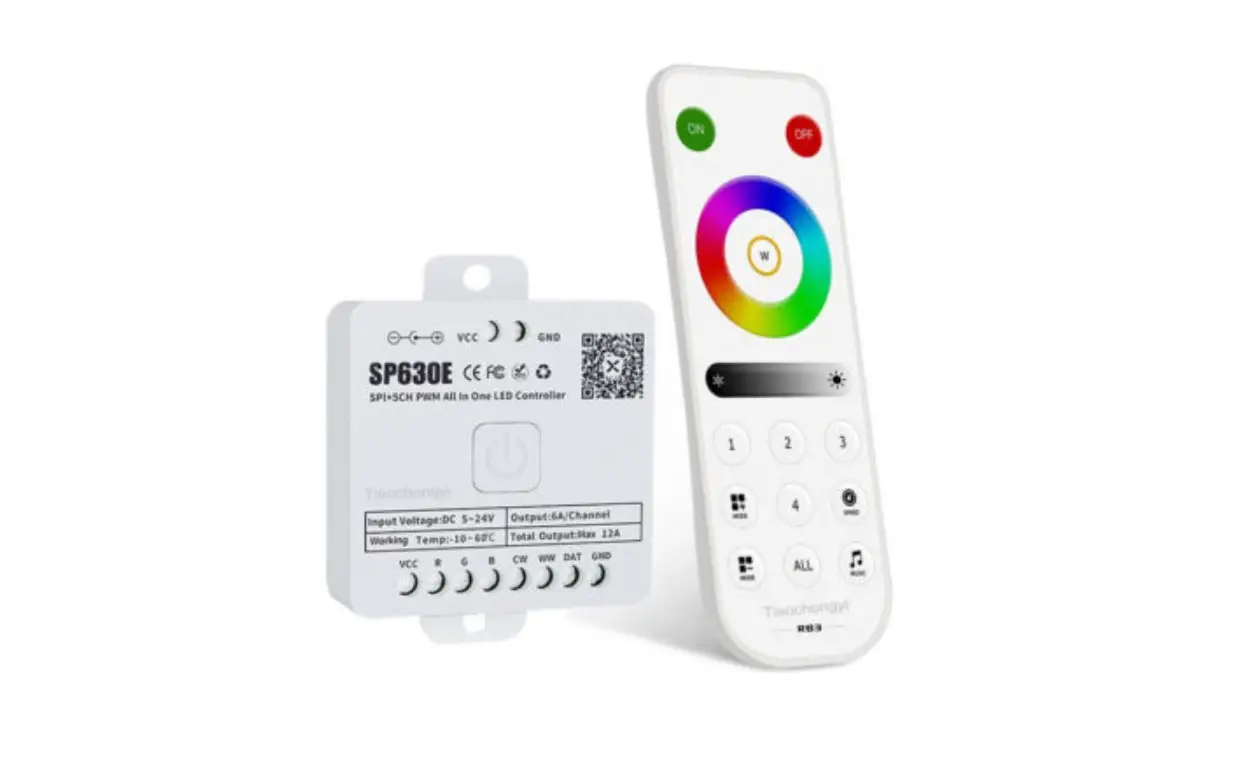
The SP637E can work with 2.4G touch remote control models RB2
and RC2. The remote control supports one-to-many control, where one
remote control can control multiple controllers. It also supports
many-to-one control, where each controller can bind up to 5 remote
controls. The remote control allows for unified control and 4-zones
control. For more information, please refer to the separate 2.4G
Touch Remote Control Instructions (requires separate purchase).
Wiring:
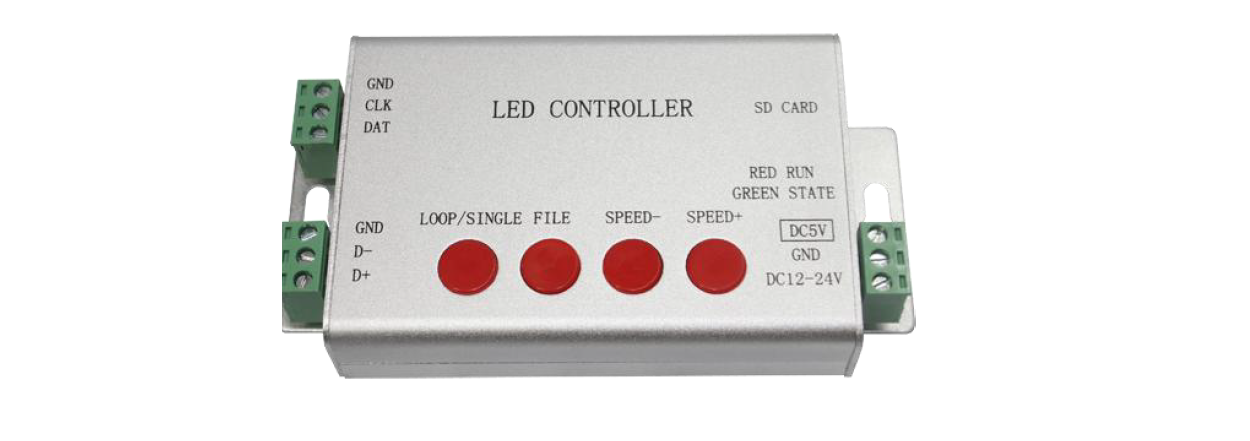
The wiring for the SP637E is as follows:
- VCC: Power supply
- DAT: Data connection
- GND: Ground connection
Product Usage Instructions
- Download and install the BanlanXin App from the App Store or
Google Play onto your iOS or Android device. - Ensure your device meets the minimum requirements of iOS 10.0
or higher for Apple devices, and Android 4.4 or higher for Android
devices. - Open the BanlanXin App and click on the icon in the top right
corner of the home page to add the SP637E LED controller
device. - To access additional settings, click on the icon in the upper
right corner of the App to enter the settings page. Here, you can
modify the device name, set timings, set on/off effects, perform
OTA firmware upgrades, and more. - If you wish to use the 2.4G touch remote control, ensure you
have purchased either the RB2 or RC2 model. Follow the instructions
provided in the separate 2.4G Touch Remote Control Instructions to
pair and use the remote control with the SP637E controller. - To wire the SP637E LED controller, connect the VCC wire to the
power supply, the DAT wire to the data connection, and the GND wire
to the ground connection.
SP637E Instructions
SP637E SPI CCT LED Controller
1.Brief
SPI dual channel addressable CCT LED controller, controlling 2 channels of single-wire RZ LED driver IC to achieve static dimming, dynamic effects, music effects.
2.Features:
1. Support App control, 2.4G touch remote control and 2.4G touch 86-type control panel; 2. Support up to 600 single-wire RZ RGB LED driver ICs; 3. Built-in a variety of CCT dynamic effects and music effects, with multiple adjustable parameters; 4. Capture music through the phone microphone, player streamer and on-board microphone; 5. Support effect collection; 6. With a variety of ON/OFF animation effects; 7. With ON/OFF timer function; 8. Support OTA firmware upgrade.
3.APP
1.SP637E supports App control for iOS and Android devices. 2.Apple devices require iOS 10.0 or higher, and Android devices require Android 4.4 or higher. 3.You can search”BanlanX”in App Store or Google Play to find the APP, or scan the QR code to download and install
Open the App, click the icon in the top right corner of the home page to add device; Click the icon in the upper right corner of the App to enter the settings page, where you can modify the device name,set the timings, set the on/off effect, OTA firmware upgrade, etc.
4.Work With 2.4G Touch Remote Control
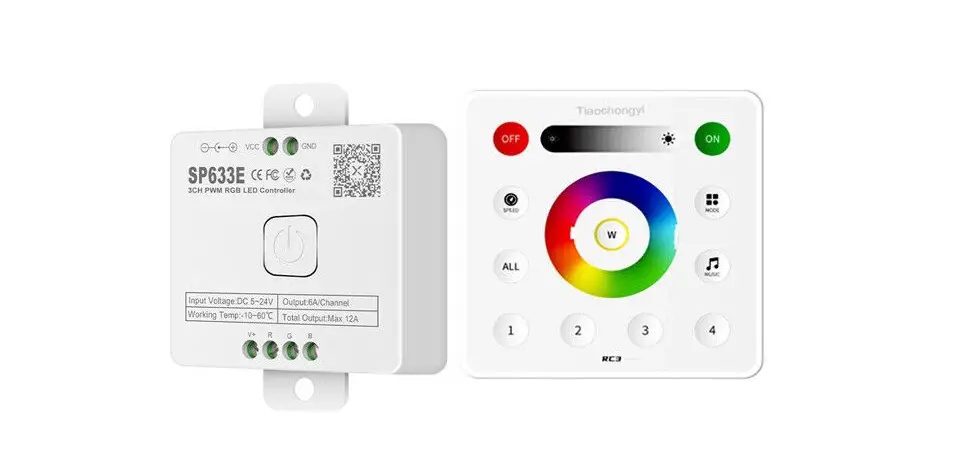
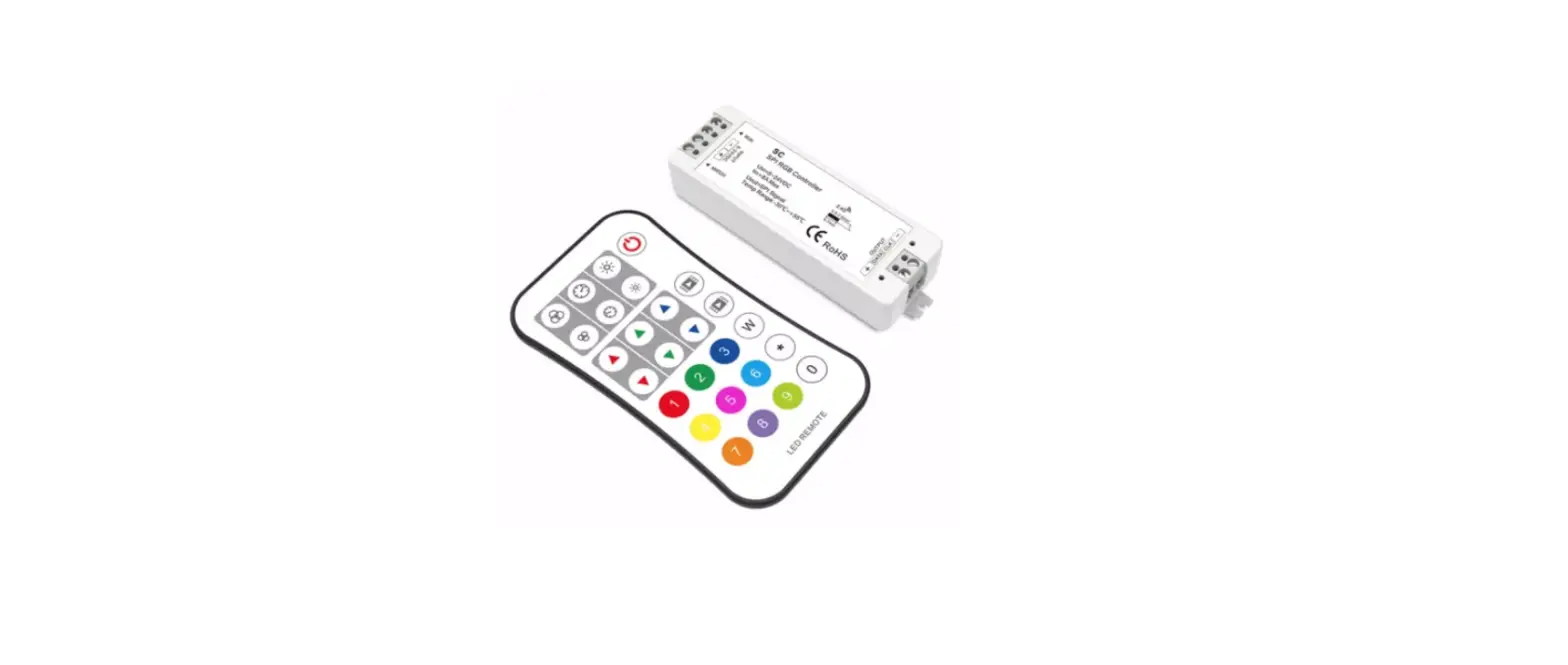
The 2.4G touch remote control models (RB2 and RC2) matched with SP637E are as follows:
Support one-to-many control,one remote control can control multiple controllers. Support many-to-one control, each controller can bind up to 5 remote controls. Support unified control and 4-zones control. NOTEFor more informationrefer to”2.4G Touch Remote Control Instructions”
(Requires separate purchase)
6.Wiring
VCC DAT GND
:
Power supply