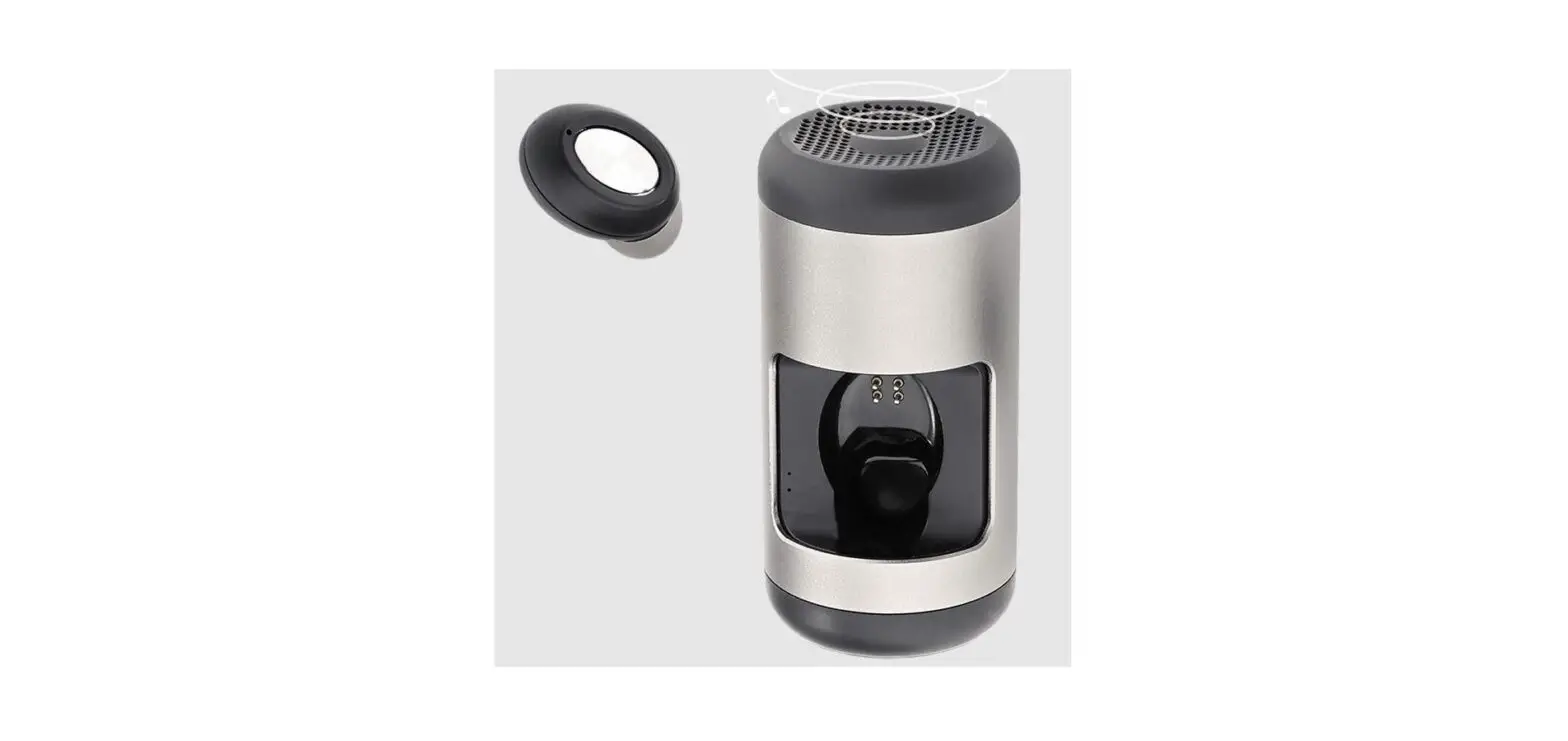
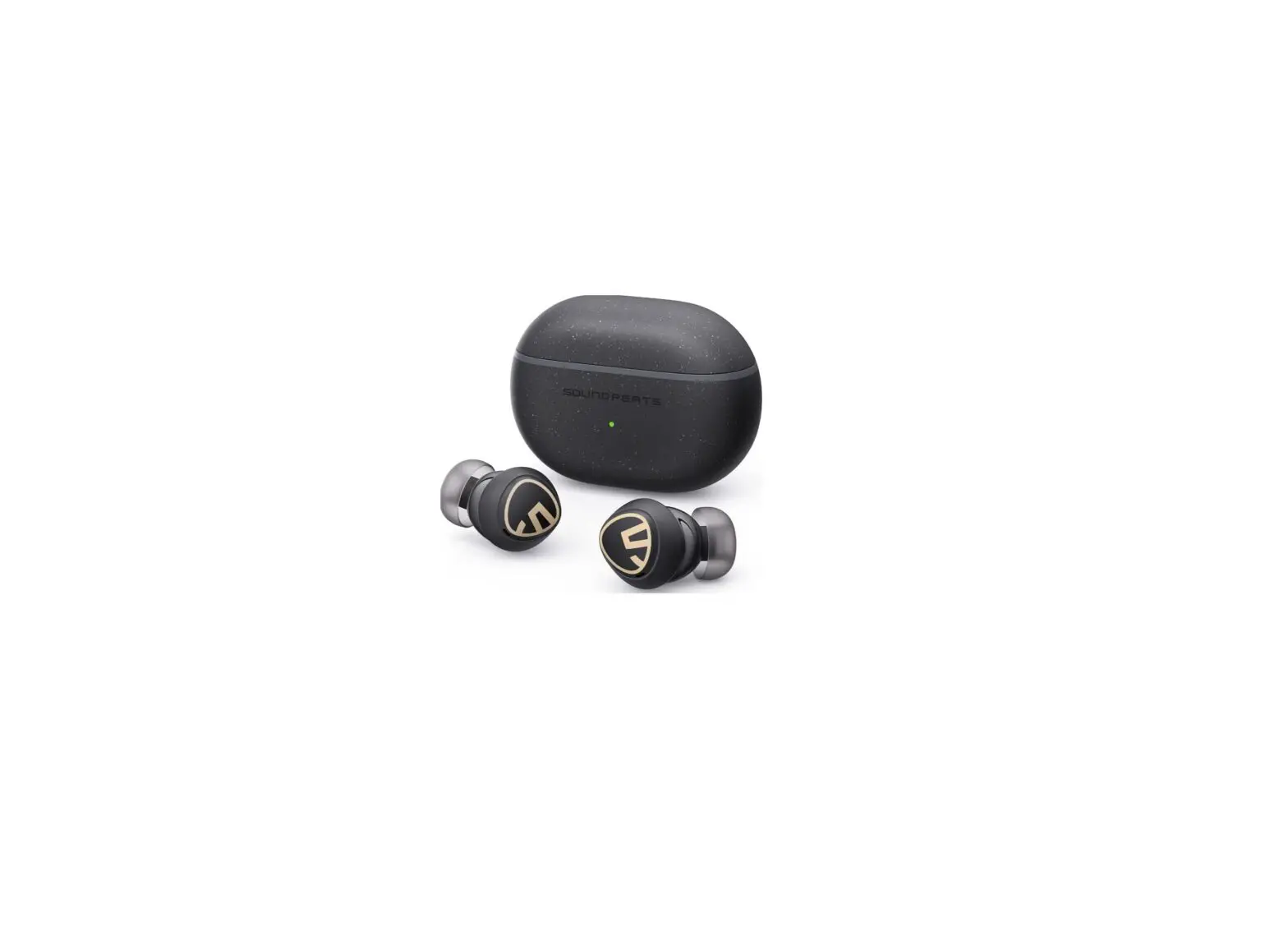
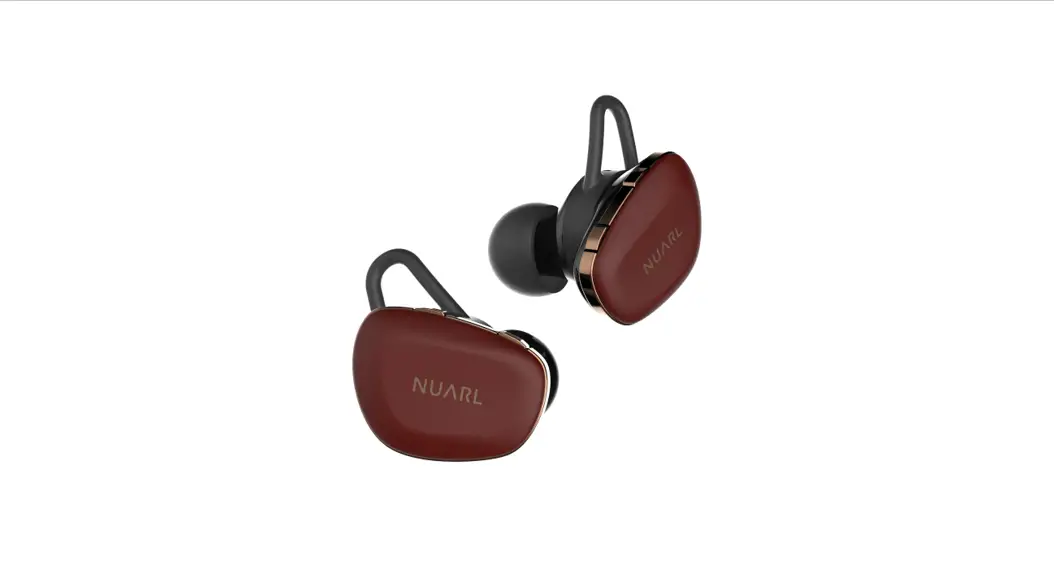
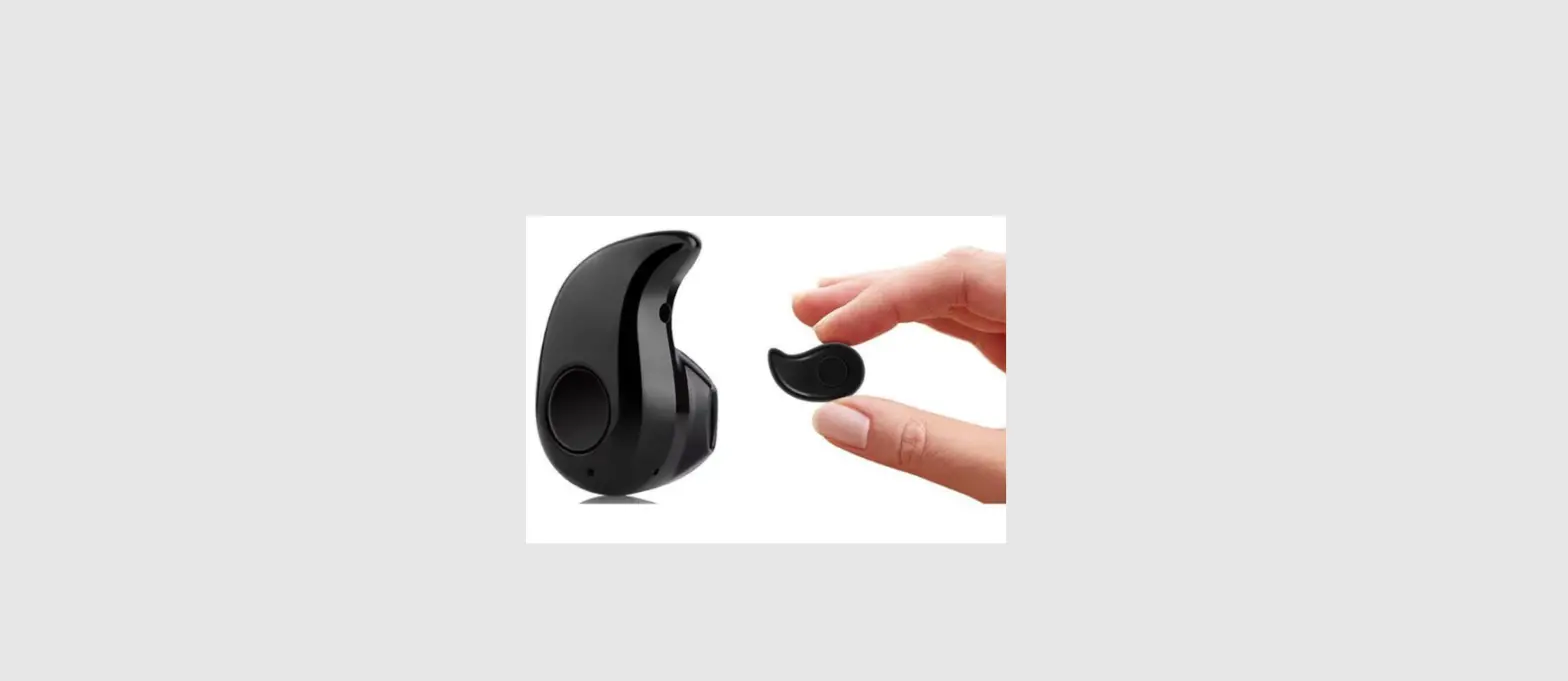
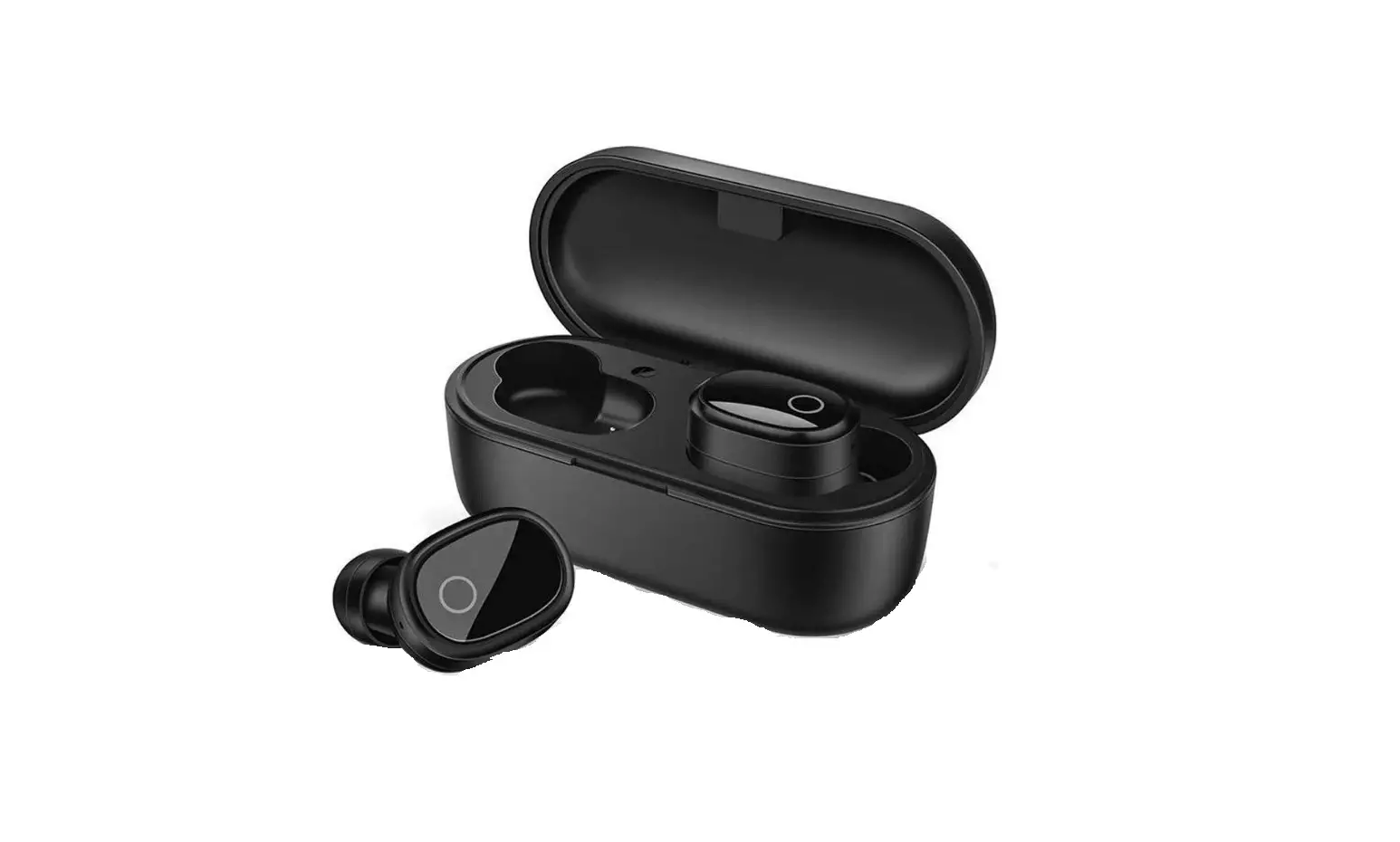
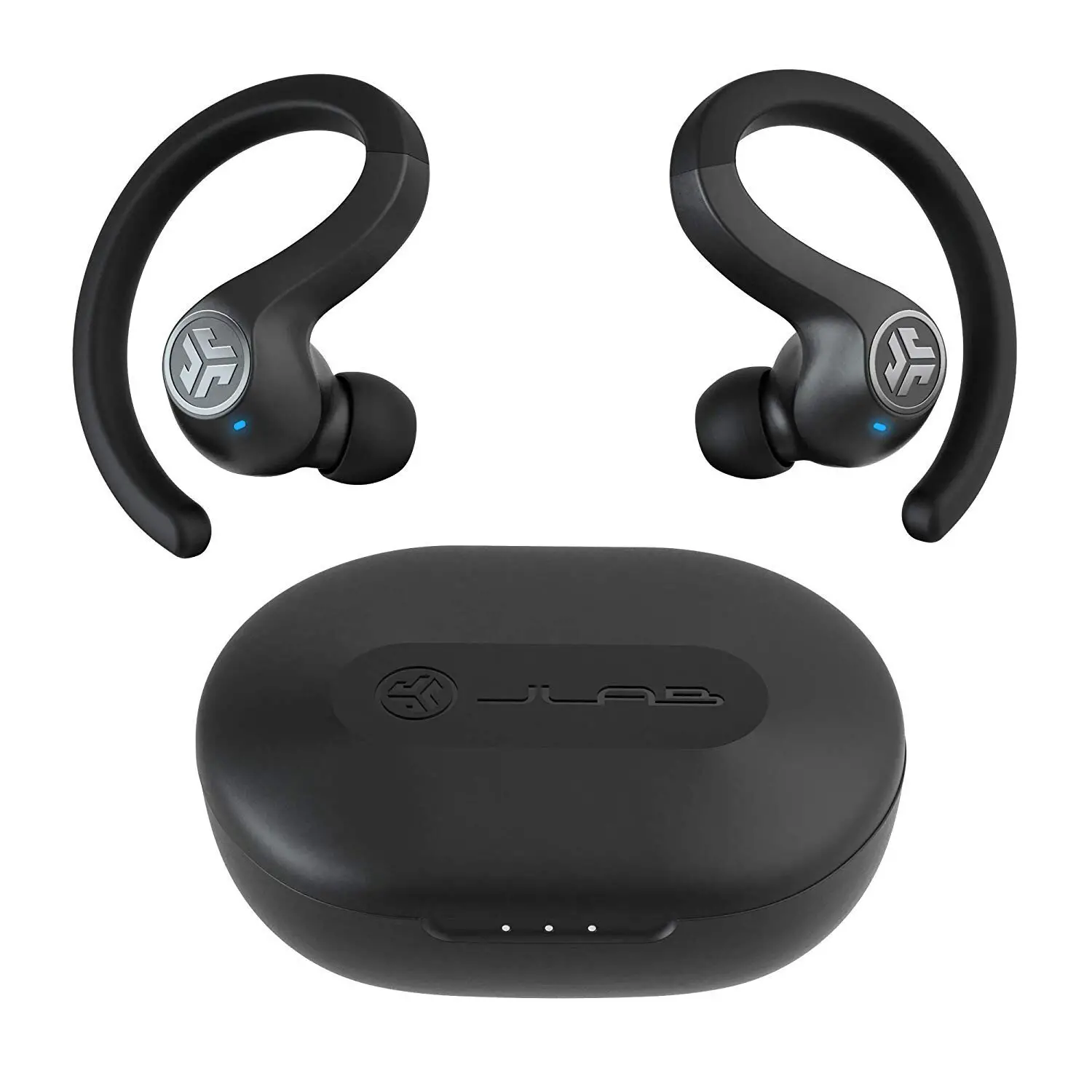
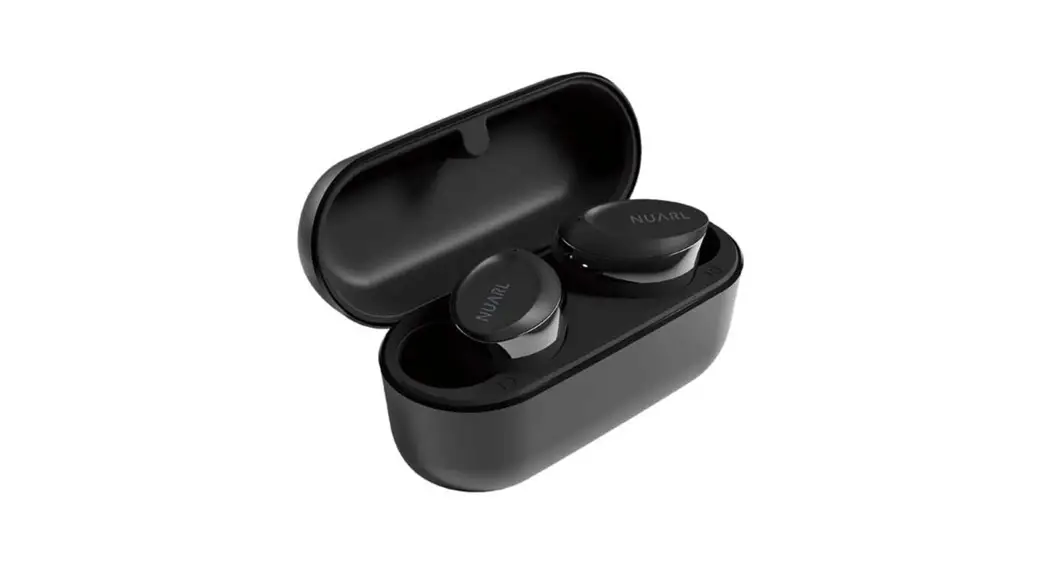
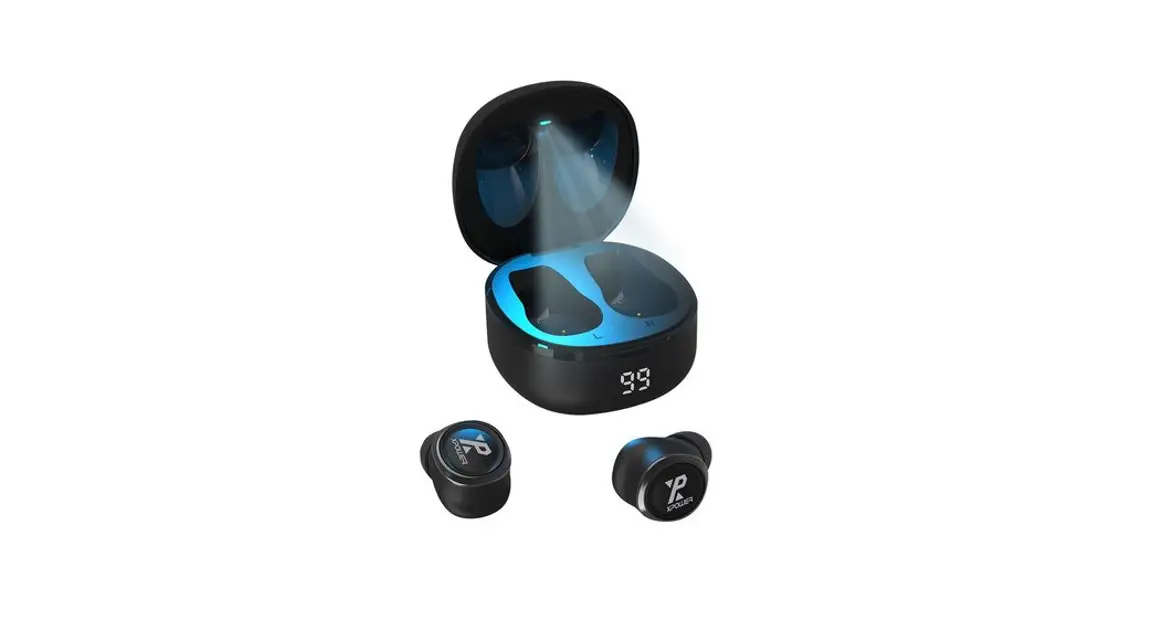
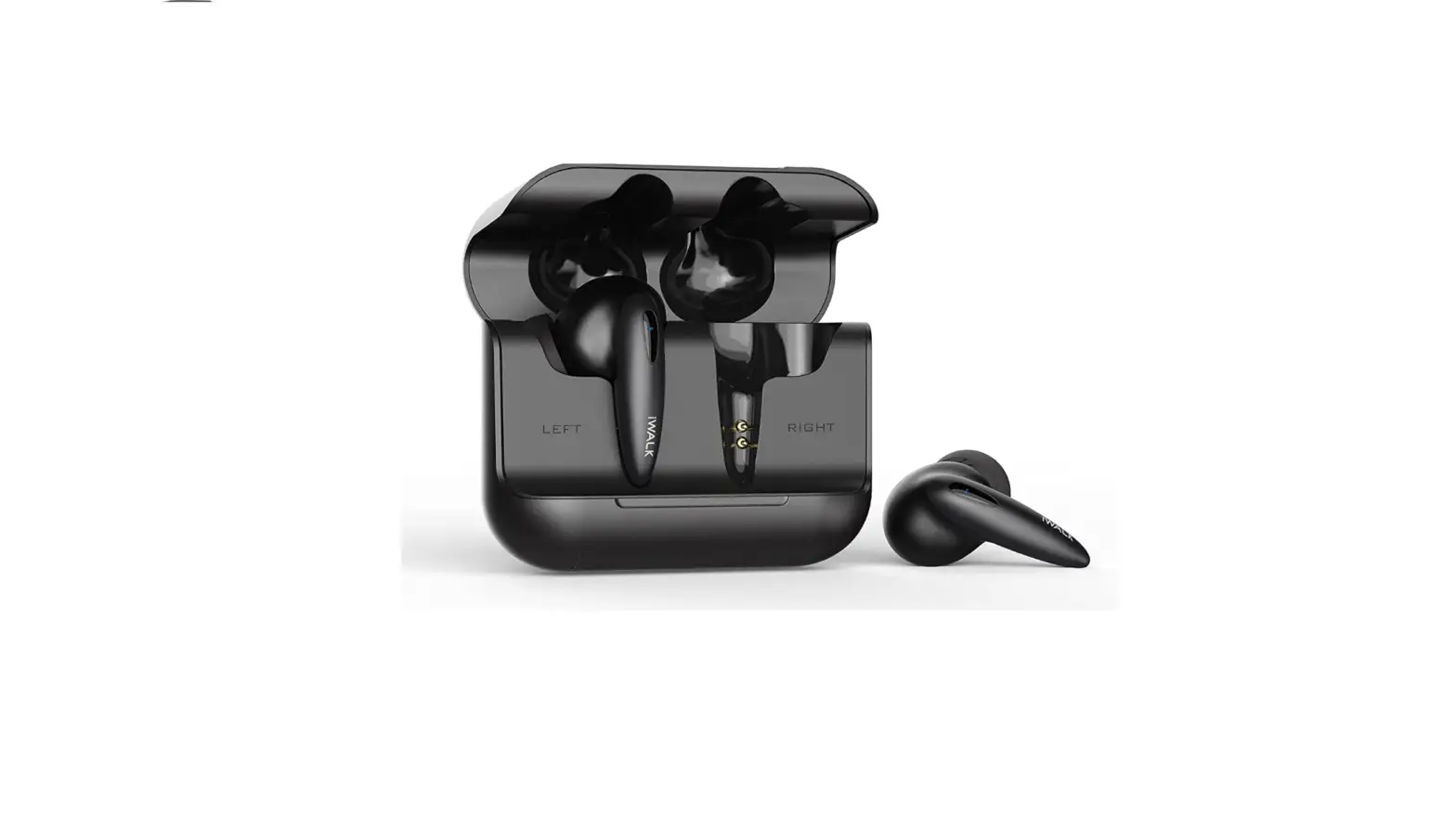
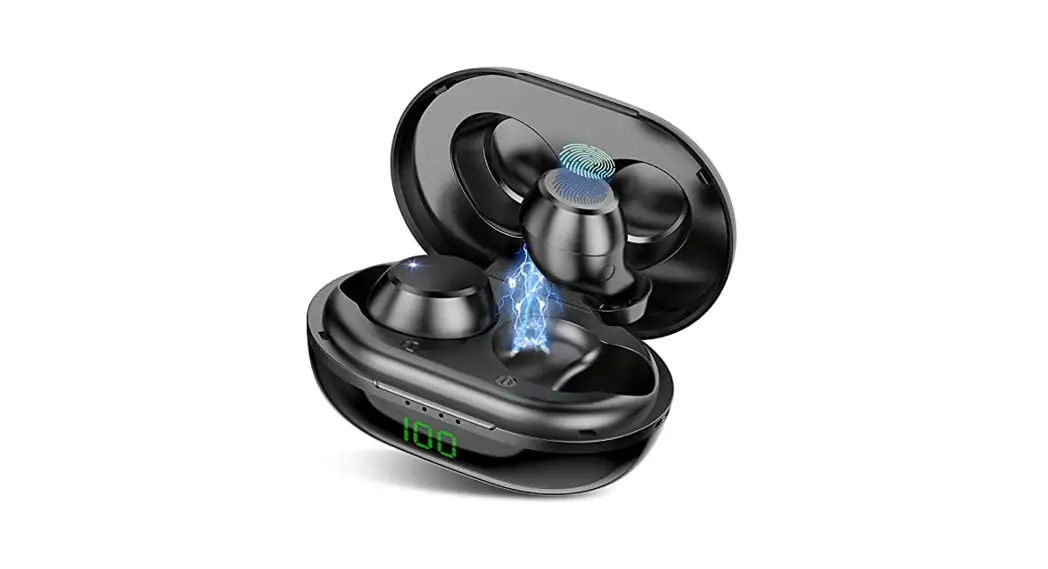
Mini Wireless Bluetooth Earbuds
Product Information
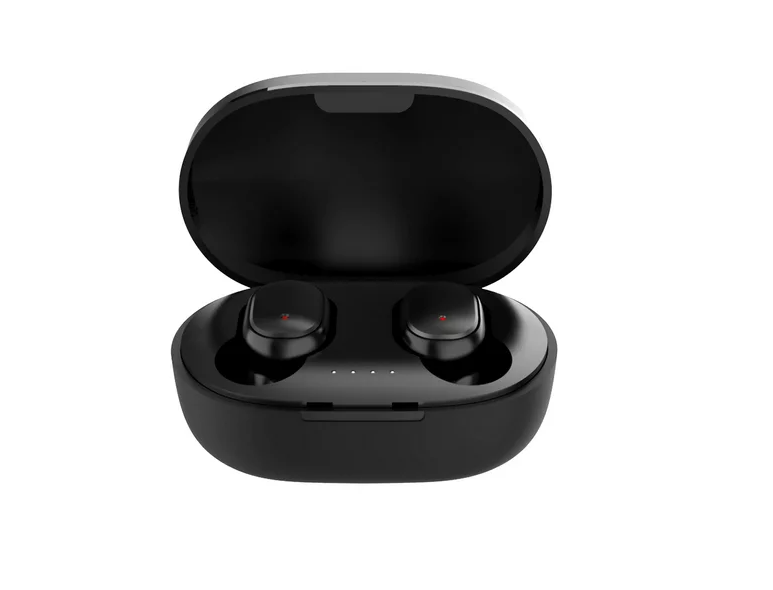
The Mini TWS is a pair of wireless earbuds that come with a
charging case. It features Bluetooth connectivity and has a range
of up to a certain distance. The earbuds have a playtime of a
certain duration and are equipped with a built-in battery. They
have a certain sensitivity level and are powered by a certain
driver. The earbuds have a specific impedance and operate within a
particular frequency range. The charging case has an input of DC
5V/1A and is equipped with a 200mAh battery. It can be recharged
once and takes approximately 1 hour to fully charge.
Product Usage Instructions
- Charging the Charging Case: Use the provided
charging cable to connect the charging case to a power source with
a DC 5V/1A input. The charging time for the case is approximately 1
hour. - Charging the Earbuds: Insert the earbuds into
the charging case. The earbuds cannot be used while charging. The
earbuds will automatically turn off once inserted into the
case. - Pairing and Connecting:
- Turn on your device’s Bluetooth.
- Wait until “iGear Mini” appears on your device screen.
- Select “iGear Mini” on your device and follow any further
prompts to complete the pairing process. Once paired and connected,
you will hear a prompt indicating successful connection.
- Function Controls:
- To activate the voice assistant, press and hold the left or
right earbud’s Touch Control button for 2 seconds. - To play or pause a track, tap once on the left or right
earbud’s Touch Control button. - To skip to the previous or next track, double tap on the left
or right earbud’s Touch Control button. - To adjust the volume, tap the left or right earbud’s Touch
Control button three times. - To answer or hang up a call, short press the Touch Control
button on either earbud when a call comes in or during a call. - To reject a call, press and hold the Touch Control button on
either earbud for 2 seconds when a call comes in.
- To activate the voice assistant, press and hold the left or
Warranty
The Mini TWS comes with a 1-year warranty. In case of any
consumer complaints, you can contact the Customer Care at +91
9372667193 or email [email protected]. The customer support is
available between 10am to 5pm, Monday to Friday. For more
information, you can visit their website at www.igear.asia.
Mini
CONTENTS
Mini TWS x 1 Charging Cable x 1
SPECIFICATION
Earbuds: Bluetooth : Distance: Playtime: Battery: Sensitivity: Driver: Impedance: Frequency:
V5.2 10 m 6Hrs 2 x 40 mAh 101±3dB 8 mm 32 20 Hz ~ 20 kHz
Charging Case:
Input:
DC 5V/1 A
Battery:
200 mAh
No of Recharges: 1 time
Charging Time: 1 Hour
INSTRUCTIONS FOR USE
CHARGING THE CHARGING CASE
· Before using your iGear mini for the first time, please make sure that the battery is fully charged.
Here’s how: · Connect the Type-C charging cable provided in the box to the DC 5V charging slot on the charging case; · Connect the other end of the USB cable to a Wall Charger/Adaptor or any compatible USB port · The red LED indicator will blink to show that the TWS is charging. Once the device is fully charged, the red LED will stay on.
CHARGING THE EARBUDS
· To charge your earbuds, simply place them into the charging case and they will start charging automatically. You’ll know charging has begun when you see a red LED light turn on inside the earbuds. Once the charging is complete, the red LED indicator light will turn off.
Note: Charge time is approximately one hour. The earbuds cannot be used while charging. The earbuds will turn off when inserted into the charging case.
SWITCHING THE EARBUDS ON and OFF ·The earbuds switch on automatically when removed from the charging case. ·To switch on the earbuds manually, press and hold the Touch Control button for about 3 seconds until the blue and red LED Indicator lights on the earbuds turn ON and start flashing. ·To switch off the device, press and hold the Touch Control Button for about 3 seconds until the LED indicator lights turn off, you will then hear a voice prompt indicating that the earbuds have been powered OFF.
Note: When the earbuds are switched on manually, they would need to be switched on individually. If the earbuds have been disconnected for over 5 minutes, they will turn off automatically.
PAIRING WITH EACH OTHER ·Turn on both earbuds at the same time by removing them from the charging case or switching them on manually. After powering on the earbuds, wait for a couple of seconds once you hear a prompt the earbuds have paired to each other.
·The LED indicator on both the earbuds will flash red and blue while connecting to each other. ·When the earbuds are connected to each other, the LED Light on one earbud switches off. The other earbud’s LED Light will then flash, indicating that the earbuds are in Bluetooth pairing mode.
Note: To use the earbuds individually, remove one earbud from the charging case at a time, and connect to a Smartphone/Bluetooth device. PAIRING WITH BLUETOOTH DEVICES ·The earbuds must be paired to a Bluetooth device before they can be used. It is only necessary to pair the earbuds once with the Smartphone/Bluetooth device. ·Please switch on your earbuds before pairing them to a Smartphone/Bluetooth device. ·Once switched on, the earbuds will automatically enter the Bluetooth Mode. 1.Open the Bluetooth Menu on the device you wish to pair and select “Search for Devices” or “Add New Device” in order to pair the earbuds with your smartphone/ bluetooth device.
2.Wait till you see “iGear Mini” on your device screen. 3.Select “iGear Mini” on your device and follow any further prompts to pair. Once pairing is complete and a connection is established, you will hear a prompt indicating that the earbuds are successfully connected.
FUNCTION
Voice Assistant Play or Pause Track Previous / Next Track Volume – / Volume + Answer / Hang up a call
Reject a call
OPERATION
Press and hold the left / right earbud Touch Control button for 2 seconds.
Tap once on the left / right earbud’s Touch Control button.
Double tap on the left / right earbud’s Touch Control button.
Tap the left / right earbud Touch Control button 3 times.
Short press the Touch Control button on either earbuds when a call comes in or during a call.
Press and hold the Touch Control button on either of the earbud’s for 2 seconds when a call comes in.
Warranty
Warranty period: 1 Year In case of consumer complaints: Customer Care – +91 9372667193 Email: [email protected] (Between 10am to 5pm, Mon-Fri) www.igear.asia
 Buy Speakers, Soundbars, Wireless Earbuds, Keyboards, Lamps at Best Price | iGear