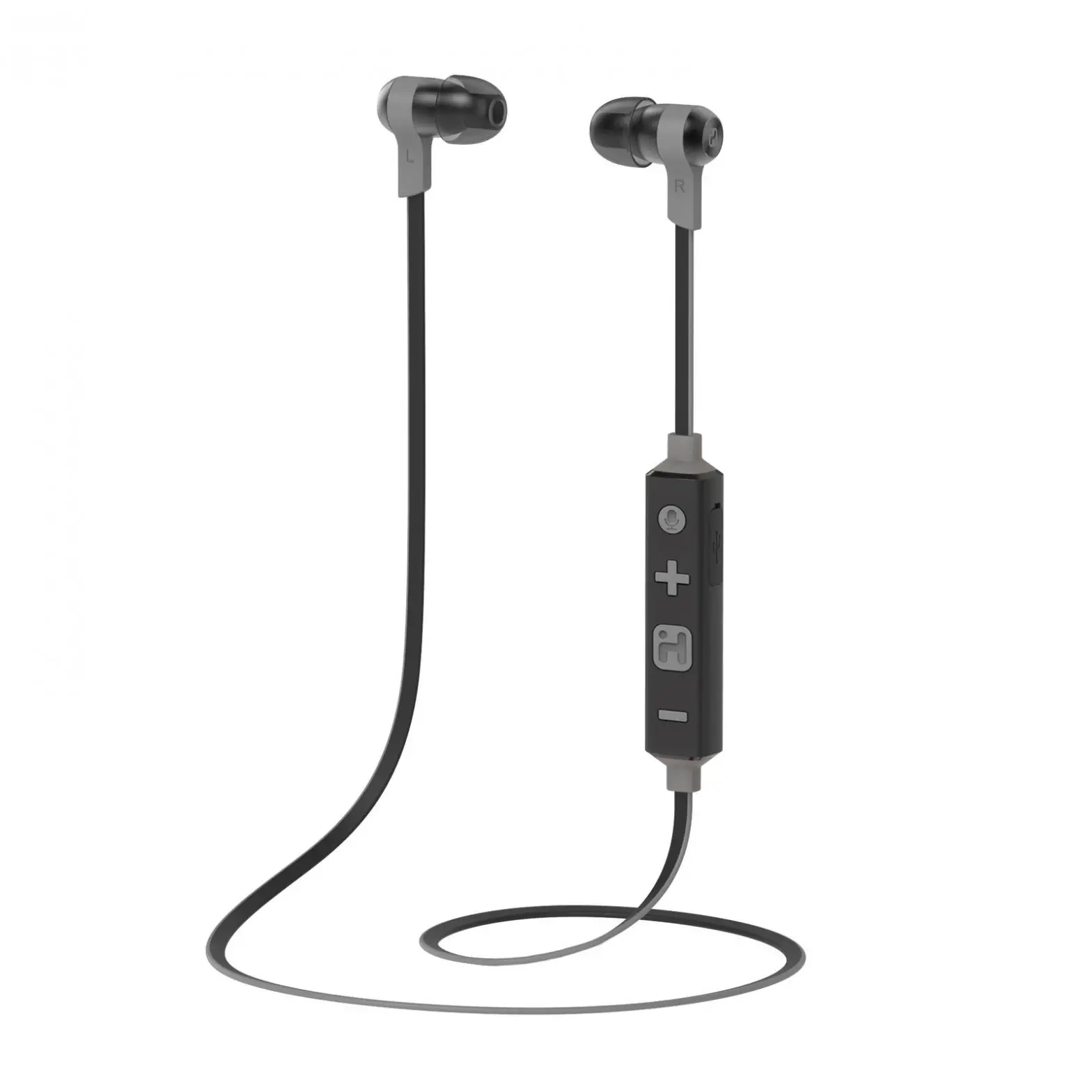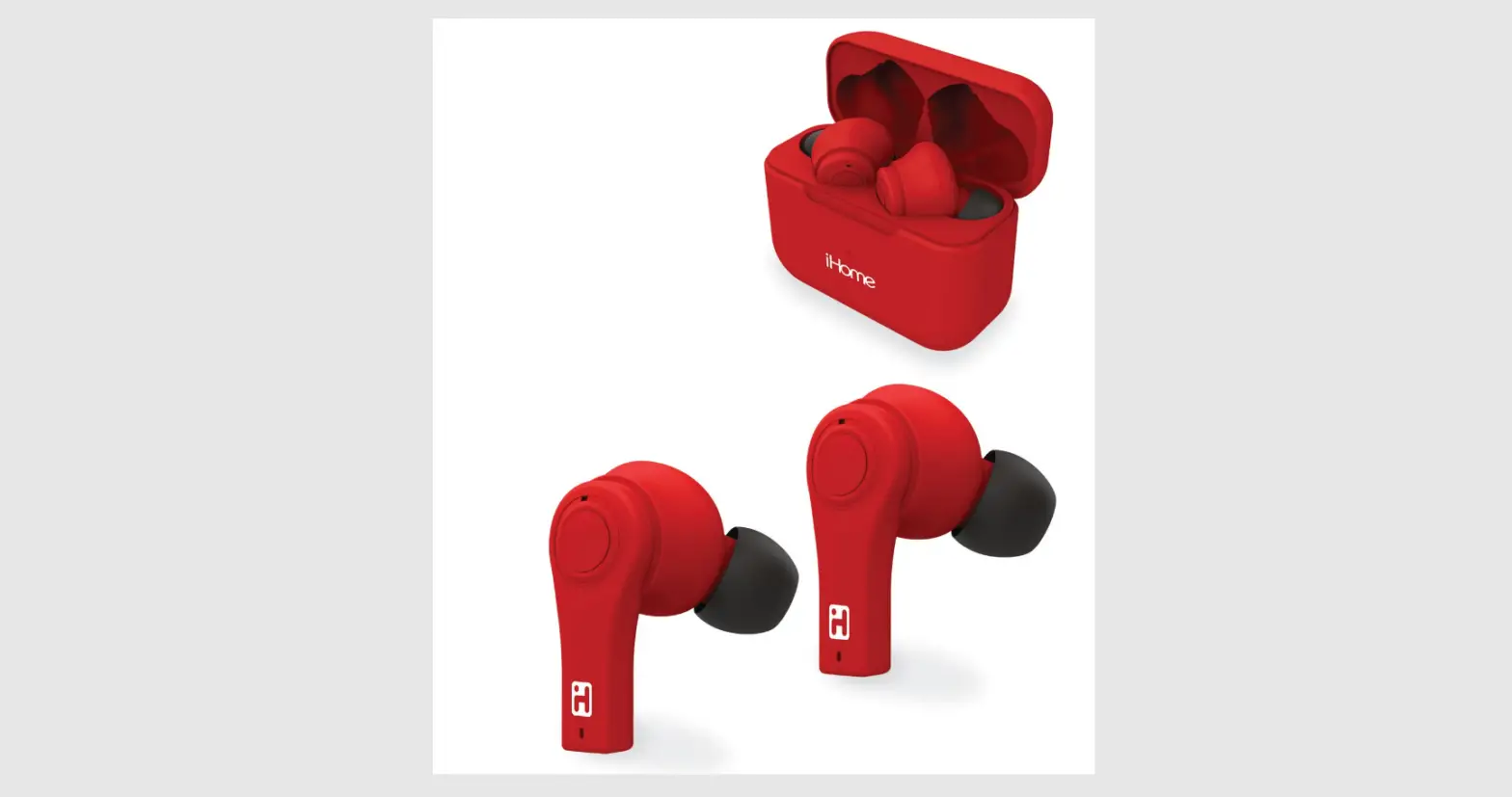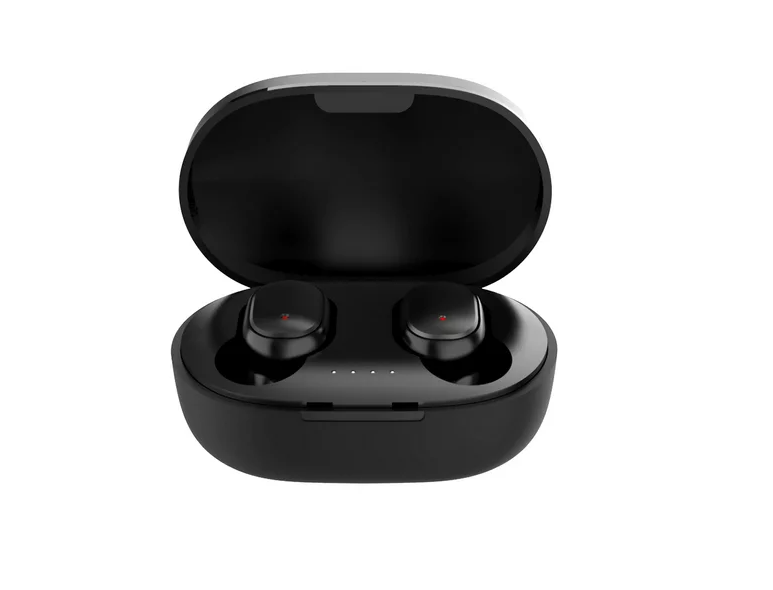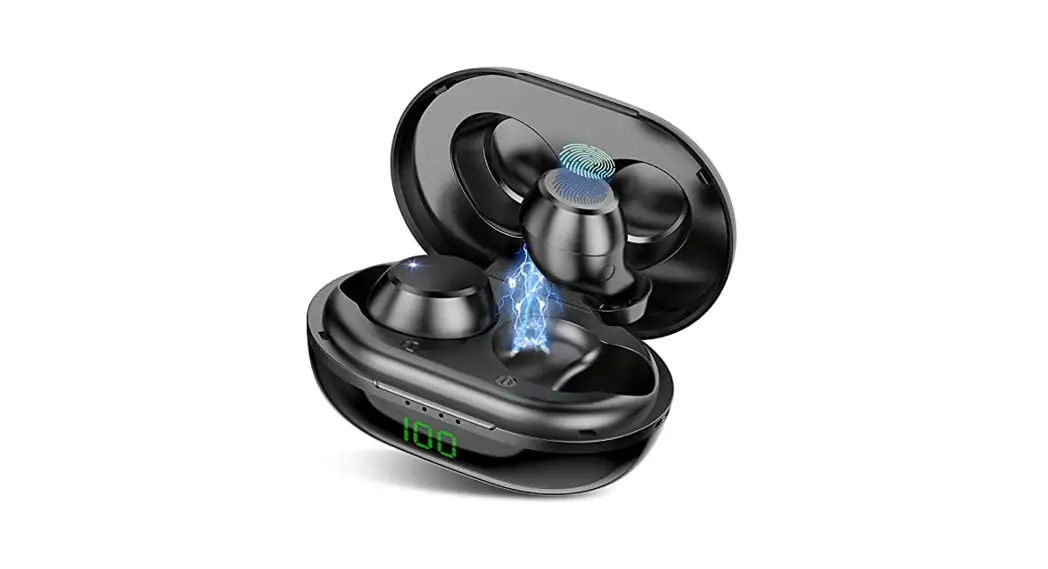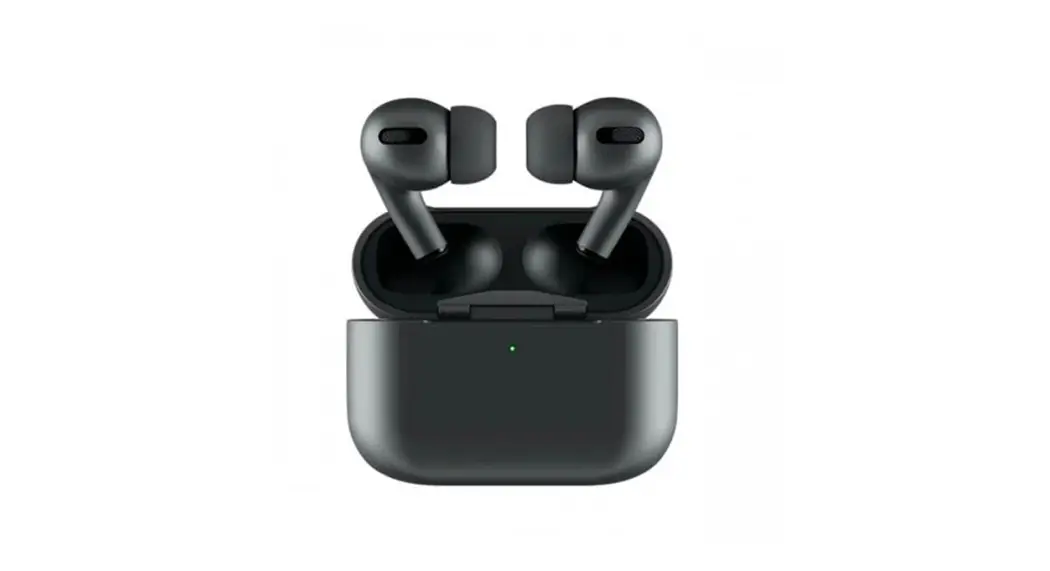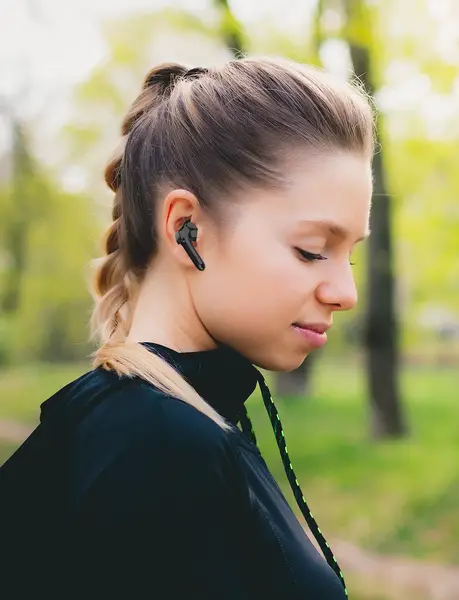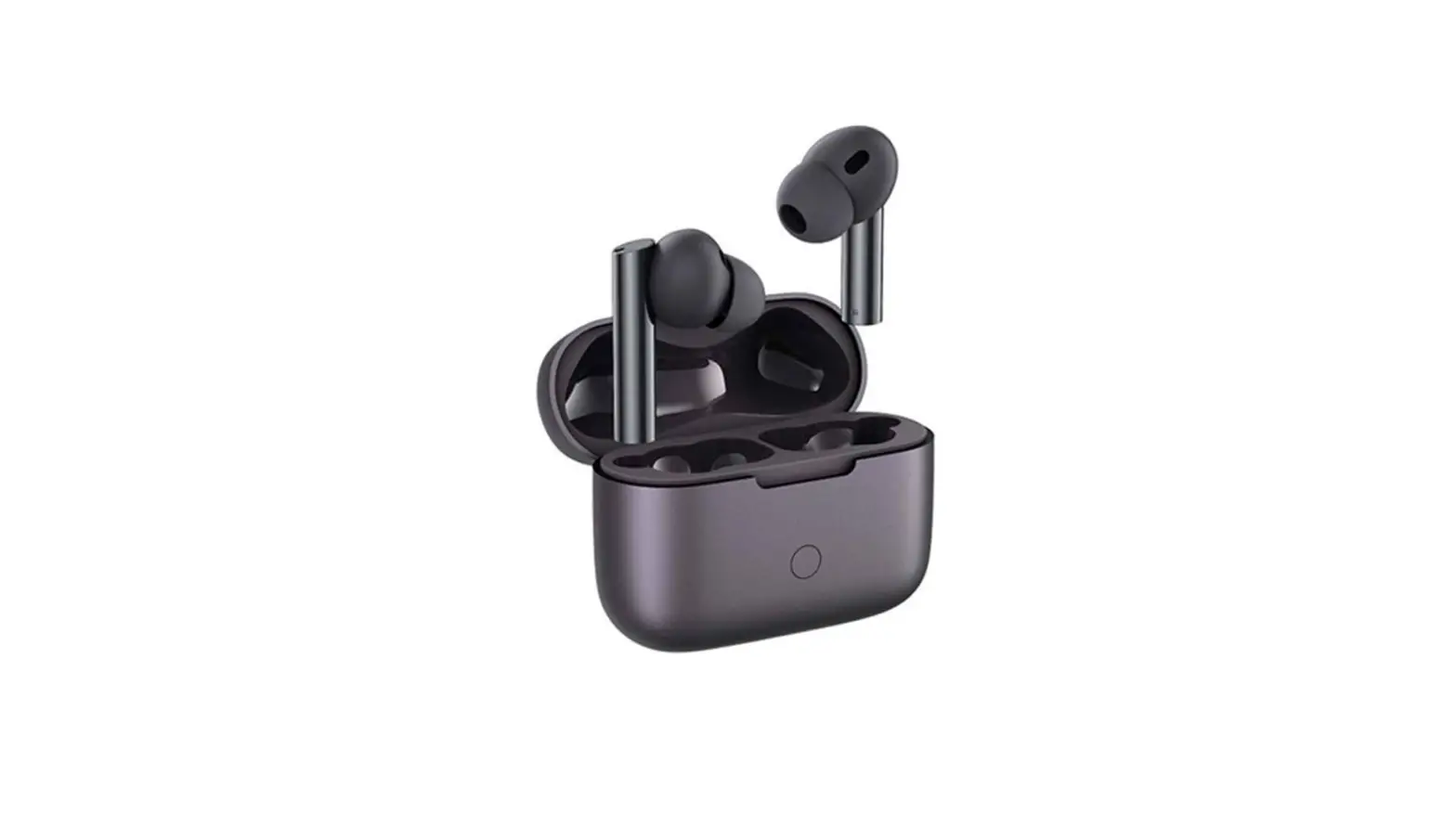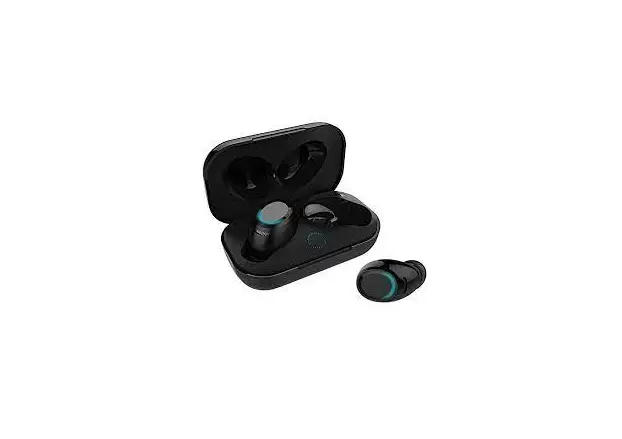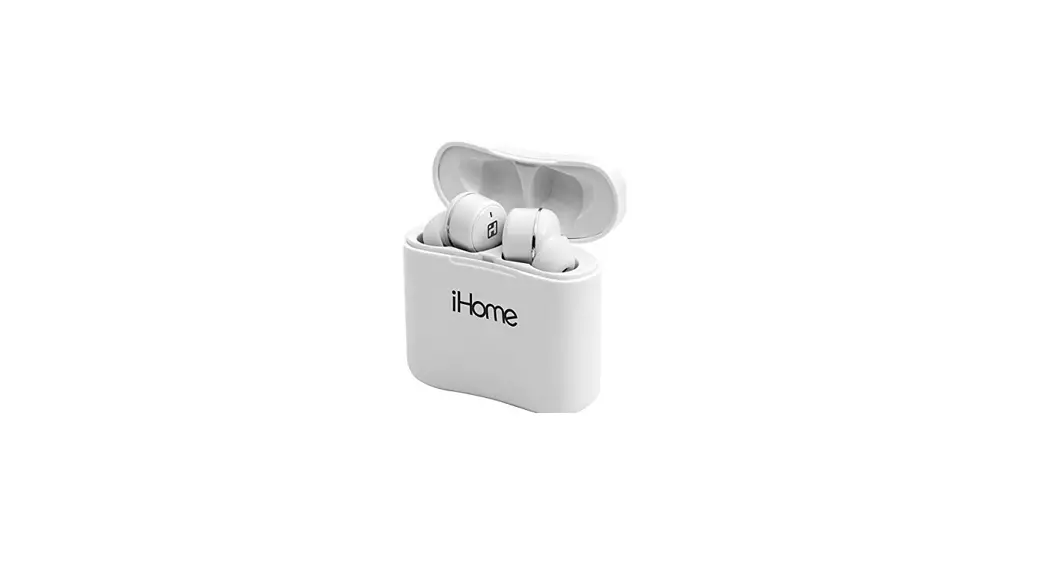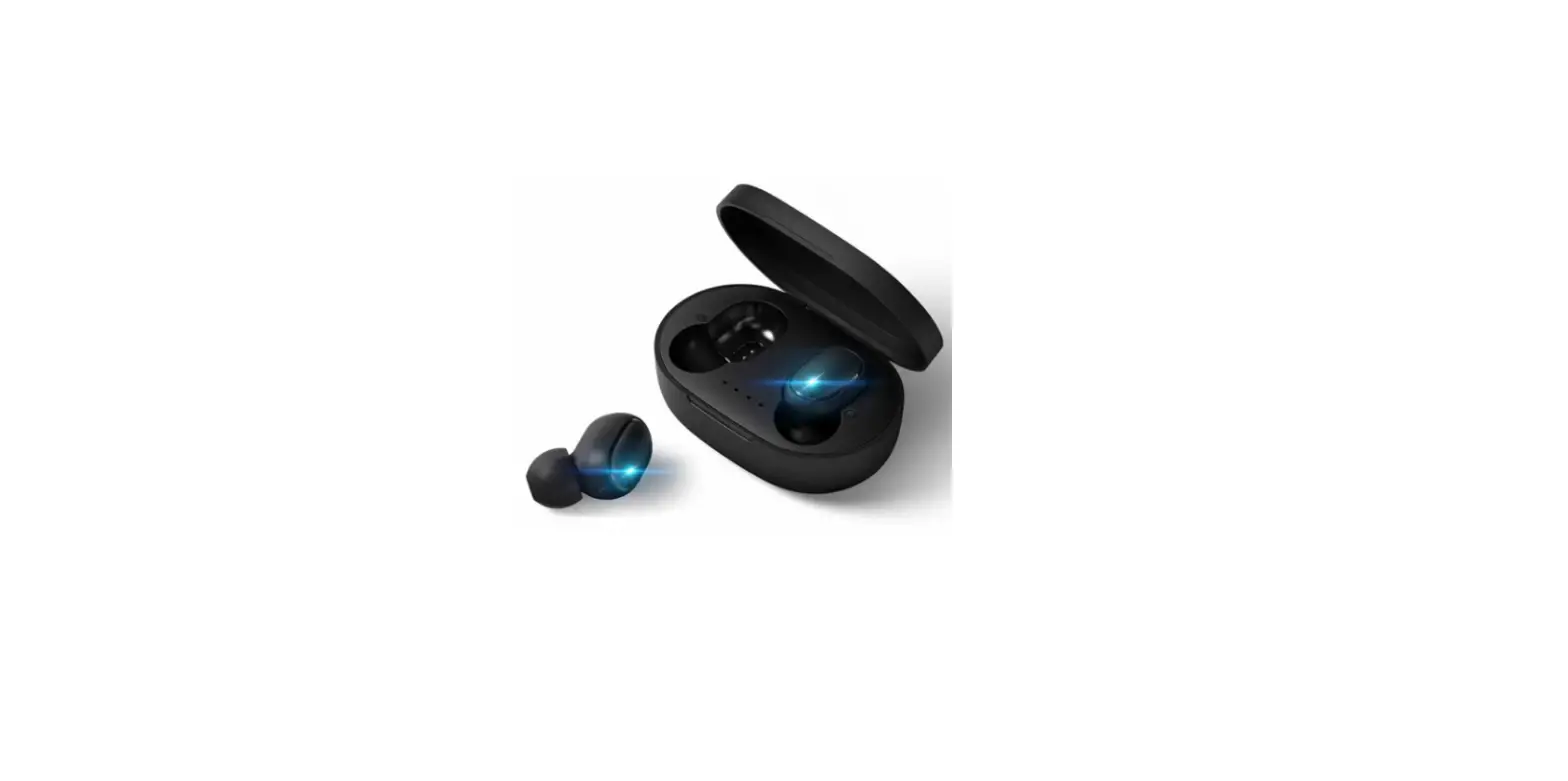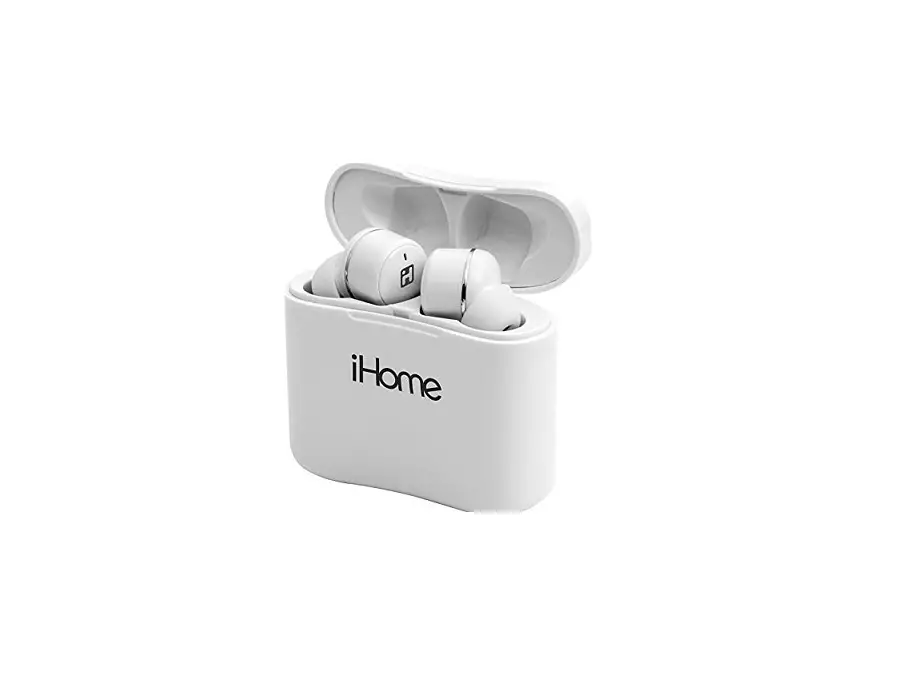
iHOME Ri-B14BM.EXV1 M1 Bluetooth Earbuds Instruction Manual

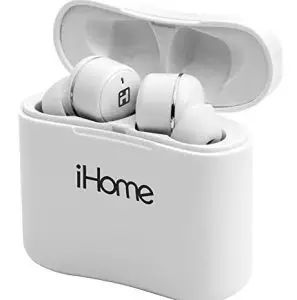
iHOME Ri-B14BM.EXV1 M1 Bluetooth Earbuds
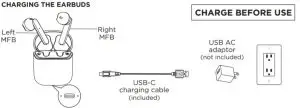
POWER ON/OFF
- Press and hold either Multi-Function Button (MFB) for 2 seconds to turn the earbuds ON.
- Press and hold either Multi-Function Button for 5 seconds to turn the earbuds OFF.
BLUETOOTH PAIRING
- When the earbuds are ON, they will automatically enter pairing mode.
- Select ‘ekids B14’ on your Bluetooth-enabled device to connect.
- A voice prompt will sound to indicate pairing is Earbuds will automatically connect to your Bluetooth device whenever it is in range.
- To reset Bluetooth, press and hold the MFB (left or right) for 10
| Speakerphone | |
| Answer call/End | Short press MFB |
| Reject call | Long press MFB |
| Voice Assistant | |
| ON/OFF | Press MFB 3x |
| Bluetooth Audio | |
| Play/Pause | Short press MFB |
| Volume Up | Press LEFT MFB for 2 sec |
| Volume Down | Press RIGHT MFB for 2 sec |
| Next Track | Press LEFT MFB 2x |
| Previous Track | Press RIGHT MFB 2x |
| Earbud Charging | |
| Charging | Solid Blue LED |
| Fully charged | LED OFF |
| Case Charging | |
| Charging | Flashing Red LED |
| Fully charged | Solid Red LED |
To prevent possible hearing damage, do not listen at high volume levels for long periods.
FCC Information
This equipment complies with FCC RF radiation exposure limits set forth for an uncontrolled environment.
This device complies with Part 15 of the FCC Rules, operation is subject to the following two conditions:
(1) This device may not cause harmful interference, and (2) this device must accept any interference received, including interference that may cause undesired operation.
- Warning: Changes or modifications to this unit not expressly approved by the party responsible for compliance could void the user’s authority to operate the
- NOTE: This equipment has been tested and found to comply with the limits for a Class B digital device, pursuant to Part 15 of the FCC
These limits are designed to provide reasonable protection against harmful interference in a residential installation. This equipment generates, uses and can radiate radio frequency energy and, if not installed and used in accordance with the instructions, may cause harmful interference to radio communications. However, there is no guarantee that interference will not occur in a particular installation. If this equipment does cause harmful interference to radio or television reception, which can be determined by turning the equipment off and on, the user is encouraged to try to correct the interference by one or more of the following measures:
- Reorient or relocate the receiving antenna
- Increase the separation between the equipment and receiver.
- Connect the equipment into an outlet on a circuit different from that to which the receiver is connected.
- Consult the dealer or an experienced radio/TV technician for help.
CAN ICES-3 (B) / NMB-3(B)
ISED statements
This equipment complies with IC RSS-102 radiation exposure limits set forth for an uncontrolled environment. This device contains licence-exempt transmitter(s)/receiver(s) that comply with Innovation, Science and Economic Development Canada’s licence-exempt RSS(s). Operation is subject to the following two conditions:
- This device may not cause
- This device must accept any interference, including interference that may cause undesired operation of the
This device comply with ISED RF exposure requirement, users can obtain Canadian information on RF
Any Changes or modifications not expressly approved by the party responsible for compliance could void the user’s authority to operate the equipment
WARNING: Earbuds and case may present a choking hazard or cause other injury to small children. Keep away from small children. For your safety, do not use earbuds if they would prevent you from hearing warning sound
ONE YEAR LIMITED WARRANTY For product support and warranty please visit: www.ekids.com/support