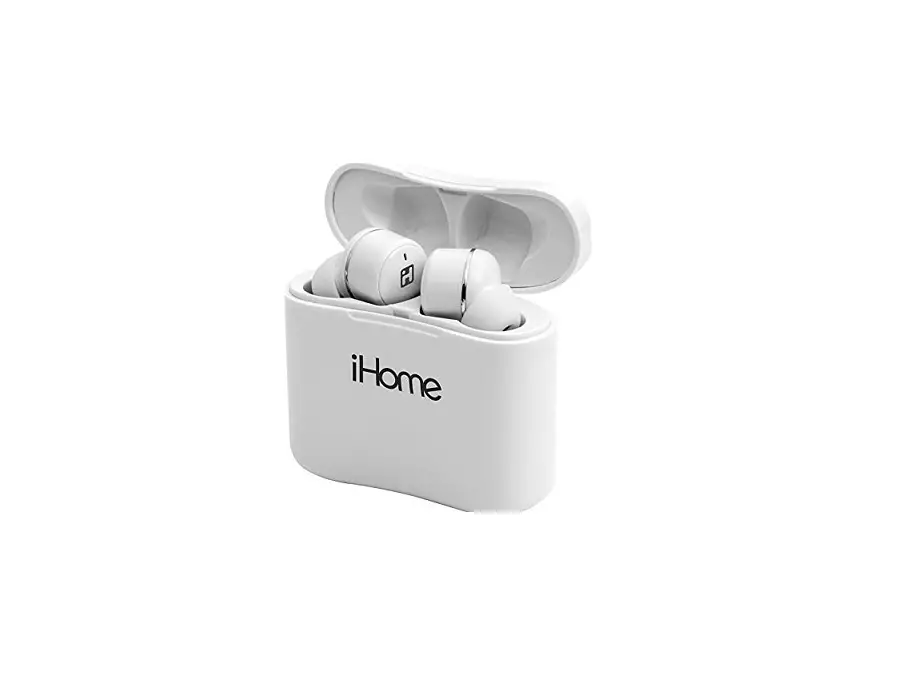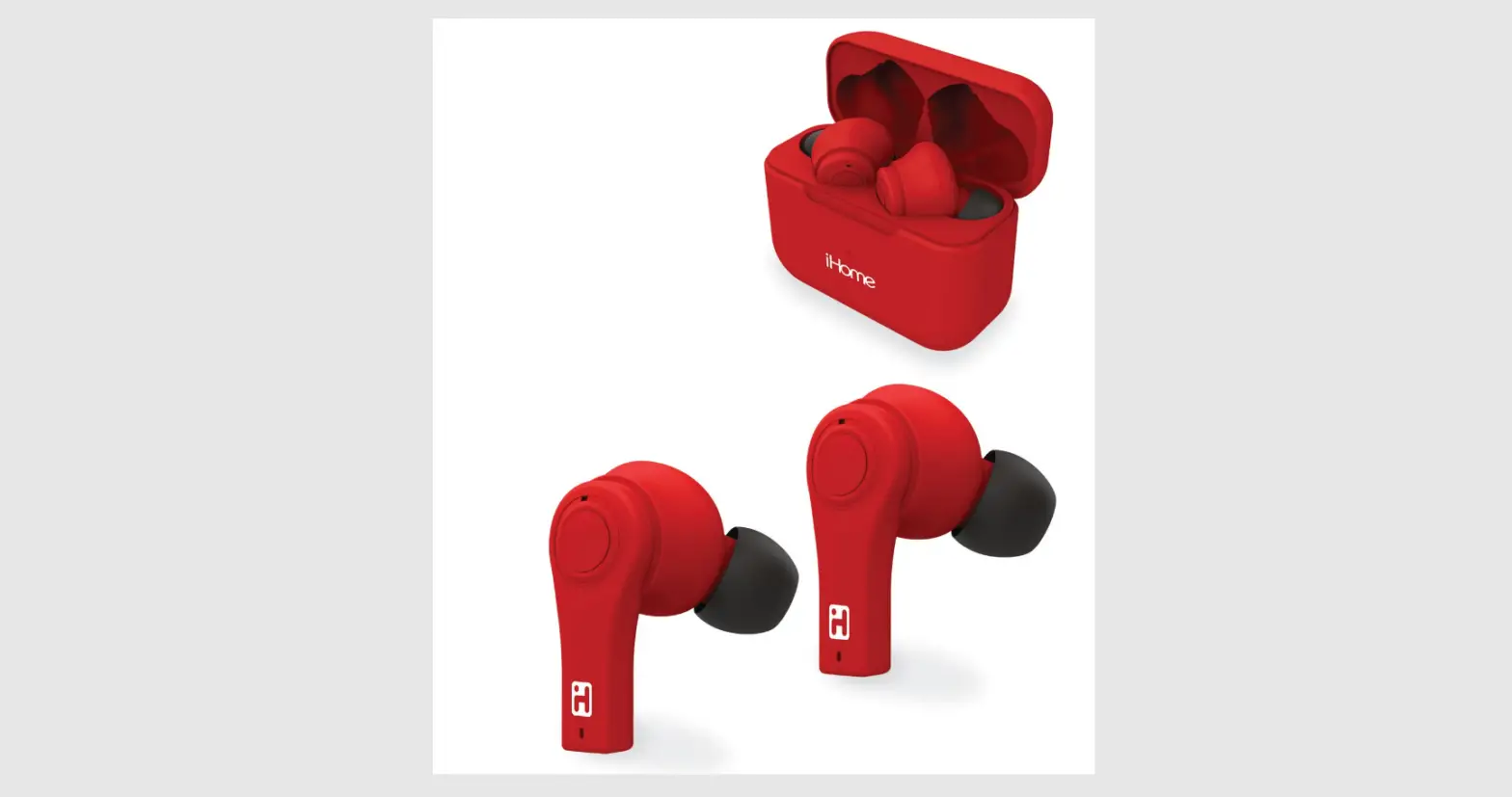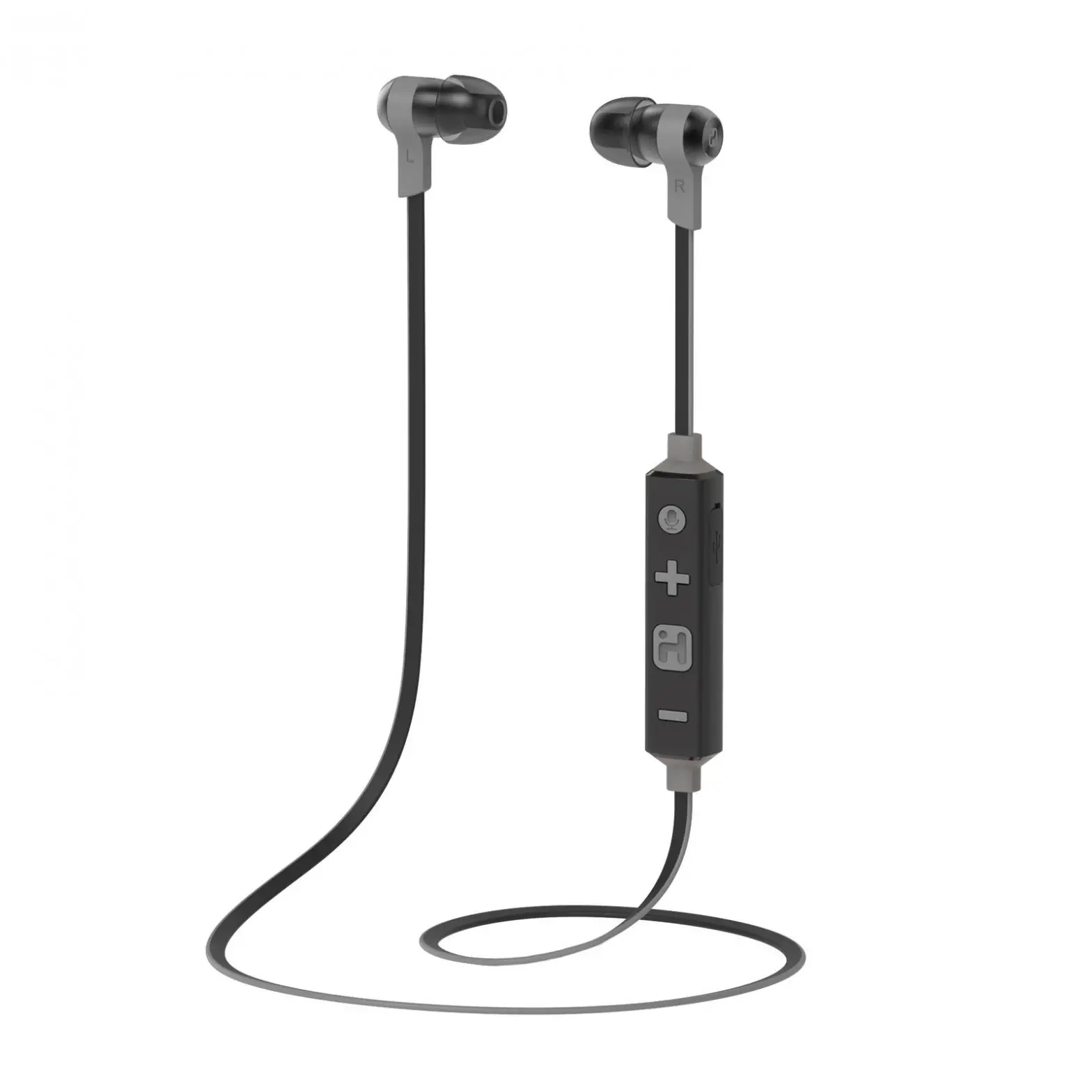
iHome iB39 QSG Bluetooth Earbuds User Manual

Questions? Visit www.ihome.com or call 1-800-288-2792 Toll Free
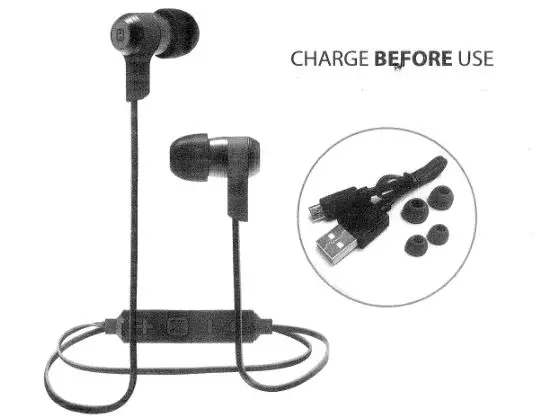
What’s Included
- iB39 with control dongle
- Silicon Ear Cushions
- USB Charging Cable
Getting Started
Charging your earbuds
Earbuds must be charged before use.
- Lift rubber USB port cover on right side of dongle
- Connect small plug of USB charging cable to USB port and connect the other end to a powered USB port.
- Indicator will glow red while charging and turn off once charged.
- Earbuds should provide about 4 hours of audio when fully charged.
Basic Controls
Note: Noise isolation ear buds like the iB39 are designed to provide a good seal in your ears arid block outside sounds. You should not use noise isolation ear buds in situations that require you to hear outside warning sounds.
BLUETOOTH
Pairing establishes a unique communication connection between your Bluetooth device and the earbuds. Once paired, you will be able to stream audio wirelessly to your iB39 earbuds.
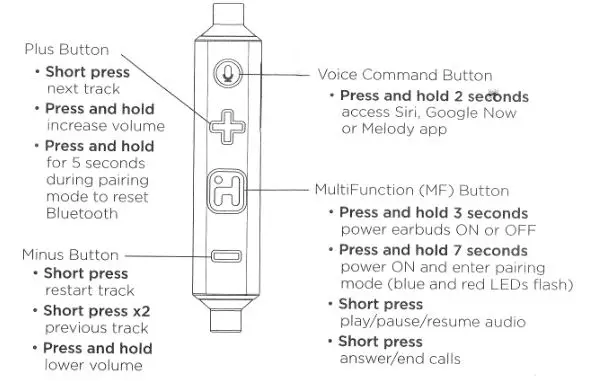
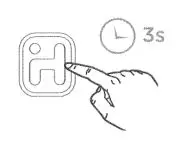
- The FIRST TIME EARBUDS ARE POWERED ON they enter auto-pairing mode. The LED indicator on the dongle will flash blue and red and a voice prompt will announce “power on”, then “pairing”.

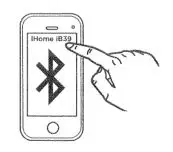
- Turn on Bluetooth mode on your device (under Settings, Connections or similar)

- Select “iHome iB39” on your device’s menu of Bluetooth devices. When pairing is successful, a voice prompt will announce “your device is connected”. If prompted for a password, enter “0000” on your device. You can now begin to stream audio and calls from your device.
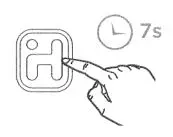
- For manual pairing or to pair other devices, press and hold the Multifunction Button for 7 seconds. The earbuds will power on, attempt to autolink to a previously paired device, then enter pairing mode. Pair your device per step 3 above.

VOICE COMMANDS
Press and hold the Voice Command Button for 3 seconds to access Siri, Google Now or Melody voice assistant functions. 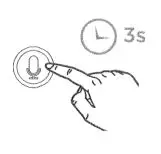
EAR CUSHIONS
The iB39 comes with 3 sets of ear cushions to ensure a satisfying fit. If the current ear cushions do not suit you, remove them and replace with smaller or larger ear cushions. 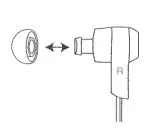
iHome iB39 QSG Bluetooth Earbuds User Manual – Optimized PDF
iHome iB39 QSG Bluetooth Earbuds User Manual – Original PDF