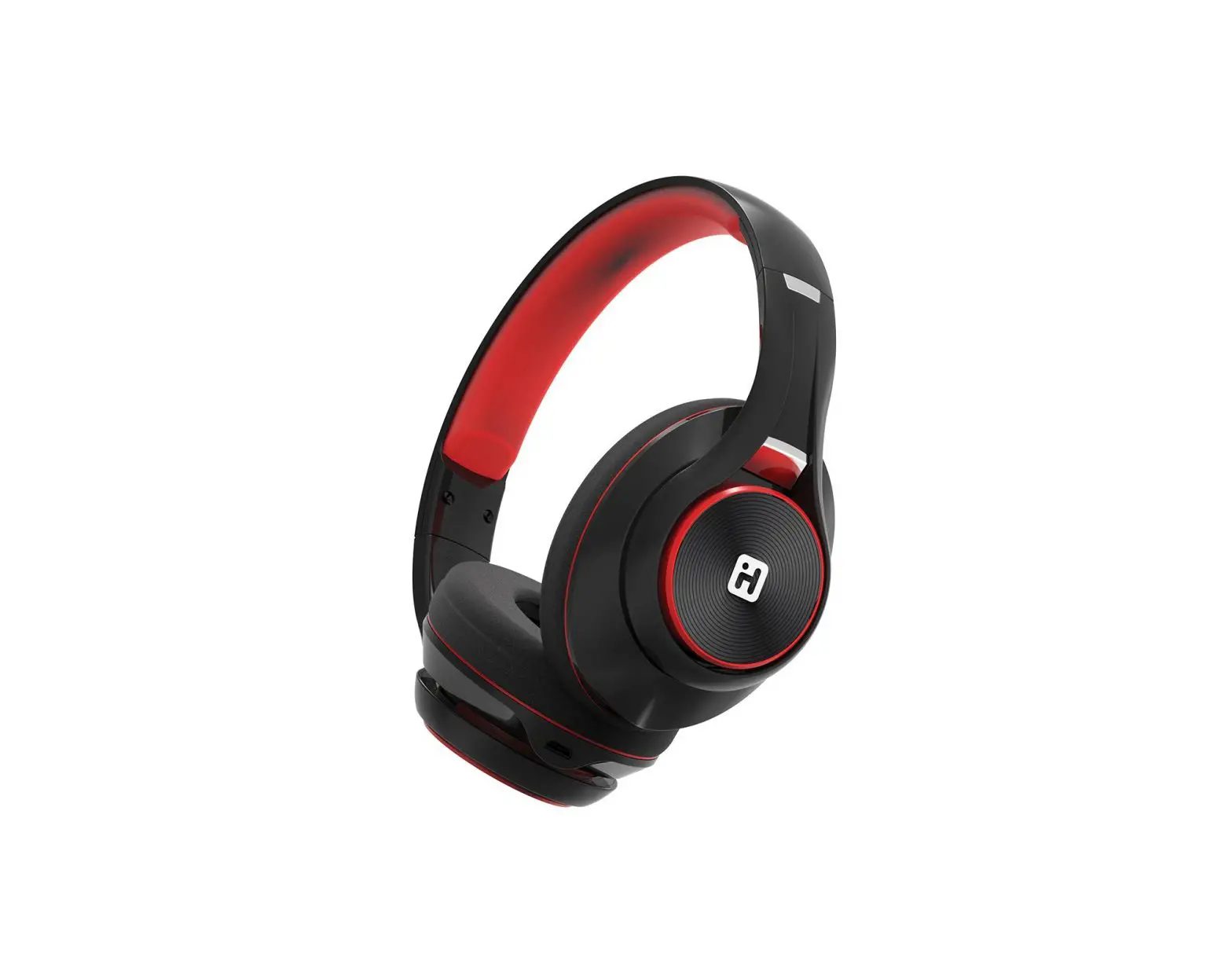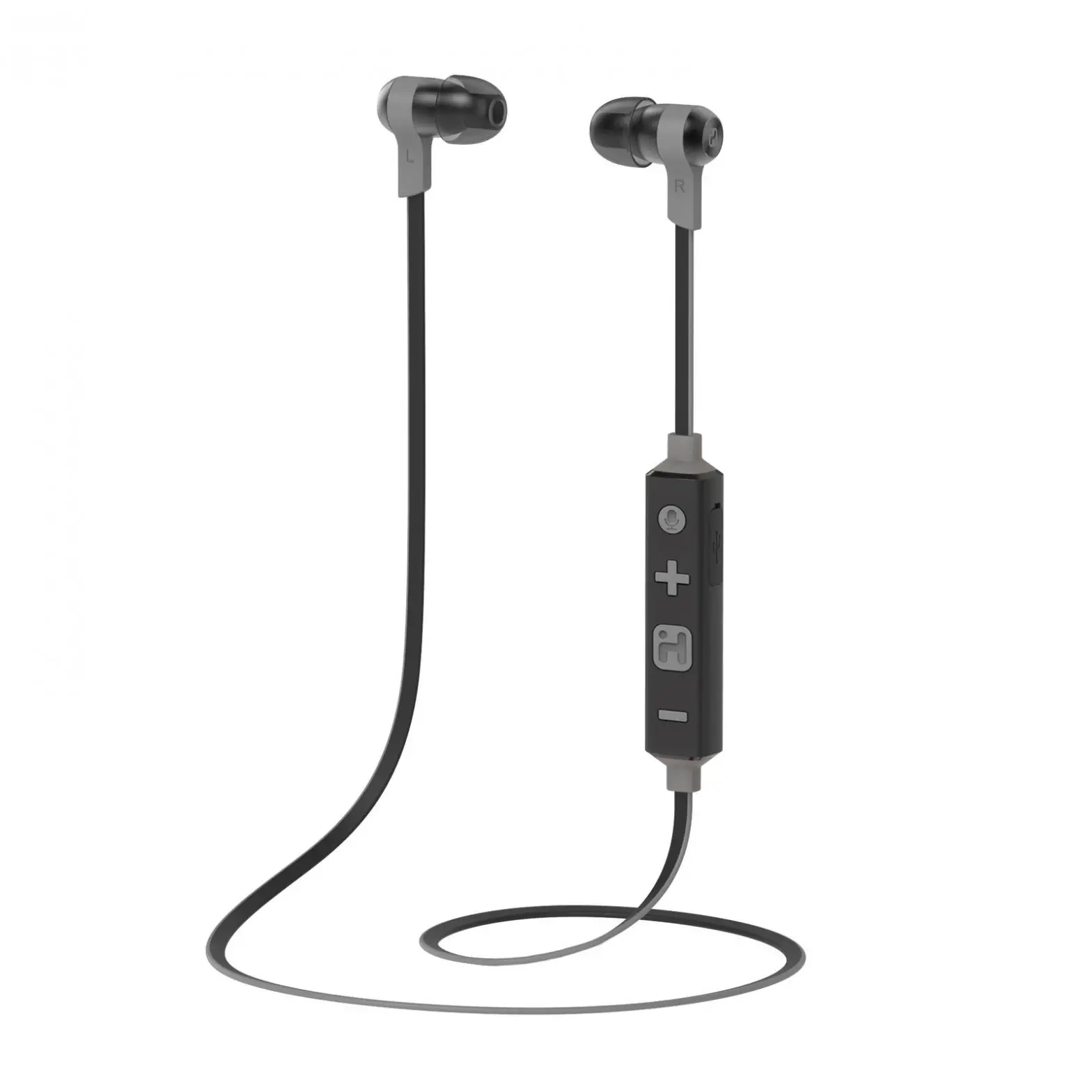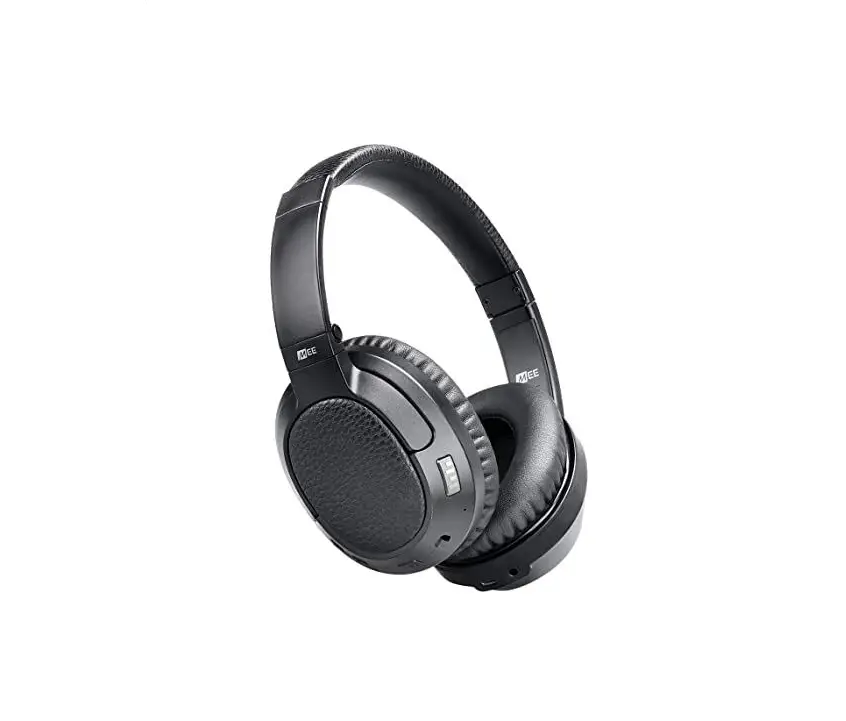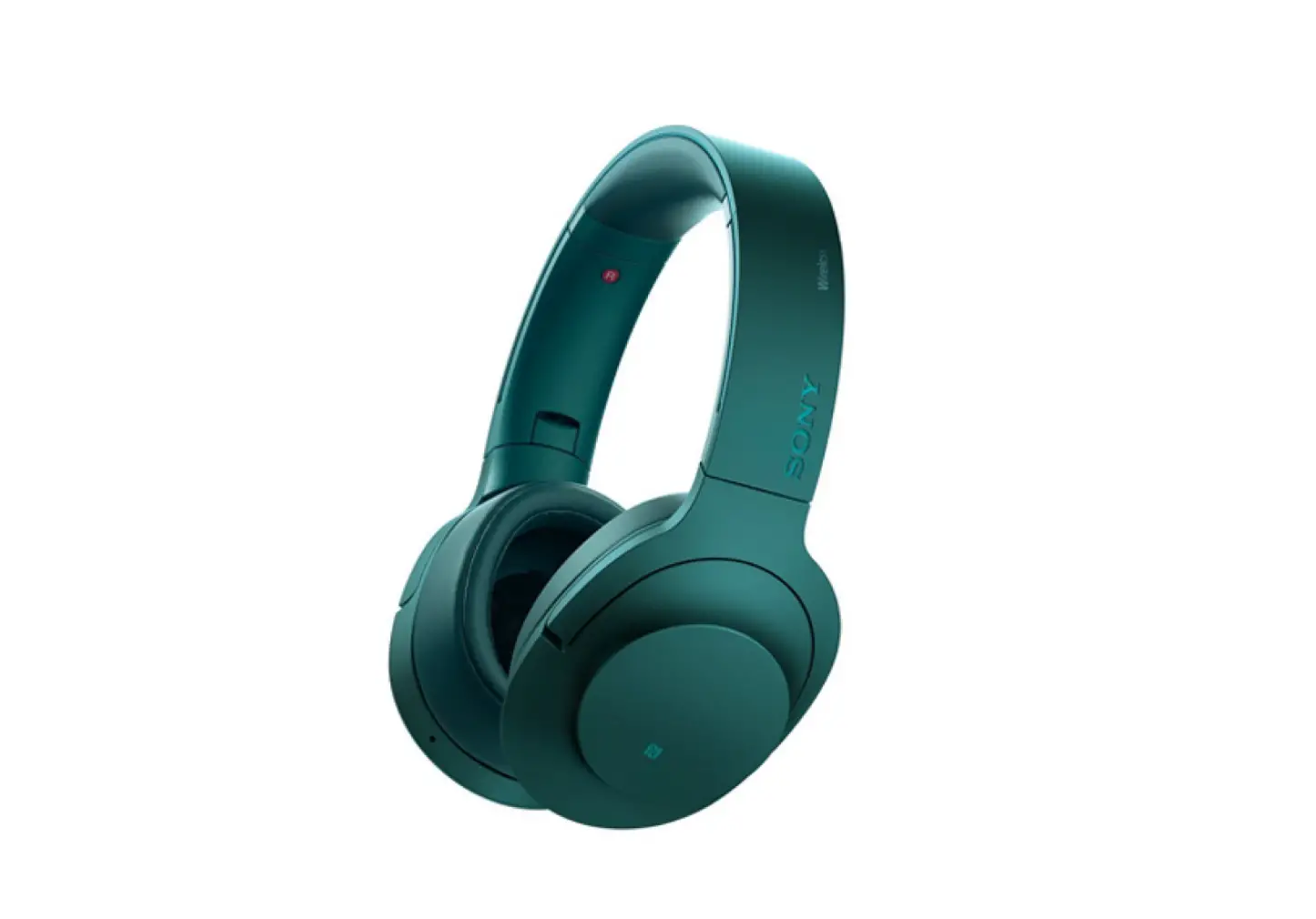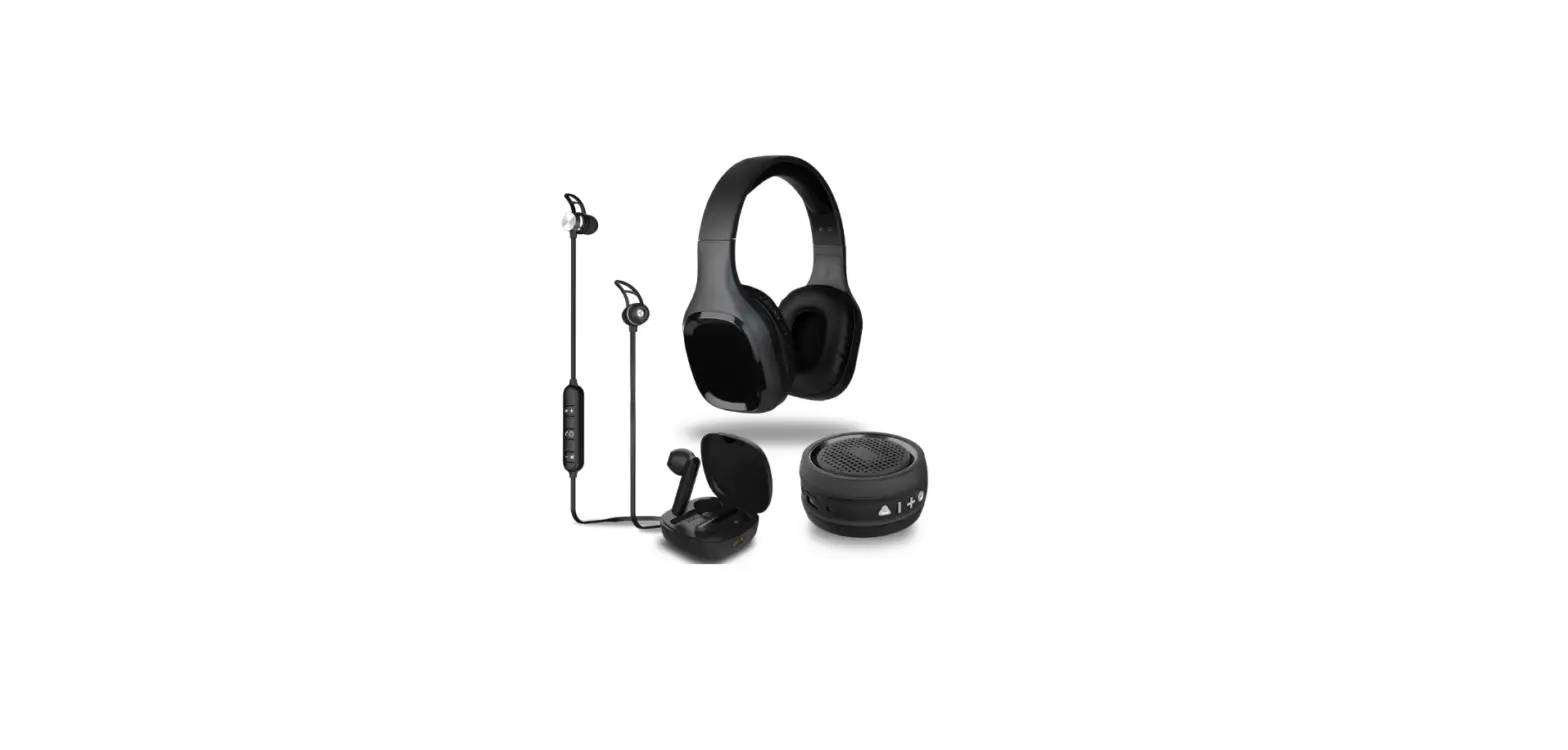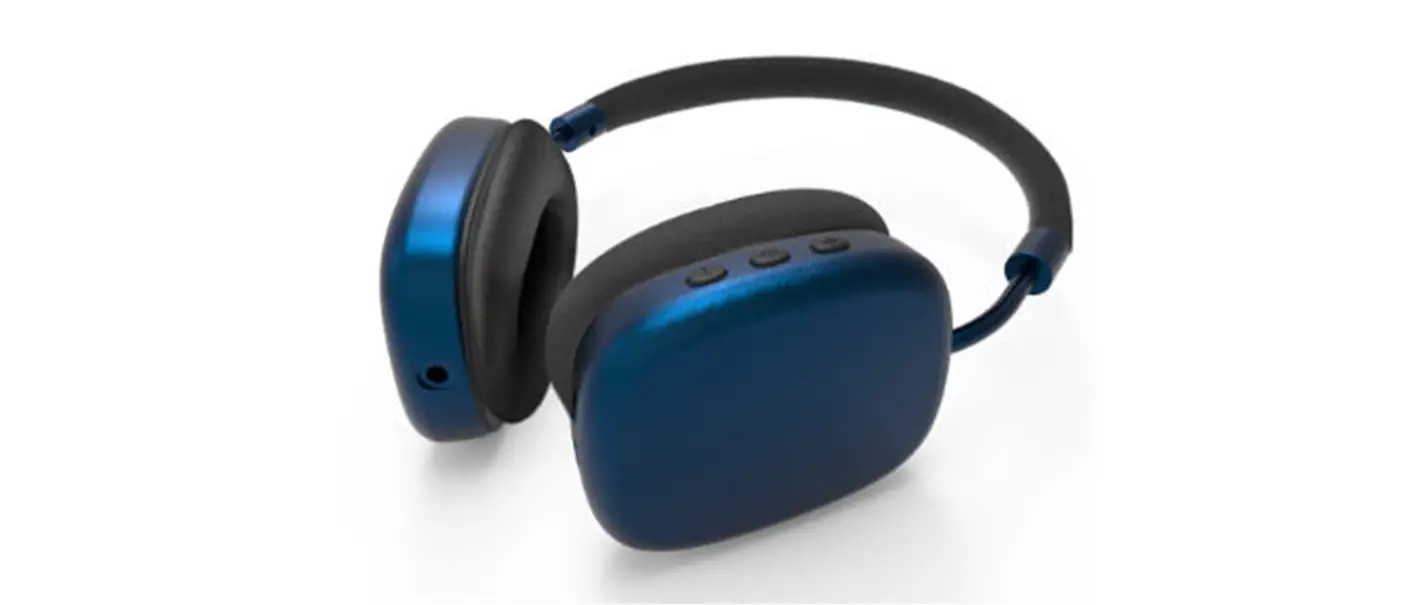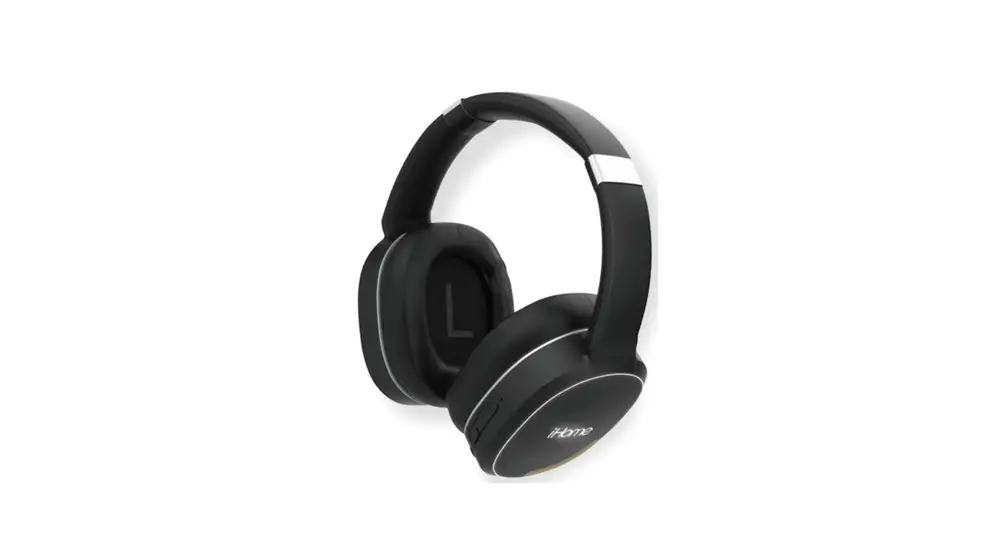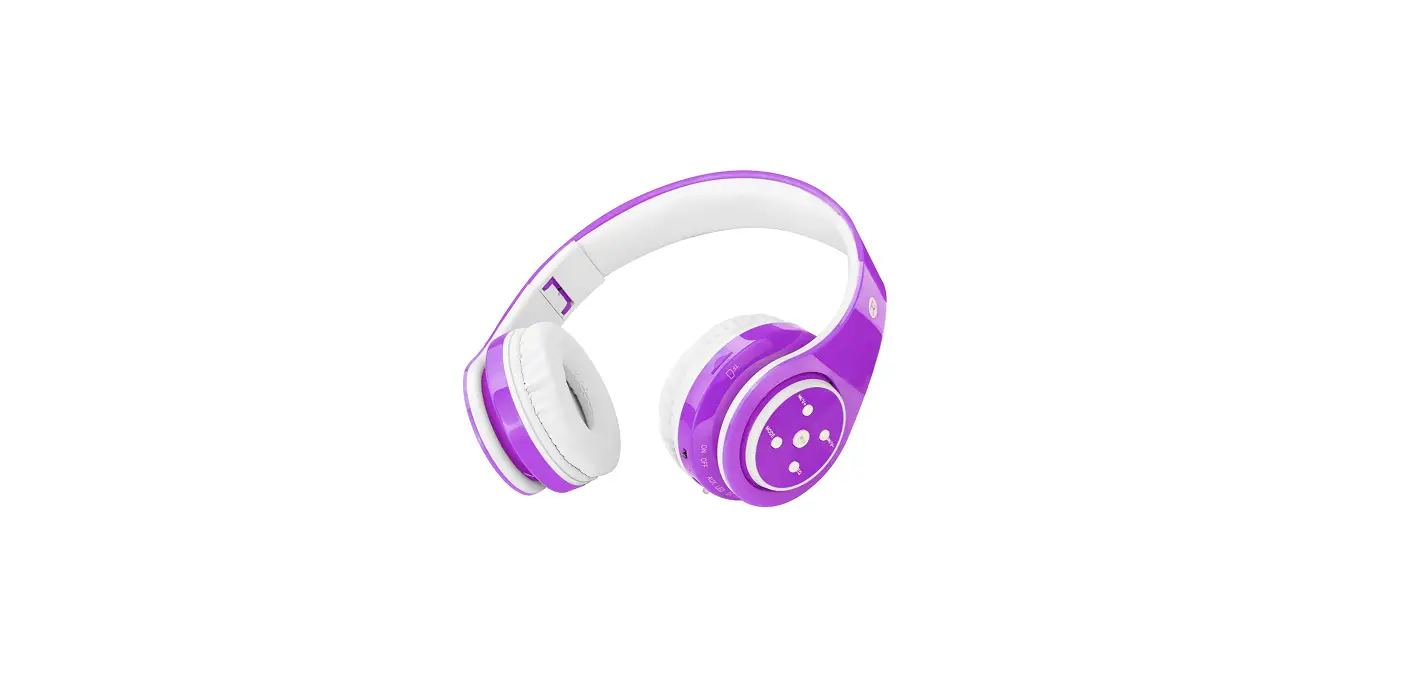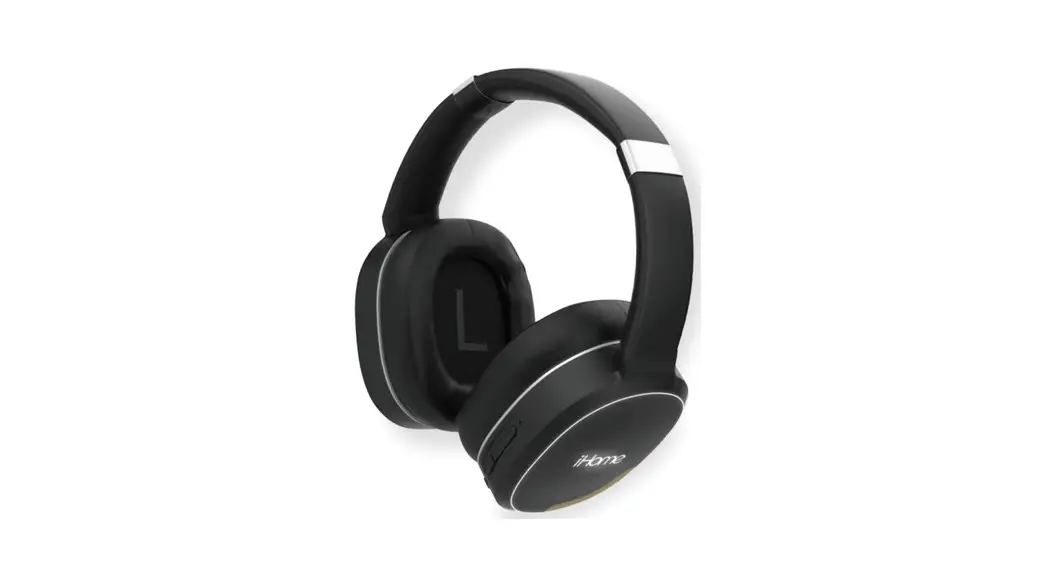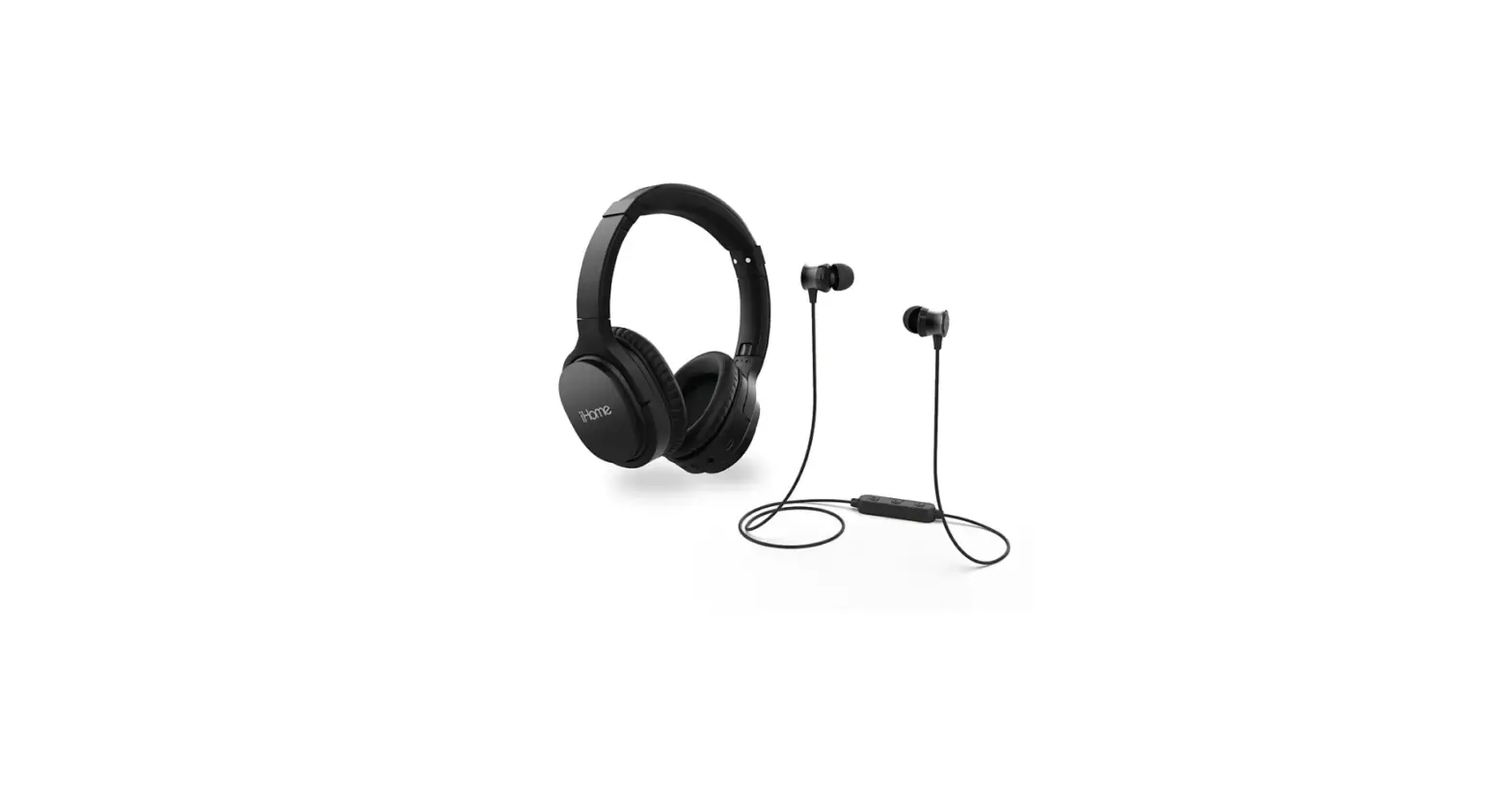

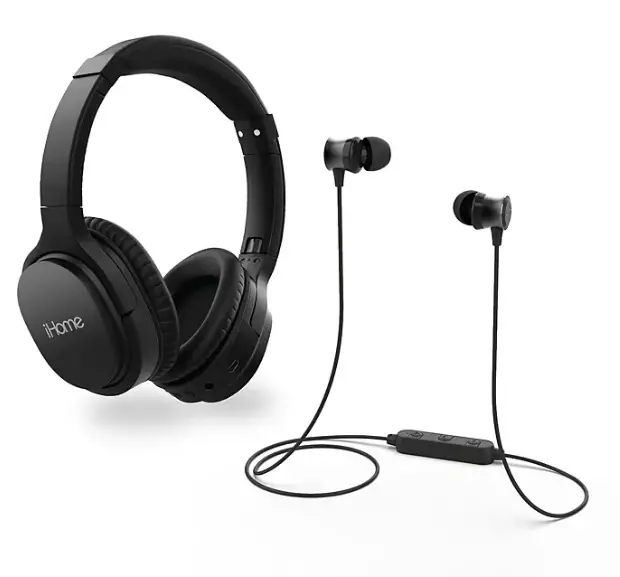
iHome iB92BC Bluetooth Wireless Headphone
Specifications
- DIMENSIONS:45 x 8.27 x 15.16 inches
- WEIGHT:63 pounds
- BLUETOOTH SPECIFICATION: Supports V4.1+ EDR with Handsfree Profile 1.5, Headset Profile 1.1 and A2DP profile 1.2 (Class ll) and Audio/Video Remote Control Profile AVRP
- BATTERY: 350mAh
- STANDBY TIME (UNPAIRED): up to 90 days (with fully charged battery)
- TALK TIME: up to 16 hours (with fully charged battery)
- MUSIC PLAYING TIME: up to 16 hours (with fully charged battery)
- OPERATING DISTANCE: up to 10 meters / approximately 33 feet
- CERTIFICATIONS: CE, FCC, RoHS, BQB
Introduction
Eliminate cumbersome wires and cords while enjoying rich, detailed music with improved bottom response. The Bluetooth wireless technology allows you to listen to audio up to 33 feet away, and the padded headband and ear cushions make for comfortable extended listening. A rechargeable battery offers continuous use for 12 hours. You can make wireless phone calls thanks to the built-in echo-cancelling microphone, and the on-ear touch controls make it simple to choose the music, pause/play, answer/end calls, and adjust the volume. The user experience with Bluetooth pairing and UI confirmations is improved with voice prompts. You can use Siri and Google Voice through voice activation to make phone calls, play music, create reminders, and more.
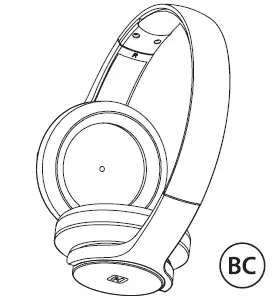 Your new iHome Bluetooth stereo headphones are designed to link with your Bluetooth enabled smartphone or music player to allow you to wirelessly listen to music and answer phone calls within the normal 10 meter (33 feet) Bluetooth operating range.
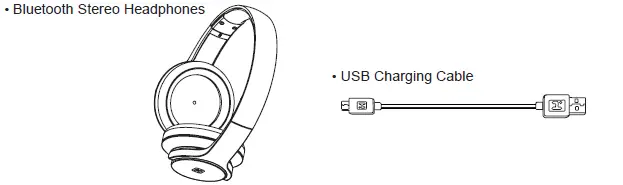
What’s Included
PREPARATION FOR USE
- Controls and Indicators

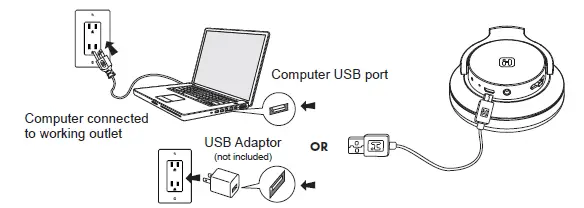
- Charging Your Headphones IMPORTANT: Your headphones operate on a built-in rechargeable lithium-ion battery. Although the battery was fully charged when it left our factory, like all rechargeable batteries it can begin to discharge during periods of non-use. We recommend that you charge the battery for at least 1.5 hours before first time use.

- Connect the micro USB plug on the charging cable to the micro USB port on the headphone.
- Connect the standard USB plug on the charging cable to any standard USB power port such as found on a notebook computer, or the charging adapter for an iPod, iPhone, etc. The Power/Charging/Pairing indicator will glow RED while the headphone is charging. The indicator will turn off when the battery is fully charged. Reminder: Allow the battery to charge fully before first time use. Normal recharge time should take about 1.5 hours. When fully charged the battery provides up to 16 hours of working time, or 90 days of standby time. Because your iB92 headphones use Bluetooth version 4.1 the battery level indicator of the headphones may also appear on your iPhone home screen, usually adjacent to the phone’s own battery level indicator, if your specific phone supports this display function.
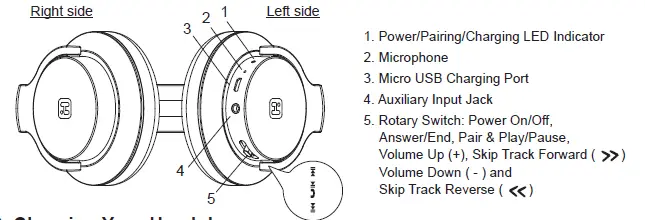
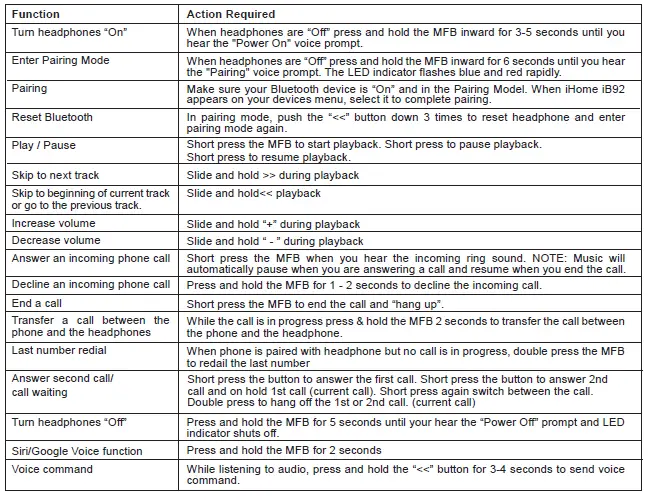
- Multi-Function Button (MFB) Slide and hold toggle switch on headphones for power on/off, back track/next track and volume up/down.
- Switching the Power On and Off Press and hold the Multi-function button for approximately 3 seconds. The voice prompt will say “Power On” and the LED indicator turns BLUE and flashes two times per second. If the headphones have not been previously paired to a Bluetooth device, the headphones will enter auto-pairing mode and voice prompt “Pairing”.
When the power is “On” press and hold the Multi-function button for approximately 3 seconds. The voice prompt will say “Power Off”. The LED indicator remains on briefly and then shuts off. This indicates that the power is “Off”.
Manually Pairing With a Bluetooth Enabled Smartphone or Music Player For The First Time
If your smartphone or music player, such as the iPod touch, is Bluetooth enabled (supports the A2DP Bluetooth Profile) you may pair these iHome headphones with your phone, music player, tablet or computer to listen to music and make or receive calls as long as the two devices are within the Bluetooth operating range of approximately 33-feet of each other.
Note: Your iHome headphones must be in the Power “Off” mode to begin the manual pairing process.
- Make sure that your iHome iB92 headphones are switched “Off”. Make sure that your smartphone or music player is “On”.
- Press and hold the Multi-function button on your iB92 headphones for about 6 seconds until you hear the “Power On” and “Pairing” voice prompts. The LED indicator begins alternately flashing blue and red to indicate it is trying to pair with a compatible device.
- If necessary, turn on the Bluetooth function of your phone or music player so that it begins searching for a compatible device.
- “iHome iB92” should appear on your phone or music player’s compatible devices list. You may also see a message such as “Not Paired”. Tap on that message to complete the pairing process. If your phone or music player asks for a “password” to complete the pairing process, enter ‘0000’ on the keypad of your phone or music player.
- When pairing is successful the screen on your phone should show “iHome iB92 Connected” or similar message and you will hear the voice prompt say “Your device is connected”. The LED indicator on the iB92 headphones will begin flashing blue two times per second. Your headphones are now ready for use.
NOTE: If your iB92 headphones are not able to find a Bluetooth device that is in range and “discoverable” after 3 minutes, the headphones will automatically power “Off” to preserve the battery.
Auto-Linking With A Previously Paired Device
If your iB92 headphones were previously paired with a Bluetooth enabled smartphone or music player they will attempt to auto-link with that device again whenever that device is within the Bluetooth operating range.
Press and hold the Multi-function button on your iB92 headphones for about 3 seconds until you hear the “Power On” voice prompt. If a previously paired device is found to be within range and turned ‘On’ the iB92 will re-link with it automatically. You will hear the voice prompt say “Your device is connected.”
Note: If no previously paired device is found after 3 minutes the auto-linking function stops and your iB92 headphones shut off automatically to preserve the battery life.
Wearing Your Headphones
Your iHome iB92 Bluetooth headphones are supplied with padded ear cushions for long wearing comfort. The headband can be extended to accommodate almost any head size. There are ‘L’ and ‘R’ markings on the inside of the headband, When the headphones are worn properly the controls will be on your right side.
Using Your Headphones
Note: Some of the functions described below may not be supported on your specific smartphone. Check with your smartphone owner’s manual to confirm the features supported by your phone.
Auxiliary Input Jack
The auxiliary input jack allows you to use your iB92 Bluetooth headphones as normal headphones so that you can listen to music on any non-Bluetooth device that is equipped with a 3.5mm headphone jack.
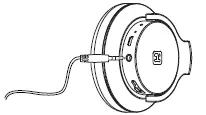
Connect a stereo audio cable (not included) with 3.5mm plugs on both ends to the auxiliary input jack on the bottom of the ‘L’ earpiece of your iB92 headphones, and to the headphone jack of your auxiliary music source.
Your iB92 headphones should be in the Power “Off” mode. Use the volume and track navigation controls on your music player as your would with any normal headphones.
TROUBLESHOOTING
- Reception is noisy or intermittent Make sure that the headphones and the paired device are within the Bluetooth operating range of approximately 33-feet. Make sure the headphones are fully charged as well.
- No Sound Make sure that your headphones are properly paired and connected with your Bluetooth enabled smartphone or music player. Refer to the “Pairing” instructions in this manual and in the manual supplied with your phone or music player if necessary. The rechargeable battery in your headphones may be exhausted and need to be recharged. Refer to the “Charging Your Headphones” instructions in this manual.
- Unable to Pair/Connect The pairing settings between the headphones and your smartphone or music player may have been erased or deleted. Follow the “Pairing” instructions in this manual to re-pair and reconnect the devices. Turn off any other Bluetooth devices that are not being used to reduce external interference.
- Some Functions Do Not Work Your specific model of smartphone may not support some of the functions described in this manual. Refer to the manual supplied with your phone for further information.
CARE AND MAINTENANCE
Always remember to turn your headphones off if they will not be used for a long period of time. Do not expose your headphones to extremely hot or cold temperatures for extended periods. Do not expose them to direct sunlight or leave them in places such as the dashboard of your car on a hot day. Prevent water or any other liquids from entering the cabinets of your headphones.
Protect Your Hearing
Using these, or any headphones at high volume levels for long periods can result in permanent hearing damage. Always start listening with volume controls on your headphones and your paired smartphone or music player at a low level and then gradually increase the volume controls to a comfortable listening level.
Important Notes
- It is dangerous and illegal (in some jurisdictions) to use headphones when you are driving a car, riding a bike or motorcycle, or operating a watercraft. Be aware of local laws and regulations.
- Do not use these headphones in situations where they might cause distractions or prevent you from hearing warning sounds.
- There are no user serviceable parts in these headphones. Do not attempt any service or repairs on your own. Refer to the warranty for service, repair or replacement information.
FCC Information
This equipment complies with FCC radiation exposure limits set forth for an uncontrolled environment. This device complies with Industry Canada licence-exempt RSS standard(s). Operation is subject to the following two conditions:
- this device may not cause interference, and
- this device must accept any interference, including interference that may cause undesired operation of the device.
This device complies with Part 15 of the FCC Rules, operation is subject to the following two conditions:
- This device may not cause harmful interference, and
- this device must accept any interference received, including interference that may cause undesired operation.
- Warning: Changes or modifications to this unit not expressly approved by the party responsible for compliance could void the user’s authority to operate the equipment.
- NOTE: This equipment has been tested and found to comply with the limits for a Class B digital device, pursuant to Part 15 of the FCC Rules.
These limits are designed to provide reasonable protection against harmful interference in a residential installation. This equipment generates, uses and can radiate radio frequency energy and, if not installed and used in accordance with the instructions, may cause harmful interference to radio communications.
However, there is no guarantee that interference will not occur in a particular installation. If this equipment does cause harmful interference to radio or television reception, which can be determined by turning the equipment off and on, the user is encouraged to try to correct the interference by one or more of the following measures:
- Reorient or relocate the receiving antenna.
- Increase the separation between the equipment and receiver.
- Connect the equipment into an outlet on a circuit different from that to which the receiver is connected.
- Consult the dealer or an experienced radio/TV technician for help.
LIMITED 1 YEAR WARRANTY
iHome Products, a division of SDI Technologies Inc. (hereafter referred to as SDI), warrants this product to be free from defects in workmanship and materials, under normal use and conditions, for a period of one (1) year from the date of original purchase.
Should this product fail to function in a satisfactory manner, it is best to first return it to the store where it was originally purchased. Should this fail to resolve the matter and service still be required by reason of any defect or malfunction during the warranty period, SDI will repair or, at its discretion, replace this product without charge. This decision is subject to verification of the defect or malfunction upon delivery of this product to the Factory Service Center authorized by Customer Service.
If service is required, please call Customer Service at 1-800-288-2792 to obtain a Return Authorization Number and shipping instructions. A copy of the sales receipt is required to validate in-warranty coverage.
Disclaimer of Warranty
NOTE: This warranty is valid only if the product is used for the purpose for which it was designed. It does not cover (i) products which have been damaged by negligence or willful actions, misuse or accident, or which have been modified or repaired by unauthorized persons; (ii) cracked or broken cabinets, or units damaged by excessive heat; (iii) damage to digital media players, CD’s or tape cassettes (if applicable); (iv) the cost of shipping this product to the Factory Service Center and its return to the owner.
This warranty is valid only in the United States of America and does not extend to owners of the product other than to the original purchaser. In no event will SDI or any of its affiliates, contractors, resellers, their officers, directors, shareholders, members or agents be liable to you or any third party for any consequential or incidental damages, any lost profits, actual, exemplary or punitive damages. (Some states do not allow limitations on implied warranties or exclusion of consequential damages, so these restrictions may not apply to you.) This warranty gives you specific legal rights, and you may also have other rights which vary from state to state.
Your acknowledgment and agreement to fully and completely abide by the above mentioned disclaimer of warranty is contractually binding to you upon your transfer of currency (money order, cashier’s check, or credit card) for purchase of your SDI product.
© 2017 SDI Technologies, Inc. All rights reserved.
Questions? Visit www.ihome.com
or call 1-800-288-2792 Toll Free
Bluetooth is a registered trademark of Bluetooth SIG Inc.
Bluetooth technology is incorporated under license from Bluetooth SIG Inc.
Siri is a trademark of Apple, Inc., registered in the U.S. and other countries.
Google Voice is a trademark of Google, Inc.
Frequently Asked Questions
Press and hold the MFB inward while the headphones are “Off” for 6 seconds until you hear the “Pairing” voice cue. The LED indicator rapidly flashes red and blue. Make sure your Bluetooth device is in the pairing model and is turned “On.” Select the iHome iB90v2 when it displays on your device’s menu to complete pairing.
The Bluetooth wireless technology allows for up to 30 feet of audio listening range, and the padded headband and ear cushions make for comfortable extended listening. A rechargeable battery can be used continuously for 10 to 12 hours.
Yes. These earbuds can be connected to iOS and Android devices.
Press and hold the MFB button while the earbuds are off for 7 seconds to activate the “Pairing” audio prompt and observe the LED indicator blinking red and blue alternately. Make sure Bluetooth is turned on and in pairing mode on your device. Select the iHome iB29 option when it displays on your device’s menu to complete pairing.
FREQUENCY RESPONSE : 20Hz – 20KHz
No, they aren’t foldable.
The term “mfb” stands for “multi-function button,” which can be used to answer calls, pause or play audio, and start a voice command that will reply to your voice! The arrow on the back right side is for restarting the current track or going to a previous track, and the arrow on the front right side plays the next audio track.
There’s a good chance you can utilise iHome’s Bluetooth earbuds if you have an Android phone that is more recent. Android phones are compatible with most Bluetooth-enabled gadgets, and iHome’s Bluetooth earbuds are no exception.
First, attach a Bluetooth device to your Android phone and pair it. Step 3: Tap on “Bluetooth” (not the switch next to it) to view a complete list of all connected devices and their battery levels. Step 2: Launch the Settings app and select “Connect Devices.” Step 3: Tap on the word “Bluetooth” (not the switch next to it).
Open the “iHome Connect App” on your iOS device, then choose your Wi-Fi network (enter the password if necessary). Click “Join” (the green Network Status indicator should turn “solid green” in about two minutes). Reminder: Launch the iTunes music app, choose the iW1 from the list of available devices under Airplay, and then click OK.
Yes, you may use this Bluetooth speaker with Android smartphones.
To find the pairing button and these icons, refer to the user guide for the particular iHome model that you have. 2. Choose Start > Settings > Devices > Bluetooth & other devices > Add Bluetooth or other device > Bluetooth from the Start menu on your computer. Choose the device, adhere to any further instructions that pop up, and then choose Done.
No, it isn’t owned by Apple.