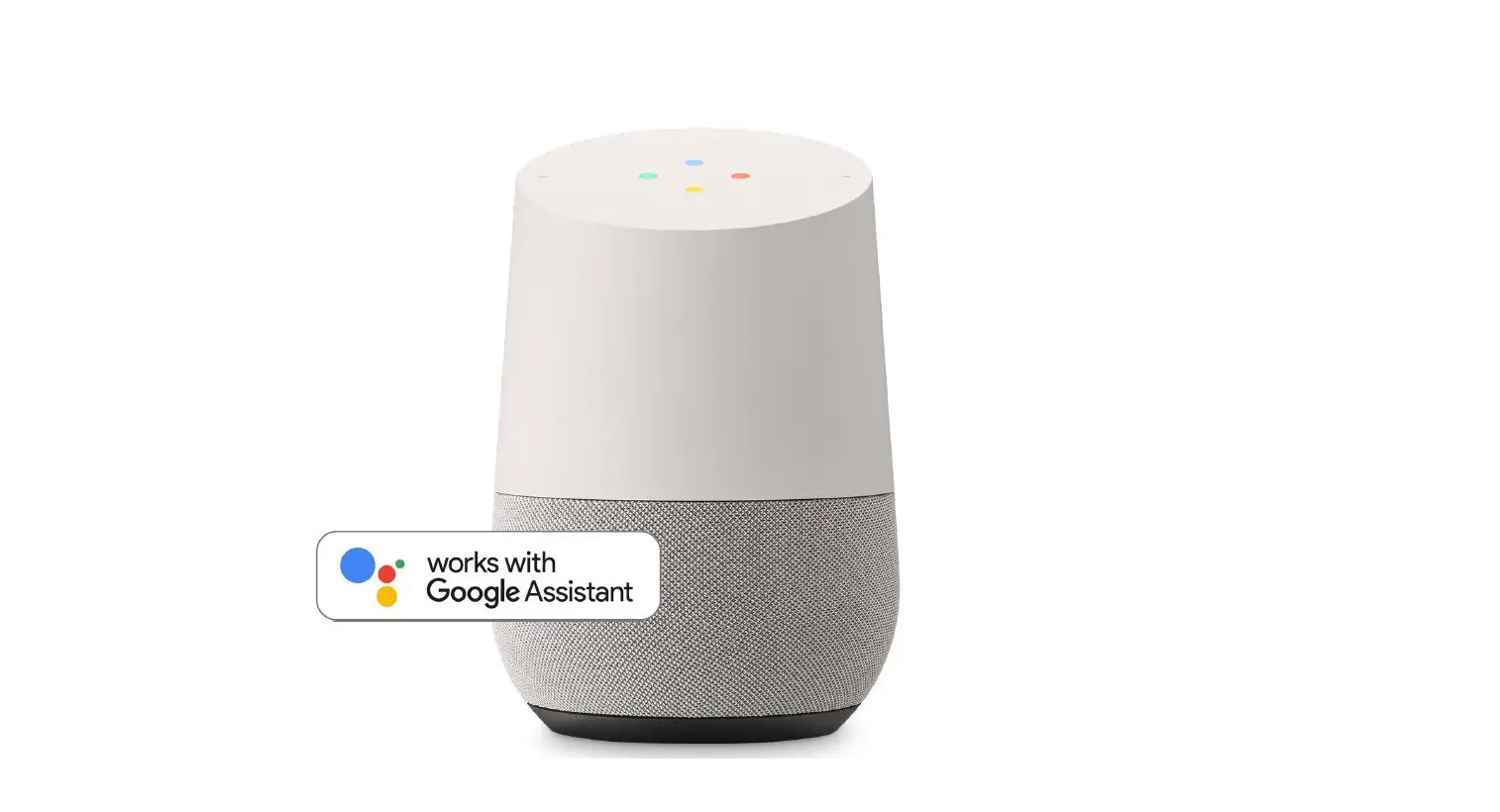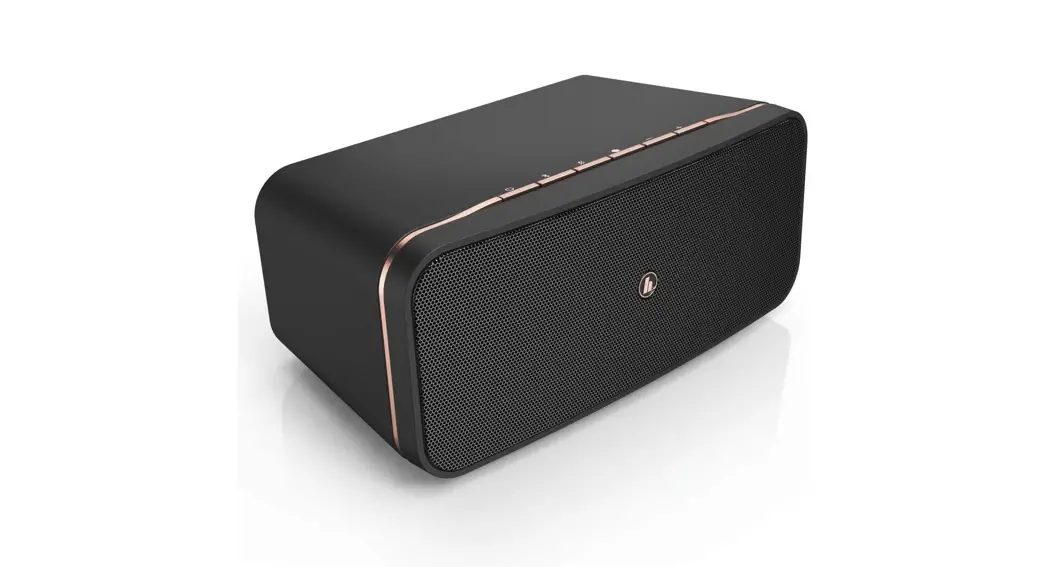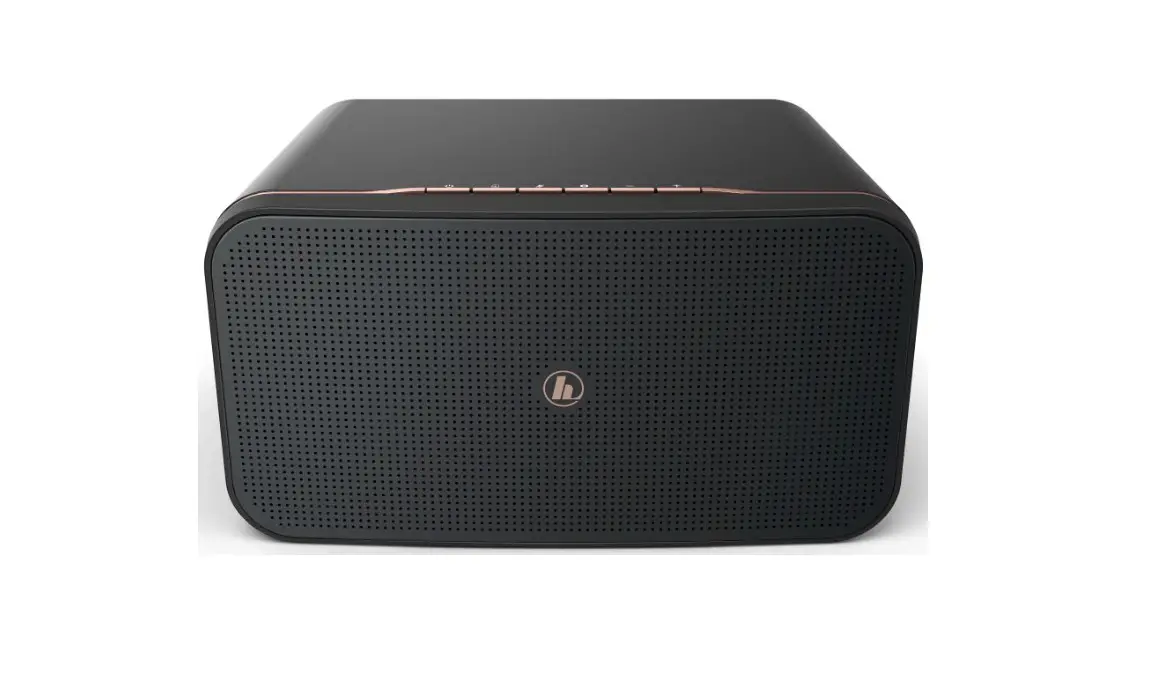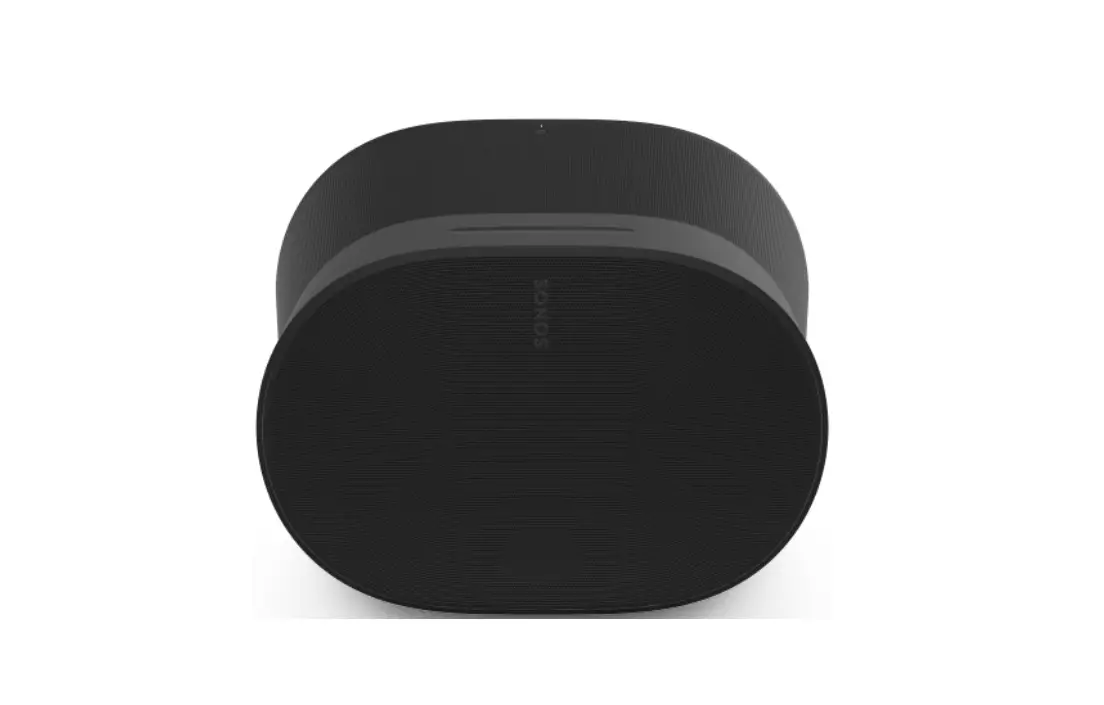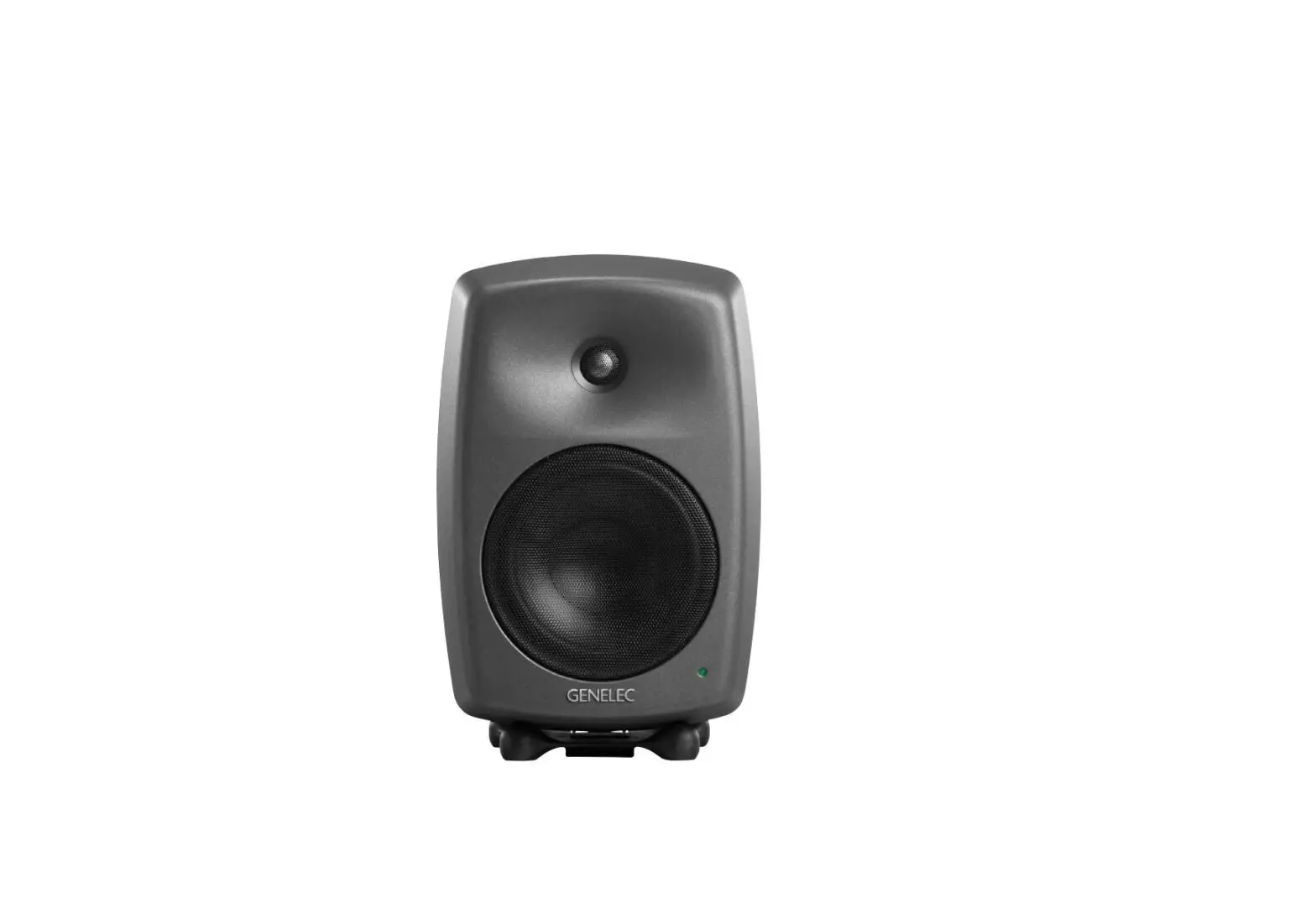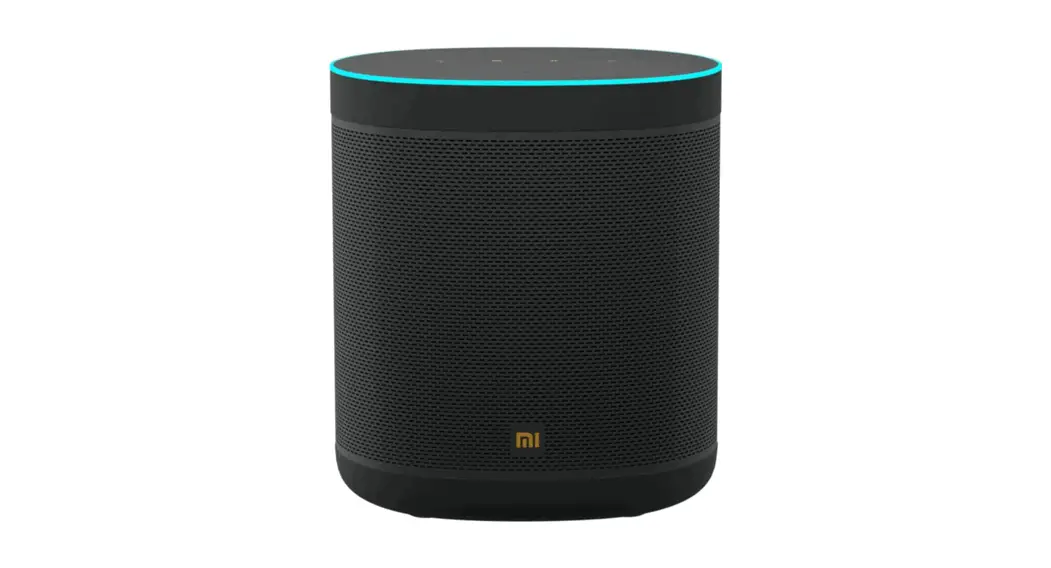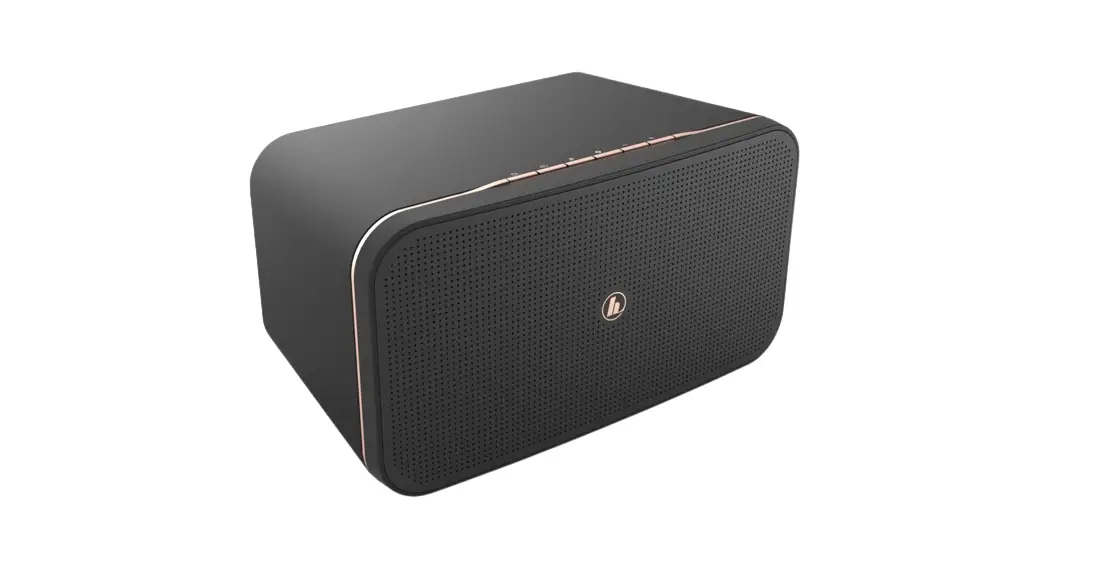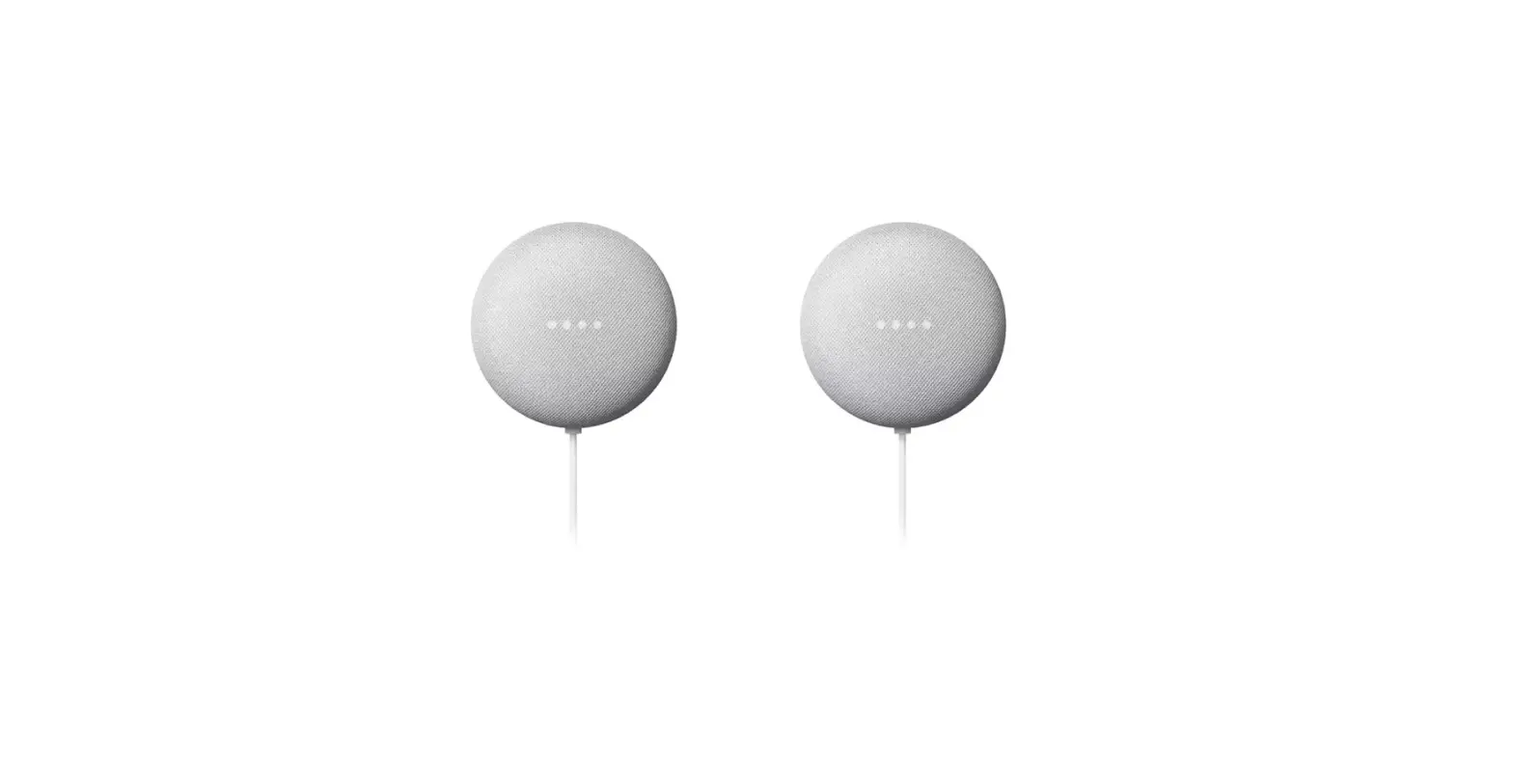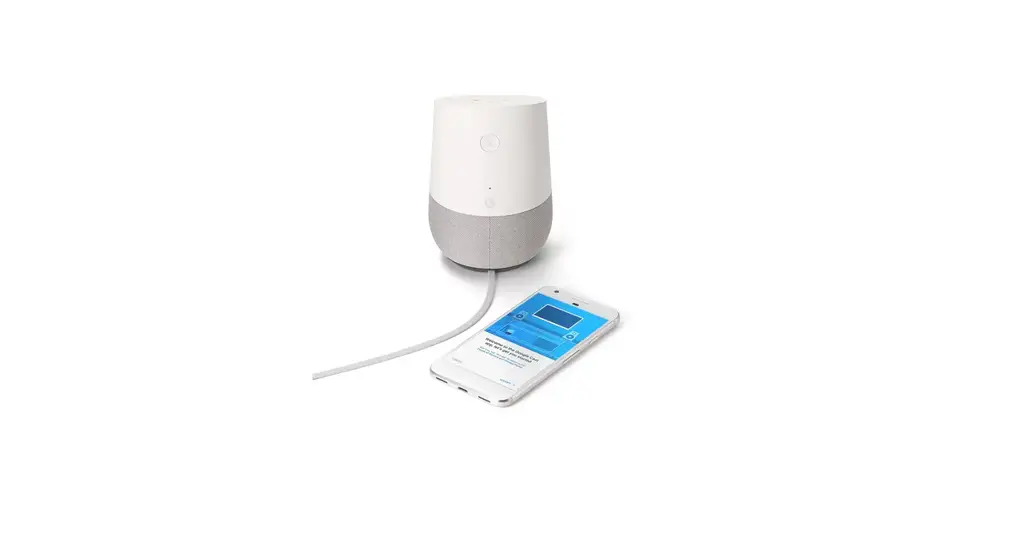
Google GA3A00417A14 Home Smart Speaker
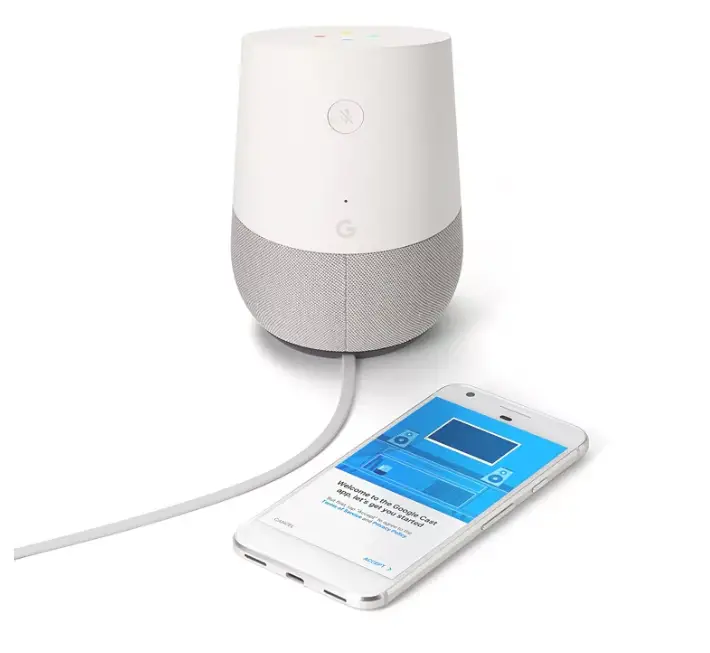
Specifications
- BRAND: Google
- CONNECTIVITY: 11b/g/n/ac (2.4GHz/5Ghz) Wi-Fi
- DRIVER RADIATOR: 2”
- PASSIVE RADIATOR: dual 2”
- CONNECTIVITY TYPE: Wireless
Introduction
The Google Assistant powers the voice-activated speaker known as Google Home. Ask it inquiries. Tell it what to do. It’s your own personal Google, available at all times. Just say “Ok Google” to get started.
Google Home can play music, podcasts, or radio from services like Google Play Music, Spotify, YouTube Music, Pandora, and Tune In with only a simple voice command. Google Home is prepared for your inquiries because of Google’s extensive history in search. Find out the most recent information on the weather, traffic, finances, sports, local companies, and other topics in real time. Google Home will become more individualized with your consent and learn more about you. Google Home can look up your flight details, set timers and alarms, and even provide traffic information for your commute to work.
In order to establish the ideal temperature or dim the lights, you can use Google Home’s seamless connection to smart devices like Chromecast, Nest, and Philips Hue. Learn all your smart devices can do with Google Home.
What’s included
- Google Home Smart Speaker x 1
Get Started
- Connect your display or speaker. Reset the speaker or display to factory settings if the device has been used previously before continuing.
- Open the Google Home app on your smartphone or tablet.
- Follow the in-app instructions after tapping the Add icon for Set up device and New device. If the button to set up devices is not visible: Tap Get started Set up new devices Create another home in the Home app, then enter your home’s nickname and address to configure your first device. You must give your username, but you are not required to submit your address. Tap the Add icon Set up device + New device in the top left corner to configure any more devices. At the top left, tap the Add icon Set up device plus New device to configure all other devices.
- Follow the remaining actions. Some settings, such as Voice Match or personal results, will be available for you to turn off. After setup is complete, you can update these settings whenever you want.
Frequently Asked Questions
A line of smart speakers manufactured by Google under the Google Nest brand was formerly known as Google Home. Users can engage with services through Google Assistant, the company’s virtual assistant, by speaking voice commands into the devices.
Control speakers and TVs, Make a daily plan, Complete your tasks, Conduct tasks, Get answers, Manage your house AND A fantastic time.
Control speakers and TVs, Make a daily plan, Complete your tasks, Conduct tasks, Get answers, Manage your house AND A fantastic time.
You may easily stop your Google Nest/Home speaker from listening by clicking the button on the back, but it is constantly listening. What happens if you turn off the microphone? No longer will Google’s servers be used to pick up and process your voice or music. But it implies you won’t be able to instruct it.
By connecting it to your music streaming services or your smartphone, you may use Google Home as a speaker. You may use your Google Home to listen to music, podcasts, radio broadcasts, and more after it is linked.
By controlling your Wi-Fi router or any dodgy third-party software you install, among other methods, a hacker can access your Google Home.
For just $6 a month, you can get coverage for all the Google Nest speakers, cameras, and displays in your house and manage it all using the Google Home app, with unlimited devices.
The Google Nest product range can do everything the Google Home could. They can play music and videos in addition to responding to user questions and commands as smart speakers. The majority of Google Nest devices now have screens, which is the fundamental difference from the Google Home line of gadgets.
The Google Home offers a wide range of third-party streaming services, including Pandora, Spotify, and TuneIn, just as Amazon’s Alexa devices, which at the moment include the Echo, Echo Dot, Tap, and the new Echo Look camera.
It allows access to the device’s inputs, including the microphone and camera, and may be utilised from anywhere. The connected device can also receive audio messages from the user side, making it possible to use it as an intercom system.
No, it requires a mobile device running Android 8.0 or above. a tablet computer running Android 8.0 or above. an iPad or iPhone running iOS 14.0 or above.
Despite having a fantastic display, a strong speaker, and a sizable pool of Android phones to use for video conversations, Google chose security and privacy this time rather than adding new capabilities. Even more bluntly, the manufacturer stated that the absence of a camera is a benefit rather than a drawback.
As long as you rigorously restrict the information that smart-home digital voice assistants like Amazon Alexa or Google Home have access to, they are secure.
You can have up to 6 devices on Google Home.
Your Google connected home gadgets and services can be accessible to guests who are invited into your house.