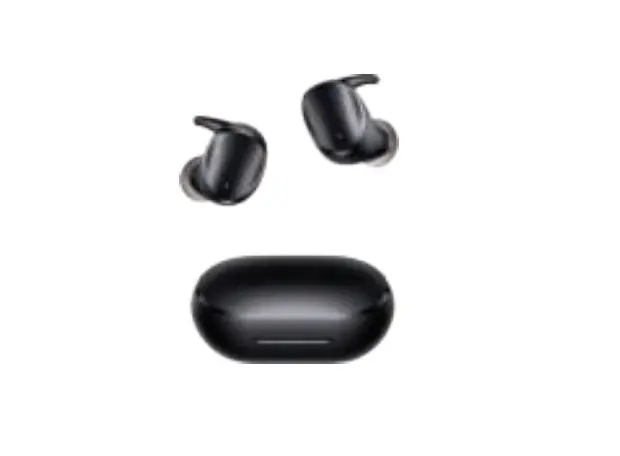
Avalue TWS Wireless Bluetooth Earbuds User Manual
Specifications
- Brand: Avalue
- Name: TWS Earbuds
- Color: Black
- Material: ABS+PC
- BT Version: 5.0
- Connection Range: <_10 meters
- Speaker Diameter: 6mm
- Speaker Sensitivity: 98±3dB
- Speaker Impedance: 160±15%
- Speaker Frequency Response: 20Hz-20KHz
- Microphone Sensitivity: – 42±3dB
- Microphone Frequency Response: 100Hz-8000Hz
- Earbud Weight: About 4g*2
- Earbud Battery Capacity: 30mAh
- Playing Time: About 4 hours
- Calling Time: About 4 hours
- Earbud Charging Time: About 1 hour
- Charging case Weight: About 26.Bg
- Charging case Battery capacity: 300mAh
- Charging Time for The case: About I hour
- Charging case Input: 5V
- Standby Time: About 40 hours
- Charging case Size: 60*37*28mm
- compatibility: For Apple/ Android devices with BT function
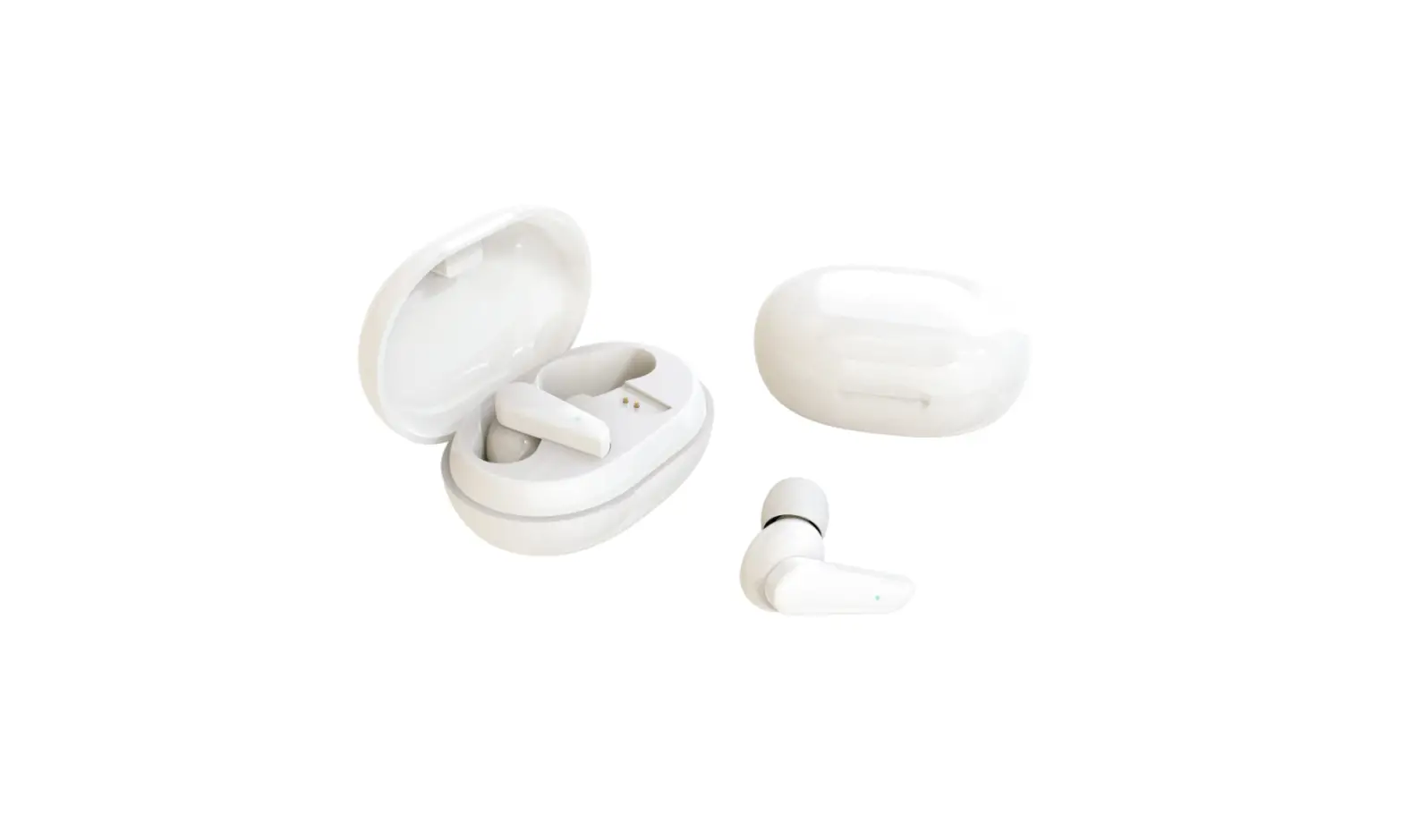
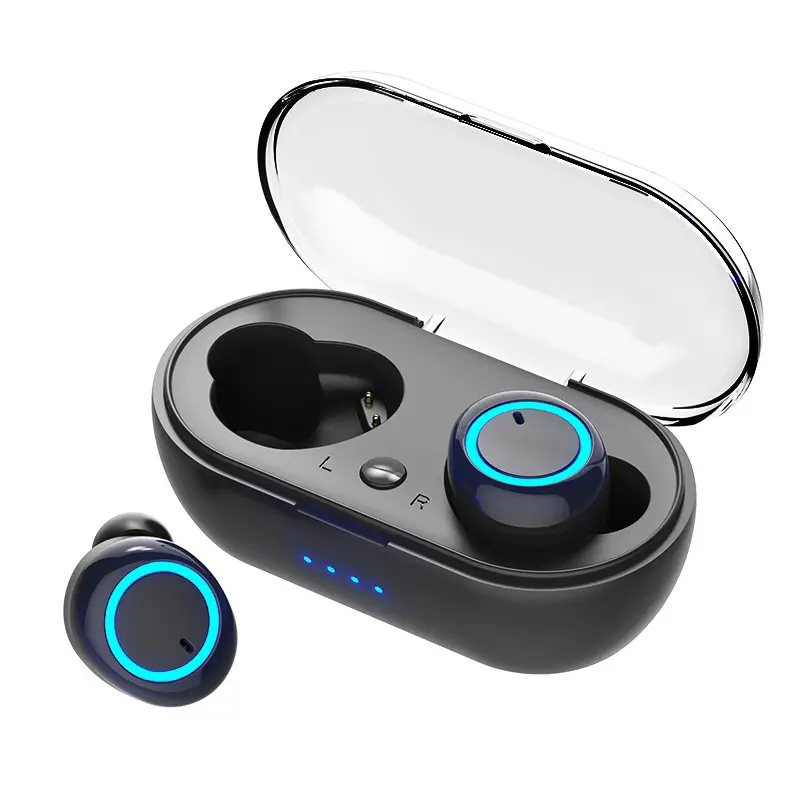
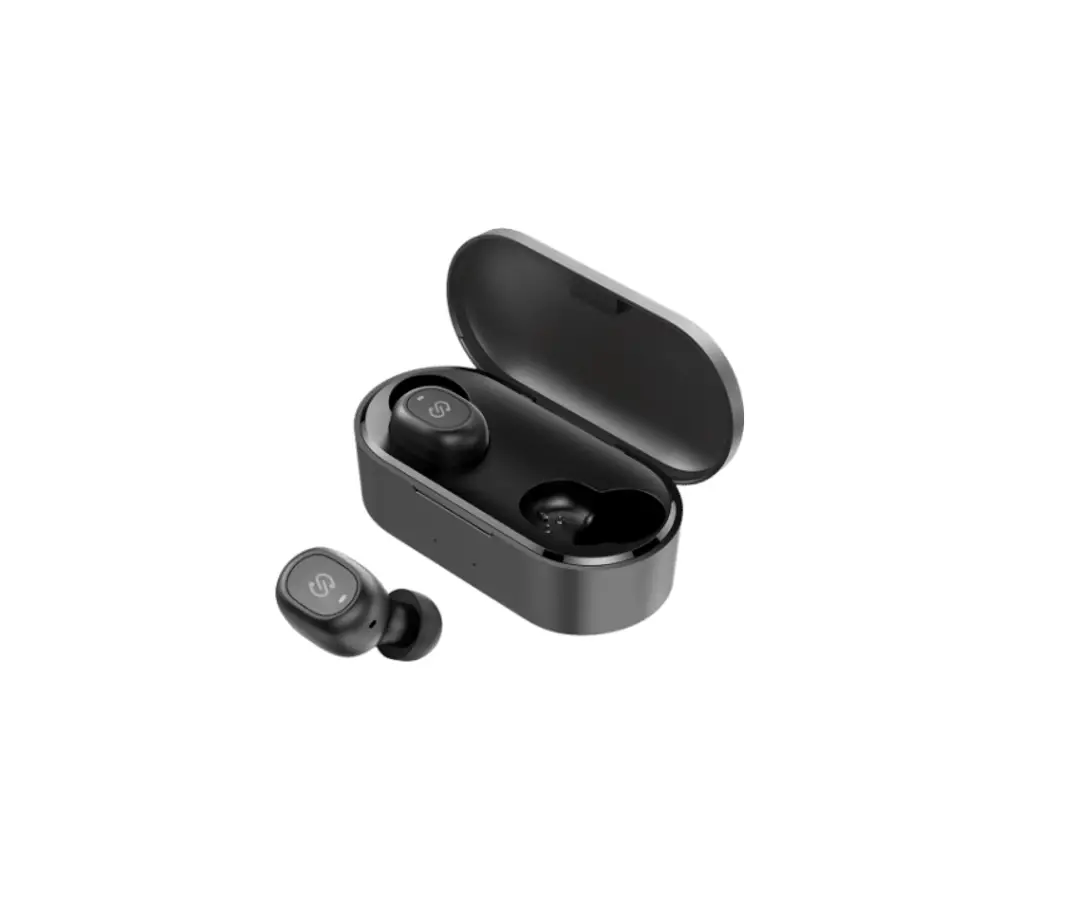
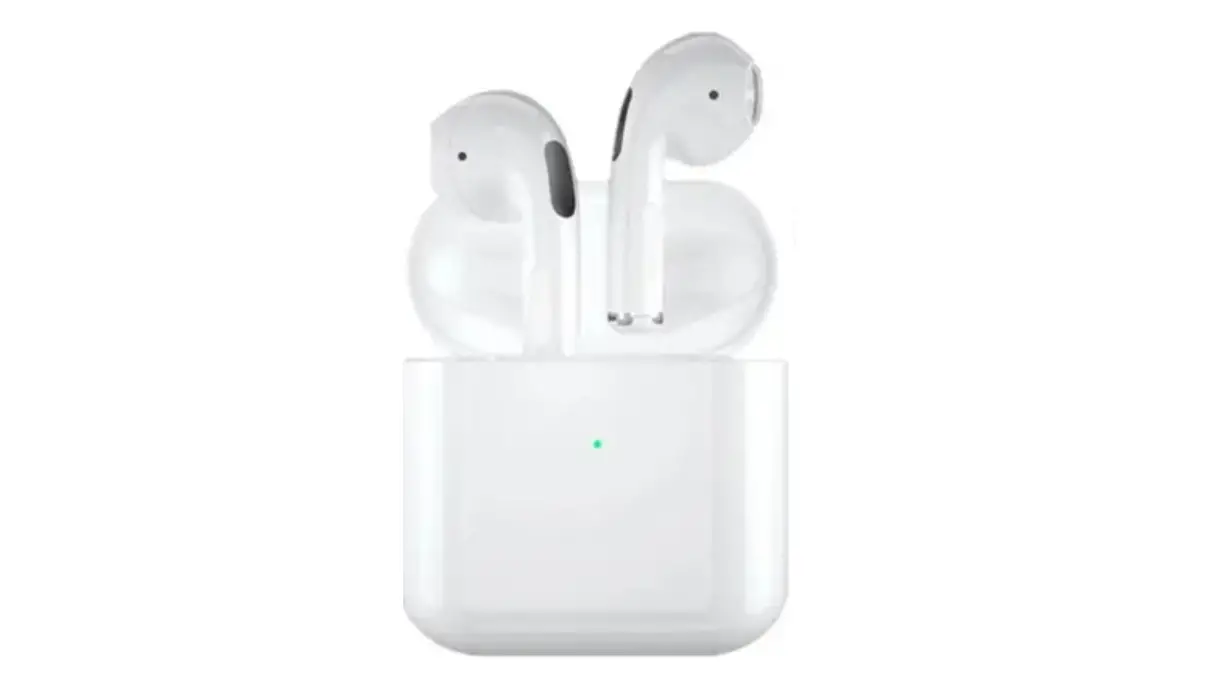
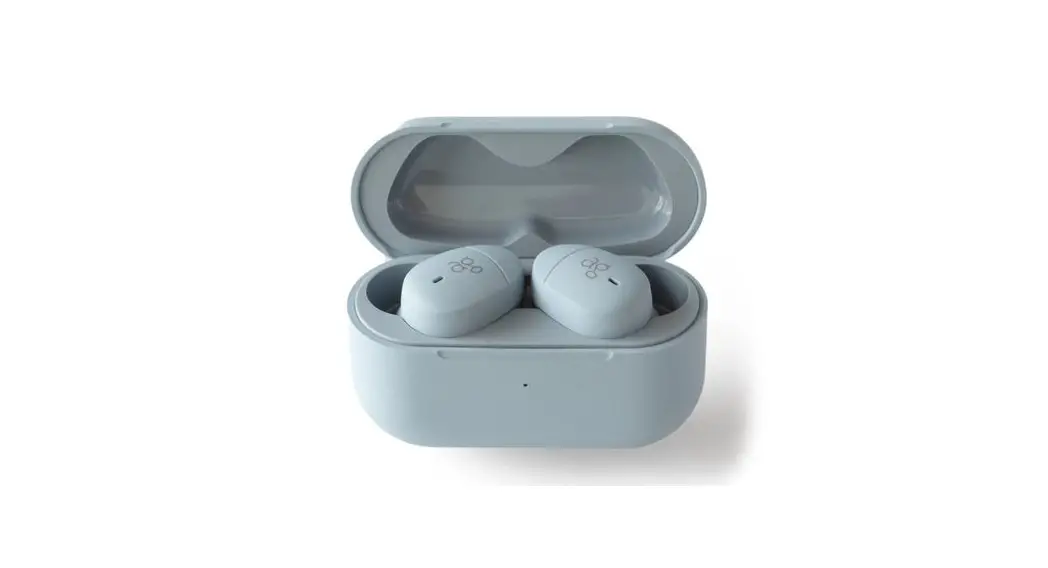
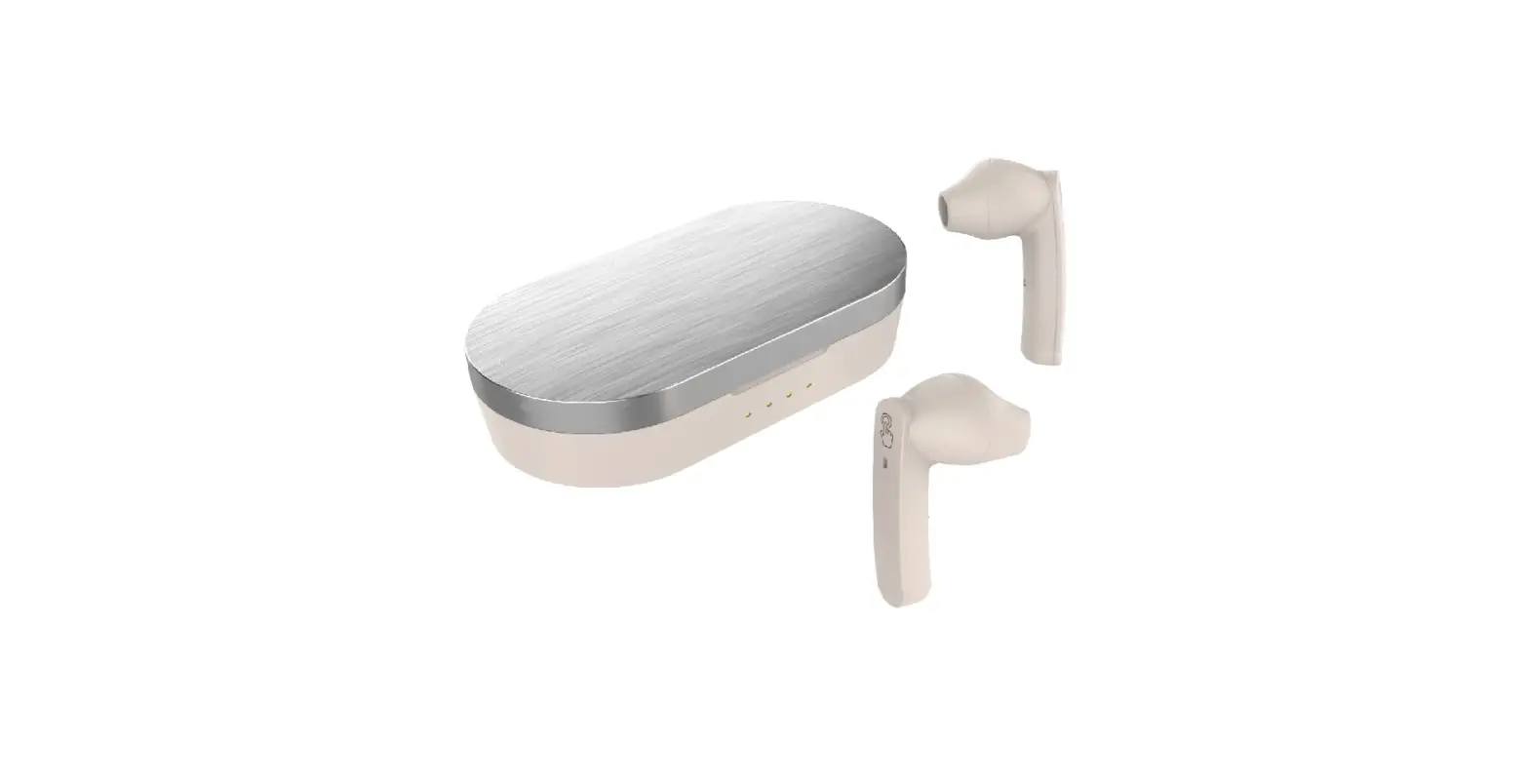
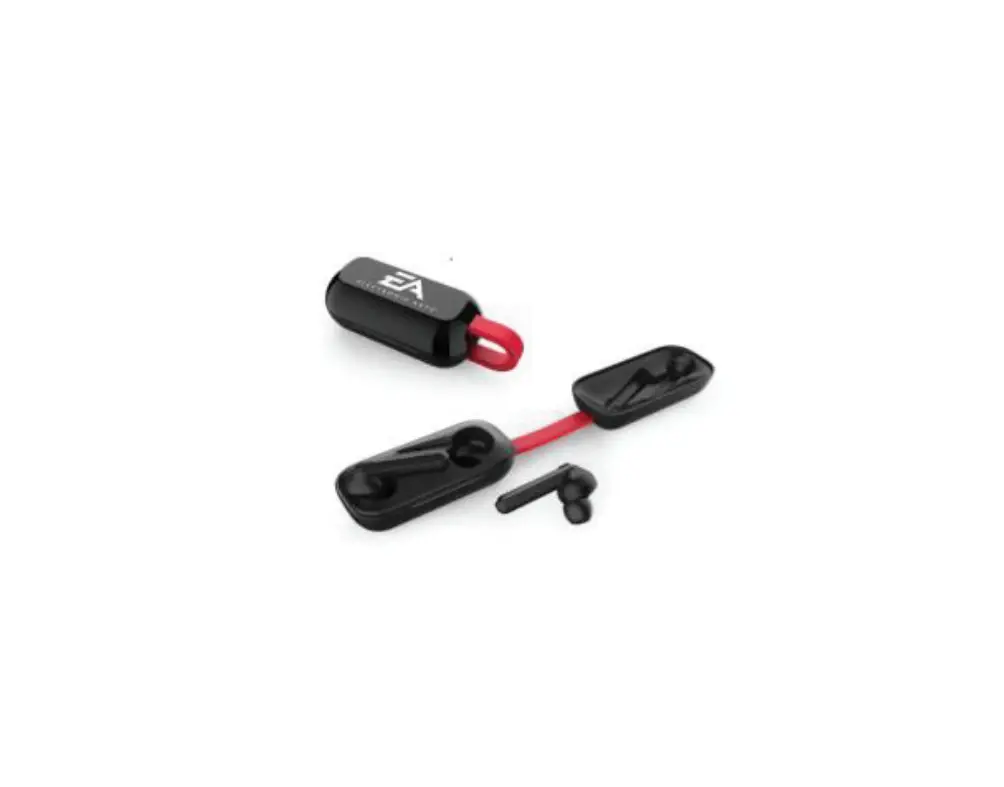
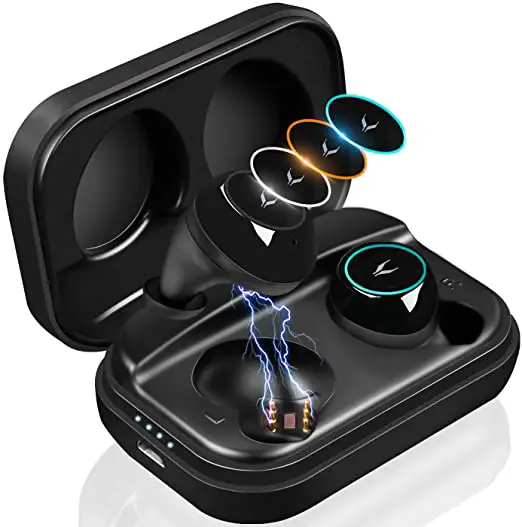
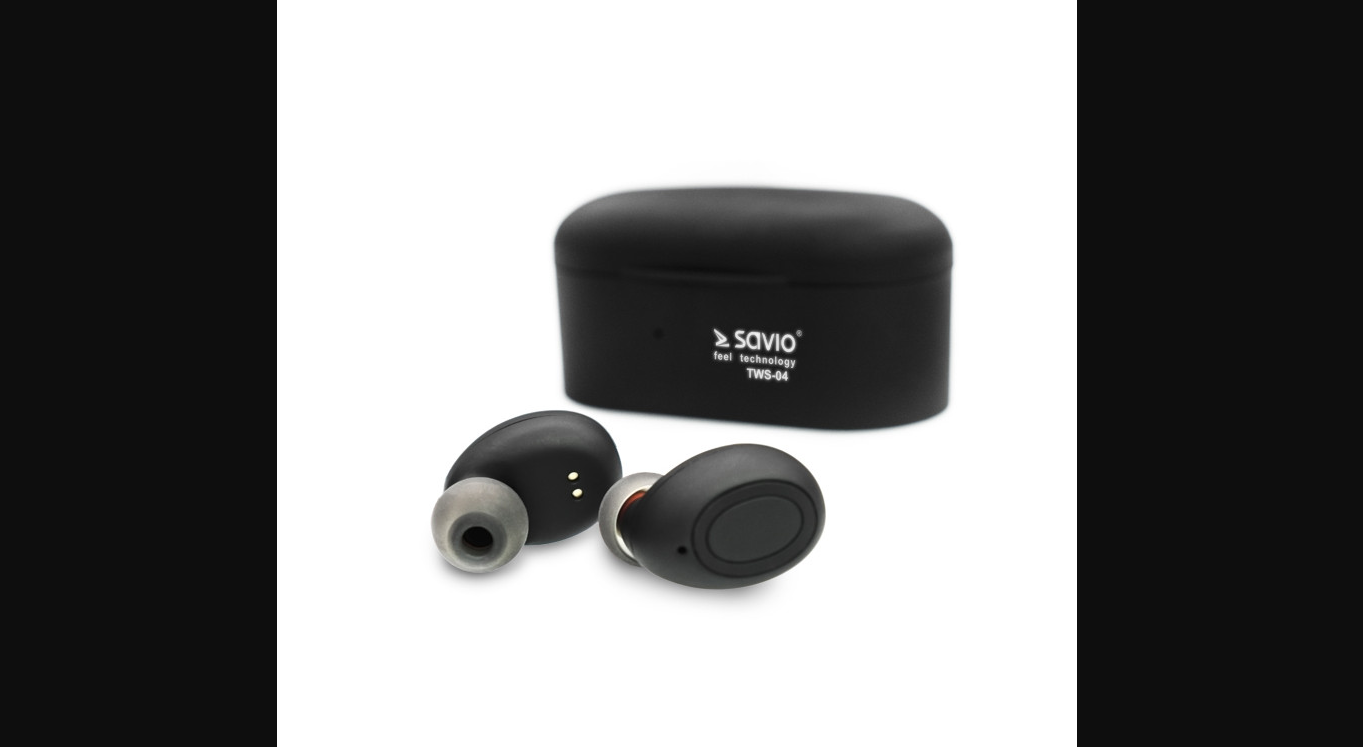
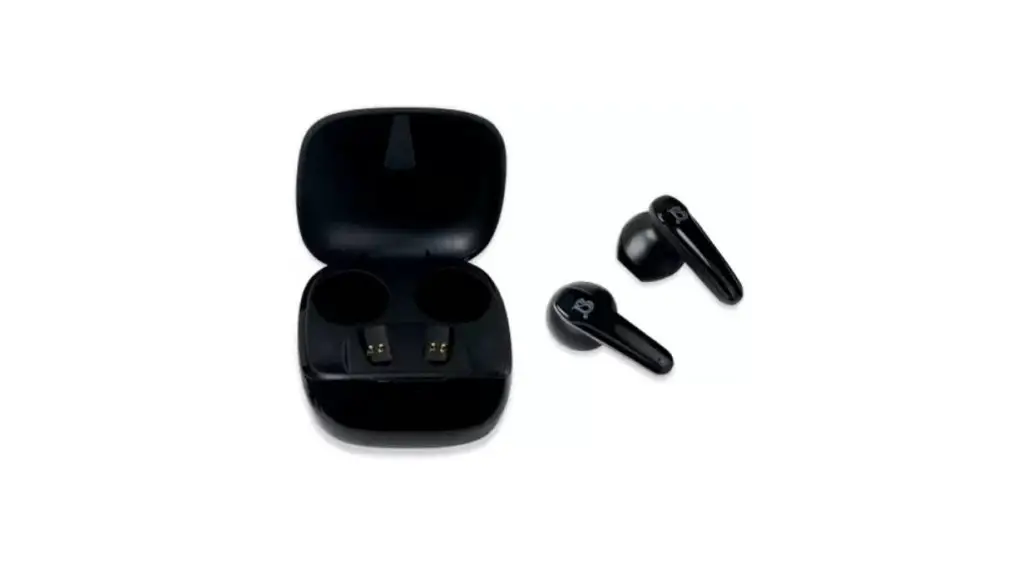
Product Structure
NOTES: Pictures for reference only, product please in kind prevail.
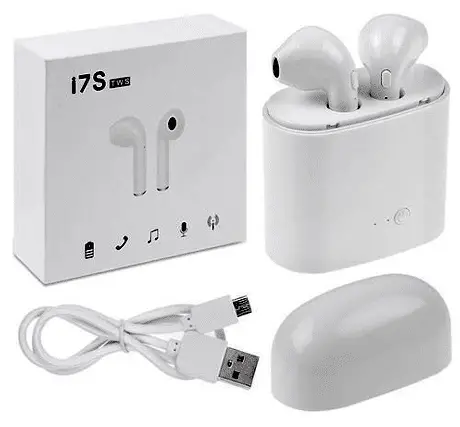
INCLUDING: Type-C charging cable”, Earbuds with ear tips”11 pair, Ear tipsw2 pairs, Charging case*1, User manual*1
How to use
| Function | Current Status | How to Operate | Voice Prompt |
| Power on | Power-off (Earbuds are in charging case) | Take earbuds out of charging case and them will auto power on | Power on |
| Power-off (Earbuds are out of charging case) | Long press touch area for 2 seconds to power on | Power on | |
| Power off | Power on | Put earbuds into charging case and close lid | |
| Long press touch area for 6 seconds | Power off | ||
| If no devices connected within 5mins after power-on, them will auto power off. | Power off | ||
| TWS pairing | Power on | After power on, two earbuds will auto pairing | |
| TWS Disconnection | Power on | Turn one of earbuds off | |
| Connect to Device | Power on | Turn on phones Bluetooth and search for 1.15AMS-LX0r, and connect | Connected |
| Disconnect to Device | Connected | Turn off phone’s Bluetooth/ disconnect due to out of connection distance | Disconnected |
| Reconnect | Power-on | Turn on the latest connected phones Bluetooth, and within connection range, it will auto connect | Connected |
| Play/ Pause Music | Music Playing | Touch UR earbud once | |
| Previous Song | Music Playing | Long press Left earbud for 3 seconds | |
| Next Song | Music Playing | Long press Right earbud L for 3 seconds | |
| Answer calls | When calls coming | Touch UR earbud once | |
| Hang up calls | During phone calls | Touch UR earbud once | Call ended |
| Reject calls | When calls coming | Long press UR earbud for 3 seconds | Call rejected |
| Volume + | Music Playing | Double Touch Right earbud | |
| Volume – | Music Playing | Double Touch Left earbud | |
| Wake up Sid Android voice assistant | Triple touch UR earbud | ||
| Low battery prompt | Power-on | When earbud voltage is lower than 3.3V, there is a voice prompt every 20s | Low battery, please charge |
| Charging for earbuds | Put earbuds into charging case, and red light on; when fully charged, the red light turns into blue light, and then goes out after lOs | ||
| Charging for the case | Charging for the case with Type-C cable; when charging, the indicator flashes |
Attentions (typical but not complete)
- The Earbuds have left and right parts. To make them stable in ears, please adjust the angle after wearing them.
- Please use 5V charger to charge the case, do not use charger with voltage higher than 5V.
- When the case fails to charge the Earbuds, please clean the Earbuds’ charging contact point and put them back to case.
- Do not use heavy objects to squeeze or impact the product. Keep it away from extremely hot or humid environment.
- In order to avoid signal interference and discontinuous sound, please stay away from WiFi routers and other high-frequency transmitting devices when using the product.