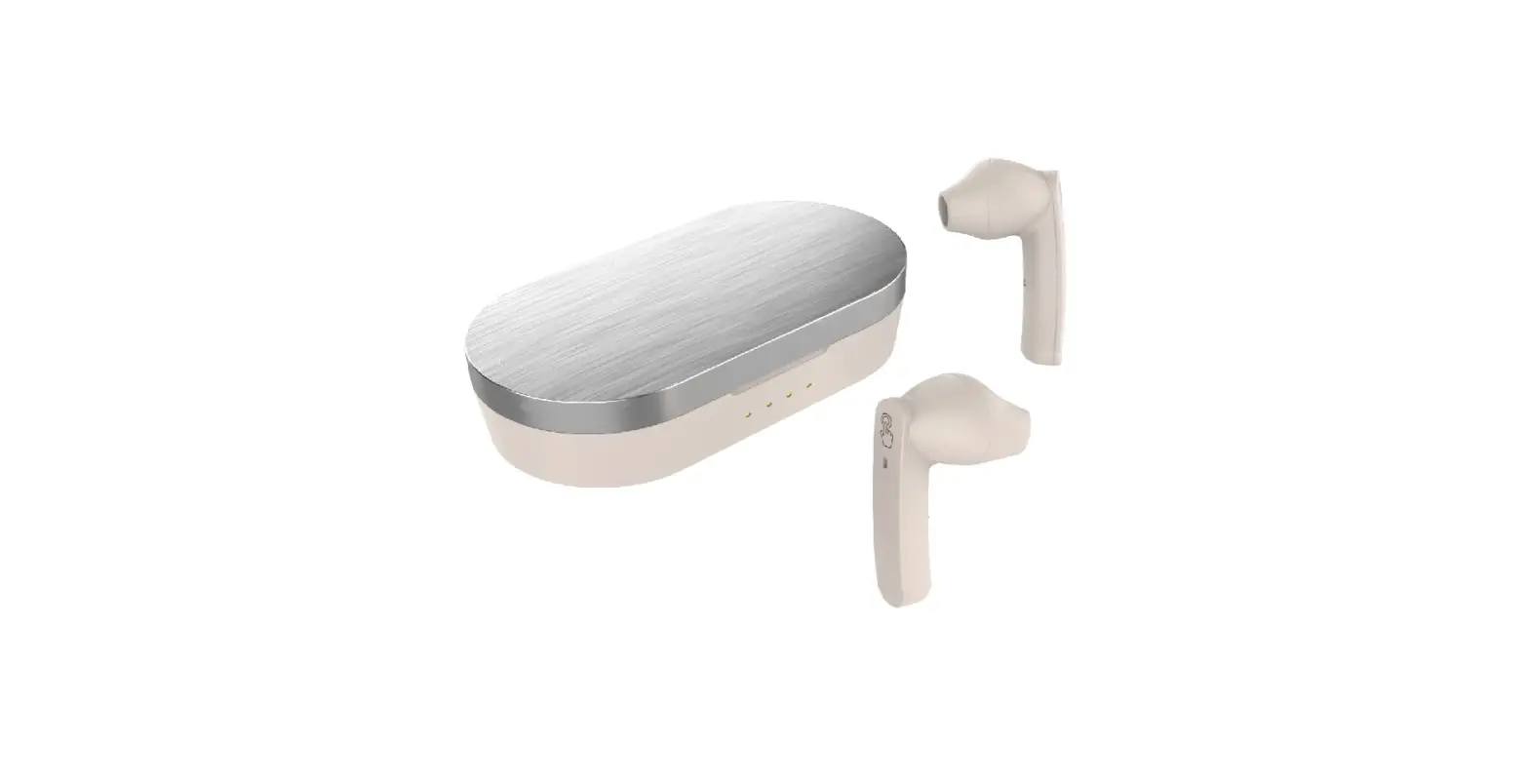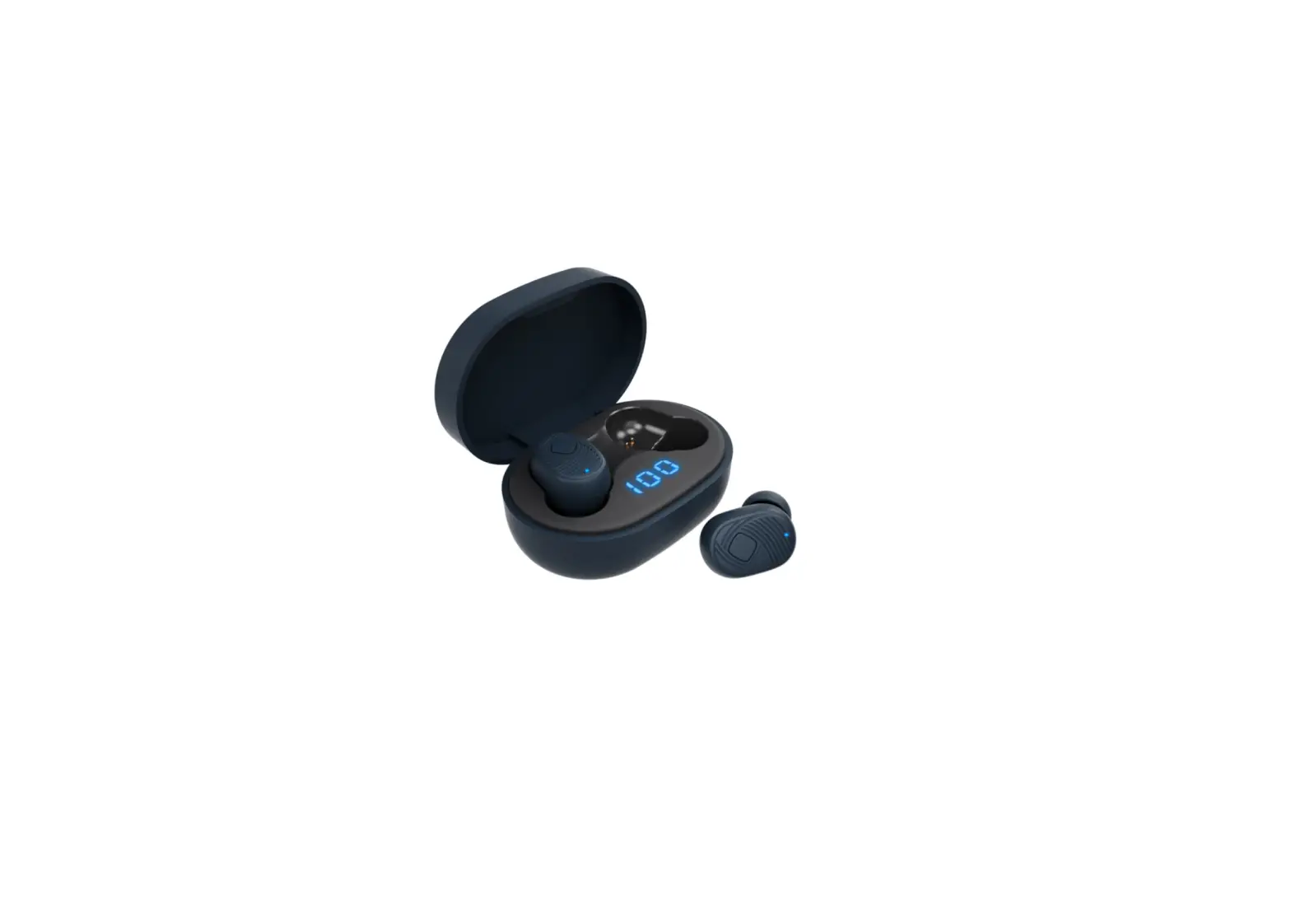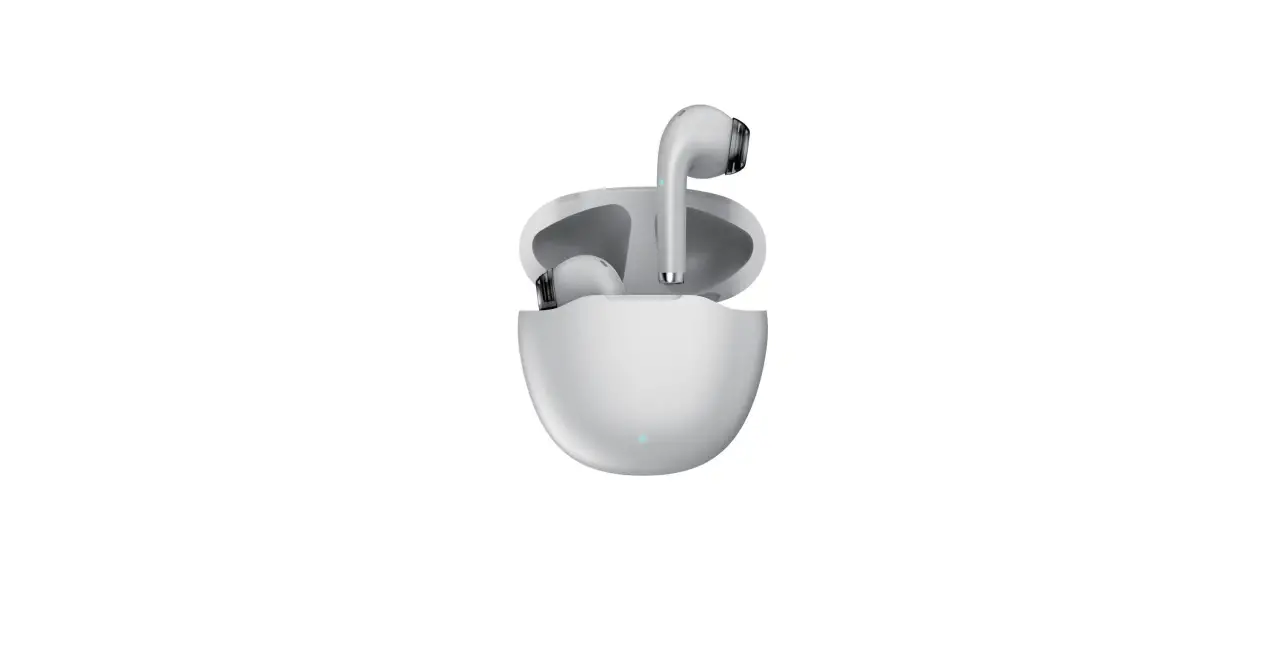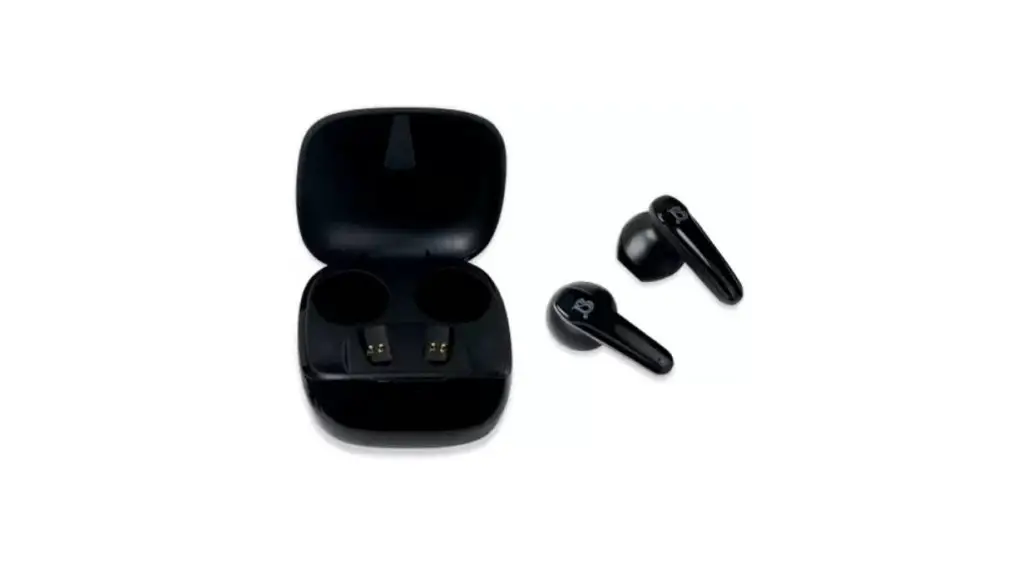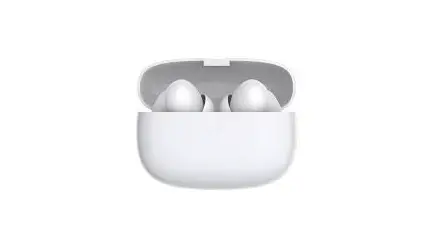
TWS Wireless Bluetooth Earbuds User Manual
Model: Touch Series
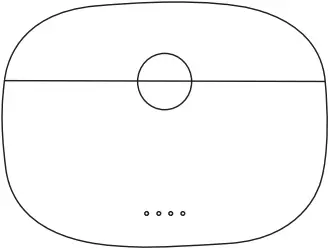
1 FUNCTIONAL DIAGRAM
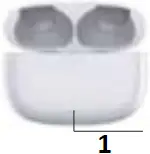
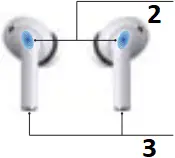
- Light indicator
- Touch Area
- Charge Area
Poll out after rotation

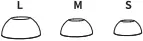
Inserting the Earbuds in the Ears
Choosing and replaceable ear adapters.
2 HOW TO USE
1 TO CHARGE CHARGING CASE
(1) Connect the lightning cable to Lighting on the charging case
(2) Plug the USB connector of the cable into a USB Power source
(3) The Indicator light will show Orange while the charging case is charging, Depending on the power delivered to the charging case, the charging case will take approximately 90mins or more to completely charge
(4) The Green light on for 1 minute when the case is fully charged
2 WIRELESS CHARGING

Position on charging pad
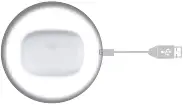
(charging pad not included)
Put the Charing case (Wireless charging area in blue circle) on the center of charging pad
NO. | Item | Description |
1 | Wireless charging current | Max to 155mA |
2 | Full wireless charging time | about 160 min |
3 | Working temperature | -20°C-50°C |
4 | Wireless charging Input | 5V |
5 | Power | 5V=0.15 0.75W |
6 | Temperature control | Automatically off charging at about 55°C |
*Please use QI Standard charging pad
3 TO CHARGE EARPHONES
(1) Put the earphones in the charging case correctly, charging case will start to charging automatically
(2) The green indicator light flash slowly when the left earphone is charging
(3) The white indicator light flash slowly when the right earphone is charging
(4) Both left and right earphone are charging when green and white light flash alternately
(5) The indicator light will turn OFF when fully charged
4 POWER ON AND PAIRING
(1) Open the cover of charging case, both earphones will AUTO-ON and AUTO-PAIRING, both earphones will response with a voice prompt: “Doug” when connected with mobile phone successfully.
For iOS:
A window pops up indicating earphones is ready to connect, just click “Connect”, press and hold the button on the charging case for about 7s to display “connecting”. At this time, the pop-up window of your iPhone will show you the power juice of both headset and charging box.
For Android OS:
Enable the bluetooth pairing mode on your phone device. Tap on “Airplus-029A” to connect. And both earphones will response with a voice prompt: “Dong” when connected with mobile phone successfully.
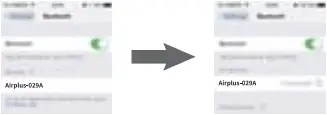
(2) Earphones will response with a voice prompt: “Dong” when bluetooth signal is cut off, and shutdown 3 mins later automatically.
5 SEAMLESS SWITCHING BETWEEN EITHER EARBUDS
You have the freedom to wear one or both earbuds, and you are allow to seamless switching between either earbuds at your disposal.
*Take out either earphone [ore Charging case, it will AUTO connect within 20ms.
6 POWER OFF
(1) Put the earphones in the charging case correctly, earphones will AUTO-OFF.
(2) Earphone will shutdown automatically in 3mins after disconnected with devices.
(3) Touch either earphone for 12s to shutdown manually.
*The Battery status of earphones is visible on connected devices when it’s running out of power, the earphones will remind you with a voice prompt: “DU,DU”, pls recharging in time.
7 PHONE & MUSIC
- To Answer a call
Touch either earphone one short - To End a call
Touch either earphone one short - To Reject a call
Touch either earphone for 1 second - To Play and pause music
Touch either earphone one short - To Play Prev/Next Song
Double touch left earphone for previous song
Double touch right earphone for next song
8 VOICE ASSISTANT
ANC mode: Press left earphone about 3 seconds after hearings prompt tone “di” and release to activate Siri or voice assistant.
9 MODIFY BLUETOOTH NAME
In the bluetooth setting of mobile phone, click the bluetooth name to jump to the input box of modifying bluetooth name, Enter the new bluetooth name and click finish.
10 LOCATE FUNCTION
Open the search APP, find the device bar and select the headset device to it, the location of earphone will be shown on the map.
11 ANC MODE
Touch and hold the right earphone for 3 seconds and release after hearing a prompt tone “DI”, you can switch over ANC mode/ Transparency mode and Close mode at your disposal.
12 RESTORE FACTORY DEFAULTS
Put the earphone into the storage box, open the cover, press and hold the storage box, press the button for ten seconds, the headset flashes red twice to turn off the ear detection function (Apple needs to turn off and then turn on the interface to restore the ear function, Android long press to open for 8 seconds)
3 PROMPT TONE
Prompt Item | Prompt tone description |
| Turn off | Prompt tone “du” |
| Connect the mobilephone | Prompt tone “dong” |
| Disconnect | Prompt tone “dong” |
| Low battery alert | Prompt tone “du” “du” |
4 CHARGING CASE SPECIFICATION
| NO. | Item | Description |
| 1 | Battery capacity | 360 mAh |
| 2 | Charging way | Type-C |
| 3 | Input | 5V 1A |
| 4 | Full charging time with cable | About 1.5H |
| 5 | Recharging times for earphones | 3 to 4 times |
| 6 | Left earphone in the case | The first left light flashes slowly |
| 7 | Right earphone in the case | The first right light flashes slowly |
| 8 | Charging case is charging | When battery is >25%, the first left light keeps on and next one flashes |
| When battery is >50%, the left two lights keep on and next one flashes | ||
| When battery is >75%, the left three lights keep on and next one flashes | ||
| When battery is 100%, all lights keep on | ||
| 9 | Charging case is fully charged | All 4 lights keep on for 30 seconds and then off |
| 10 | Low power(3.2-3.3V) | The first left light flashes 5 times once a minute when charging case battery is < 20% |
| 11 | <3.2V | Power off |
5 EARPHONE SPECIFICATIONS
| NO. | Item | Description |
| 1 | Frequency response range | 20HZ-20KHZ |
| 2 | Product impedance | 16 Ω |
| 3 | Capacity | 45mAh |
| 4 | Sensitivity | 113±3dB |
| 5 | Earphone Size | 33.2*19.6*23.6mm |
| 6 | Charging case Size | 62*22.8*46.3mm |
| 7 | Earphone Weight | 4.0g |
| 8 | Bluetooth operation distance | ≥10 meters (standard environment) |
| 9 | Bluetooth version | V 5.2 |
| 10 | Supporting agreement | HSP HFP A2DP AAC SBC |
| 11 | Transmission frequency | 2.4GHZ-2.48GHZ |
| 12 | Charging time | 60 minutes (earphone) |
| 13 | Life time | Talk time: about 6.5 hours Music palm time: about 8 hours (50% of the volume) Standby time: about 520 days (connected w/phone) |
| 14 | Product working temperature | -10°C- 50°C |
| 15 | Product storage temperature | -10°C-65°C |
6 SAFETY PRECAUTIONS
Please read follow and keep these instructions:
(1) Keep the device out of extreme heat and humid
(2) Power time may different depending on personal habits
(3) Heed all warnings on the product and in the operation instructions
(4) Do not listen at high volume level for long period to protect hearing
(5) Stop using this product immediately if it causes discomfort or pain
7 INSIDE THE BOX
(1) Bluetooth Headset X 2PCS
(2) Charging Case X 1PCS
(3) USB Lighting charging cable X 1PCS
(4) User Manual X 1PCS
(5) Silicon Earcaps X 6PCS
Model No.: EP029
FCC ID: 2AVLI-EP030
FCC Requirement
changes or modifications not expressly approved by the party responsible for compliance could void the user’ s authority to operate the equipment.
This device complies with Part 15 of the FCC Rules. Operation is subject to the following two conditions:
(1) this device may not cause harmful interference, and
(2) this device must accept any interference received, including interference that may cause undesired operation.
Note: This equipment has been tested and found to comply with the limits for a Class B digital device, pursuant to Part 15 of the FCC Rules. These limits are designed to provide reasonable protection against harmful interference in a residential installation. This equipment generates, uses, and can radiate radio frequency energy, and if not installed and used in accordance with the instructions, may cause harmful interference to radio communications. However, there is no guarantee that interference will not occur in a particular installation. If this equipment does cause harmful interference to radio or television reception, which can be determined by turning the equipment off and on, the user is encouraged to try to correct the interference by one or more of the following measures:
– Reorient or relocate the receiving antenna.
– Increase the separation between the equipment and receiver.
– Connect the equipment into an outlet on a circuit different from that to which the receiver is connected.
– Consult the dealer or an experienced radio/TV technician for help.