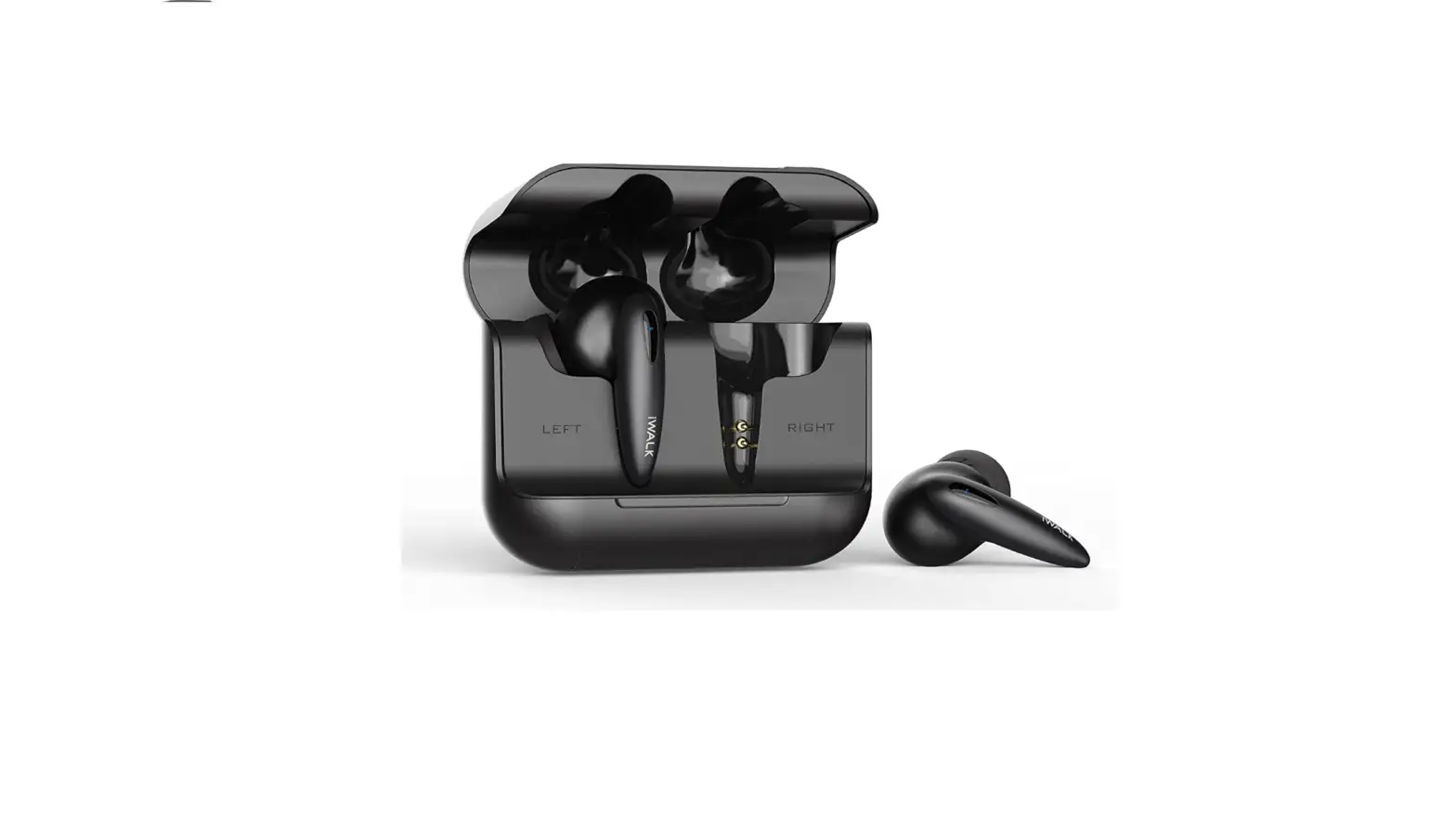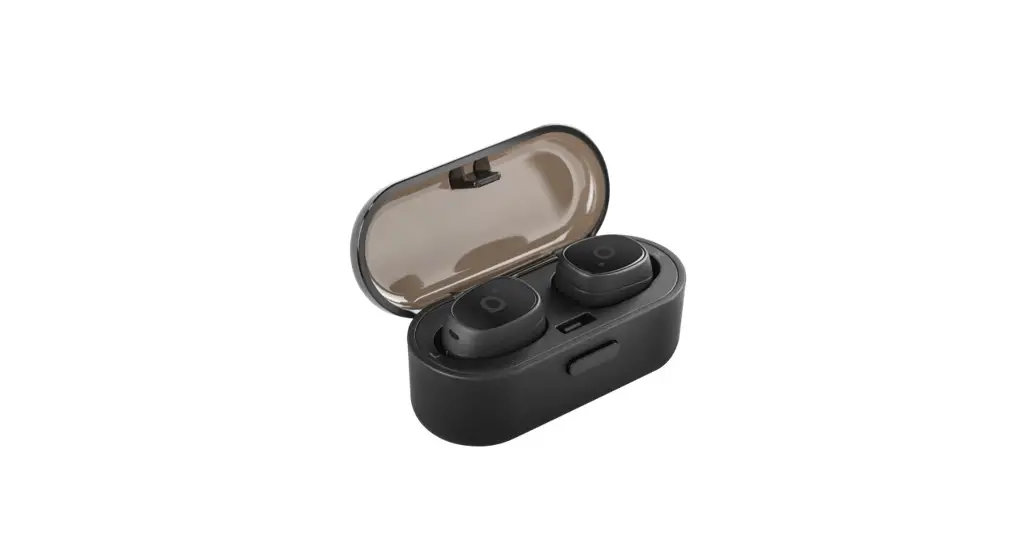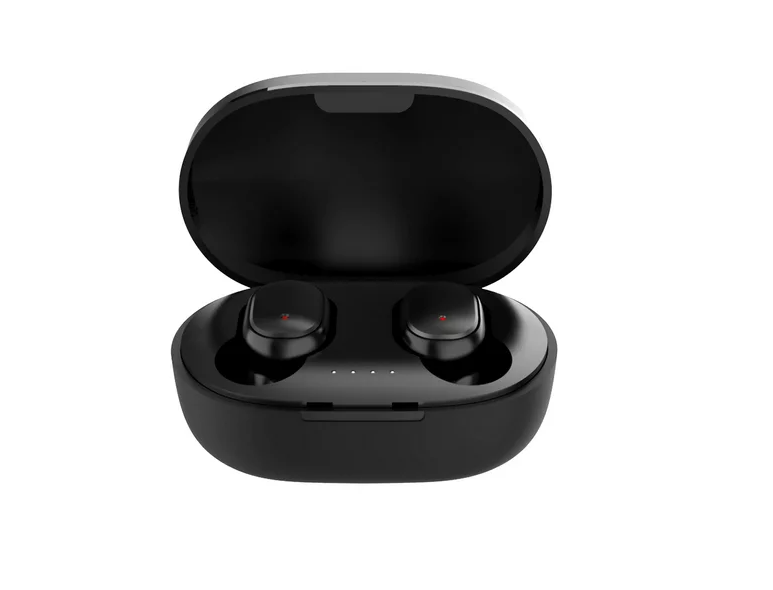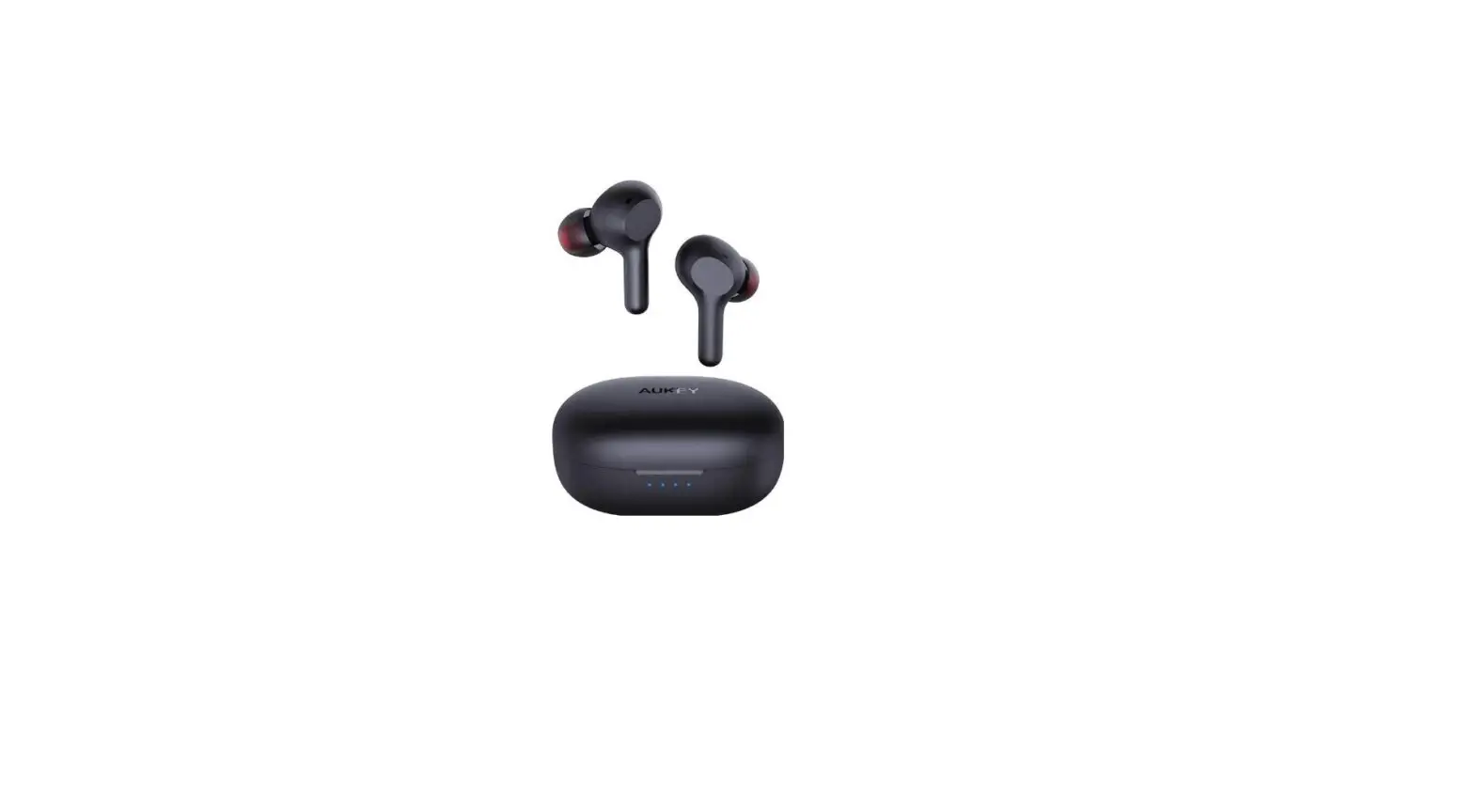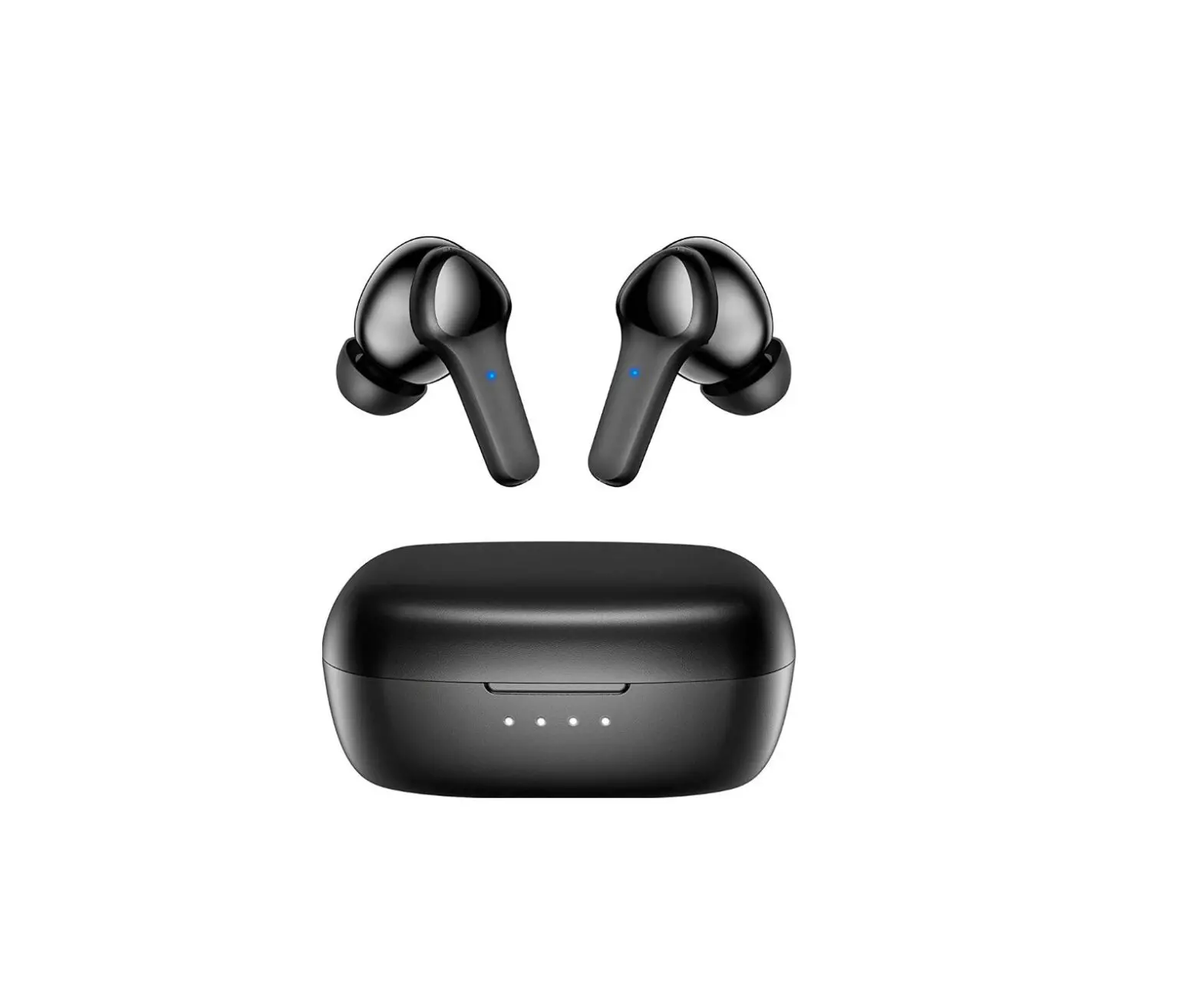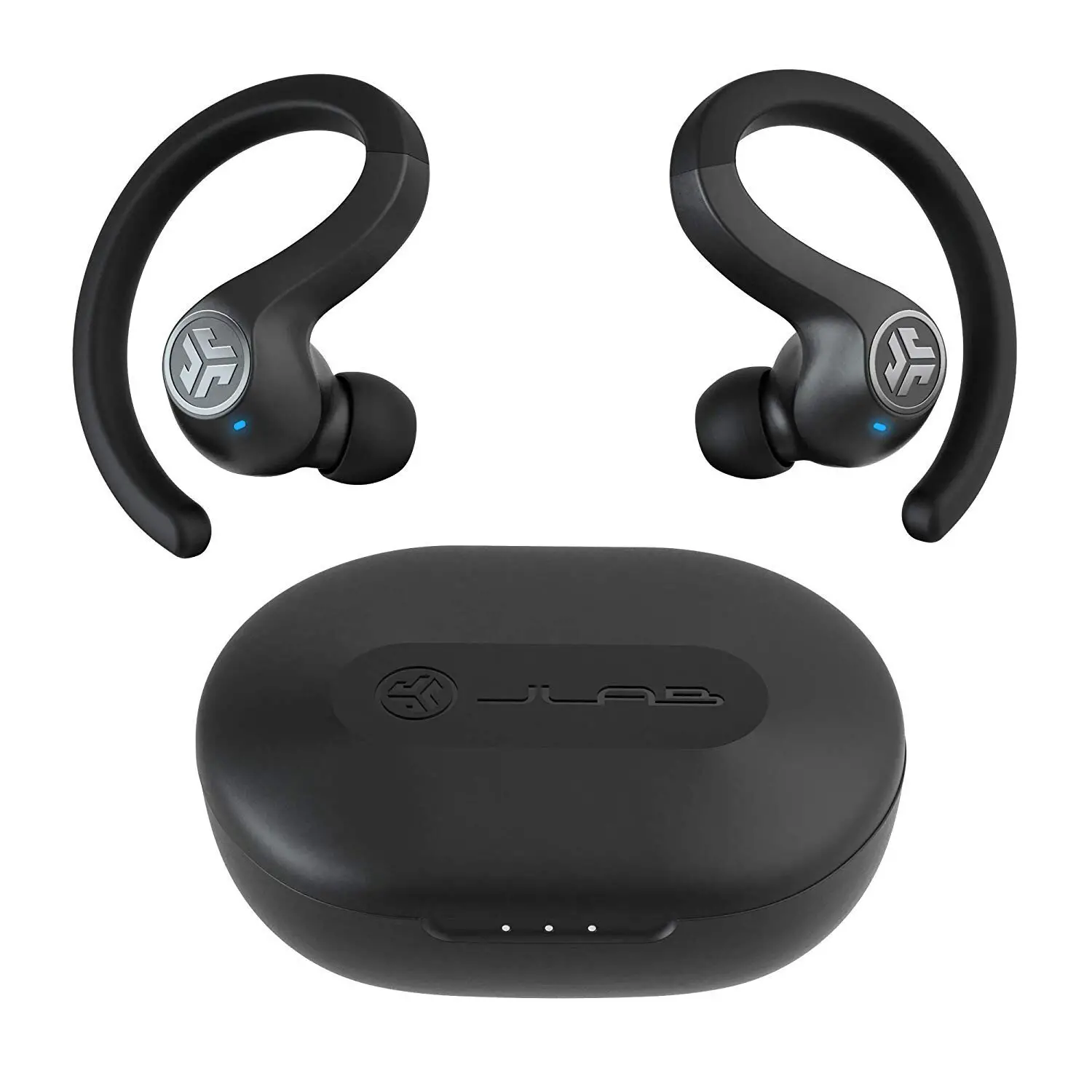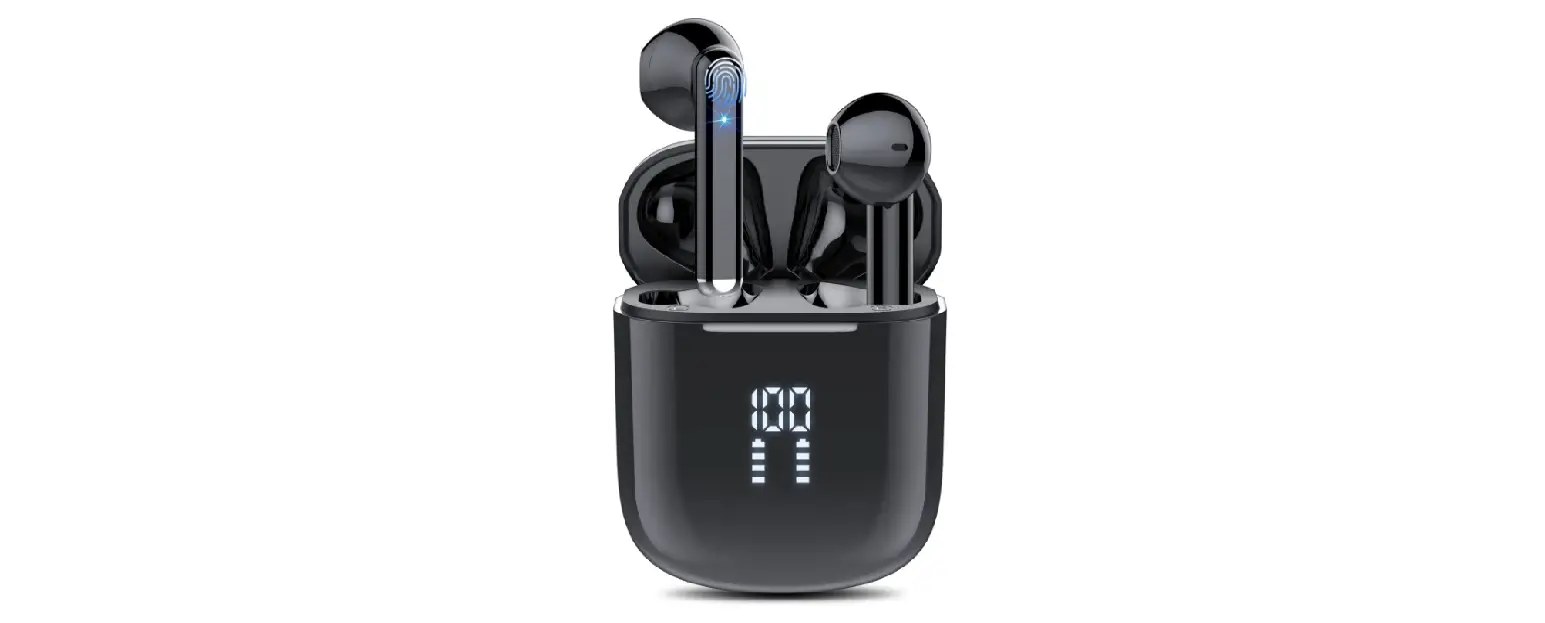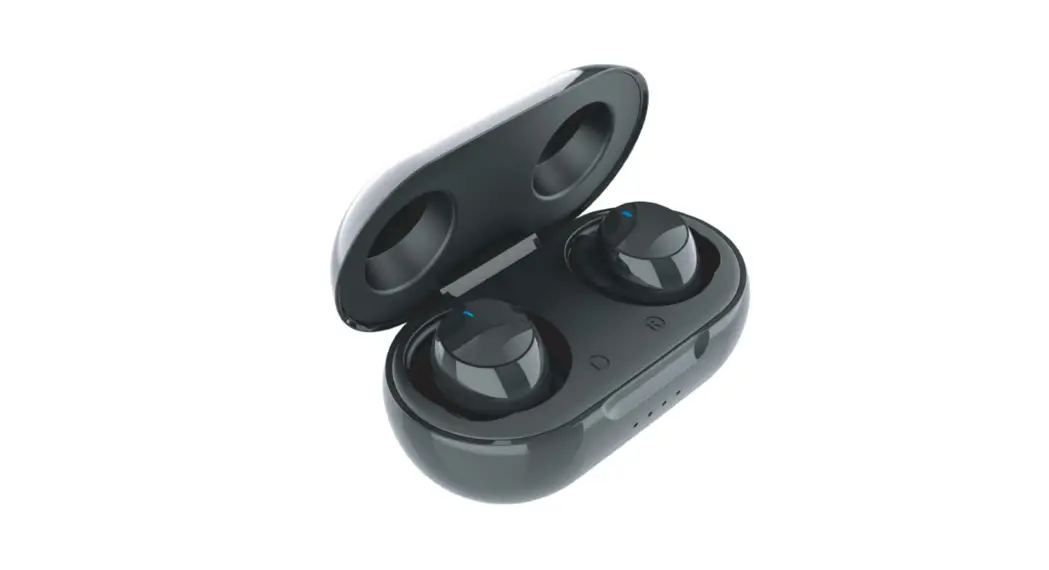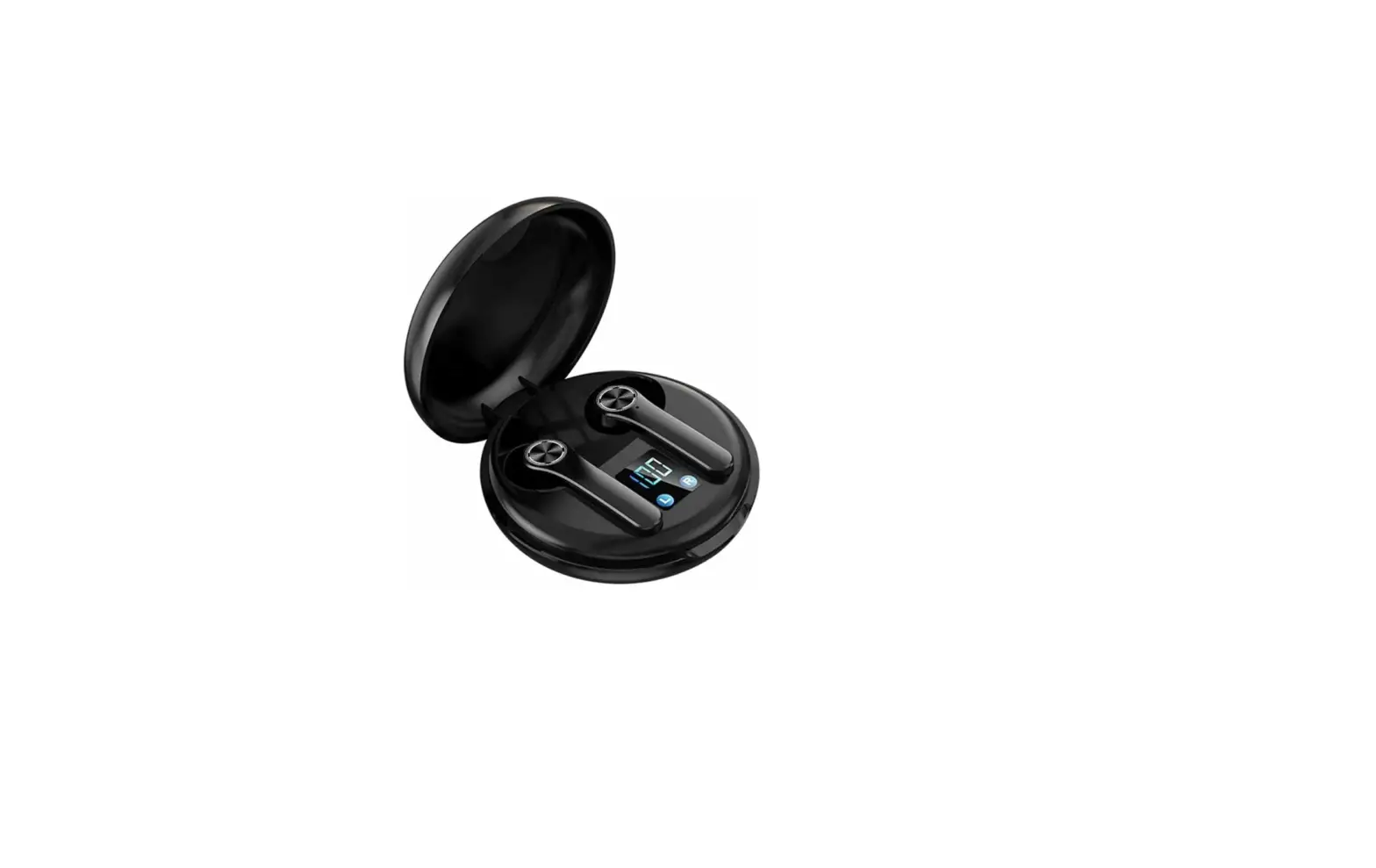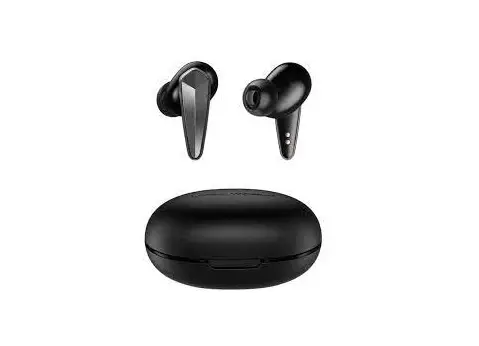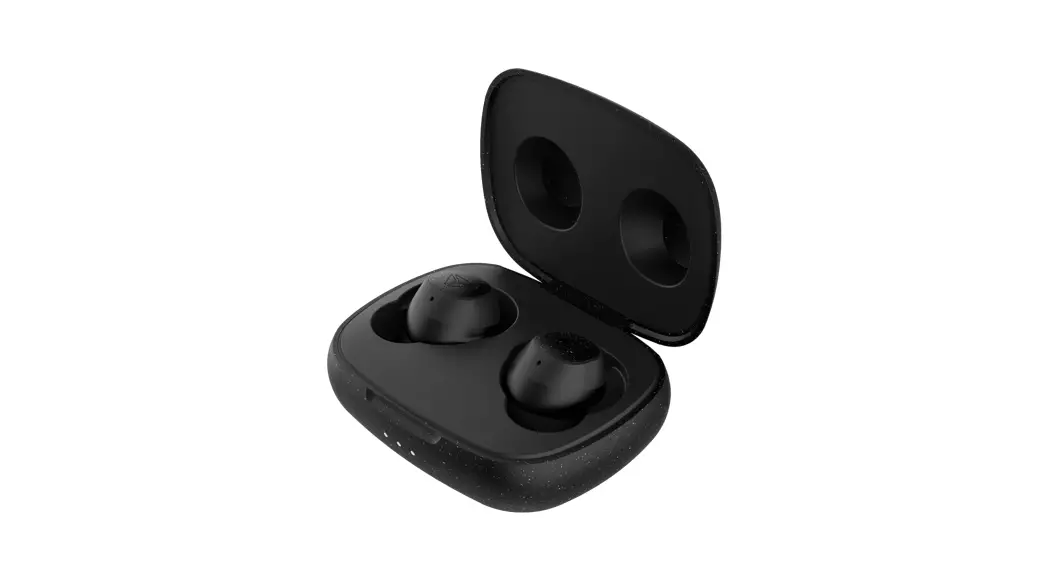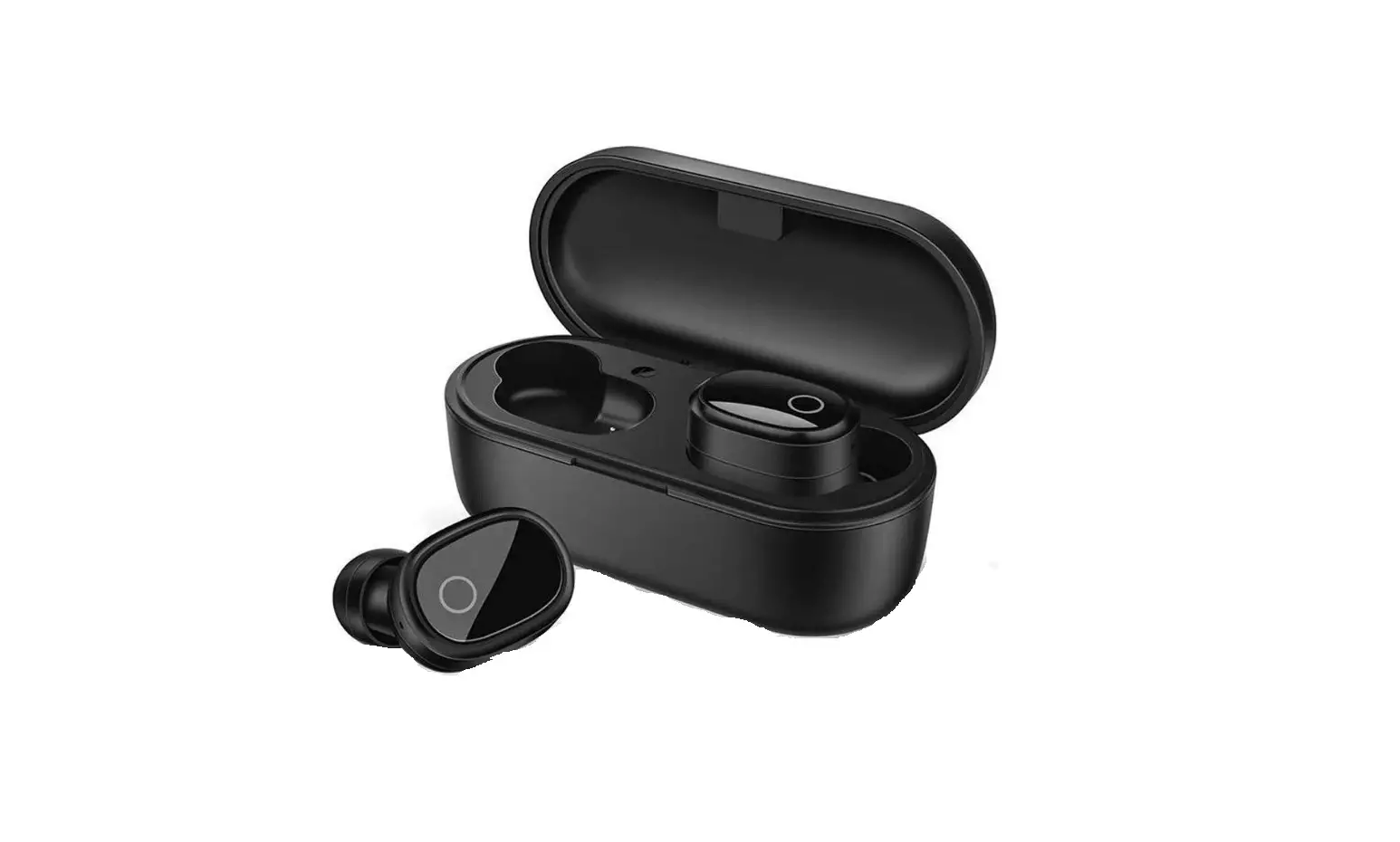
iDiskk Bluetooth Wireless Earbuds
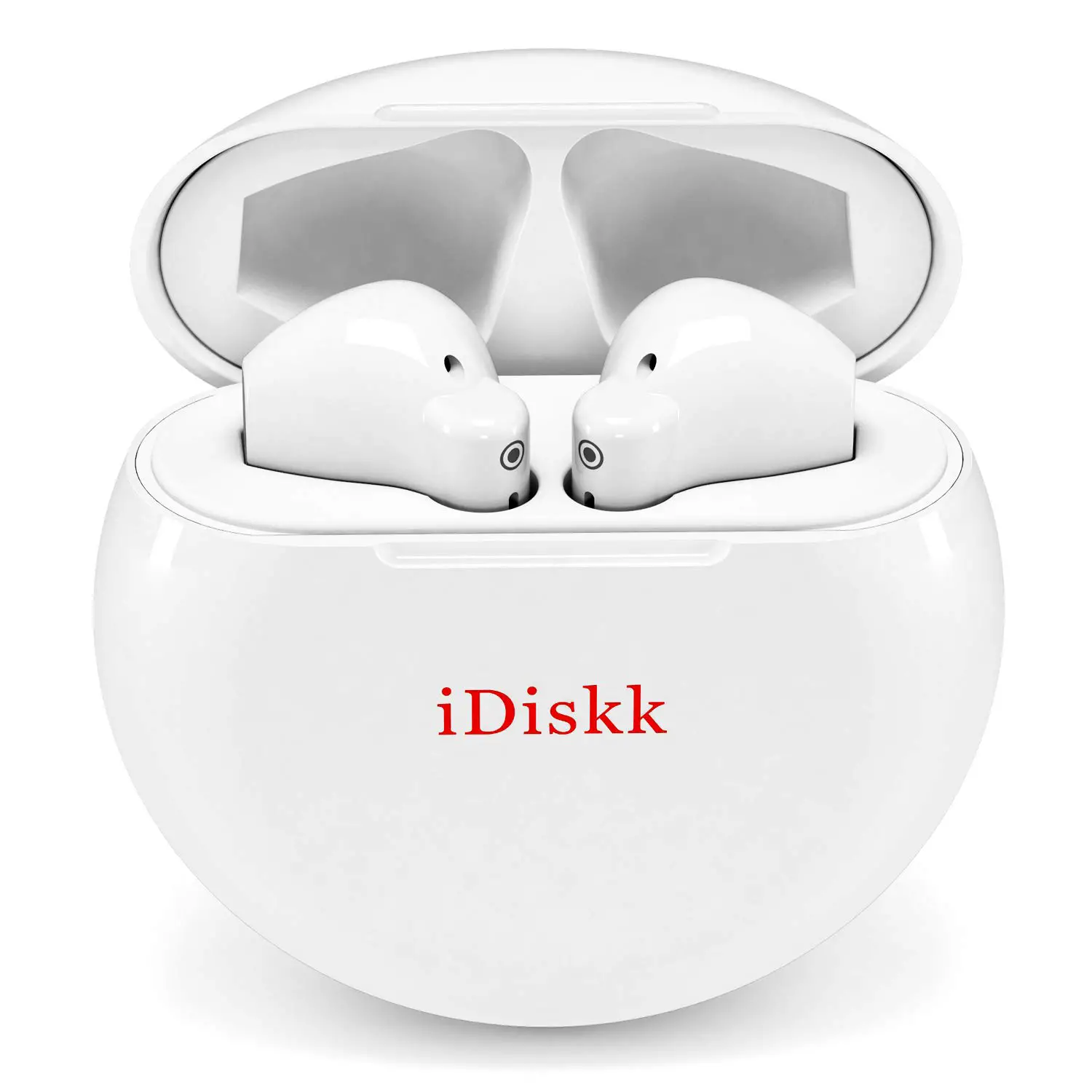
Charging Case (5000mAh battery)
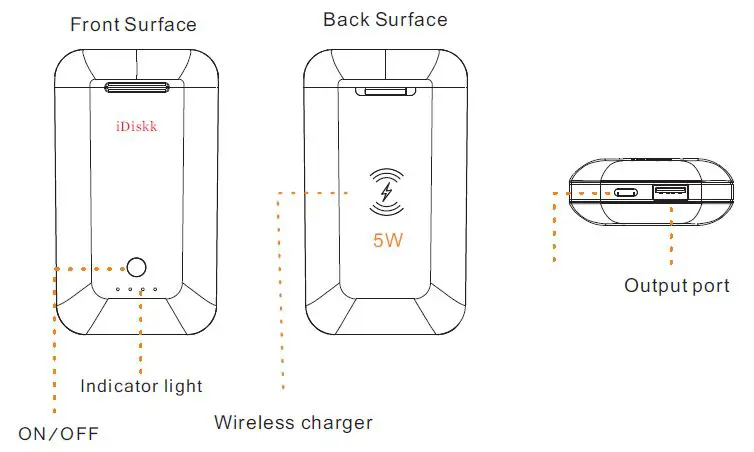 Specifications:
- Battery Volume: 5000mAh
- Input power: DC 5V/2A
- Input port: TYPE-C
- Output power: 5V/1A

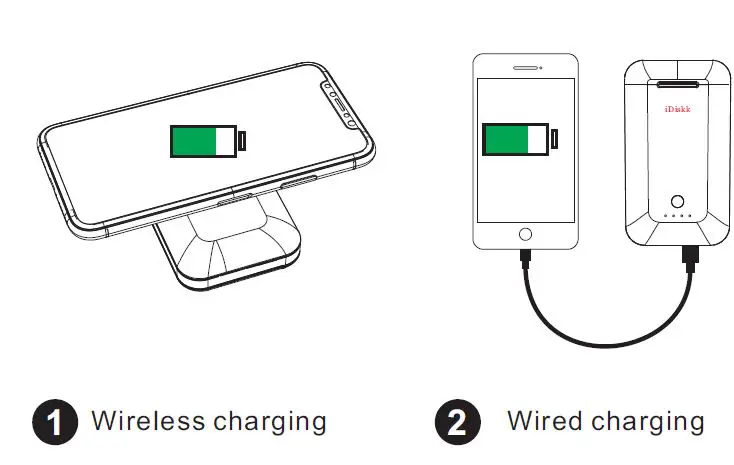
Notes: We do not recommend charging 2 devices simultaneously (wireless charge + wired charge) when there is only 2 (or less)
PP01 Wireless Earbuds
Thank you for purchasing iDiskk earbuds. Whether you are happy or
unhappy with our product, we love to hear from you. If any question,
please write us @iDiskk Customer Team ([email protected]) We will make things right if they are not.
Bluetooth connection:
Primary connection:
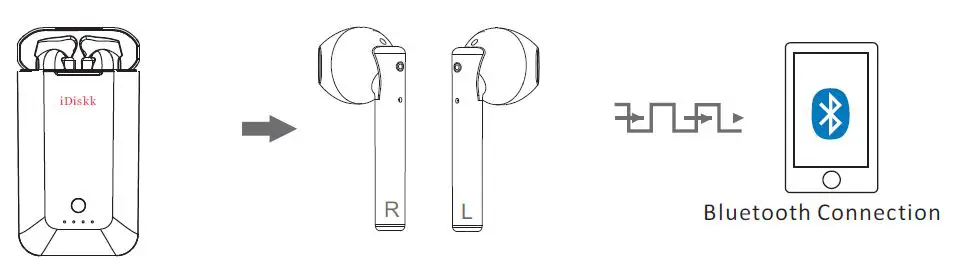
- Open the case
- Both earbuds start to pair with each other ( lights flash Blue)
- Pairing succeeds (the light of right earbud flashes Blue and red)
- Take the both earbuds out of the charging case
- Switch on Bluetooth function on your device and select “Airbuds” to connect.
Note: There may be two “Airbuds” are discovered by your device, it is normal as they represent two earbuds.
Subsequent Connection
1.Simply take Left, right or both eaburds out of the Charging case. It (they) will connect with your device automatically (ensure Bluetooth function of your device to be switched on).
In case that only one earbud has sound,please place the both earbuds back into the charging case and close it. Then take them out again.
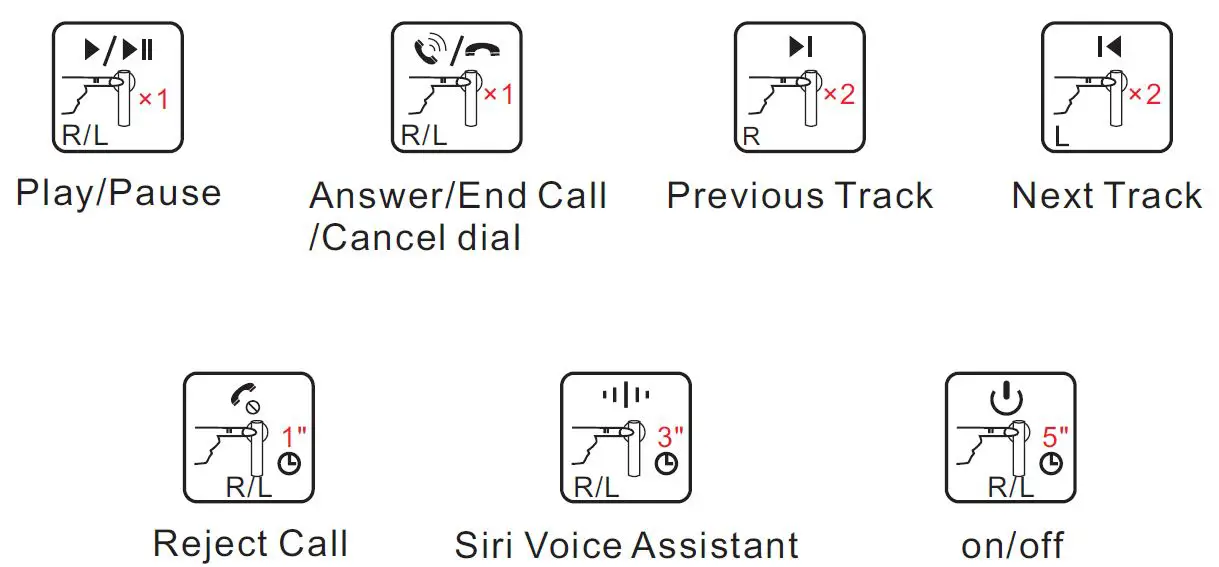
Earbuds functions
Multifunction Button (long press for 5s to restart earbuds)
Earbuds charging
To fully enjoy all the features, please charge your PP01 earbuds when you receive them. The charge at the factory was only for quality testing and will have been reduced after the trip to you. To charge your PP01 earbuds, simply connect a Type-C cable to the charge port of the PP01 charging case. This case has a built-in battery that will charge your PP01 earbuds when you are not near an electrical outlet.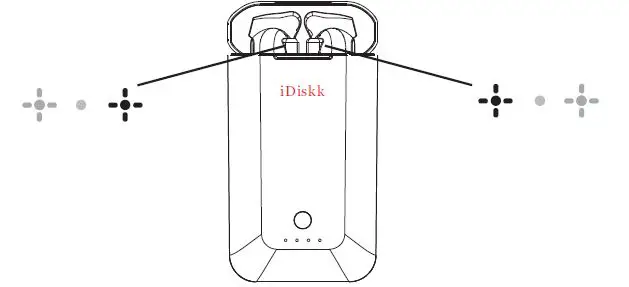
Charging Case LED Indicator light
| Charge for Charging case | Flash |
| Charge for Earbuds | Steady on |
| Low battery notice | Flash and then off |
| Full Charged | 4 lights on |
Function of earbuds indicator light:
| Turn on | Blue light flash |
| Turn off | Red light on (about 1s )and then disappear |
| Pairing | Blue and Red flash |
| Successful connection with device | No light |
| Disconnection with device | Blue light flash |
| Low battery reminder | Red light flash (each 5 second) |
| Charging | Red light on |
To preserve battery life span, fully charged at least once every 30 days or more often if you use the PP01 a lot.