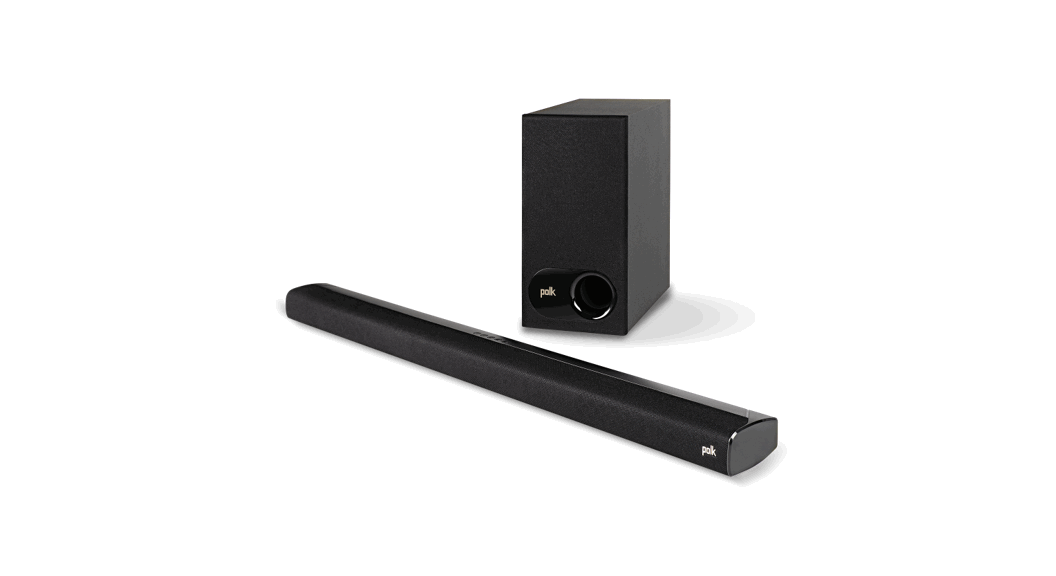
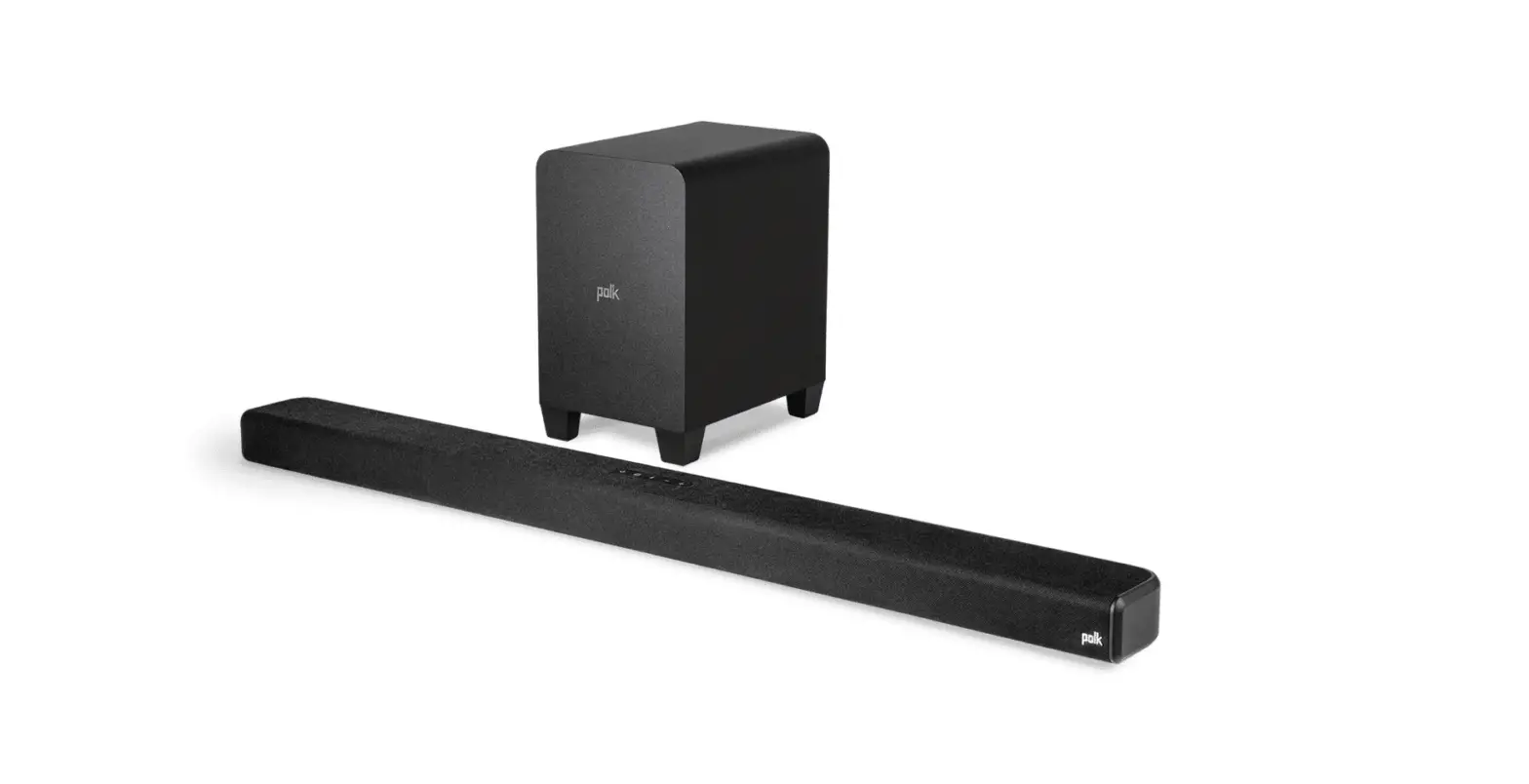
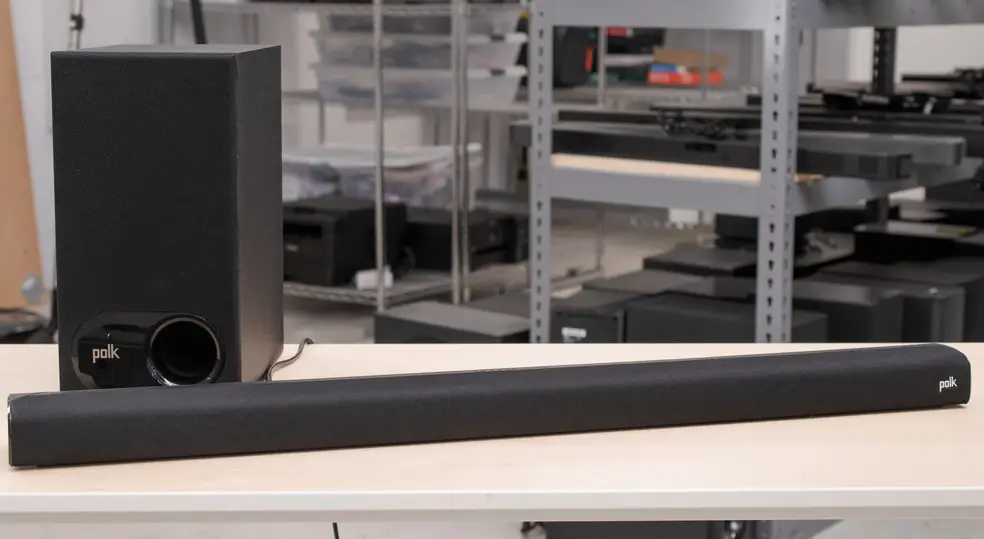
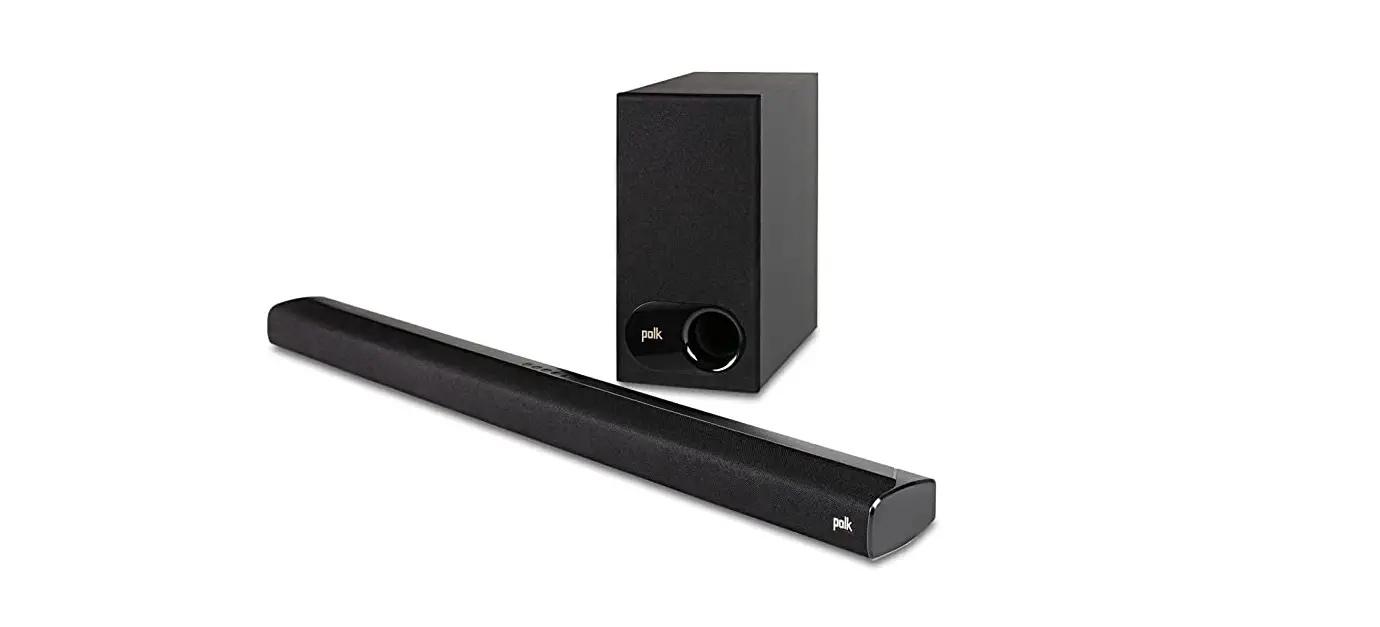
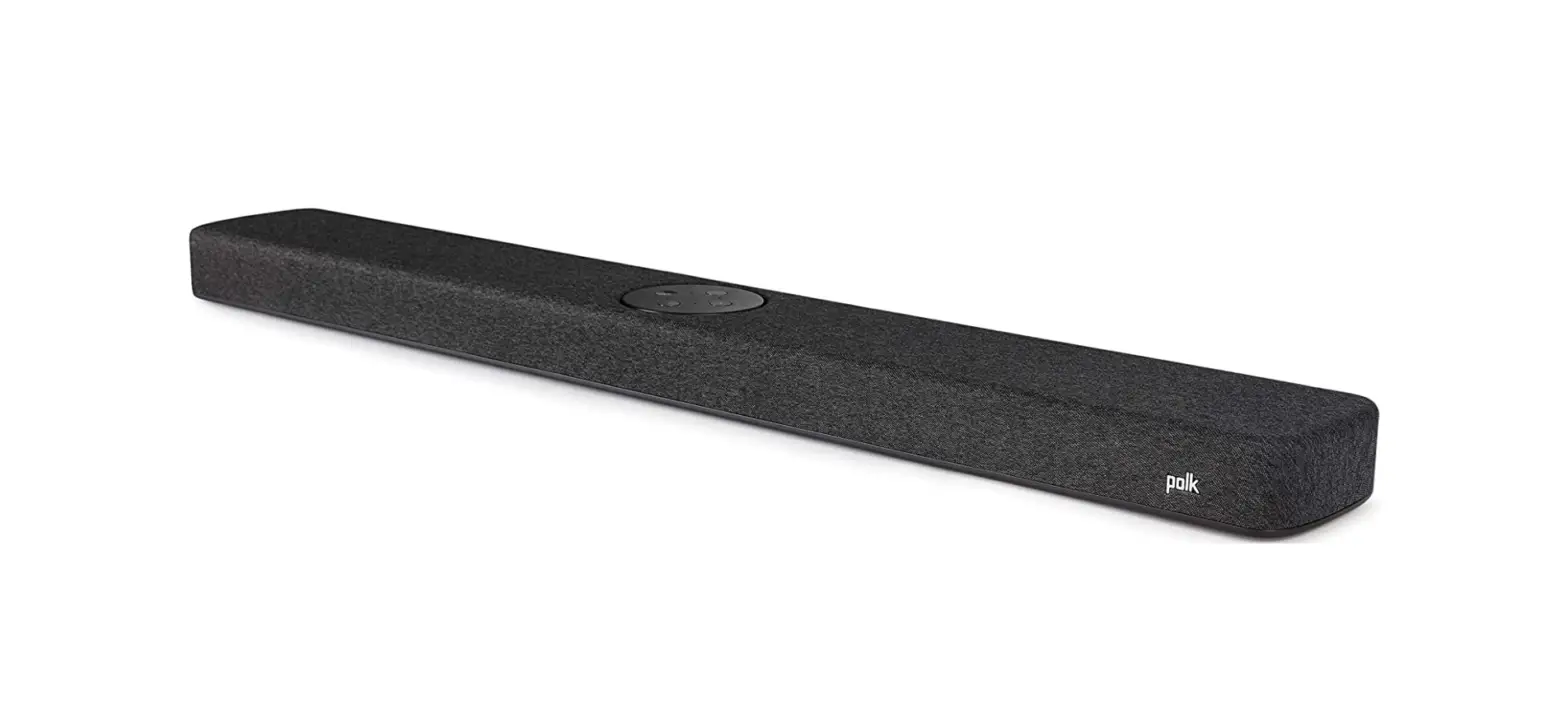
Signa S2D Sound Bar with Wireless Subwoofer
Product Information: Signa S2DTM Sound Bar
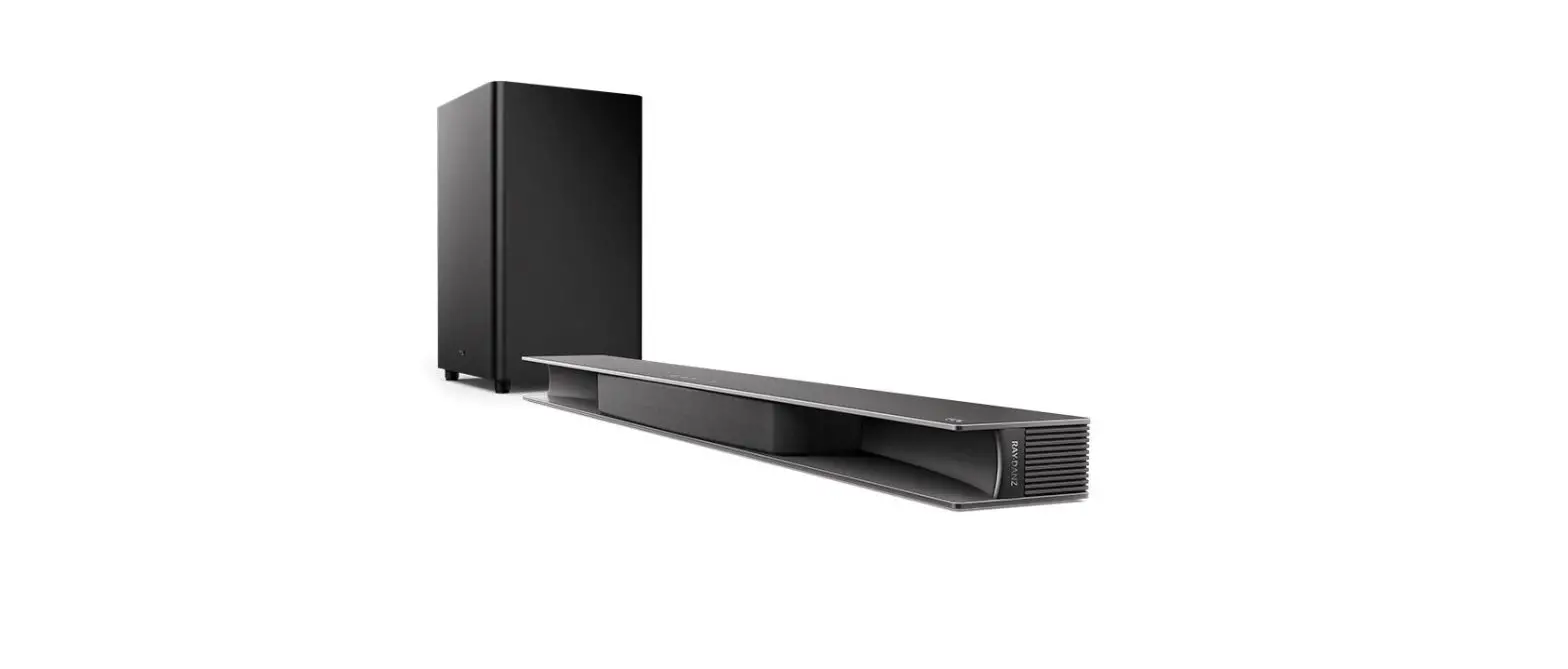
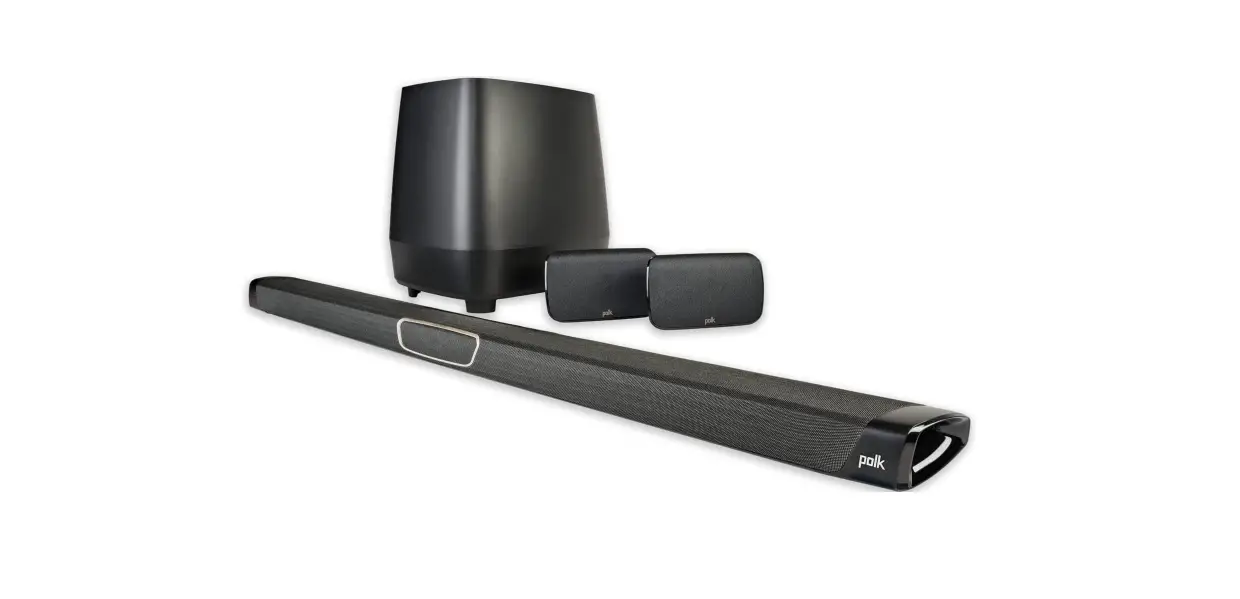
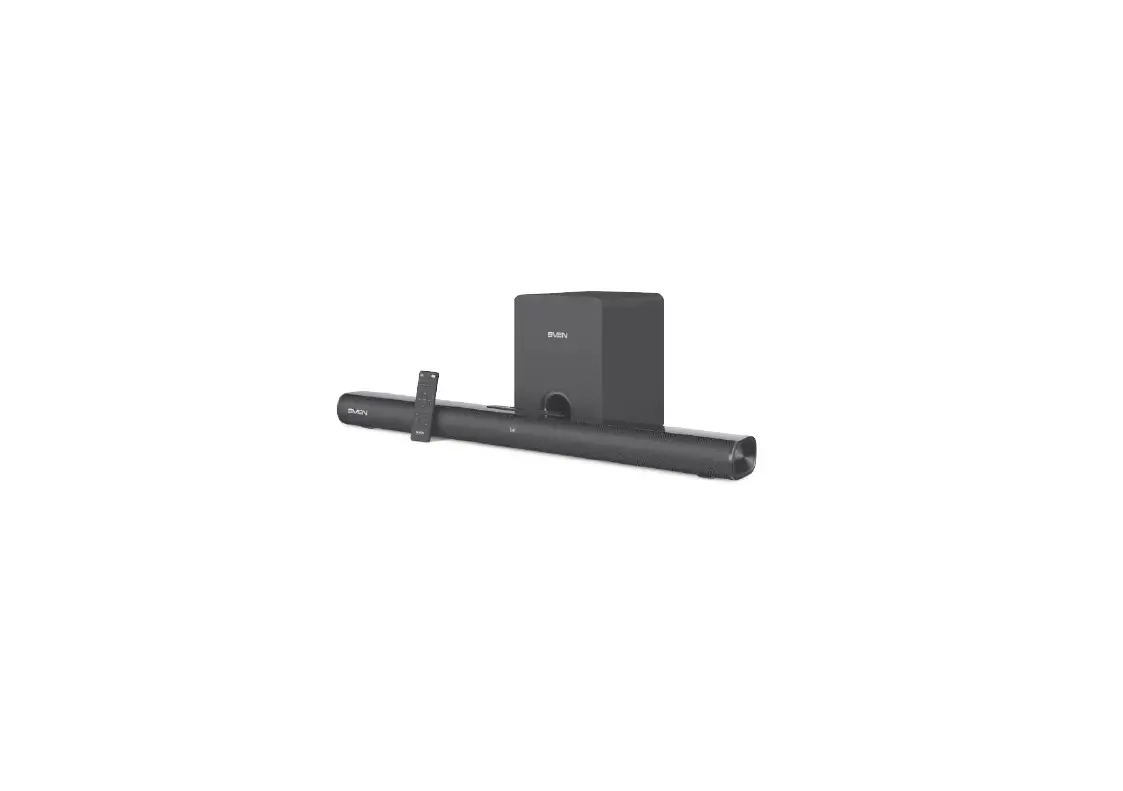
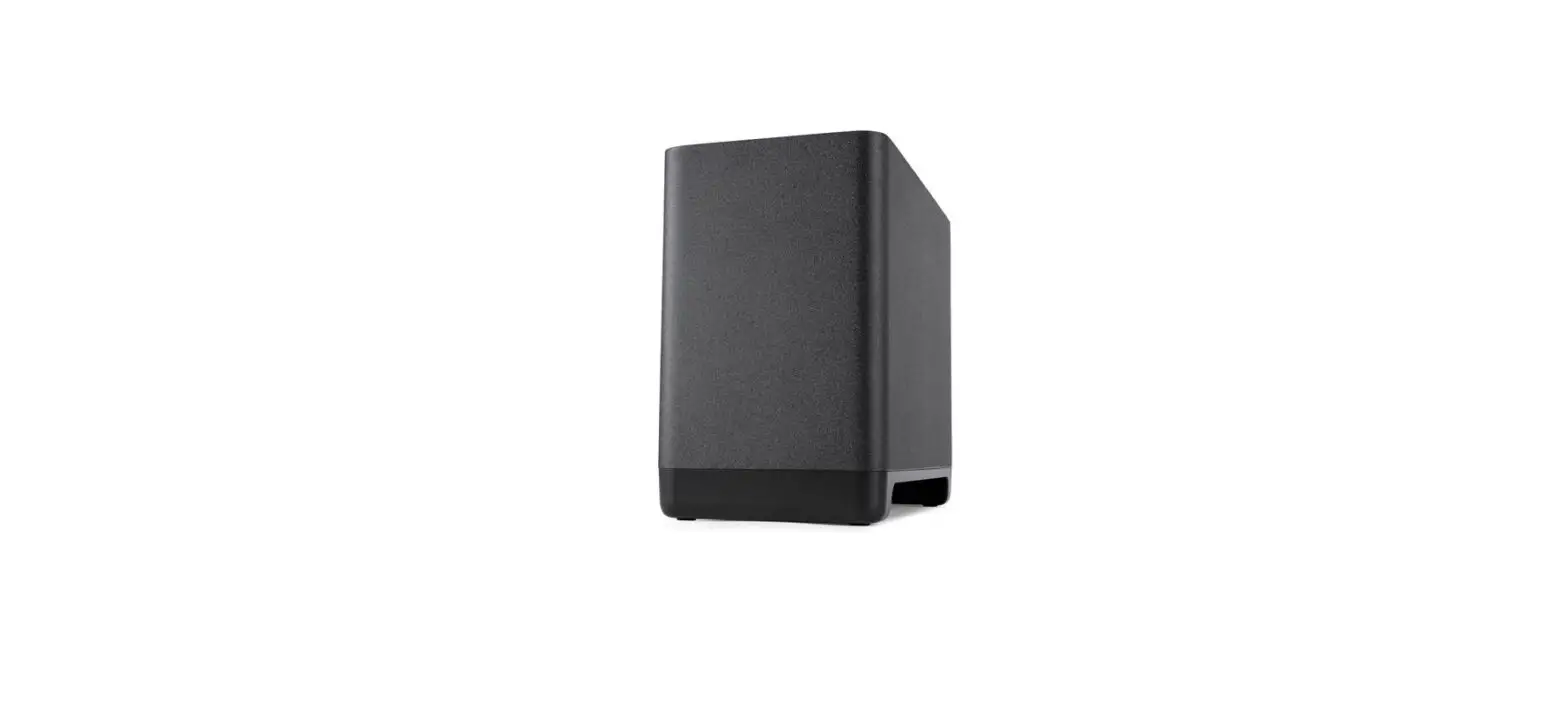
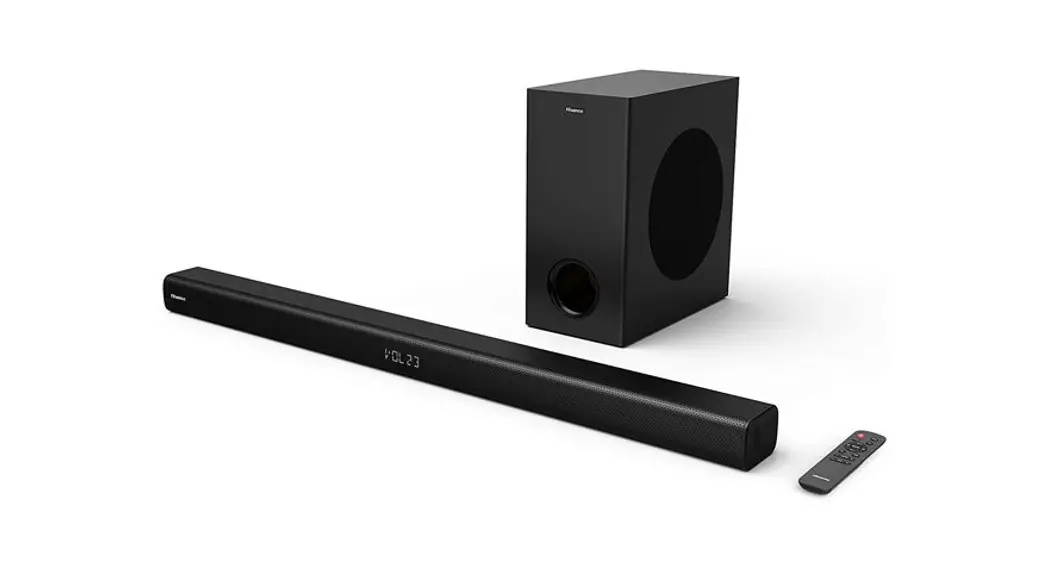
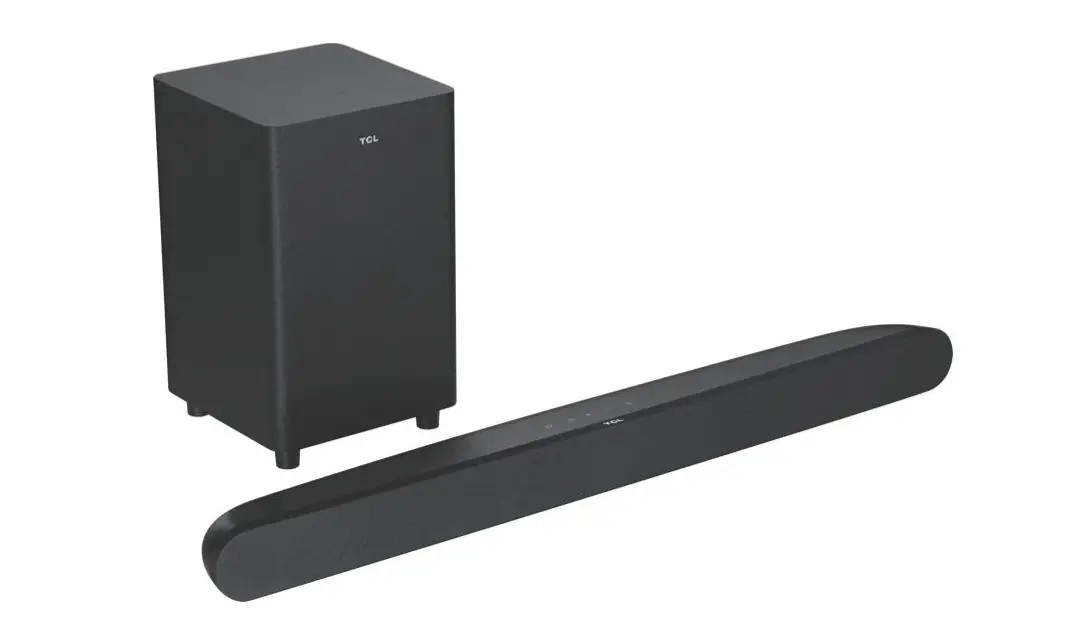
The Signa S2DTM is a sound bar system that includes a sound bar
and a wireless subwoofer. It supports HDMI (ARC) and optical
connections for Dolby 5.1 decoding. The sound bar has a remote
control and top panel controls for power, Bluetooth, volume, bass
control, and dialogue volume levels. It also has movie and music
modes and a night effect mode for low-volume listening.
What’s in the Box
- Sound bar
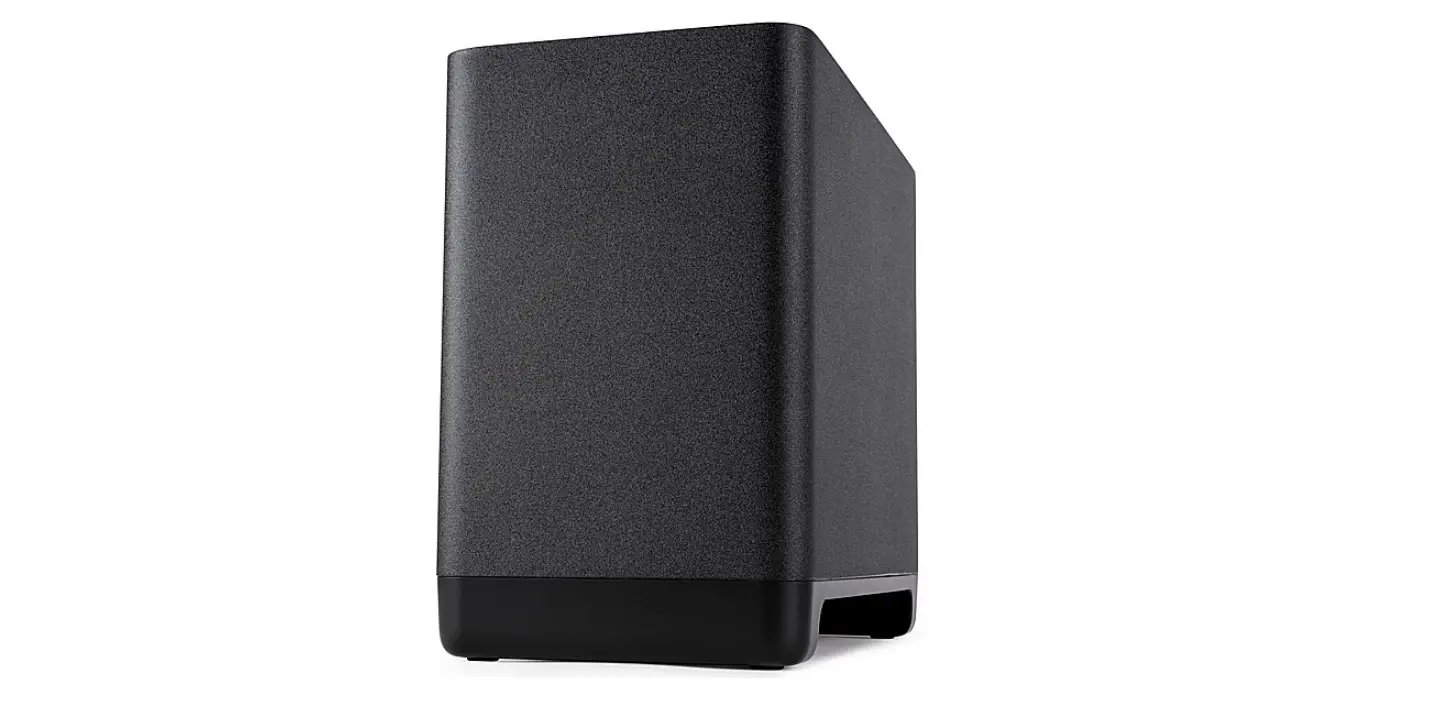
- Wireless subwoofer
- Sound bar power cord
- Subwoofer power cord
- Remote control (with AAA batteries)
- Spacers
- HDMI cable
- Quick start guide and safety instructions
Connecting Your Signa S2D to Your TV
- Check if your TV has an HDMI port labeled ARC. If yes, follow
step 2. If no, follow step 4. - Connect the included HDMI cable to the HDMI ports labeled with
ARC on both the TV and the sound bar. Connect the sound bar power
cord and position the subwoofer. For best performance, place it on
the same wall as the TV. - If you prefer an optical connection, connect an optical cable
(sold separately) between the TV and the sound bar. Then, connect
the included HDMI cable to any available HDMI port on the TV and to
the TV (HDMI ARC) port on the sound bar. - If your TV does not have ARC or optical ports, connect the
sound bar to your TV using an analog AUX cable (not included).
Re-establishing Wireless Subwoofer Connection
If your wireless subwoofer stops receiving an audio signal,
follow these instructions to re-establish the connection:
- Turn on your sound bar.
- Press and hold the BAR SYNC button on the back of the subwoofer
for 3 seconds. - Simultaneously press and hold Bluetooth and VOL + buttons on
the sound bar for 5 seconds. - The sound bar will search for a connection while the first and
second LEDs on the sound bar flash intermittently. The lights will
stop flashing when the sound bar and subwoofer connect. If the
sound bar and subwoofer fail to connect, the first and second LEDs
will flash together 5 times. Repeat the steps above to establish a
connection.
Optimizing Your Listening Experience
You can easily adjust bass volume for more or less impact using
the bass control. The movie mode enhances audio reproduction in TV
and movies, while the music mode enhances audio whenever you’re
listening to music or watching TV or movies that have music playing
in them. The night effect mode reduces bass and volume dynamics
while improving voice intelligibility for low-volume listening. You
can also isolate and adjust the voice channel level to reproduce
clear, crisp dialogue.
Setting Up Bluetooth
- To enable Bluetooth, press the Bluetooth button on the sound
bar or remote control. A blue LED will pulse on the sound bar. - Go to the Bluetooth devices section on your phone, tablet, or
computer and select Polk Signa S2. The LED is solid blue when
Bluetooth is connected. - To take control when another device is connected, press the
Bluetooth button.
Quick Start Guide
GUIDE DE DÉMARRAGE RAPIDE GUÍA DE INICIO RÁPIDO
Signa S2DTM
en
Thank you for your Polk purchase. If you have a question or comment, please feel free to call or email us. Visit support.polkaudio.com to obtain contact information for your region.
What’s in the Box
2. Install the remote batteries.
Sound bar
Subwoofer power cord
Spacers
Remote control
Sound bar power cord
Quick Start Guide
GUIDE DE DÉMARRAGE RAPIDE GUÍA DE INICIO RÁPIDO
Quick Start Guide Signa S2DTM
AAA AAA
2×Batteries
HDMI cable
Quick start guide and Safety instructions
Subwoofer
Connecting Your Signa S2D to Your TV
1. Is an HDMI port on your TV labeled “ARC”?
YES
HDMI
TV
ARC
3. Connect the sound bar power cord.
4. Position the subwoofer and connect it to an AC outlet. For best performance, place it on the same wall as the TV.
TV
Connect the included HDMI cable to the HDMI ports labeled with “ARC” on both the TV and the sound bar.
NO
HDMI OPTICAL
TV
Connect an Optical cable (sold separately) between the TV and the sound bar. Then, connect the included HDMI cable to any available HDMI port on the TV and to the “TV (HDMI ARC)” port on the sound bar.
NOTE: HDMI (ARC) and optical connections support Dolby 5.1 decoding.
NOTE: The Signa S2D sound bar and wireless subwoofer are preset at the factory to work together. Should your wireless subwoofer stop receiving an audio signal, follow these instructions to re-establish the connection:
1. Turn on your sound bar.
2. Press and hold the BAR SYNC button on the back of the subwoofer for 3 seconds.
3. Simultaneously press and hold Bluetooth and VOL + buttons on the sound bar for 5 seconds.
The sound bar will searchforaconnection while the first and second LEDs on the sound bar flash intermittently. The lights will stop flashing when the sound bar and subwoofer connect. If the sound bar and subwoofer fail to connect, the first and second LEDswill flash together 5 times. Repeat the steps above to establish a connection.
5. Turn on your sound bar.
Press the Power button on the sound bar or remote.
NOTE: Make sure TV internal speakers are off.
1
Remote Control
Power
Master Volume Up/Down
Night Effect Movie Mode
Mute TV (HDMI/OPT) Bluetooth AUX (Analog)
Bass Up/Down
Music Mode
VoiceAdjust Levels
Sound Bar Top Panel
Power On/Off
Bluetooth
Volume Up
Optimizing Your Listening Experience
Bass Control
Control Bass Volume Levels Easily adjust bass volume for more or less impact.
Movie Mode Enhances audio reproduction in TV and movies.
Music Mode Enhances audio whenever you’re listening to music, or watching TV or movies that have music playing in them.
Reduces bass and volume dynamics while improving voice intelligibility for low-volume listening.
Control Dialogue Volume Levels Isolate and adjust the voice channel level to reproduce clear, crisp dialogue.
Music Listening
How to Set Up Bluetooth
1. To enable Bluetooth , press the Bluetooth button on the sound bar or remote control. A blue LED will pulse on the sound bar.
Source
Volume Down
Sound Bar Back Panel
AUX TV (OPTICAL)
TV (HDMI ARC)
Power
2. Go to the Bluetooth devices section on your phone, tablet or computer and select “Polk Signa S2”. The LED is solid blue when Bluetooth is connected.
NOTE: To take control when another device is connected, press the Bluetooth button.
How to hear your TV again: When you are finished using Bluetooth, press the source button on the sound bar or remote (TV, AUX).
Sound Bar Bottom Panel
Bluetooth standby
When a Bluetooth connection is made from a registered Bluetooth device, this unit turns on automatically. Press and hold the [TV] button for approximately 5 seconds.
USB port
Bluetooth connection status lights NOTE: The default setting is “Off”.
USB playback is available.
ON
OFF
Sound Bar Lights
The
Signa
S2D
has
a
row
of
lights
that
provide
status
indications, /Auto
Standby
like source, volume and listening modes.
/
When
there
is
no
inpu/tsignal
and
operation
for
15
minutes,
this unit automatically enters Standby mode. The default
SOURCE INDICATORS
HDMI (ARC)
Dolby content (via HDMI)
OPTICAL
Dolby content (via Optical)
setting is “OFF”. Press and hold the Night Mode approximately 5 seconds to set the Auto standby
off. The LEDs blinkthreetimes in the colors in the
button for function to on/ following table.
ON
OFF (Default)
()
Specifications
AUX
Power supply:
Sound bar AC 100 – 240 V, 50/60Hz
Subwoofer AC 100 – 240 V, 50/60Hz
Operating temperature:
5°C – 35°C
5°C – 35°C
Bluetooth
Power consumption:
40 W
40 W
Power consumption in standby mode:
0.3 W
0.26 W
USB
Power consumption in Bluetooth standby: 1.6 W
1.1 W
MODE CHANGE
For more information, visit polkaudio.com/signas2d
2
Dolby, Dolby Audio and the double-D symbol are trademarks of Dolby Laboratories Licensing Corporation. Manufactured under license from Dolby Laboratories. Confidential unpublished works. Copyright [19922019] Dolby Laboratories. All rights reserved.
The terms HDMI, HDMI High-Definition Multimedia Interface, and the HDMI Logo are trademarks or registered trademarks of HDMI Licensing Administrator, Inc.
The Bluetooth® word mark and logos are registered trademarks owned by the Bluetooth SIG, Inc. and any use of such marks by Polk Audio is under license. Other trademarks and trade names are those of their respective owners.
5541 Fermi Court Carlsbad, CA 92008, USA www.polkaudio.com
Printed in China 5411 12026 00AK © 2022 Sound United. All Rights Reserved.
 Support Home Page