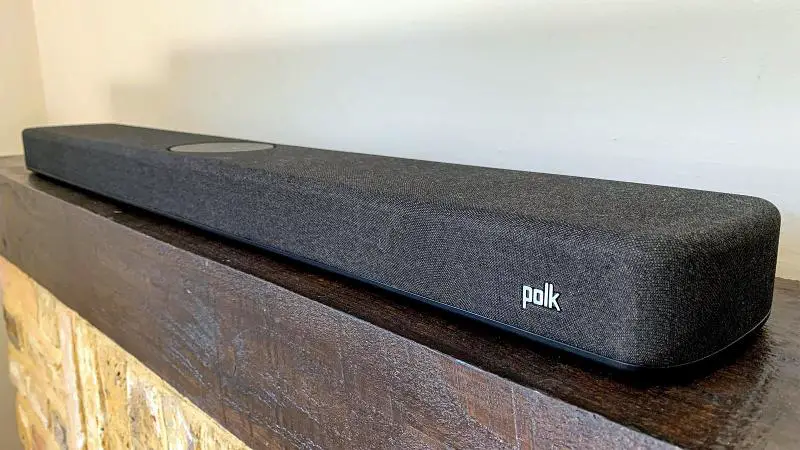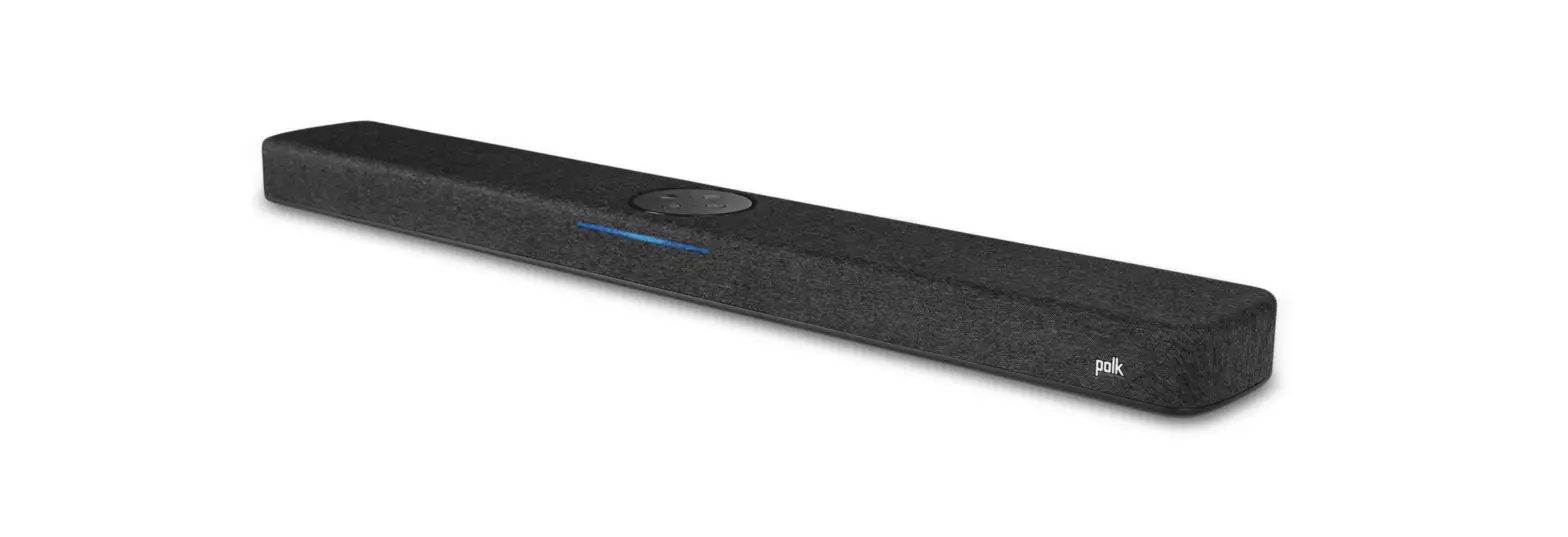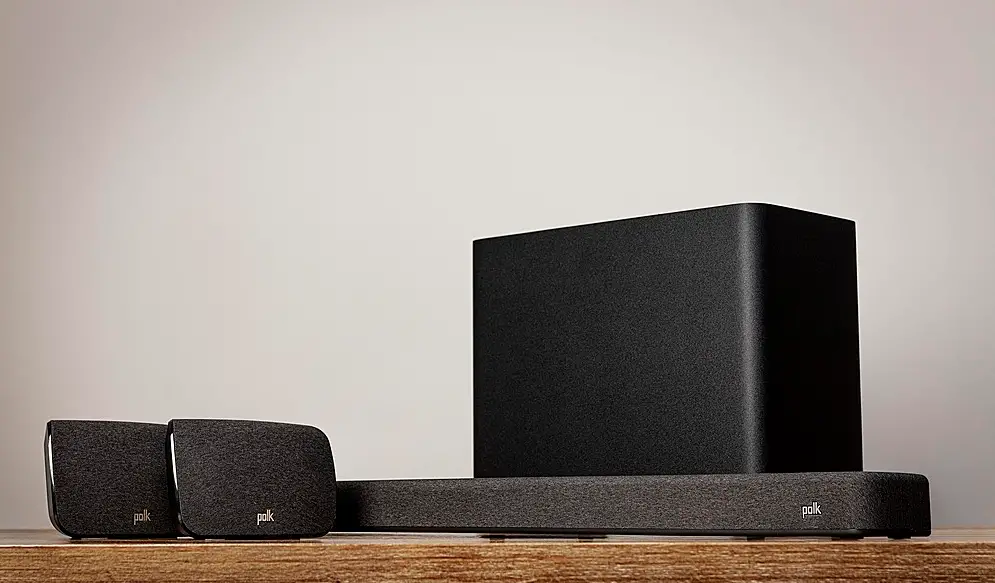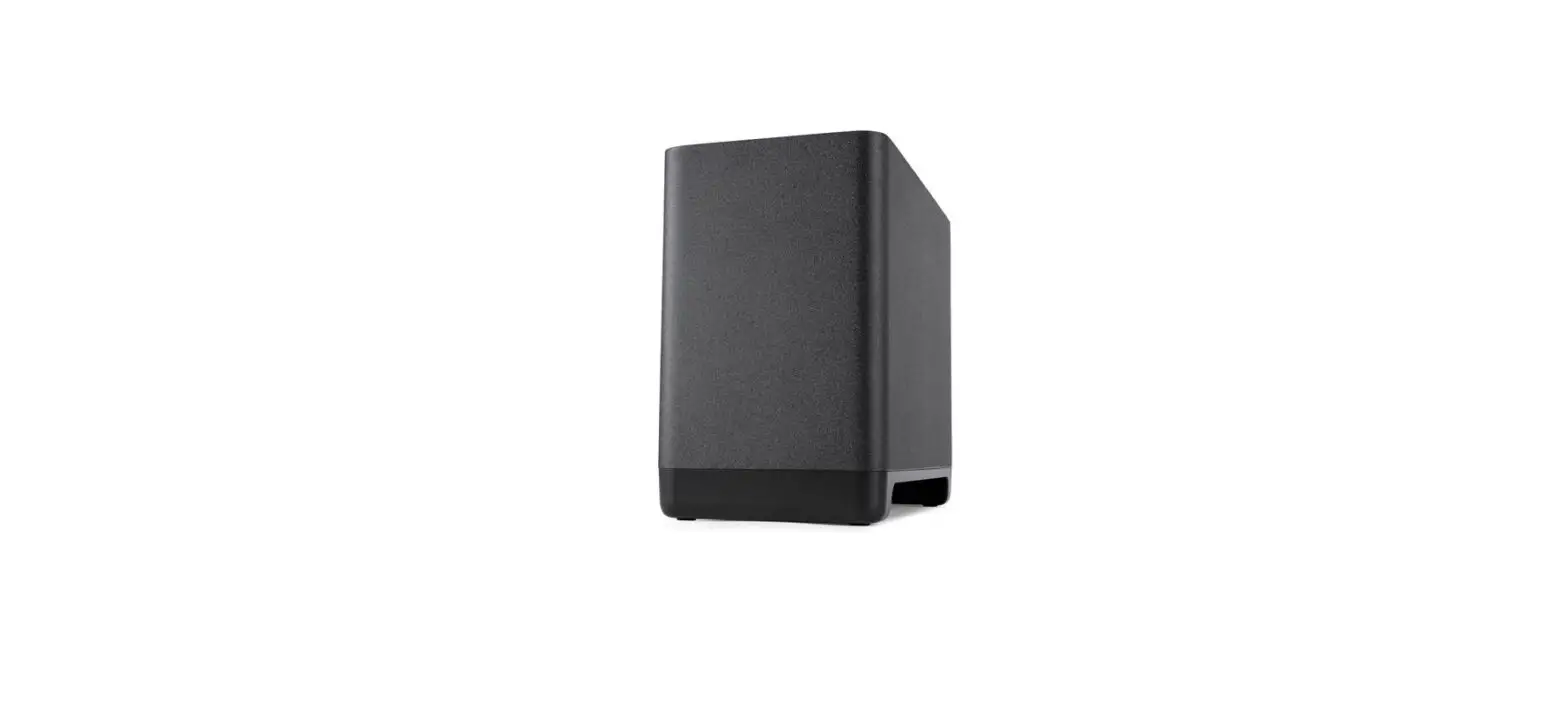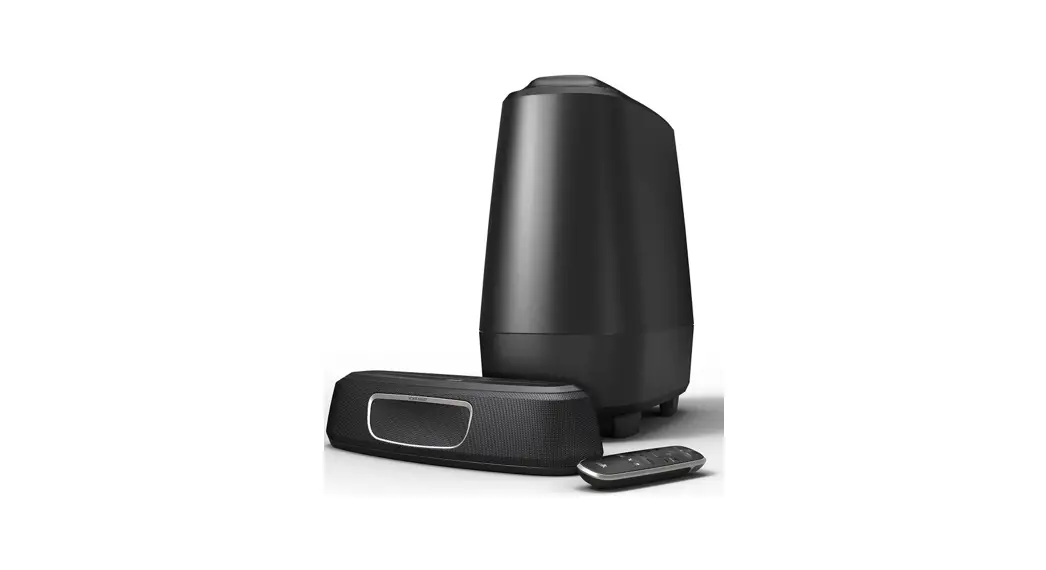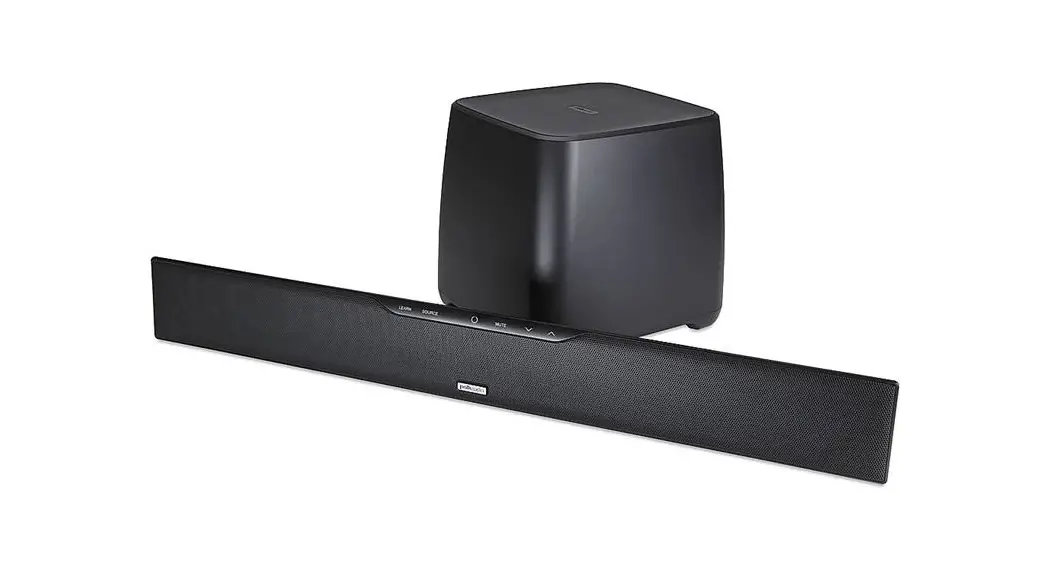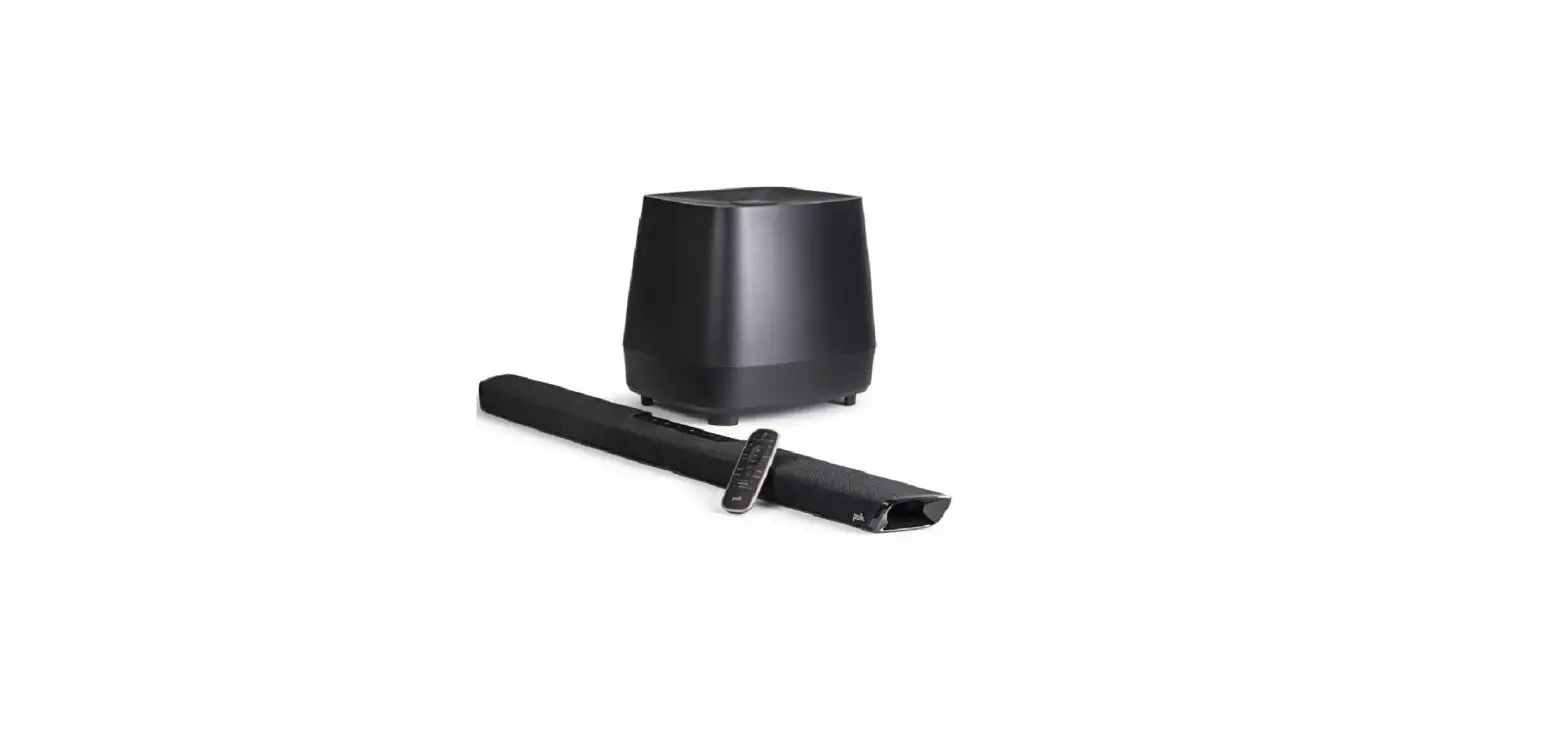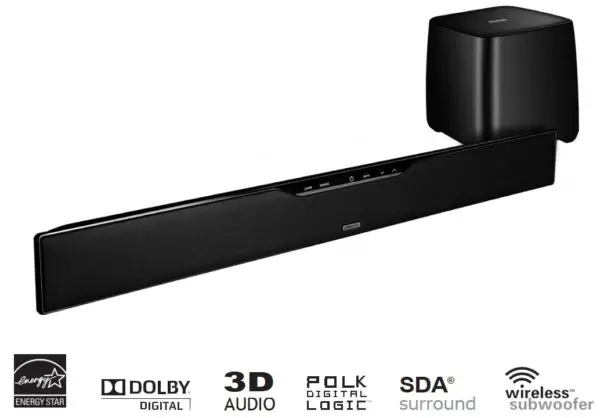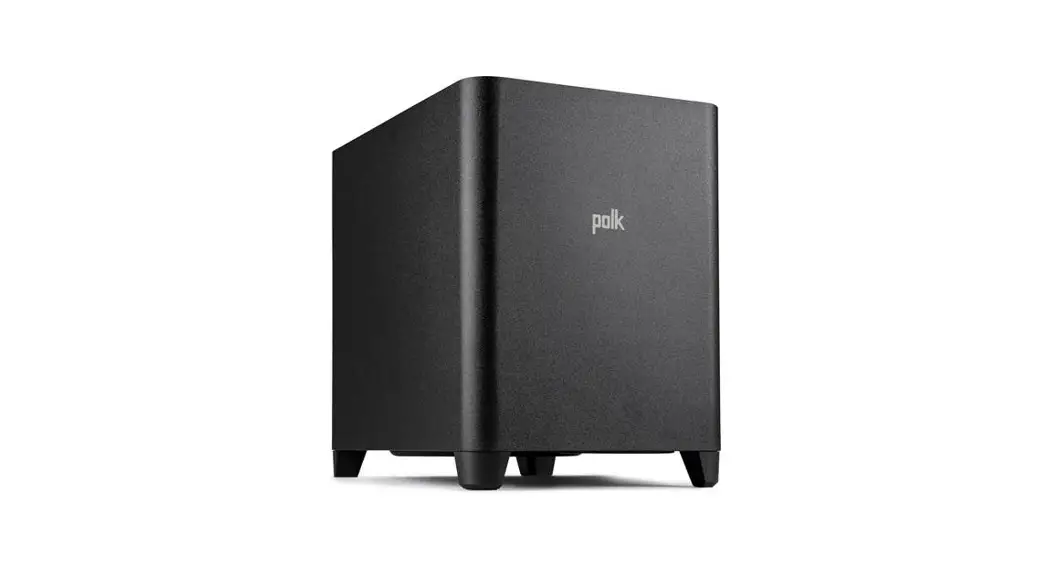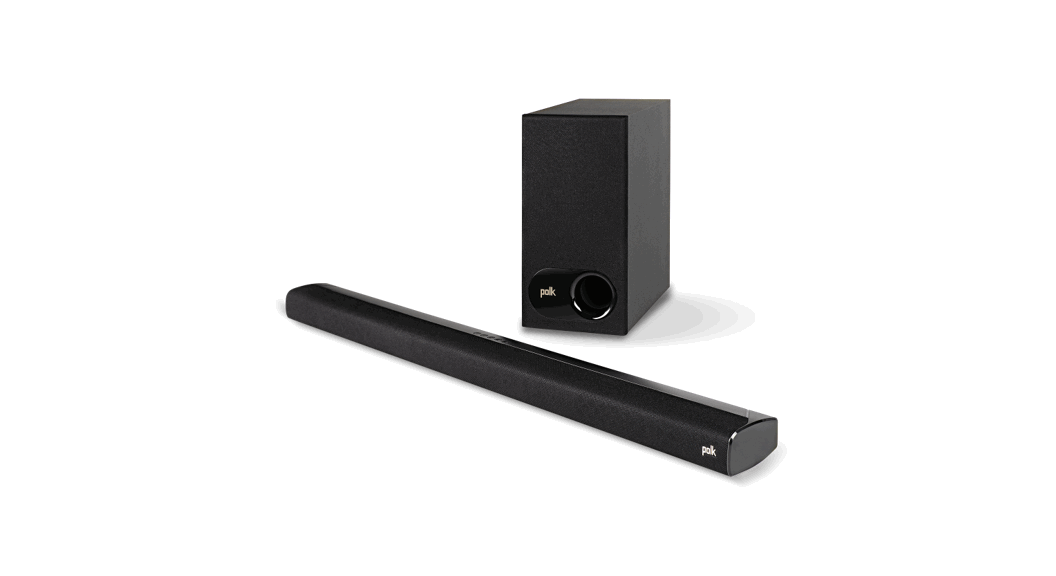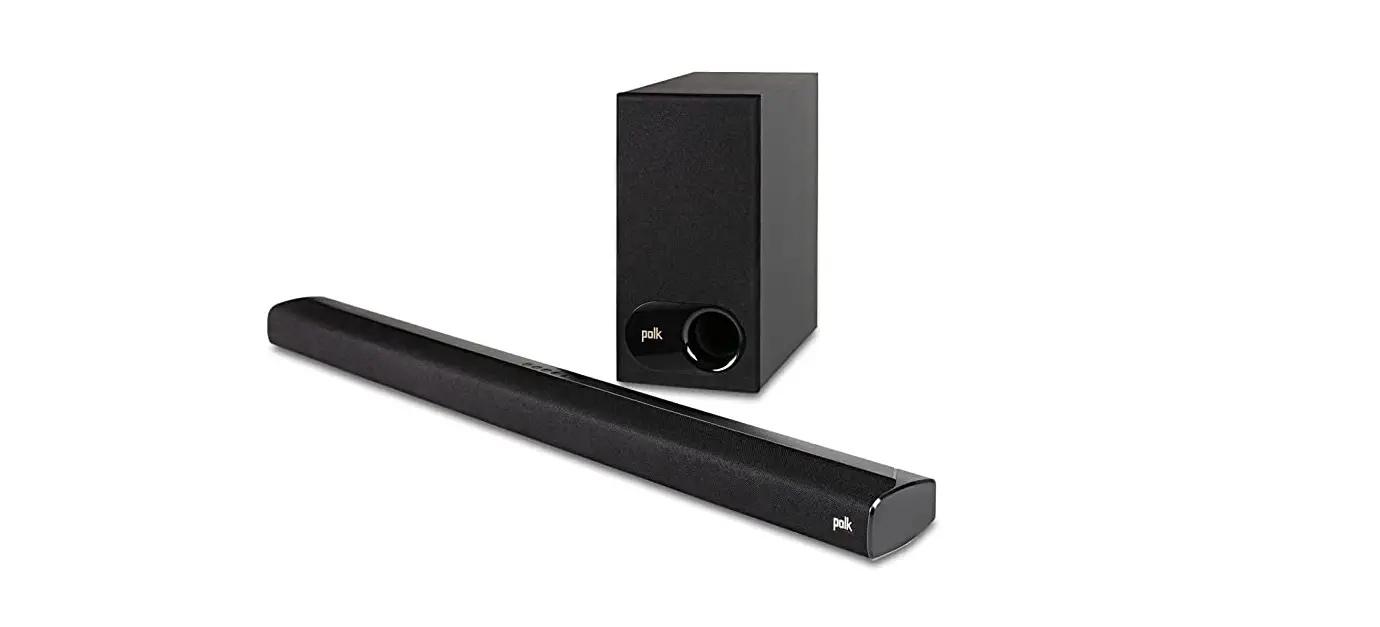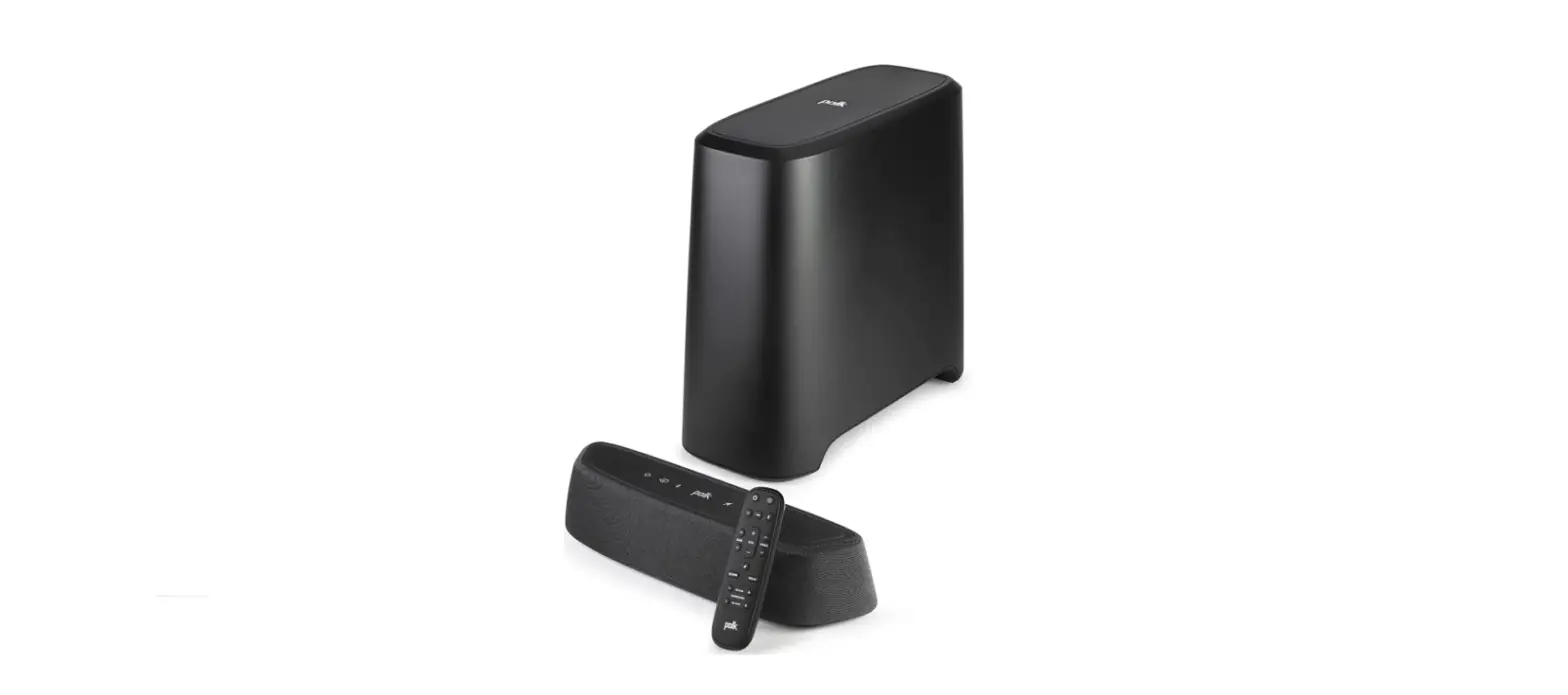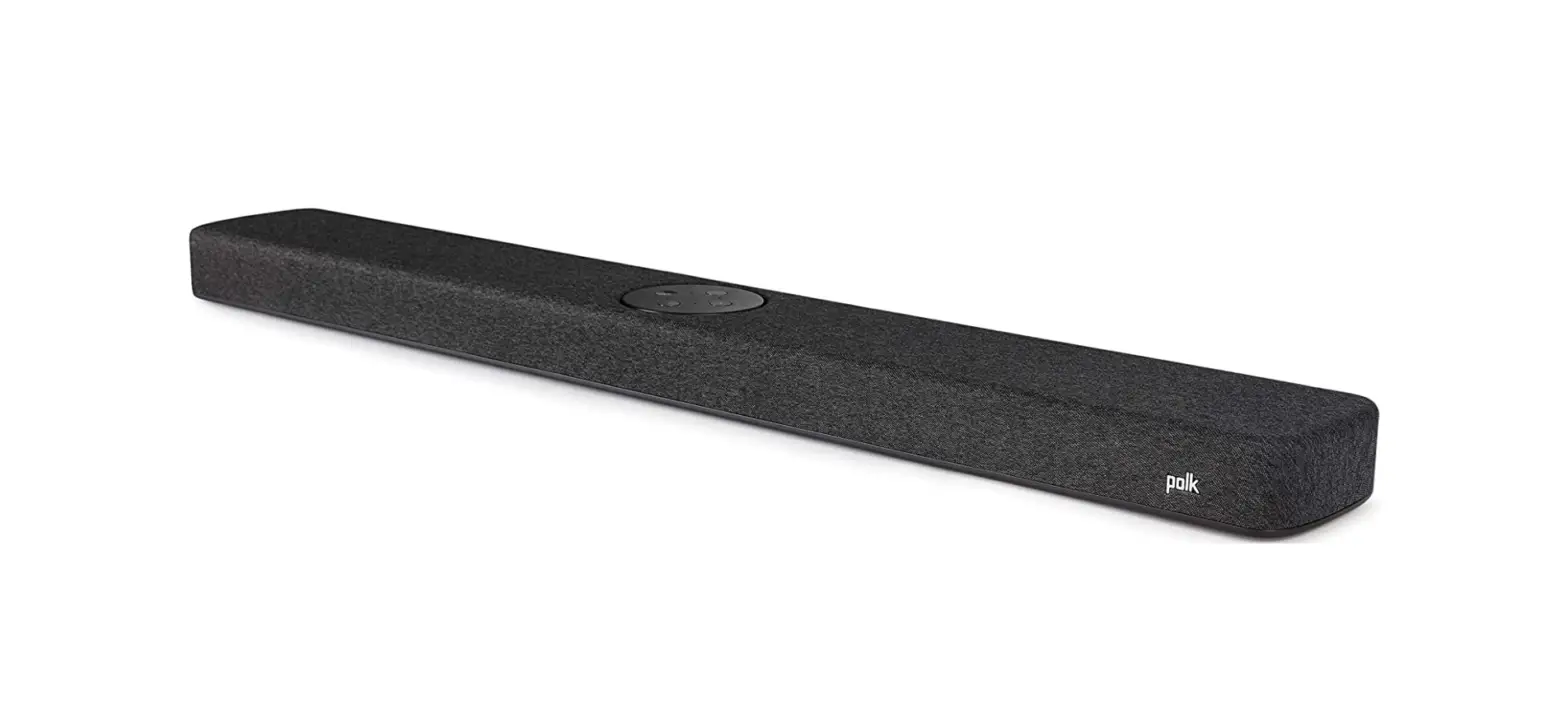

Polk Audio React Sound Bar
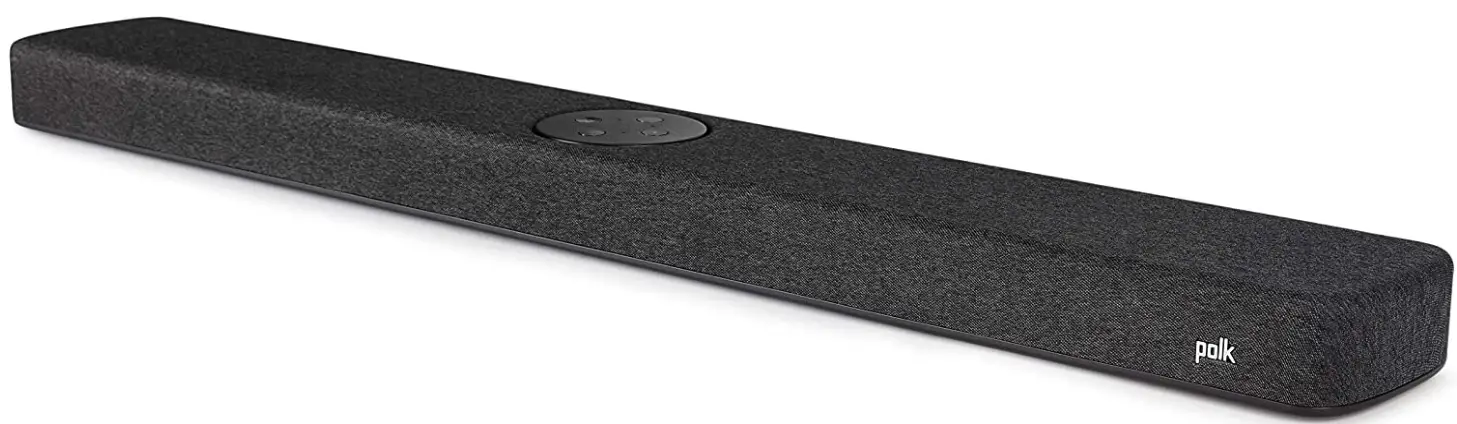
What’s in the Box
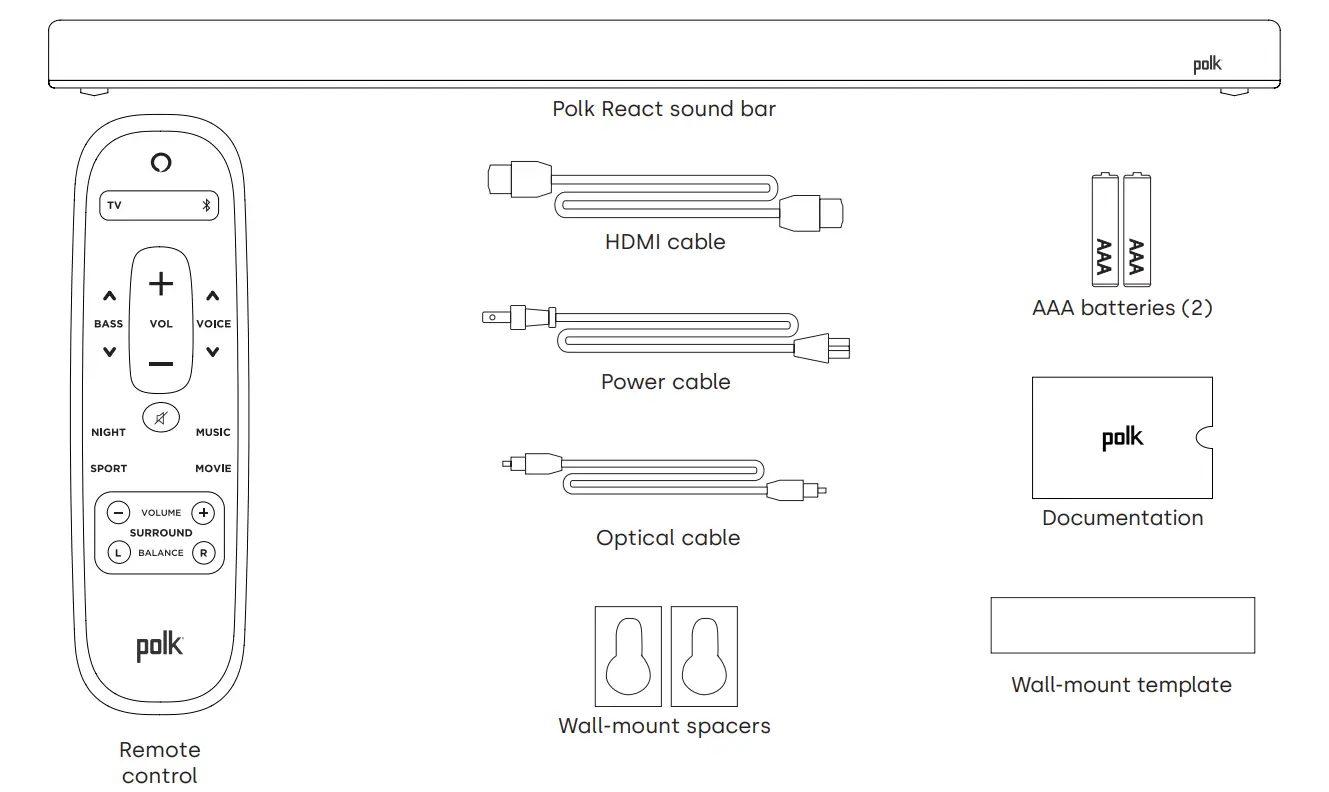
Position your sound bar
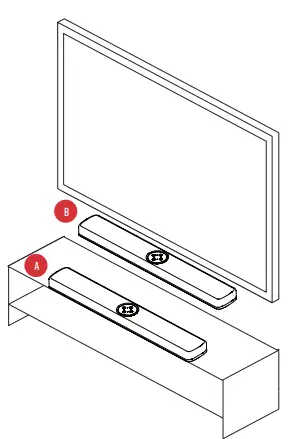
On A Cabinet
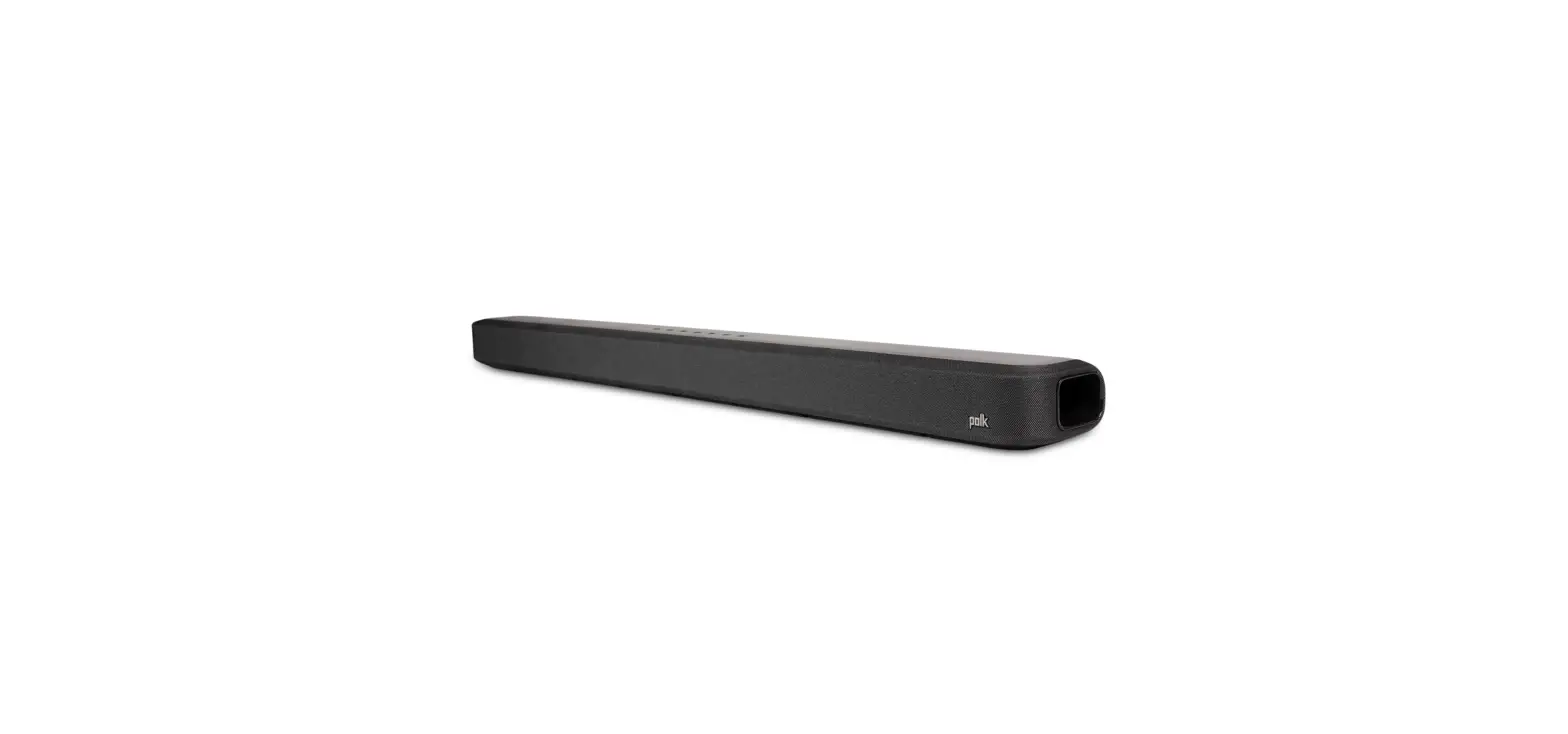
- For the best listening experience, position the sound bar centered under your TV and flush with the front edge of your cabinet. wall mounted
- Refer to the included wall mount template if you wish to wall mount your sound bar under your TV.
Connect the TV
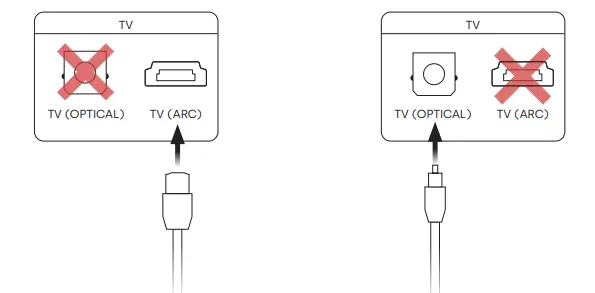
HDMI ARC (Recommended)
- Insert one end of the HDMI cable into the TV (ARC) port on the sound bar.
- Insert the other end of the HDMI cable into the HDMI port labeled TV (ARC) on the TV.
Optical
- Insert one end of the optical cable into the TV (OPTICAL) port on the sound bar.
- Insert the other end of the cable into the optical port on the TV.
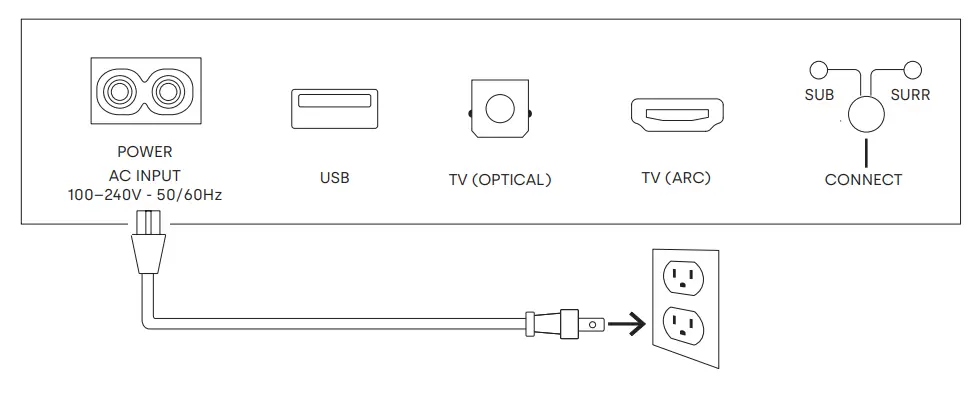
Connect the power
- Connect the power cable to the power port on the back of the sound bar.
- Connect the other end of the power cable into an AC power outlet.

Connect to the internet
- Download the Alexa app on your phone and sign in.
- Make sure Bluetooth permissions on your phone are turned on.
- In the Alexa app, you should see a pop-up indicating that the device was discovered and ready for setup. Continue to finish setup.
- If you don’t see the popup, go to the Devices page in the Alexa app, click the ‘+’ sign on the top right, and choose Add Device.
- Choose the Speaker category and the Polk brand on the following screen.
- Follow the instructions to connect the sound bar to the Internet.
For troubleshooting and more information, visit polkaudio.com/support.
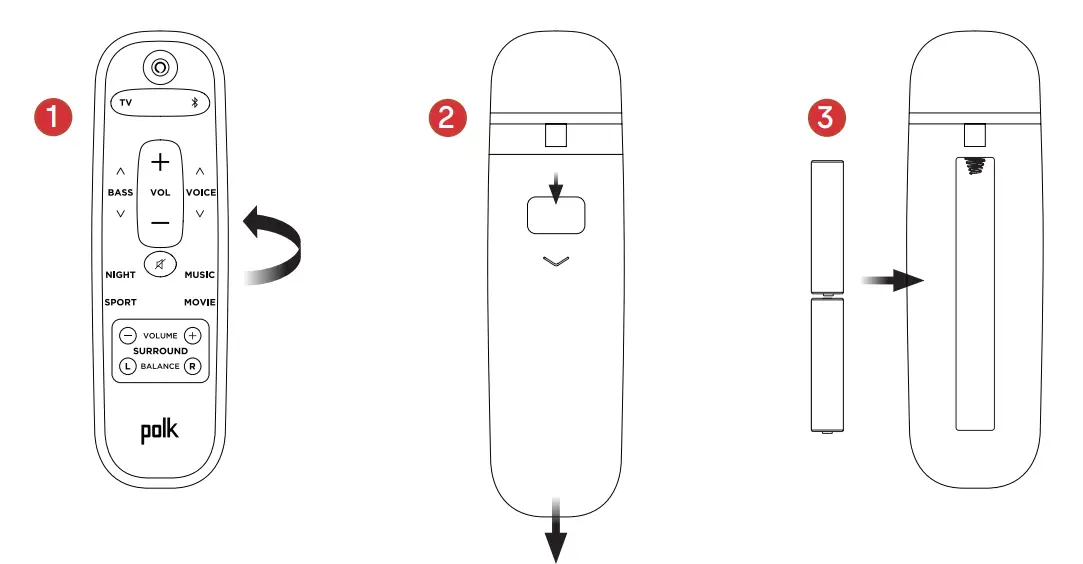
set up the remote
- Turn the remote to view the back.
- Open the back cover of the remote by sliding the bottom portion downward.
- Insert the two AAA batteries into the remote, and replace the cover.

Get to know Polk React controls
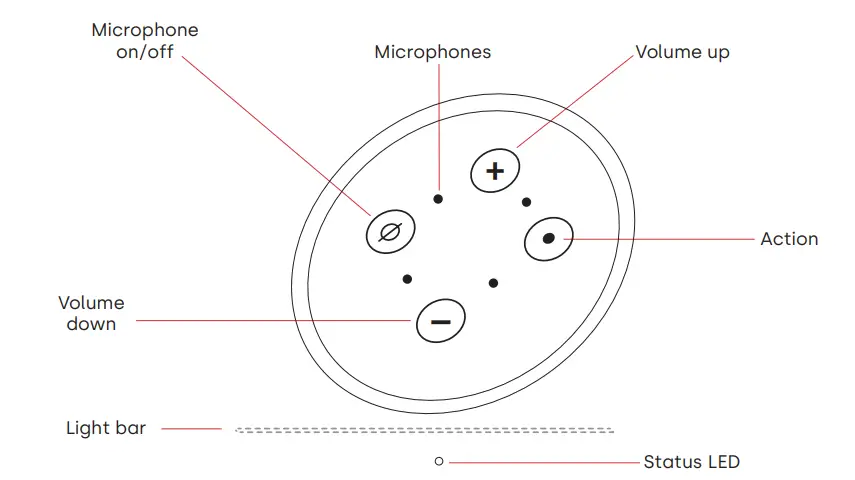
- Light bar: The color indicates what Alexa is doing.
- Volume buttons: Control the volume of the sound bar.
- Action button: Multi-function button used to wake up Alexa.
- Microphone on/off: When red, the microphones are disconnected and Alexa is not listening.
- Status LED: White—TV input. Purple—Night mode. Orange—PCM audio. Green—Dolby audio. Yellow—DTS audio. Blue—Bluetooth.
Get to know Polk React ports
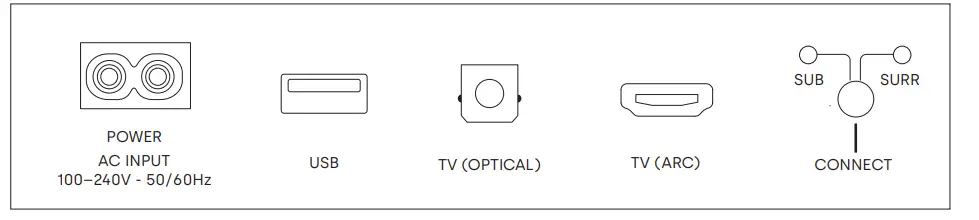
- Power: Connect to AC power source
- USB: Service use only.
- TV (optical): Connect to your TV’s optical input.
- TV (ARC): Connect to your TV’s HDMI ARC input.
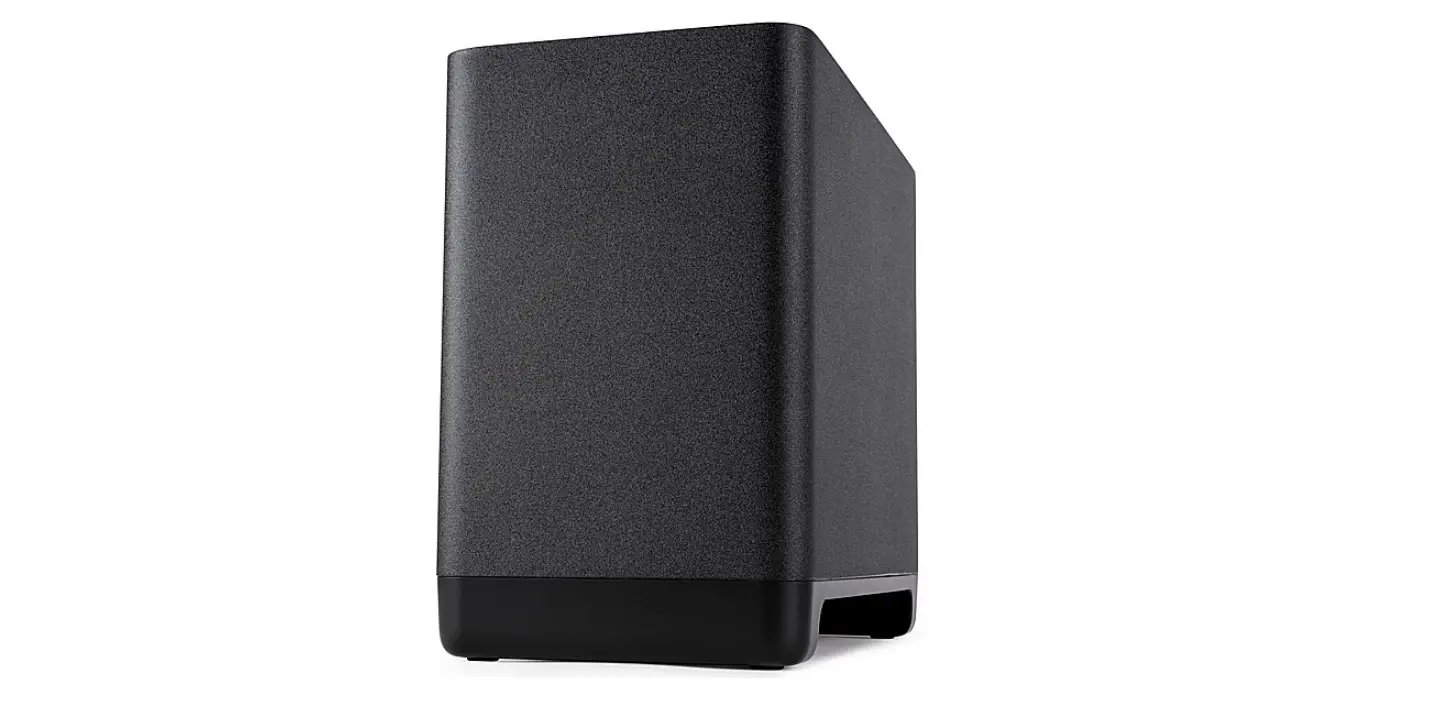
- Connect: Used to pair the optional subwoofer and surround speakers with the sound bar.
Remote Control
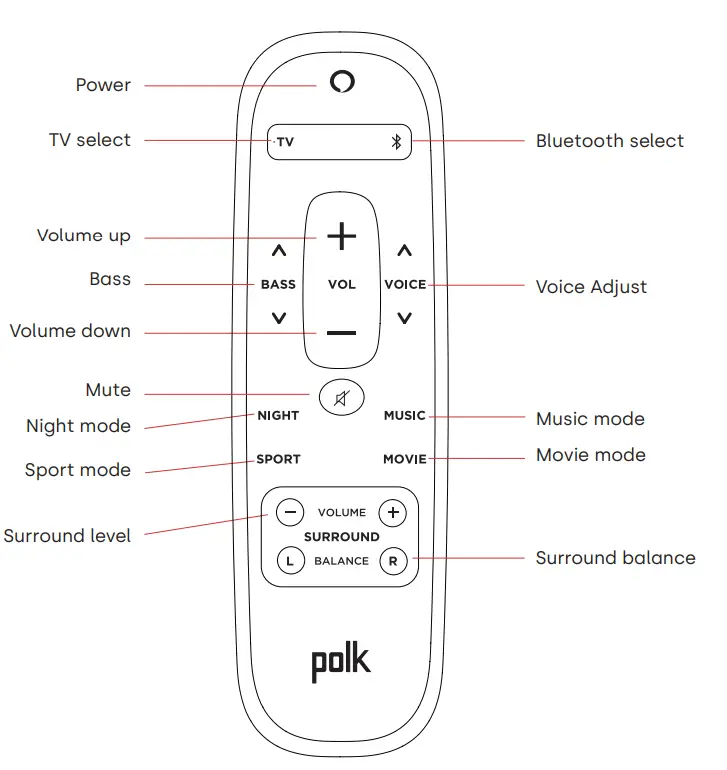
Get the most out of your polk React
Download the Amazon Alexa app
Download the Alexa app from the app store to manage your lists, news, skills, and more.
Talk to Alexa
To learn what phrases you can use with Polk React, say “Alexa, what can I say” or go to Things to Try in the Alexa app.
News, weather, and more
Customize these feature in the Alexa app.
Alexa, what’s my Flash Briefing?
Alexa, what’s the weather?
listen out loud with spotify® connect

Spotify is all the music you’ll ever need. Millions of songs are available
instantly. Just search for the music you love, or let Spotify play you something great. Spotify works on your phone, tablet, computer and home speakers, so you’ll always have the perfect soundtrack for whatever you’re doing. Now you can enjoy Spotify with your free account as well as Premium account. Use your phone, tablet or computer as a remote control for Spotify. Go to spotify.com/connect to learn how.
The Spotify software is subject to third party licenses found here: www.spotify.com/connect/third-party-licenses
Tips and Troubleshooting
I don’t have an hdmi port labeled “arc” on my TV.
- Connect an optical audio cable between the TV and sound bar.
- Refer to your TV’s manual for instructions on how to turn off the TV’s internal speakers.
How do I perform a Factory Reset?
Press and hold the Action button until the light bar turns orange (for about 25 seconds).
The light bar will turn blue indicating the boot sequence has started.
update the wi-fi settings.
- Press and hold the Action button on the top of the sound bar (for about 10 seconds) until Alexa announces “Now in setup mode”.
- Follow the instructions in the Alexa app.
For best performance, use the 5GHz band on your wireless router if available. Do not place your router in a cabinet, as it may impact wi-fi signal strength.
For more troubleshooting and information, go to www.polkaudio.com/support.
Thank you for your Polk purchase
If you have a question or comment, please feel free to contact us.
Technical Assistance
North America: 800-377-POLK(7655)
United Kingdom and Ireland: +44 202890279830
Netherlands customers: +31 402507800
Other countries: +1-410-358-3600
Email: [email protected]
Polk FAQs: polk.custhelp.com
In all other countries, refer to [email protected] for support contact details.
The complete owner’s manual can be found online at http://manuals.polkaudio.com/REACT/NA/EN/index.php.
FAQS
Does this support 4k pass-through?
Yes the React sound bar supports 4k pass-through. It also comes with a 4k 6.5′ high-speed HDMI cable in the box.
Anyone know how to mount on existing wall mounts that also use keyholes? Is there a keyhole to keyhole work around without replacing existing mounts?
Soundbar mounting kits will often come with the ability and hardware to utilize Keyhole type mounting.
How long is the warranty? Getting static sound on some movie scenes…
The speakers have a three year warranty and the audio amplifier has a one year warranty, contact us at: 1-800-377-7655 if problems persist.
is this dual voltage!n110/240?
If I’m listening to music and then turn on the TV my soundbar will automatically switch to the TV. A statement will show on the TV stating that the audio device has been found and the TV remote will now control the TV volume. Hope this helps. BTW I’m very pleased with this soundbar.
Will this work with the Echo Subwoofer?
It will not.
will this package work with Denon AV receiver and Martin logan subwoofer
The Polk Audio React soundbar does not require a receiver. Soundbars are designed to work with the TV set with no receiver. The React soundbar will pair with the React subwoofer and SR2 wireless rear speakers creating a wireless surround sound system. Your other option is to create a wired surround sound system using the Denon receiver, ML subwoofer, center CH (option Polk Audio TL3), front speakers (option Polk Audio TL1), and rear speakers (option Polk Audio TL1) .
How are the surround speaker powered??
A power transformer is plugged into a wall outlet with a power cord for the speakers.
Can these be used with magni Fi Max??
A power transformer is plugged into a wall outlet with a power cord for the speakers.
Will the arc connection auto-switch to tv input when tv is turned on if i was previously playing music on it via alexa?
If I’m listening to music and then turn on the TV my soundbar will automatically switch to the TV. A statement will show on the TV stating that the audio device has been found and the TV remote will now control the TV volume. Hope this helps. BTW I’m very pleased with this soundbar.
Will this work with Bose soundbar?
No, just the Polk React
Powerfull enough for a large room ?
Yes, the Polk Audio React Soundbar,Wireless Surround SR2 speakers, and React Wireless Subwoofer can fill a typical large room with big sound. Please consider that room acoustics can play a big part in any room size.
Does this include everything needed to wall mount in the box?
A wall-mount template is provided in the box. Keyholes are located on the back of the soundbar.