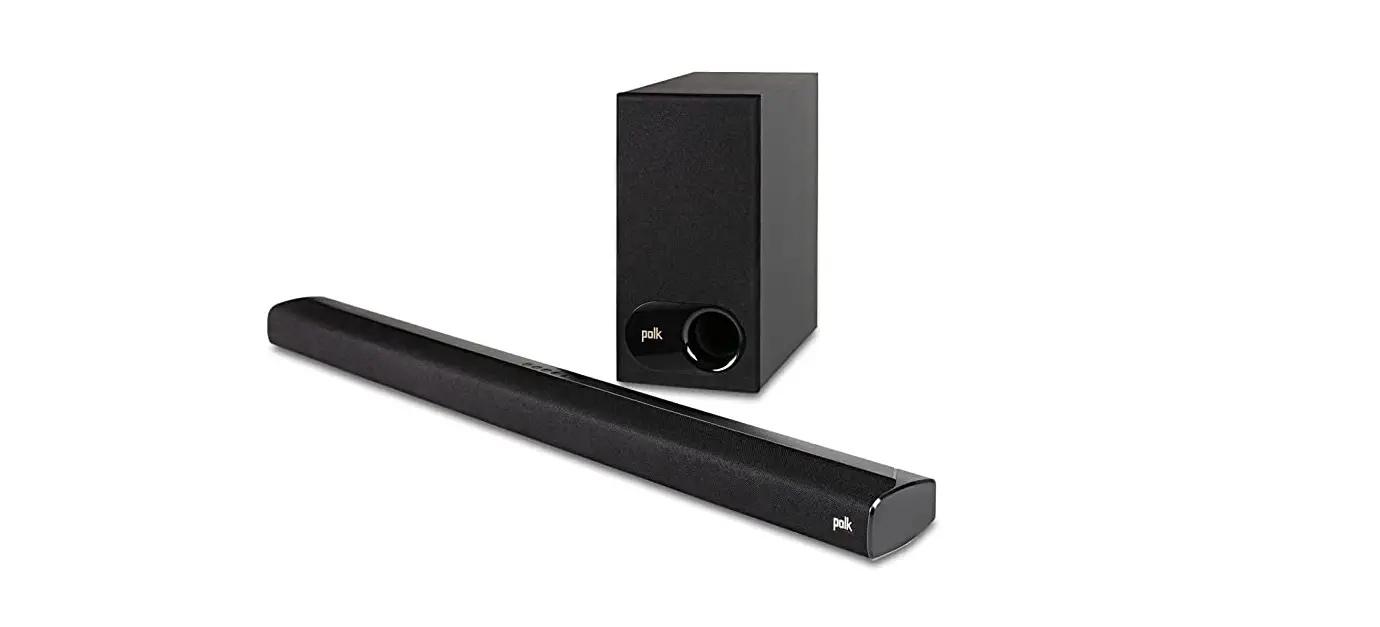
 Signa S2™
Quick Start Guide
Thank you for your Polk purchase. If you have a question or comment, please feel free to call or email us.
Technical Assistance
In North America, call Polk Customer Service at 800-377-POLK(7655) (M–F, 9 a.m.–5:30 p.m. EST)
Outside the US, call +1-410-358-3600
Email: [email protected]
Polk Audio
1 Viper Way
Vista, CA 92081
The complete owner’s manual can be found online at www.polkaudio.com
In all other countries, please refer to [email protected]
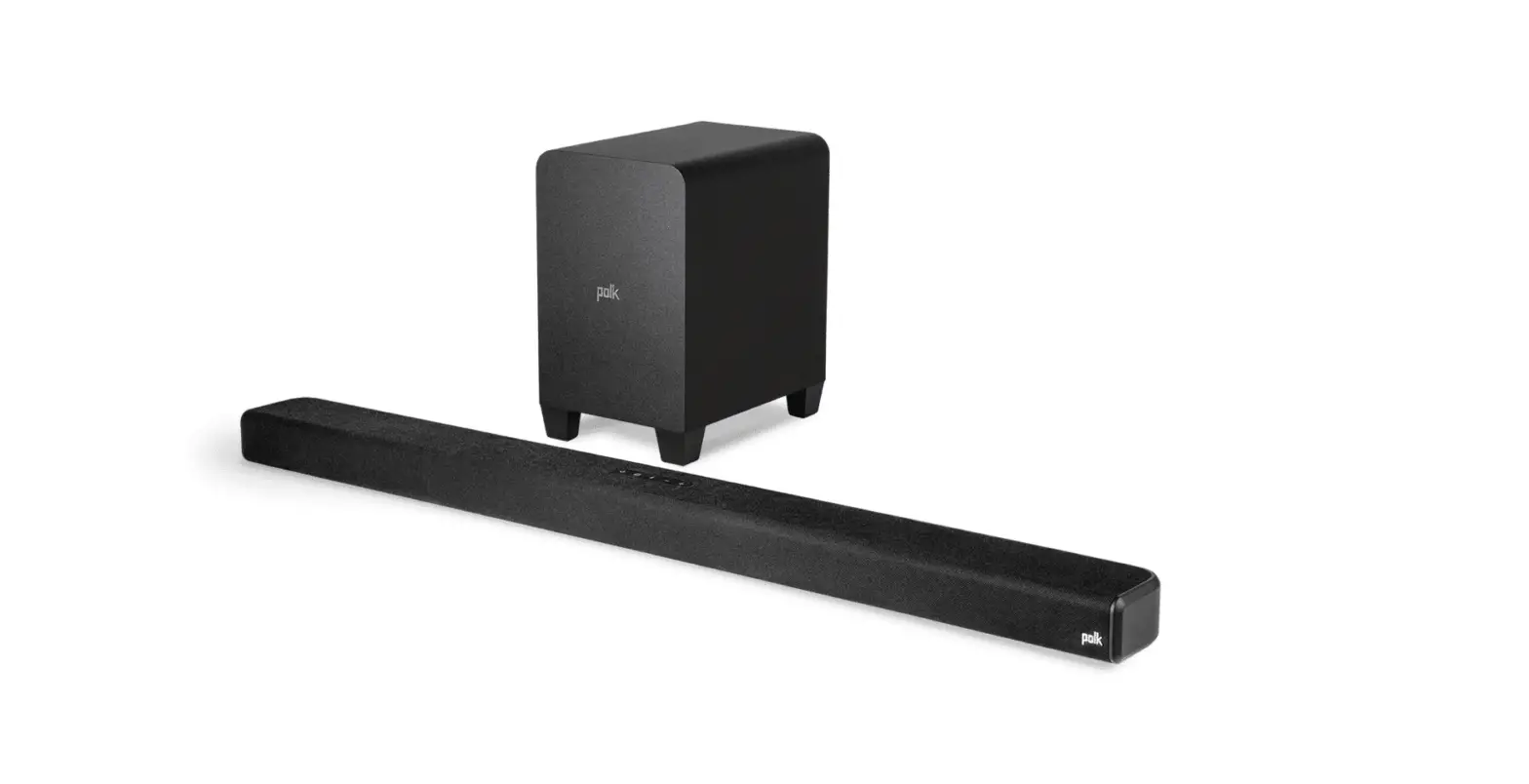
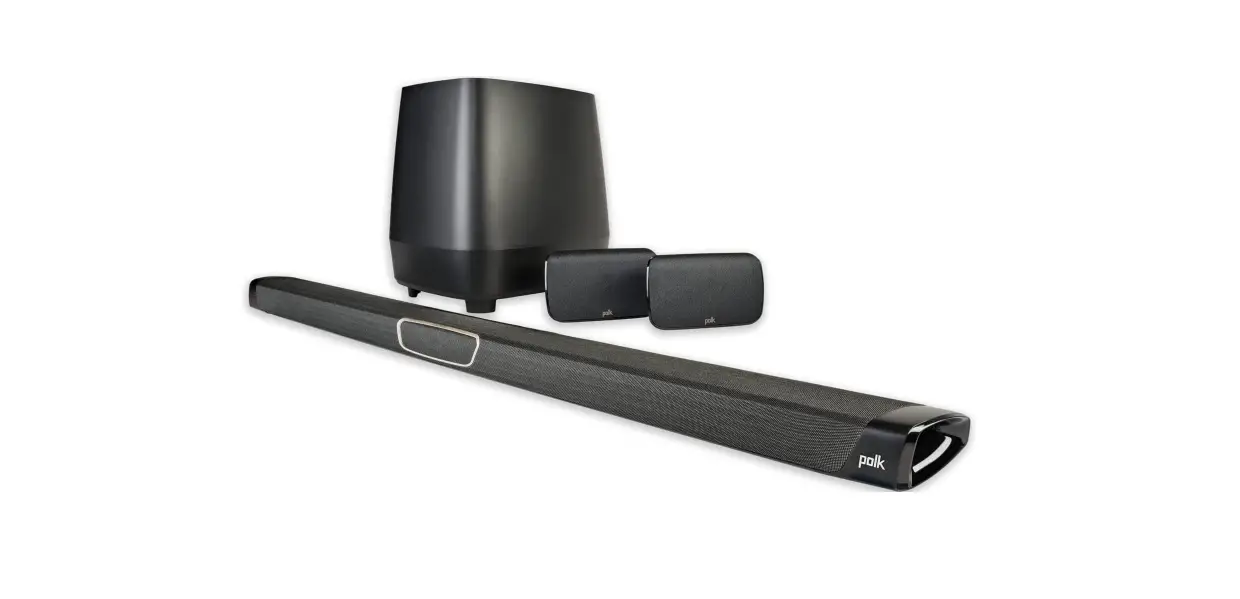
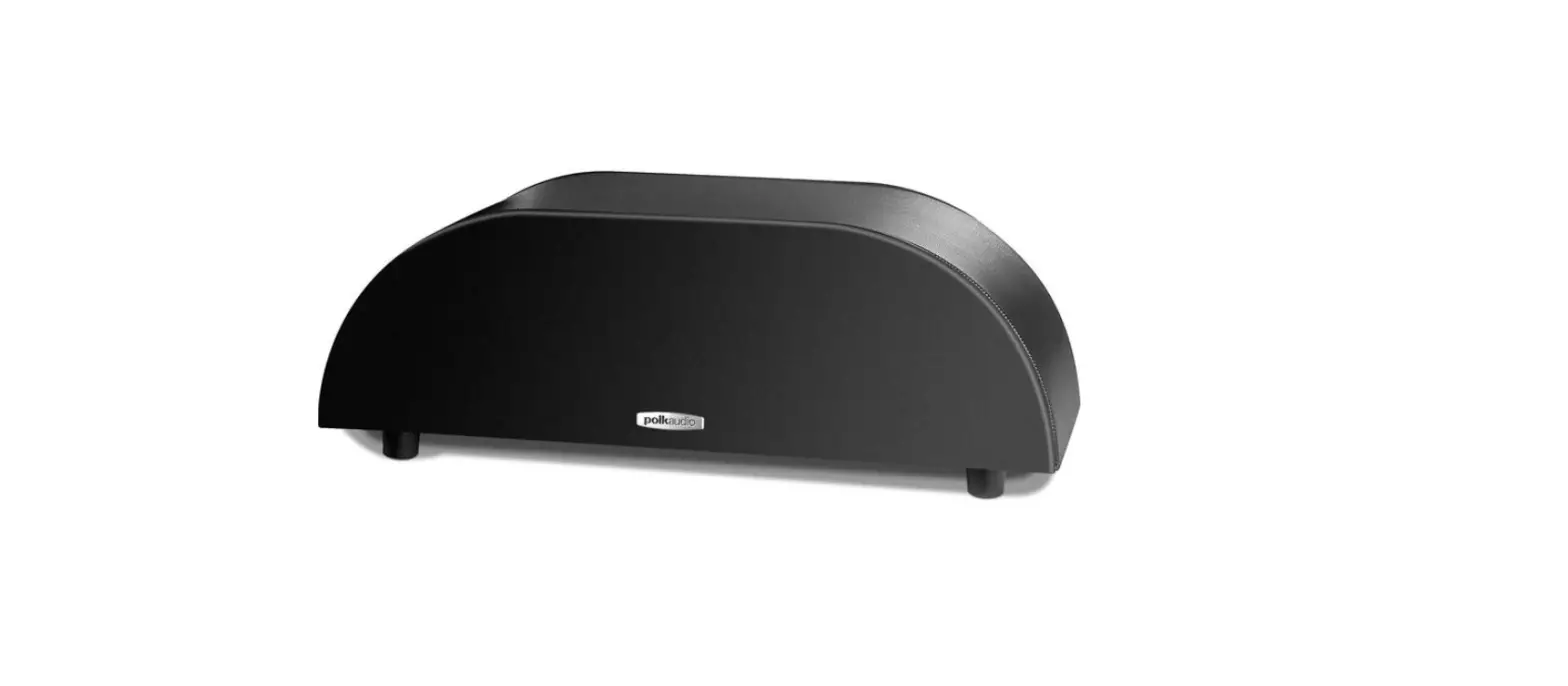
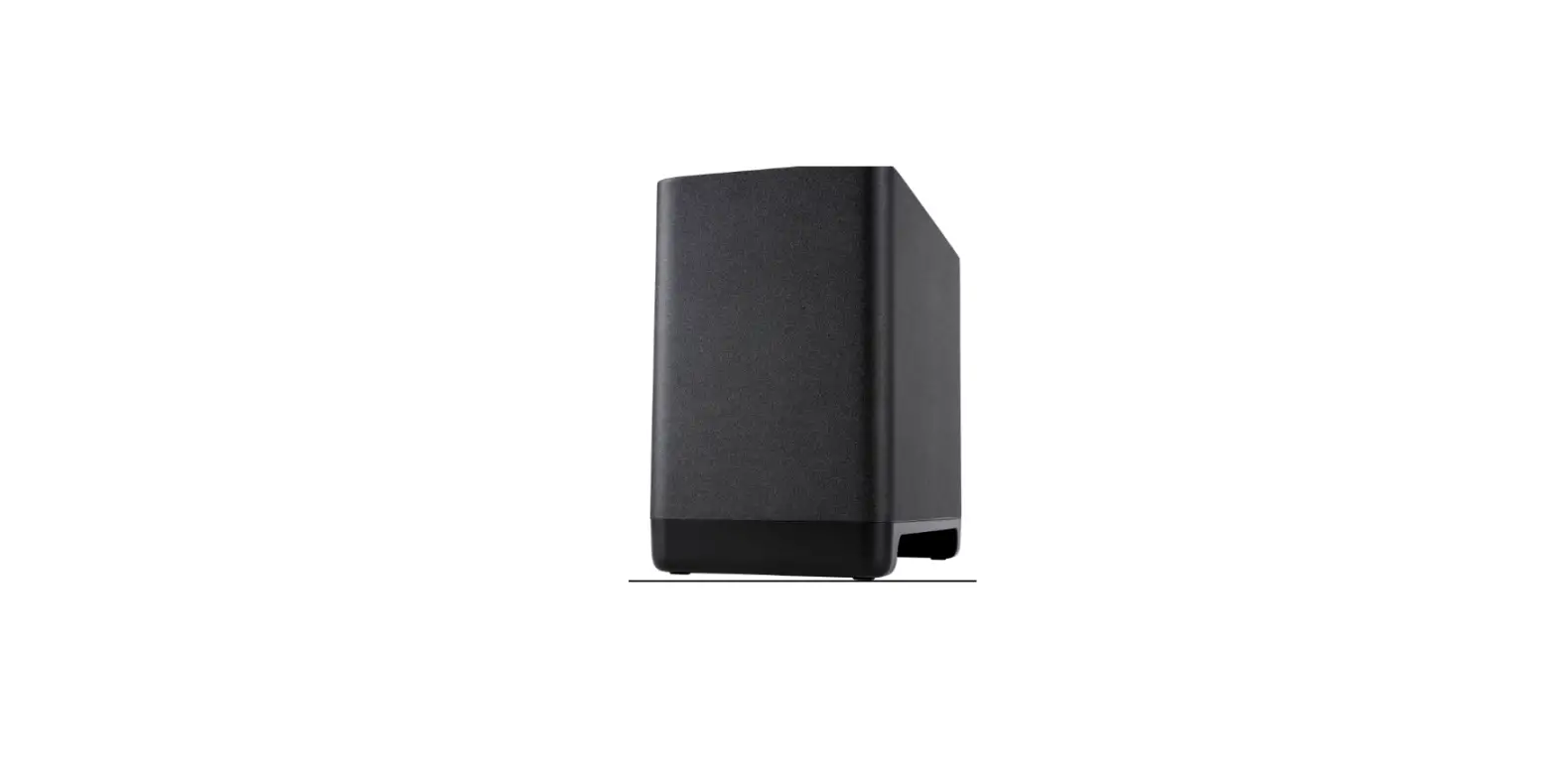
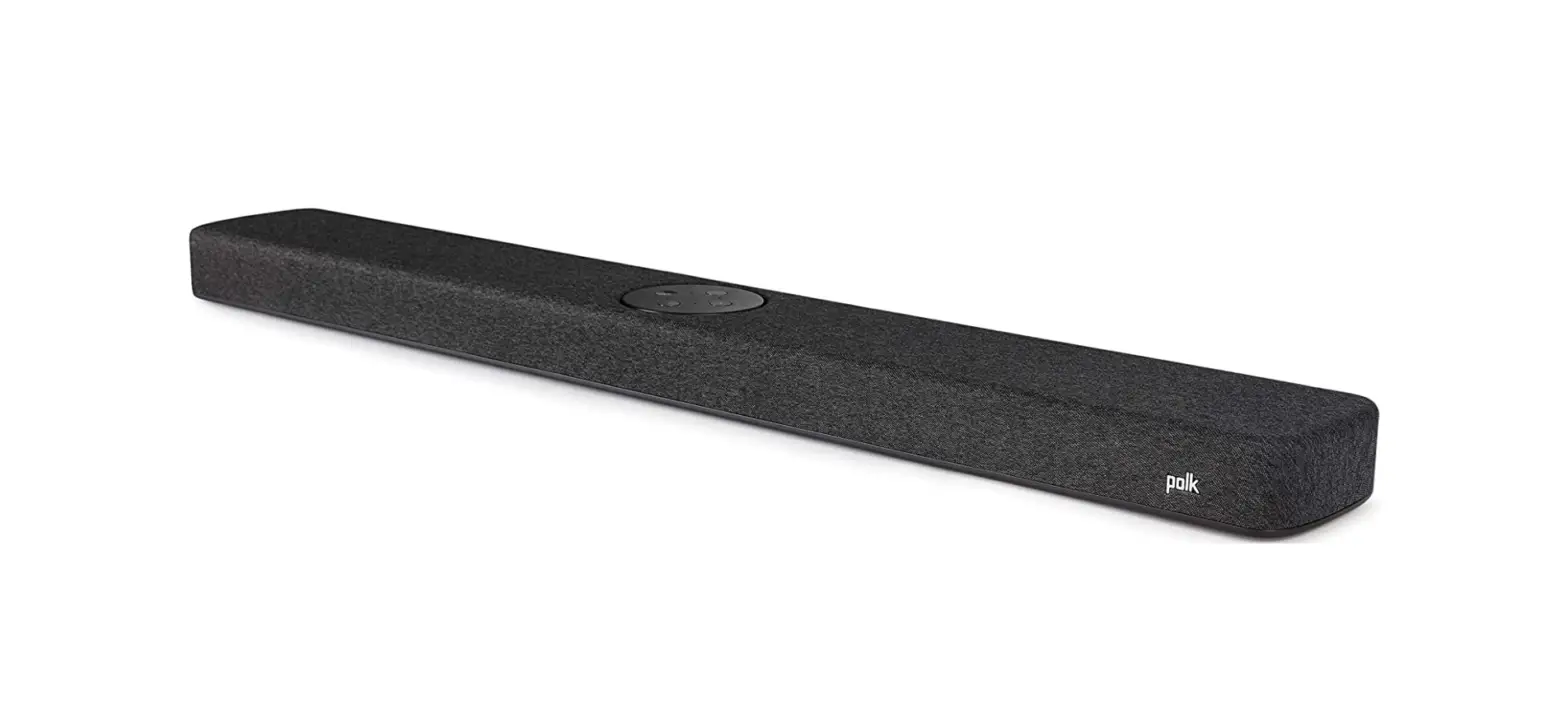
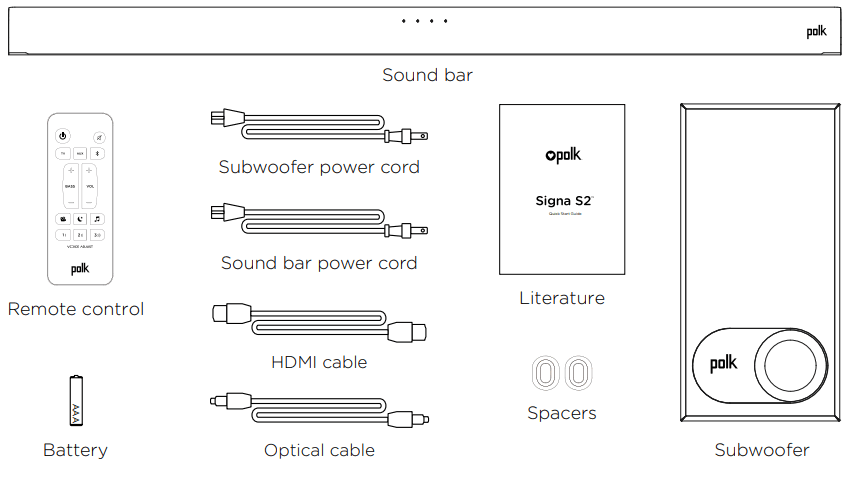
What’s in the Box
Connecting Your Signa S2 to Your TV
- Is an HDMI port on your TV labeled “ARC”?
 Connect the included HDMI cable to the HDMI ports labeled with “ARC” on both the TV and the soundbar.
 Connect the Optical cable between the TV and sound bar.
Connect the included HDMI cable to any available HDMI port on the TV and to the “TV ARC” port on the soundbar.
NOTE: HDMI (ARC) and optical supports Dolby 5.1 decoding. - Remote battery installation:
Insert the provided AAA battery.
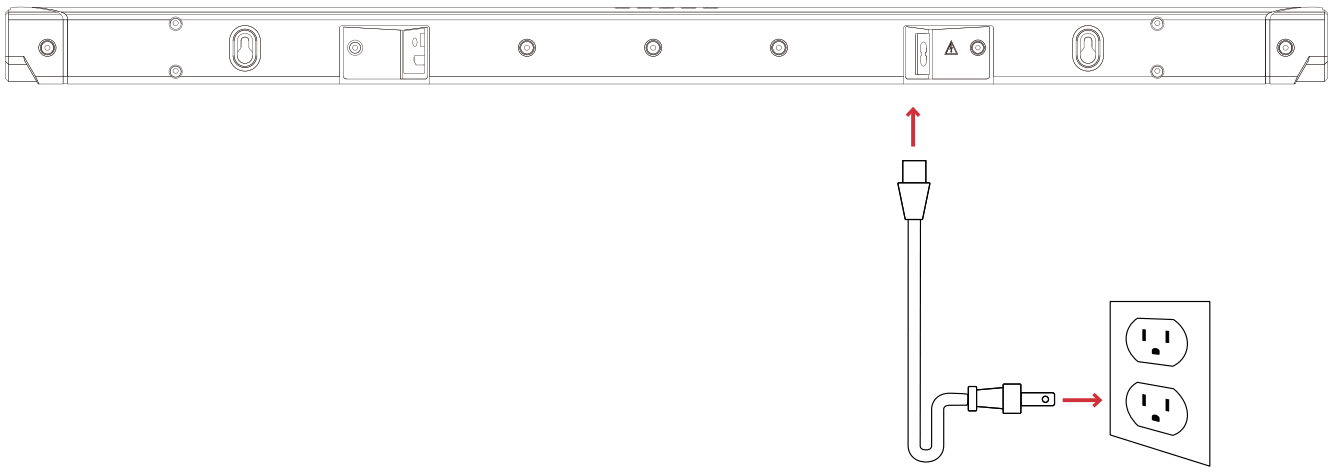
- Connect the sound bar power cord to an AC outlet

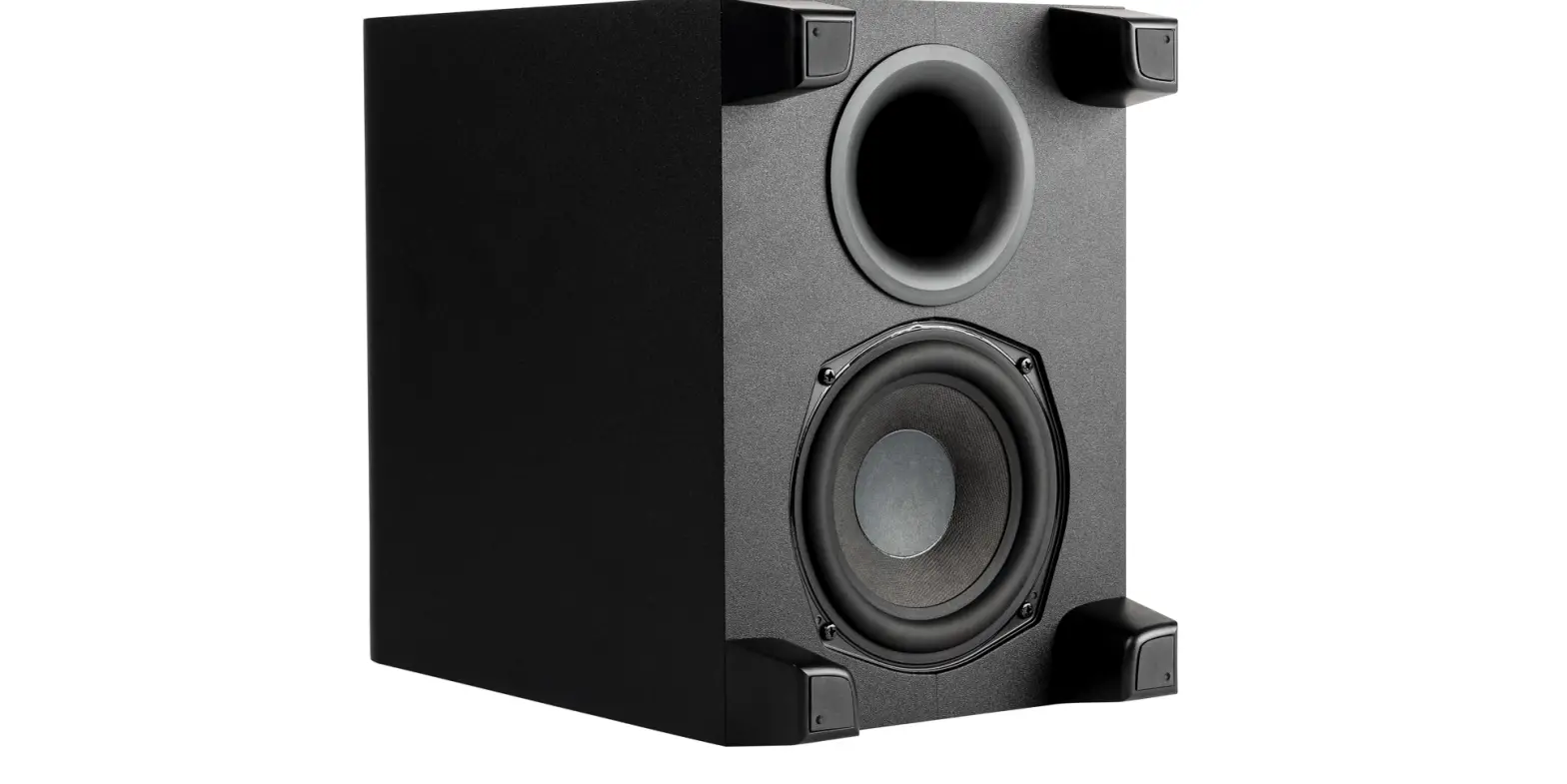
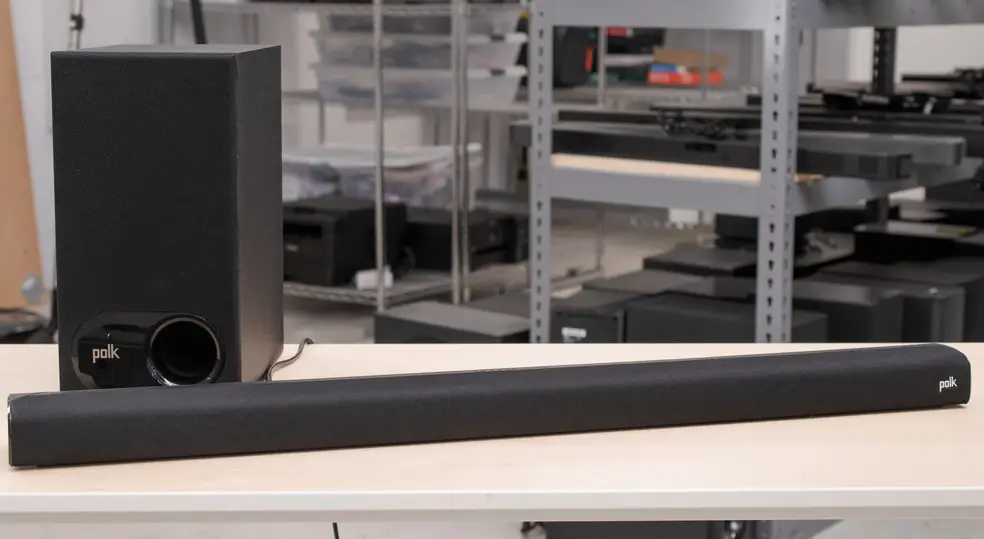
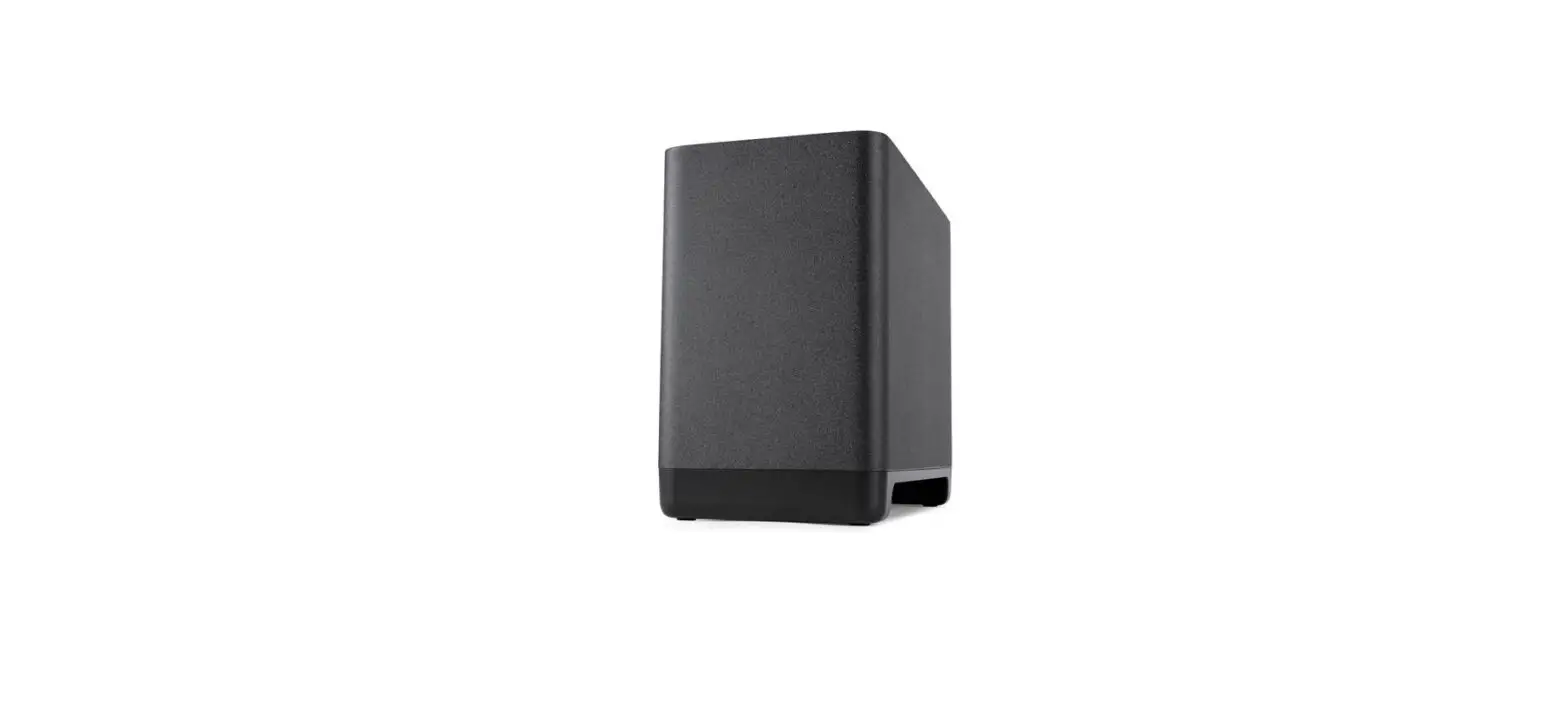
- Position the subwoofer and connect to an AC outlet (for best performance place it on the same wall as the TV)

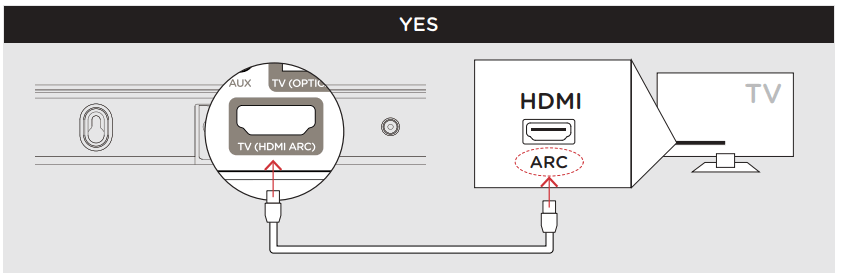 Connect the included HDMI cable to the HDMI ports labeled with “ARC” on both the TV and the soundbar.
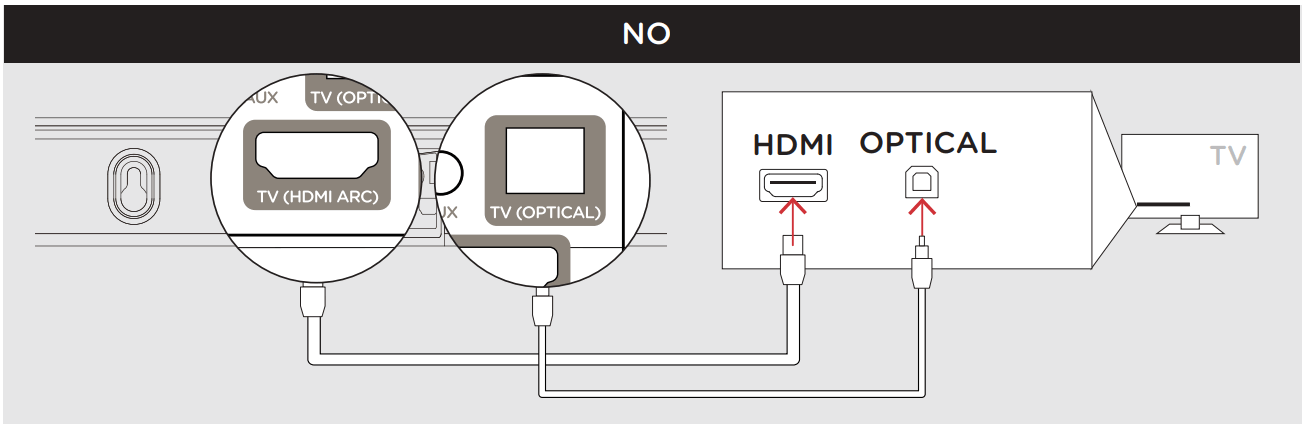 Connect the Optical cable between the TV and sound bar.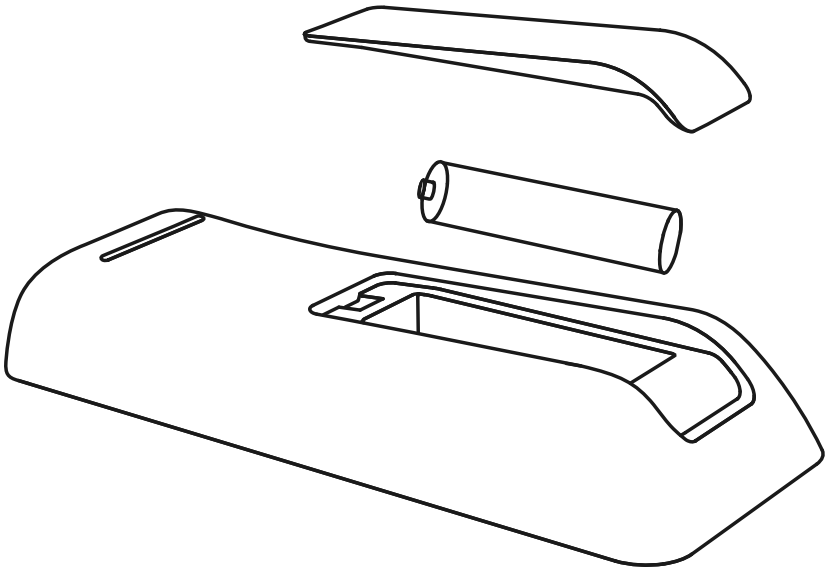
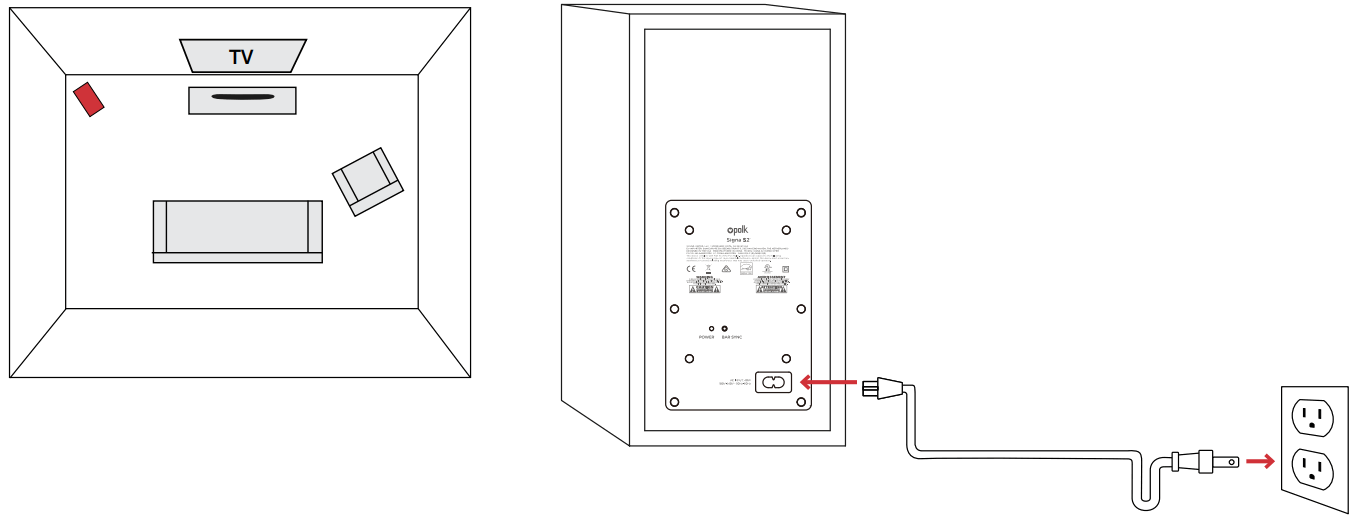
NOTE: The Signa S2 sound bar and wireless subwoofer are preset at the factory to work together. Should your wireless subwoofer stop receiving an audio signal, follow these instructions to re-establish the connection:
- Turn on your sound bar.
- Press and hold the BAR SYNC button on the back of the subwoofer for 3 seconds.
- Simultaneously press and hold Bluetooth
 and VOL + buttons on the sound bar for 5 seconds.
The sound bar will search for a connection while the first and second LEDs on the soundbar will flash intermittently. The lights will stop flashing when the sound bar and subwoofer connect. If the sound bar and subwoofer fail to connect, the first and second LEDs will flash together 5 times. Repeat the steps above to establish a connection.
5. Turn on your sound bar
Press the Power button  on the sound bar or remote.
NOTE: Make sure TV internal speakers are off
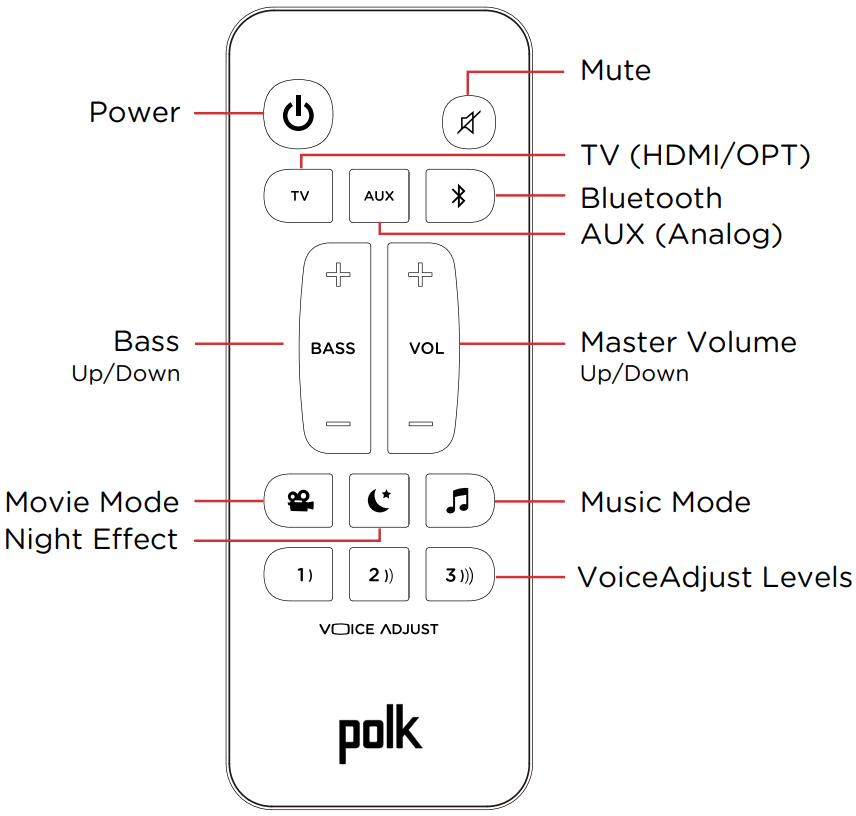
Remote Control
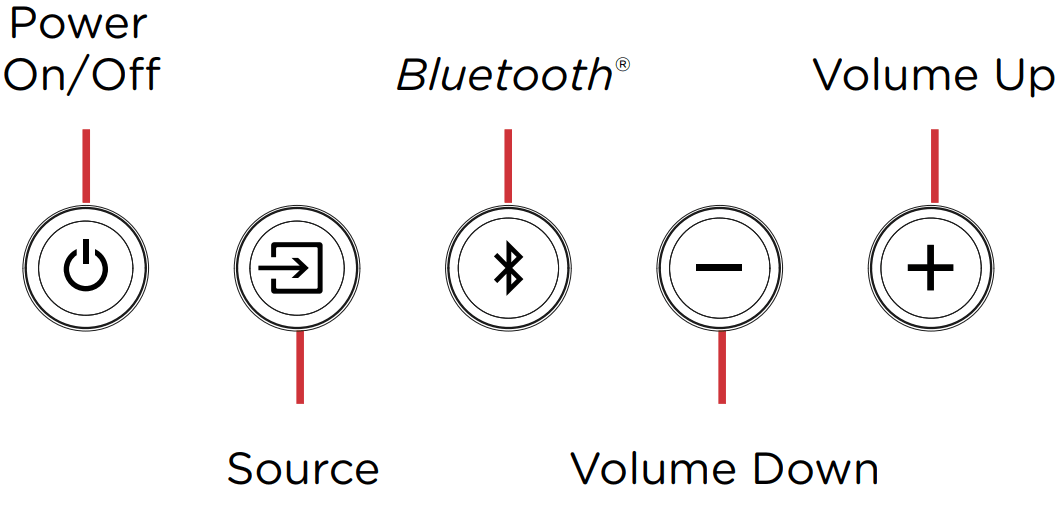
Sound Bar Top Panel
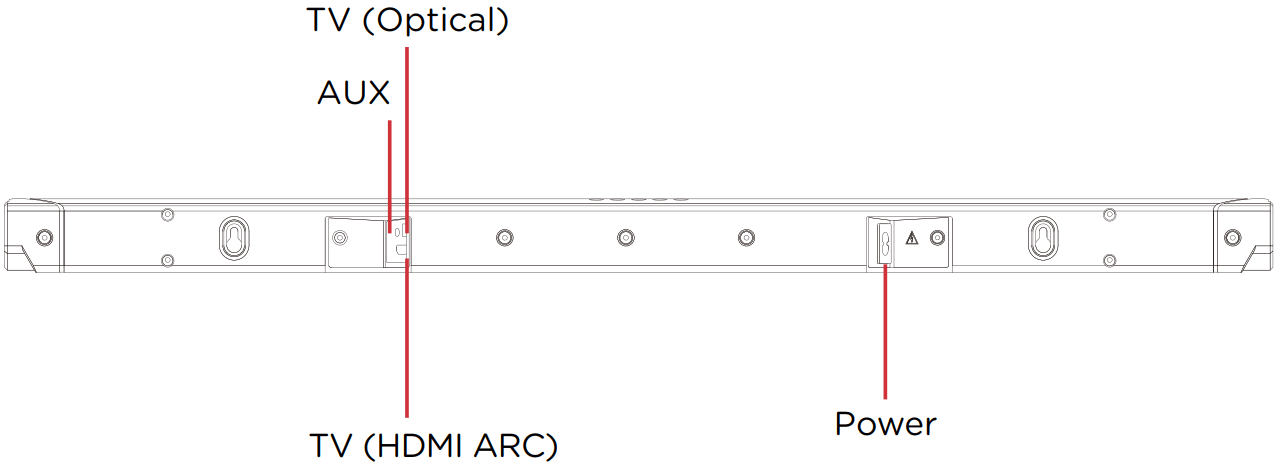
 Sound Bar Back Panel
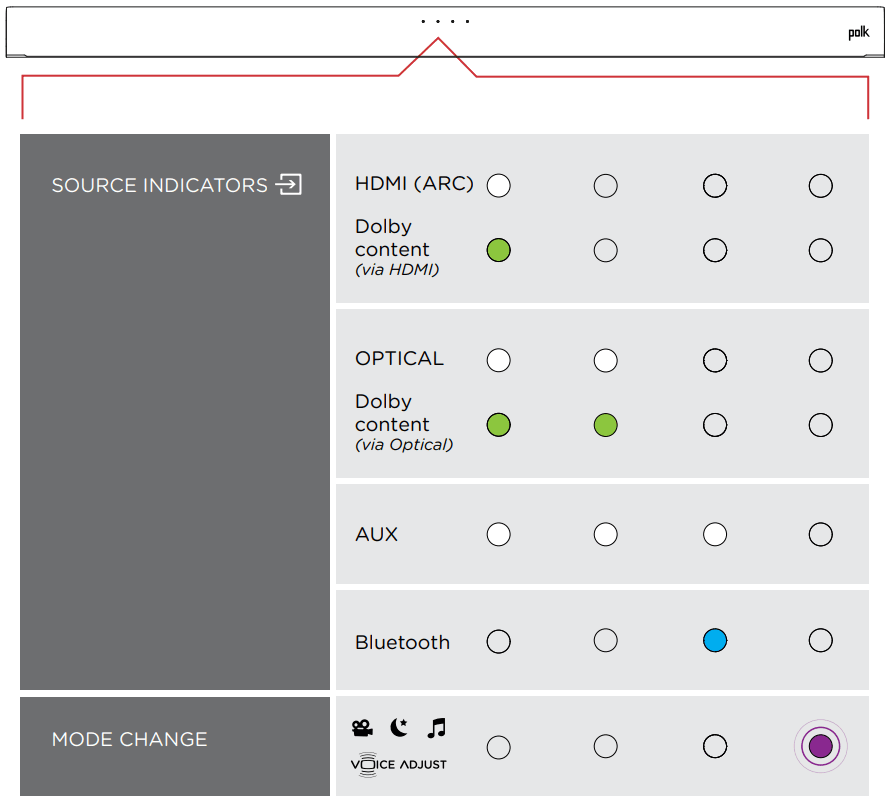
Sound Bar LEDs
The Signa S2 has a horizontal row of LED lights that provide status indications, like source, volume, and listening modes.
Optimizing Your Listening Experience
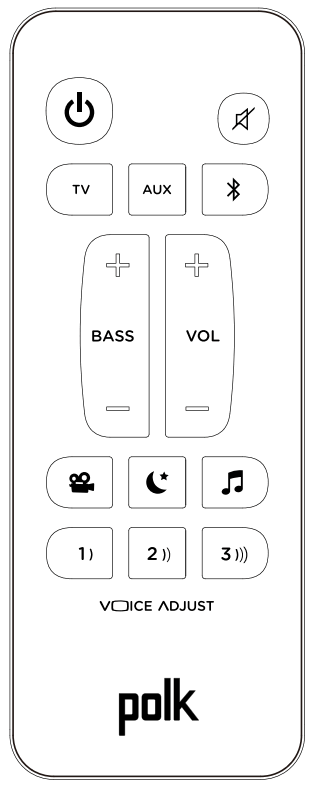
Bass Control
Control Bass Volume Levels
Easily adjust the bass volume for more or less impact. Movie Mode
Enhances audio reproduction in TV and movies. Music Mode
Enhances audio whenever you’re listening to music, or watching TV or movies that have music playing in them. Night Effect
Reduces bass and volume dynamics while improving voice intelligibility for low-volume listening. Control Dialogue Volume Levels
Isolate and adjust the voice channel level to reproduce clear, crisp dialogue.
Music Listening
How to Set Up Bluetooth
- To enable Bluetooth , press the Bluetooth button on the sound bar or remote control. A blue LED will pulse on the soundbar.

- Go to the Bluetooth devices section on your phone, tablet, or computer and select Polk Signa S2. The LED is solid blue when Bluetooth is connected.

NOTE: To take control when another device is connected, press the Bluetooth button.
How to hear your TV again: When you are finished using Bluetooth, press the source button on the sound bar or remote (TV, AUX).
Auto Standby
When there is no input signal and operation for 15 minutes, this unit automatically enters standby mode.
Bluetooth standby
When a Bluetooth connection is made from a registered Bluetooth device, this unit turns on automatically.
- Press and hold the [TV] button for approximately 5 seconds. (The default setting is “Off”).
Specifications
| Soundbar | Subwoofer |
| Power supply: AC 100 – 230 V, 50/60Hz Operating temperature: 5°C – 35°C Power consumption: 40 W Power consumption in standby mode: 0.3 W Power consumption in Bluetooth standby: 1.6 W | Power supply: AC 100 – 230 V, 50/60Hz Operating temperature: 5°C – 35°C Power consumption: 40 W Power consumption in standby mode: 0.26 W Power consumption in Bluetooth standby: 1.1 W Reduce el bajo y el volumen |
 Manufactured under license from Dolby Laboratories. Dolby, Dolby Audio, and the double-D symbol are trademarks of Dolby Laboratories.
 The terms HDMI, HDMI High-Definition Multimedia Interface, and the HDMI Logo are trademarks or registered trademarks of HDMI Licensing Administrator, Inc.
 The Bluetooth® word mark and logos are registered trademarks owned by the Bluetooth SIG, Inc. and any use of such marks by Polk Audio is under license. Other trademarks and trade names are those of their respective owners.
1 Viper Way
Vista, CA 92081
800 377 7655
www.polkaudio.com
SU100001
 Home | Oracle B2C Service