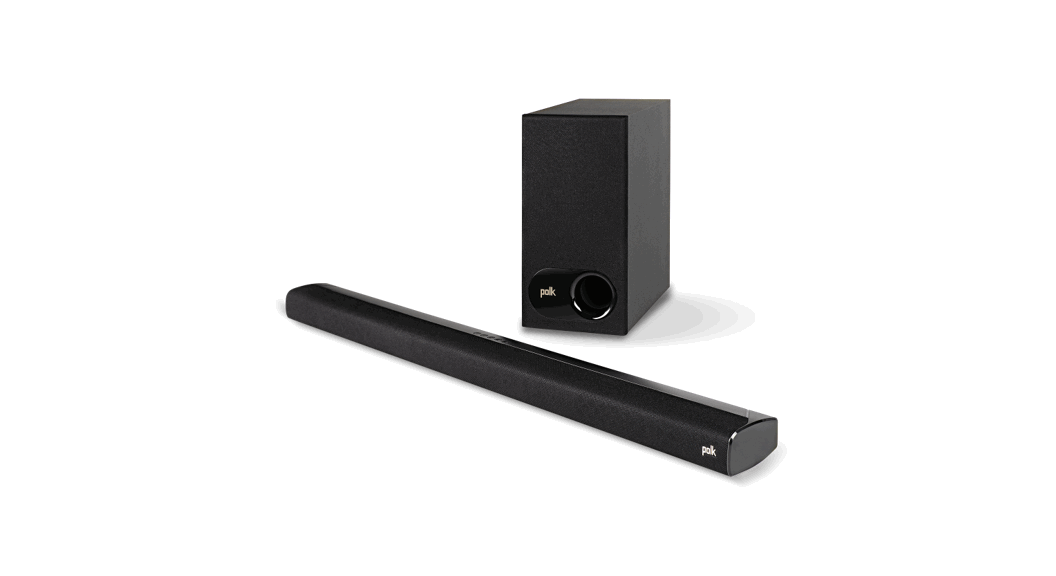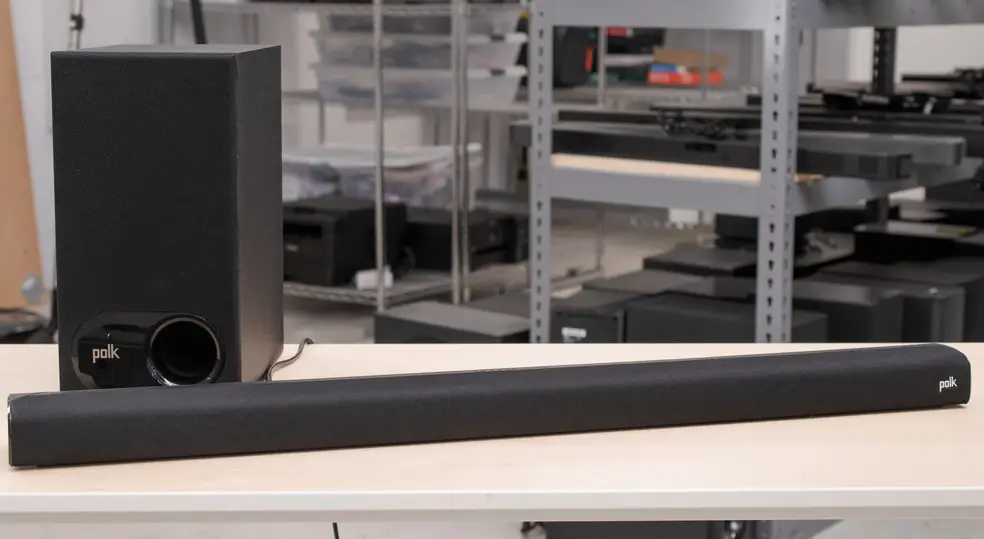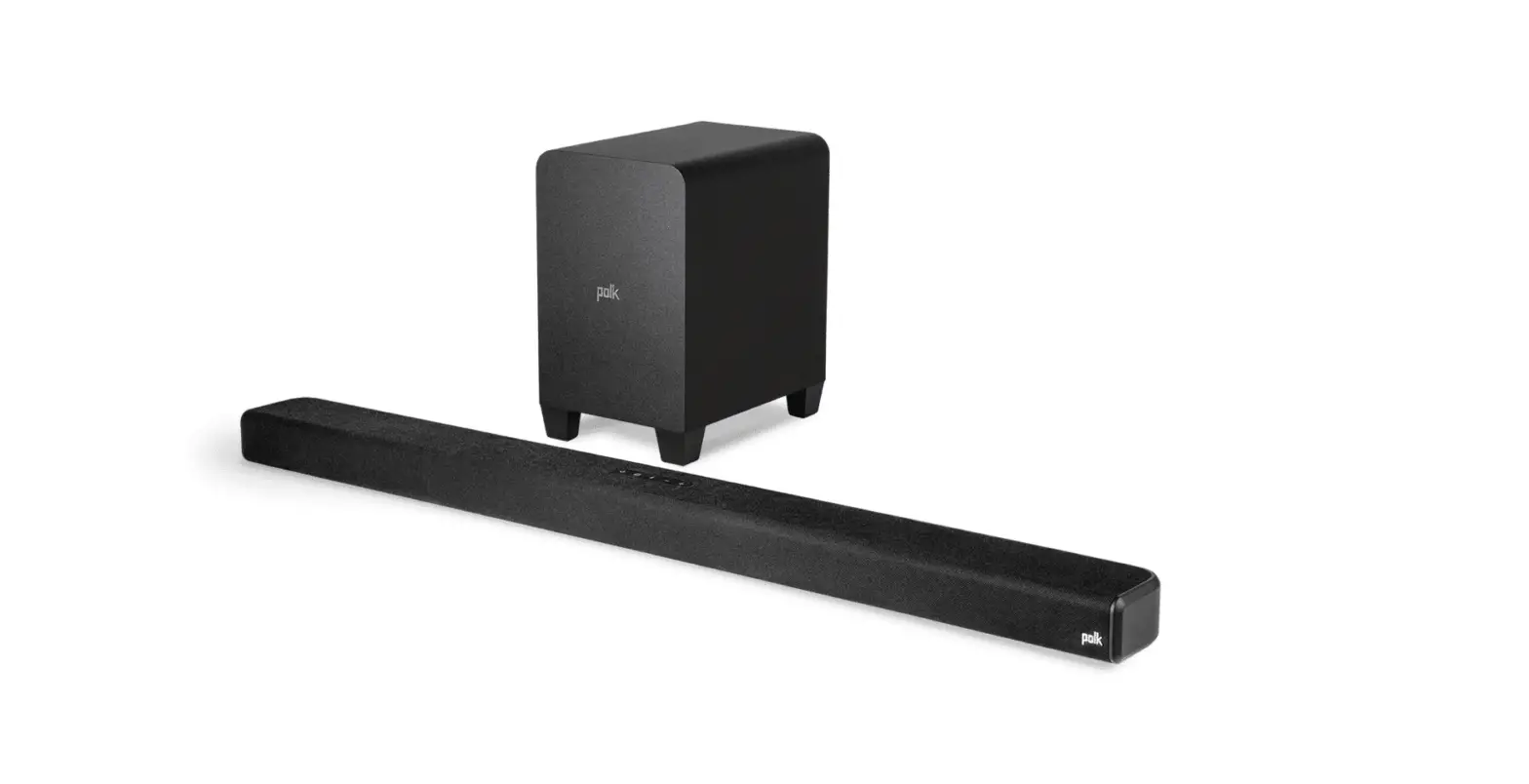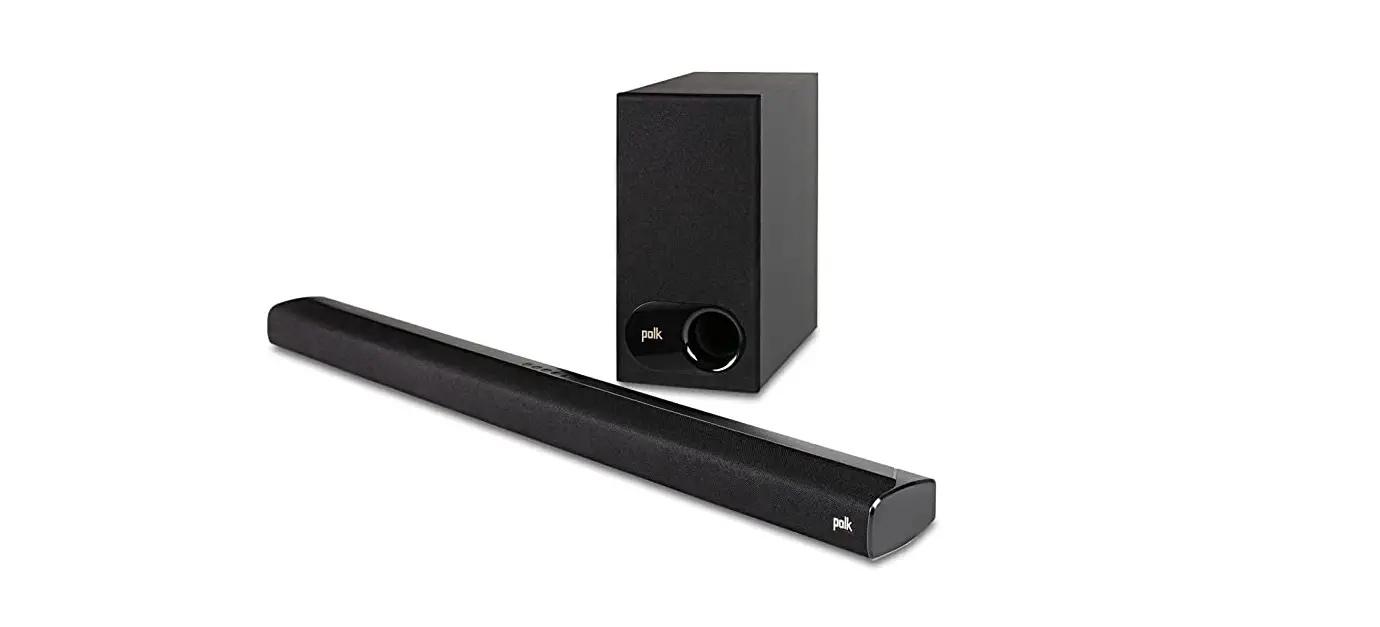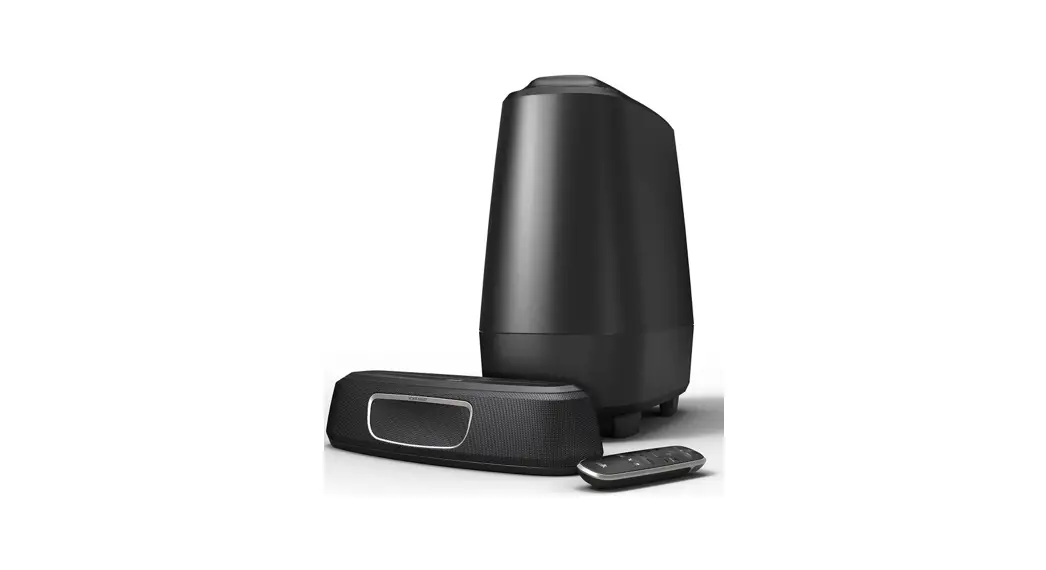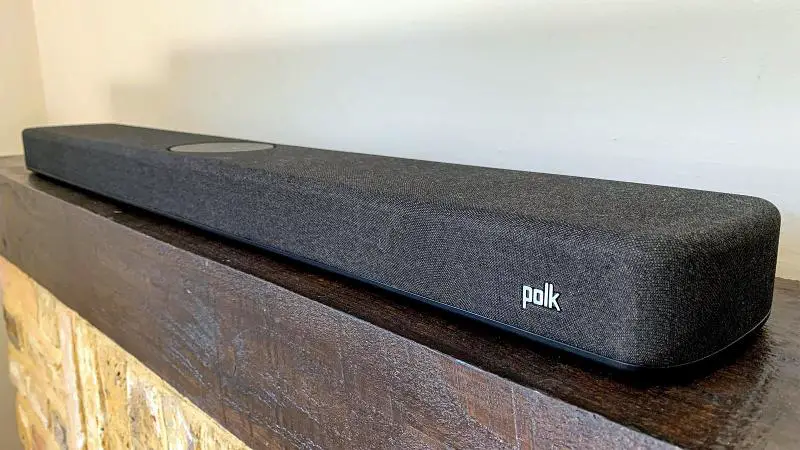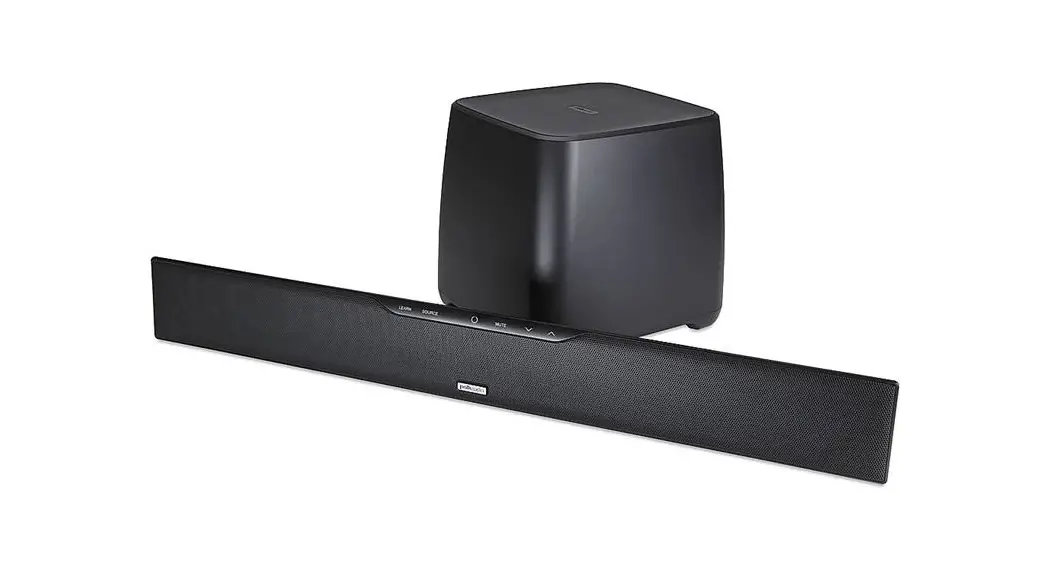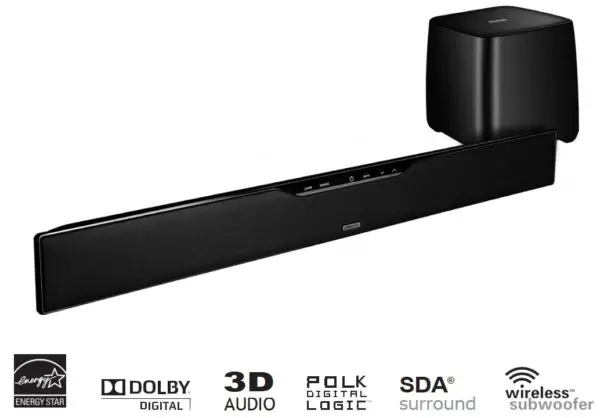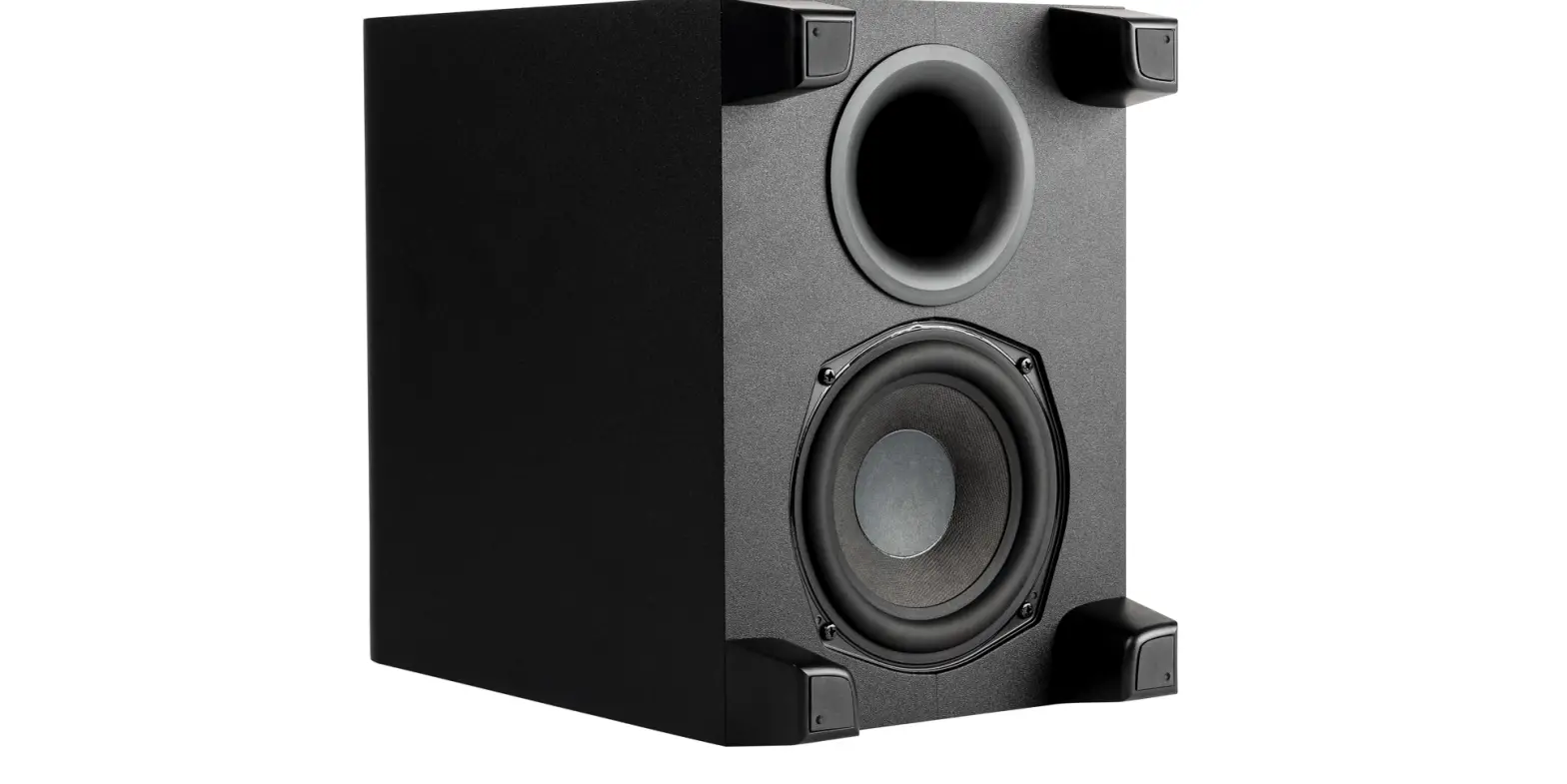

polk Signa S4 Ultra-Slim TV Sound Bar with Wireless Subwoofer
Unpack
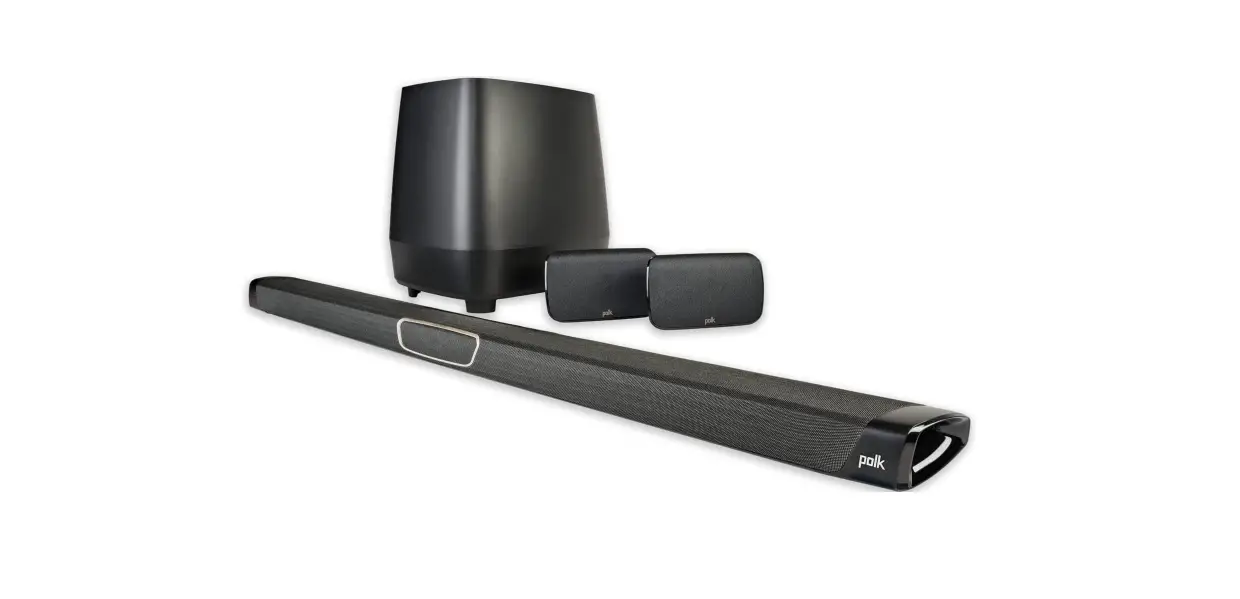
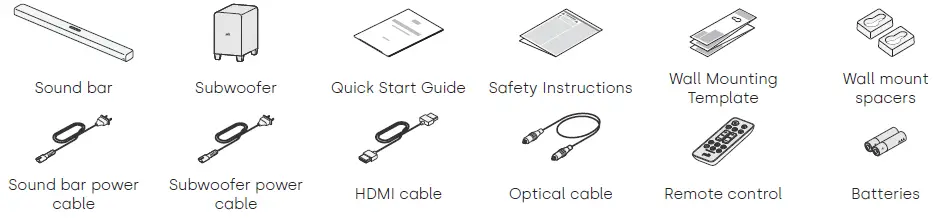
Check that you have the following items.
Connect your TV
If your TV has an HDMI port, you will want to connect the sound bar via HDMI for the best sound performance.
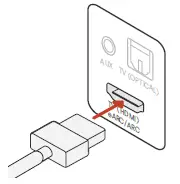
- Connect one end of the HDMI cable to the TV port labeled “eARC” or “ARC”.
- Connect the other end of the HDMI cable to the HDMI (eARC) port on the back of the sound bar.
NOTE: If your TV does not have an HDMI port, you can connect the sound bar to your TV using the optical cable. However, please note that an optical connection does not support Dolby Atmos.
Plug in the power cable
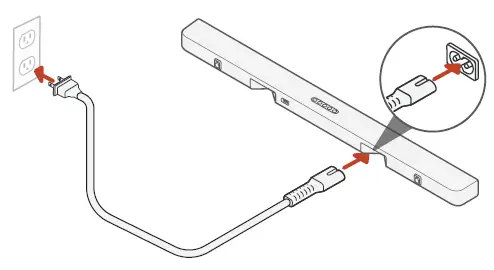
Plug the power cable into the sound bar and into a wall outlet.
Place the sound bar
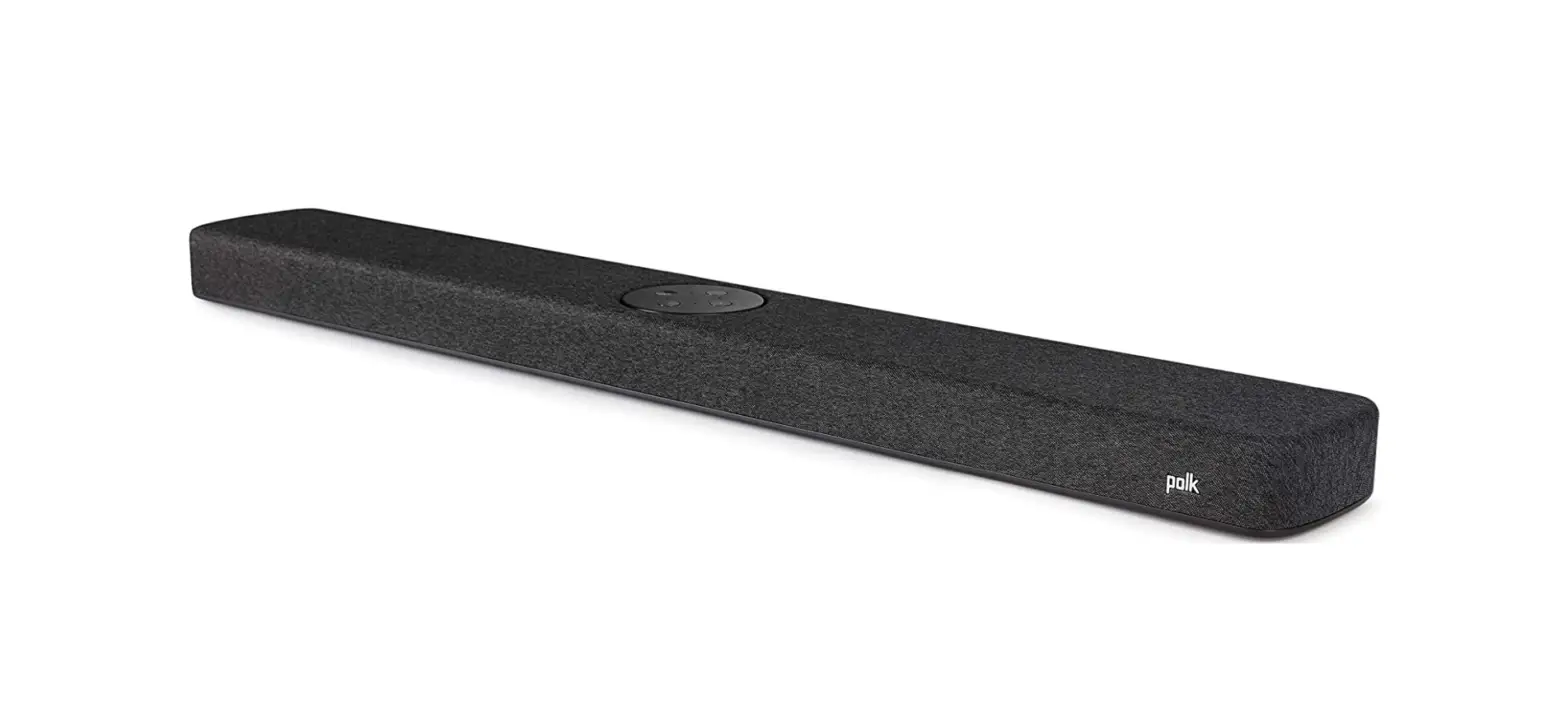
For the best listening experience, place the sound bar centered in front of your TV and flush with the front edge of your cabinet.
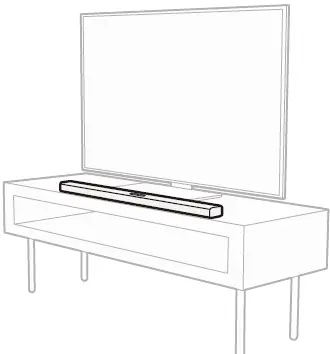
NOTE: If you want to mount the sound bar on the wall, use the included wall mounting template.
Set up the subwoofer
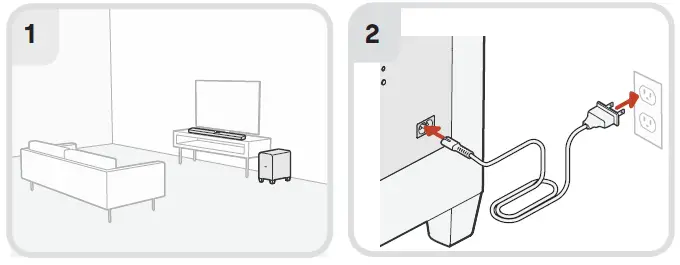
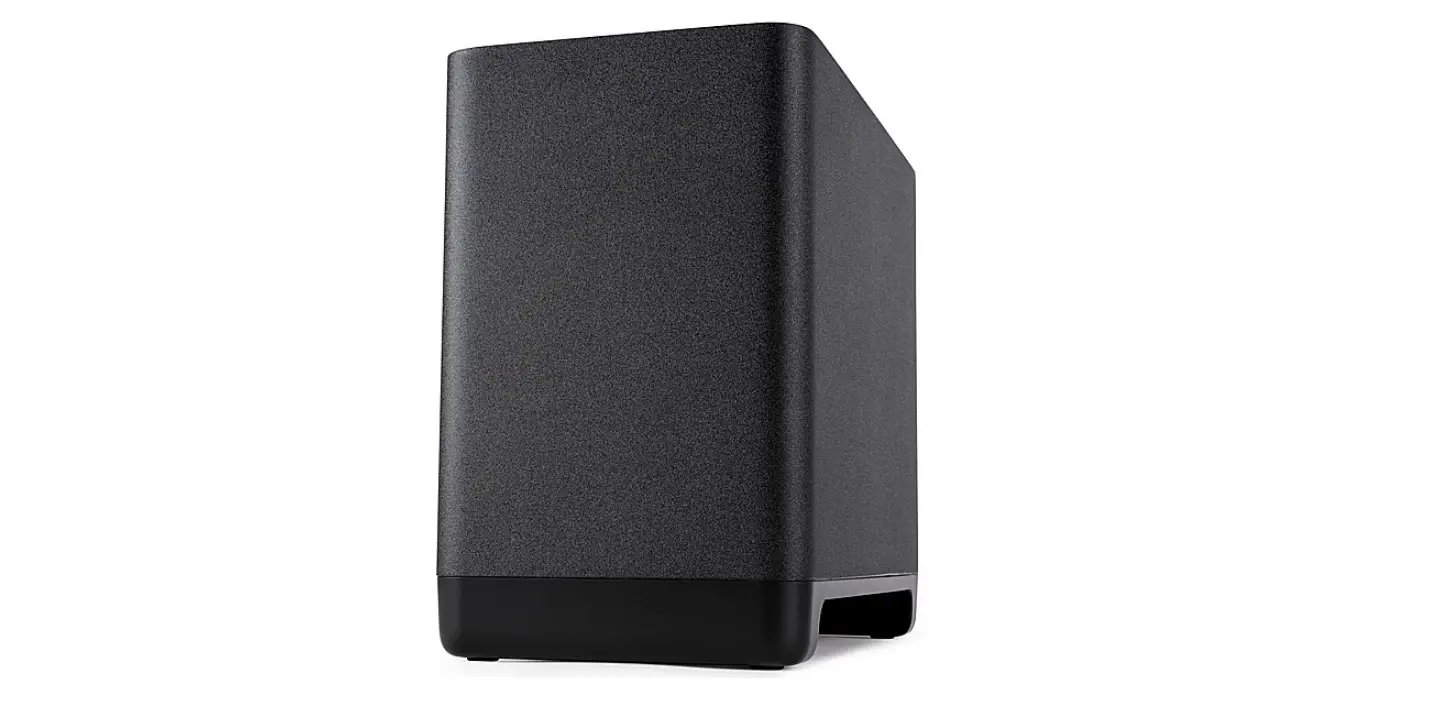
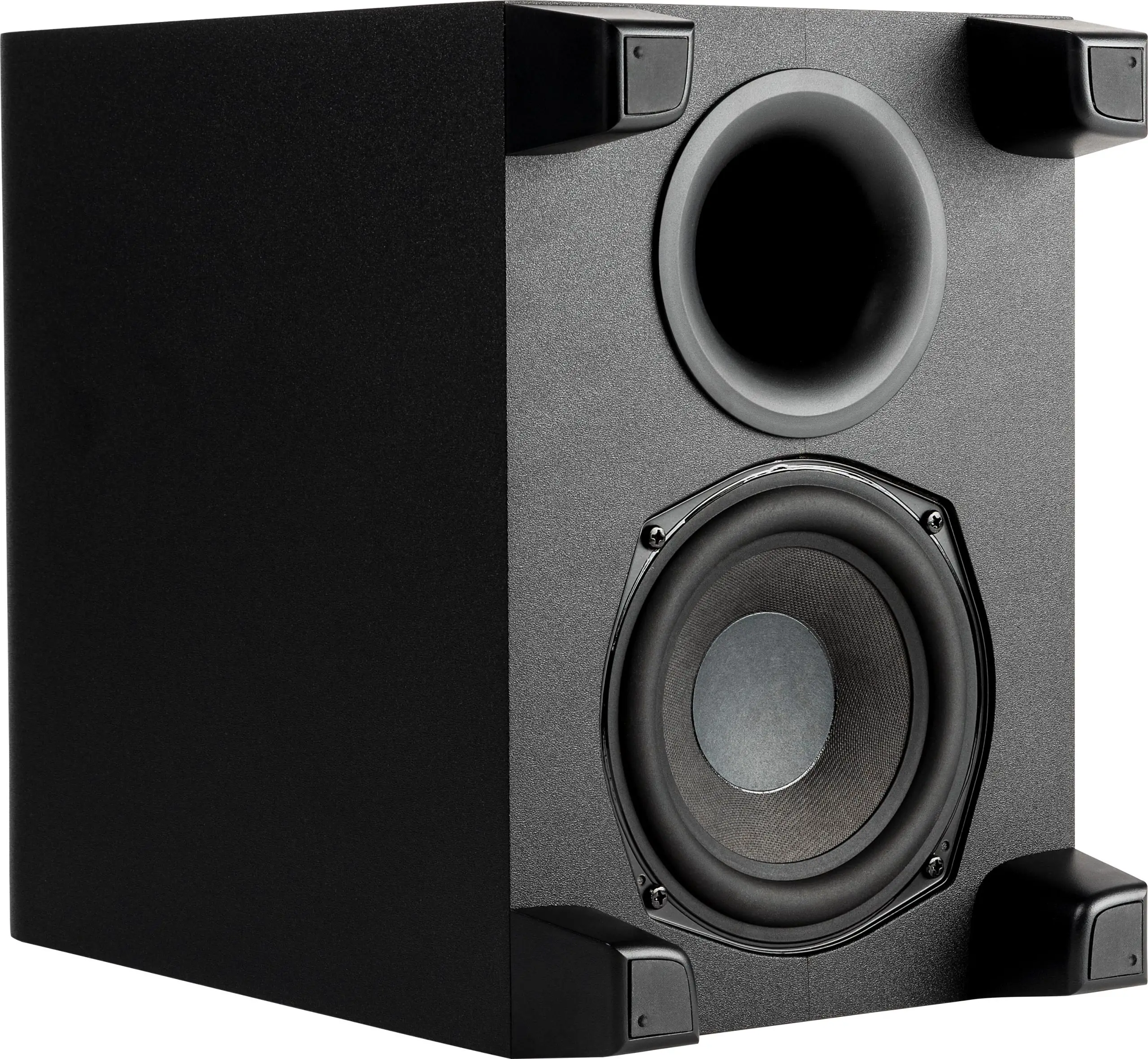
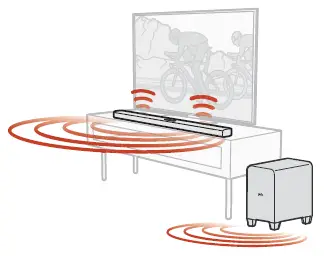
- For best performance, place the subwoofer on the same wall as the TV, no more than 30ft (10m) from the sound bar.
- Plug the power cable into the subwoofer and into a wall outlet.
Set up the remote
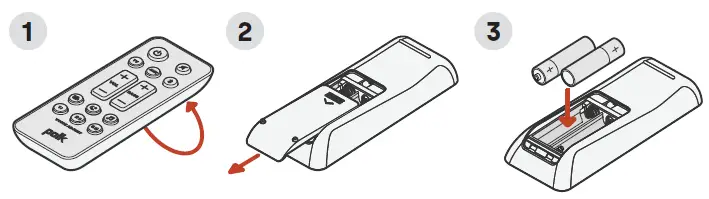
- Turn the remote to view the back.
- Open the back cover by sliding the bottom portion in the arrow direction.
- Insert the two AAA batteries into the remote and replace the cover.
Setup is now complete
Watch TV or play a movie and adjust the sound bar volume and other settings as desired. You can use the sound bar top panel, the sound bar remote, or your TV remote to change the settings. For more information, refer to the online manual. polkaudio.com/signas4
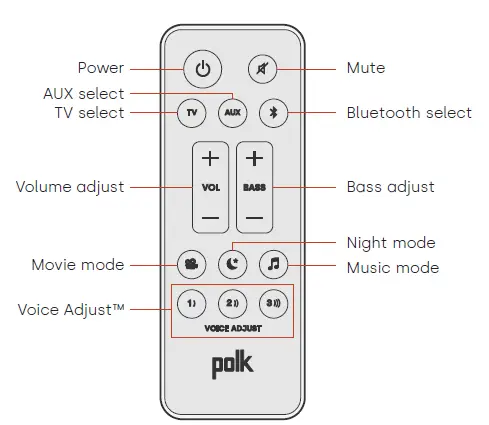
Remote Control Features
Sound Modes
Movie Mode
Enhances audio reproduction in TV and movies.
Night Mode
Reduces bass and volume dynamics while improving voice intelligibility for low-volume listening.
Music Mode
Enhances audio whenever you’re listening to music, or watching TV or movies that have music playing in them.
VOICE ADJUST™
Isolate and adjust the voice channel level to reproduce clear, crisp dialogue.
 Polk Audio*®* | Great Sound for All
 Info-tri | Ministères Écologie Énergie Territoires
 Declarations of Conformity