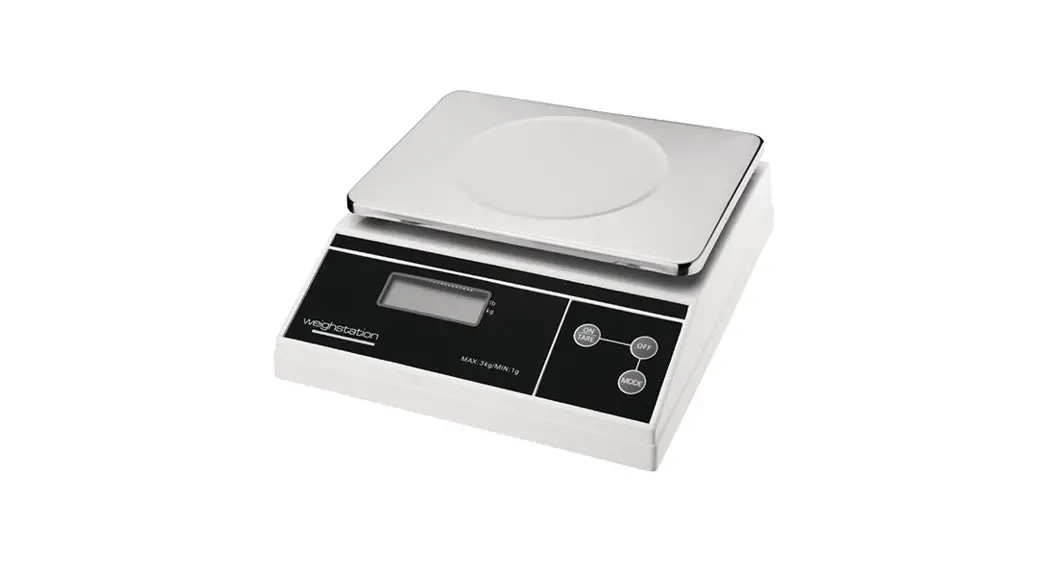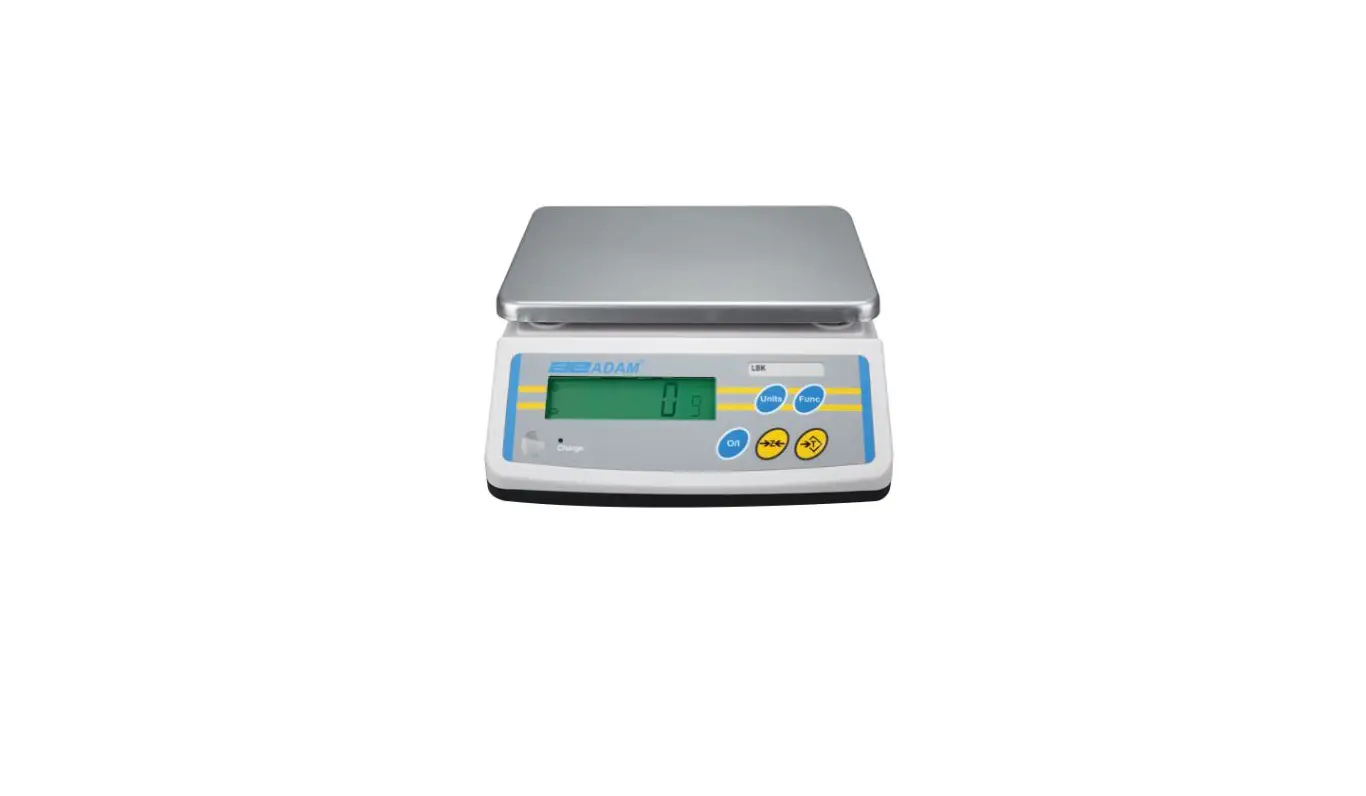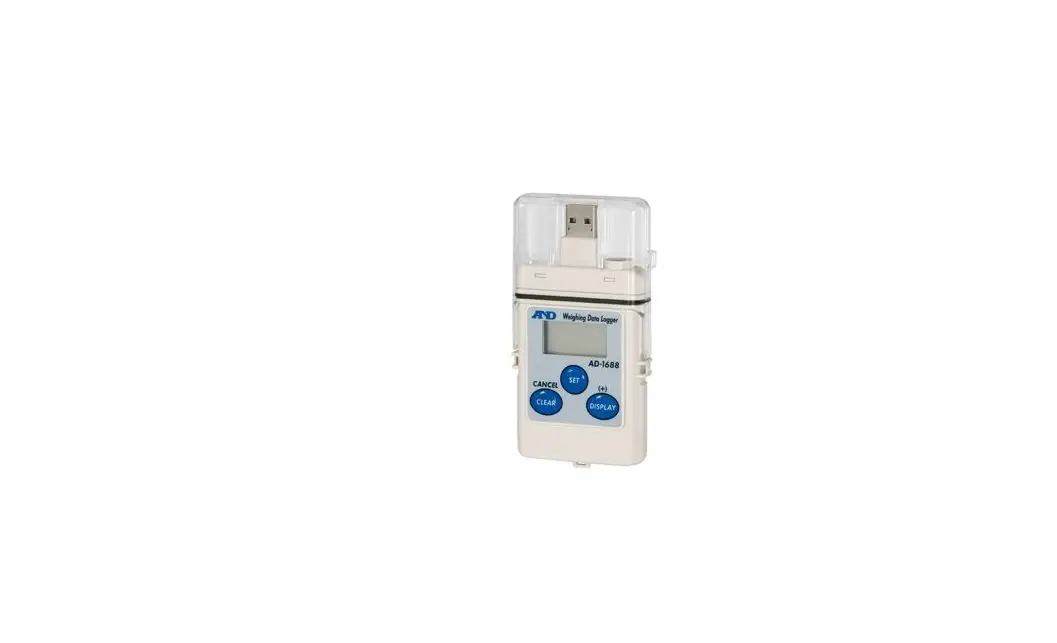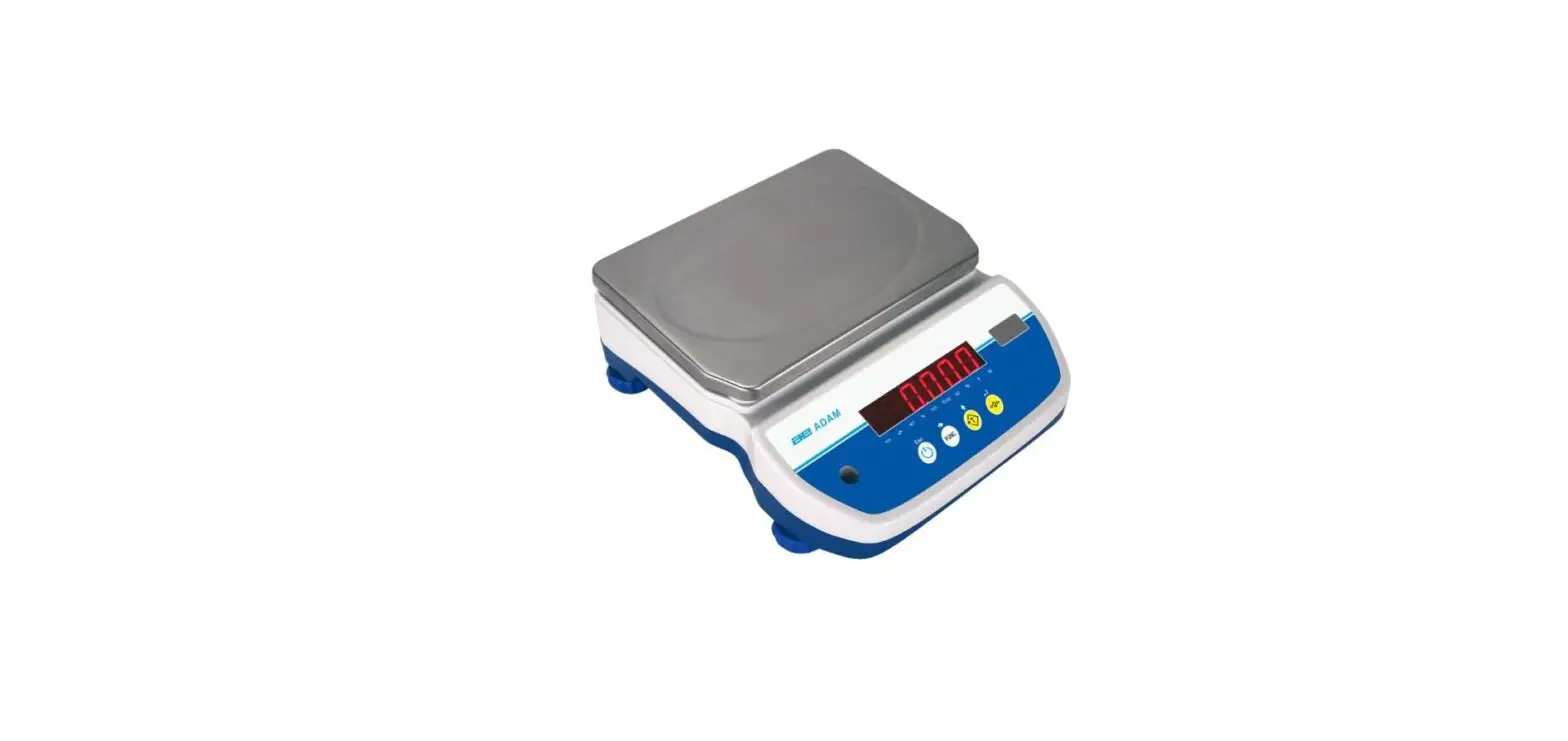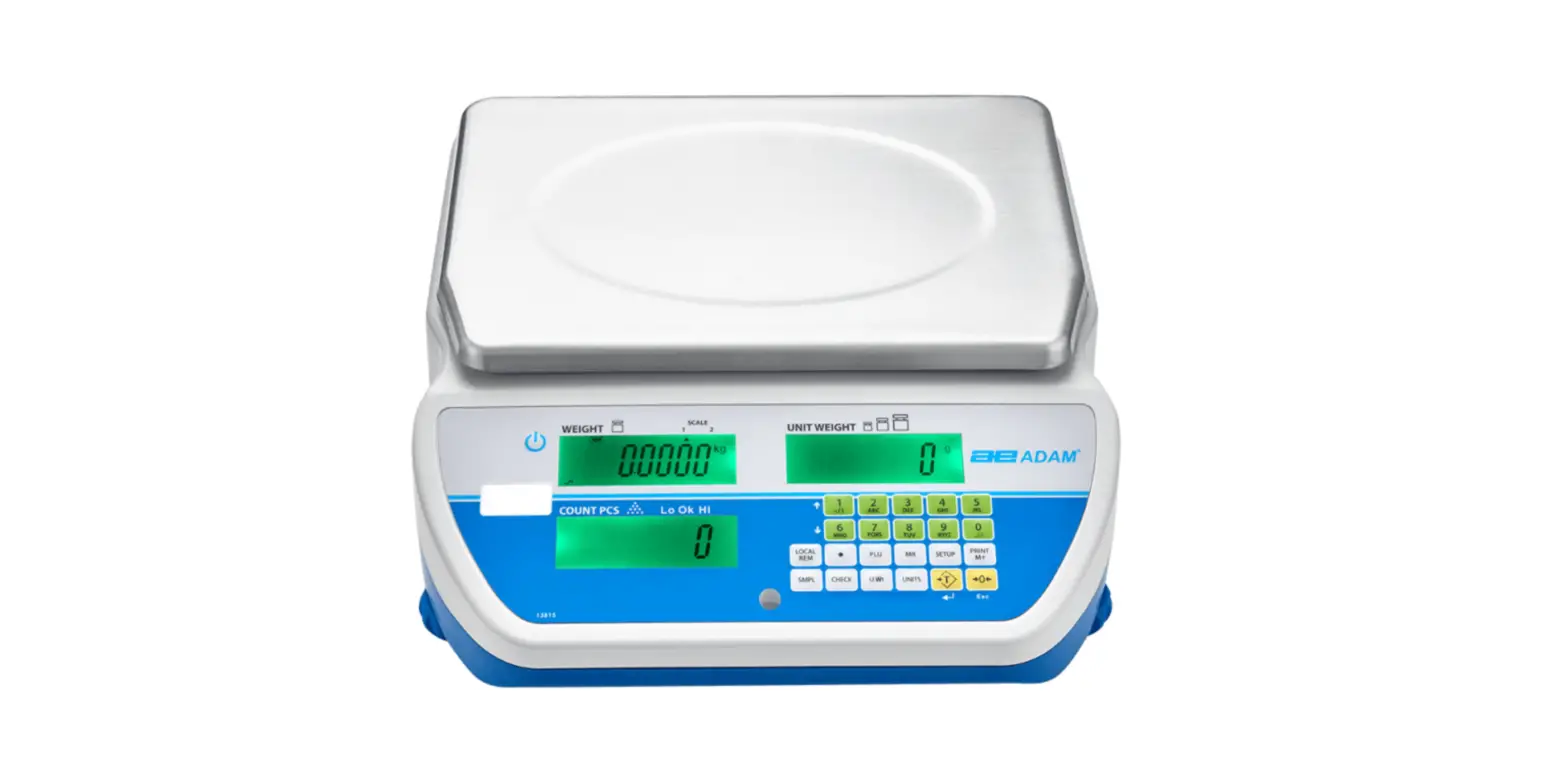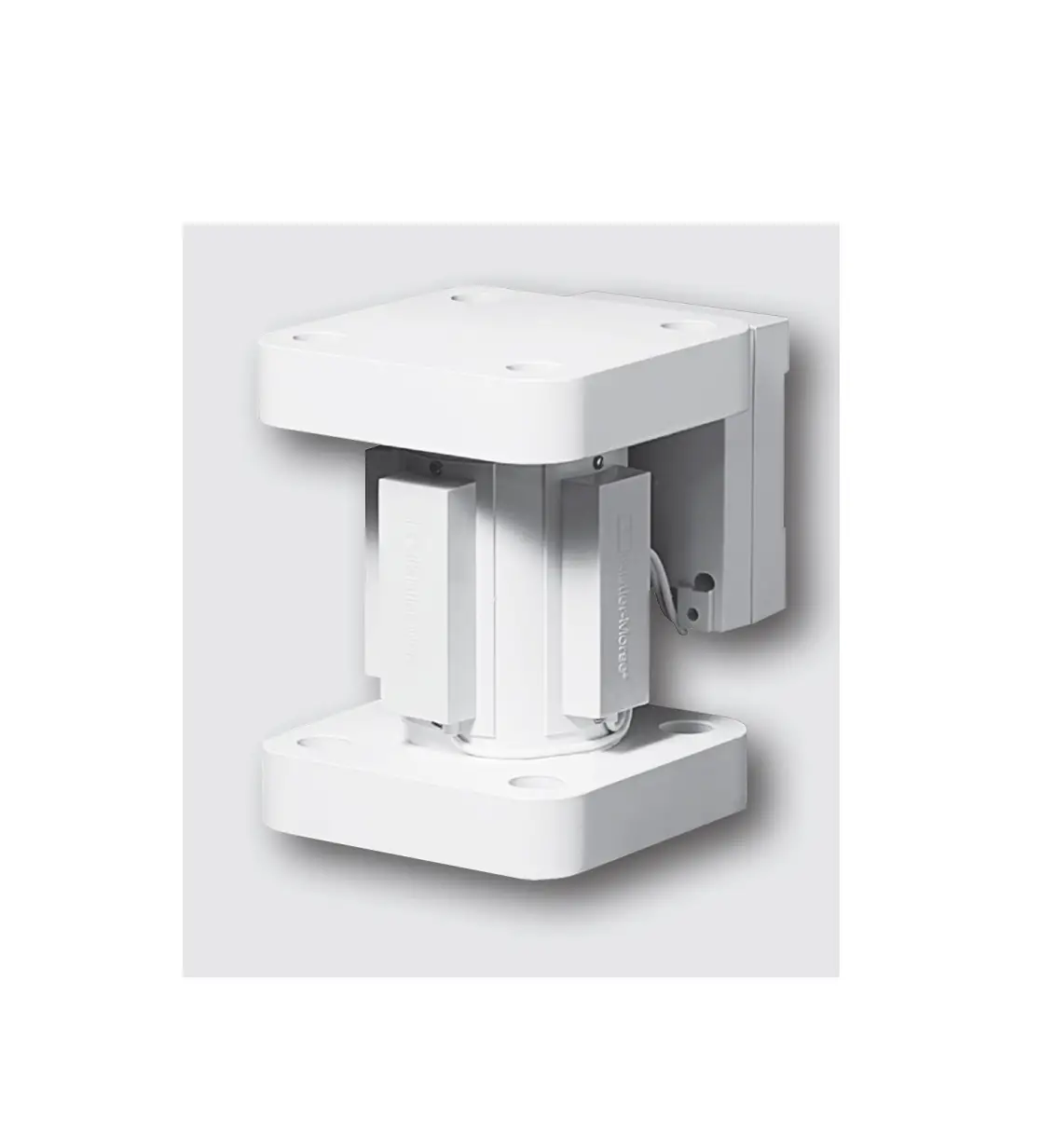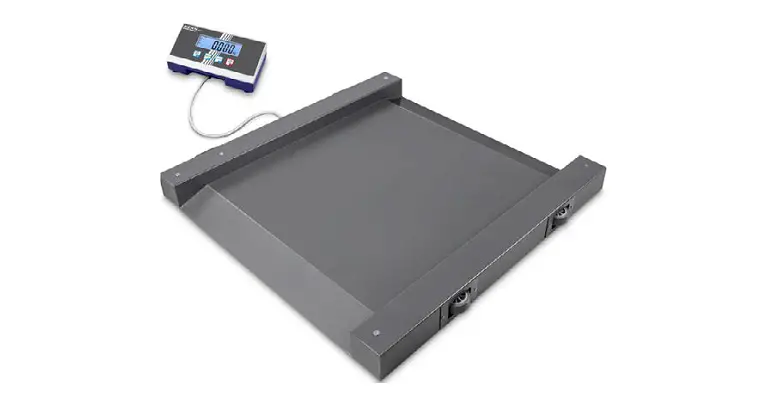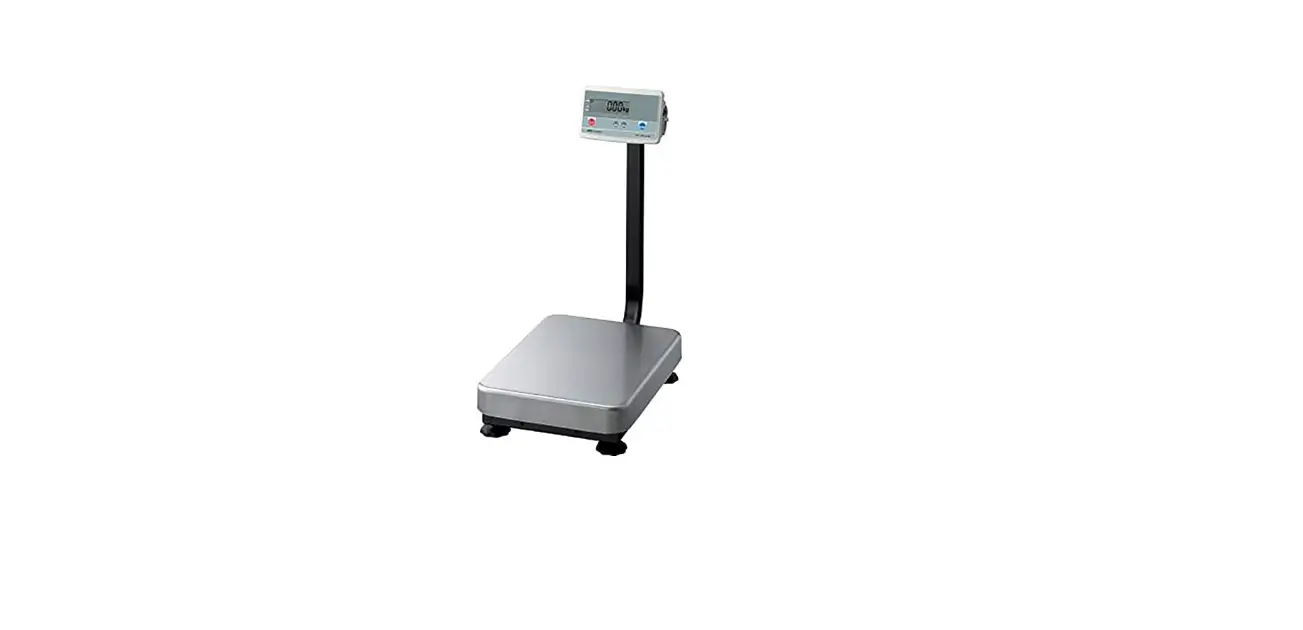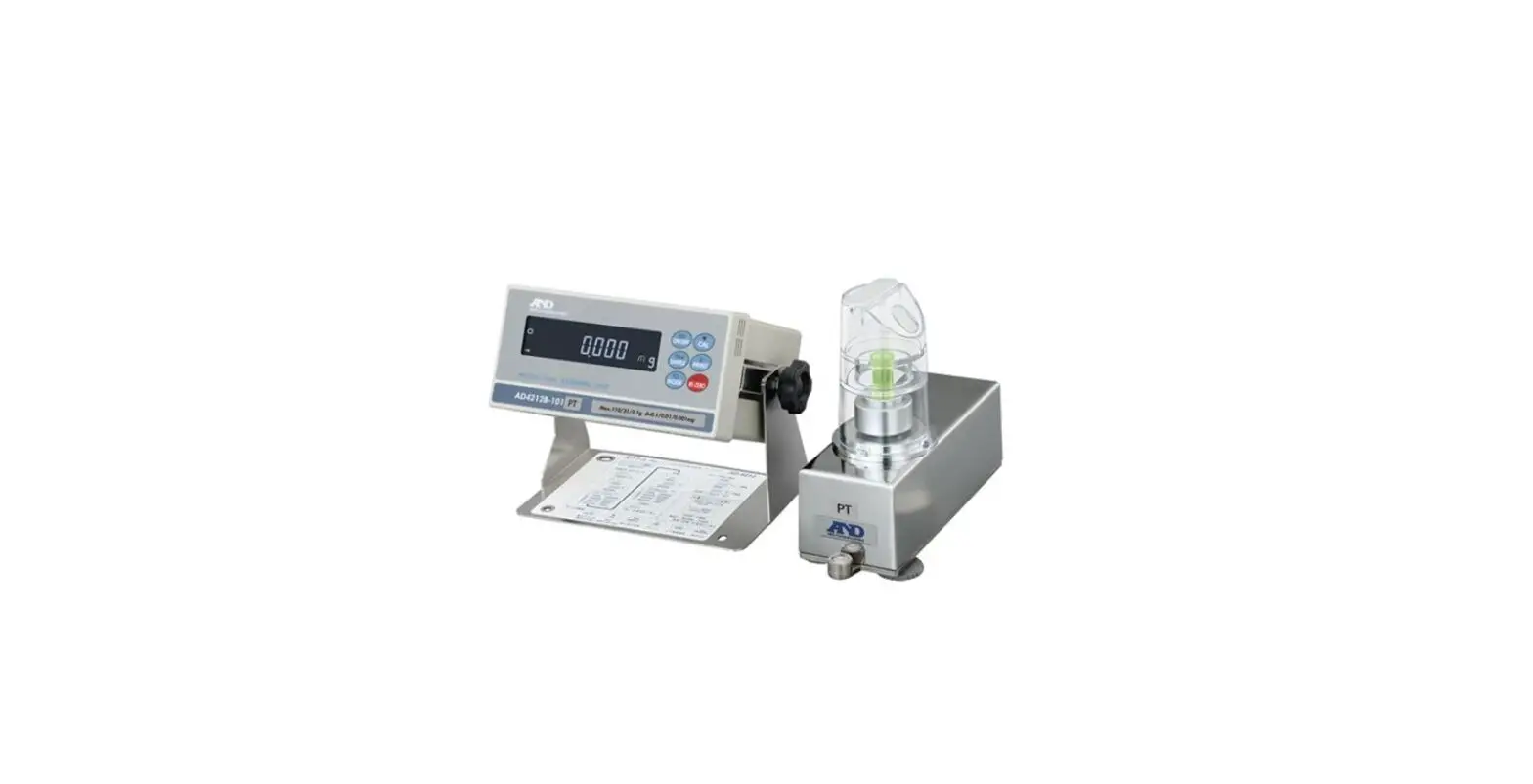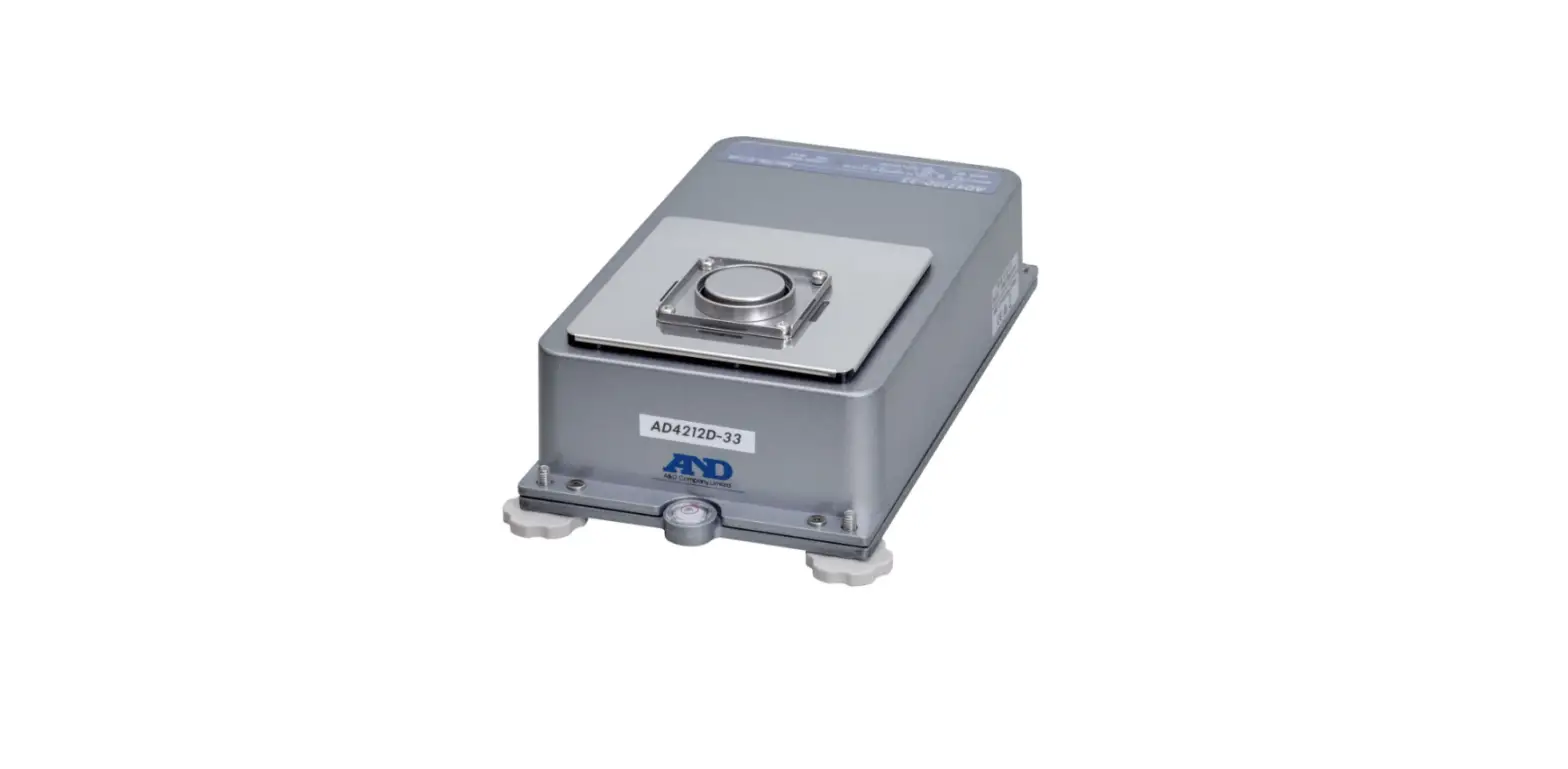

A D Instruments AD-4212D-S Production Weighing Unit
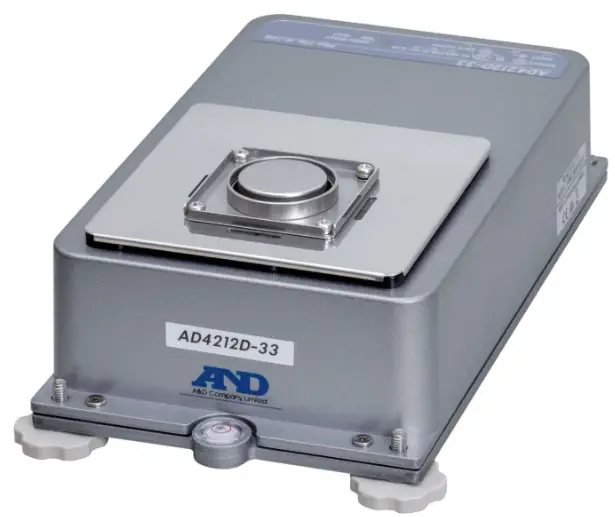
Production Weighing Unit
- AD-4212D-33S
- AD-4212D-32S
- AD-4212D-302S
- AD-4212D-301S

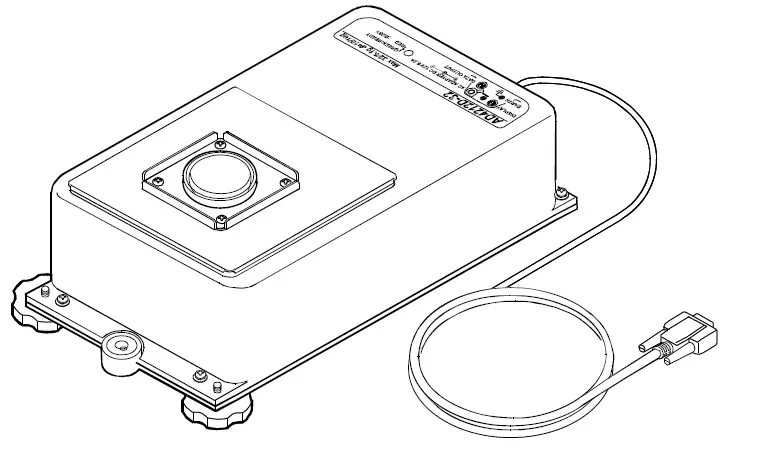
Refer to the instruction manual on the A&D home page.
URL: https://www.aandd.jp/
Caution
- No part of this publication may be reproduced, transmitted, transcribed, or translated into any language in any form by any means without the written permission of A&D.
- This manual is subject to change without notice at any time to improve the product.
- The contents of this manual and the specifications of the instrument covered by this manual are subject to change for improvement without notice.
- A&D bears no responsibility for claims of losses and benefits due to the operation of this device, regardless of the reason.
Introduction
This manual is an outline of and the instructions for the AD-4212D-S series. Refer to the A&D website for more information on how to use, specifications and communications. https://www.aandd.jp/
Features
- A compact Weighing Unit suitable for use in equipment for production line systems, draft chambers or glove boxes. The weighing unit is compact.
- The calibration using the internal calibration weight can easily be performed.
- A Super Hybrid Sensor is used to provide high resolution.
- Attaching a waterproof cap for cleaning instead of the weighing pan provides IP65 compliant dustproof and drip-proof specifications.
- The AD-4212D series can output the weighing digital data directly. Therefore, the AD-4212D series (the weighing unit) can be connected to a personal computer or a PLC directly.
- The AD-4212D series has a patented shock absorber under the weighing pan and can cope with movement in all directions, protecting the weighing unit from an actuator malfunction.
- When connected to an optional AD-8922A or AD-8923-BCD/CC, the weighing data can be received and re-zero and calibration can be done manually.
- In addition to standard RS-232C communication, BCD output, comparator output, analog output, RS-485 communication, CC-Link, and Modbus RTU are enabled by using various accessories
Cautions
Before use, pay attention to the following items to fully demonstrate the performance of the balance.
- This device is a precision instrument. Please handle with care.
- Use in an environment with as little dust and shock as possible.
- Do not install the main body (weighing unit) near the air conditioner.
- Install in a place out of direct sunlight.
- Connect the power to the balance using the AC adapter at least one hour before use, but for the AD-4212D-33/32, four hours are required. It is recommended to connecting the power to the balance.
- Calibrate the balance before first use or after having moved it to another location to enable correct weighing. In addition, calibrate it periodically to maintain accuracy
Balance Unpacking, Installation, and Cautions
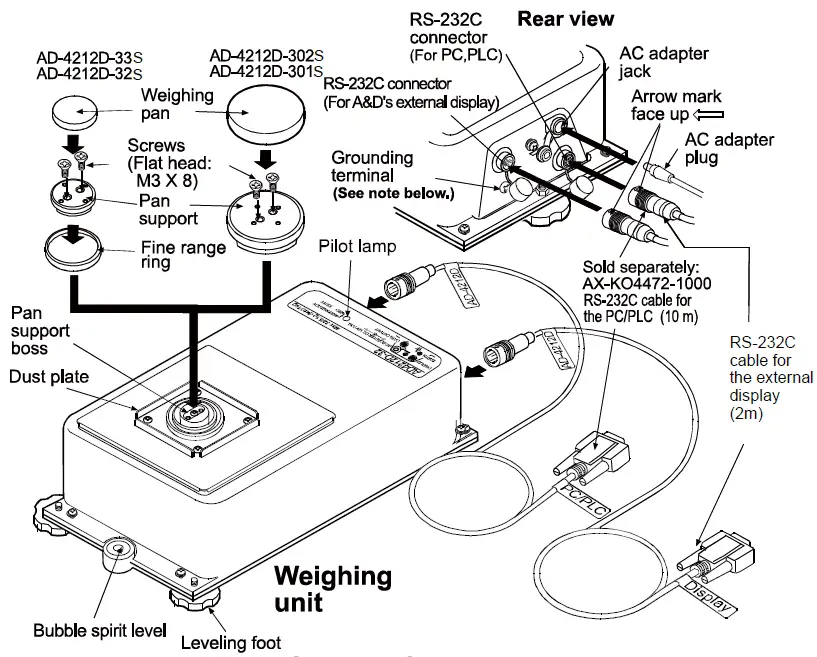
Accessories


- RS-232C cable for the external display (2m) AX-KO3590-1000
- Weighing pan
- Pan support
- Screws (Flat head: M3 X 8)
Attachment to the base
When attaching the AD-4212D series to a base, remove the three leveling feet and use the screw holes to secure the weighing unit to the base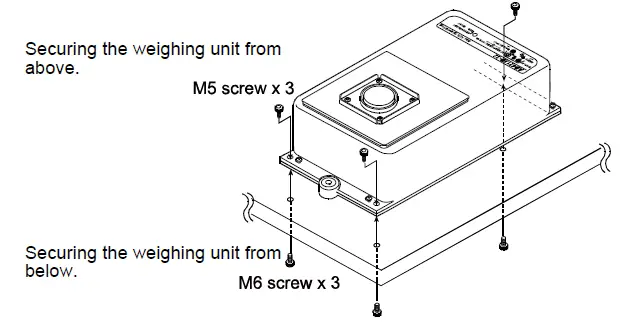
Removing the cable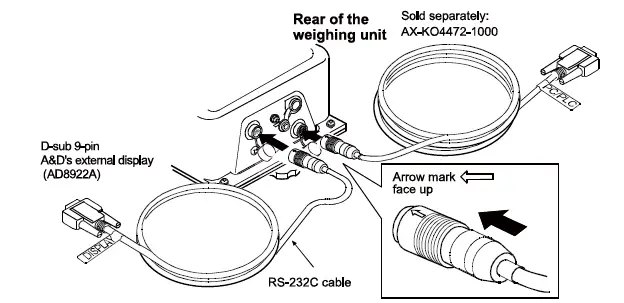
How to disconnect the cable from the weighing unit
Slide the connector sleeve in the direction of the arrow to unlock and gently pull the connector out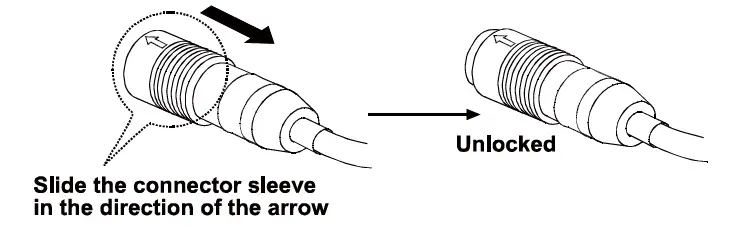
Assembling the small breeze break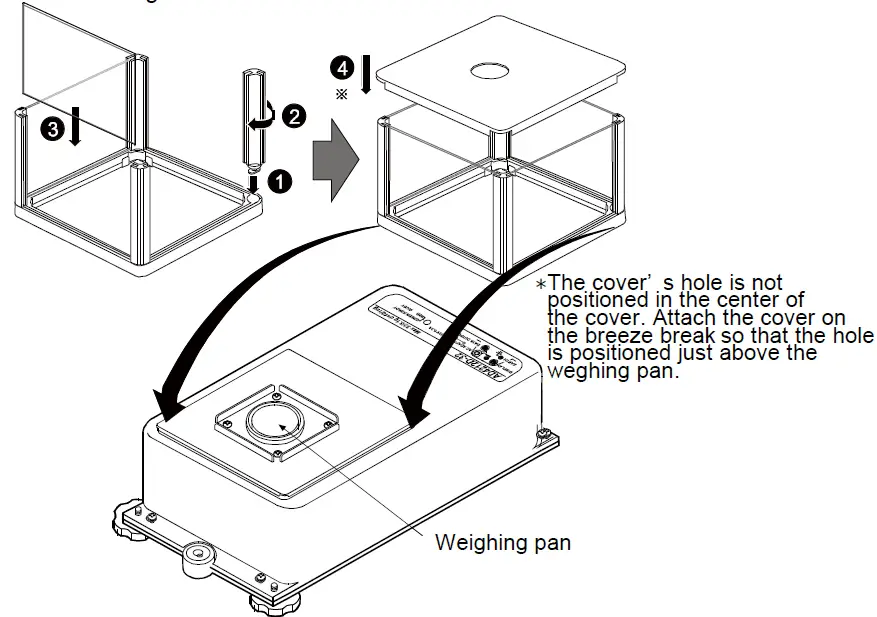
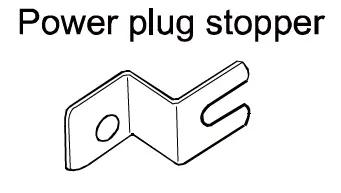
How to use the power plug stopper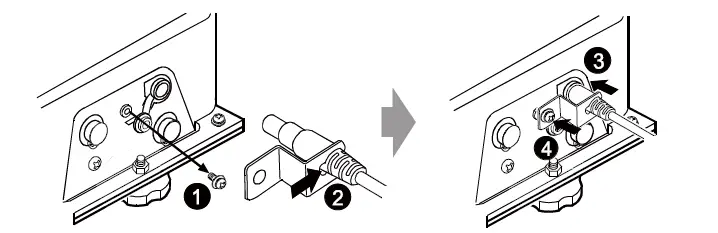
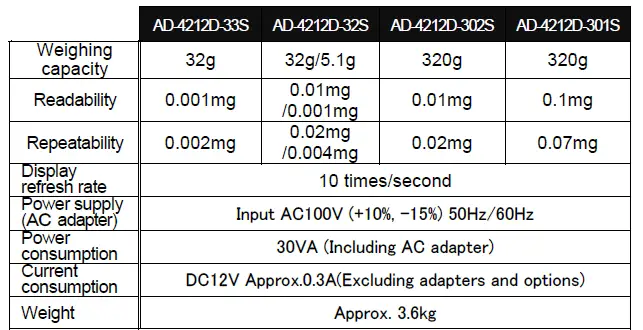
Specifications
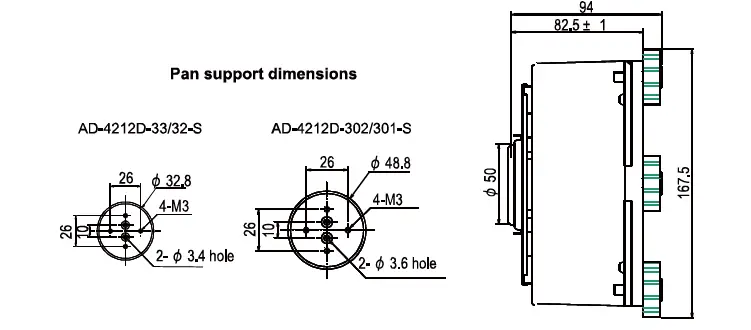
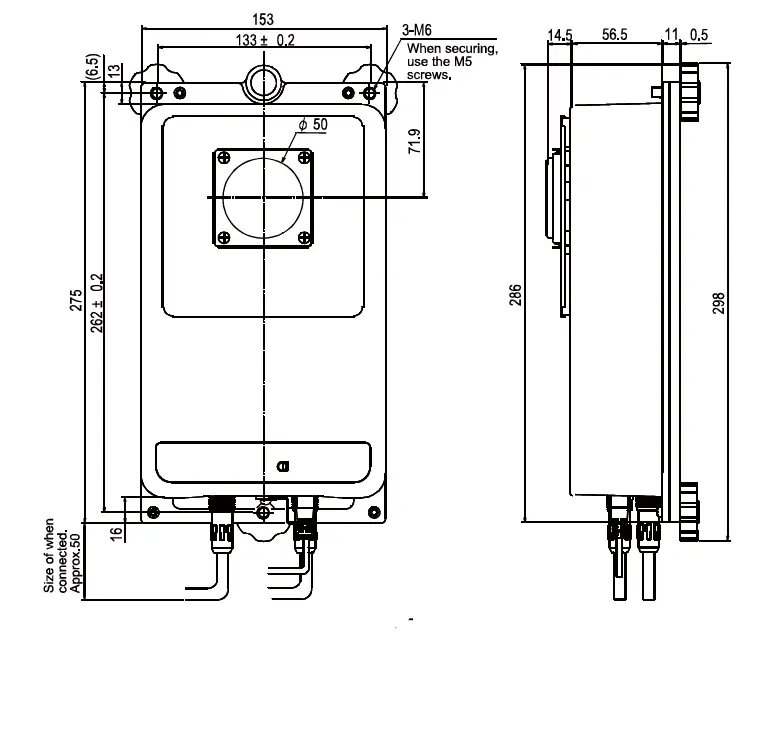
External Dimensions

Communication
Interface
AD-4212D-S has two RS-232C ports (for display / PLC).
The connector shape of the port for the display and the port for the PLC are different. If you want to use them, you need a dedicated cable for each. The cable for PLC (AX-KO4472-1000) is not included. If you want to use it, please purchase it separately.
Factory setting
| Baud rate | 2400bps |
| Data bits | 7 bits |
| Parity | EVEN |
| Stop bit | 1 bit |
| Code | ASCII |
| Data format | A&D standard format |
Pin assignment
| Pin No. | Signal name | Direction | Description |
| 1 | Vs⋆ | – | Internal use Power supply for external devices :GND⋆ |
| 2 | TXD | Output | Transmit data |
| 3 | RXD | Input | Receive data |
| 4 | – | – | N.C. |
| 5 | SG | – | Signal ground |
| 6 | DSP | Output | Data set ready |
| 7 | RTS | Input | Request to send |
| 8 | CTS | Output | Clear to send |
| 9 | Va⋆ | – | Internal use Power supply for external devices : An output terminal⋆ |
Contents of the port for the external display only. The port for PLC is N.C.
Access point and port to use
- There are the following differences in communication content between the port for the external display and the port for the PLC.
- For external display: Continuous output of weighing data.
- The output of special commands for displays (those with “@” at the beginning)
For PLC : Output of weighing data by external command.
The recommended ports depending on the usage are as follows
| Access point | Recommended AD-4212D-S port | |
| PC | WinCT,etc. | For PLC |
| WinCT for AD4212D | For external display | |
| PLC | For PLC | |
| AD-8922A | For external display | |
| AD-8923-BCD/CC | For external display | |
| AD-8551R | RS-485 | For PLC |
| Modbus RTU | For external display | |
Frequently used commands
The corresponding operation can be performed by sending the following command from the outside
| Command | Action |
| Q | Immediately request one measurement data |
| SIR | Immediately request continuous weighing data |
| C | Release the SIR command |
| R | Perform re-zeroing |
| CAL | Perform sensitivity adjustment with built-in weight |
| U | Change the response speed |
| RNG | Switch the Readability |
Example of output weighing data (in A & D standard format)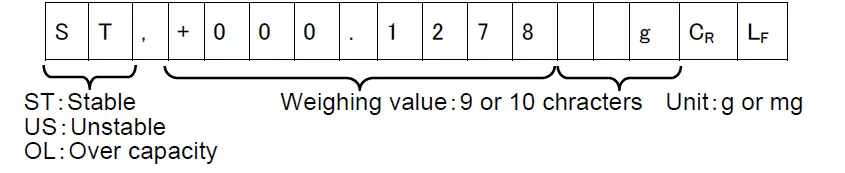
Convertible signals
By connecting individual accessories, the output of the AD-4212D-S can be converted to the following signals
| Accessory | Signal conversion destination |
| AD-8922A | BCD output (Option AD-8922A-01) |
| Comparator output (Option AD-8922A-04) | |
| Analog output (Option AD-8922A-06) | |
| AD-8923-BCD | BCD output |
| AD-8923-CC | CC-Link |
| AD-8551R | RS-485 output |
| Modbus RTU |
 A&D Company, Limited