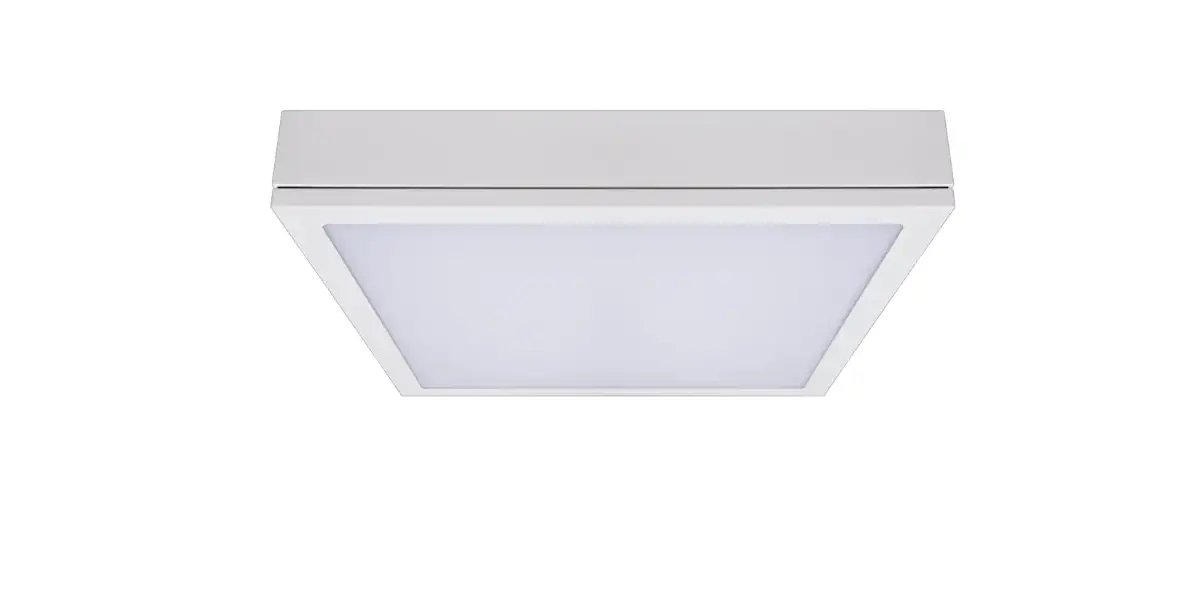
PG-45-B LED Passing Lamps
Custom Dynamics® ProGLOWTM LED Passing Lamps Installation Instructions
We thank you for purchasing the Custom Dynamics® ProGLOWTM LED Passing Lamps. Our products utilize the latest technology and high quality components to ensure you the most reliable service. We offer one of the best warranty programs in the industry and we back our products with excellent customer support, if you have questions before or during installation of this product please call Custom Dynamics® at 1(800) 382-1388.
Part Number: PG-45-B, PG-45-C
Package Contents: – 4.5″ ProGLOWTM LED Passing Lamps (2) – Heat and Shrink Connectors (8) – Rubber Grommet (2) – Instructions
Fits: 2005-2022 Harley-Davidson® models equipped with OE 4.5″ passing lamps EXCEPT 2018-2020 Softails.
2004 & Earlier Harley-Davidson® Models require adapter CDTB-PLA (Sold Separately).
NOTE: Must be used with PG-7-14 headlamp (Sold Separately) and PG-TRI-7 or PG-EXT-44 Splitter (Sold Separately).
ATTENTION
Please read all Information below before Installation
Important: Units must be properly aimed such that the beam pattern cut off line complies with applicable regulations. It is recommended a professional service provider or qualified dealer perform the necessary adjustments for proper aiming.
Warning: To prevent possible electrical shock, disconnect the negative Battery terminal before installing this product.
Installation
1. Disconnect the vehicle battery negative [ – ] terminal. 2. Review detailed service manual for instructions on replac-
ing factory passing lamp bulbs. 3. Remove the existing passing lamps from the housings. 4. Drill a 1/4″ hole in the back of the passing lamp housing
towards the center of the bike as shown in Photo 1.
1
LED Lamp
ProGLOWTM Wiring Harness
Housing
Red = Power [ + ] Black = Ground [ – ]
Grey/Blk = Power [ + ] Black = Ground [ – ]
Installation Diagram Red = Power [ + ] Black = Ground [ – ]
Questions? Call us at: 1 (800) 382-1388 M-TH 8:30AM-5:30PM / FR 9:30AM-5:30PM EST
02-2022
Installation Instructions – Page 2
Installation Continued:
5. Cut the ProGLOWTM wiring harness 3″ from the connector.
6. Install the provided grommet onto the ProGLOWTM wiring harness and feed the wiring harness through the passing lamp housing as shown in Photo 2.
2
11. Connect the Splitter, with the passing lamps and head lamps connected, to Channel 1 of the ProGLOWTM Bluetooth Controller.
Note: If the Brake Signal Sync is turned ON in the App, the Channel 1 Override will need to be turned ON as shown in Photo 3.
3
7. Using the provided Heat and Shrink Connectors, splice the 4 wire ProGLOWTM harness back together.
8. Connect the passing lamps to the existing factory Connectors. See diagram for wire color assignment.
Note: 2004 and earlier models require adapter CDTB-PLA for plug and play capability. Adapter sold separately.
9. Re-assemble passing lamp per the instructions in the factory service manual. Make sure no wires or any components of the harnesses or adapter can be crushed or pinched during installation.
10. Connect the ProGLOWTM wiring harnesses from the passing lamps and the PG-7-14 Headlamp (Sold Separately) to a PG-TRI-7 or PG-EXT-44 Splitter (Sold Separately).
12. Connect the vehicle battery negative [ – ] terminal. 13. Turn ignition power on to test both lamps for proper
function. 14. If the Brake Signal Sync is turned ON in the App, test
the Brake Sync Channel 1 Override to ensure the Passing Lamp halos do not turn Red when the Brake is applied. 15. Aim or adjust if needed.
NOTE:
Use caution when connecting the mating ProGLOWTM accessory connectors, confirm the mating connector is connected correctly or damage will occur to the lighting accessories. The locking tab should slide onto the lock and lock into position. See Photos below.
LOCKED
Questions? Call us at: 1 (800) 382-1388 M-TH 8:30AM-5:30PM / FR 9:30AM-5:30PM EST
01/2021