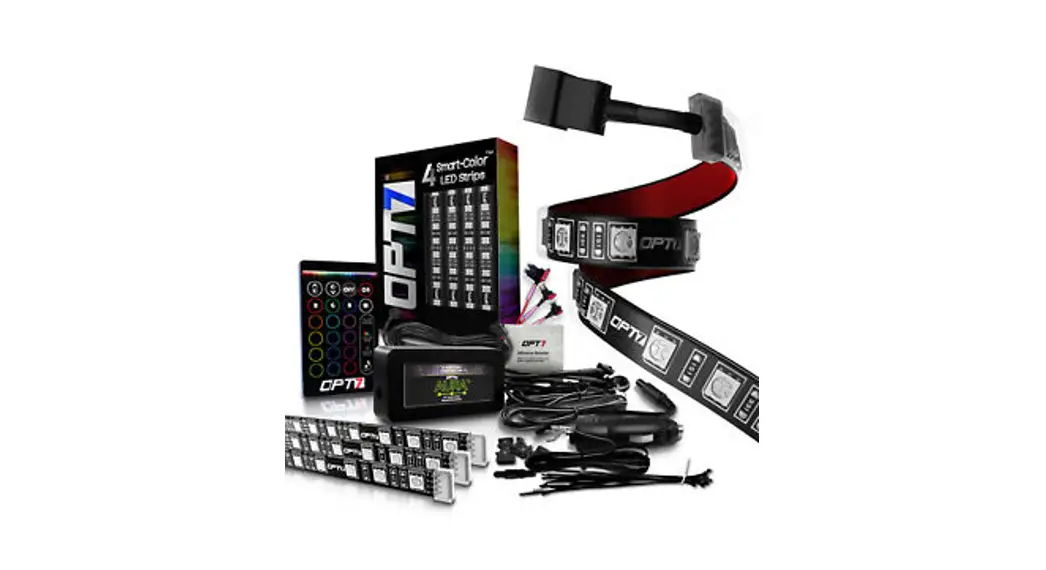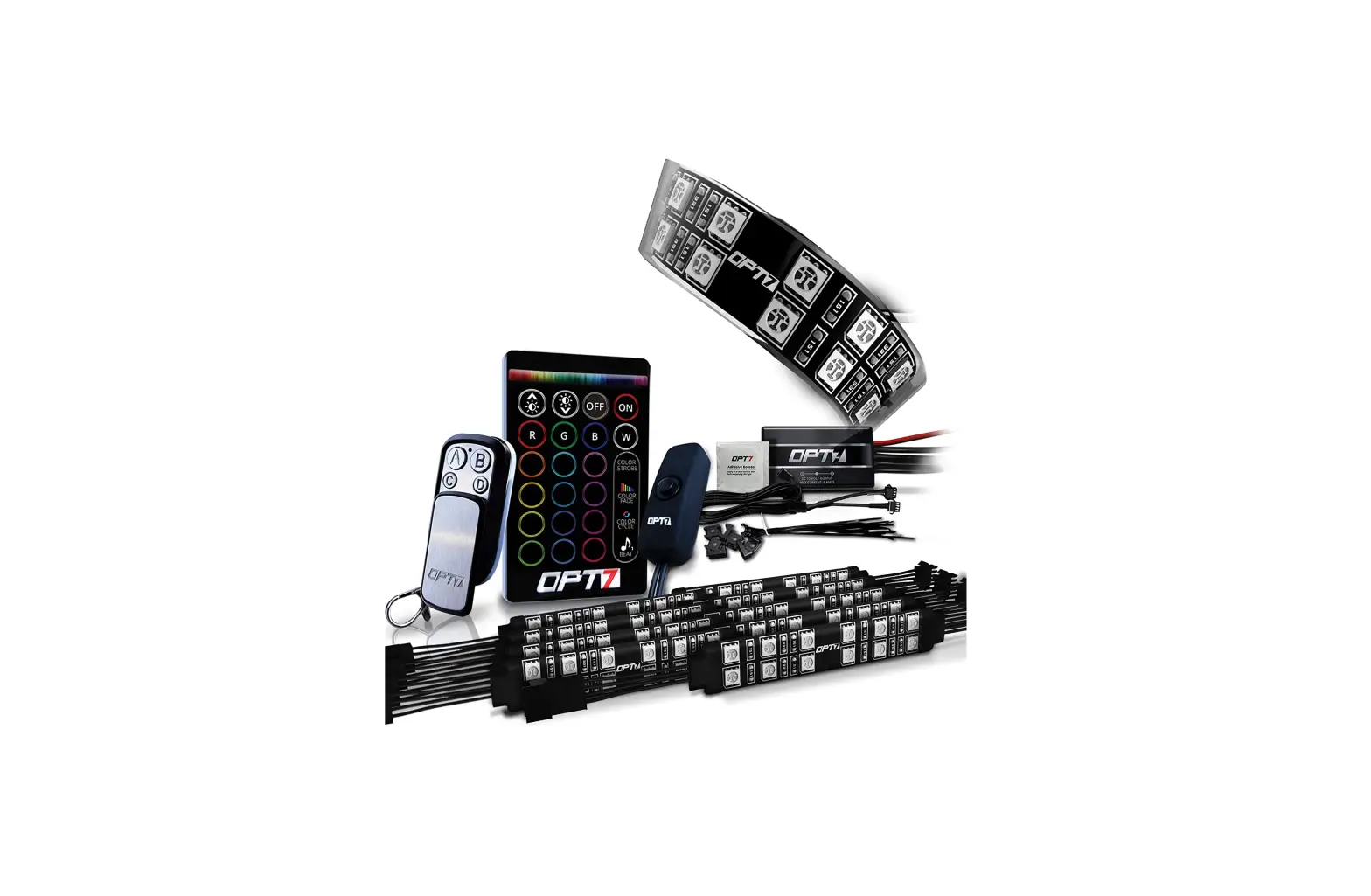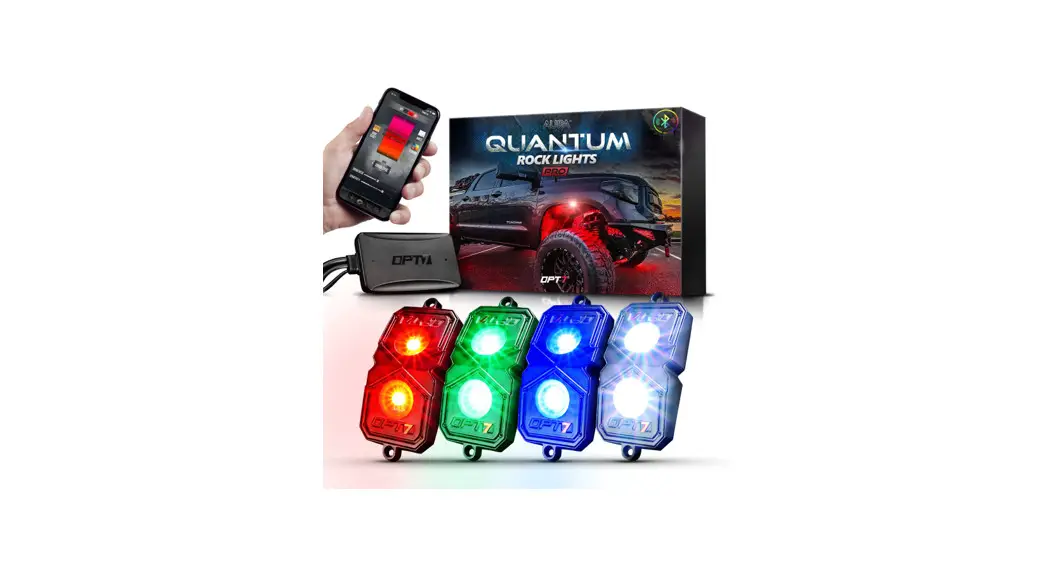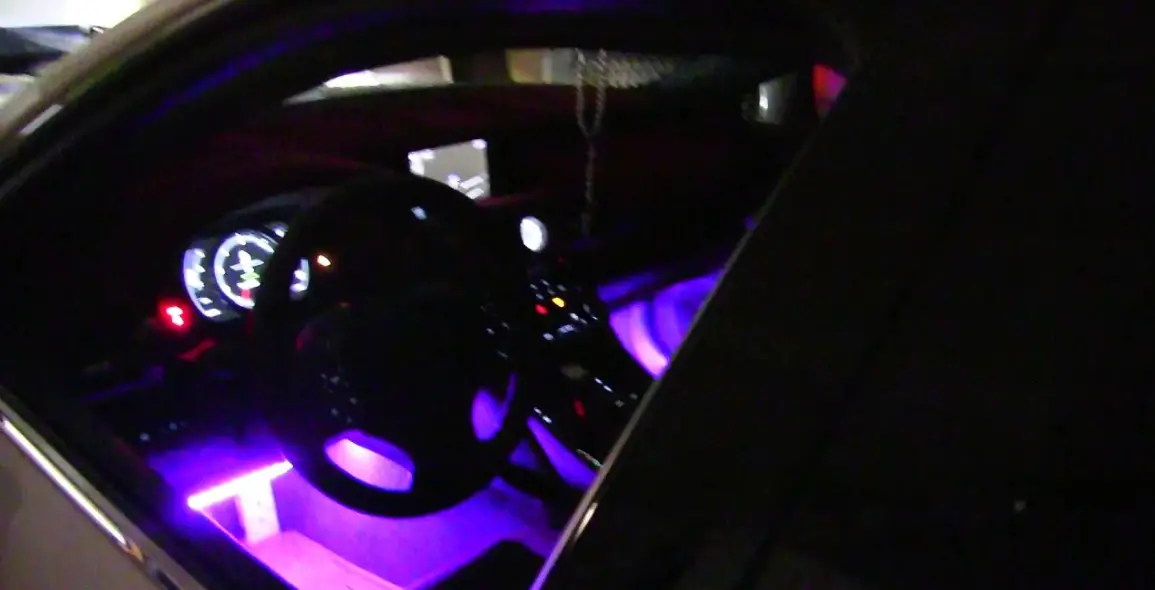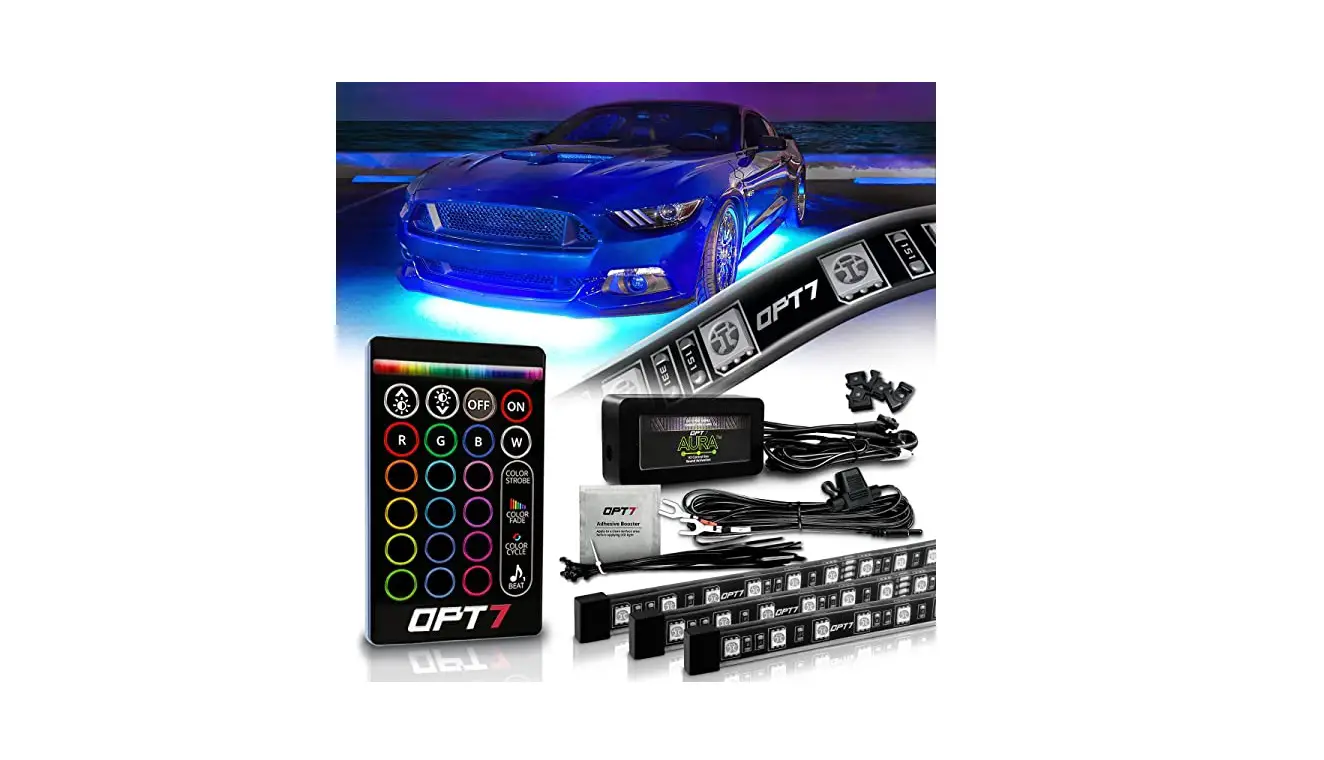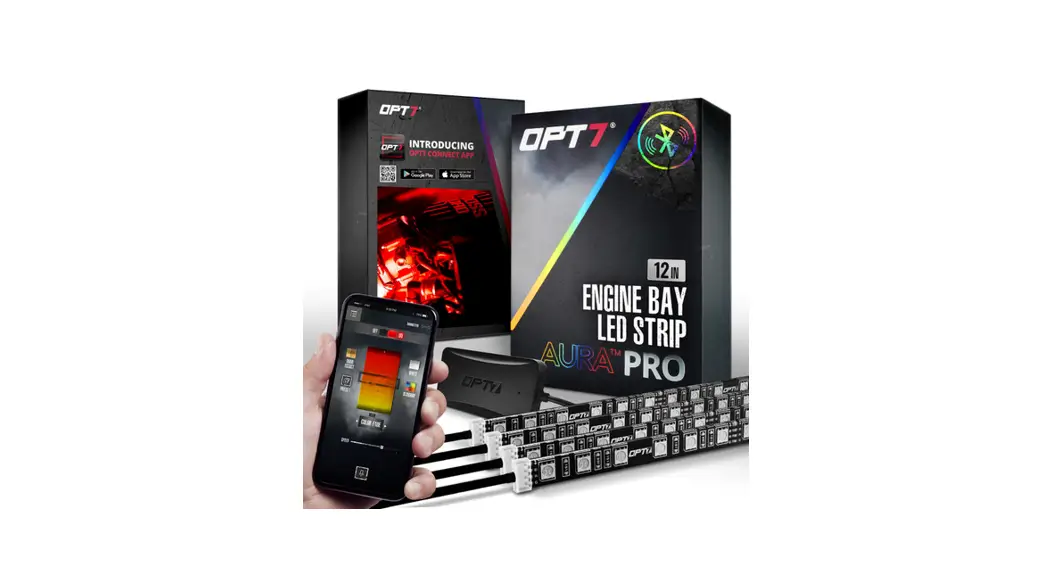
 Pro Engine Bay LED Lighting Kit
Installation Guide
AURA PRO
ENGINE BAY
INSTALLATION GUIDE
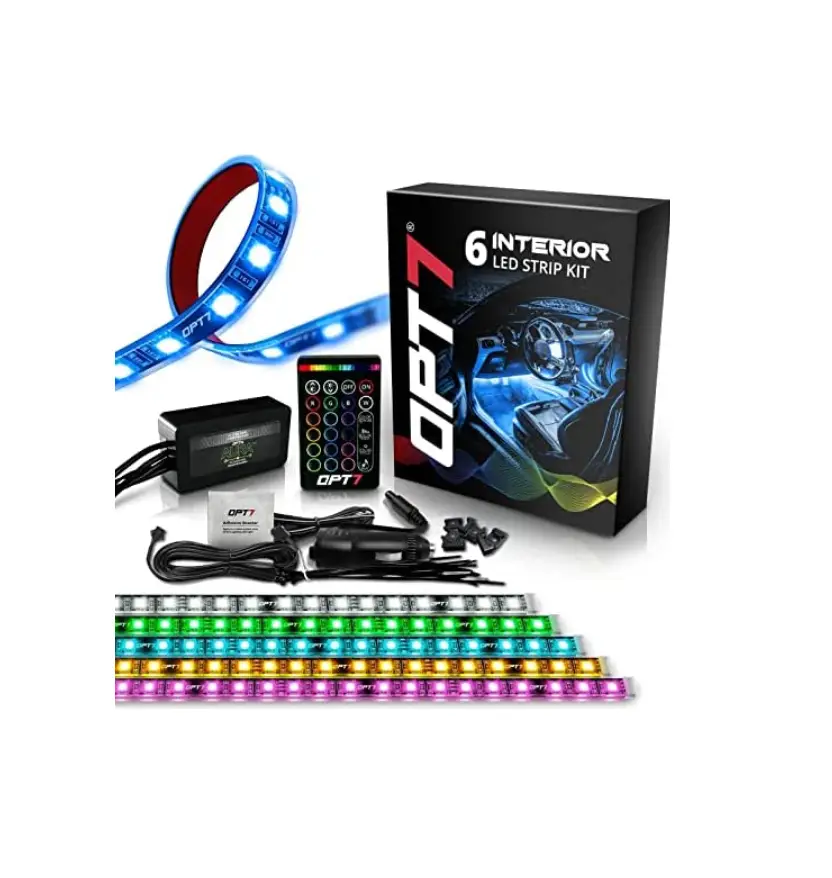
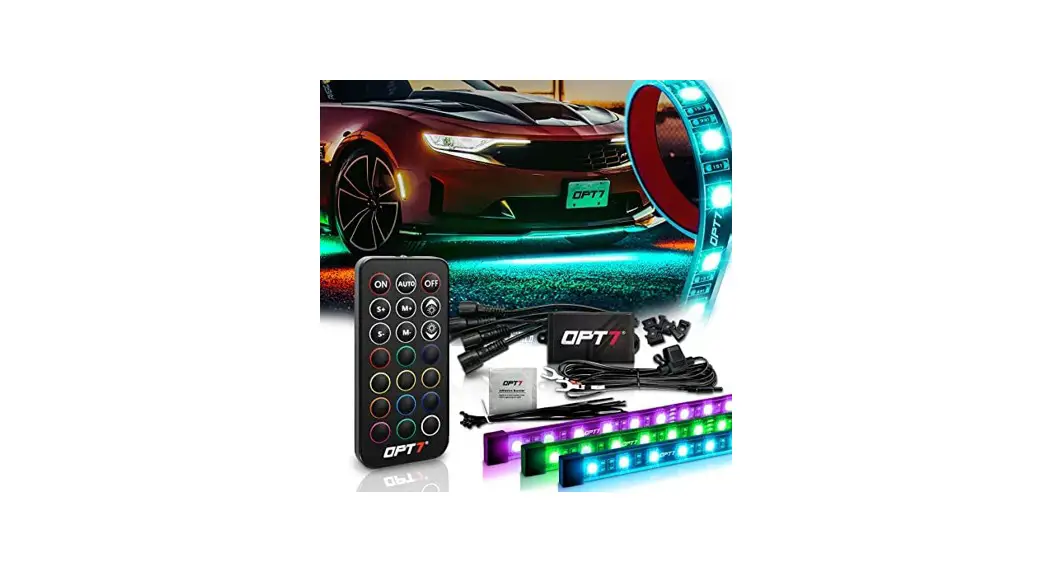
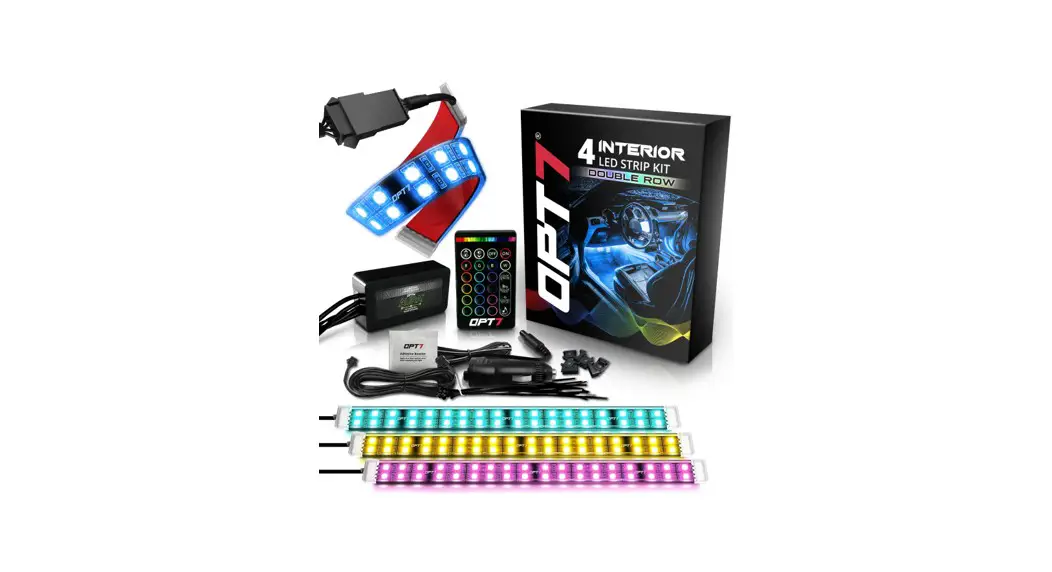
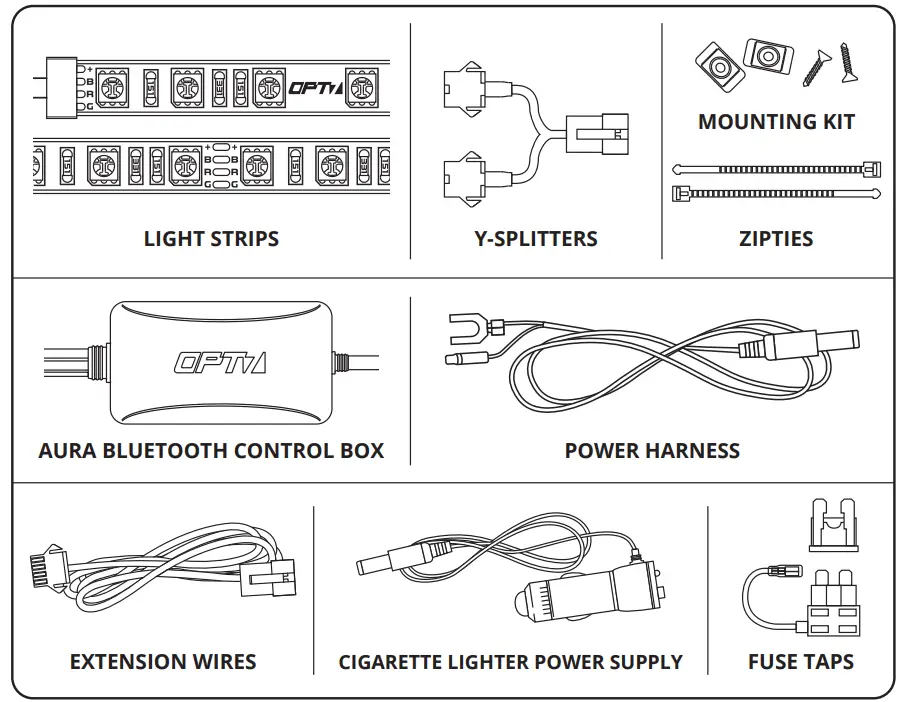
COMPONENTS
INSTALLATION
STEP 1
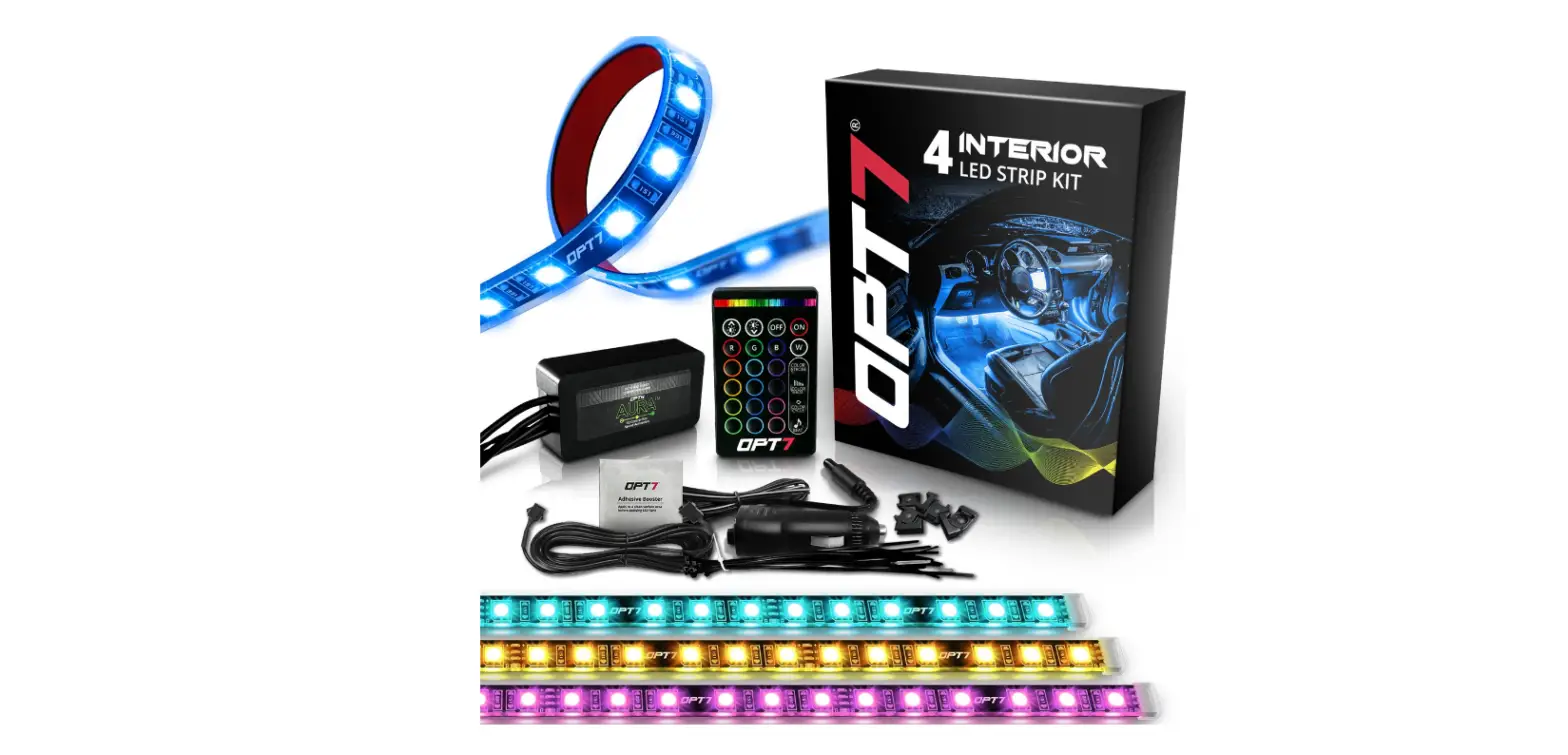
Inspect kit to ensure all contents was included.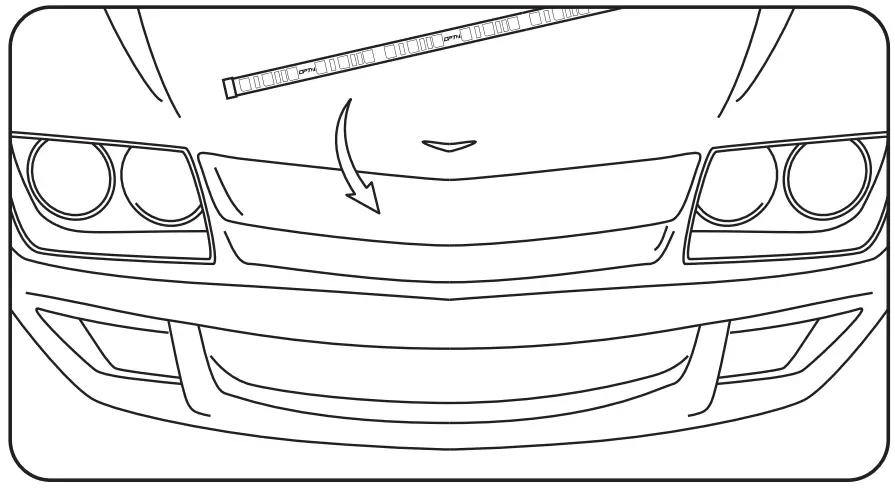
STEP 2
Decide where to locate the control box and light strips.
Ensure wiring has enough length for light strips to be installed in desired location.
OPTION A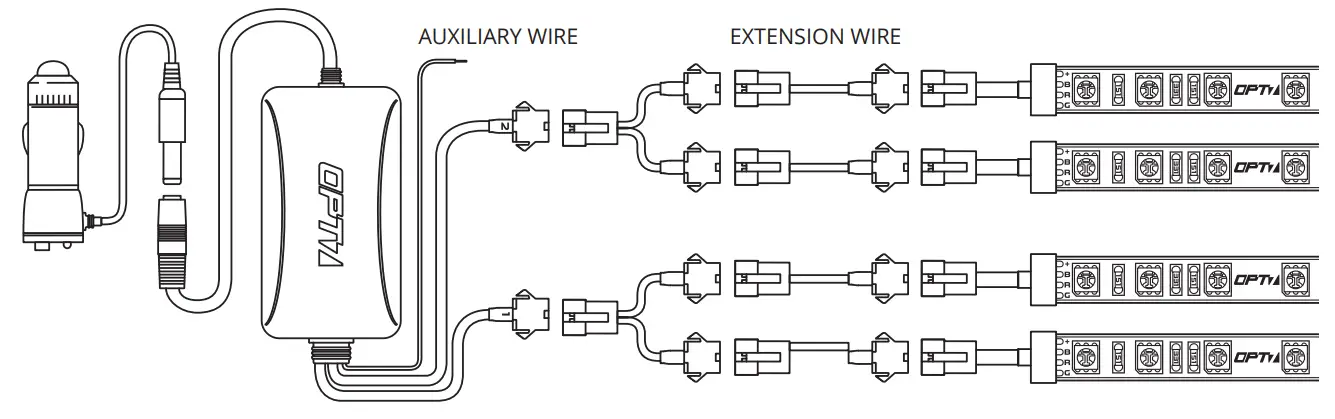 OPTION B
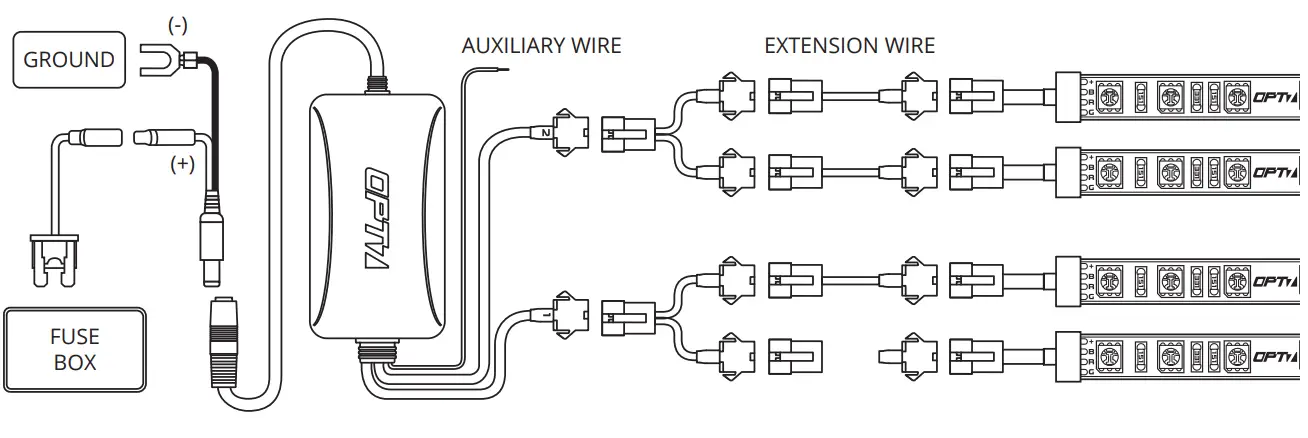 STEP 3
Scan the QR code on the back of the control box to download the app.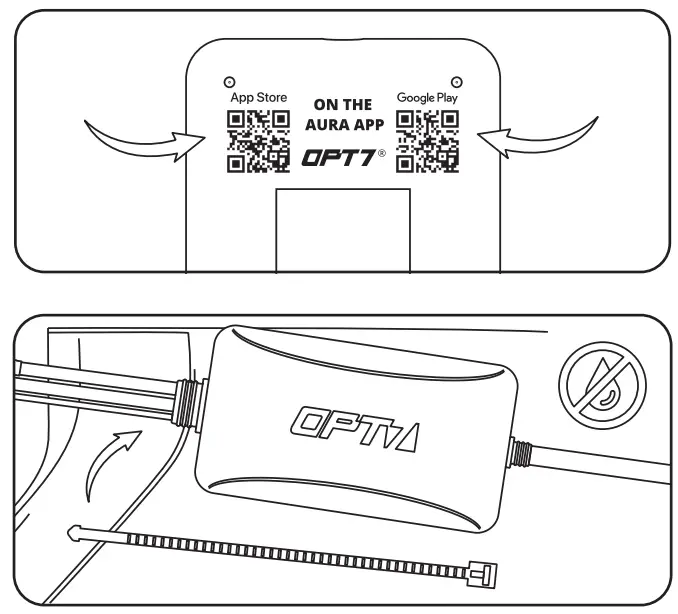 STEP 4
Secure Control box in desired location with Velcro or zipties.
* The control box is NOT waterproof. Tuck it away from the elements.
STEP 5
Secure the light strips using the zip ties to tie all the wiring away from the moving components.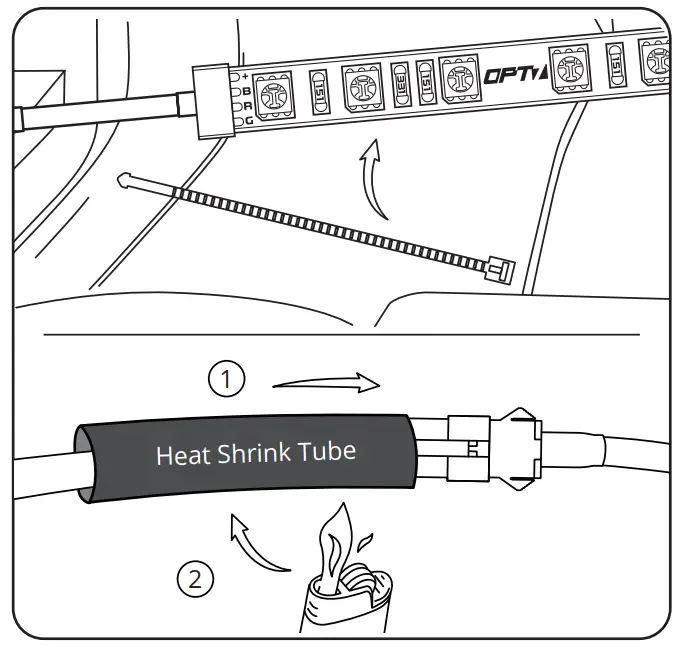 * IMPORTANT:
The LED connectors are not waterproof. You will need to use HEAT SHRINK TUBE (not included) or ELECTRICAL TAPE around the LED connectors to ensure the longevity of the lighting kit.
STEP 6
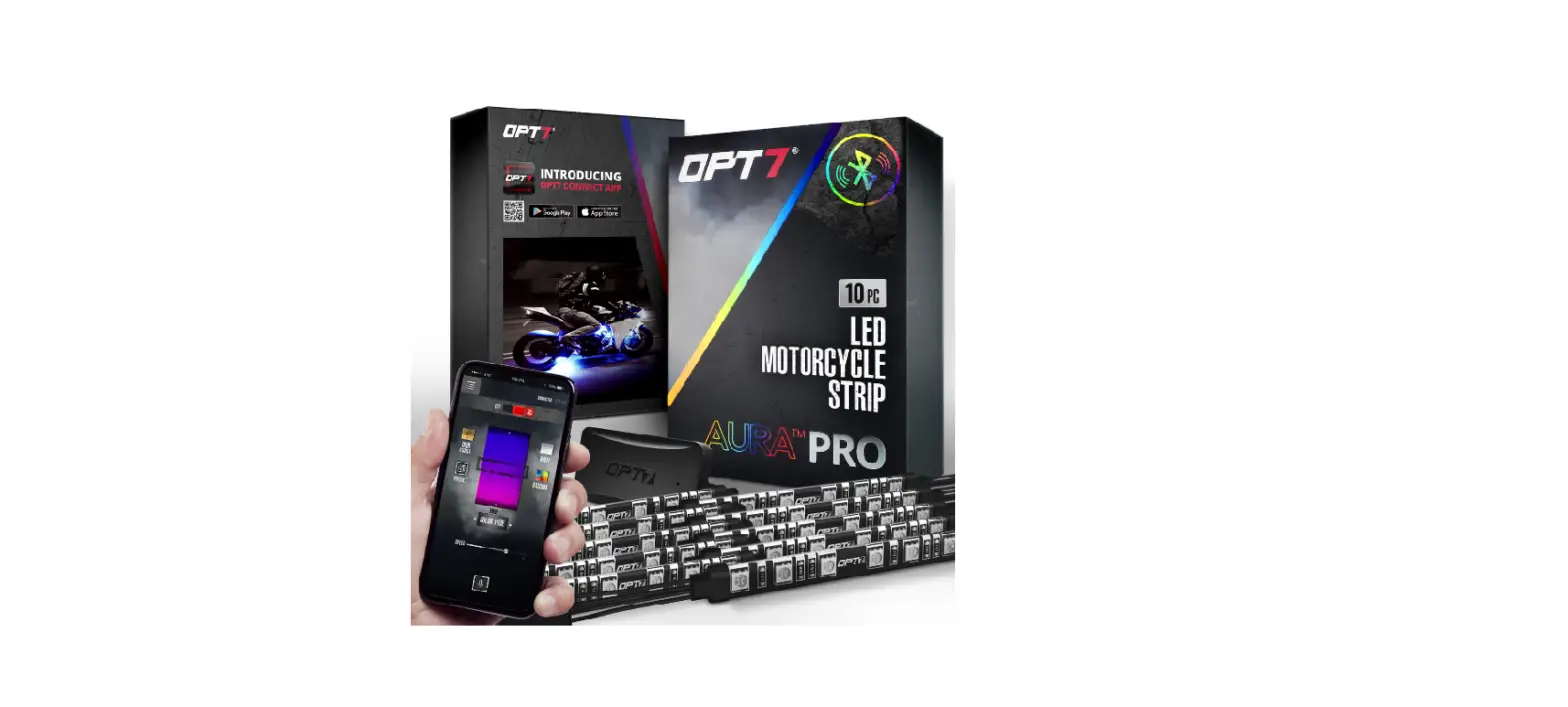
Open the OPT7 AURA App, pair your smart device to the control box, and pick your desired color!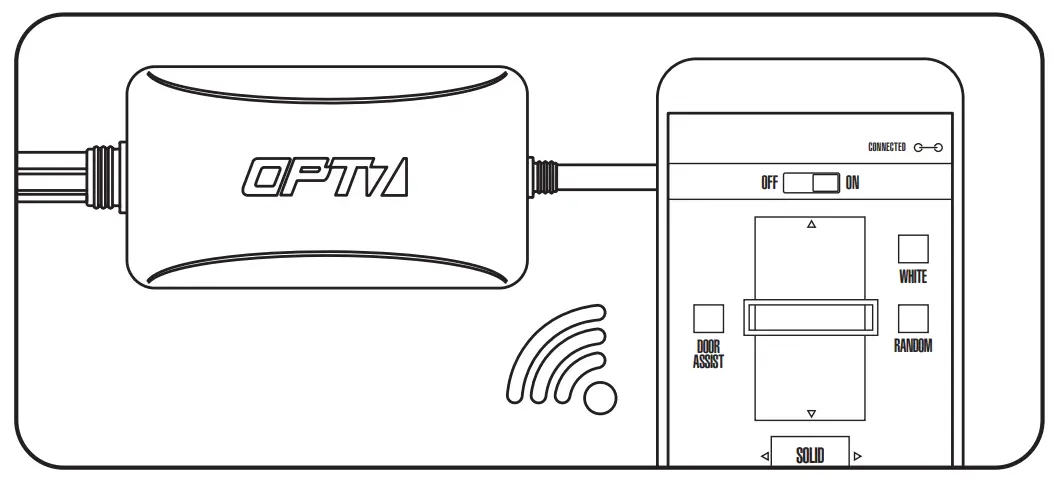
AUX WIRING FOR A DOOR/DOME LIGHT
Please scan to see a detail instruction on Door Assist Sync or go to https://wintis.ladesk.com/549690-AURA-Door-AssistAUX-Installation-Guide
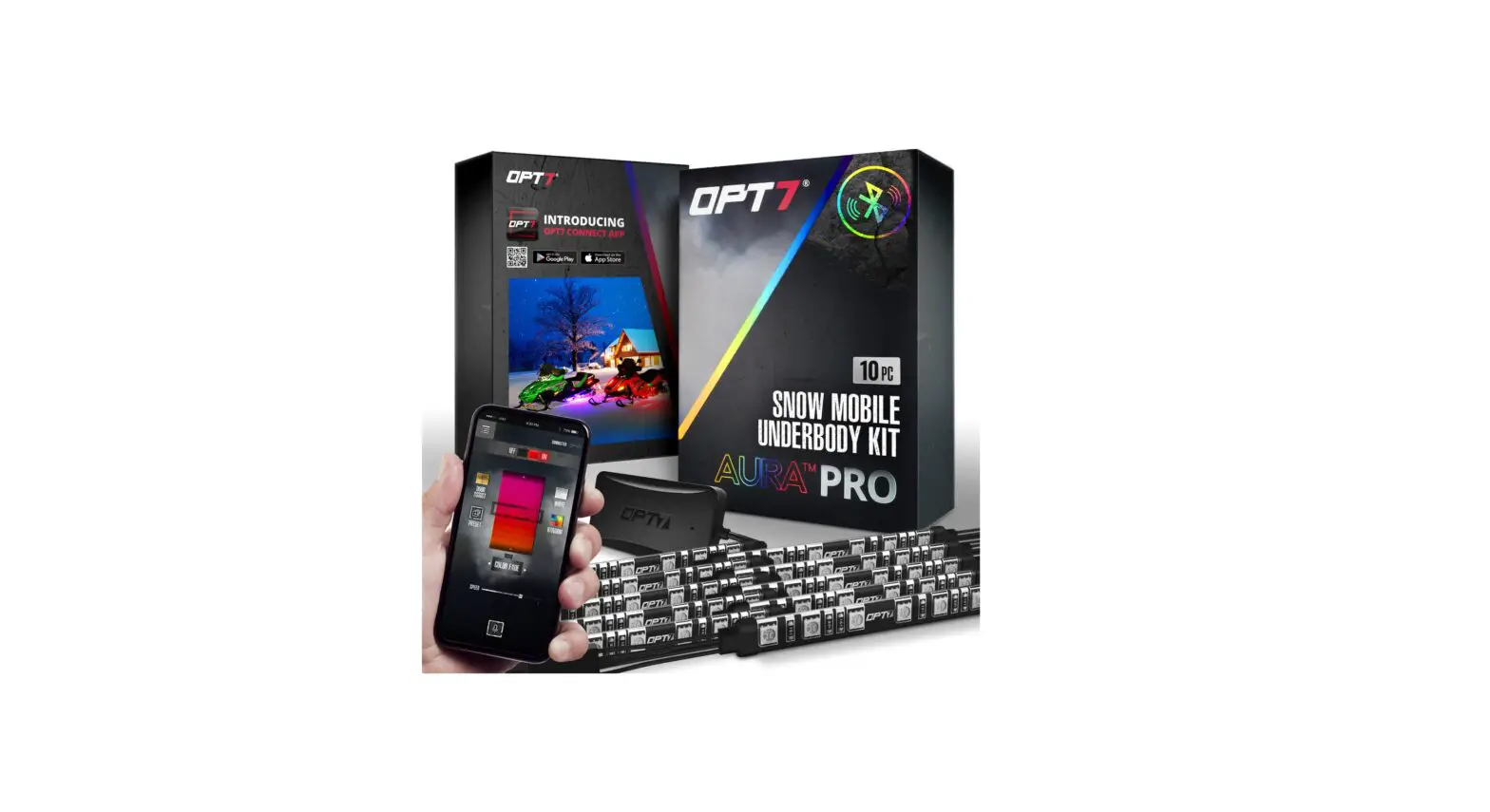
OPT7 CONNECT APP
-Colors
Modes
Door Assist
Support
Ability to control up to
4 devices at once
QR CODE TO DOWNLOAD 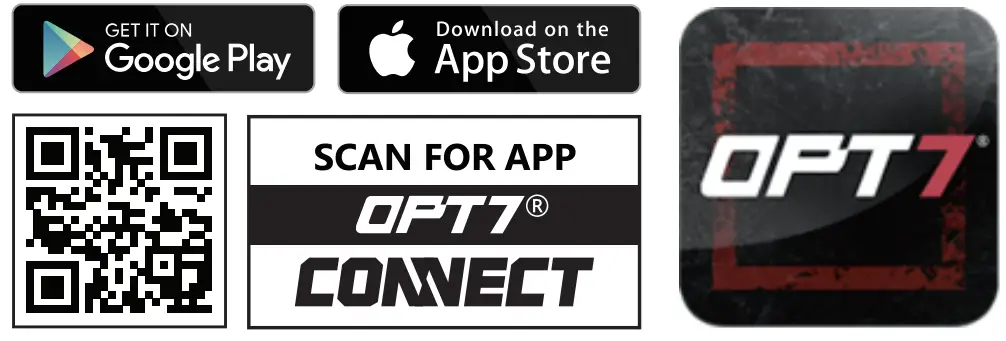 http://qr.w69b.com/g/msHWWYMoM
Download the free “OPT7 CONNECT” App
- App iOS (12+) available on App Store
- Android (6 +) available on Google Play
DISCLAIMER
OPT7 Lighting is not liable for damages or personal injuries while installing this product. The Installation Guide is intended as assistance to reduce setup time. OPT7 Lighting assumes no responsibility for improper installation.
If you are unfamiliar with your vehicle or inexperienced with aftermarket upgrades, please seek professional assistance.
OPT7 recommends installation for safety and guidance.
Modified installations or installation recommendations not specified by OPT7 Lighting will void product warranty.
 AURA Door Assist/AUX Installation Guide