
kvm-tec Industryline 24V Fiber Smart Connections
Instructions
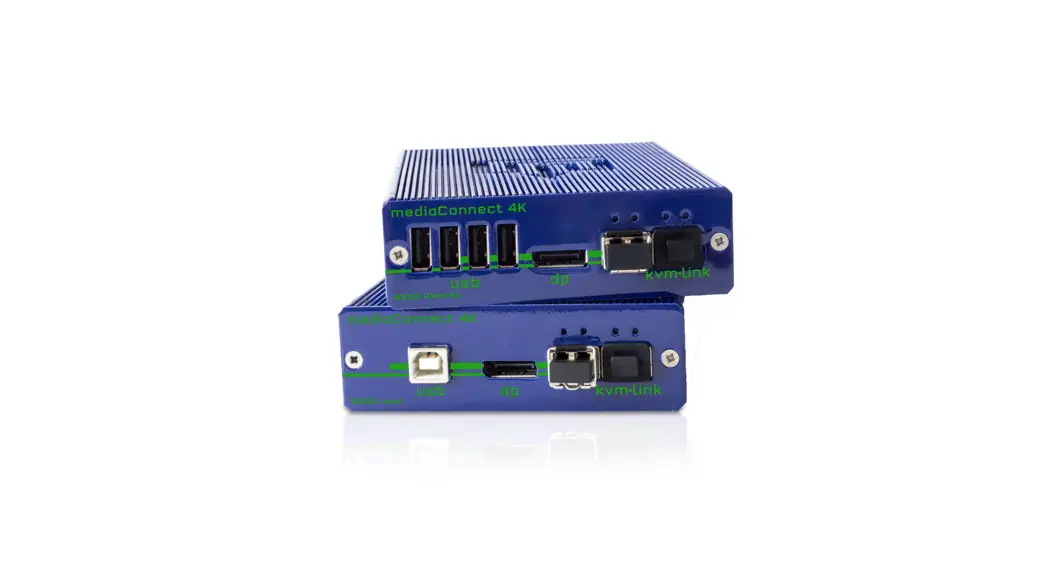
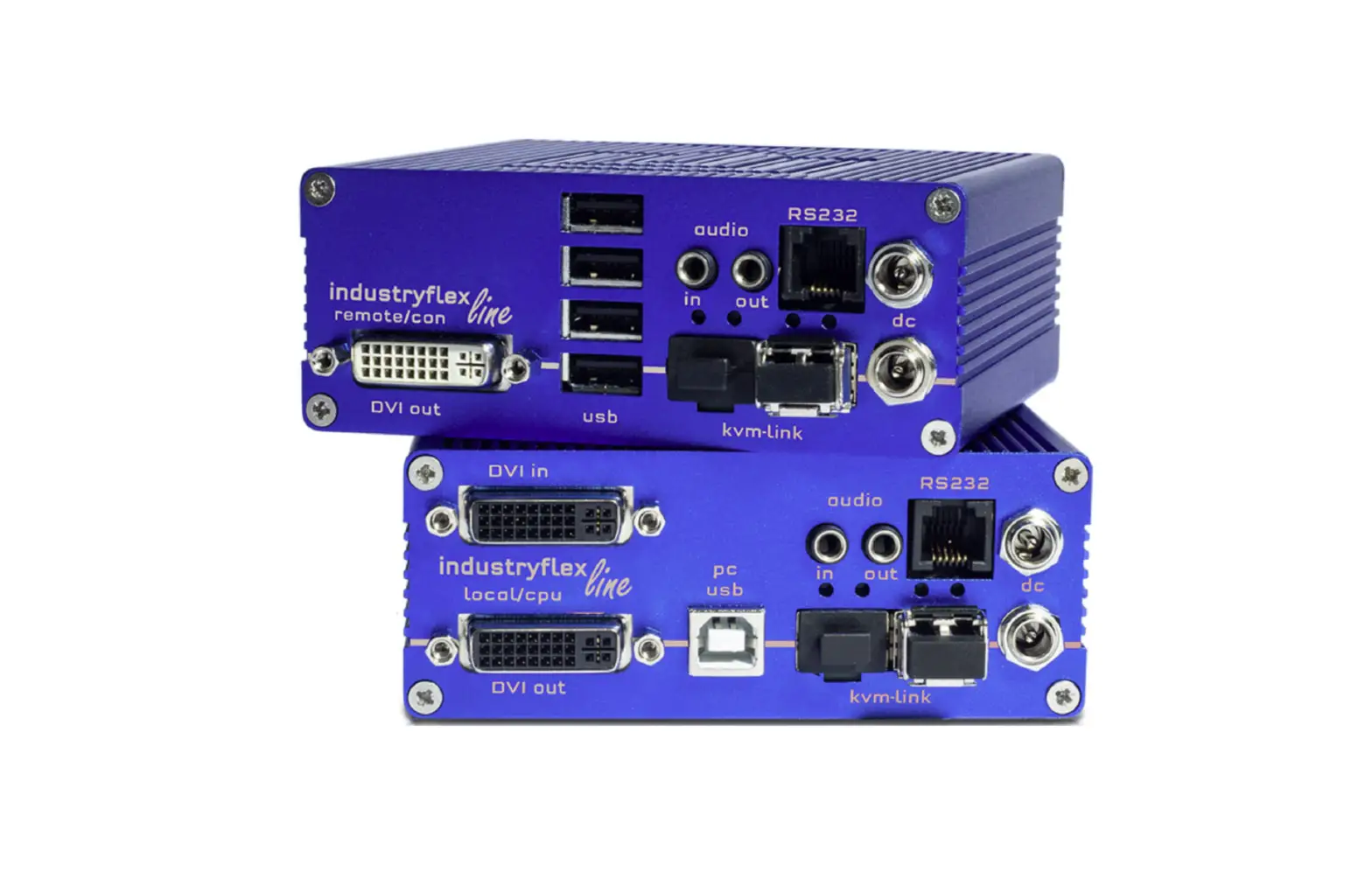
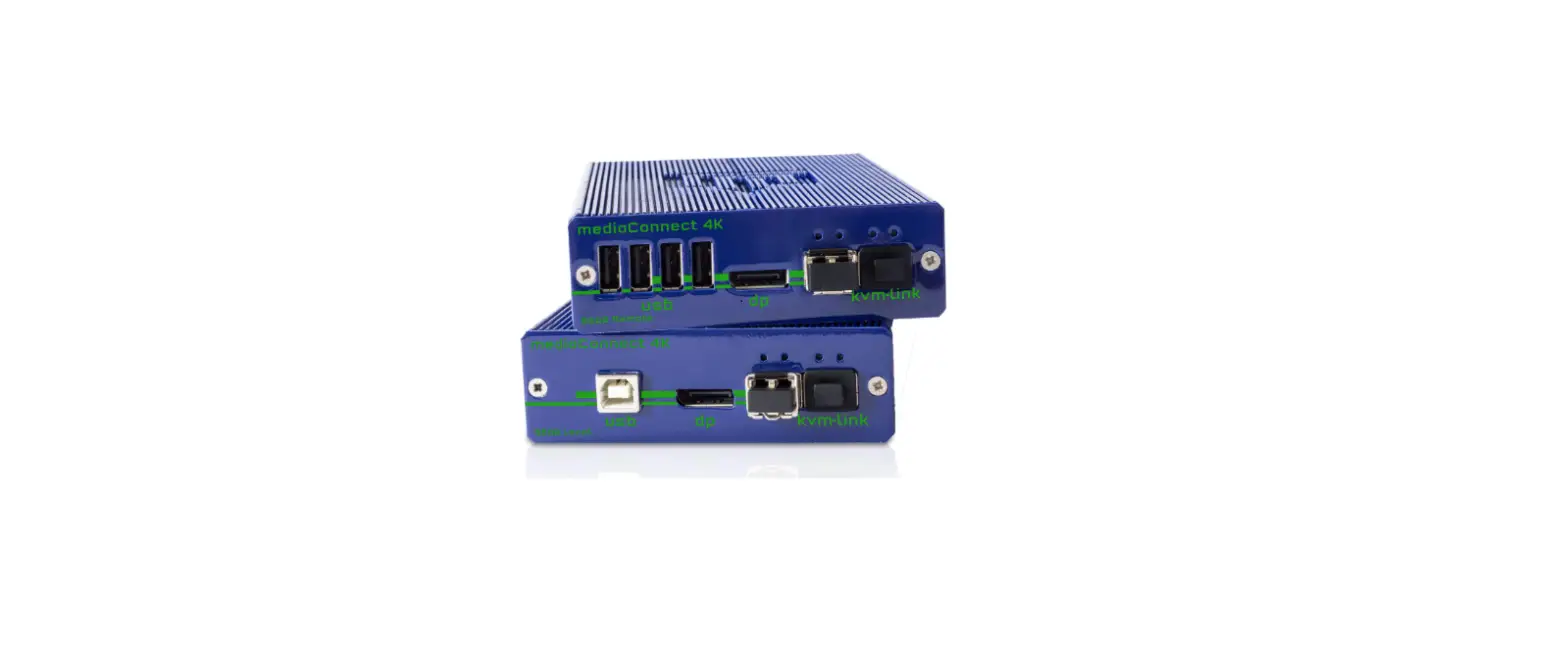
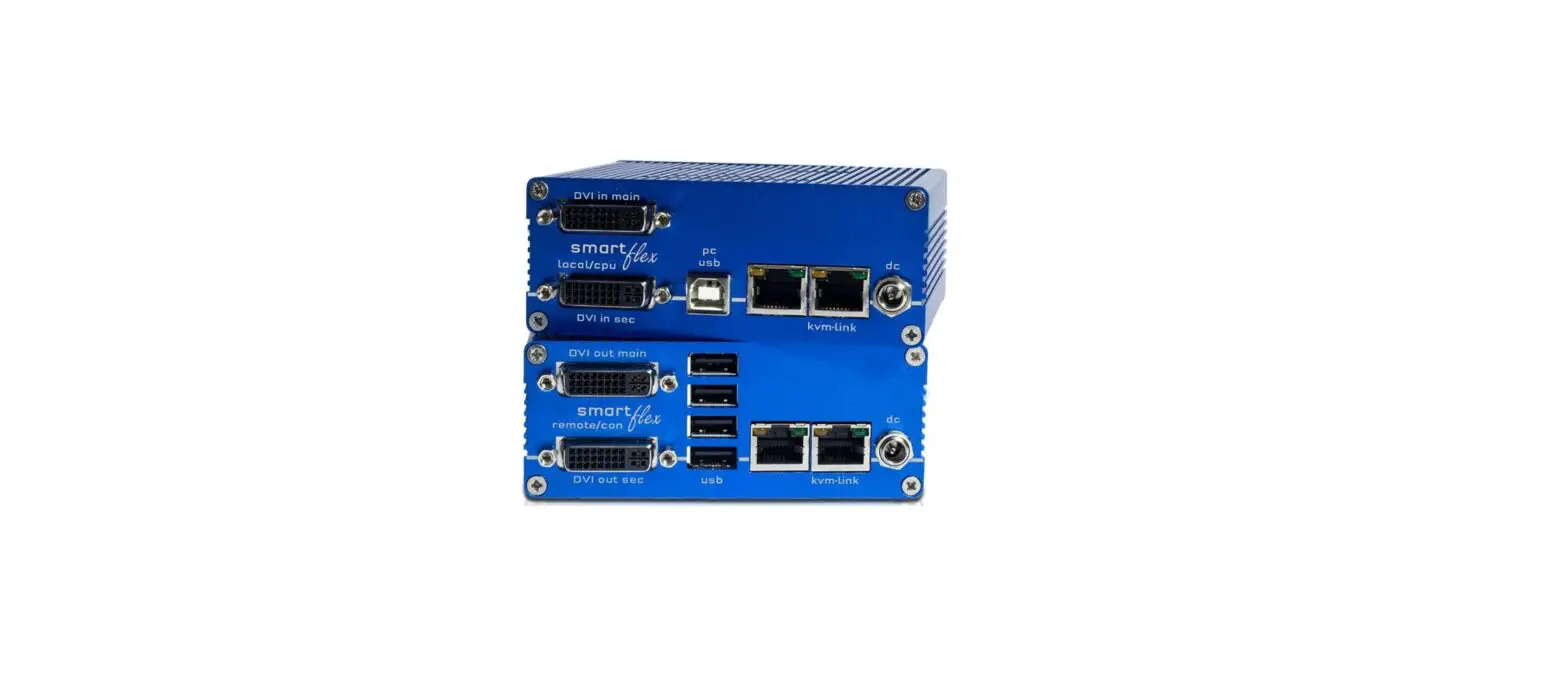
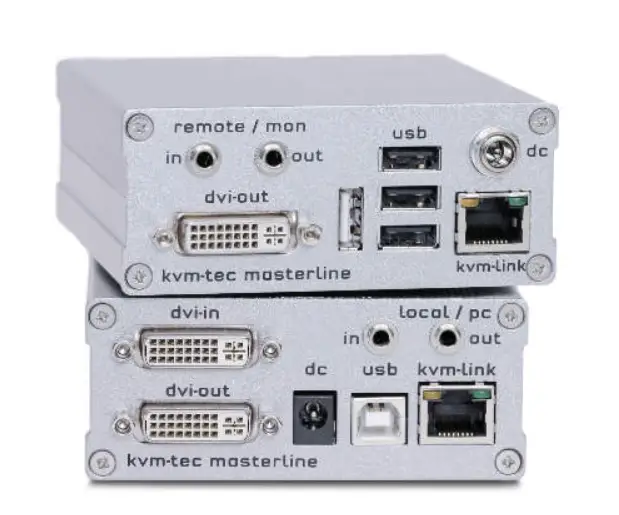
LOCAL/CPU Unit
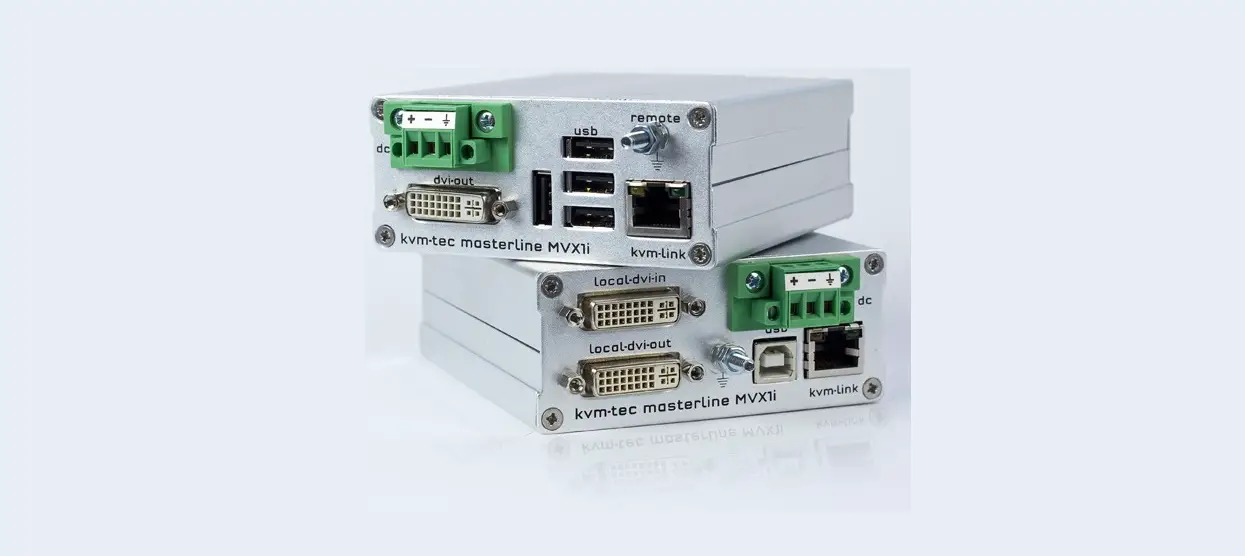
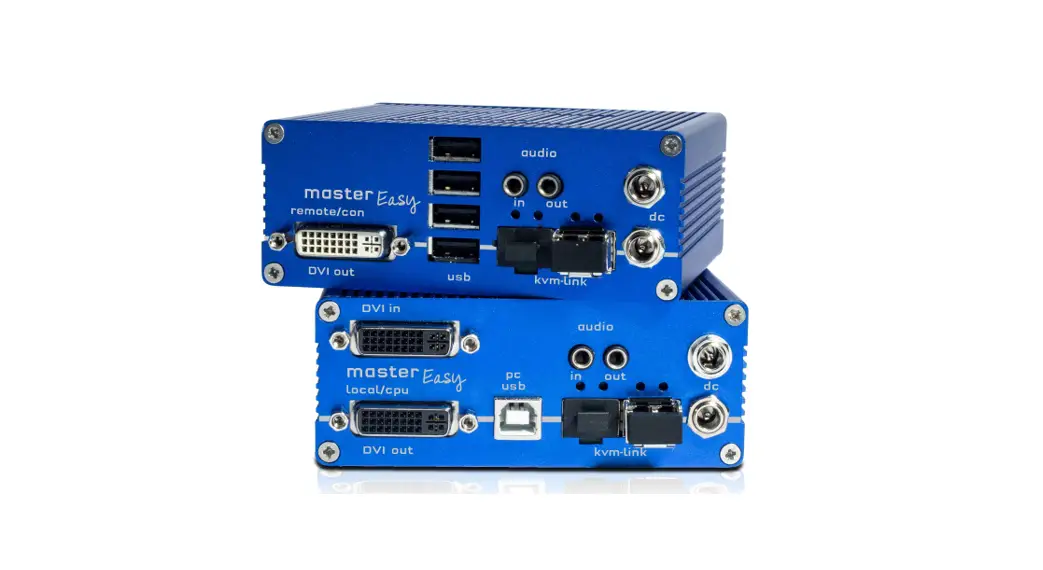
- 1 x MVX1-i-F local (CPU) without power supply
- 1 x Power Connector
- 1 x DVI – DVI cable 1,8m/5,9ft
- 1 x USB cable 1,8m/5,9ft
- 1 x VGA -DVi cable ,8m/5,9ft (opt)
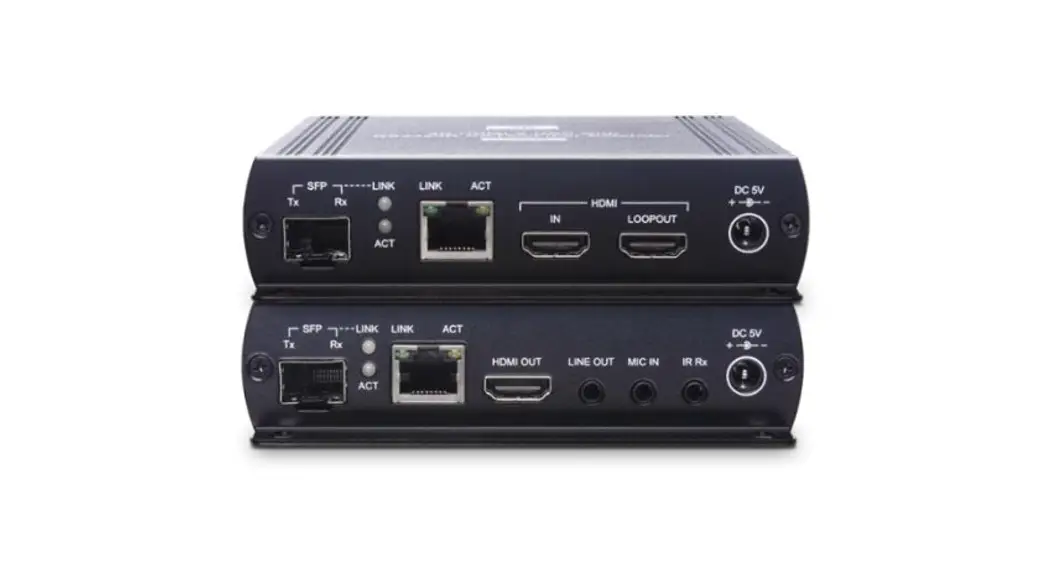
- 1 x SFP Modul Multimode up to 500m/1640 ft.
(alternativ with Single-Mode up to 20km/12 mi) ItemNr 6831 - 4 x rubber feet
REMOTE/CON Unit
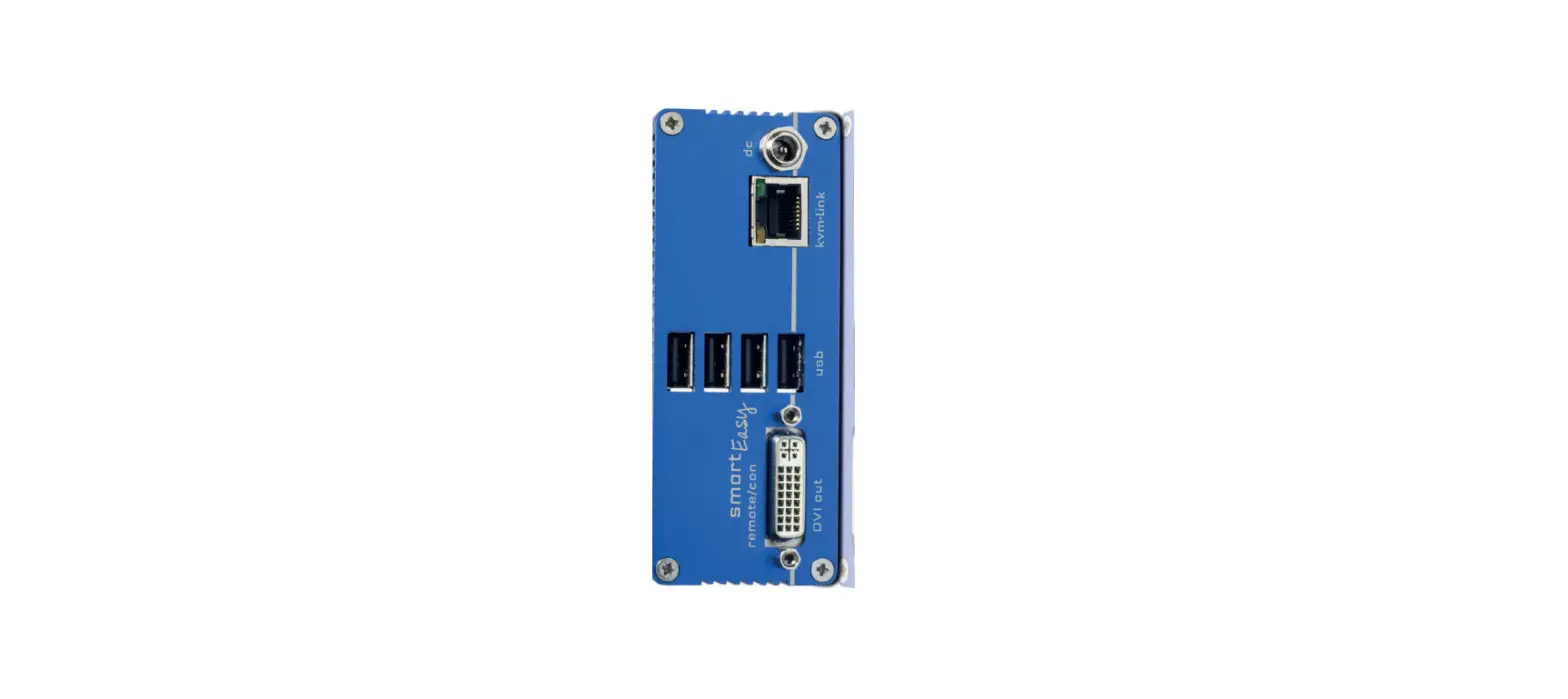
- 1 x MVX1i-F remote (CON) without power supply
- 1 x Power Connector
- 1 x SFP Module Multimode up to 500m/1640ft.Item Nr 6832
- 4 x ruber fee
kvm-tec upgrades included
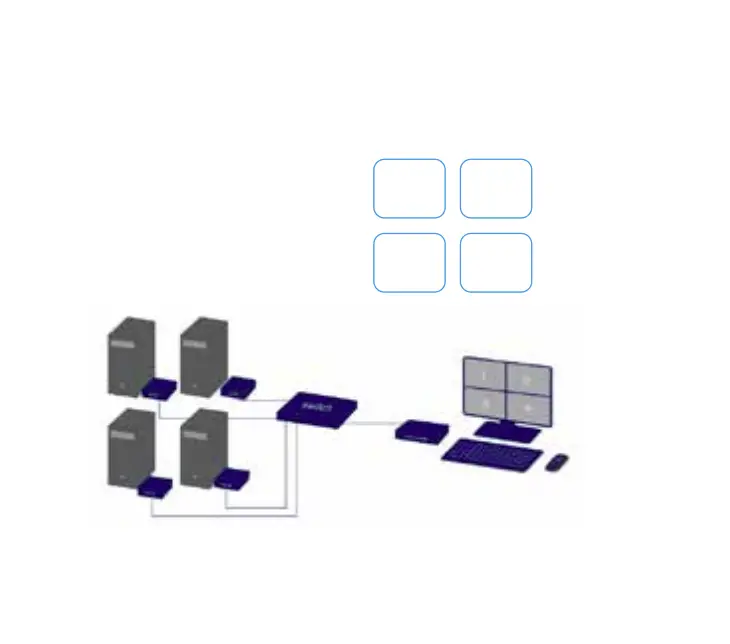
- Matrix Switching System up to 48 endpoints
- USB Memory,
- Analog VGA-transmitted as DVI
Check out our Installation Channel:
Quick Installation
INDUSTRYLINE FIBER local / CPU – remote/ CON
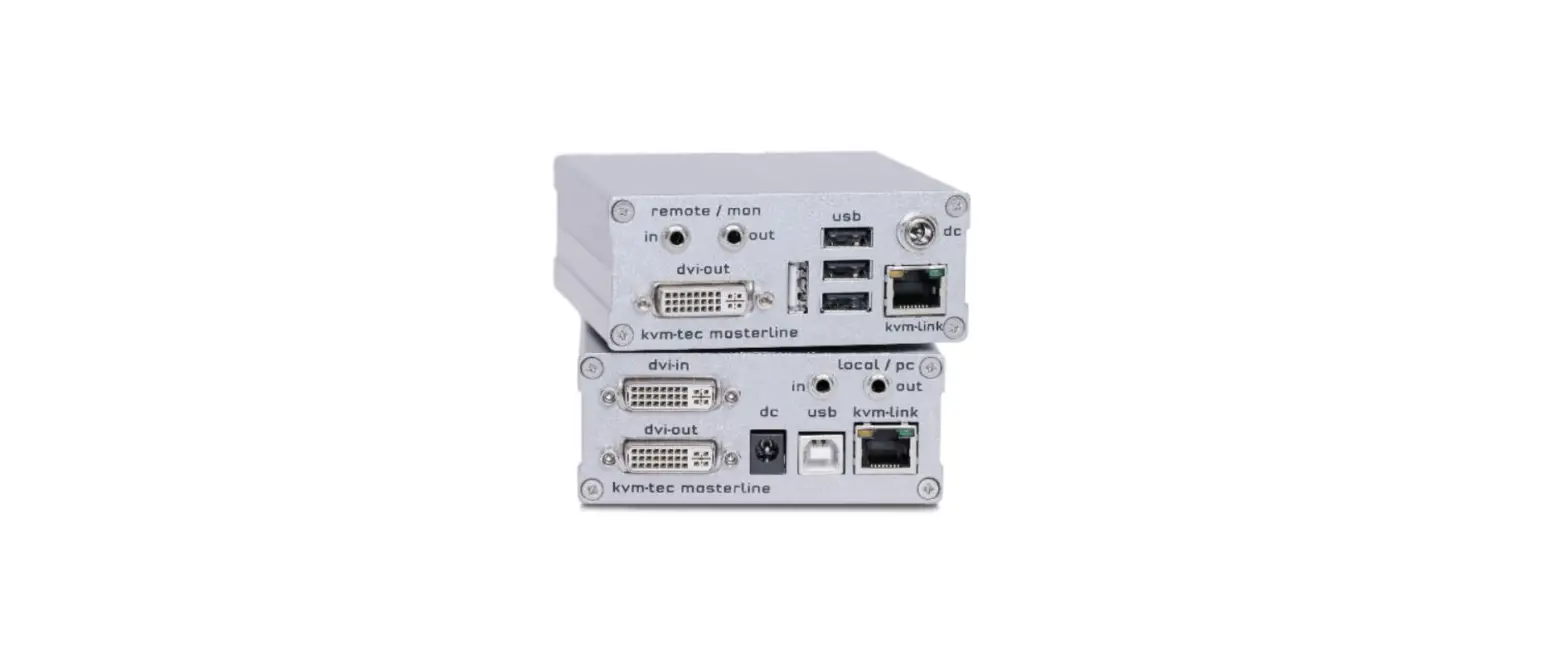
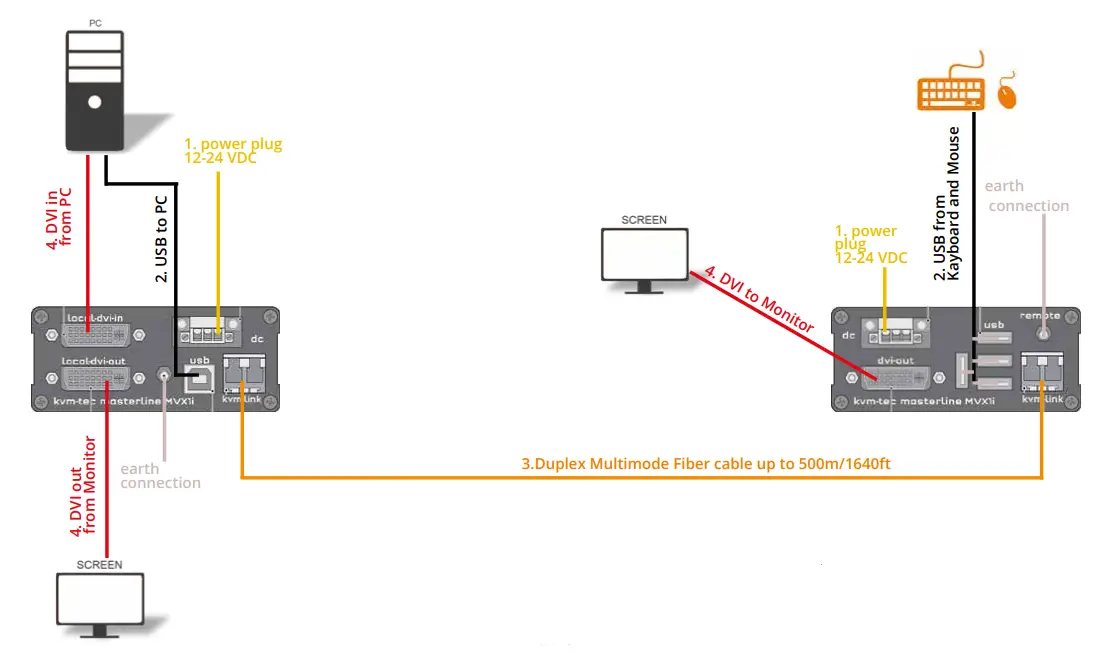
- Connect the CON / Remote and the CPU / Local Unit to the included 12V 1A power supply.
- Now connect the USB cable to a USB port on your PC and connect the other end of the USB cable to the CPU / Local Unit. Connect keyboard and mouse to the CON / Remote Unit.
- Connect the CPU / Local and the CON / Remote Unit with a network cable.
- Now connect the HDMI-DVI cable to the DVI socket of the PC and the other end to the HDMI socket of the CPU/ Local Unit (PC-in). Then connect the monitor with the HDMI-DVI cable to the CON / Remote Unit.
HAVE FUN – your kvm-tec Extender is now in use for many years ( MTBF approx 10 years)
kvm-tec Support
[email protected]
Phone: +43 2253 81912 – 30
 Kvm-tec.com: KVM Extender over IP - Matrix Switching Systeme