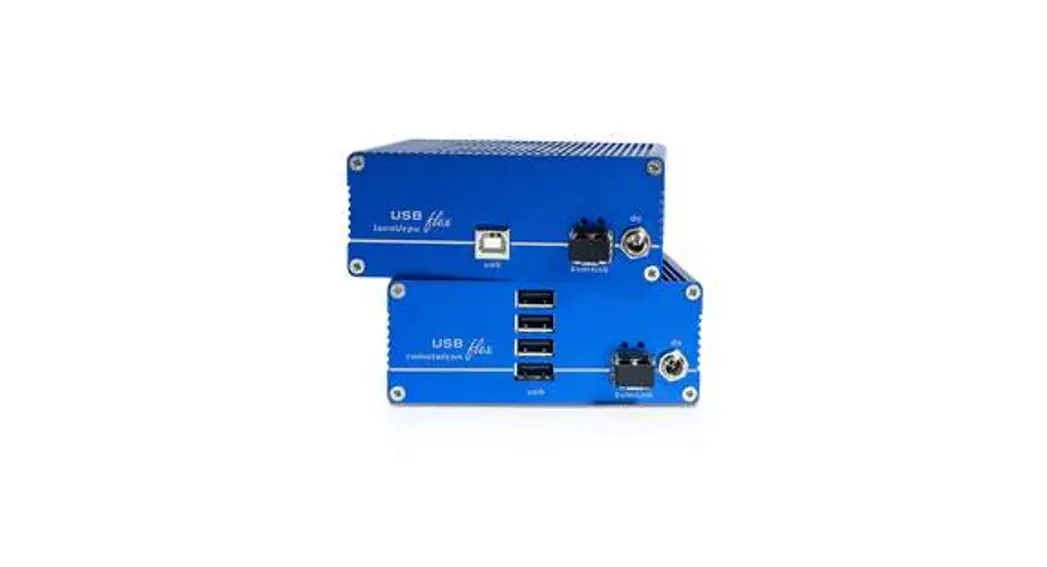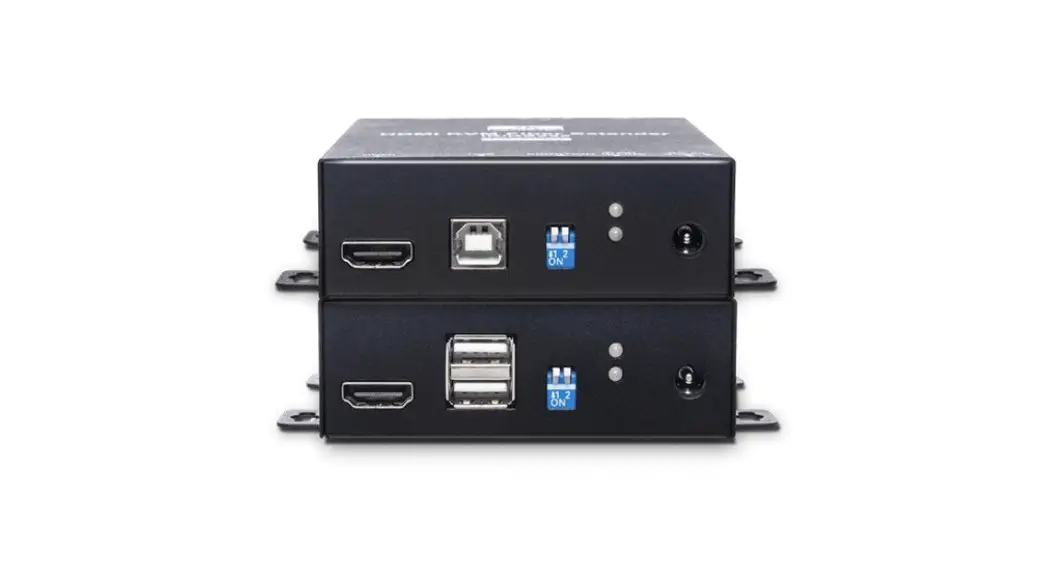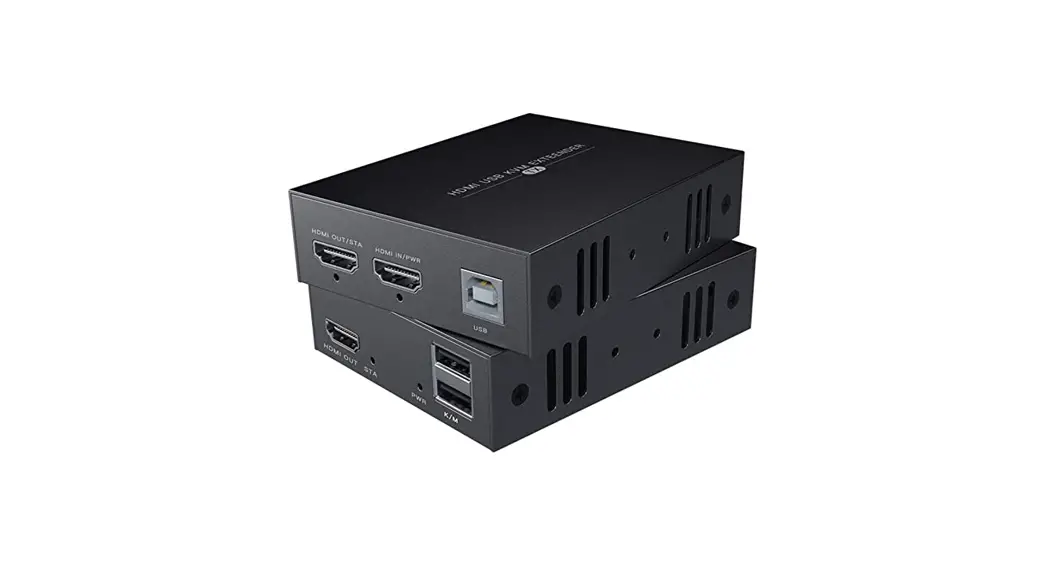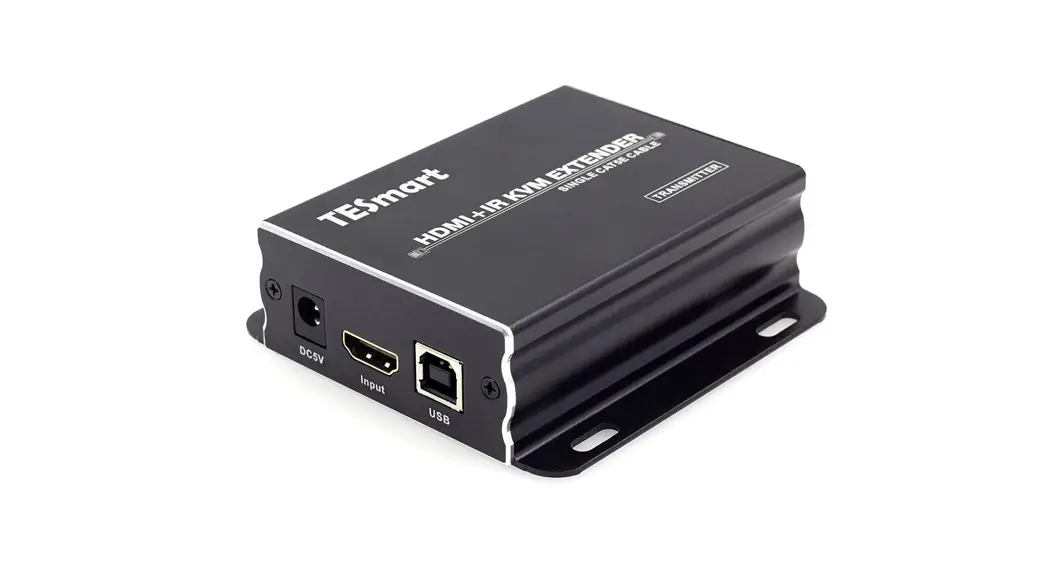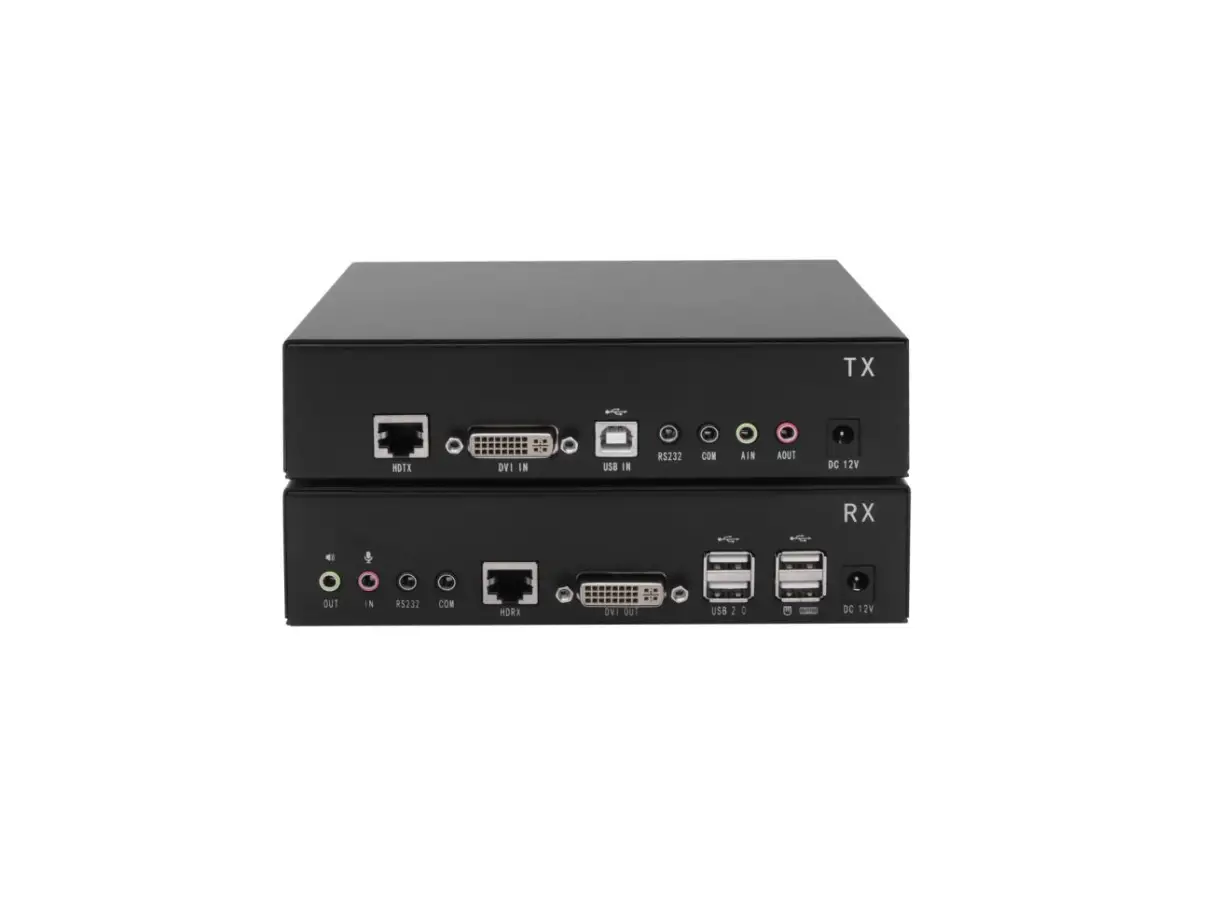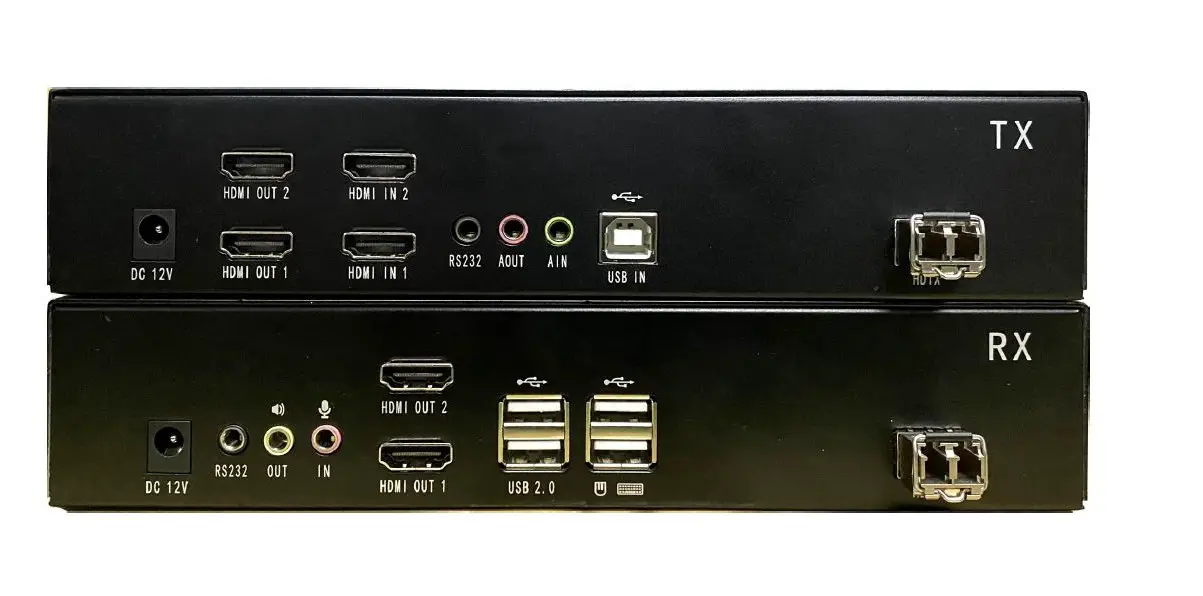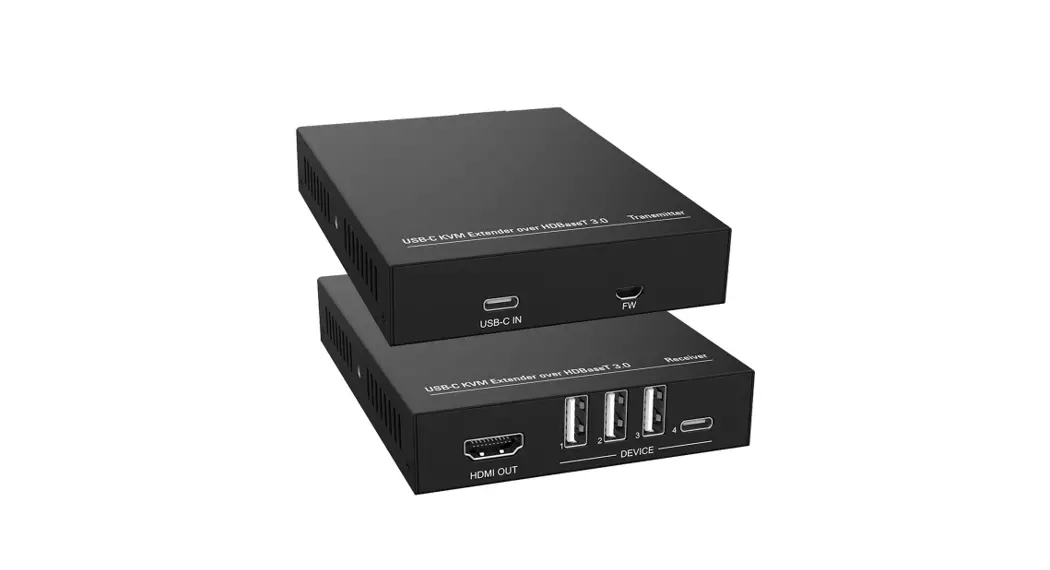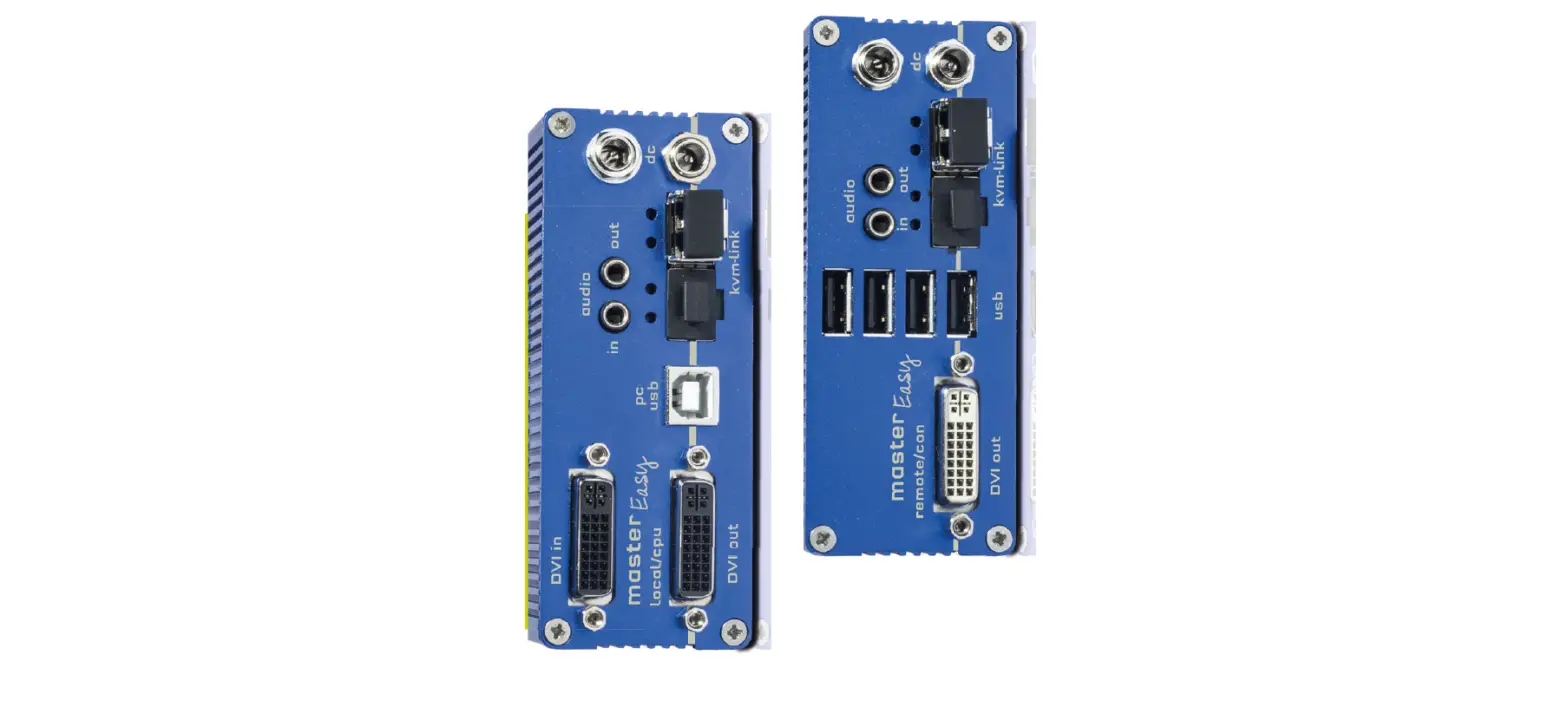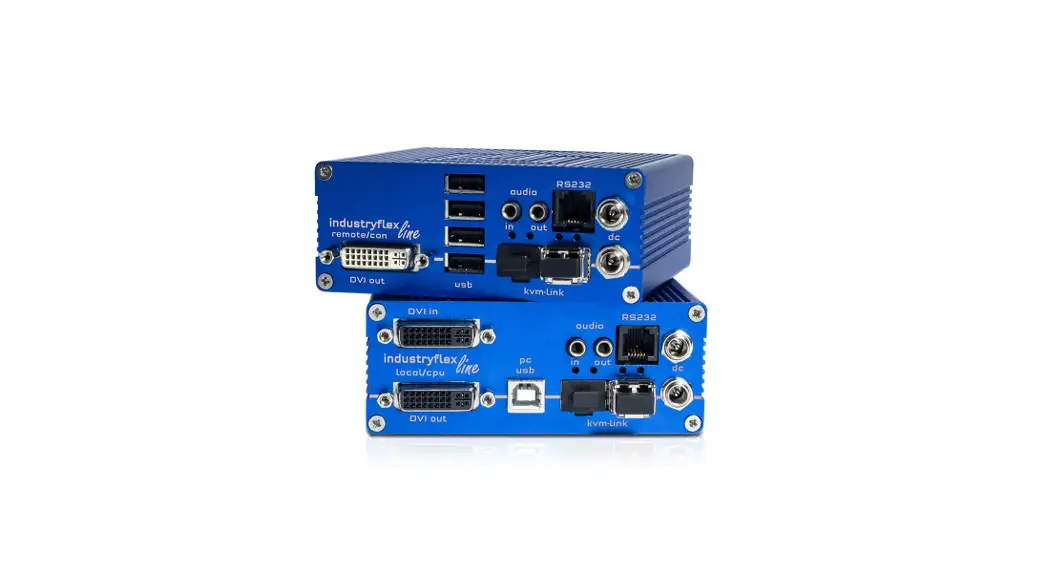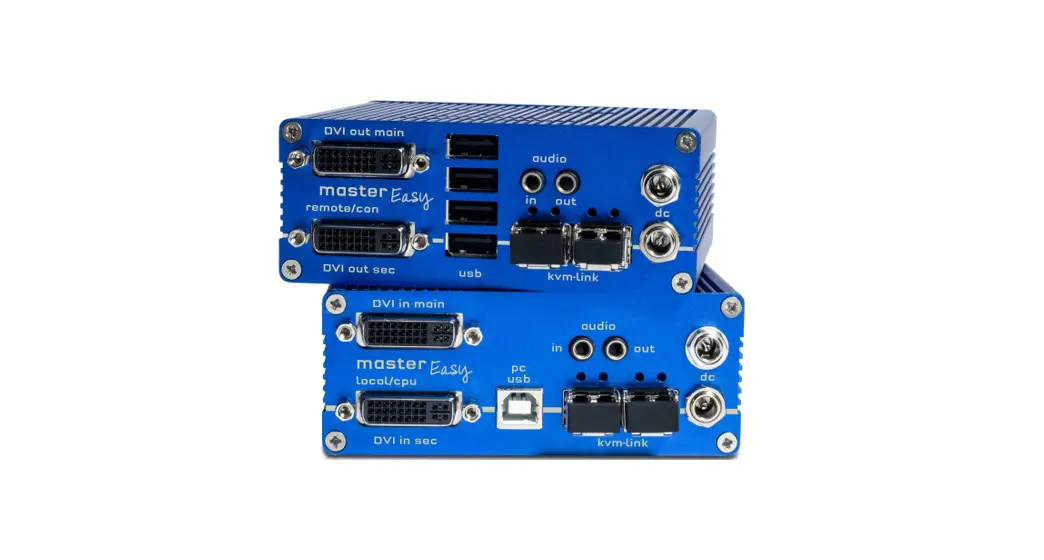

HDMI/ KVM Extender Series
User Manual
Model: HKM01-4K
4K HDMI USB/Audio/RS232/IR CAT5e KVM Extender 140M with Fiber
Smart Cabling & Transmission Corp.
Introduction
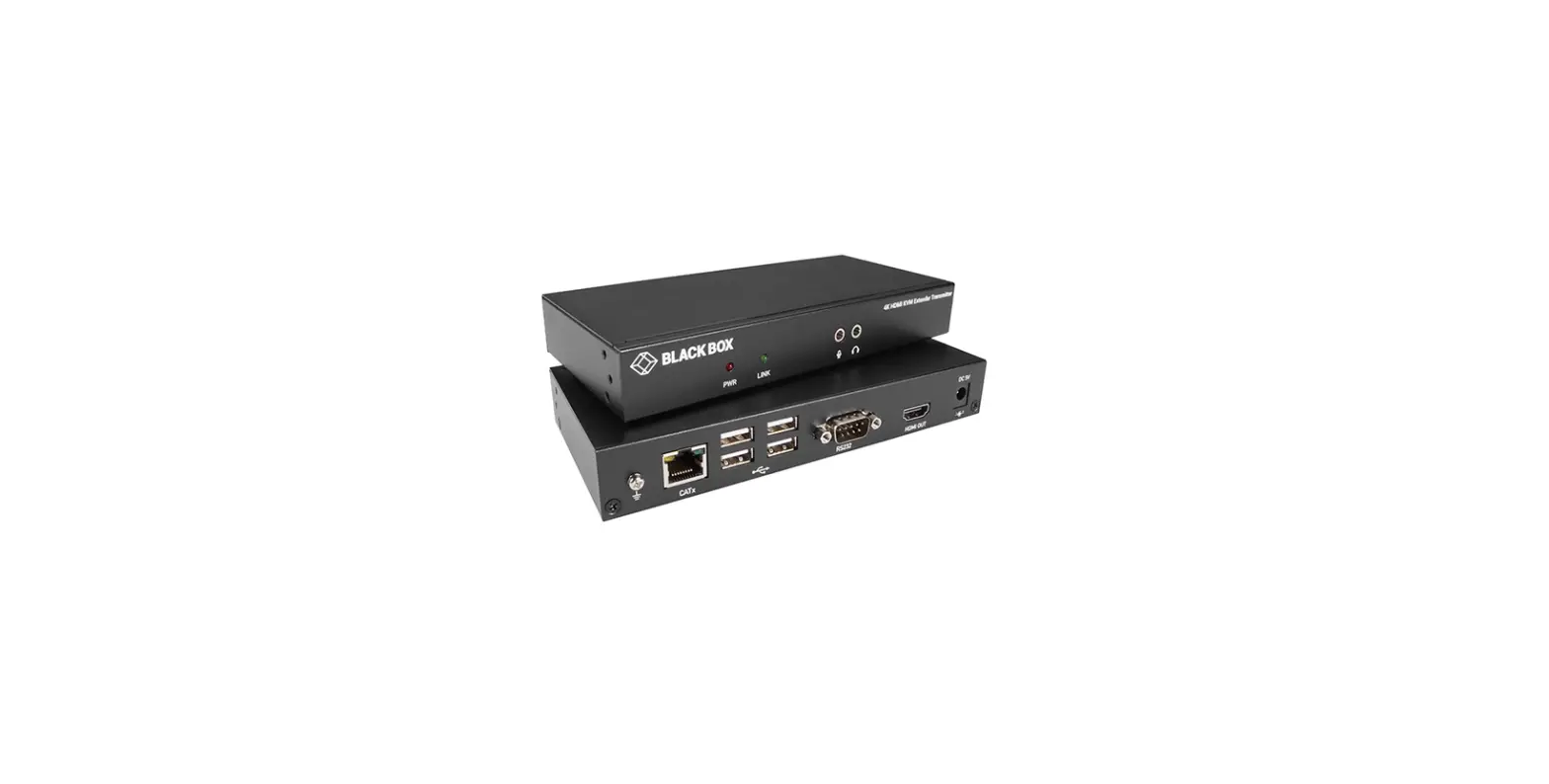
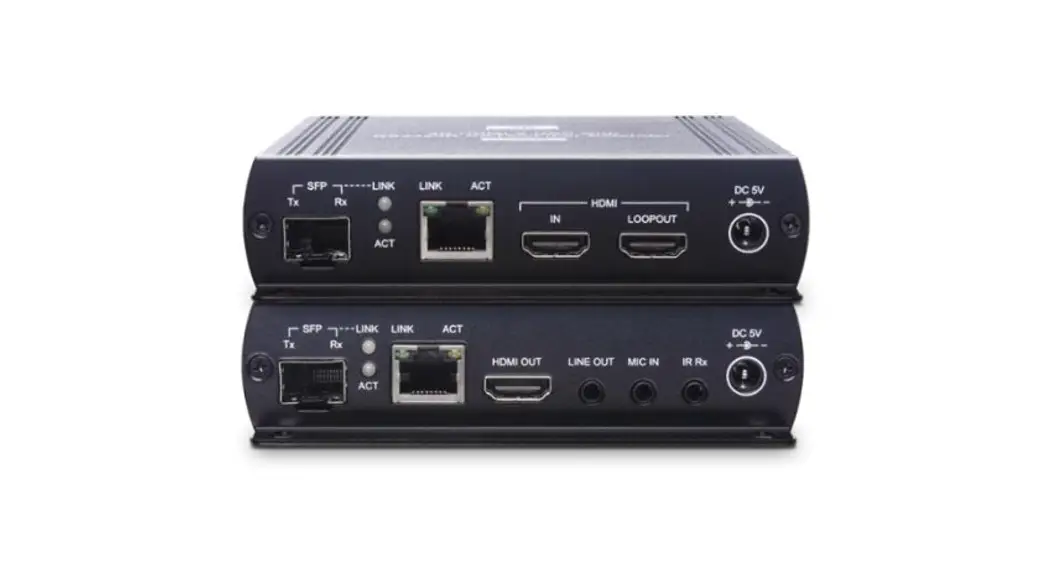
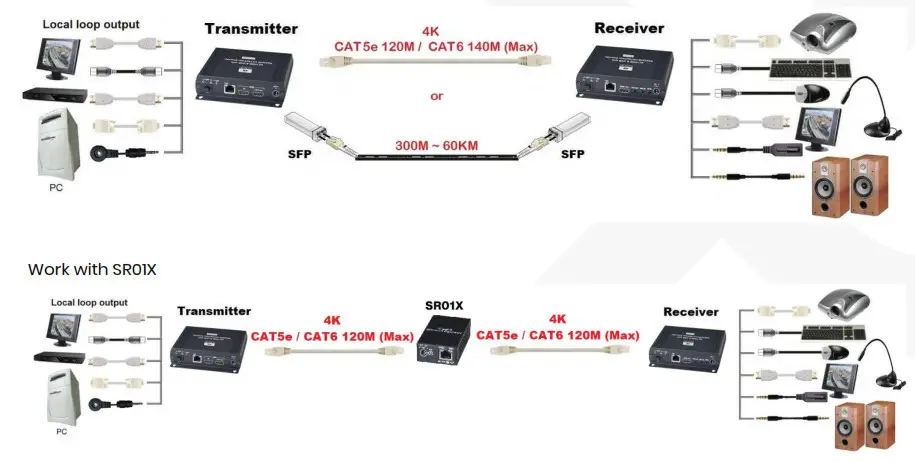
HKM01-4K is a 4K HDMI KVM extender that uses a cost-effective Ethernet cable to send HDMI, USB, Analog audio, RS232, and IR signals with transmission distance up to 140 meters. Its TX unit has an HDMI loop-out port for an extra HDMI display. The built-in 4 USB2.0 ports at the RX unit allow you to control the connected HDMI device at the remote end. The KVM extender can perfectly apply to the broadcasting system, digital signage, home network integration, industrial control…etc.
Features
- Resolutions up to 4K 30Hz 4:4:4.
- Signal extension up to 120M over CAT5e, 140M over CAT6.
- Built-in local loop out for an extra HDMI display at the TX side.
- Built-in 4 USB ports at RX unit.
- Supports bi-directional analog audio transmission for microphones and headphones.
- Supports bi-directional IR, RS232 transmission, and EDID management.
- Workable with SR01X (IP repeater) for long-distance.
Installation View
Panel View
HKM01T-4K
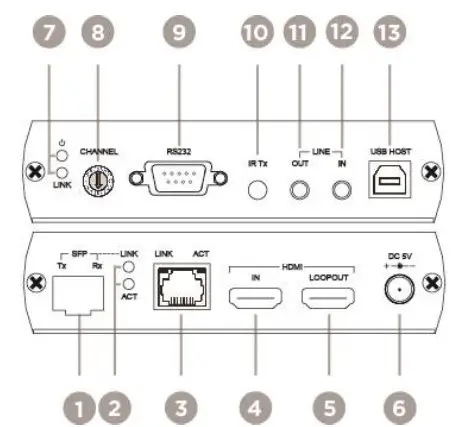
| No. | Interface | Function |
| 1 | SFP Connector | To insert an SFP transceiver module |
| 2 | LINK/ACT | To indicate the status of SFP link and data transmission |
| 3 | RJ45 Connector | To connect HKM01T-4K/ HKM01R-4K |
| 4 | HDMI IN | To connect an HDMI source |
| 5 | HDMI LOOP OUT | To connect an HDMI display |
| 6 | Power Supply | To plug in DC 5V power adapter |
| 7 | Power/LINK | To indicate the status of Power and LINK |
| 8 | Rotary Switch | To set up the grouping function |
| 9 | RS232 | To connect an RS232-command-controllable device |
| 10 | IR Tx | To connect an IR emitter |
| 11 | LINE OUT | To connect a 3.5mm jack for a speaker |
| 12 | LINE IN | To connect a 3.5mm jack for a microphone |
| 13 | USB HOST | To connect a USB-B cable |
HKM01R-4K
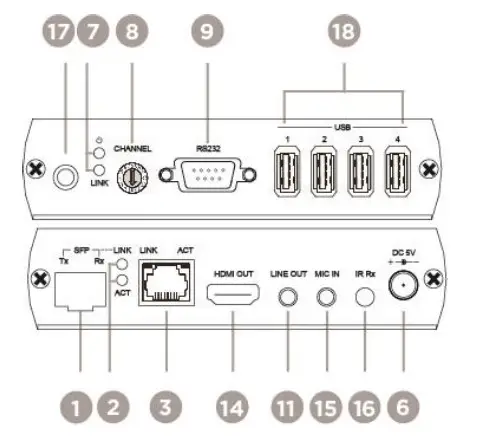
| No. | Interface | Function |
| 1 | Tx Button 1 | To set up EDID |
| 2 | Tx DIP Switch | To set up Groups, RS232, and EDID |
| 3 | Rx Button 1 | To check the status of MAC, IP, Baud Rate and EDID |
| 4 | Rx Button 2 | To set up Baud Rate parameters |
| 5 | Rx DIP Switch | To set up Groups and to enable RS232 transmission |
Description
1. LED Indication Status
| Power On | Link On |
| Green ON | Blue On |
2. SFP LED Indication
| LINK ON | Data Transferring |
| Green ON | Blue On |
3. RJ45
3.1 RJ45 Pinout
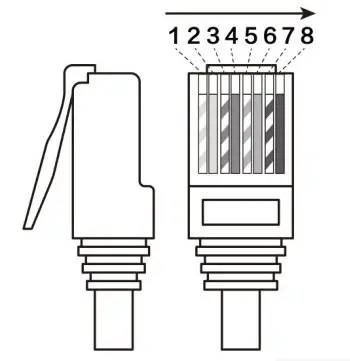
| Pin | Color | Data |
| 1 | Orange-white | DATA0 + |
| 2 | Orange | DATA0 – |
| 3 | Green-white | DATA1 + |
| 4 | Blue | DATA2 + |
| 5 | Blue-white | DATA2 – |
| 6 | Green | DATA1 – |
| 7 | Brown-white | DATA3 + |
| 8 | Brown | DATA3 – |
3.2 RJ45 Indication Status:
| Link On | Data Transferring |
| Green ON | Yellow On |
4. RS232 Pinout Define
4.1 DB9 (Female) at transmitter unit, DB9 (Male) at the receiver unit
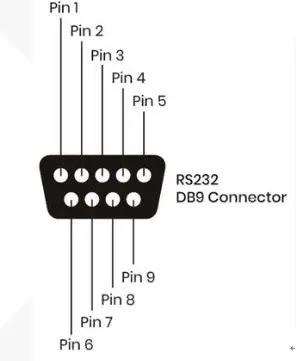
| Connector | ||
| Pin | DB9 (Male) | DB9 (Female) |
| 1 | CD | CD |
| 2 | RxD | TxD |
| 3 | TxD | RxD |
| 4 | DTR | DTR |
| 5 | GND | GND |
| 6 | DSR | DSR |
| 7 | RTS | RTS |
| 8 | CTS | CTS |
| 9 | RI | RI |
Bottom View
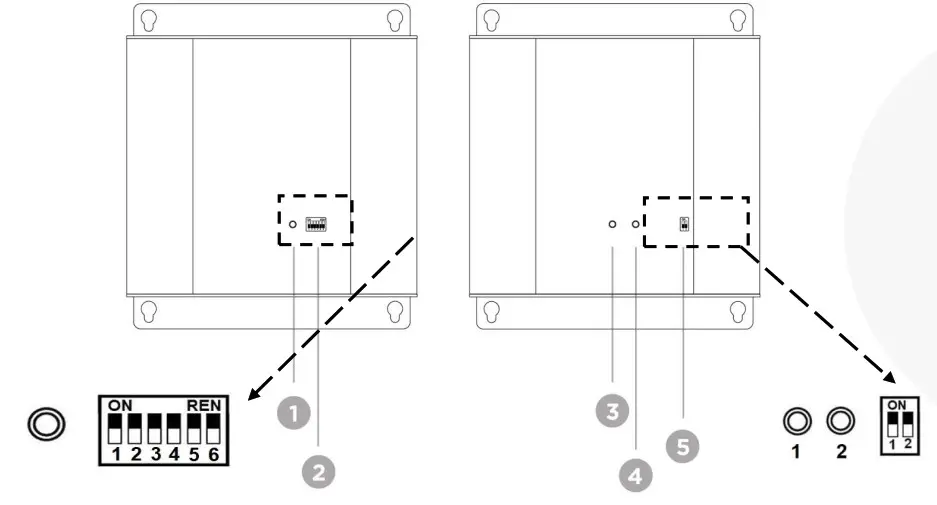
| No. | Interface | Function |
| 1 | Tx Button 1 | To set up EDID |
| 2 | Tx DIP Switch | To set up Groups, RS232, and EDID |
| 3 | Rx Button 1 | To check the status of MAC, IP, Baud Rate and EDID |
| 4 | Rx Button 2 | To set up Baud Rate parameters |
| 5 | Rx DIP Switch | To set up Groups and to enable RS232 transmission |
1. Grouping Tx and Rx
1.1 Set up the switch of Tx and Rx (HKM01T/R-4K) to choose a group.
| SWITCH | Group / Settings | |||
| SW1 | Group 0 | OFF↑ | Group 1 | ON↓ |
1.2 Set up the rotary switch
(The switch setting of Tx and Rx in the same group should be the same) (Up to 32 pairs of Tx and Rx can be set)
1.3 Remove the power and plug it in again.
2. RS232
2.1 RS232 Setting
2.2 Baud Rate Setting
2.3 Baud rate supports 115200 (Default), 57600, 38400, 19200, 14400, 9600, 4800, 2400, and 1200bps.
If the baud rate needs to be changed, please refer to the instructions below.
2.4 Check the bottom of the receiver (HKM01R-4K)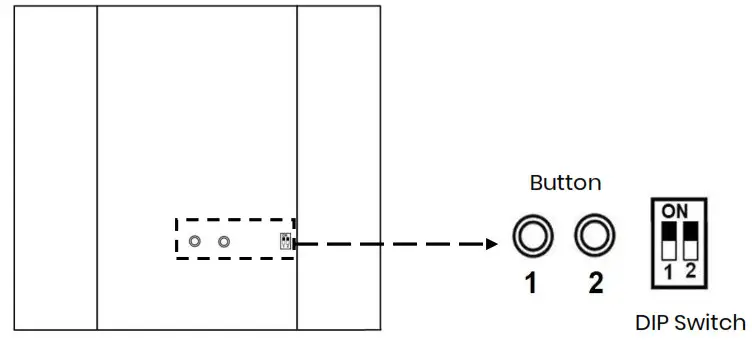
2.5 Press Button 1 to select Baud Rate.
2.6 Press Button 2 to choose a parameter.
2.7 Press Button 1 again to confirm the change.
2.8 Set up the DIP switch of Tx and Rx (HKM01T/R-4K)
| Tx (HKM01T-4K) | ||
| SWITCH | Function | Settings |
| SW2 | RS232 On (Default) | OFF↑ |
| SW3 | OFF↑ | |
| Rx (HKM01R-4K) | ||
| SWITCH | Function | Settings |
| SW2 | RS232 On (Default) | OFF↑ |
3. EDID Copy
3.1 Remove all the HDMI cables.
3.2 Set up the DIP switch of Tx (HKM01T-4K).
| SWITCH | EDID Mode / Settings | |||||
| SW4 | 1080p 2CH | ON↓ | Copy | OFF↑ | Copy | ON↓ |
| SW5 | ON↓ | ON↓ | OFF↑ | |||
3.3 Push the button at the bottom of the transmitter (HKM01T-4K)
Digital /Analog Audio Conversion
O = Connected X = Disconnected
※When the receiver’s “LINE OUT” or “MIC IN is connected, the sound of the monitor will be automatically muted.
| Function | Transmitter LINE IN | Transmitter LINE OUT | Receiver MIC IN | Receiver LINE OUT | Description |
| Analog Bypass | 0 | 0 | 0 | 0 | Analog Audio IN, Analog Audio OUT (Monitor Audio Muted) |
| Audio Embedder | 0 | X | X | X | Analog Audio IN, HDMI Audio OUT |
| Audio Extractor | X | X | X | 0 | HDMI IN, Analog Audio OUT (support LPCM 2CH, monitor muted) |
| HDMI Bypass | X | X | X | X | HDMI IN, HDMI Audio OUT |
Trouble Shooting
- We strongly recommend using high-quality CAT5e, CAT6 UTP/STP/FTP cable. Improper installation may cause unstable connection, and video & audio interruption.
- The highest data rate can be 850Mbps, which might affect other devices at the same LAN.
- Either UTP or SFP can be used as a transmission medium.
- When the cable of the external IR receiver connects to RX, the front panel IR will be disabled.
- Analog audio of Rx (MIC IN) is mono sound for microphone only, not stereo audio (Line-in)
- The output power of a USB is up to 500mA per port, 1500mA in total.
- RS232 does not support hardware handshakes.
Package Include
HKM01T-4K Transmitter x 1 pcs
HKM01R-4K Receiver x 1 pcs
IR Emitter Cable x 1 pcs
USB A to B cable x 1
DC 5V2A Power Adapter x 2
Screw x 8
Screw plug x 8
Rubber gasket x2
Specification
| ITEM NO. | HKM01T-4K | HKM01R-4K |
| Support | ||
| Compliance | HDMI 1.4 , HDCP 1.4, USB 2.0/ 1.1/ 1.0 | |
| Max. Video Resolution | 4K@30Hz | |
| Max. Transmission DistanceAudio Format | 140M over CAT6, 60KM over single mode fiber optic | |
| RS232 Baud Rate | LPCM7.1@192KHZ | |
| IR Support | 115200bps | |
| Ports & Interfaces | ||
| Video Input | 1 x HDMI Type A | 1 x RJ45, 1 x SFP |
| Video Output | 1 x RJ45, 1 x SFP | 1 x HDMI Type A |
| Video Loop-out | 1 x HDMI Type A | |
| Analog Audio Input | 1 x (3.5mm) Stereo Phone Jack | 1 x (3.5mm) Mono Phone Jack |
| Analog Audio Output | 1 x (3.5mm) Stereo Phone Jack | 1 x (3.5mm) Stereo Phone Jack |
| IR Receiver | 1 x (3.5mm) Stereo Phone Jack | |
| IR Emitter | 1 x (3.5mm) Stereo Phone Jack | |
| RS232 Interface | 1 x DB9 Female | 1 x DB9 Male |
| USB Interface | 1 x USB Type B | 4 x USB Type A |
| Power | ||
| Power Supply | DC 5V 2A | DC 5V 2A |
| Power Consumption | 1200mA | 400mA |
| Ambient Temperature | ||
| Operation | 0 to 55℃ | |
| Storage | -20 to 85℃ | |
| Humidity | up to 95% | |
| Physical Characteristics | ||
| Dimensions | 125 x 140 x 30mm | 125 x 140 x 30mm |
| Weight | 380g | 380g |