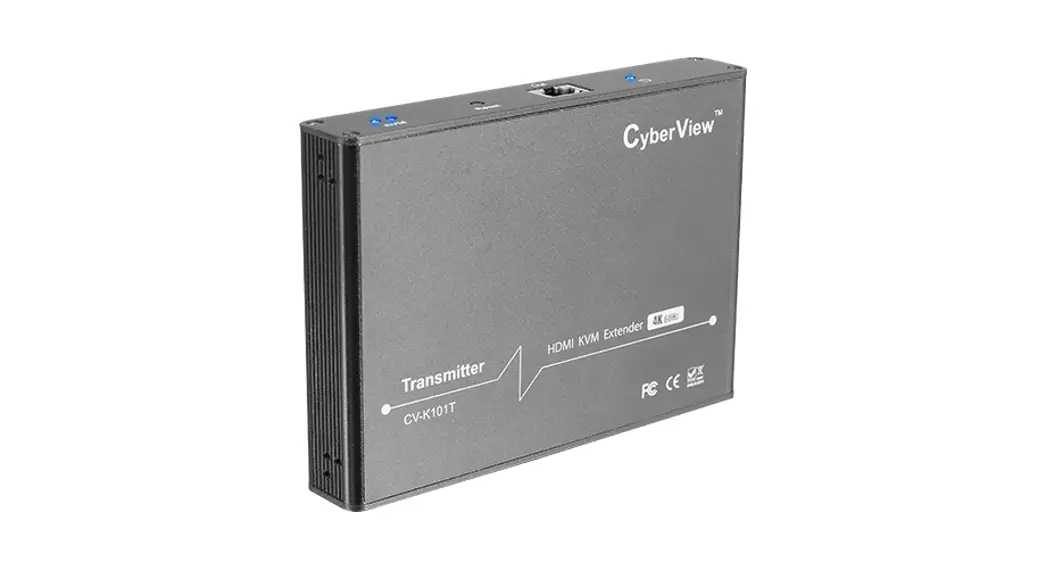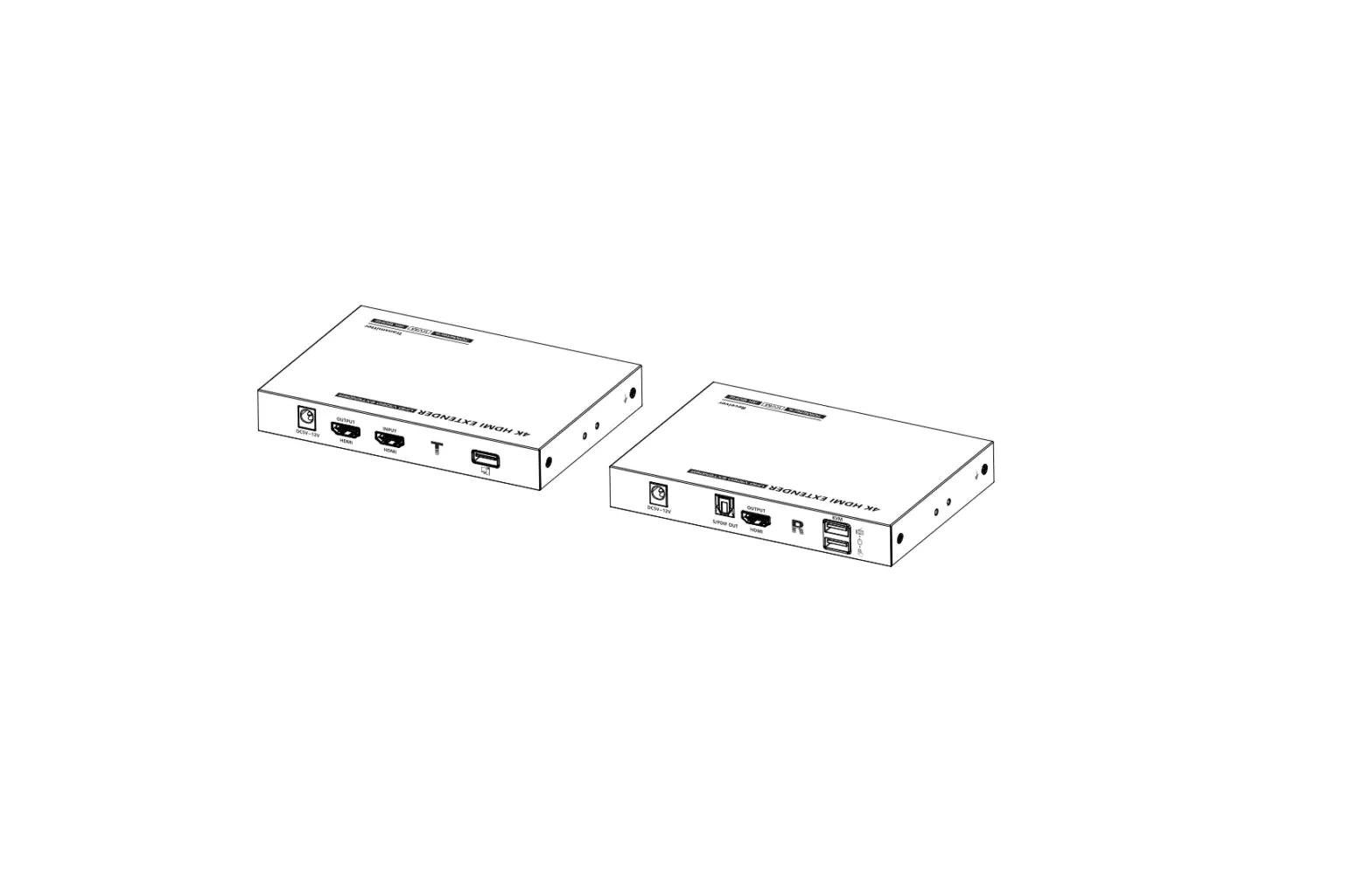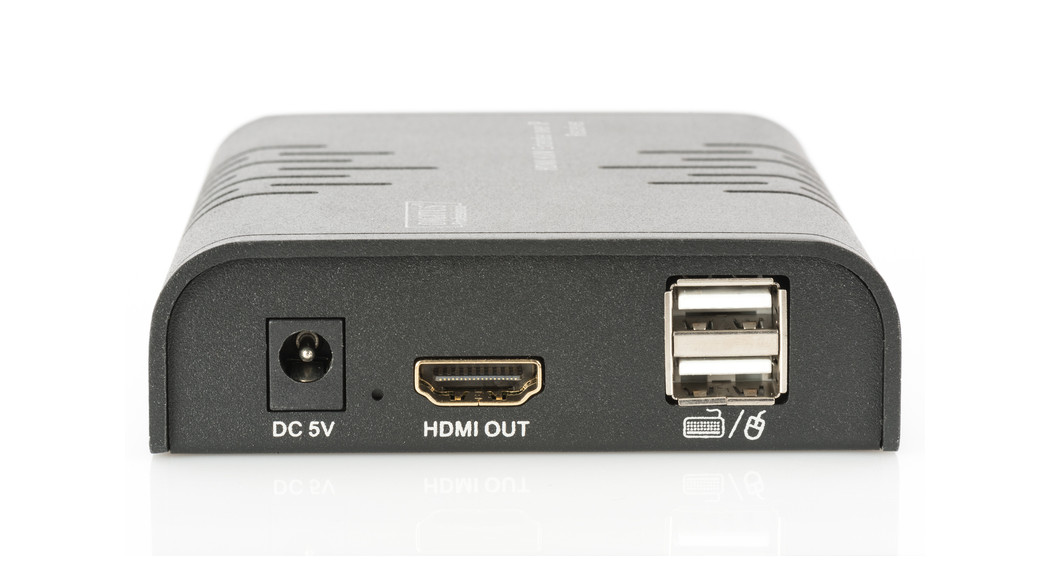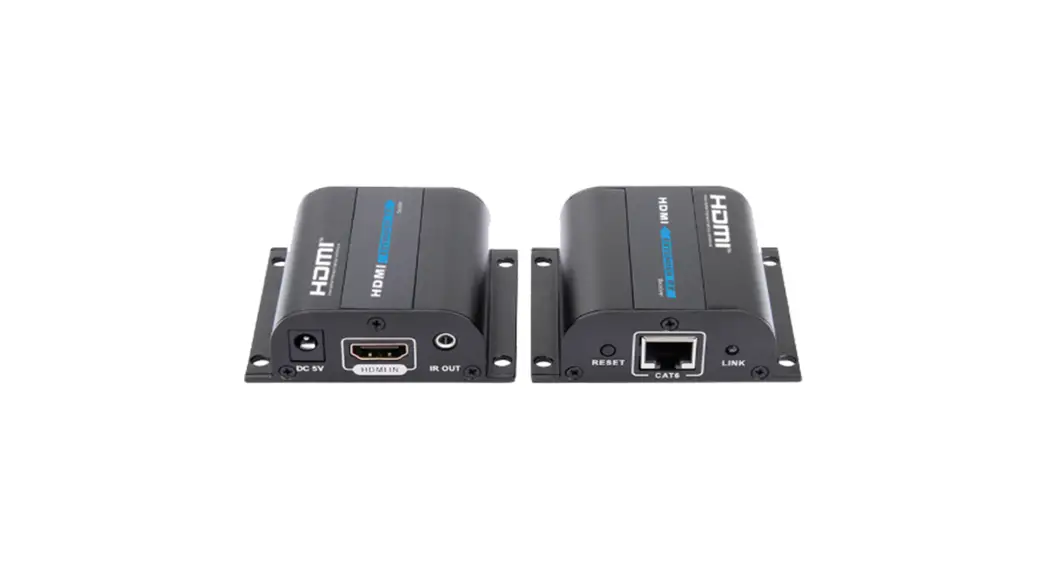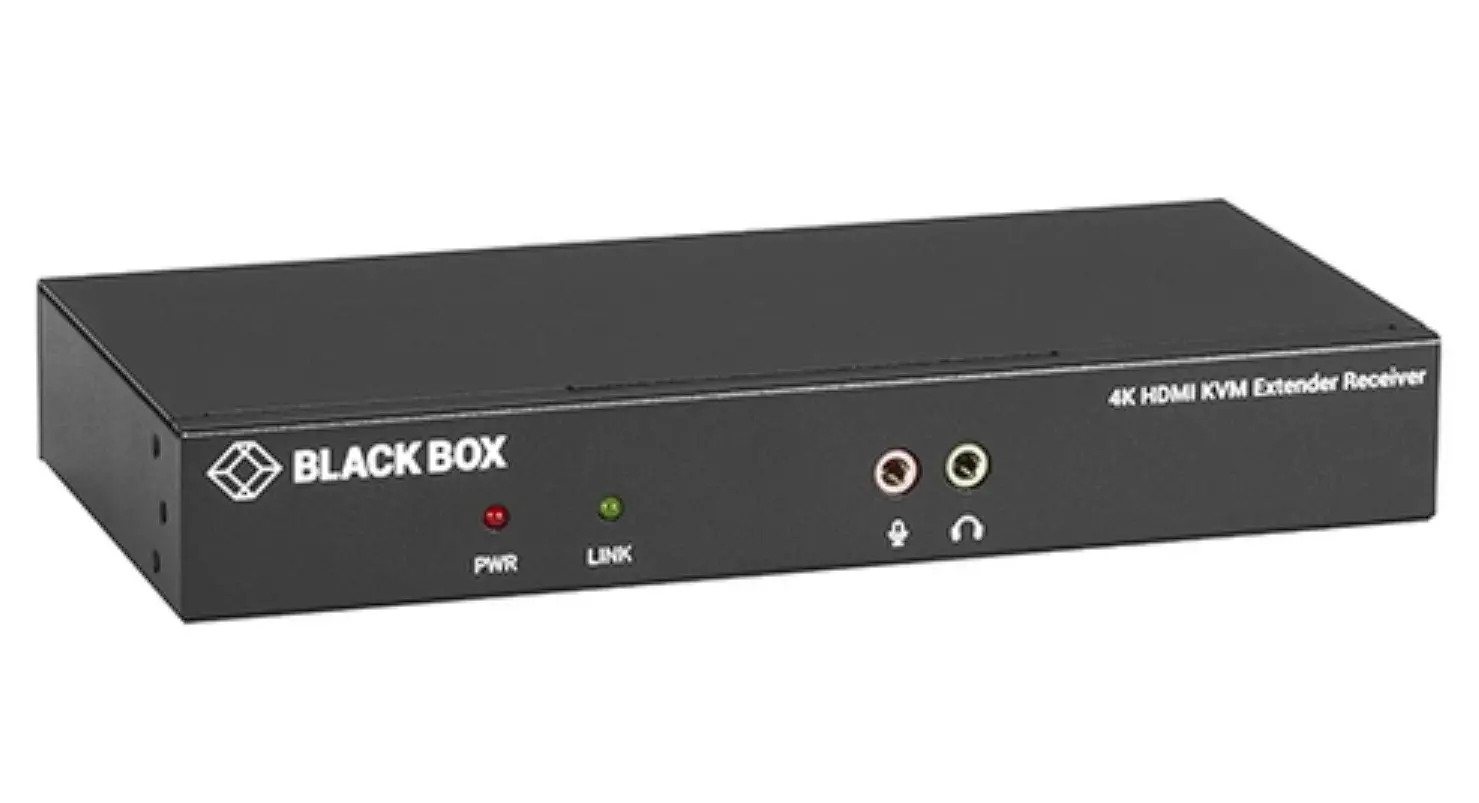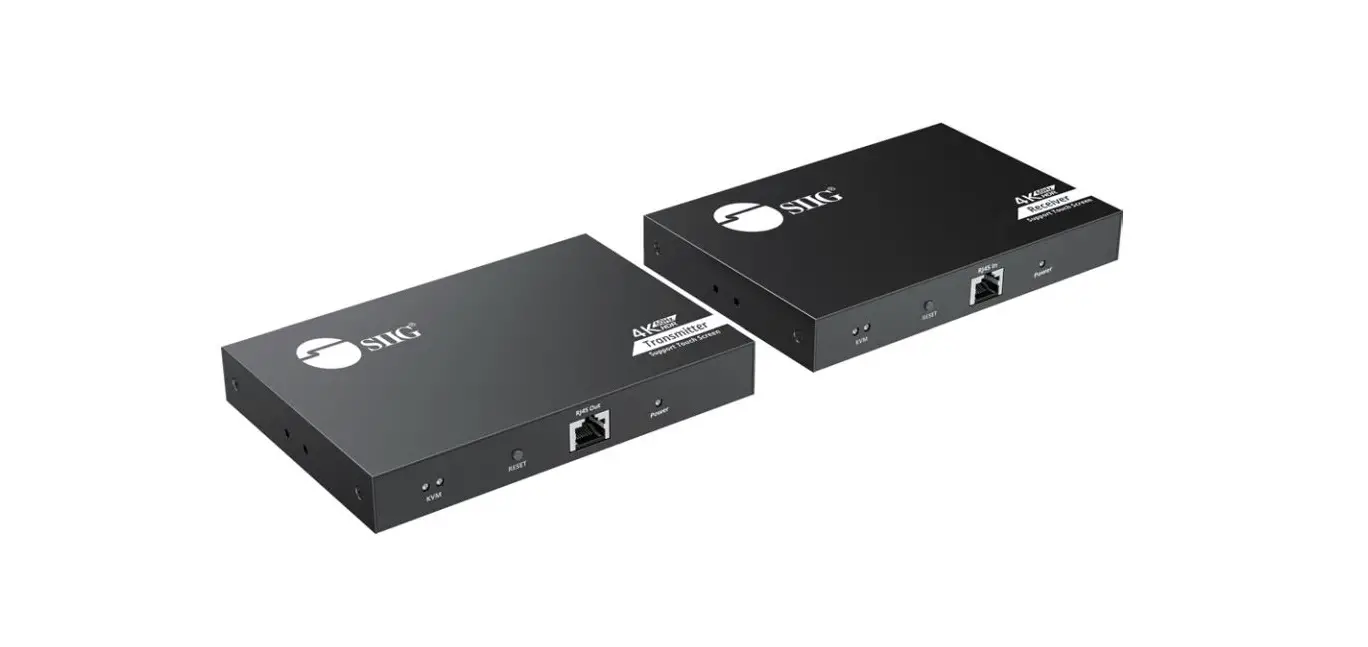

Kinan KFH201S HDMI Dual View KVM Extender Over Fiber 
Product Description
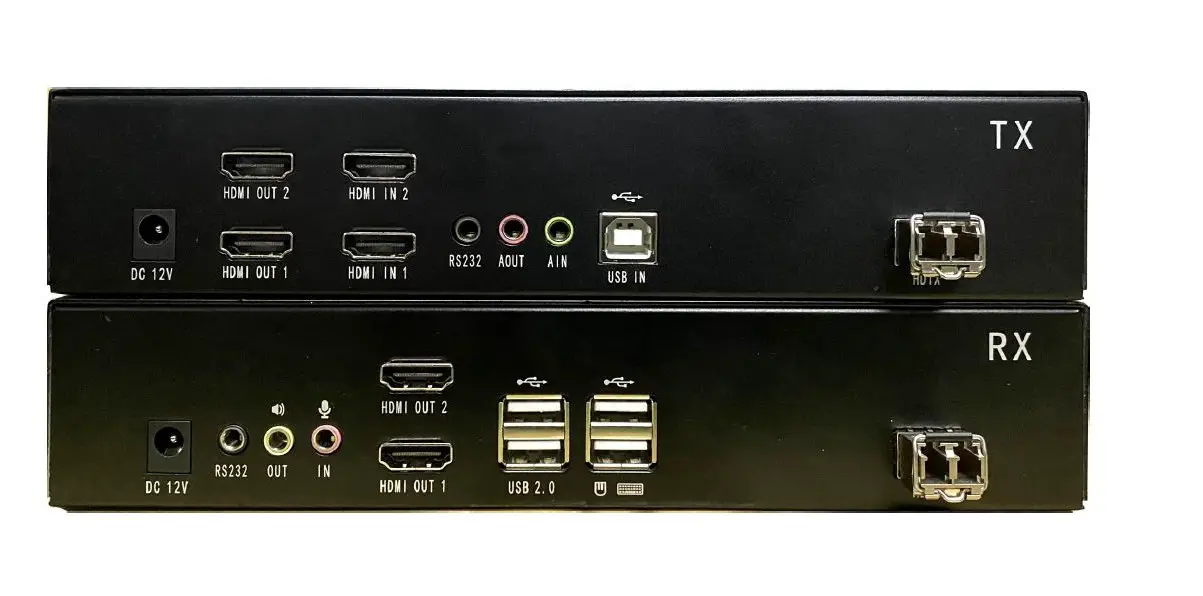
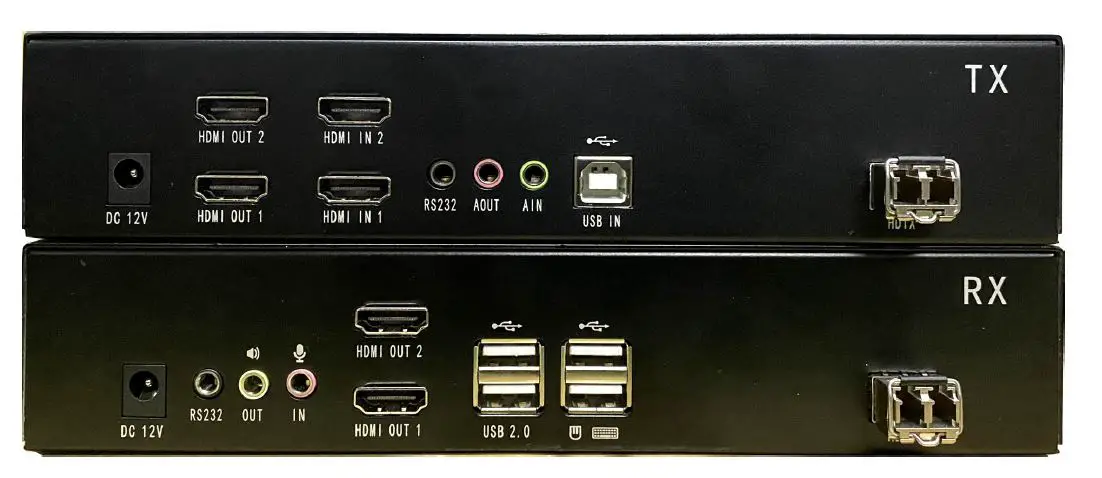
The KFH201S HDMI digital KVM extender delivers HD dual HDMI video, USB, RS232, and stereo audio signals up to 10km over fiber optic cable.
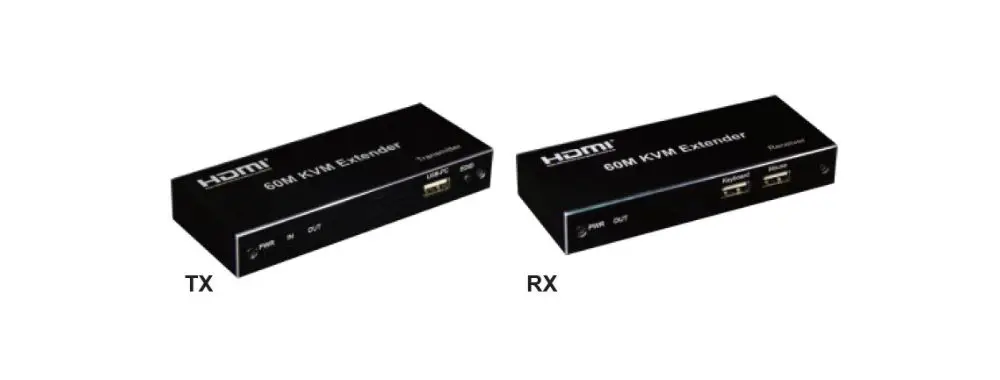
A complete set of KFH201S including Transmitter (KFH201S-TX) and Receiver (KFH201S-RX). The Transmitter is connected to a computer or server, and the receiver is connected to a display, keyboard, audio player and other USB devices.
The KFH201S support single-mode and multi-mode optical fiber, the maximum transmission distance of single-mode is 10km, and the transmission distance of multimode is up to 600m. It supports the transmission of 2 channel high-quality HDMI signals and has a wide range of applications.
*Note: The bandwidth of the optical module must reach 10Gbit/sec.
Features
- Allows HDMI dual view access to your computer from a remote console
- Support USB keyboard and mouse
- Uncompressed HDMI HD video, resolution up to 1920 x 1200 @60Hz
- Extends HDMI video, audio, USB, RS-232 signals over fiber optic cable
- The maximum transmission distance is vary depending on the fiber type, the maximum transmission distance of a single-mode is 10km, and the transmission distance of a multimode is up to 600m.
- Support USB 2.0 – Supports a wide range of USB peripherals, such as encrypted U disk, face recognition, and other USB devices.
- Support USB Hub, the number of USB ports can be expanded through USB Hub
- Support individual 2-channel stereo audio, 1 LINEIN + 1 LINEOUT
- Easy to install – no software required – connecting cables to the devices is all it takes
- Plug and play
- Support EDID transparent transmission
KFH201S_RX (Front View)
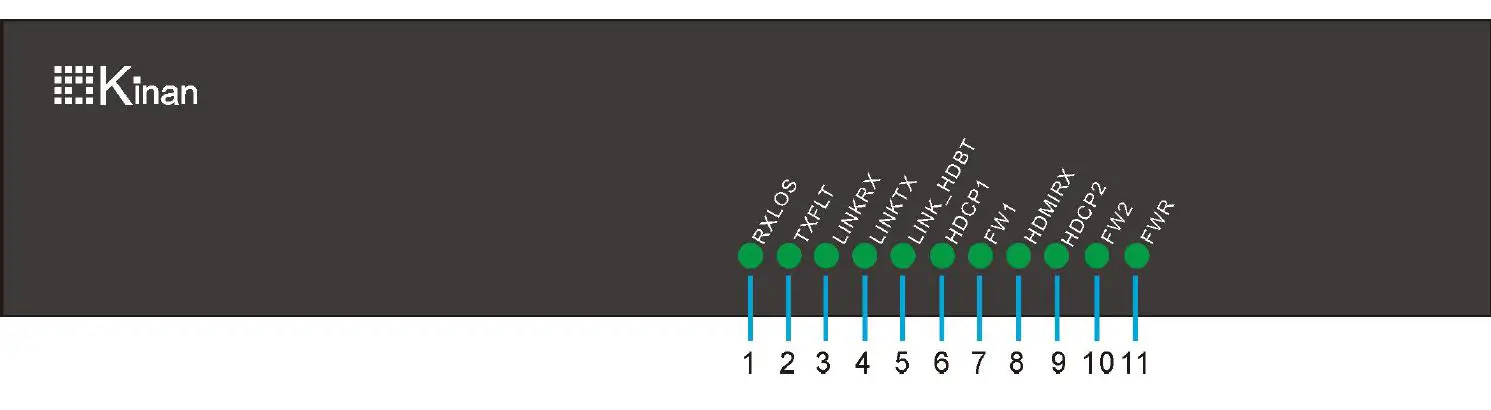
| No. | Components | Description |
| 1 | RXLOS | SFP+ module signal receiving |
| 2 | TXLFT | The LED indicator that shows the SFP+ module has been connected, when the light is on, the SFP+ module is recognized. |
| 3 | LINKRX | Flashing: data is being transferred Off: The connection is unsuccessful |
| 4 | LINKTX | Flashing: data is being transferred Off: The connection is unsuccessful |
| 5 | LINK_HDBT | Status light |
| 6 | HDCP1 | HDMI-1 device video status |
| 7 | FW1 | HDMI-1 device running indicator |
| 8 | HDMIRX | Status light |
| 9 | HDCP2 | HDMI-2 device video status |
| 10 | FW2 | HDMI-2 device running indicator |
| 11 | FWR | Power indicator, indicate power status |
KFH201S_RX (Rear View)
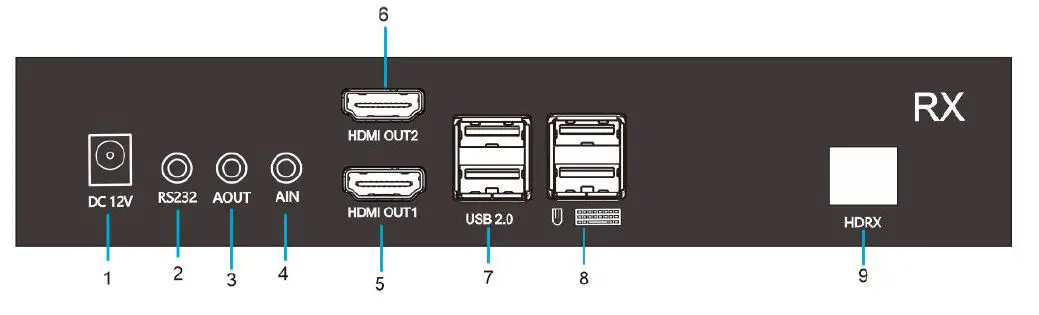
| No. | Components | Description |
| 1 | DC12V | 12V power connection port |
| 2 | RS232 | Serial port |
| 3 | AOUT | Audio output |
| 4 | AIN | MIC input |
| 5 | HDMI OUT1 | Connect to HDMI monitor 1 |
| 6 | HDMI OUT2 | Connect to HDMI monitor 2 |
| 7 | USB2.0 | Connect to USB peripherals |
| 8 | USB | Connect to USB keyboard and mouse |
| 9 | HDRX | Connect to TX with fiber cable |
KFH201S_TX (Front View)
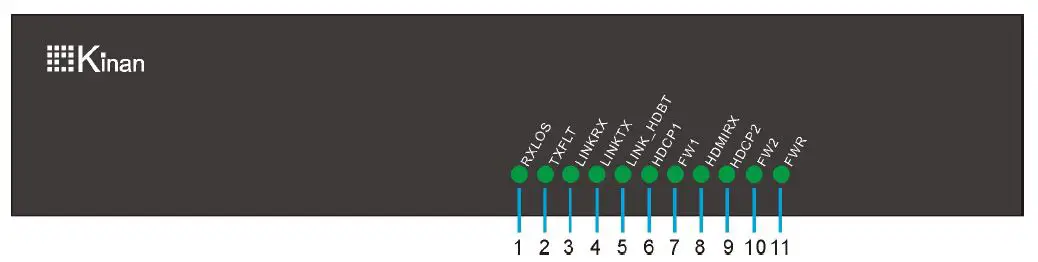
| No. | Components | Description |
| 1 | RXLOS | SFP+ module signal receiving |
| 2 | TXLFT | The LED indicator that shows the SFP+ module has been connected, when the light is on, the SFP+ module is recognized. |
| 3 | LINKRX | Flashing: data is being transferred Off: The connection is unsuccessful |
| 4 | LINKTX | Flashing: data is being transferred Off: The connection is unsuccessful |
| 5 | LINK_HDBT | Status light |
| 6 | HDCP1 | HDMI-1 device video status |
| 7 | FW1 | HDMI-1 device running indicator |
| 8 | HDMIRX | Status light |
| 9 | HDCP2 | HDMI-2 device video status |
| 10 | FW2 | HDMI-2 device running indicator |
| 11 | FWR | Power indicator, indicate power status |
KFH201S_TX (Rear View)
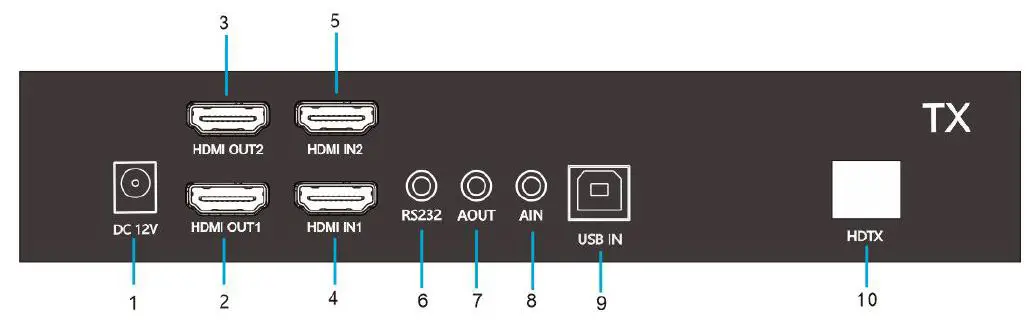
| No. | Components | Description |
| 1 | DC12V | 12V power connection port |
| 2 | HDMI OUT1 | Connect to HDMI out display 1 |
| 3 | HDMI OUT2 | Connect to HDMI out display 2 |
| 4 | HDMI IN1 | HDMI video input 1 |
| 5 | HDMI IN2 | HDMI video input 2 |
| 6 | RS232 | Serial port |
| 7 | AOUT | Audio output |
| 8 | AIN | MIC input |
| 9 | USB IN | Connect to the USB port of the computer |
| 10 | HDTX | Connect to RX with fiber cable |
Connection Diagram
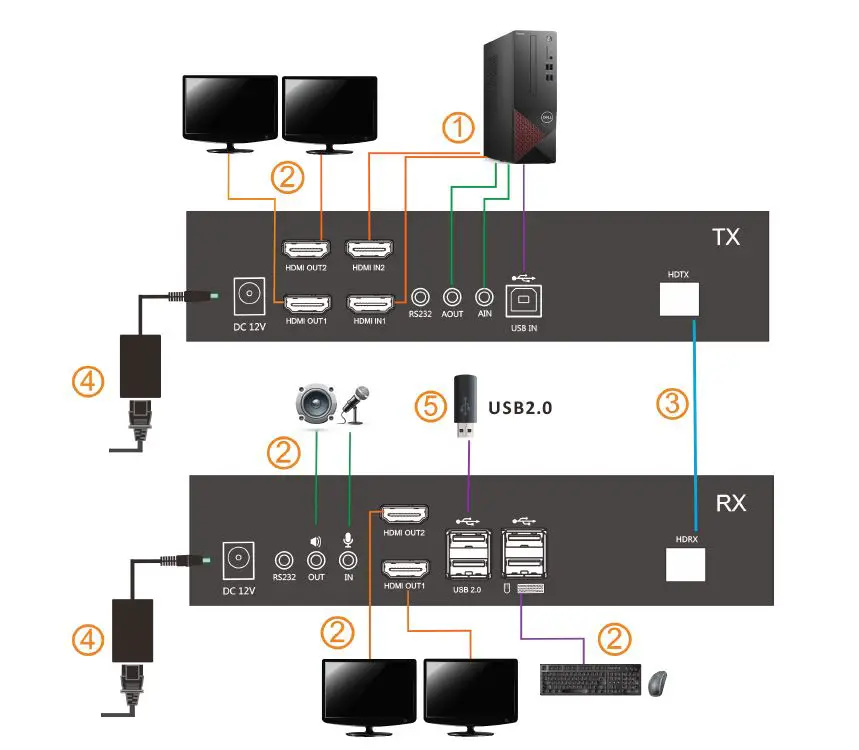
- Connect the KFH201S_TX to the video port, USB port and audio port of a computer. (See ① from the above diagram)
- Connect the KFH201S_RX to keyboard, mouse, monitor and audio device.(See ② from the above diagram)
- Connect the transmitter (HDTX) to the receiver (HDRX) with fiber cable.(See ③ from the above diagram)
- Power on the TX and RX unit. (See ④ from the above diagram)
Specifications
| Function | KFH201S_TX | KFH201S_RX | |
|
Connector | HDMI Input | 2 | NA |
| HDMI Output | 2 | 2 | |
| Power | 12V | 12V | |
| Fiber Module | SFP+ x 1 | SFP+ x 1 | |
| Microphone | 3.5MM Stereo Jack (Pink) | 3.5MM Stereo Jack (Pink) | |
| Speaker | 3.5MM Stereo Jack (Green) | 3.5MM Stereo Jack (Green) | |
| USB Type B | 1 | N/A | |
| USB 2.0 | N/A | USB x 4 | |
| Resolution | Single-channel: 4K@60Hz (YCbCr 4:2:0) Dual-channel: 1920 X 1200 @ 60 Hz | ||
| Connection Cable | Fiber cable | ||
| Power Input | DC12V / 2A | DC12V / 2A | |
| Power Consumption | 16.5W | 14.5W | |
| Operating Temperature | 0 ~ 50 ℃ | ||
| Storage Temperature | -20 ~ 60 ℃ | ||
| Humidity | 0~80% RH, Non-condensing | ||
| Material | Metal | ||
| Net Weight (kg) | 0.85 kg | 0.85kg | |
| Product Dimension (W × D × H) | 214 mm x 113.5 mm x 44mm | ||
| Package Dimension (W × D × H) | 260 mm x 102 mm x 179mm | ||
 Kinan-Professional KVM over IP, LCD KVM Console, KVM Switch Manufacturer