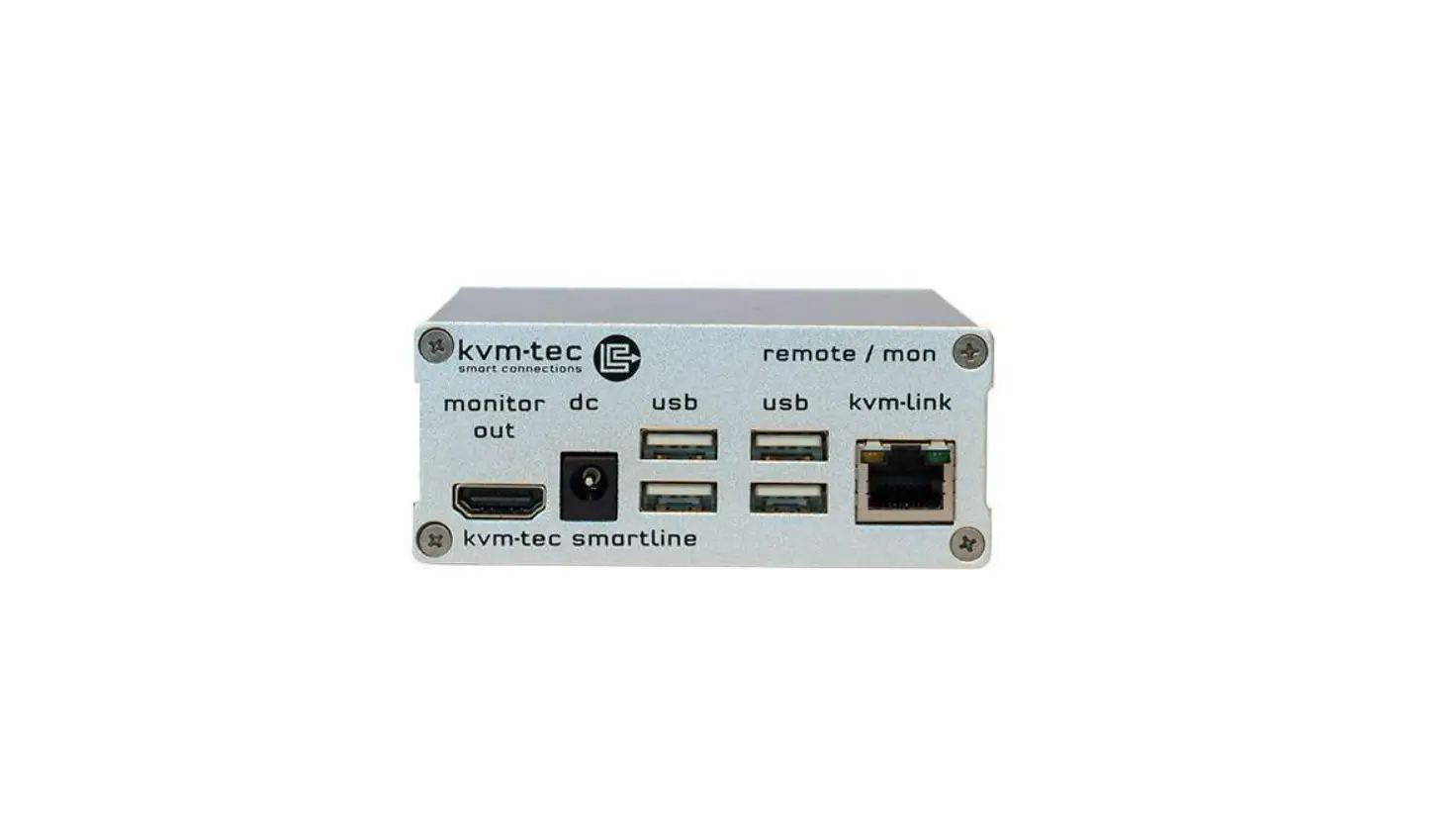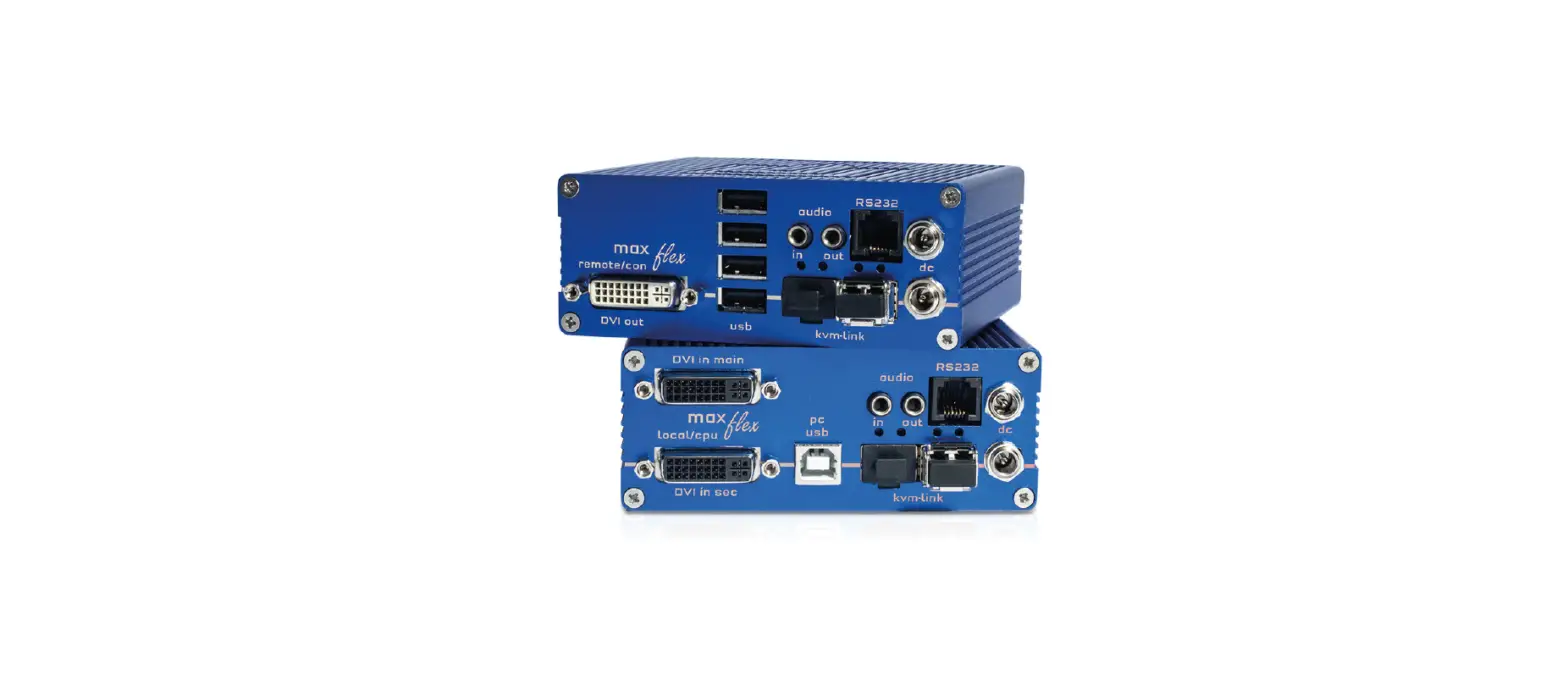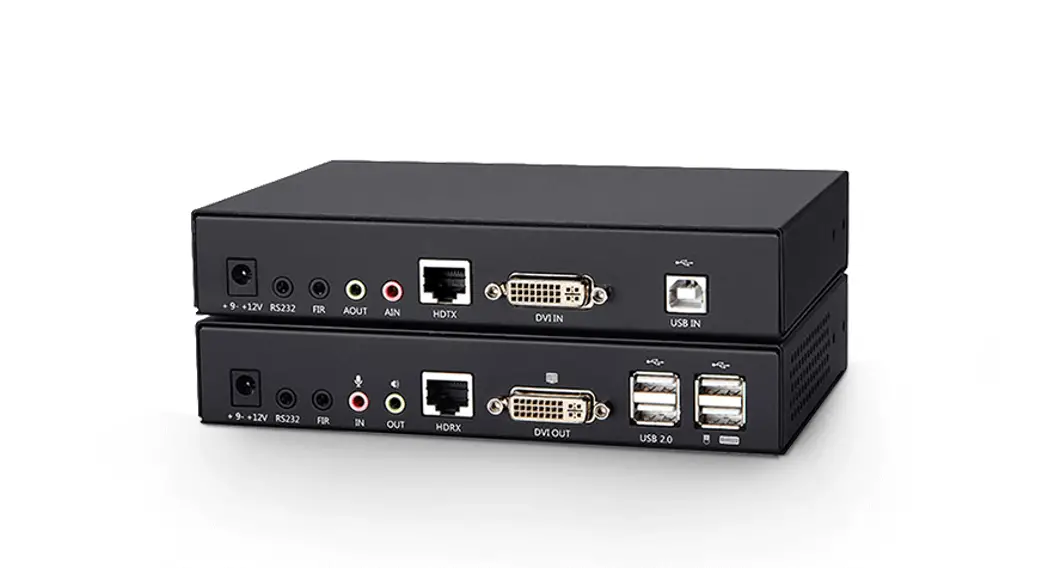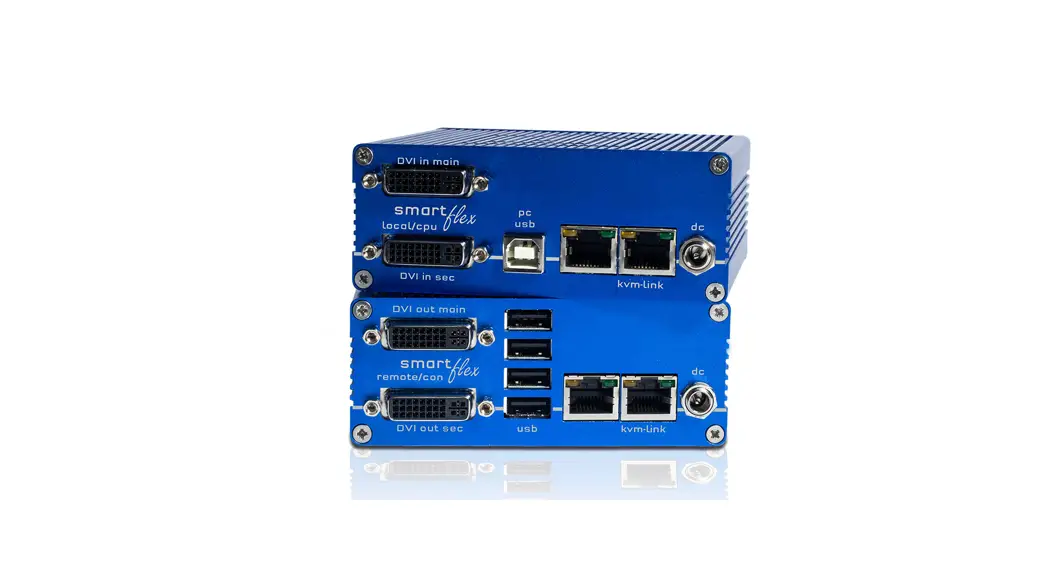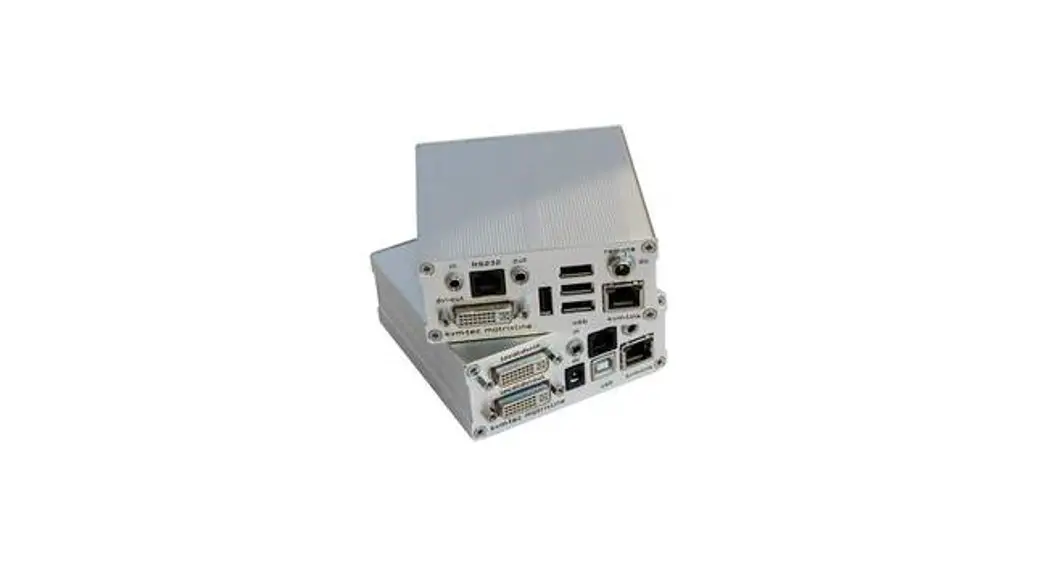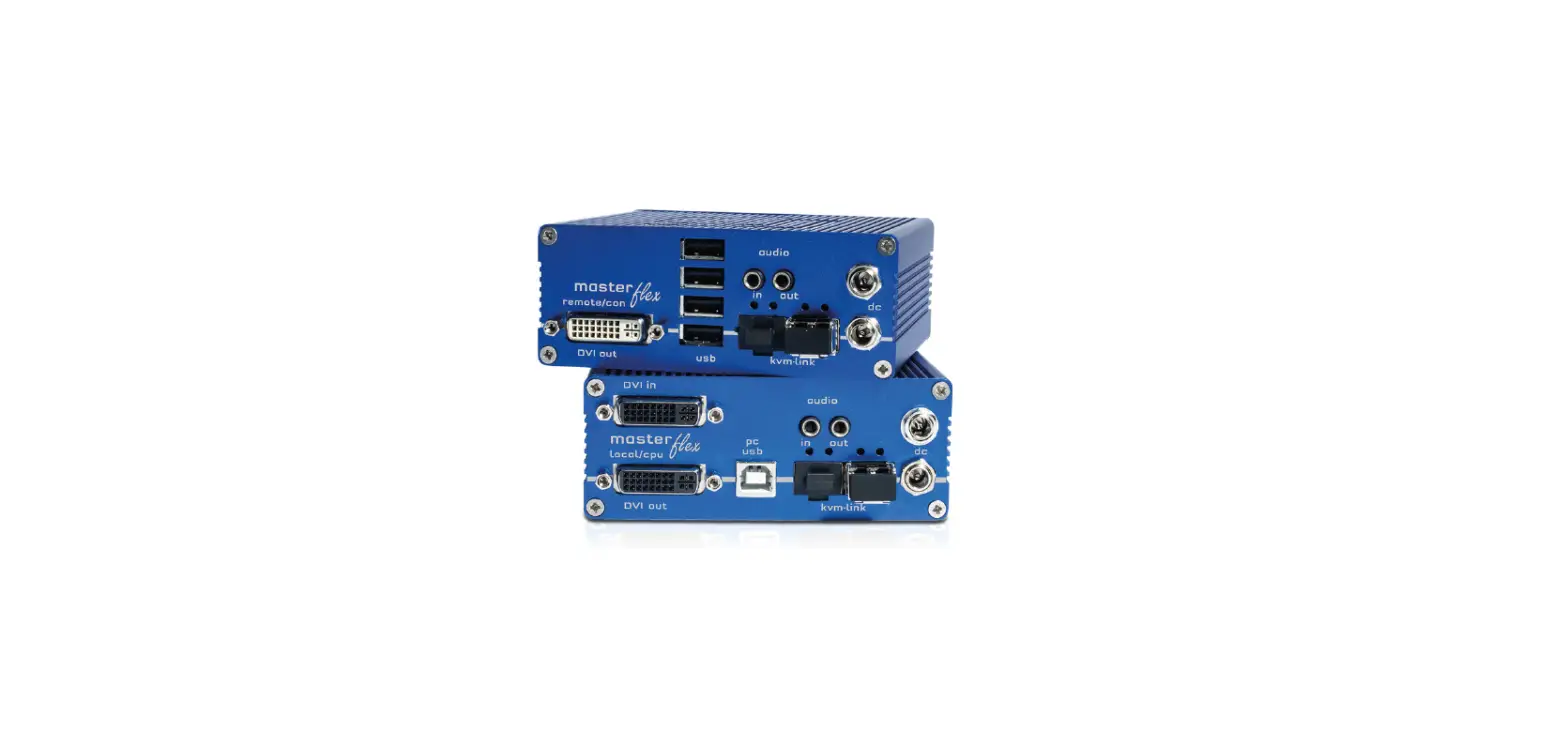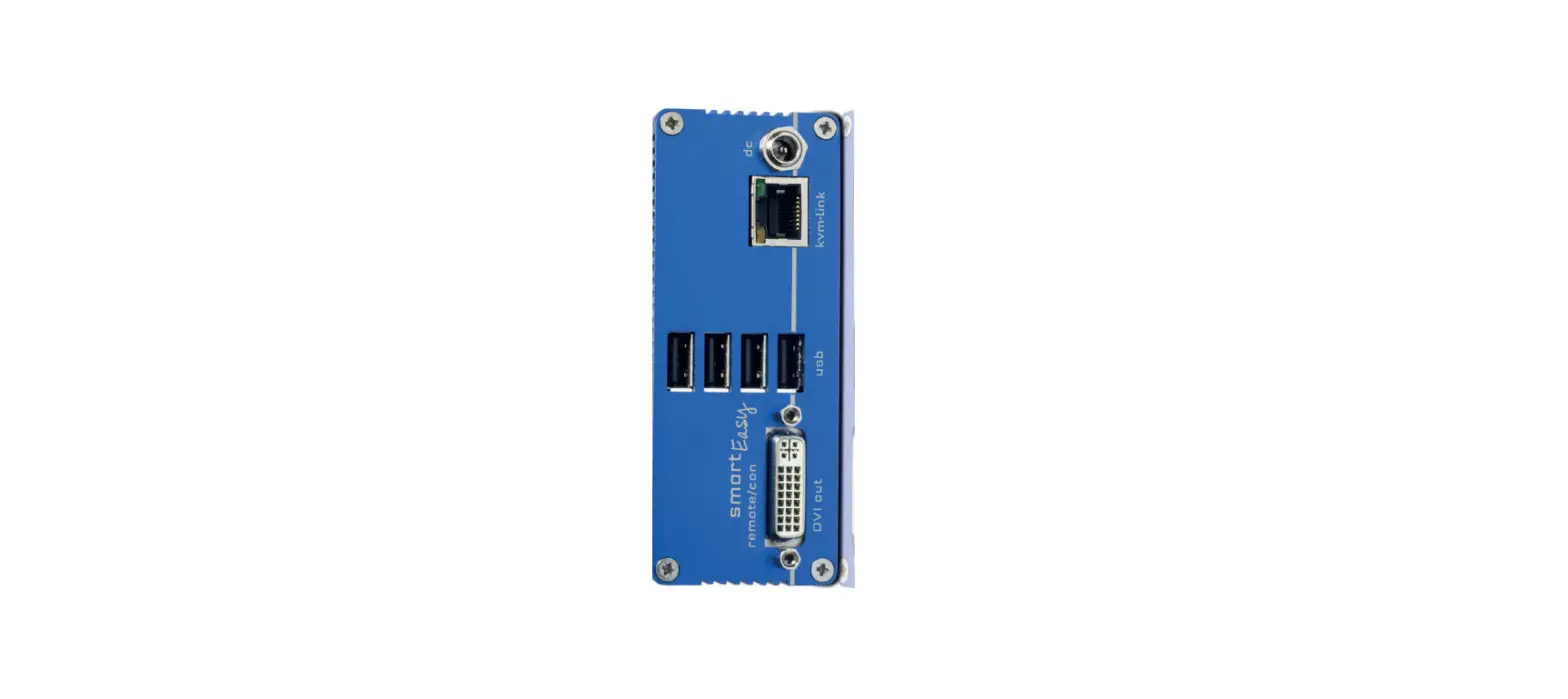

kvm-tec V102022 smart Easy Full HD KVM Extender Over IP
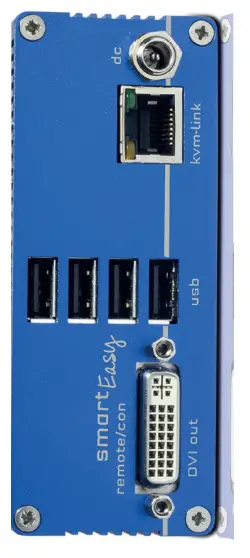
First Aid smartEASY
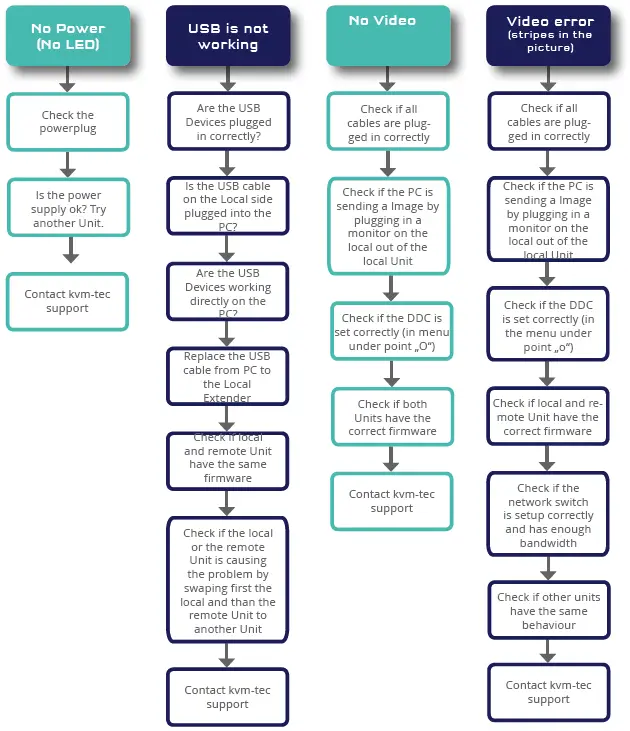
Delivery Content
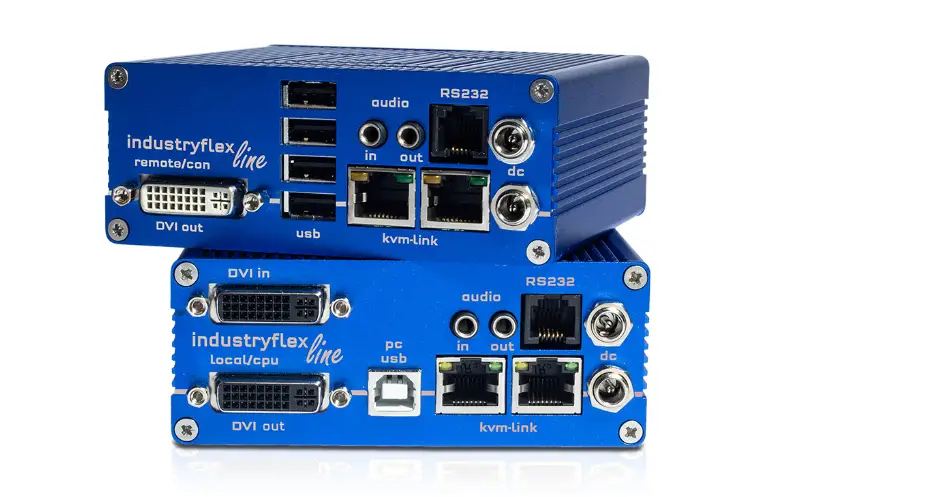
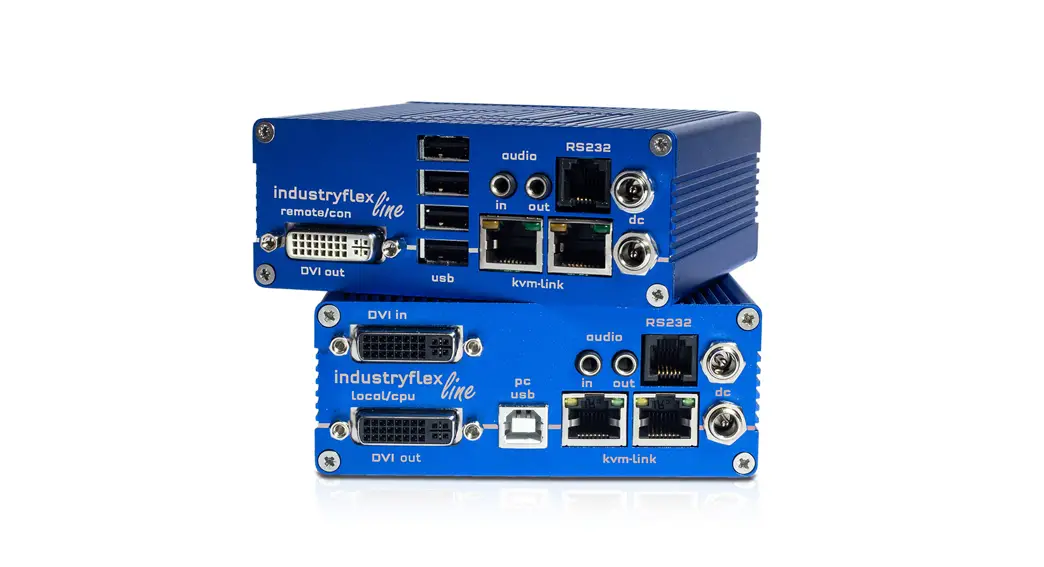
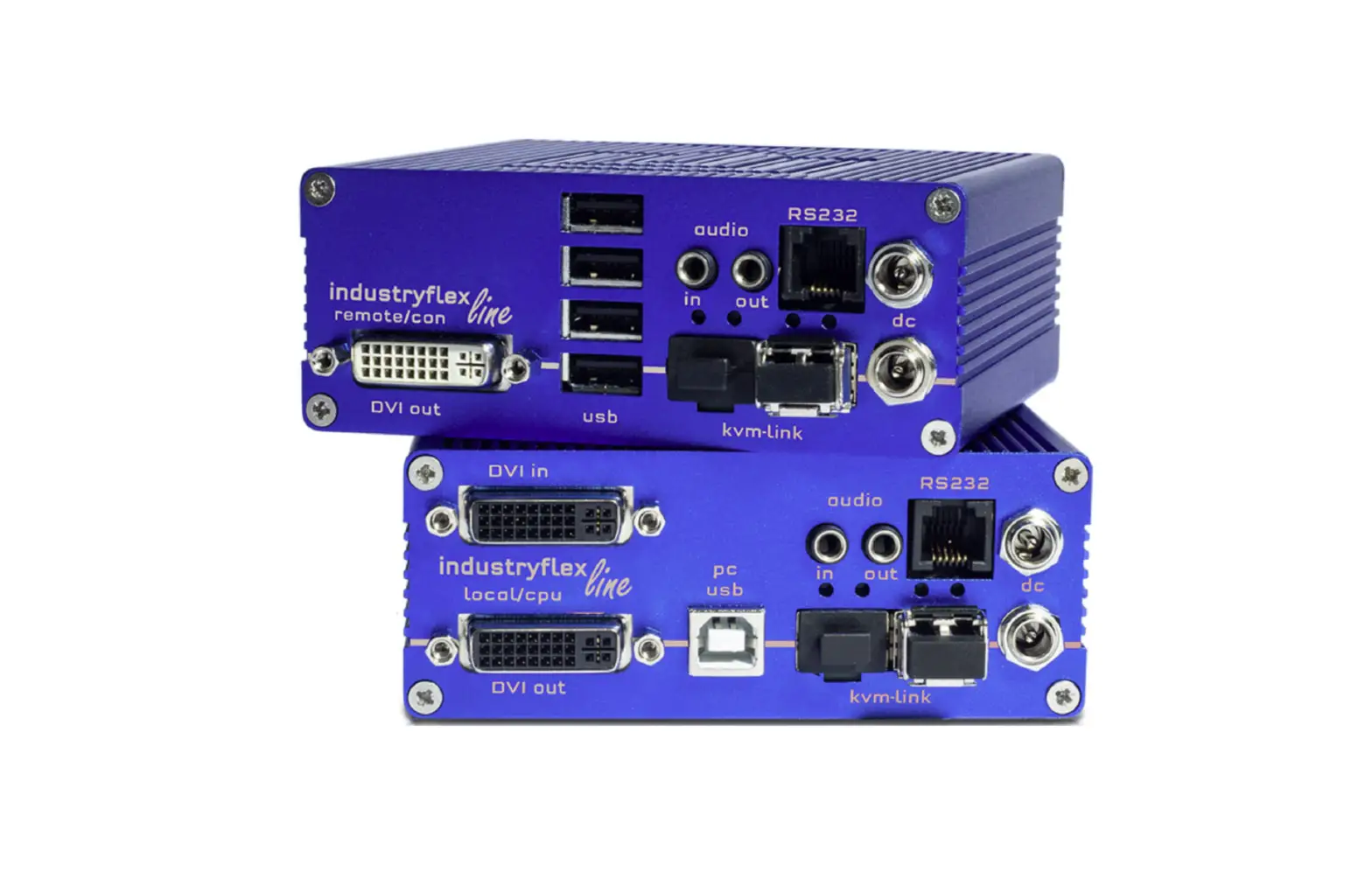
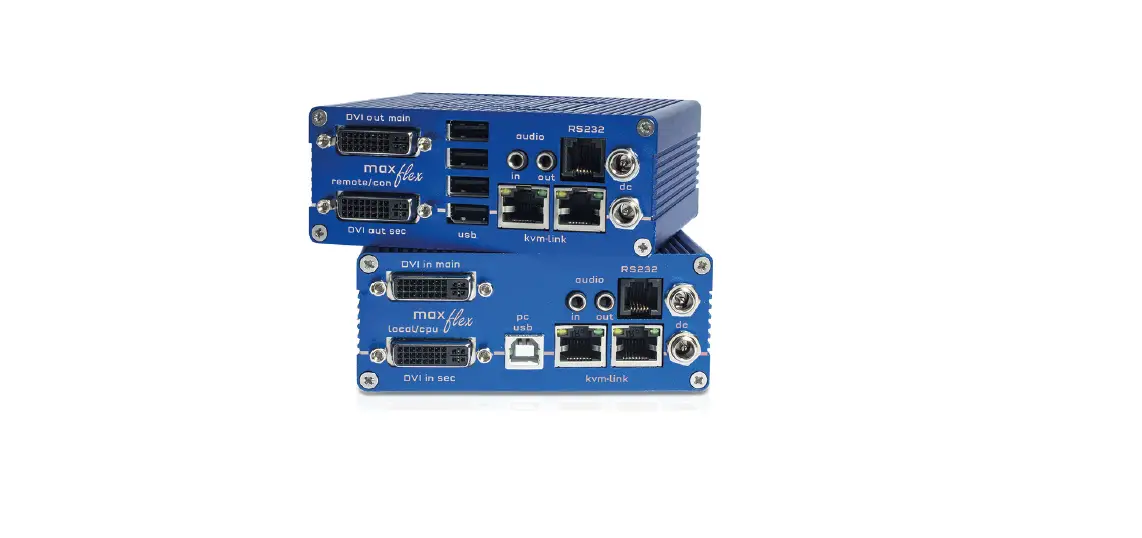
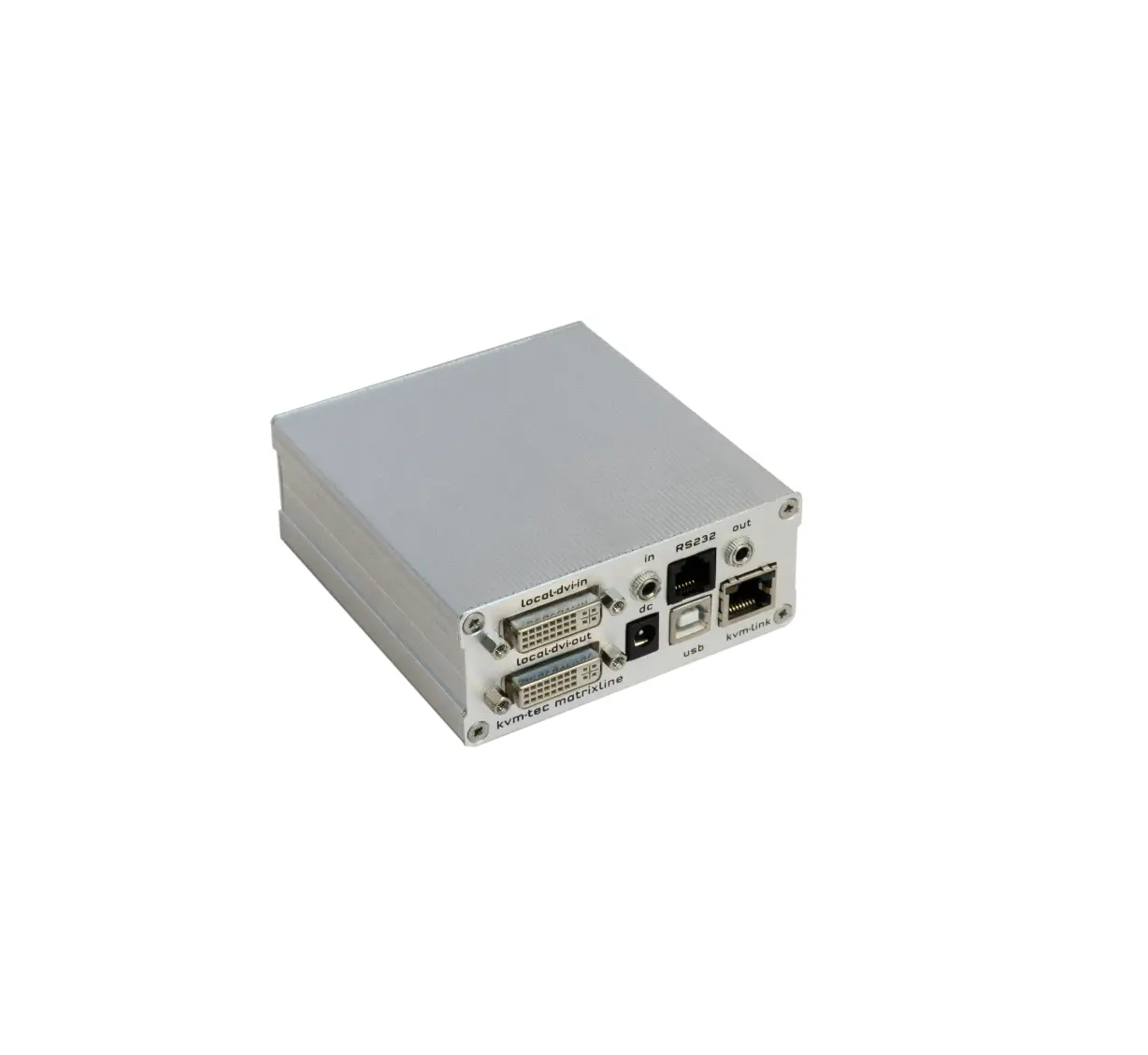
LOCAL/CPU Unit
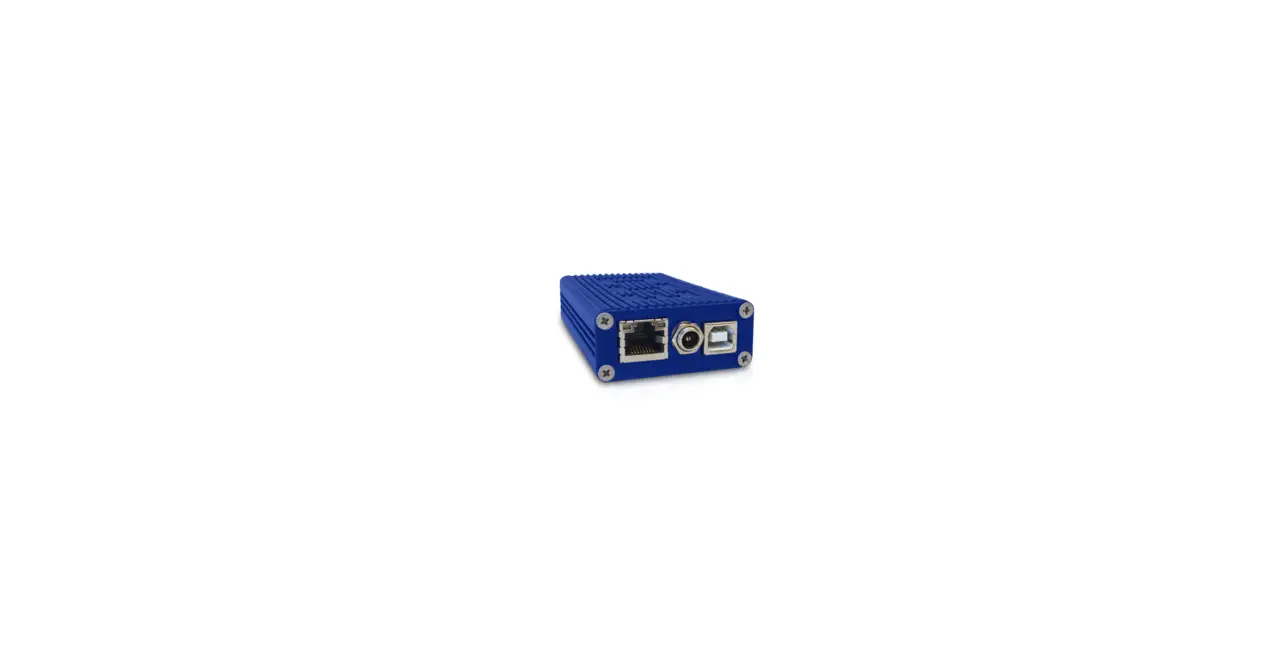
- 1 x SE1 local (CPU)
- 1 x wall power supplyl 12V 1A (INT or EU-plug)
- 2 x DVI – DVI cable 1,8m/5.9ft
- 1 x USB canle 1,8m/5.9ft
- 4 x rubber feet
REMOTE/CON Unit
- 1 x SE1 remote (CON)
- 1 x wall power supplyl 12V 1A (INT orEU-plug)
- 4 x rubber feet
Öpen OSD menu
- The OSD main menu is opened with the standard shortcut: 5 x ALT Gr
(Attention: the fifi rst 20 seconds 5 x Scroll always works, in case the shortcut was forgotten.)
- Switching list: CTRL+ALT+PRINT
- Changing the shortcuts: in the OSD menu Go to the Remote Settings and then navigate to Keyboard Shortcut.
CONNECTION
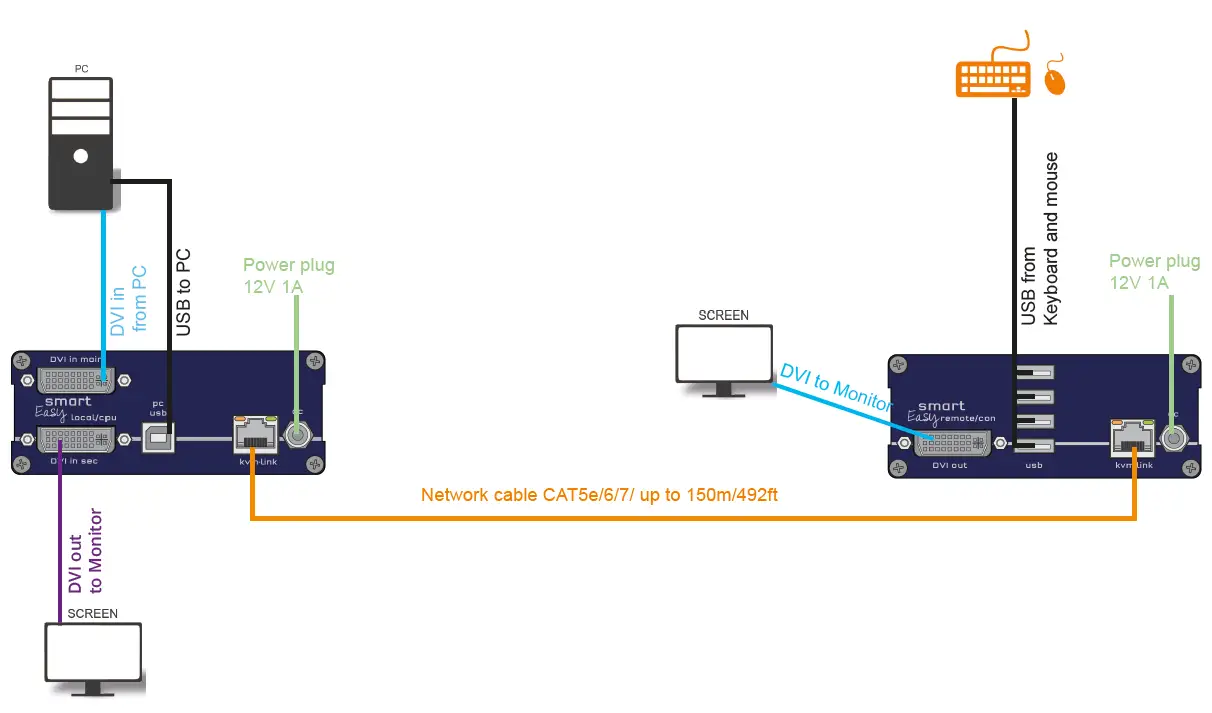
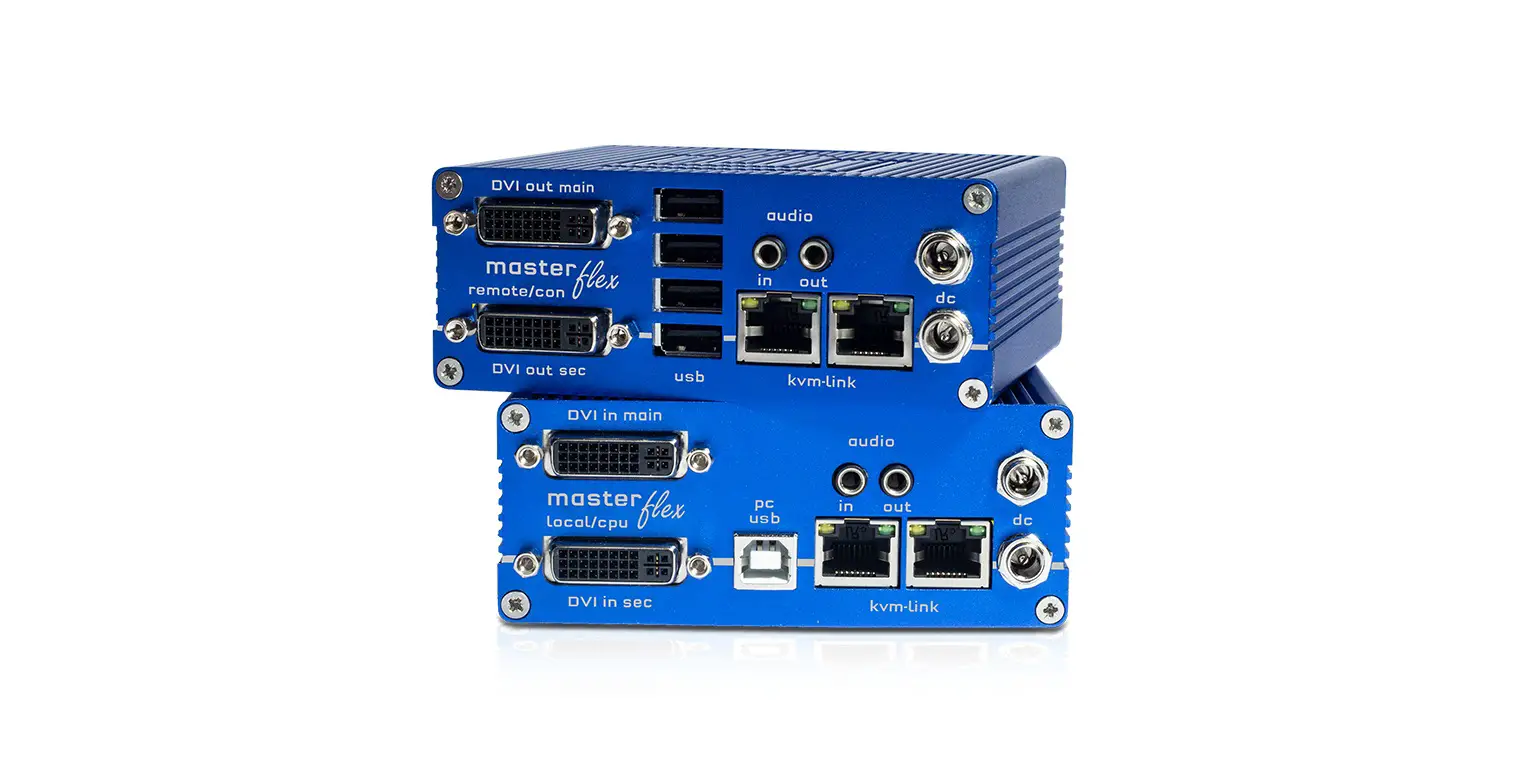
Quick Installation smartEASY Single local / CPU – remote / CON
- Connect the CON / Remote and the CPU / Local Unit to the included 12V 1A power supply.
- Now connect the USB cable to a USB port on your PC and connect the other end of the USB cable to the CPU / Local Unit. Connect keyboard and mouse to the CON / Remote Unit.
- Connect the CPU / Local and the CON / Remote Unit with a network cable.
- Now connect the DVI cable to the DVI socket of the PC and the other end to the DVI socket of the CPU / Local Unit (PC-in). Then connect the monitor with the DVI cable to the CON / Remote Unit.
- If you are using a switch: Connect all endpoints to the switch. Ensure that all connections have a bandwith of 1Gbit/sec. For video sharing the network has to support IGMP snooping (Layer3)
HAVE FUN – your kvm-tec Extender is now in use for many years (MTBF approx 10 years)
Use the monitor and the keyboard to access the main menu
Access to the main menu
- make sure the extenders, monitors, and computers are turned on.
- Press the Scroll Lock button five times quickly. The main menu and an overview of the submenus are displayed.
- To enter a submenu, press the corresponding key.
Main meu Short Cuts
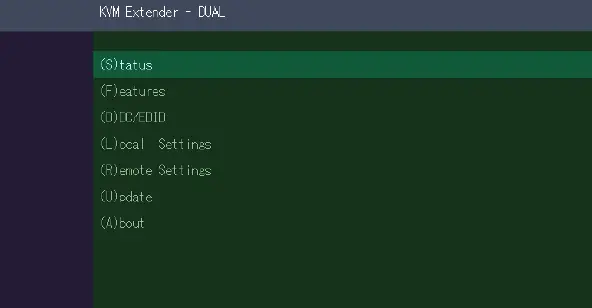
- S: Status Overview
- U: Update Flash FW
- F: Features Overview
- D: DDC Option
- L: Local Settings
- R: Remote Settings
- A: About Overview
- Key,Esc”
DISPLAYING THE FIRMWARE VERSION
Make sure that the main menu is open. Under „A“ – About the currently installed firmware version of the remote (CON) and local (CPU) extender is displayed.
FEATURES
Press the F key to enter the Features menu. Switching mode is set by default
Menu Status/ current Status
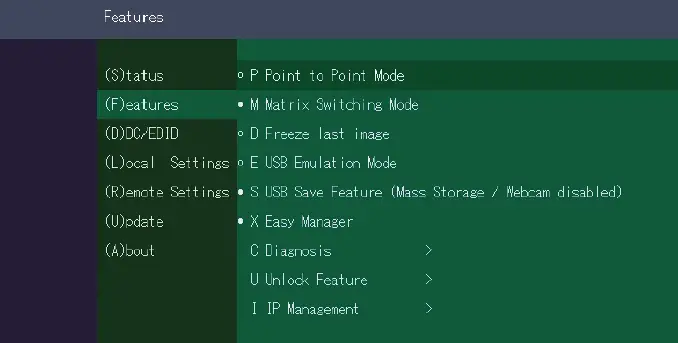
- Firmware update
- Settings Features
- DDC Option Fix
- Settings Local
- Settings Remote
- Exit
FRONTBRIDGING
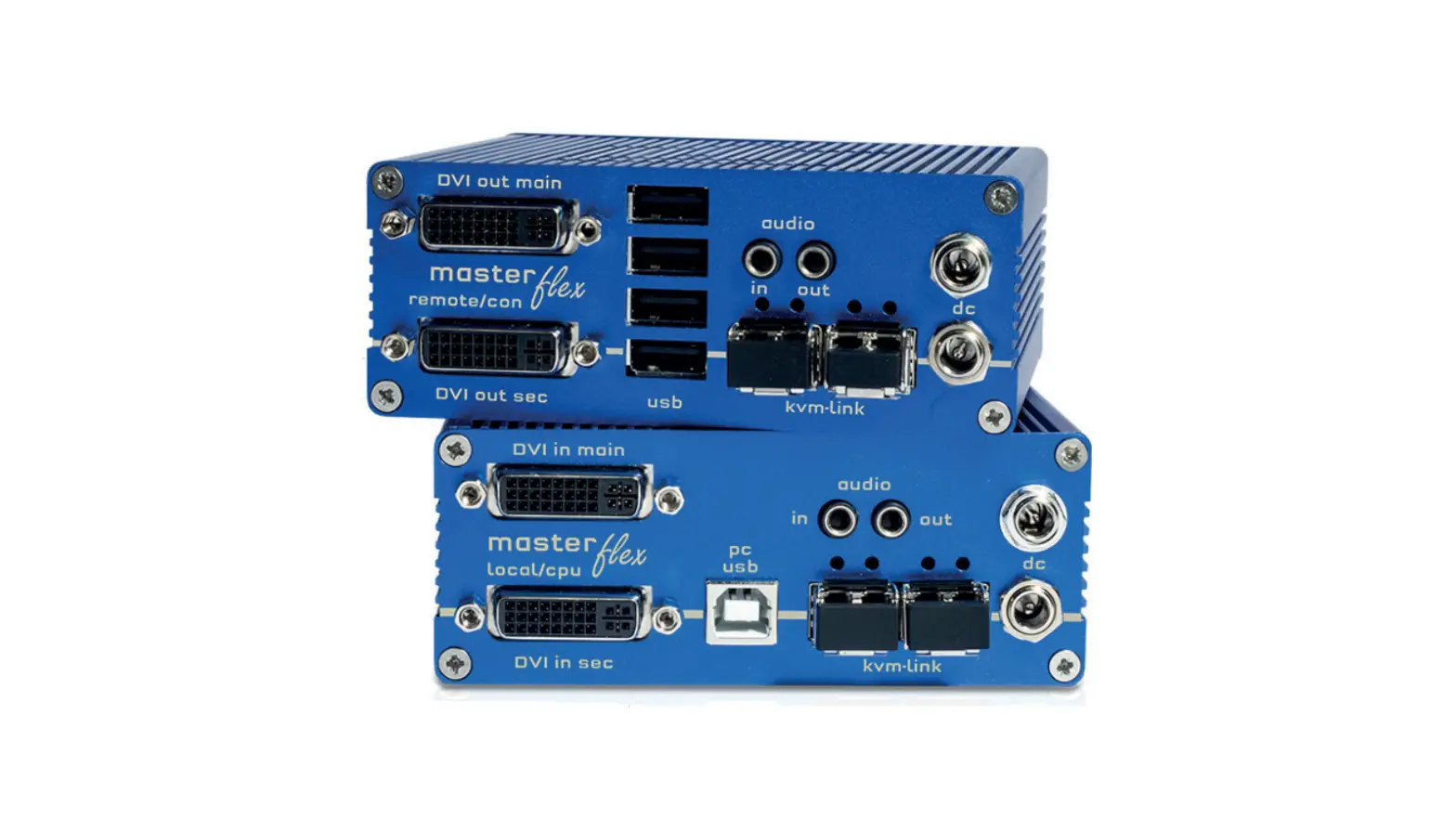
HARDWARE: 2 SINGLE LOCAL + 1 X DUAL REMOTE
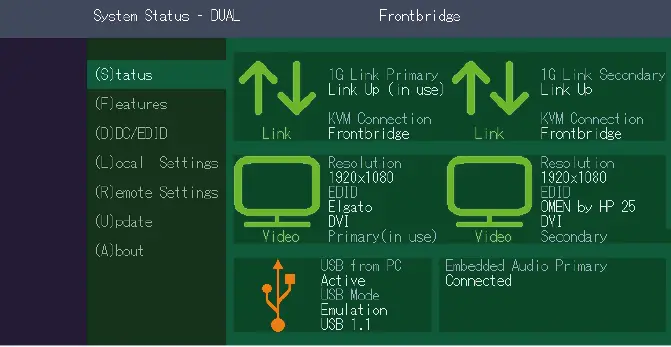
- The „Status Menu“ displays the current status of the extender connection. The menu shows information about the connection, the resolution of the video channel and the USB status.
- The link status shows if a connection is possible. Connected shows if the kvm files can currently be transferred.
- Video and USB show if data is currently being transferred.
BACKBRIDGING
HARDWARE: 1 X DUAL LOCAL + 2 X SINGLE REMOTE
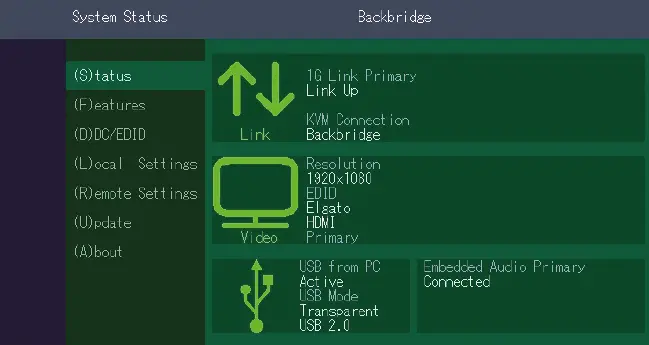
- The „Status Menu“ displays the current status of the extender connection. The menu shows the information about the connection, the resolution of the video channel and the USB status.
- The link status shows if a connection is possible. Connected shows if the kvm data can currently be transferred.
- Video and USB show if data is currently being transferred.
KVM-TEC
- Gewerbepark
- Mitterfeld 1 A 2523 Tattendorf Austria
- www.kvm-tec.com
KVM-TEC ASIA
- p +9173573 20204
- [email protected]
KVM-TEC CHINA
- P + 86 1360 122 8145
- [email protected]
- www.kvm-tec.com
IHSE GmbH
- Benzstr.1 88094 Oberteuringen Germany
- www.ihse.com
IHSE USA LLC
- 1 Corp.Dr.Suite Cranburry NJ 08512 USA
- www.ihseusa.com
IHSE GMBH Asia
- 158KallangWay,#07-13A 349245 Singapore
- www.ihse.com
IHSE China Co.,Ltd
- Room 814 Building 3, Kezhu Road Guangzhou PRC
- www.ihse.com.cn
Check out our Installation Channel

kvm-tec Support
- [email protected]
- Phone: +43 2253 81912 – 30
We are here for you to answer your questions about installation?
Manual download www.kvm-tec.com
kvm-tec Installationchannel on our homepage personally +43 2253 81912
Misprints, errors and technical changes reserved
 TEC - Residential and Business Internet, Voice, and Security
 IHSE - KVM & Beyond
 IHSE中国-光纤矩阵KVM切换器-IP KVM集成-电子竞技KVM扩展器解决方案-IHSE思奕科技
 IHSE - KVM & Beyond
 Kvm-tec.com: KVM Extender over IP - Matrix Switching Systeme