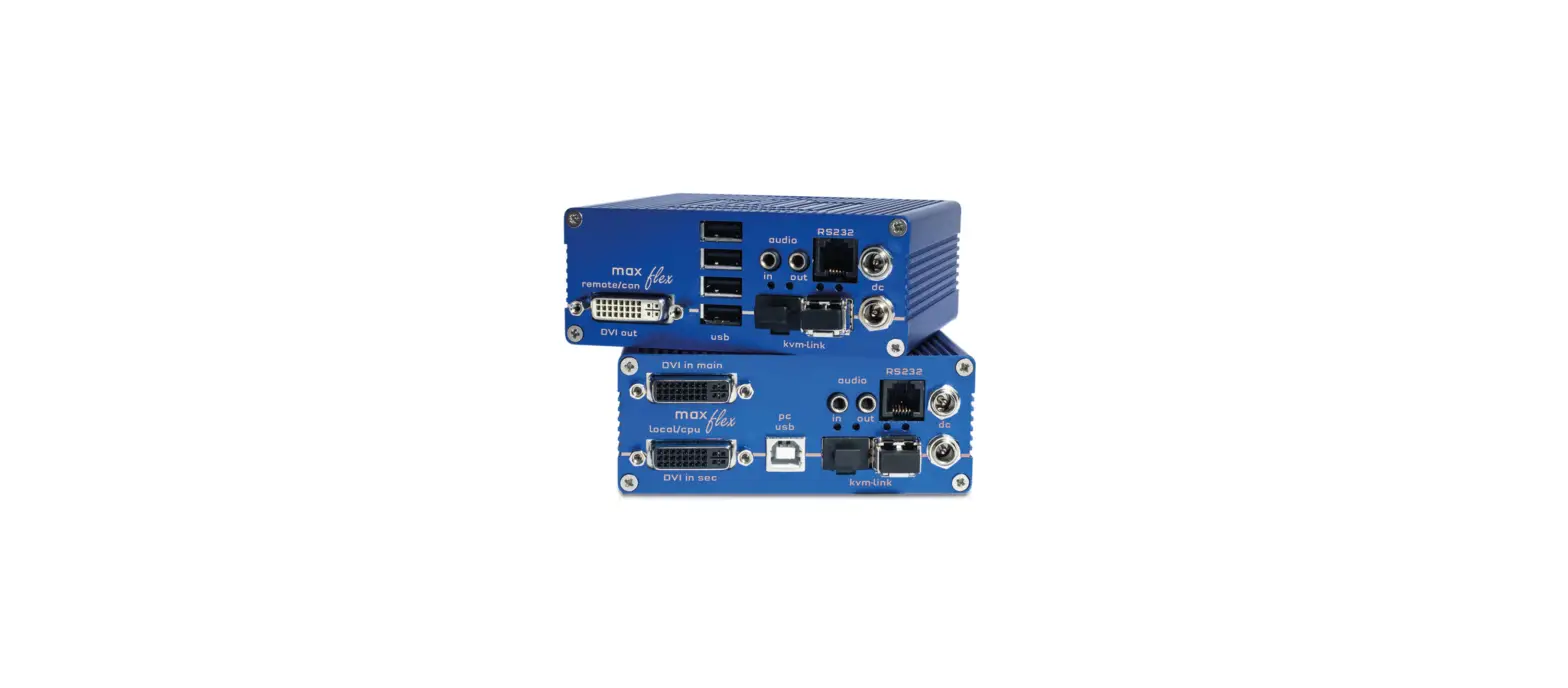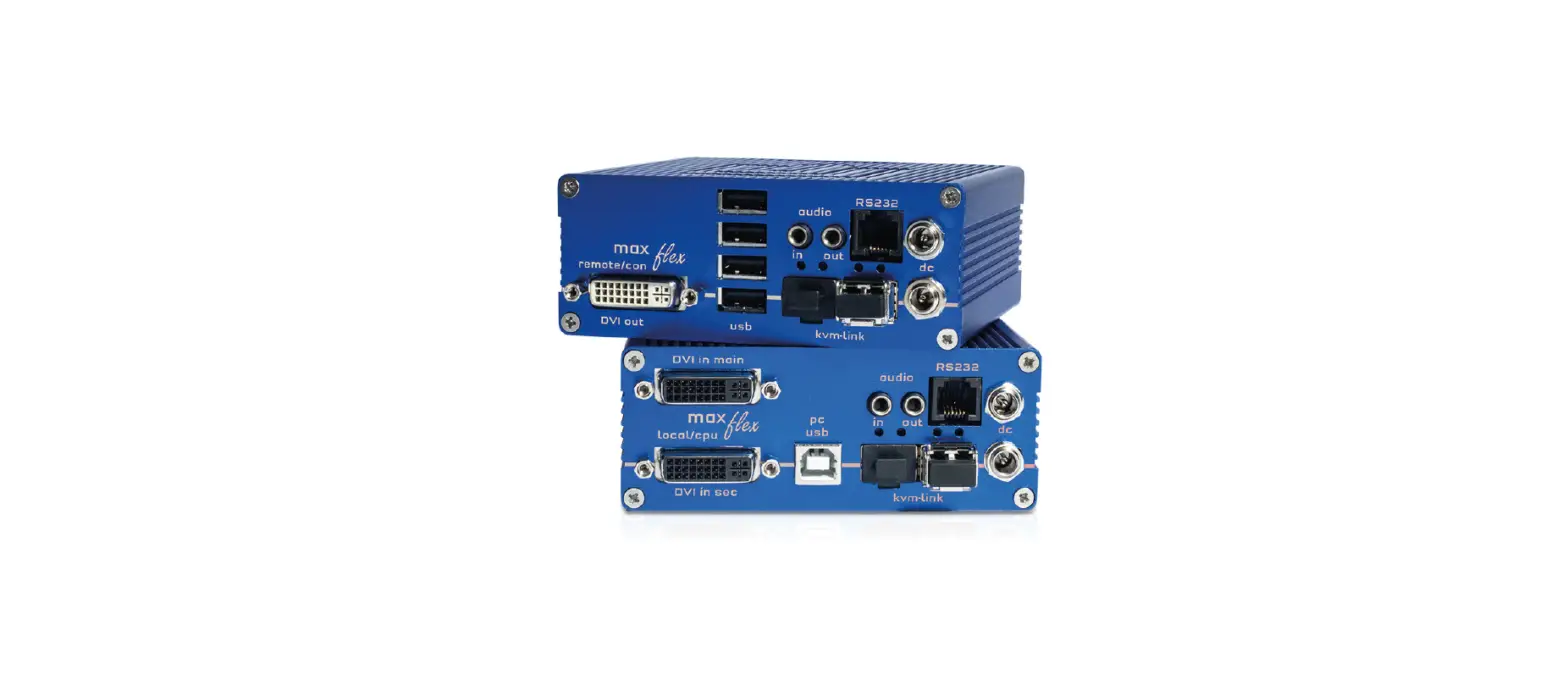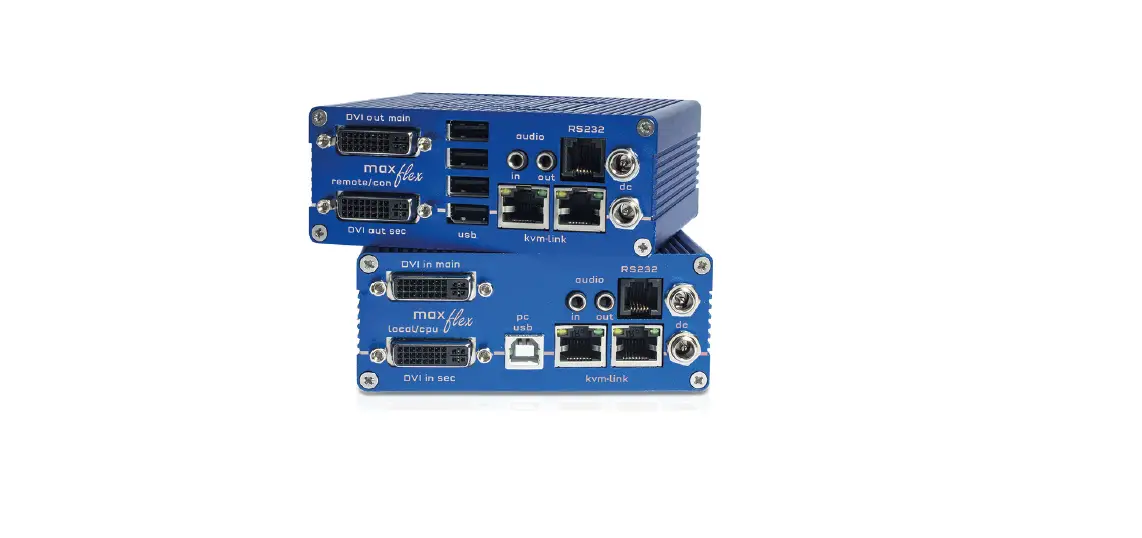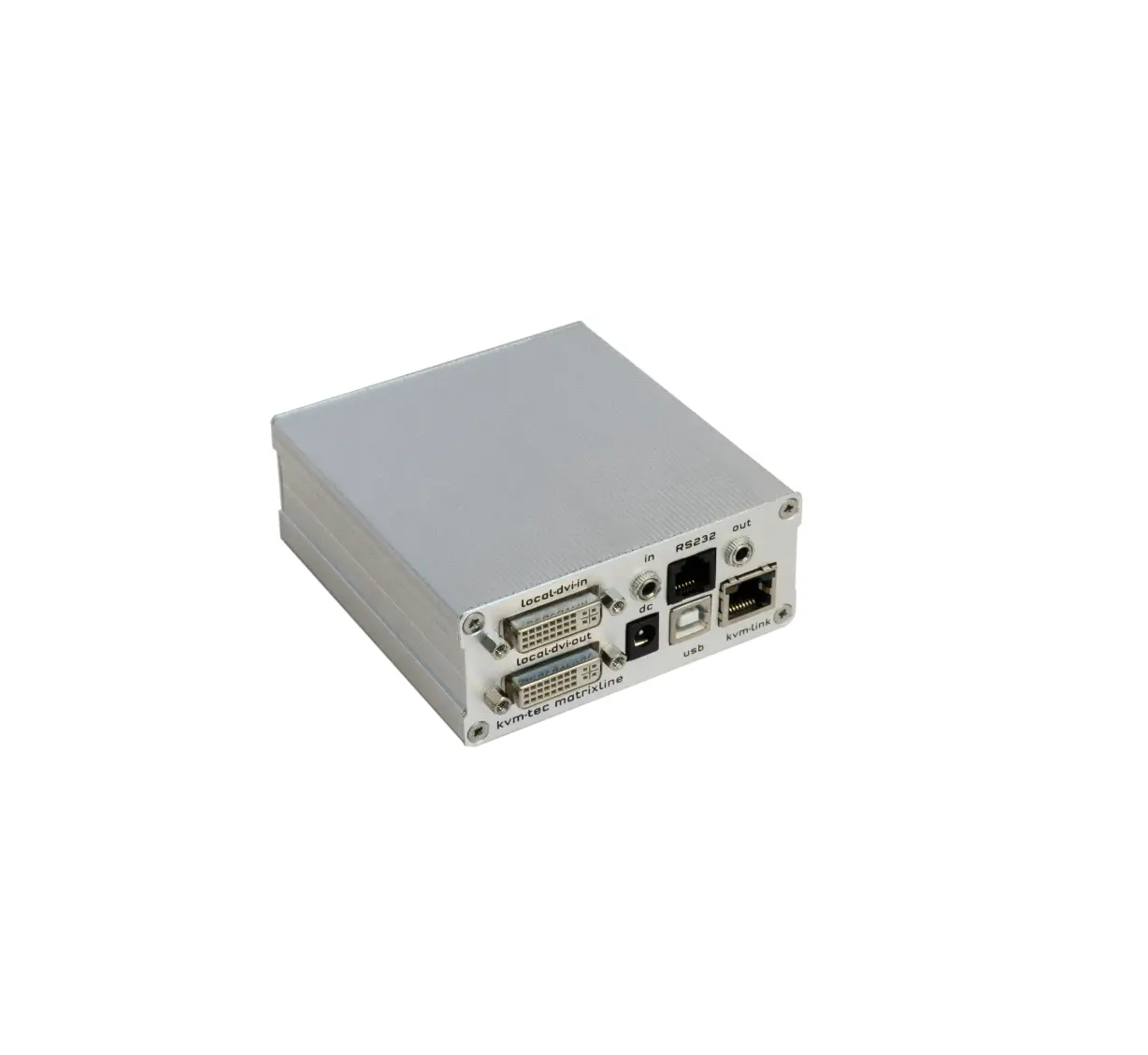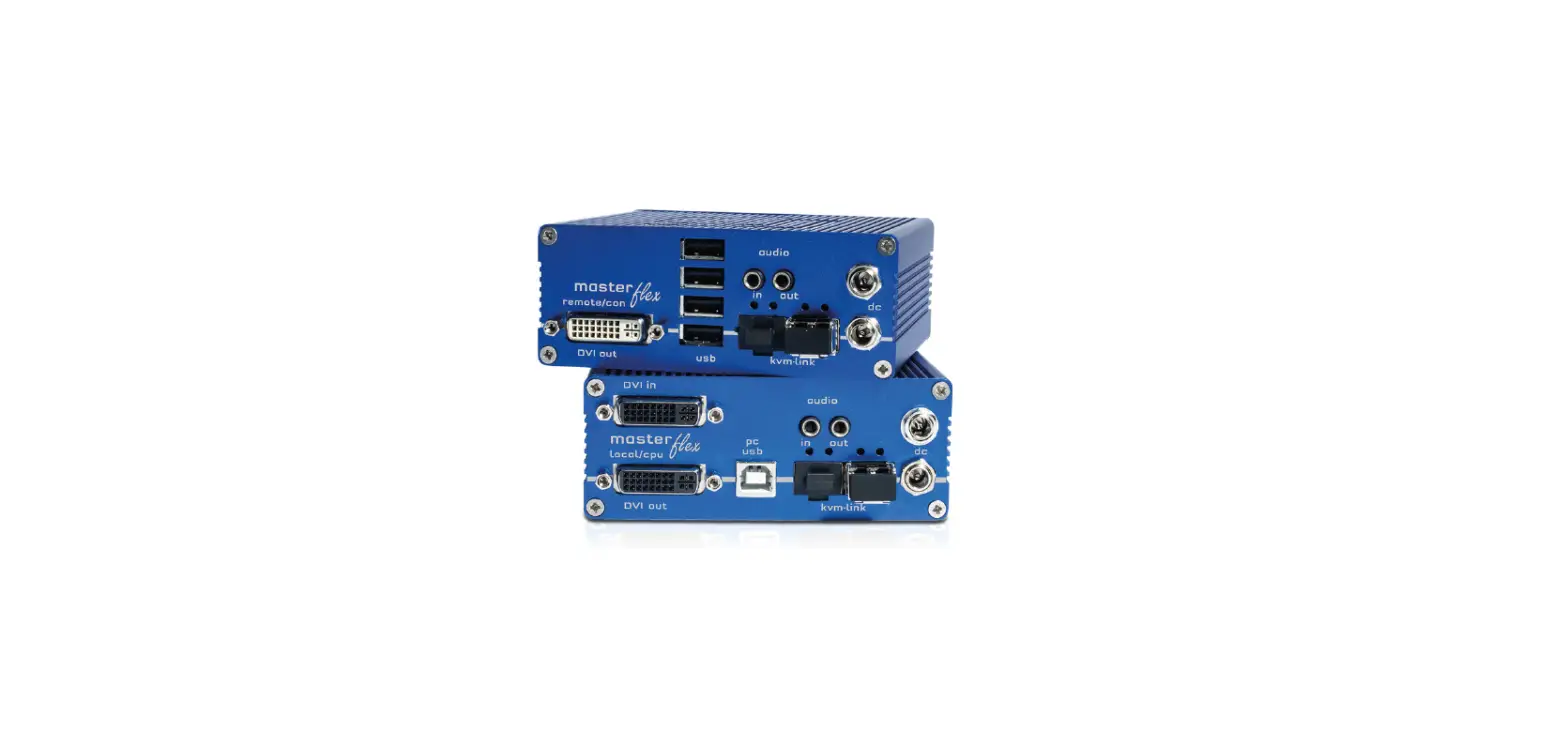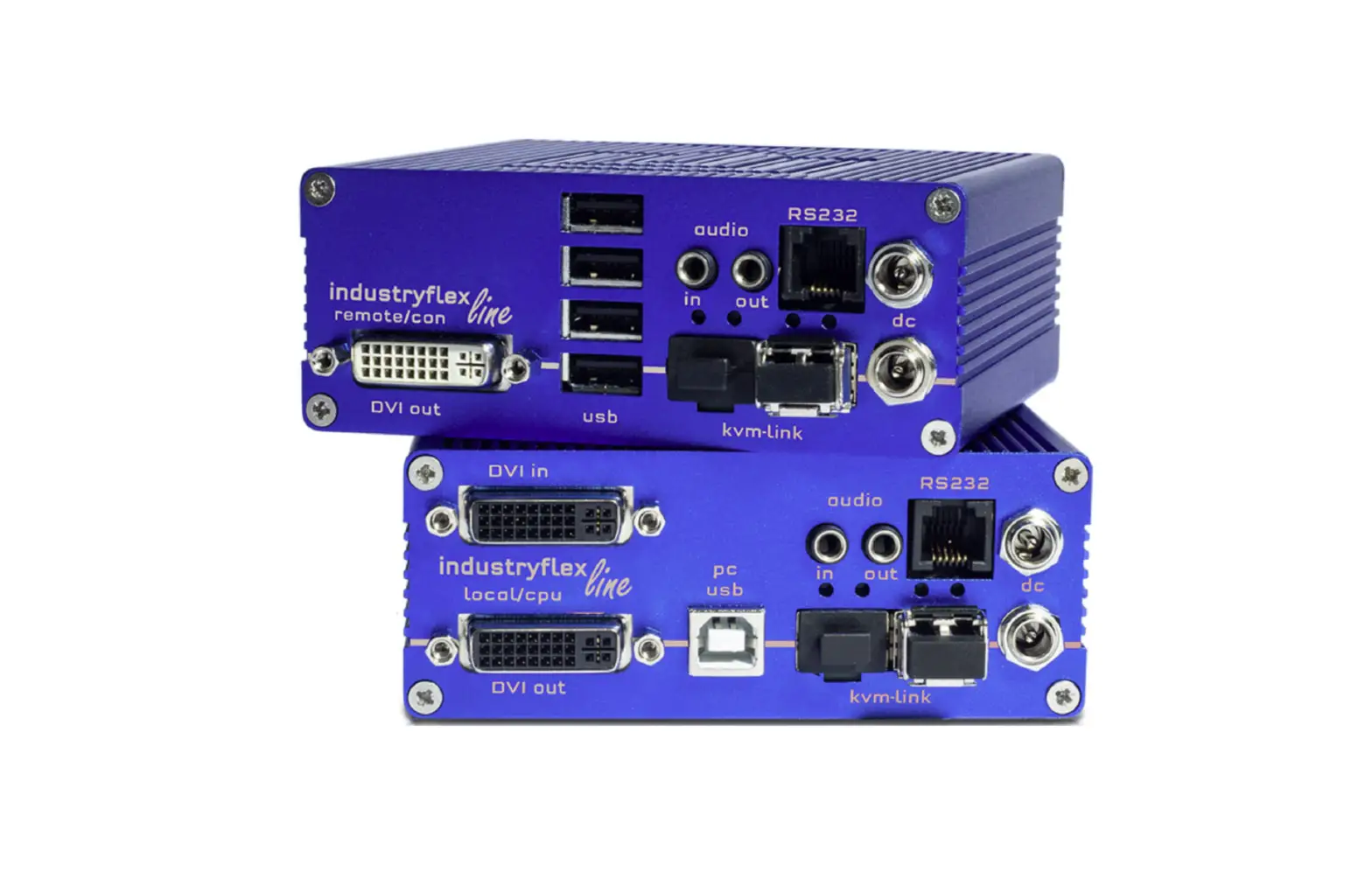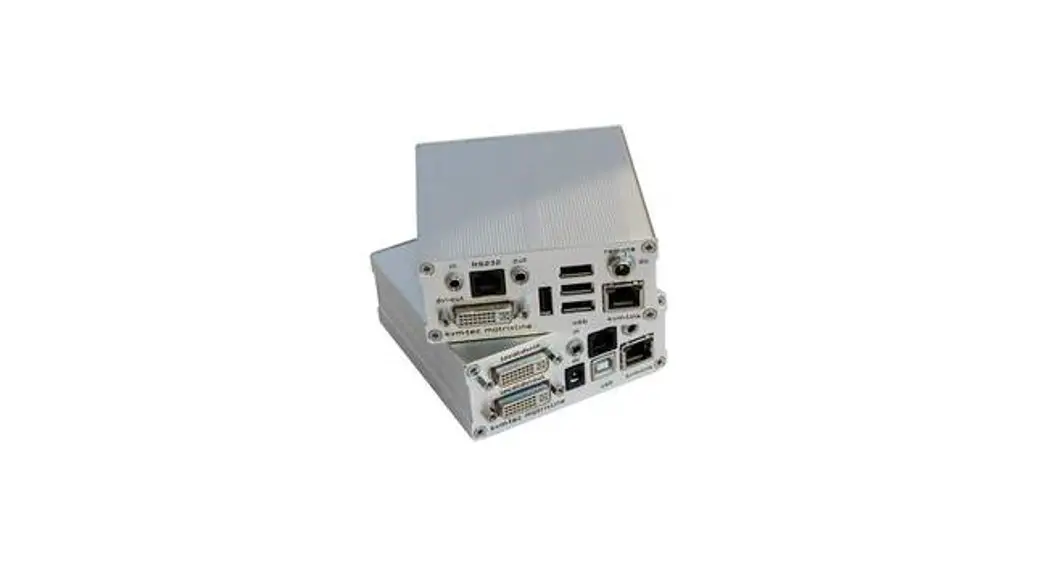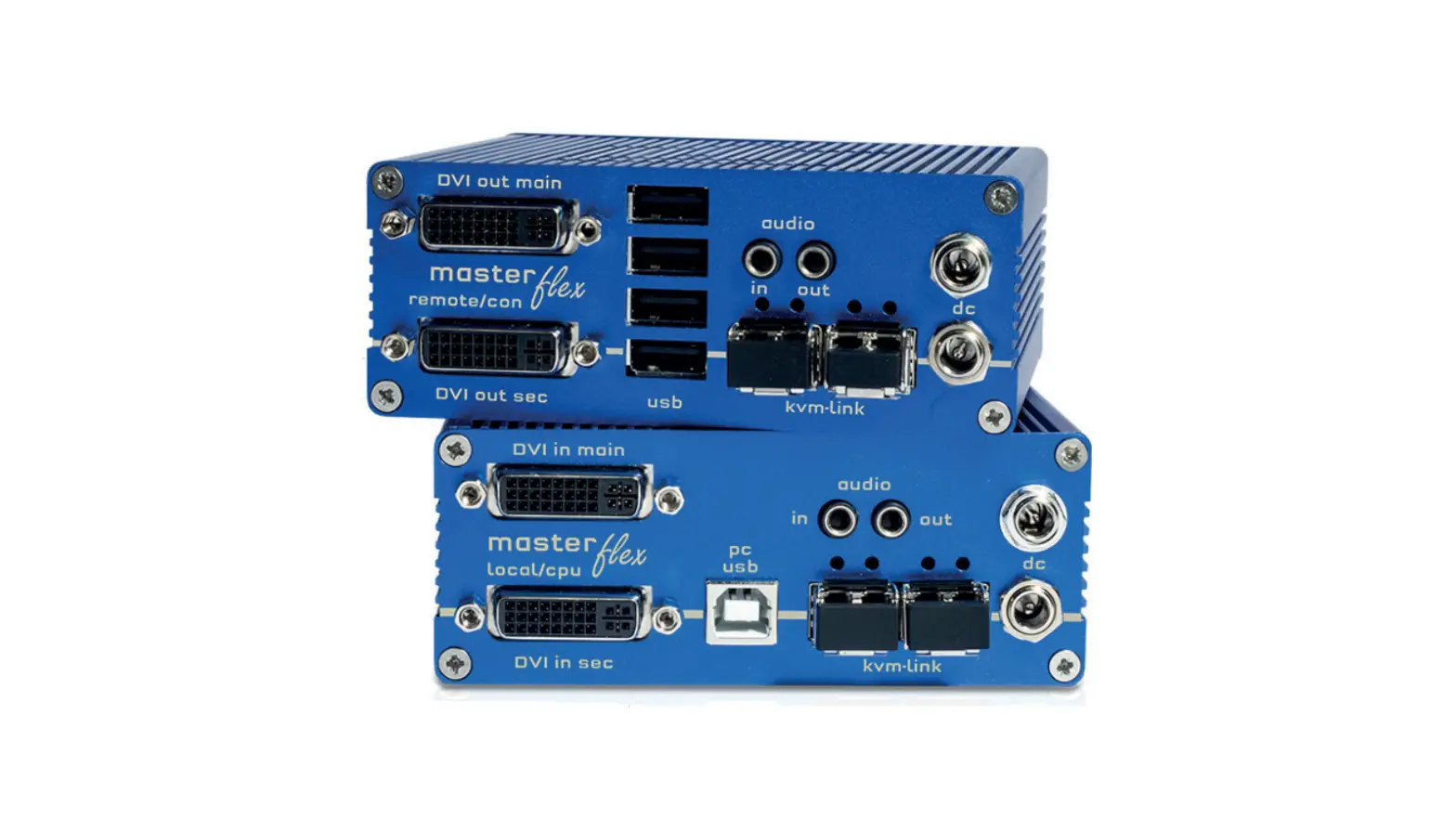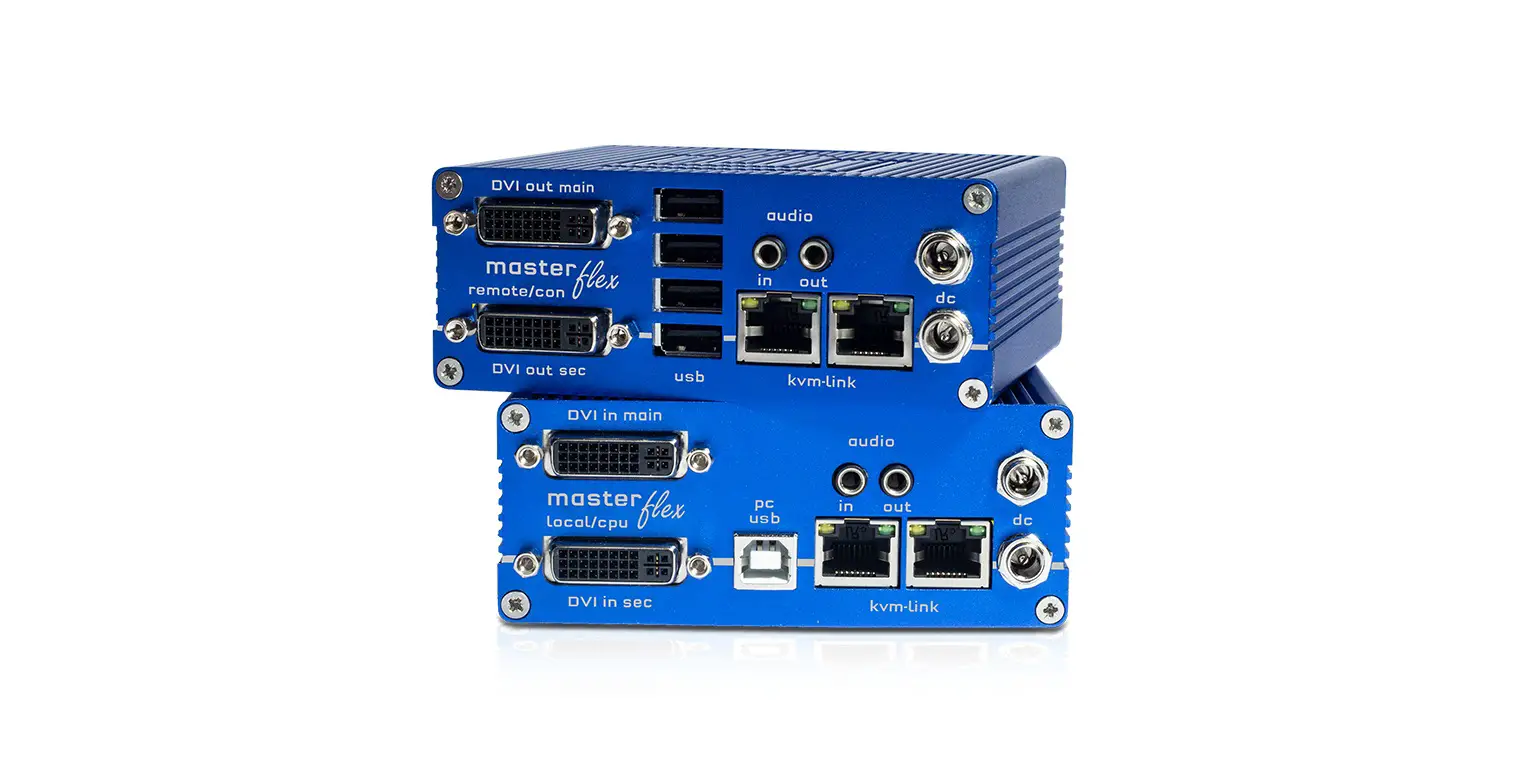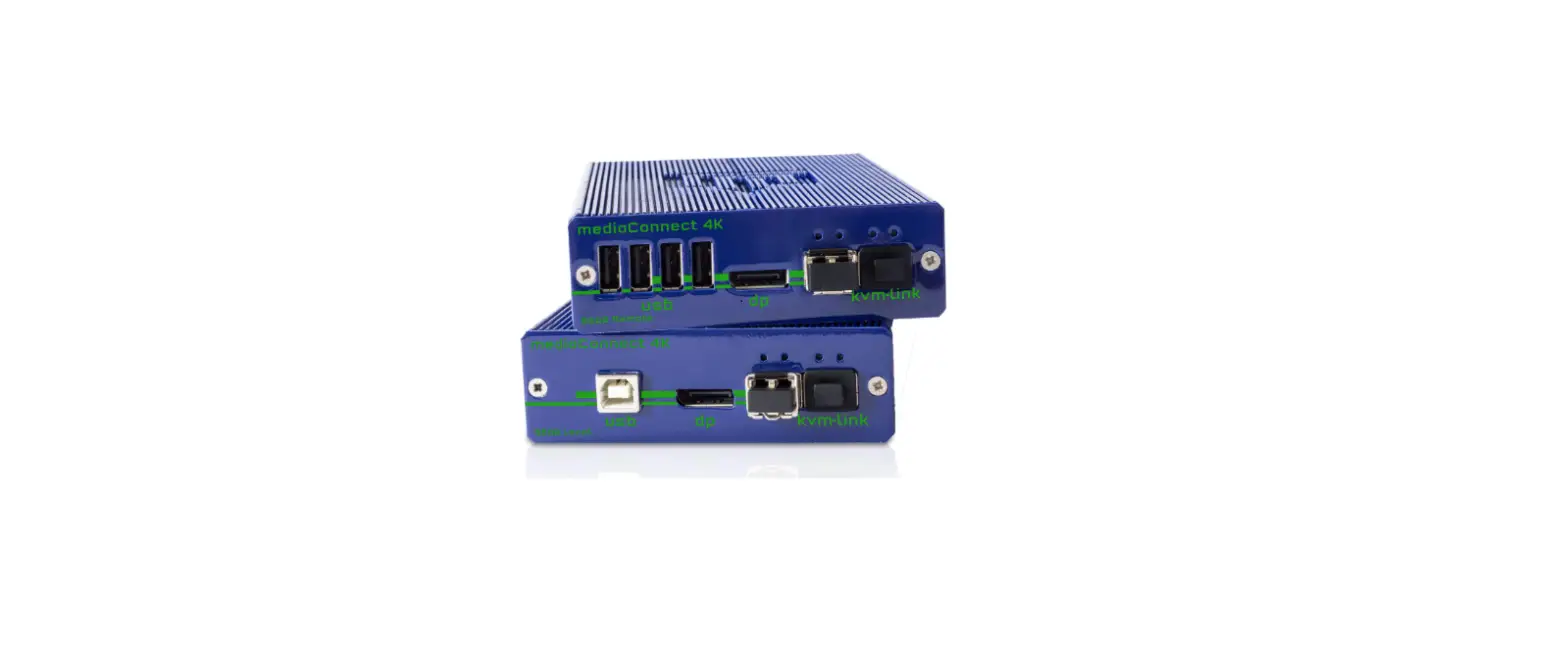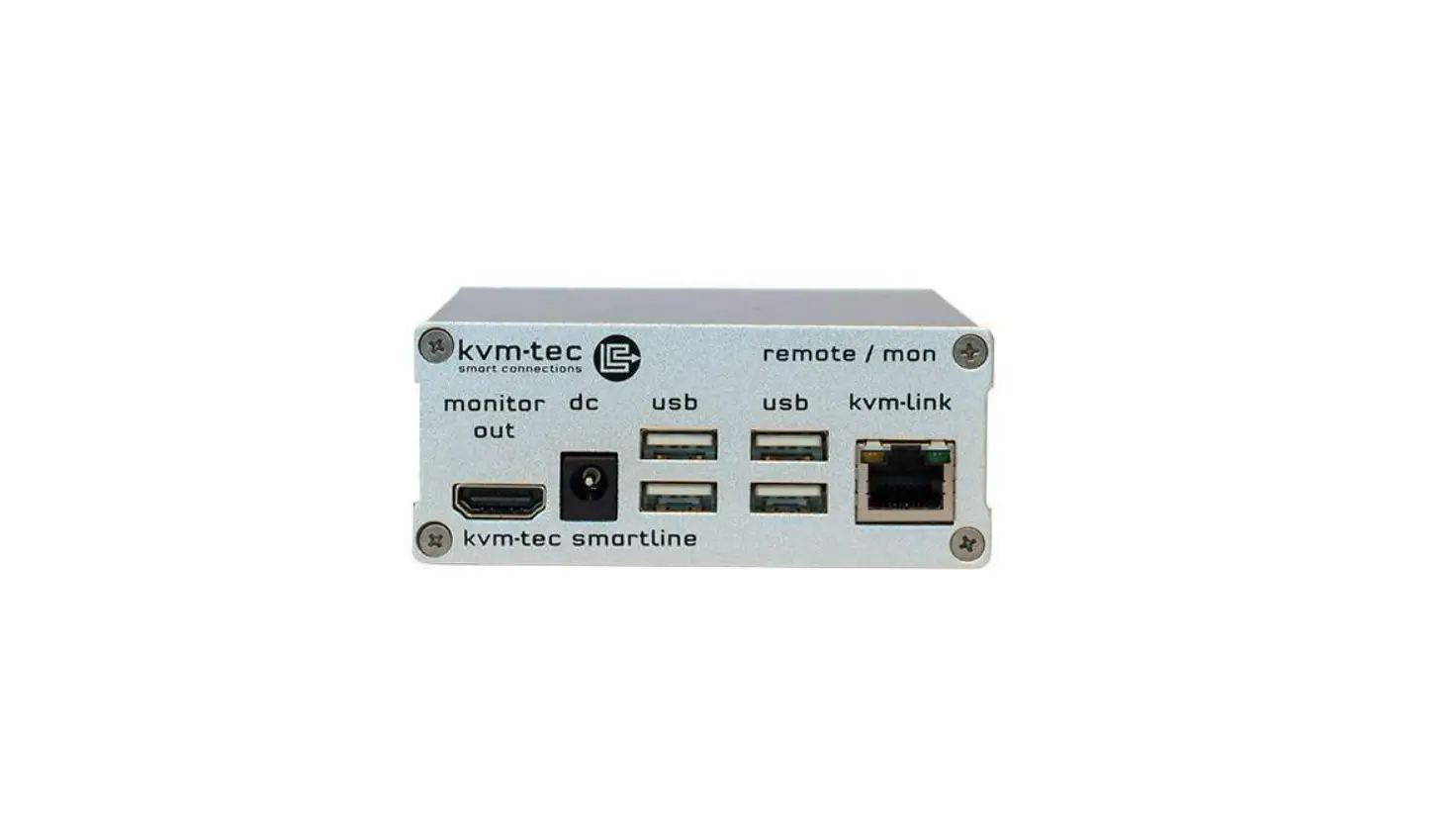

kvm-tec 6501 Full HD KVM Over IP Extender
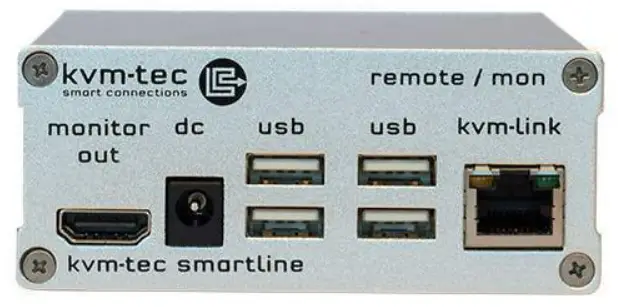
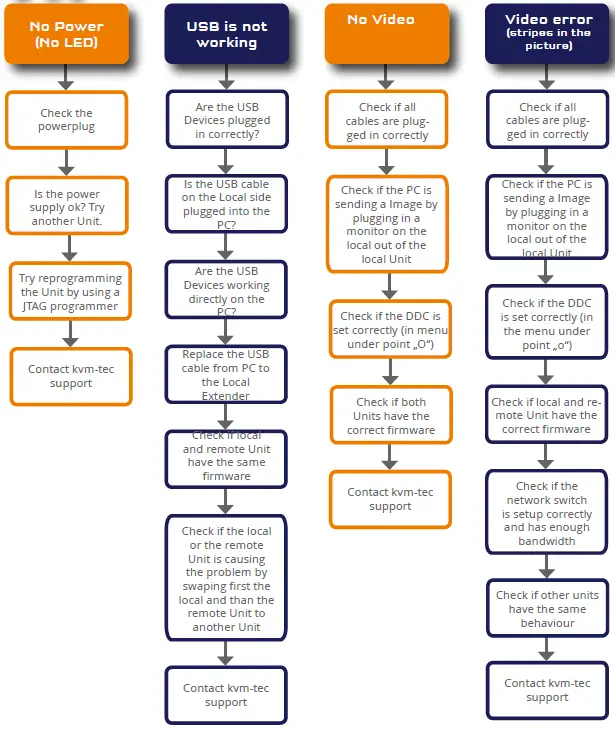
Follow Chart
Quick Installation SVX1 SMARTLINE
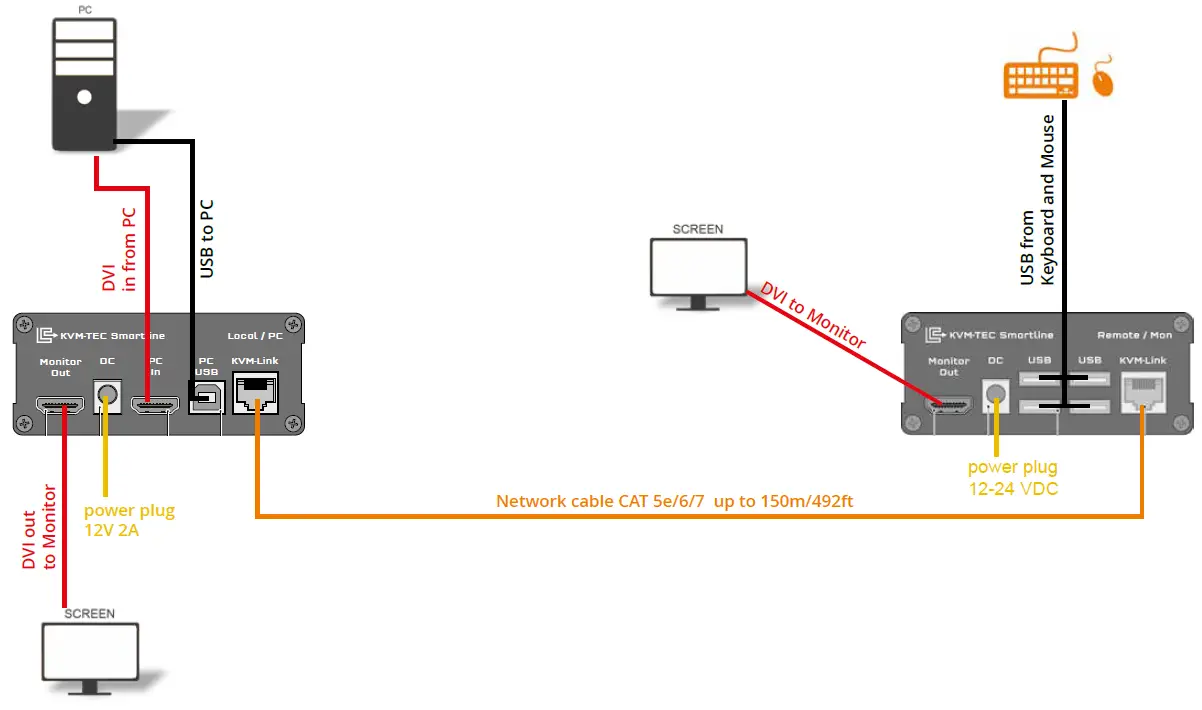
local/CPU–remote/CON
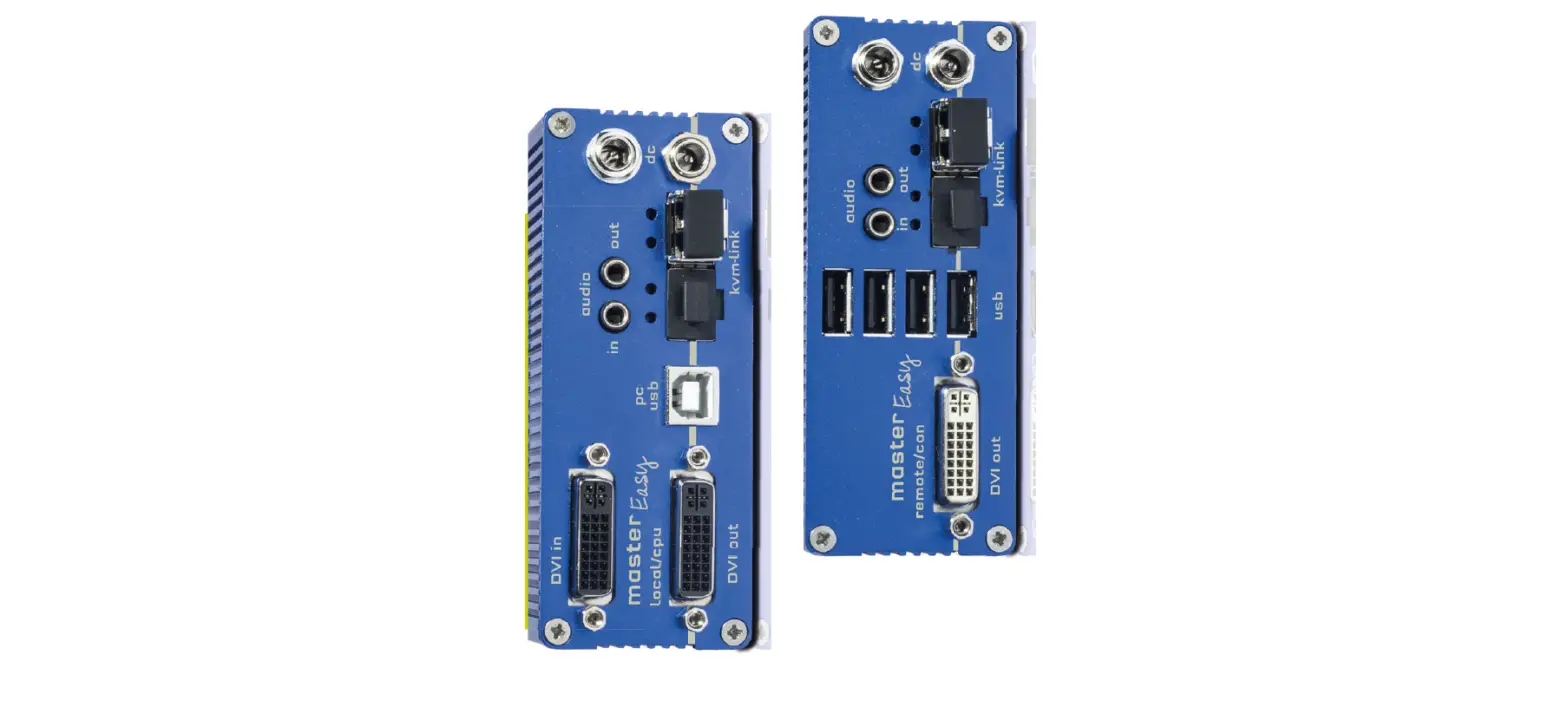
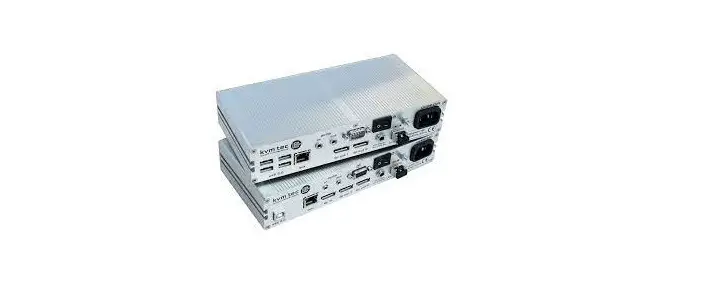
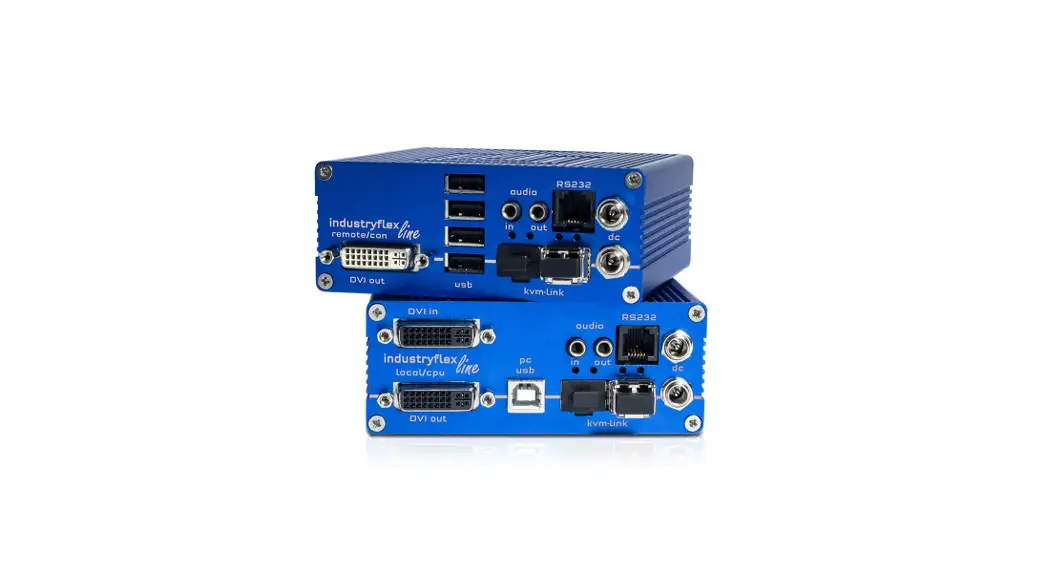
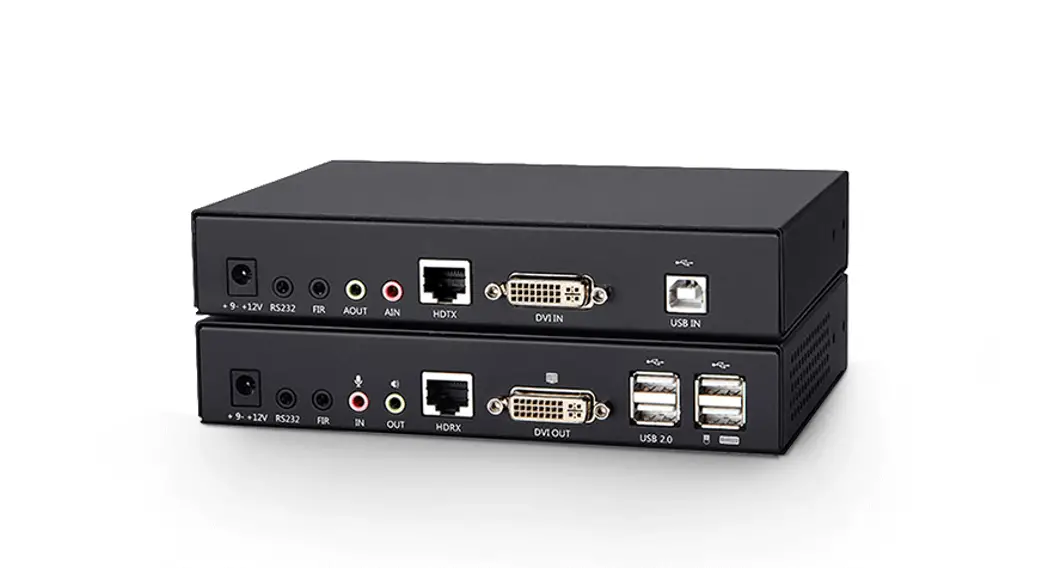
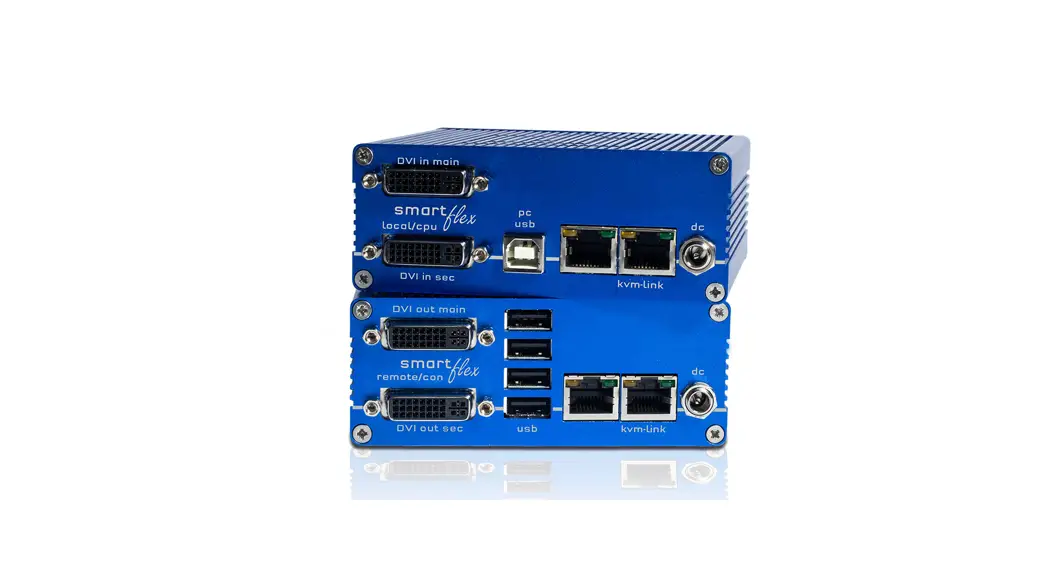
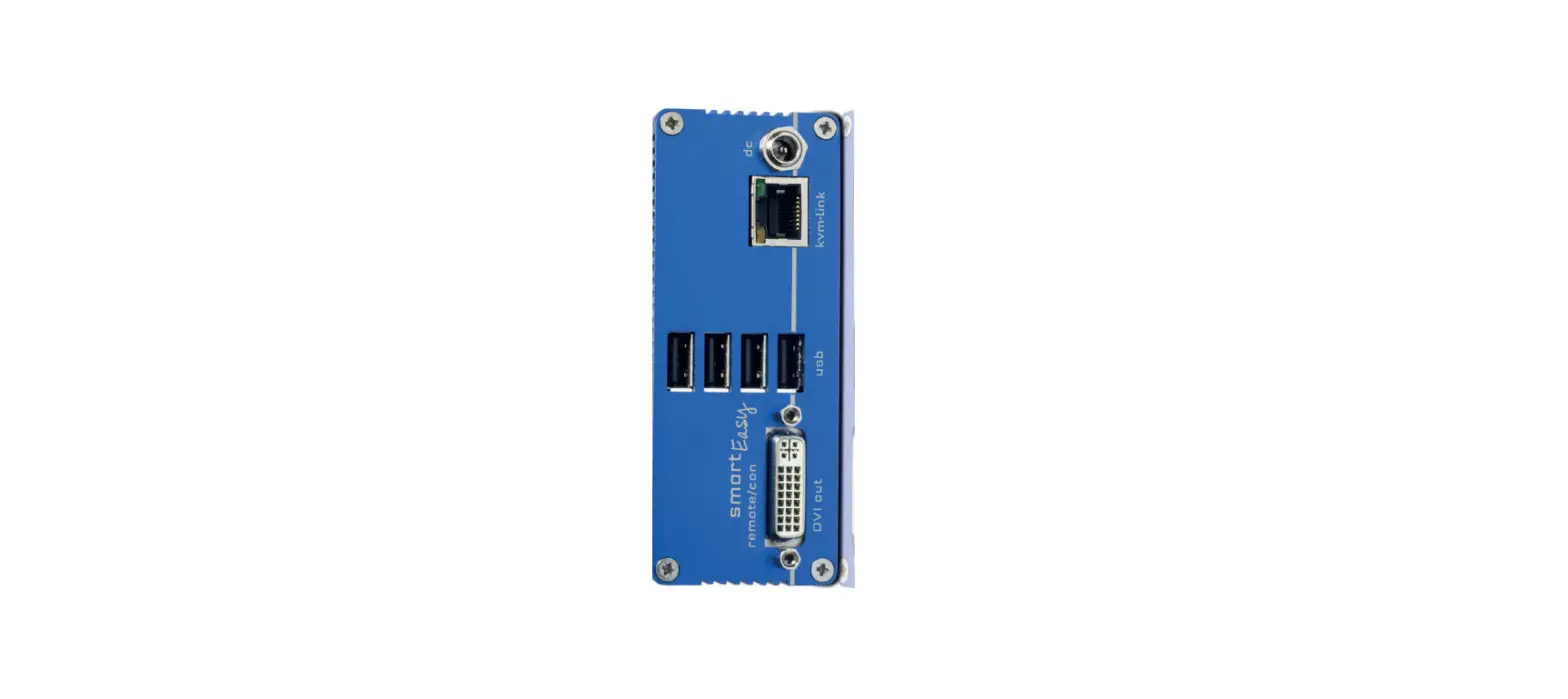
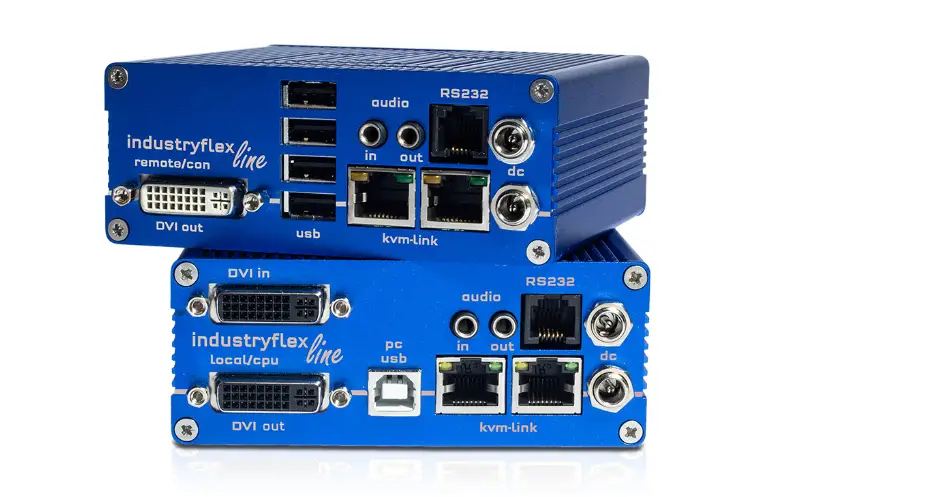
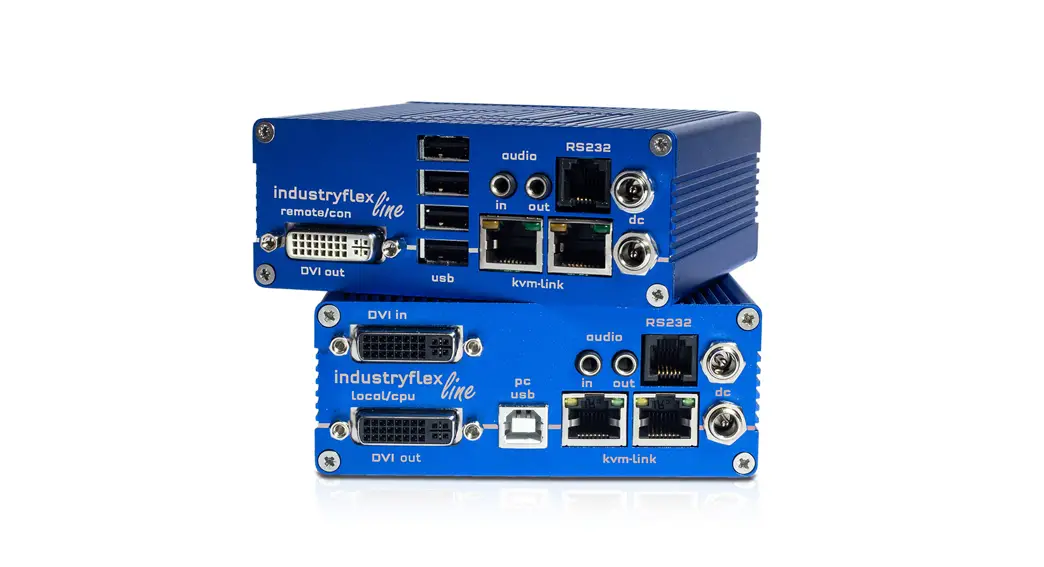
- Connect the CON / Remote and the CPU / Local Unit to the included 12V 2A power supply.
- Now connect the USB cable to a USB port on your PC and connect the other end of the USB cable to the CPU /Local Unit. Connect the keyboard and mouse to the CON / Remote Unit.
- Connect the CPU / Local and the CON / Remote Unit with a network cable.
- Now connect the DVI cable to the DVI socket of the PC and the other end to the DVI socket of the CPU / Local Unit (PC-in). Then connect the monitor with the DVI cable to the CON / Remote Unit.

HAVE FUN – your KVM-tec Extender is now in use for many years (MTBF approx 10 years).
We are here for you to answer your questions about installation.
Manual download www.kvm-tec.com or KVM-tec Installationchannel on our homepage. personally +43 2253 81912.
 Kvm-tec.com: KVM Extender over IP - Matrix Switching Systeme