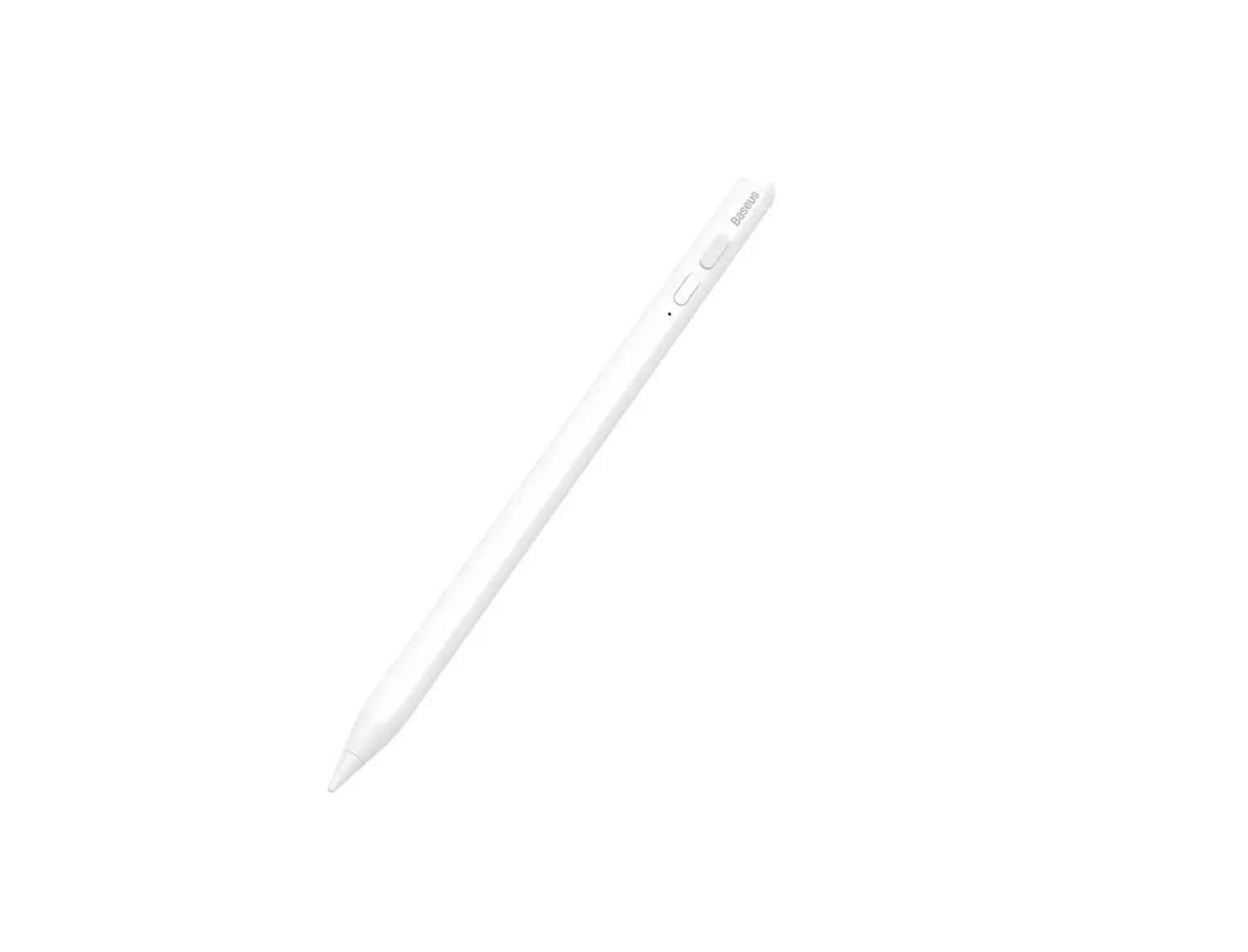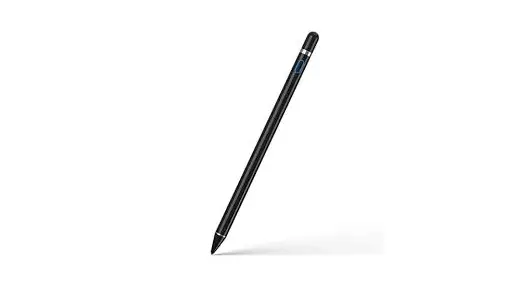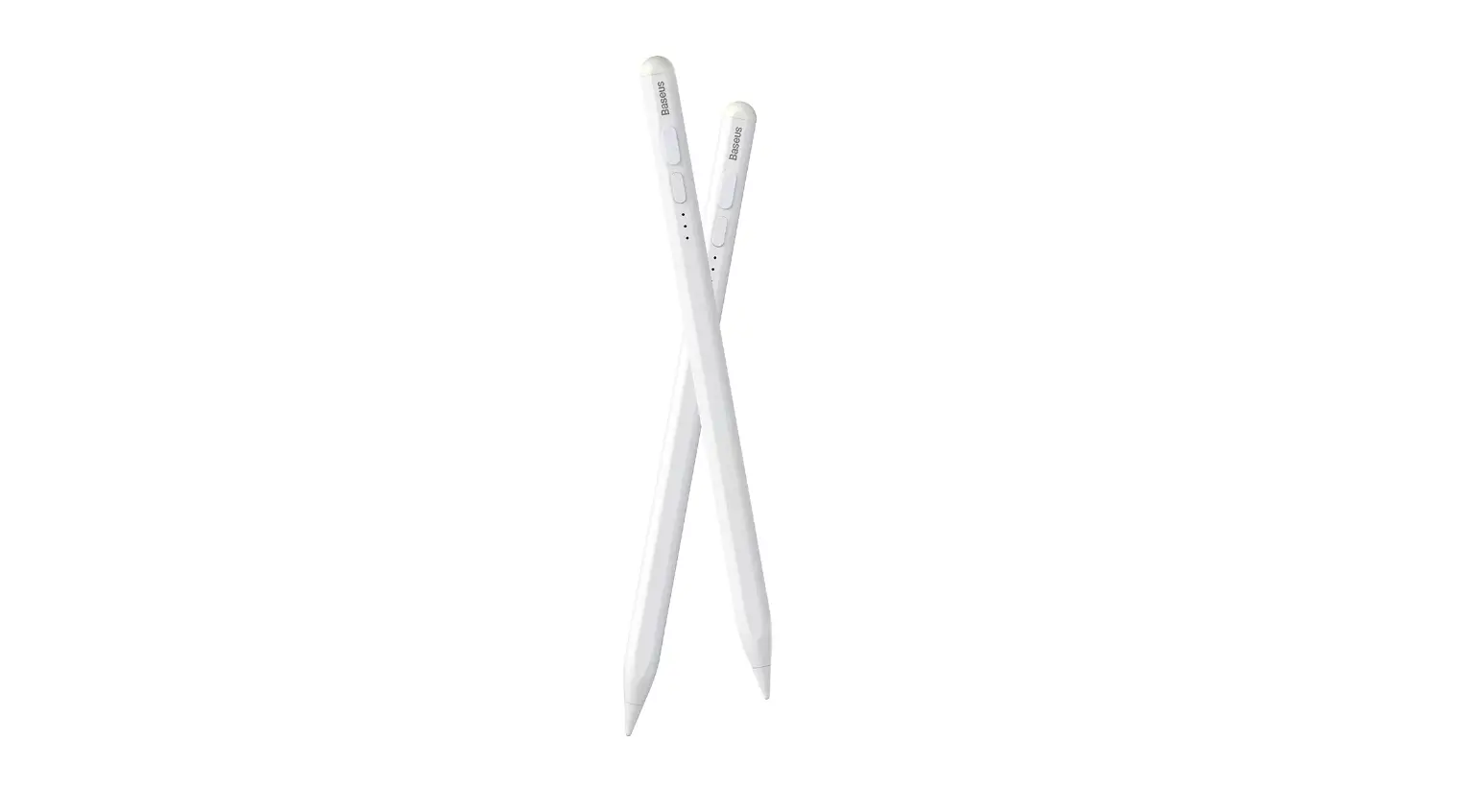
Baseus BS-PS029 Smooth Writing 2 Series Plug-Type Stylus USB-C Active Wireless Pen User Manual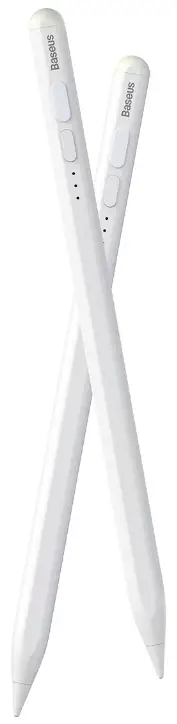
Overview
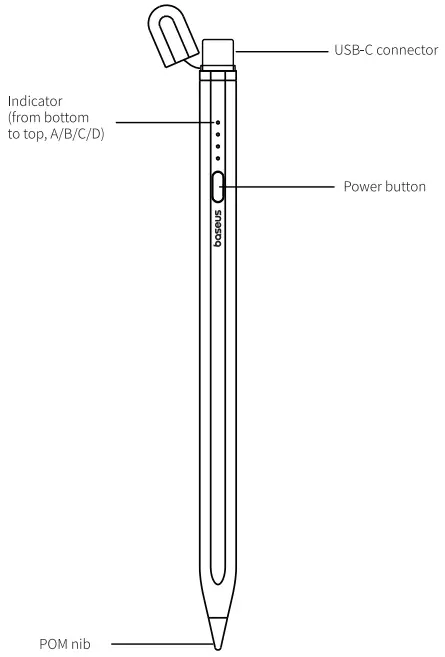
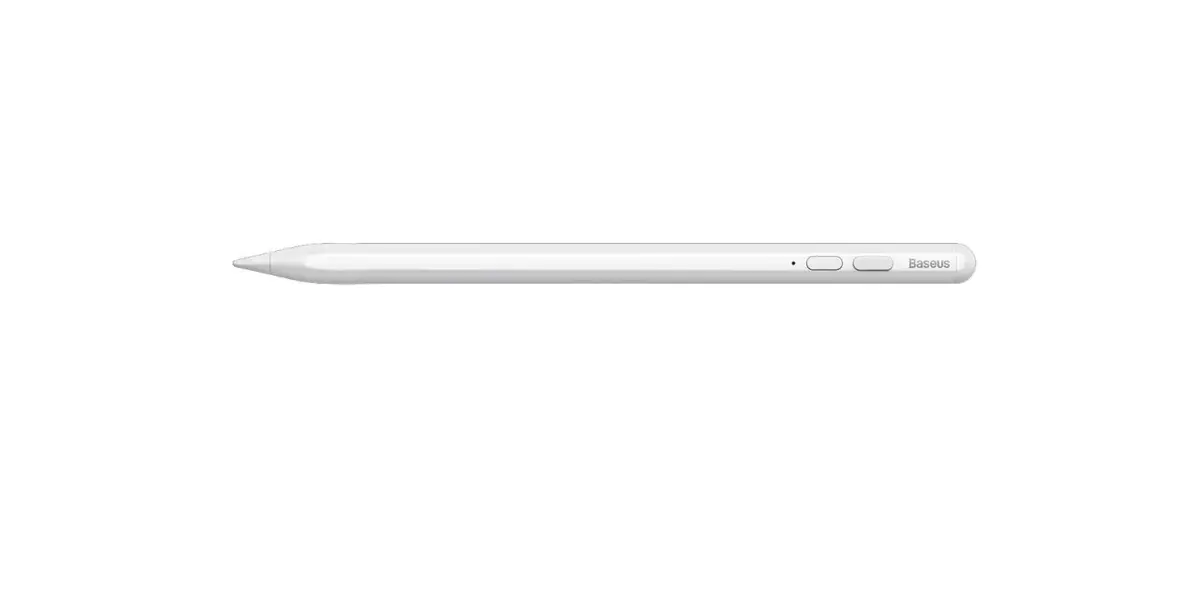
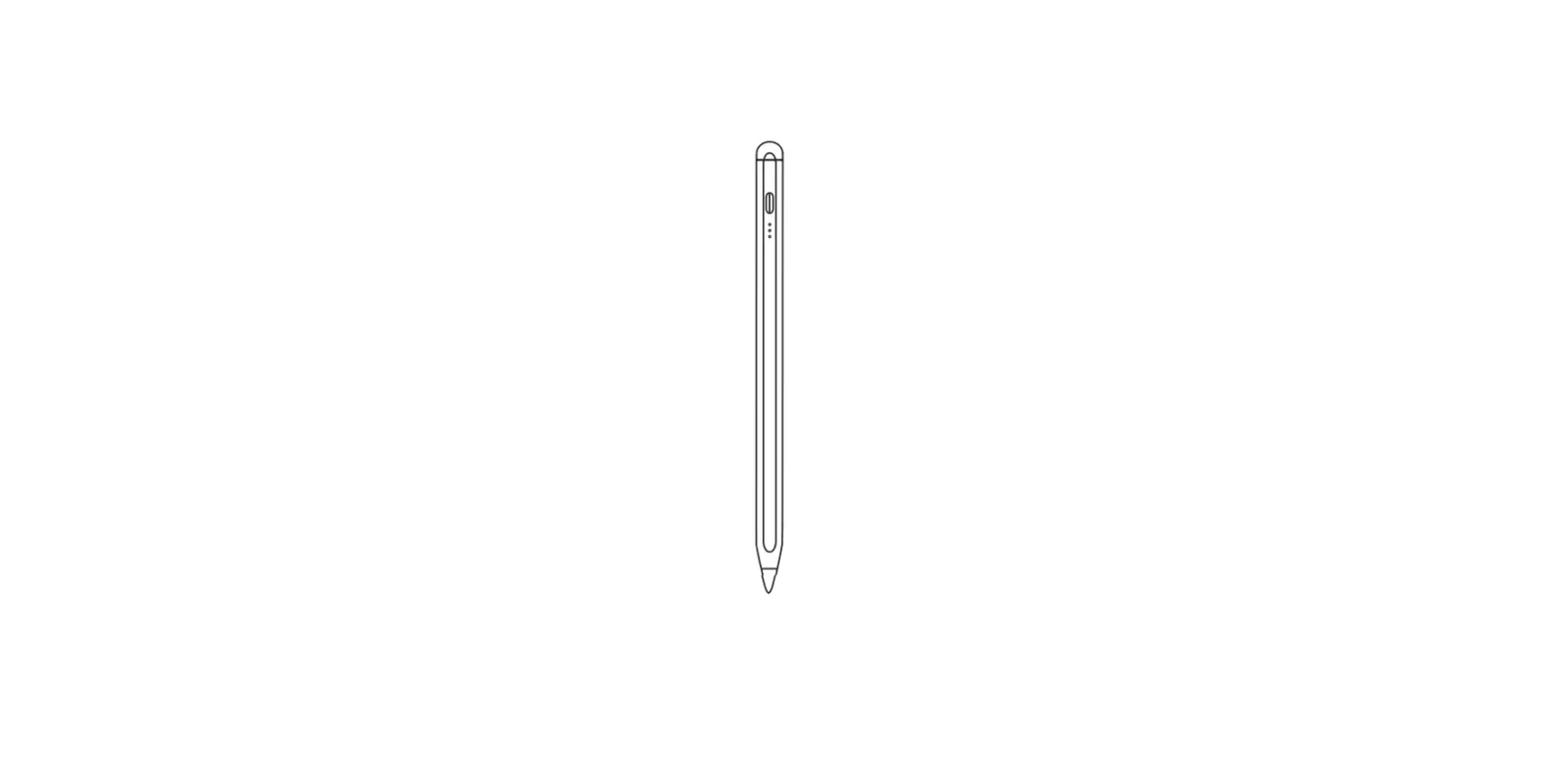
- Power Button Previous Page Next Page
- Brightness + Mute
- Brightness – Search
- Recently Used Apps Photograph
- Volume + Quick Screenshot
- Volume – Editable Screenshot
specifications
- Name: Base’s Smooth Writing Seers Pug Type Stylus USB.C. Active Wireless Version
- Modulino: B5-PS025
- Material: Aluminum alloy barrel, plastic POM b
- Pairing Name: Base’s PSO29
- Charging Connector: USB.C
- Battery Capacity: 130man
- Accessories: USELA o USE-C cable 1Active pen tp 1.user
Compatible Model
| Model | Model No. | Software Version | Screen Size | Support Magnetic Charging? |
| Pad 6 | A1893/A1954 | 12.1.4 | 9.7 | No |
| Pad 7 | A2197/A2198/A2200 | 13.1 | 10.2 | No |
| Pad 8 | A2270/A2428/A2429/A2430 | 14 | 10.2 | No |
| Pad 9 | A2602/A2604/A2603/A2605 | 15 | 10.2 | No |
| Pad 10 | A2696/A2757/A2777 | 16 | 10.9 | No |
| Pad mini 5 | A2133/A2124/A2126/A2125 | 12.2 | 7.9 | No |
| Pad mini 6 | A2567/A2568/A2569 | 15 | 8.3 | Yes |
| Pad Air 3 | A2152/A2123/A2153/A2154 | 12.2 | 10.5 | No |
| Pad Air 4 | A2316/A2324/A2325/A2072 | 14 | 10.9 | Yes |
| Pad Air 5 | A2588/A2589/A2591 | 15 | 10.9 | Yes |
| Pad Pro | A1980/A2013/A1934/A1979 | 12.2 | 11 | Yes |
| Pad Pro 3 | A1876/A2014/A1895/A1983 | 12.2 | 12.9 | Yes |
| Pad Pro 2 | A2228/A2068/A2230/A2231 | 13.4 | 11 | Yes |
| Pad Pro 4 | A2229/A2069/A2232/A2233 | 13.4 | 12.9 | Yes |
| Pad Pro 3 | A2377/A2459/A2301/A2460 | 14 | 11 | Yes |
| Pad Pro 5 | A2378/A2461/A2379/A2462 | 14 | 12.9 | Yes |
| Pad Pro 4 | A2759/A2435/A2761/A2762 | 16 | 11 | Yes |
| Pad Pro 6 | A2436/A2764/A2437/A2766 | 16 | 12.9 | Yes |
Indicator
Working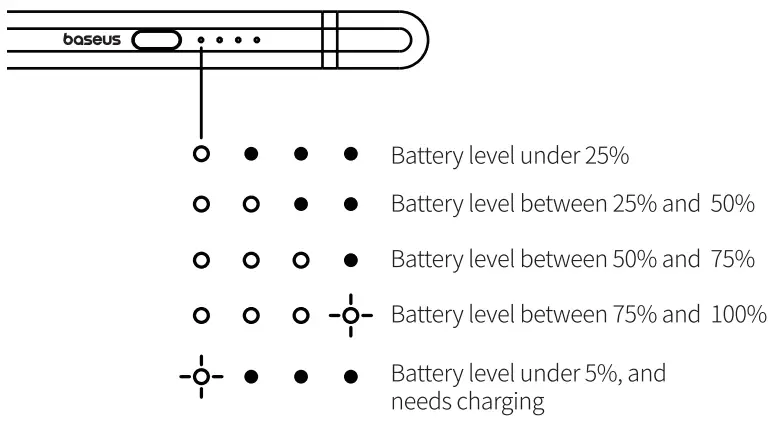
Charging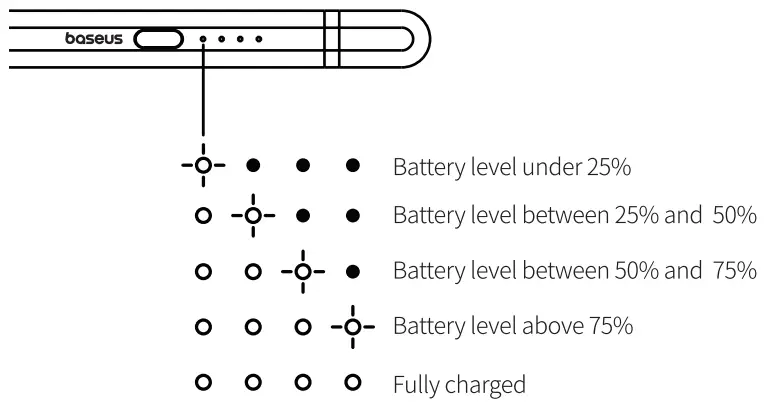

Instructions
Bluetooth Connection
- Press and hold the power button to tum on the sylus ,indicator lashes bae, entering pairing mode;
- Got *Settings” on your Pad, click Bluetooth and select *Base’s PSO25 topiary;
- “Connected “prompts udand nicator goes out, mearing the pairing successful, you can check the batter level of the sty’s. your
APP Connection:
- Downloads the Base’s APP in App Store;
- Turn on the stylus and connect to the Bluetooth of your Pad; 34 the stylus i the Base’s
- Apo, i s under the Lifestyle & Office catalogue;
- Nike sure that you s not connected o other device and the. remaining battery s sufficient during the connection process; Mot connection i, e et the s nd y g
Customization Function Setup.
- Open the Base’s APP, ate you add the stylus o the app, g0 other stylus page, select “Double-press Setup “and ~One-press Setup” to customize the shortcut functions. Mot Thedelaut for double s s scrimshaw et eon disc.
Use without Connecting to Buetooth:
Press and hold the power button o turn on thestylus,after 3min of flashing, the indicator says on, and then you can use. the stylus.
Turn often stylus:
Press and hold the power button term off the stylus, Mot Theseus ilk automatically myself e mites of cession.
Use
- Yo can use the stylus instead of your fingers o ap, drag on the screen. Or use f to write, draw i some apps,

- palm rejection allows you to place your hand on the screen during writing, ad you can adjust the thickness of the stroke by biting the pen tip.
- Press/double-press the Up/Down button to use the shortcut functions. Battery Ch
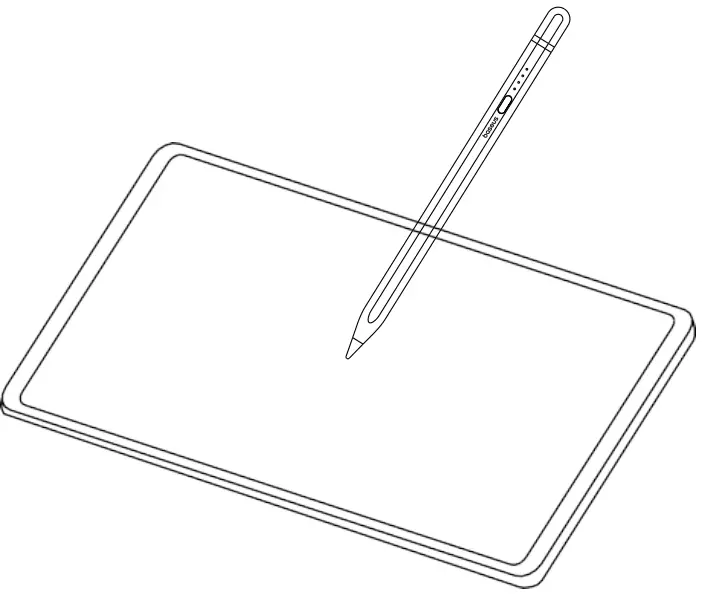
Battery Charging
- Plug the USB-C connector to the USB-C port of your iPad to charge.
- Connectome end of the Subartu USBC adapter cable to the USB.C connector of the stylus and the other to an USB-A port for charging.
Declaration hazardous substances send elements contained electronic products
| PartDesorption | Hazardous substances and elements | |||||
| Lead(pb) | Mercury(Hg) | Cadmium(Cd) | Hexava. lentchromium | Polybrominated &phenyls(PBB) | Polybrominated Biphenyl ethers (PBDE) | |
| PCB | X | 0 | 0 | 0 | 0 | 0 |
| Plastic | 0 | 0 | 0 | 0 | 0 | 0 |
| Battery | 0 | 0 | 0 | 0 | 0 | 0 |
| Accessory | 0 | 0 | 0 | 0 | 0 | 0 |
This form is compiled in accordance with SJ/T 11364.
O:It indicates that the content of the harmful substance in all homogeneous materials of the component is below the limit specified in GB/T 26572 standard.
X: The content of harmful substances in at least one homogeneous material of this part exceeds the limit stipulated in GB/T 26572 standard.
Warm Tip: The 5-year icon refers to the “effective life of environmental protection”, not the product quality assurance period. Electronic products all contain harmful substances such as lead, mercury and cadmium. Once they are overused, harmful substances may leak or mutate, cause pollution to the environment, or cause serious damage to people and property. The term of “environmental protection use” means that all electronic products will be required to use within this effective period. We will no longer be responsible for the quality of the products due to the safety risks that arise after the safe use period.
Changes or modifications not expressly approved by the party responsible for compliance could void the user’s authority to operate the equipment. This device complies with Part 15 of the FCC Rules. Operation is subject to the following two conditions:
(1) This device may not cause harmful interference, and
(2) this device must accept any interference received, including interference that may cause undesired operation.
Note: This equipment has been tested and found to comply with the limits for a Class B digital device, pursuant to Part 15 of the FCC Rules.
These limits are designed to provide reasonable protection against harmful interference in a residential installation. This equipment generates, uses, and can radiate radio frequency energy, and if not installed and used in accordance with the instructions, may cause harmful interference to radio communications. However, there is no guarantee that interference will not occur in a particular installation. If this equipment does cause harmful interference to radio or television reception, which can be determined by turning the equipment off and on, the user is encouraged to try to correct the interference by one or more of the following measures:
- Reorient or relocate the receiving antenna.
- Increase the separation between the equipment and receiver.
- Connect the equipment into an outlet on a circuit different from that to which the receiver is connected.
- Consult the dealer or an experienced radio/TV technician for help
It is hereby declared that BS-PS029, a product model of Shenzhen Baseus Technology Co., Ltd., complies with the provisions of Directive 2014/53/EU, Directive 2011/65/EU. The full text of the EC Declaration of Conformity can be found on the following website: www.baseus.com
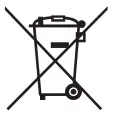
This equipment complies with the provisions of Directive 2012/19/EU, 2006/66/EU. It is strictly forbidden to dispose of this equipment with ordinary trash; it must be recycled. This symbol indicates that the product shall not be treated as regular domestic trash, and must be delivered to a recycling center that is capable of recycling electronic and electrical equipment.
FCC ID: 2A482- BS- PS029