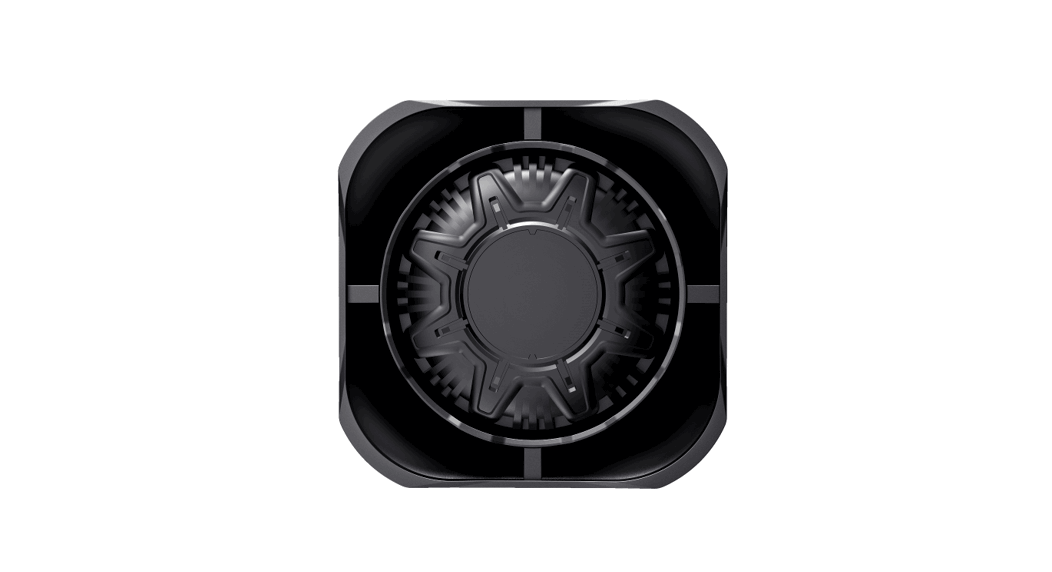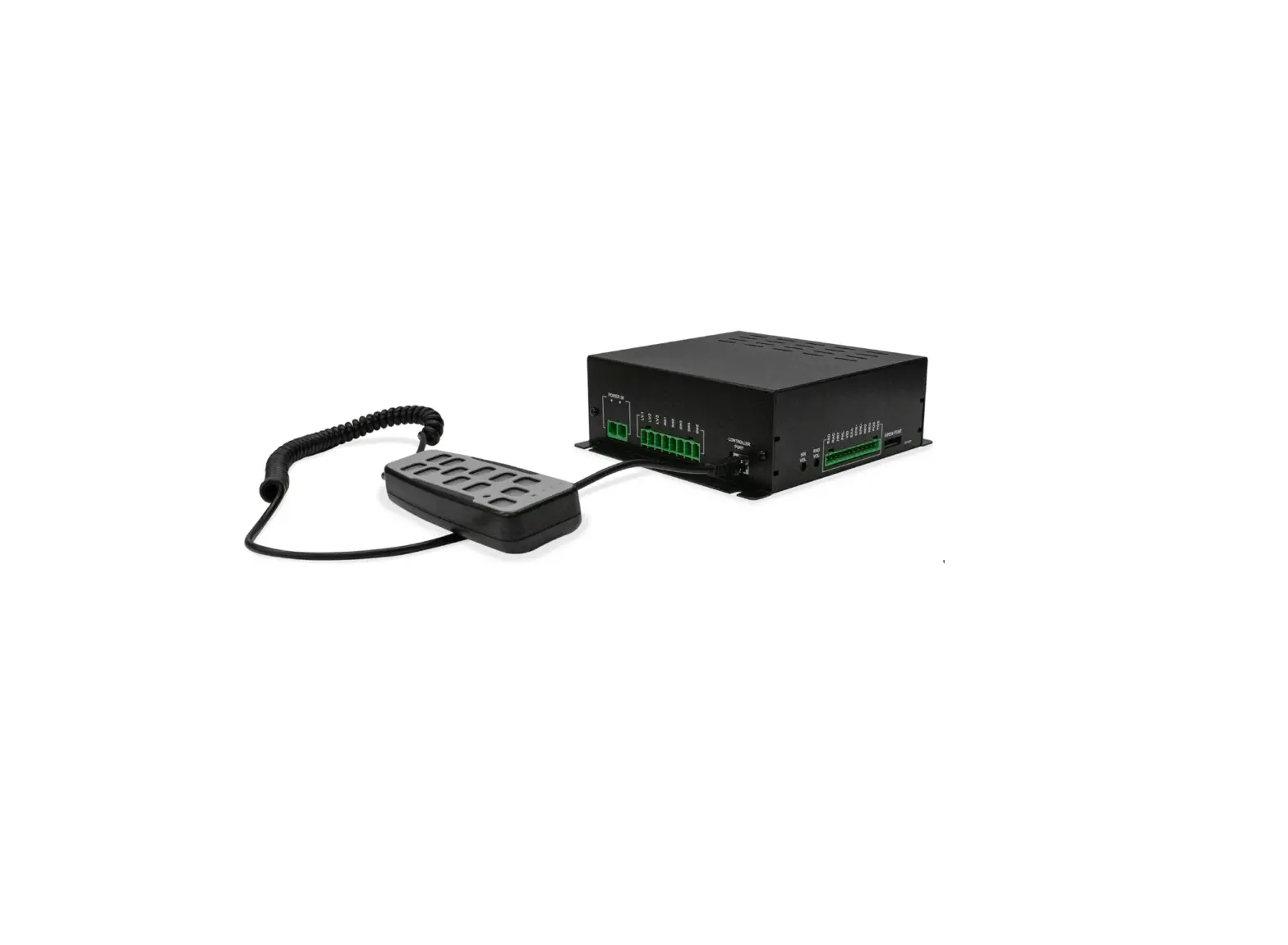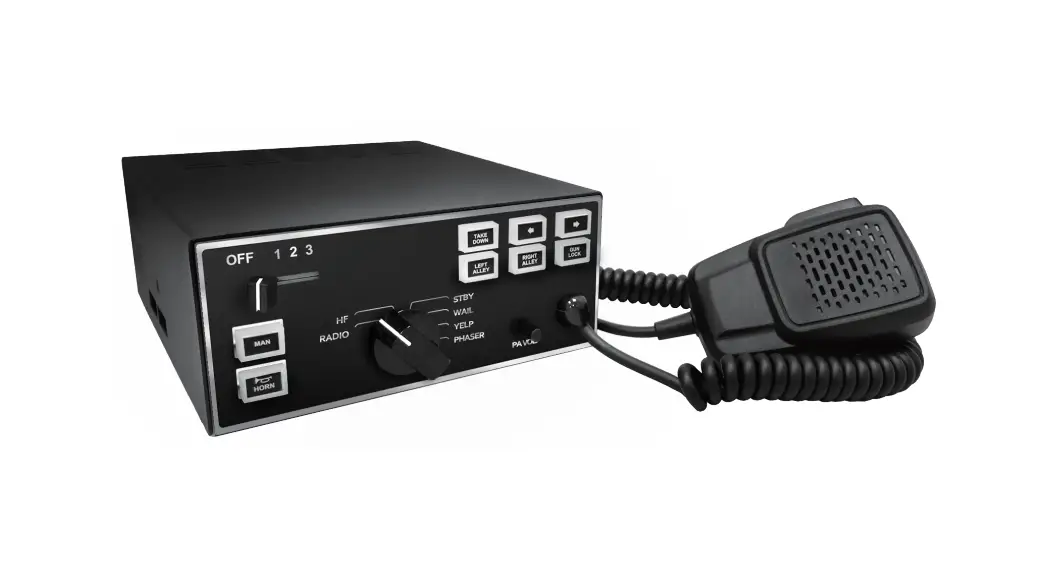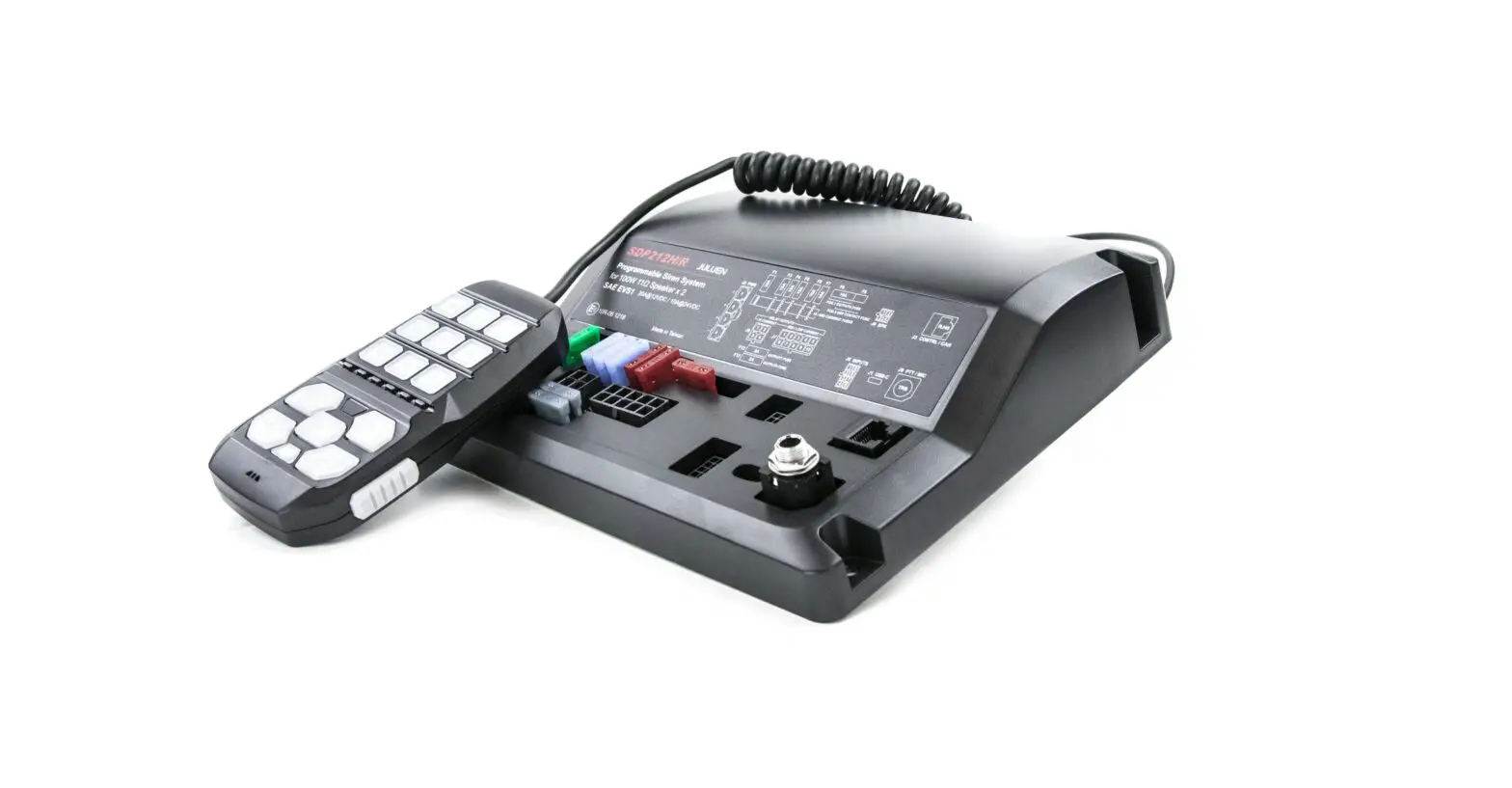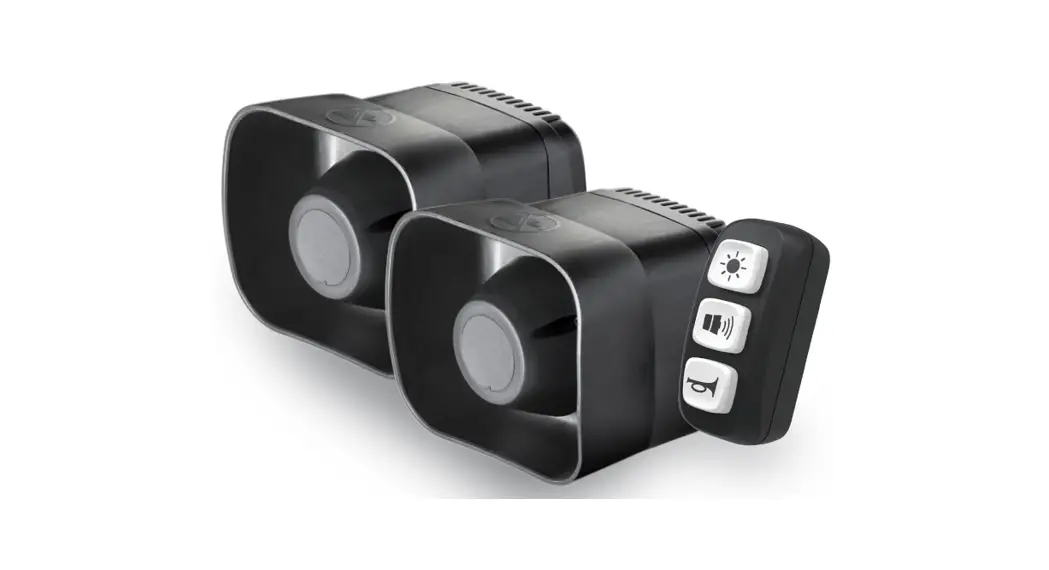
 SAS32R Siren/Speaker and Switch
User Manual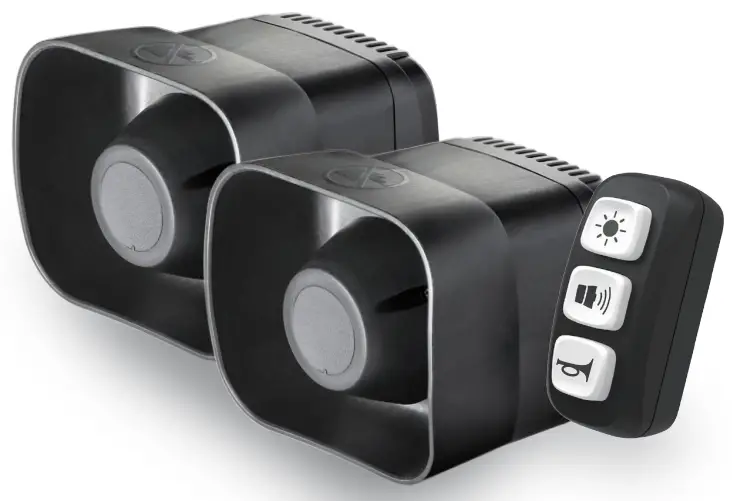
SAS32R Siren/Speaker and Switch
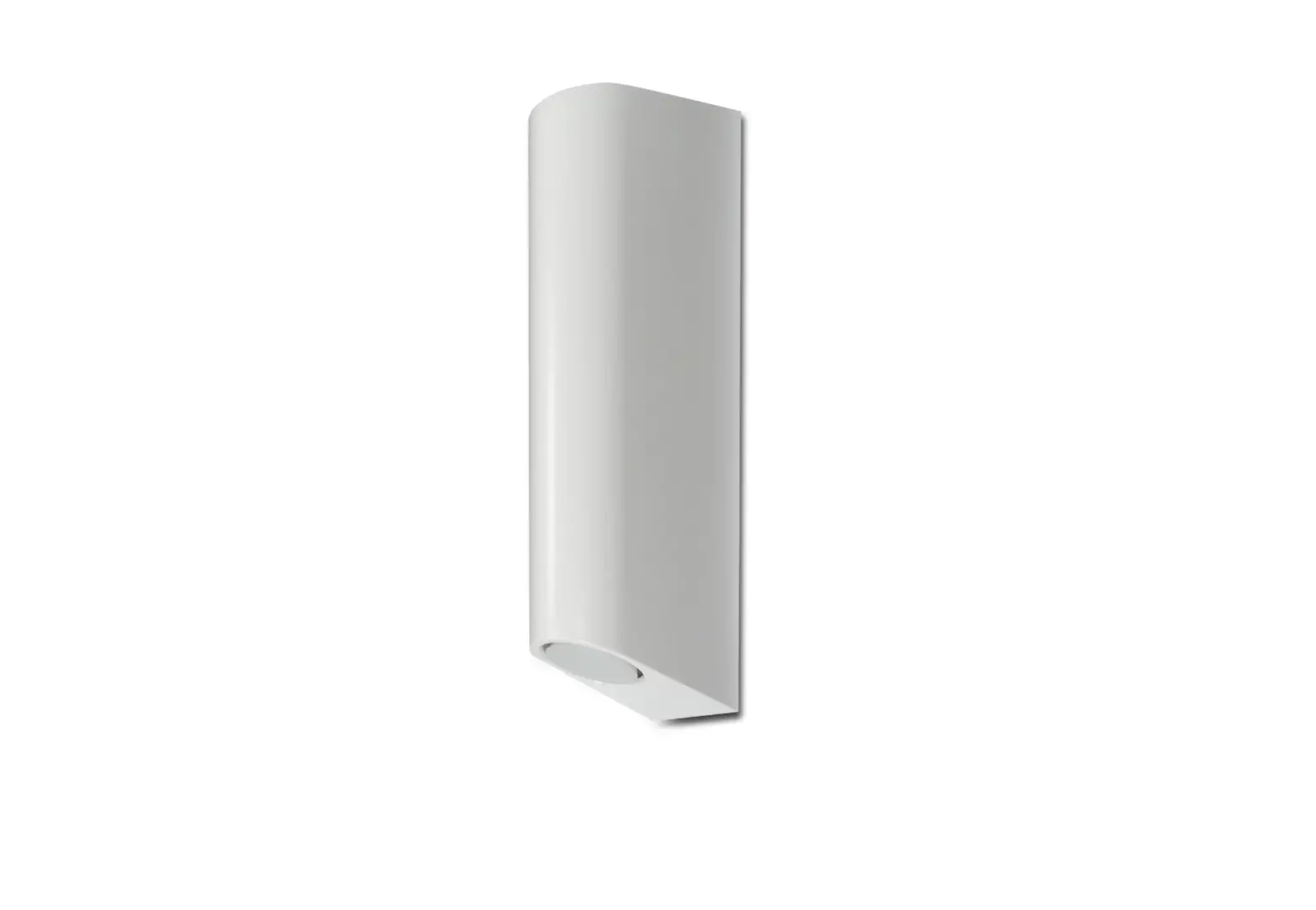
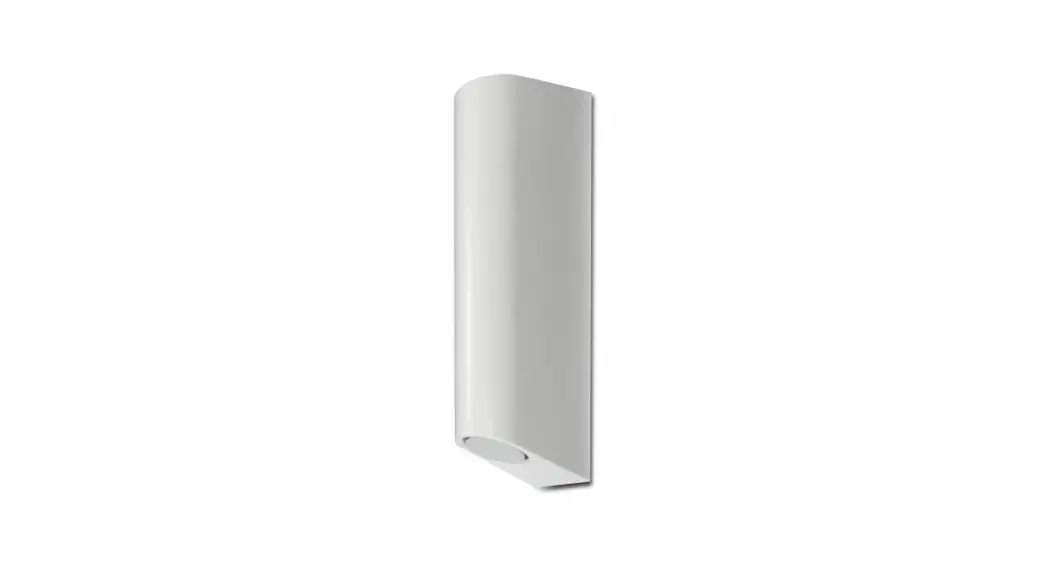
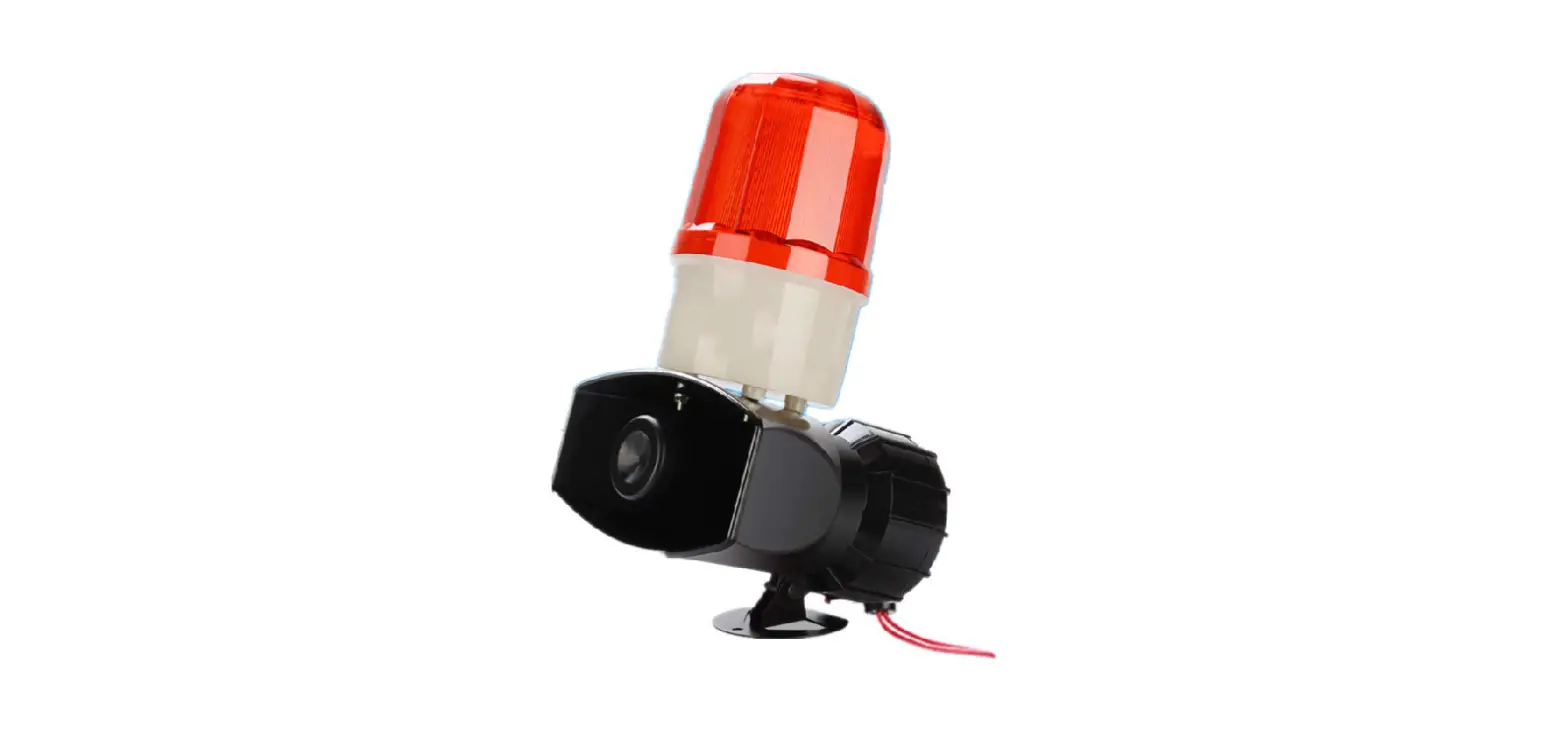
SAS32R-MS DUAL SPEAKER SIREN SYSTEM W/ 3-BUTTON CONTROL SWITCH & MIC SET
— Installation & Operation Manual —
NOTICE TO INSTALLER
Before installation and operation — read all instructions and warnings. Deliver this manual to the end user of this equipment.
INSTALLATION
- Proper installation of the product requires the installer to have a good understanding of automotive electronics, systems and procedures. It is essential to install the unit properly to ensure safe and reliable operation.
- Please read through all instructions thoroughly and carefully before installing the unit.
- Failure to follow these instructions could result in serious damage to the unit or vehicle and may void warranties.
- The correct mounting and wiring is the key to the effectiveness of the Siren System. Installers must read and follow installation instructions and warnings in the manual from the original manufacturer.
- The operator should verify the siren system is fastened to the vehicle securely and is functioning properly. Failure to follow all safety precautions and instructions may cause property damage, injury, or death.
- Ensure that any switch control panel is located in an area that allows both the vehicle and the control panel to be operated safely in any driving condition.
CONTENTS: The installer must have good knowledge of electricity, vehicle electrical systems and emergency equipment. Always seek professional assistance if in doubt. WARNIN Sound Hazard – Sound level from siren speaker (109dB at 2M) may cause hearing damage. A I Do not operate siren without adequate hearing protection for you and anyone in immediate vicinity. (Ref. OSHA 1910.95 for occupational noise exposure guidelines)
MOUNTING
• Speaker Siren Unit Secure the mounting bracket to an appropriate and suitable area.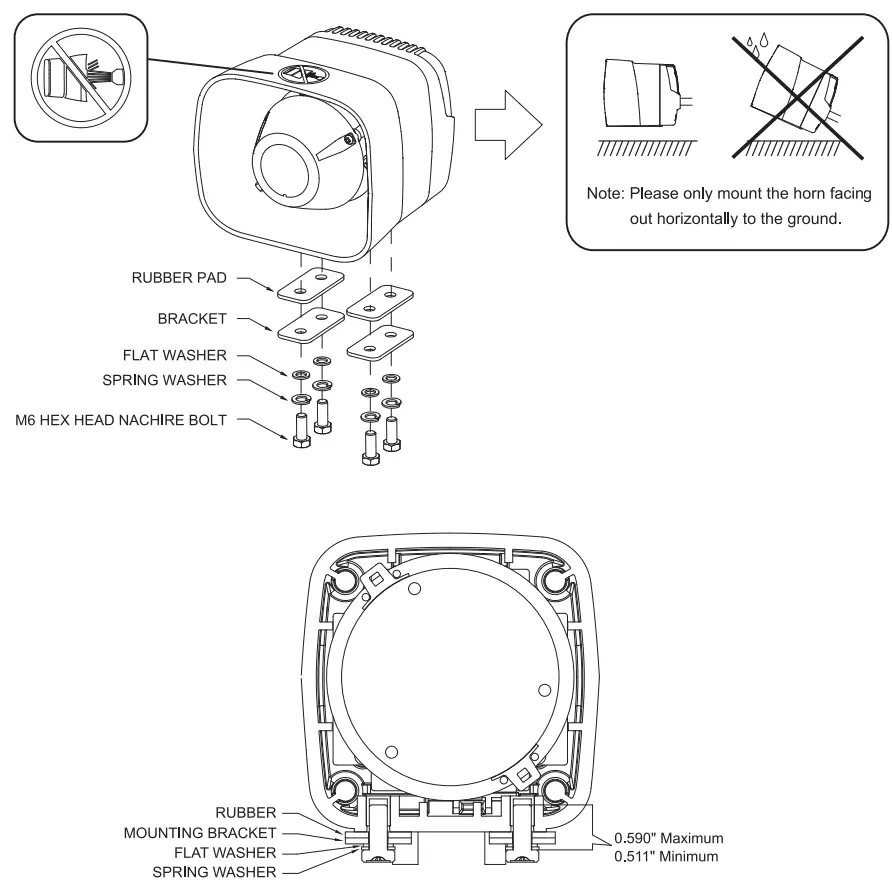
 WARNING
- Permanent mounting of this product may require drilling. It is necessary to make sure that no other vehicle components could be damaged by this process. Check both sides of the mounting surface before drilling.
- Siren Speaker must only be mounted horizontally to the ground. Fail to follow may cause undesired water to ingress into speaker, damage to the product and void the warranty.
Switch Panel
Handlebar Mount:
Select a mounting location that will not interfere or impede the operation and/or function of any existing equipment. Securely mount the switch using the provided handlebar clamp.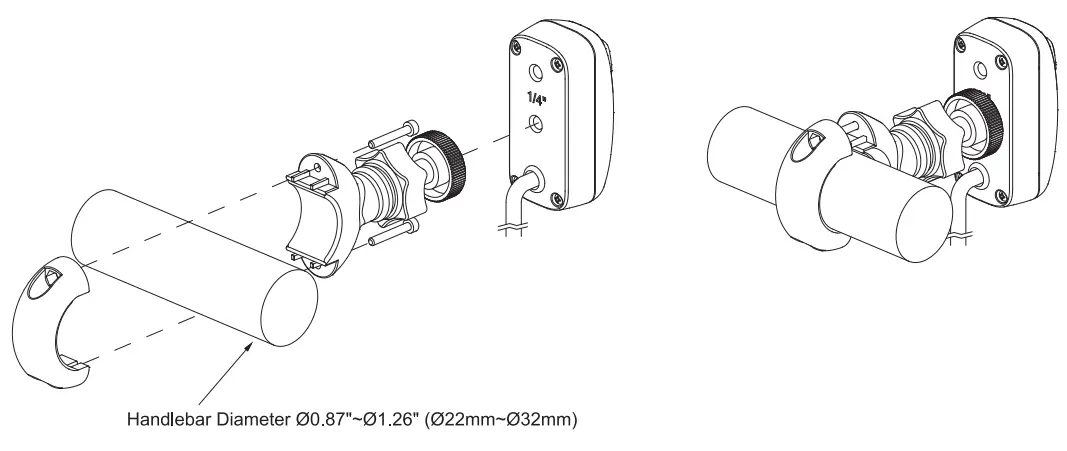 Surface Mount: When installing surface mount, make sure to consider the thickness of the mounting surface and washer. The installer must use the supplied screws to match the rear threaded insert of the Switch Panel. Fail to do so may cause damage to the product and void the warranty.
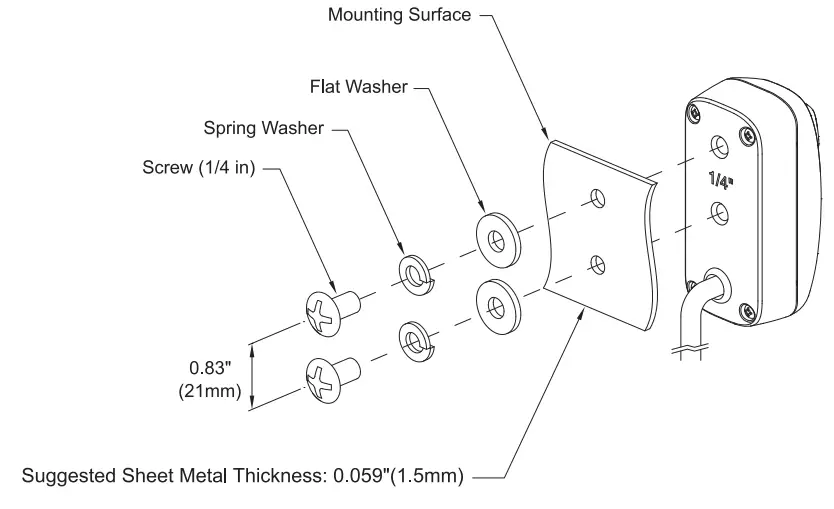
WARING
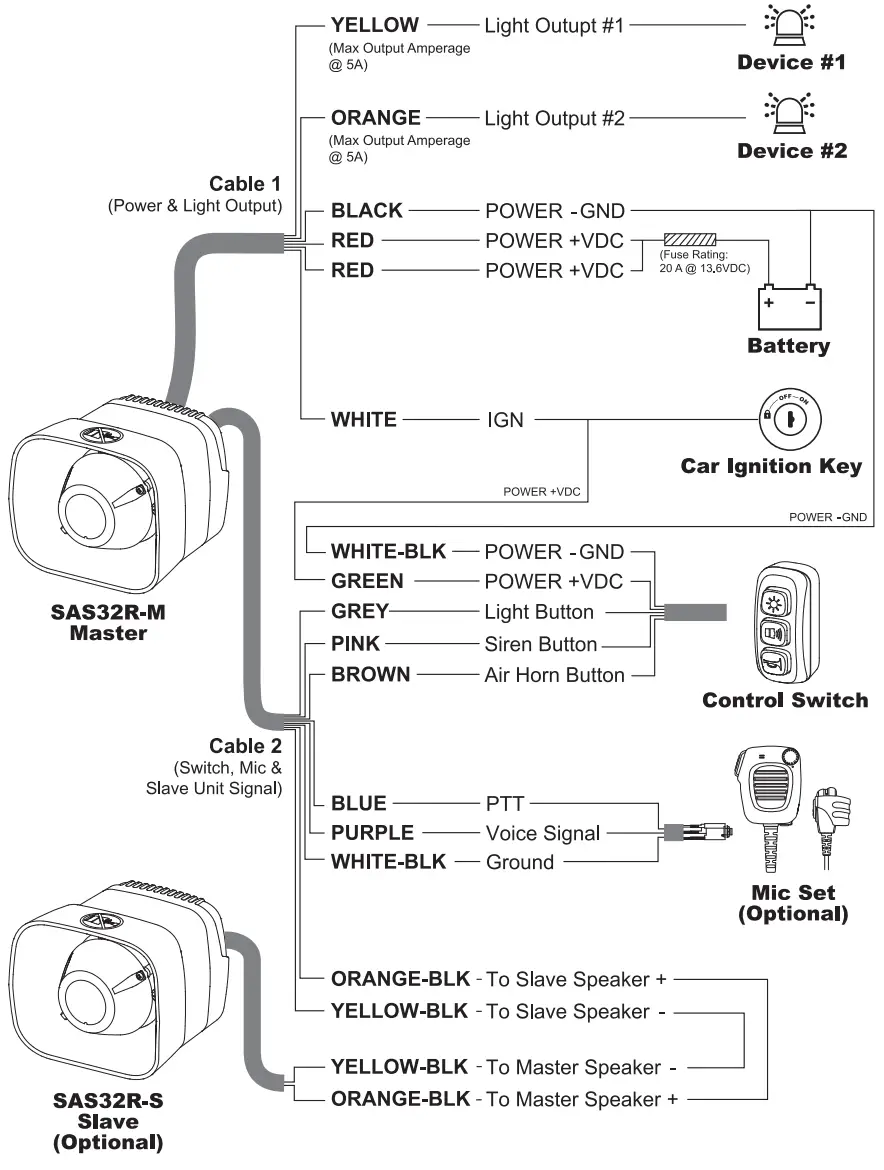
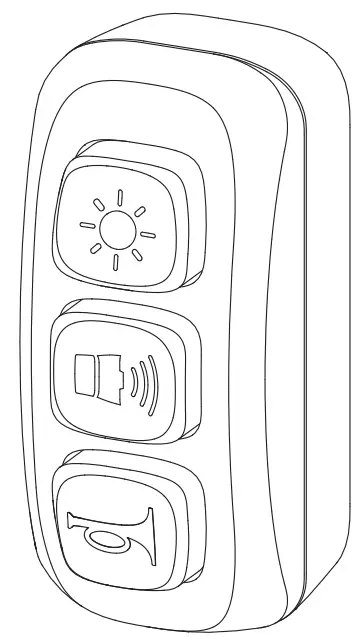
CONTROLLER FUNCTION
 Light Output
“ON —. Output #1 & 02 Output #1 OFF”
- At any moment, short press once to activate or inactivate all Light Output #1 & #2 together.
- While all light outputs are activated, press to activate only Light Output #1.
- While only Light Output #1 is activated, press again to deactivate all Light Output.
 NOTE: Siren will deactivate when Light Output #1 is deactivated.
 NOTE: Siren will deactivate when Light Output #1 is deactivated.
 Siren Tone
- While Light Output #1 is activated,
■ quick press once to active the siren tone in Full Power (Day Mode). - ■ long press once to active the siren tone in Low Power (Night Mode).
- While siren is activated, press again to cycle through all available tones (if applicable).
- To switch between Day 1 Night Mode, long press while the siren is activated.
- To deactivate, quick double press while the siren is activated.
NOTE: Siren will deactivate when Light Output #1 is deactivated.
 Air Horn
- Press and hold for Air Horn tone.
- Air Horn with override all current siren tone.
PA BROADCAST
PA Activation
Press “Push-to-Talk” button on the side of the Mic to activate PA broadcasting. PA broadcasting will override all current Siren Tone. Action will resume when PTT is released.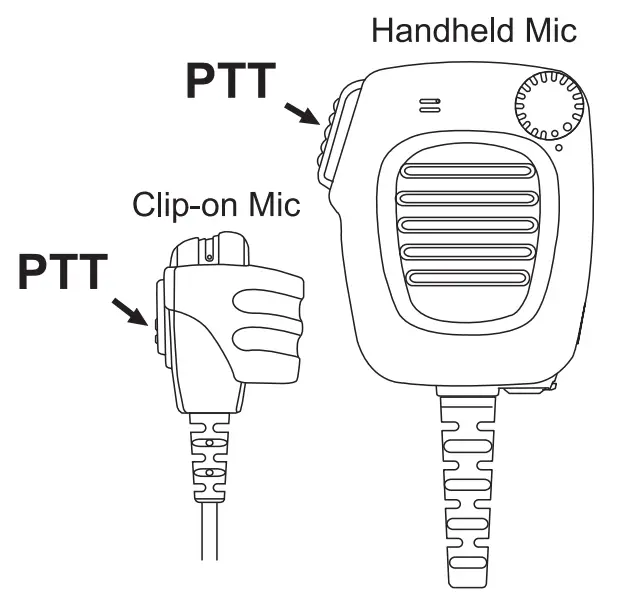 Mic Volume Adjustment Knob
(available on selected mic model only)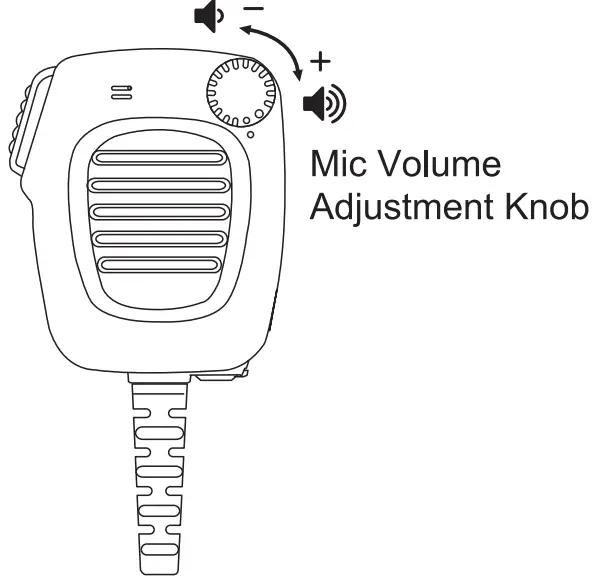 The knob located on the top right corner of the controller will adjust mic volume (high or low). Turn clockwise for high volume; turn anticlockwise for low volume.
TONE GROUP PROGRAMMING
Change Tone Group
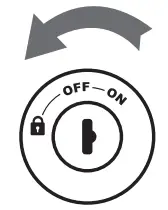
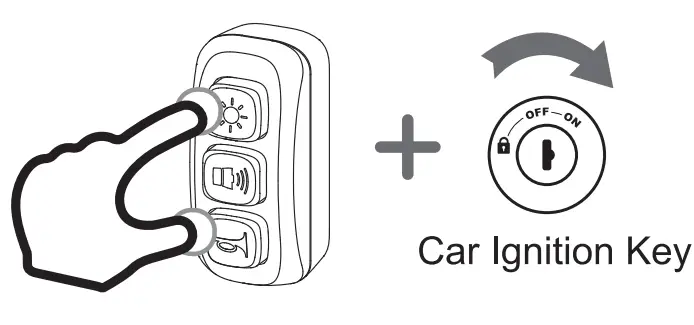
- Turn off the system by disconnecting the Car Ignition Switch (WHITE wire).

- hile holding on to “Light Output” button (GREY wire) and “Air Horn” button (BROWN wire), turn on the system by connecting the Car Ignition Switch (WHITE wire) and enter the SETTING MODE.

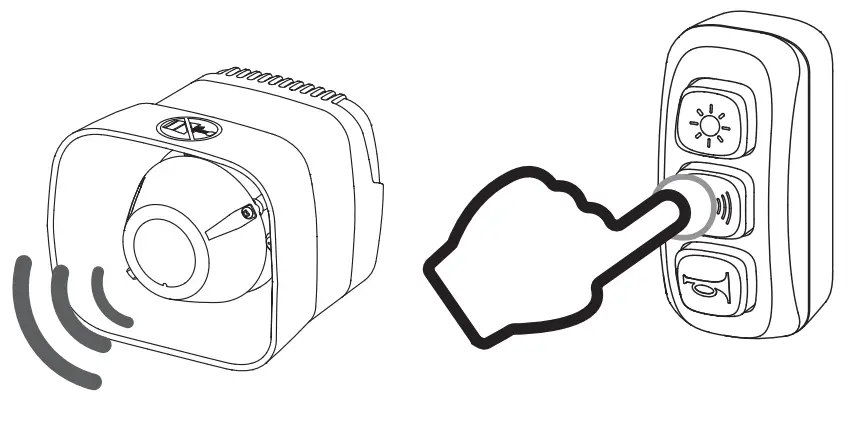
- While in SETTING MODE. speaker will play long and short beep sound representing the current Tone Group. To change Tone Group press “Siren Tone” burron (PINK wire):
– once for next the Tone Group.
– quick 3 time for Tone Group #1. (refer to Tone Group Chart)
- Once in the desired Tone Group, save and exit SETTING MODE by disconnecting the Car Ignition Switch (WHITE wire).
Tone Group Chart
| # | BEEP SOUND | COUNTRY | TONE | Hz | |
| 1 | . | STANDARD | STANDARD | WAIL YELP 2TONE | 759-1592 |
| 2 | .. | FRANCE | GENDARMERIE | 2TONE | 435-735 |
| 3 | … | FRANCE | POLICE | 2TONE | 435-580 |
| 4 | …. | FRANCE | AMBULANCE | 2TONE | 420-516-420 |
| 5 | __ | FRANCE | POMPIERS | 2TONE | 435-488 |
| 6 | __. | FRANCE | UMH | 2TONE | 435-651 |
| 7 | __.. | GERMANY | STADT | 2TONE | 432-576 |
| LAND | 2TONE | 362-483 | |||
| 8 | __… | AUSTRIA | POLICE | 2TONE | 430-575 |
| 9 | __ …. | AUSTRIA | AMBULANCE | 2TONE | 523-392 |
| 10 | __ __ | AUSTRIA | FIRE BRIGADE | 2TONE | 392-523 |
| 11 | __ __. | ITALY | POLICE | 2TONE | 466-622 |
| 12 | __ __.. | ITALY | AMBULANCE | 2TONE | 392-660-392-660 |
| 13 | __ __… | ITALY | AMBULANCE | WAIL YELP 2TONE | 759-1592 759-1592 392-660-392-660 |