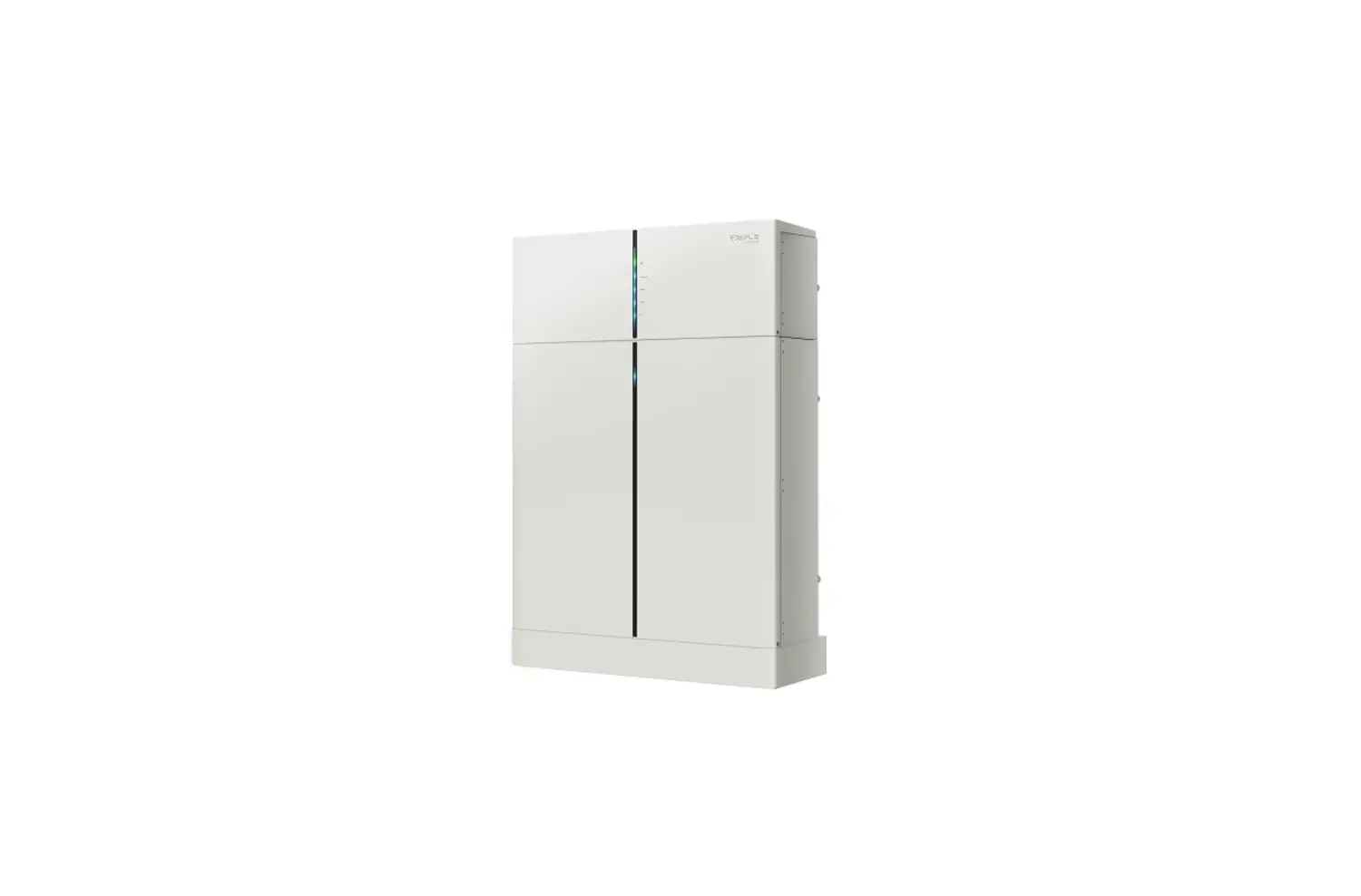
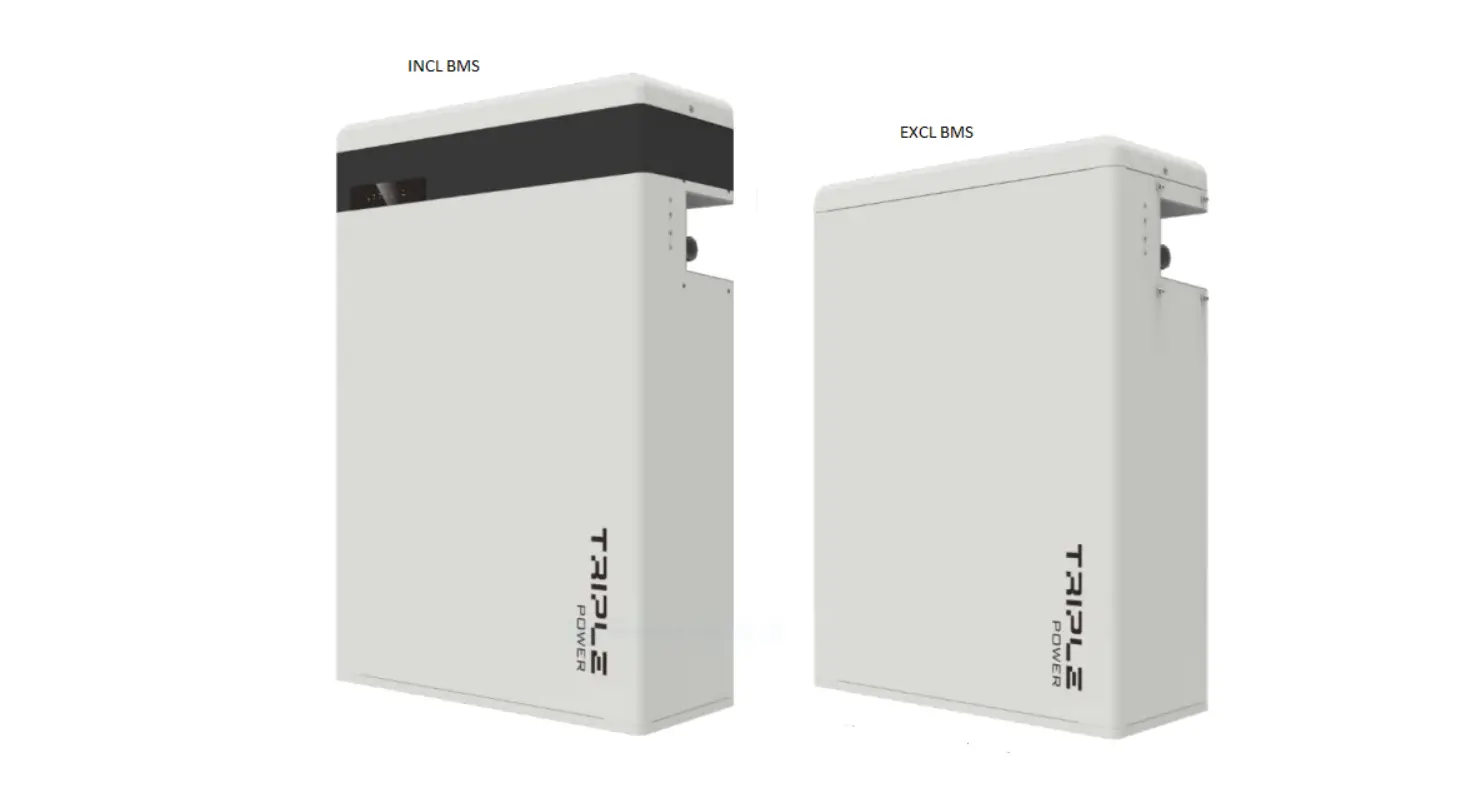
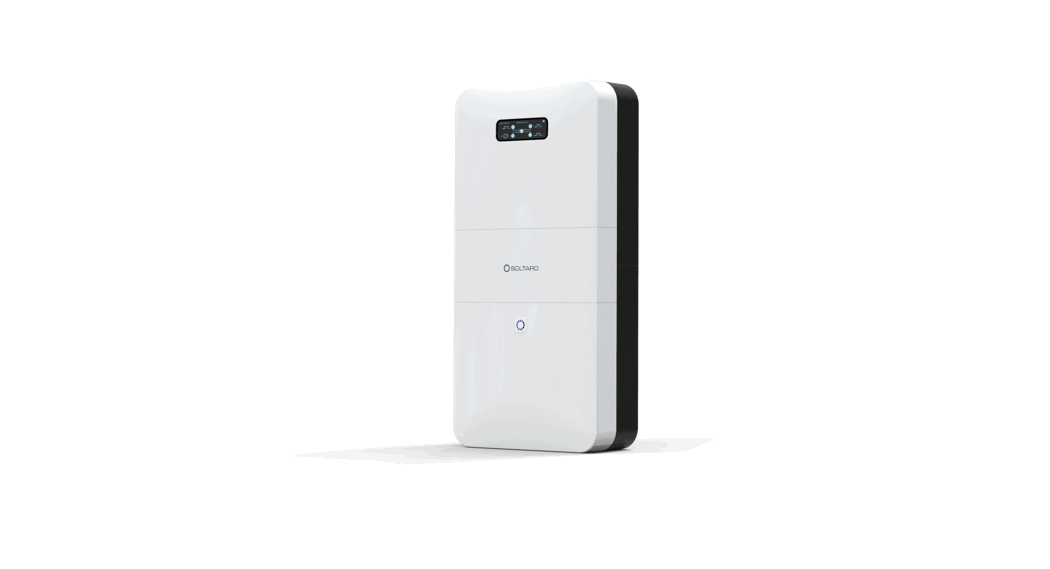
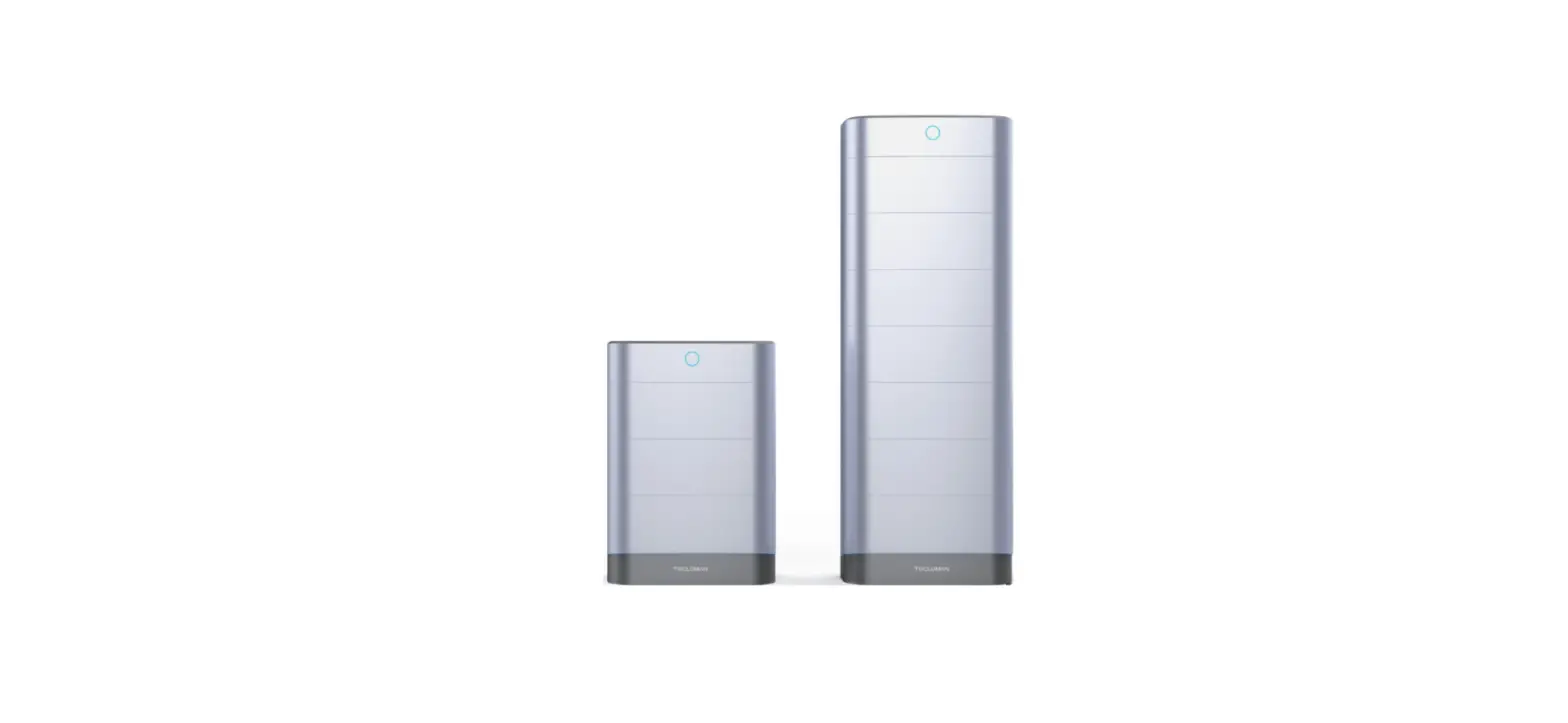
T-BAT H 5.8 Triple Power Lithium-ion Battery
Product Information
The Triple Power Lithium-ion Battery is a rechargeable battery
pack designed for indoor and outdoor installation. It has a rating
of IP55, which means it is protected from dust and low-pressure
water jets from any direction. The battery has a capacity of 50Ah
and operates optimally in temperatures ranging from 15 to 35
degrees Celsius. The battery pack comes with a user manual and a
quick installation guide.
Product Usage Instructions
Installation Prerequisites
Before installing the Triple Power Lithium-ion Battery, make
sure that the installation location meets the following
conditions:
- If installed outdoors, do not expose the battery to direct
sunlight and moisture. - The ambient temperature should be within the operating range of
15 to 35 degrees Celsius. - For the first installation, the interval among manufacture
dates of battery modules shall not exceed 3 months.
Overview of Installation
The quick installation guide provides brief installation steps.
If you have any questions during the installation, please refer to
the user manual for more information.
Battery Installation
Before connecting cables, finish the battery installation for
T-BAT H 5.8 + 1~3 battery modules. Make sure that the inverter is
completely switched off before you start connecting cables.
Wall Mounting
- Mark the position of the holes.
- Drill five holes with a 10 drill bit.
- Hammer the expansion tubes into the holes.
- Screw the expansion bolts.
- Mount the bracket (377*140*69mm) on the wall.
Quick Installation Guide
—- Triple Power Lithium-ion Battery
II
Installation Prerequisites
Make sure that the installation location meets the following conditions:
· The building is designed to withstand earthquakes · The location is far away from the sea, to avoid sea water and humid air · The floor is flat and level · There are no flammable or explosive materials nearby · THE AMBIENCE IS SHADY AND COOL, KEEP AWAY FROM HEAT AND AVOID DIRECT SUNLIGHT. · The ambient enironment is shady and away from heat as well as direct sunlight. · The temperature and humidity stay at a constant level. · There is minimal dust and dirt in the area. · There is no corrosive gases present, including ammonia and acid vapor. · The ambient temperature is within the range from 0°C to 55°Cand theoptimal ambient temperature is between 15°C and 35°C.
NOTE!
The Triple Power battery is rated at IP55 and thus can be installed outdoors as well as indoors. However, if installed outdoors, do not expose the battery to directly sunlight and moisture.
NOTE!
If the ambient temperature is beyond the operating range, the battery pack will stop operating to protect itself. The optimal temperature range for the battery pack to operate is form 15 to 35. Frequent exposure to harsh temperatures may deteriorate the performance and lifetime of the battery module.
NOTE!
For the rst installation, the interval among manufacture dates of battery modules shall not exceed 3 months.
IV
Overview of Installation
NOTE!
-One T-BAT system is allowed to install one T-BAT H 5.8 with another three battery packs at most. Connecting more than four batteries in total to the T-BAT system will blow the fuse, and the batteries will be damaged. Please keep in mind and follow this instruction. -If the batteries have not been used for more than 9 months, these batteries must be charged to at least SOC 50 % each time. -If one of the batteries is replaced, the SOC of the battery after replacement shall be consistent with those of batteries that have not been replaced, with the maximum difference of between -5% and 5%. -If users want to increase their battery system capacity, please ensure that the SOC of the existing system capacity is about 40%. The manufacture date of the new battery shall not exceed 6 months; in case of exceeding 6 months, please charge the new battery to around 40%.
I
Packing List (T-BAT H 5.8 and HV11550)
Note: The quick installation guide describes installation steps brie y.If you have any questions during the installation, please refer to the User Manual for more information. T-BAT H 5.8
Power cable (+)*1
T-BAT H 5.8*1
Power cable (-)*1
CAN cable (+)*1 Series-connected cable*1
Cover plate1*2 M4 screw*8
Cover plate2*2 Hv11550
Expansion bolt*5 Wall bracket*1 M5 screw*1
Ring terminal*2 Power cable disassembleing tool*1
Triple Power Lithium-ion Battery User Manual
50Ah
Quick Installation Guide
Triple Power Lithum-ion Battery
Copyright Declaration The copyright of this manual belongs to Solax Power Network Technology(Zhe jiang) Co,. Ltd. (SolaX Power Co.,Ltd.). Any corporation or individual should not plagiarize, partitially or fully copy (including software,etc.), and no reproduction or distribution of it in any form or by any means. All rights reserved. SolaX Power Network Technology (Zhe jiang) Co.,Ltd. (SolaX Power Co.,Ltd.). reserves the right of fnal interpretation.
User Manual*1 Quick installation guide*1
HV11550*1 Cover plate2*2
Power cable*1 Power cable’*1
RS485 cable*1
Wall bracket*1 M5 screw*1
Expansion bolt*5 Ring terminal*2
Cover plate1*2 M4 screw*8
Quick Installation Guide
Triple Power Lithum-ion Battery
Quick installation guide*1
III
Battery Installation
Note: 1. For T-BAT H 5.8 + 1~3 battery moduls, please finish the battery installation before connecting cables! 2. Please make sure that the inverter is completely switched off before you start connecting cables!
There are two installation ways, wall mounting and oor mounting. I. Wall mounting
– Mark the position of the holes. – Drill five holes with a 10 drill bit. – Depth: at least 50mm.
– Hammer the expension tubes into the holes.
Bracket(377*140*69mm) (for wall mounting)
– Screw the expansion bolts.
380<height<650mm
– Match the battery with the bracket.
– Lock the joint between hanging board and wall bracket with M5 screw.
30<height<300 mm
NOTE: 1. The distance between the bottom of the battery pack and floor shall not exceed 300mm. 2. It is recommended to keep a distance of at least 300mm between battery packs.
II. Floor mounting – Mark the position of the holes.
– Drill five holes with a 10 drill bit. – Depth: at least 50mm.
– Hammer the expension tubes into the holes.
Bracket(377*140*69mm) (for wall mounting)
– Screw the expansion bolts.
Height<350mm
– Match the battery with the bracket.
– Lock the joint between hanging board and wall bracket with M5 screw.
Wall bracket
235 mm< height < 240 mm Note: To prevent the battery from becoming moist, it is recommended to place a foam cushion, or other cushion made up of other materials, with a height of 3 cm to 4 cm, under the battery.
V
Overall Installation
1. Connect the cables. 2. Run the cables through the corrugated pipe. 3. DO REMEMBER TO INSERT THE SERIES-CONNECTED CABLE AT “-” AND “YPLUG” ON THE RIGHT SIDE OF LAST BATTERY MODULE TO COMPLETE THE INTERNAL CIRCUIT. 4. Set the cables into the groove of metal plates and screw them back to the battery module on both sides.
VIII
Communication Cable Connection
For T-BAT H 5.8: 1. Insert one end of the CAN communication cable without cable nut directly to the BMS port of the Inverter. 2. Insert the other end of the CAN communication cable to the CAN connector. Assemble the cable gland and tighten the cable cap.
For T-BAT H 5.8 + 1~3 battery packs: 1. Connect RS485 II of the first battery module (as show on the right) to RS485 I on the next battery module(as shown on the left) . Assemble the cable gland and tighten the cable cap.
–
YPLUG
Rs485 II
–
YPLUG
Rs485 II
–
YPLUG
Rs485 II
+
XPLUG
Rs485 I
VI
Power Cable Connection
For T-BAT H 5.8: 1. Insert the series-connected cable at “-” and “YPLUG” on the right side of T-BAT H 5.8 to make a complete the internal circuit. For T-BAT H 5.8 + 1~3 battery packs: 1. Connect “-” on the right side of T-BAT H 5.8/HV11550 to “+” on the left side of the next battery packs. 2. Connect “YPLUG” on the right side of T-BAT H 5.8/HV11550 to “XPLUG” on the left side of the next battery packs. 3. The rest battery packs are connected in the same way. 4. Insert the series-connected cable at “-” and “YPLUG” on the right side of last battery packs to make a complete circuit.
Note! Regardless of how many battery modules the user install, please put a waterproof cap on the unconnected communication port of the battery module.
–
YPLUG
–
YPLUG
XPLUG
+
Rs485 II
Rs485 II
Rs485
–
YPLUG
Rs485 II
IX
Ground Connection
The terminal point for GND connection is on the side of grooves as shown below:
–
YPLUG
Cable size: 10AWG.
–
YPLUG
ring terminal
Rs485 II
Rs485 II
CAUTION! GND connection is mandatory!
VII
Power Cable Connection
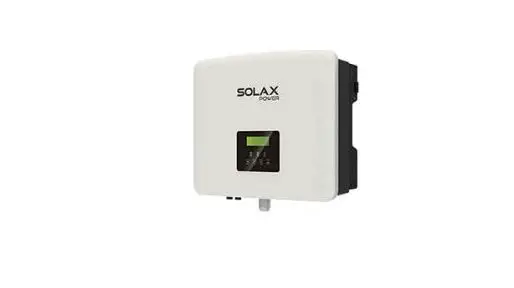
1. Connect the the positive cable (+) and negative cable (-) to the BAT+ and BAT- respectively as shown in the following figure. 2. Keep the Inverter off. Connect the other end of charging cables (+,-) to the correct port on the Inverter.
–
BAT-
BAT+
+
CAN
+
WiFi
BAT
DRM
RF
–
485
Meter
AC BMS
Upgrade
NOTE
Each power cable has one terminal block connected after leaving the factory, and customers need to connect the other end of terminal block by themselves.
Please refer to 4.5.2 Cable Connection Steps on User Manual page 20 to get more instruction.
X
Commissioning
If all the battery modules are installed, follow these steps to put it in operation. 1. Remove the upper cover board of T-BAT H 5.8; 2. Remove the small cover plate; 3. Rotate the DIP to corresponding number with small tool accroding to the number of battery pack(s) that has(have) been installed (please see the configuration on the right); 4. Switch the circuit breaker to ON ; 5. Press the POWER button to turn on the T-BAT system; 6. Put the small cover plate back; 7. Reinstall the upper cover board to T-BAT H 5.8; 8. Power on the Inverter.
DIP Configuration: 0- Matching T-BAT H 5.8 (default) 1- Matching T-BAT H 5.8 + 1*HV11550 2- Matching T-BAT H 5.8 + 2*HV11550 3- Matching T-BAT H 5.8 + 3*HV11550
3
1
2
4
5 614.00426.07