KRAMER WP-2UT/R-KIT Quick Start Guide

Scan for full manual
This guide helps you install and use your WP-2UT/R-KIT for the first time.
Go to www.kramerav.com/downloads/WP-2UT/R-KIT to download the latest user manual and check if firmware upgrades are available.
Step 1: Check what’s in the box
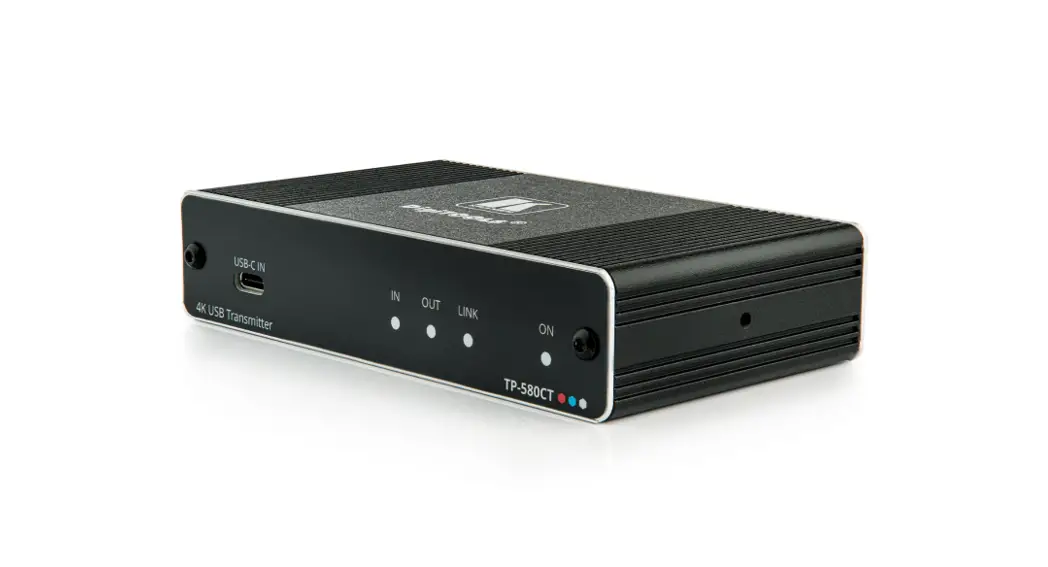
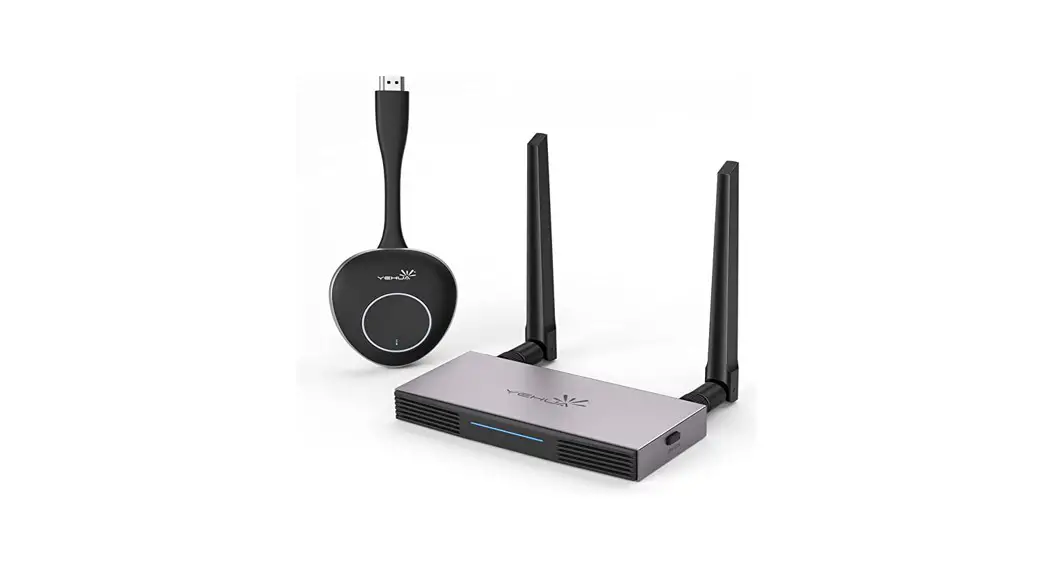
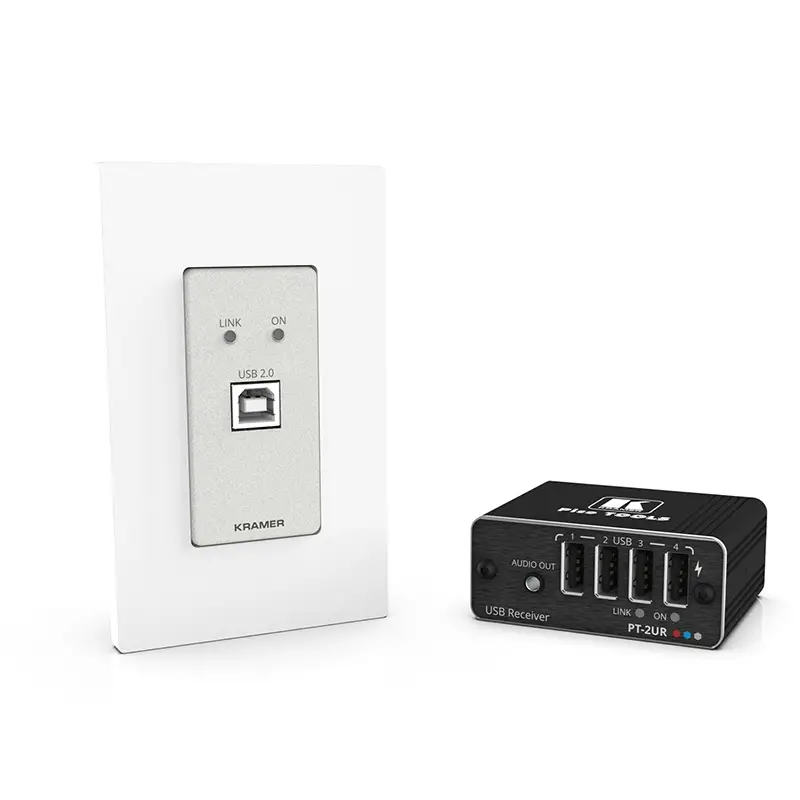
 WP-2UT USB Transmitter
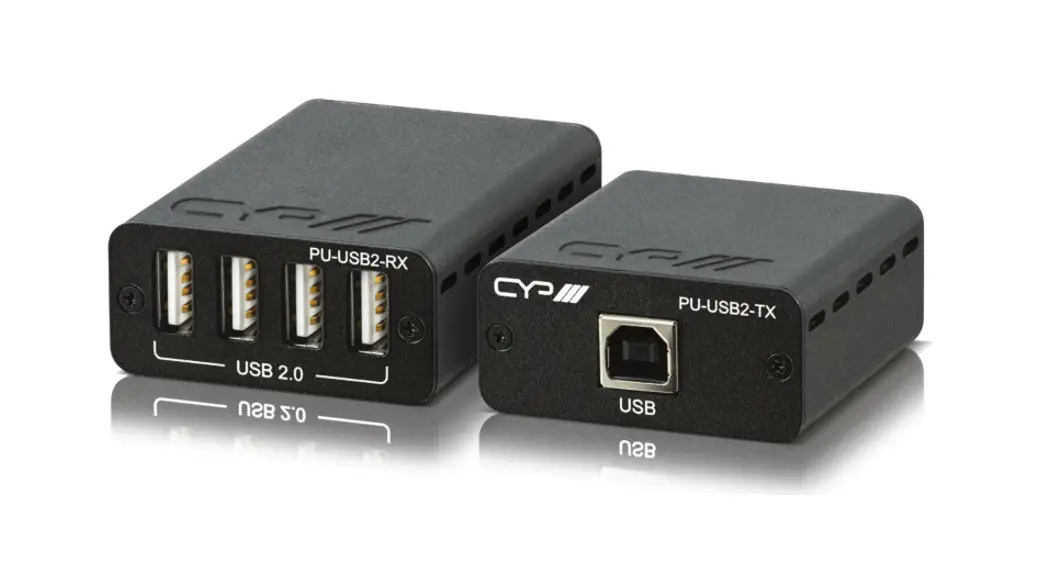
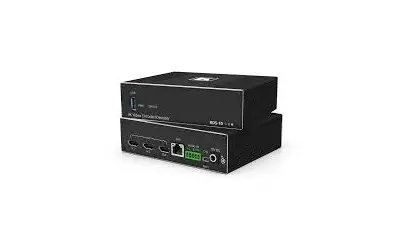
PT-2UR USB Receiver
1 C-USB/AB-6 cable
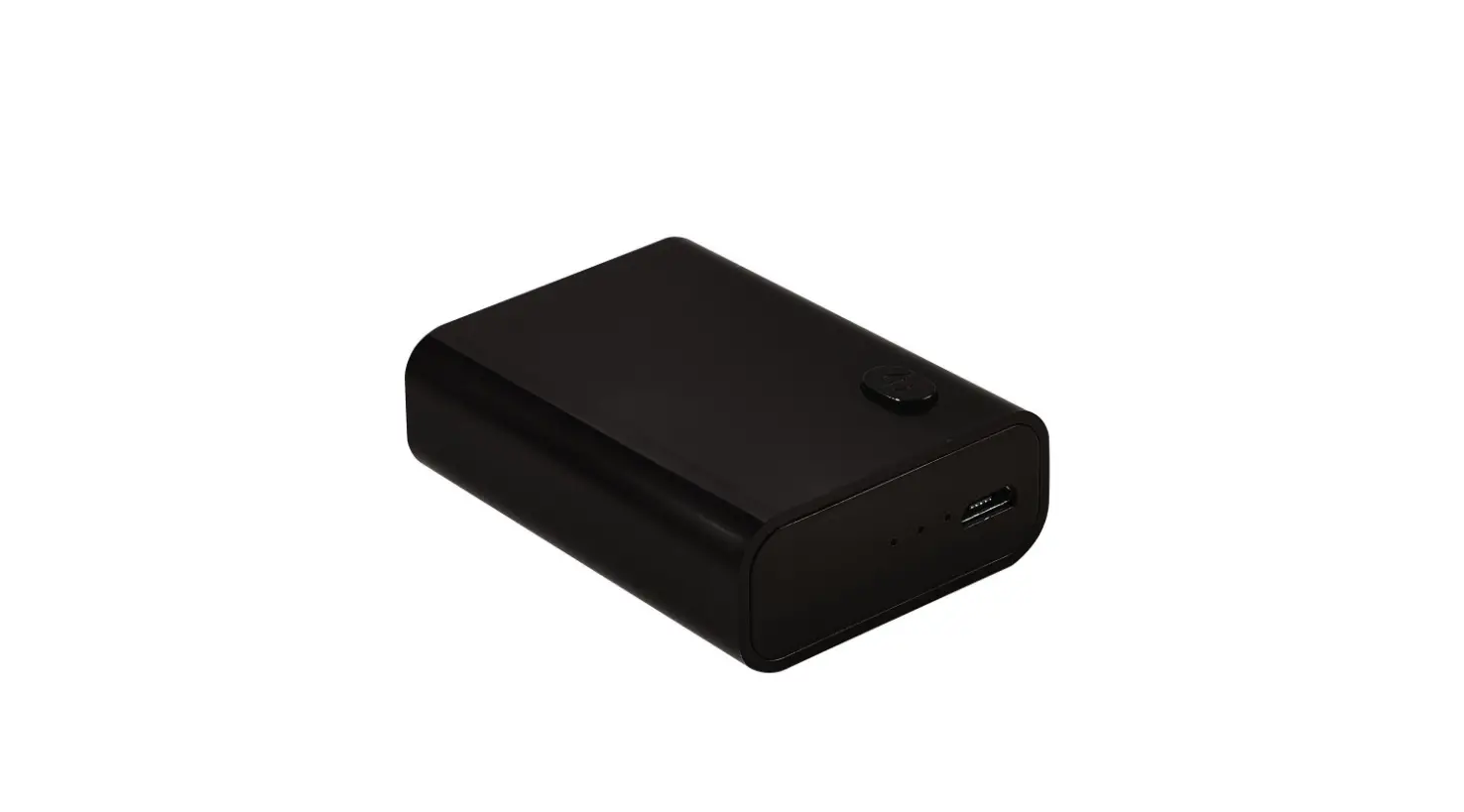
1 Power adapter and cord
Installation accessories
Frame set and faceplate
1 Bracket set
1 Quick start guide
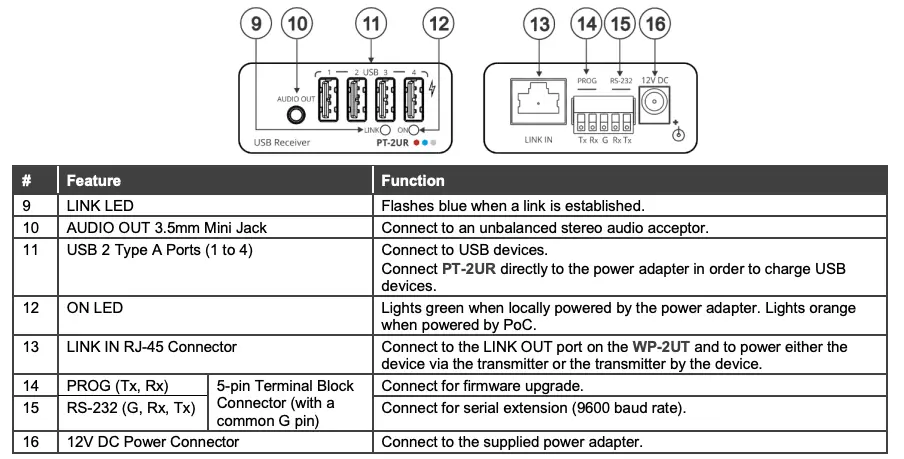
Step 2: Get to know your WP-2UT/R-KIT
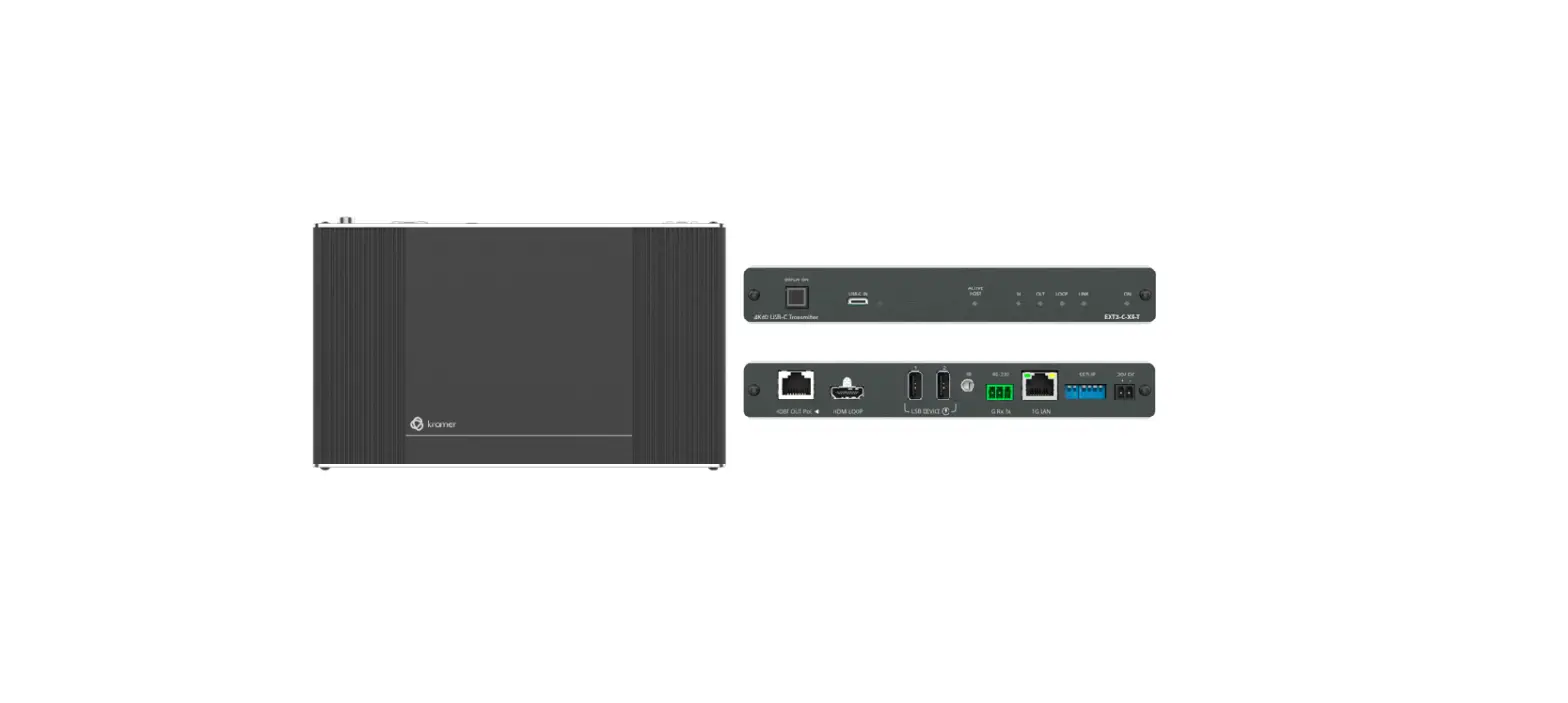
WP-2UT
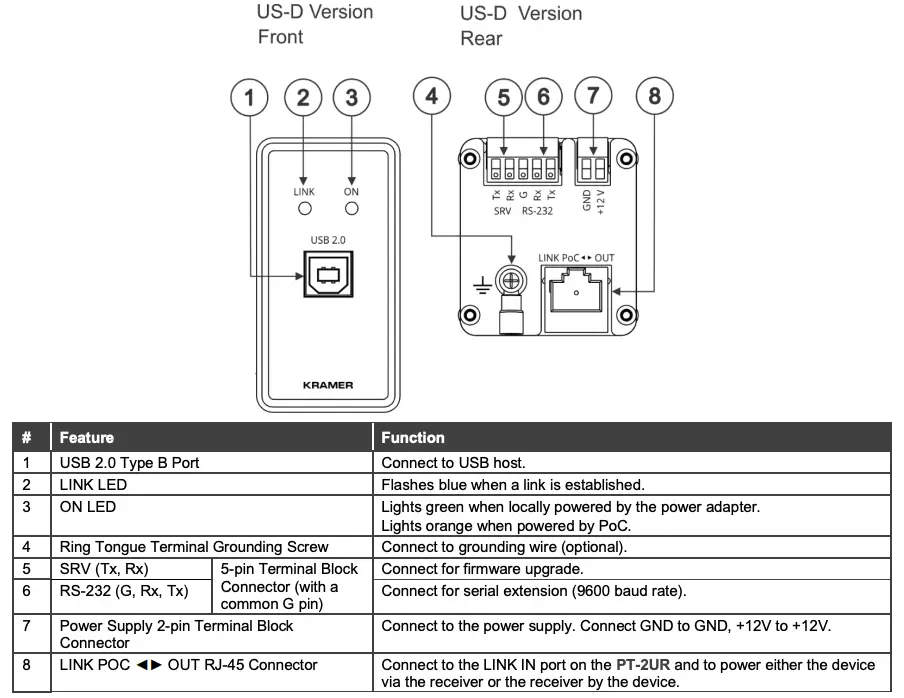
PT-2UR
Step 3: Install the WP-2UT/R-KIT
WP-2UT
Insert the device into the in-wall box (note that first you need to connect the HDBT cable and power) and connect the parts as shown in the illustrations below:
US-D Version
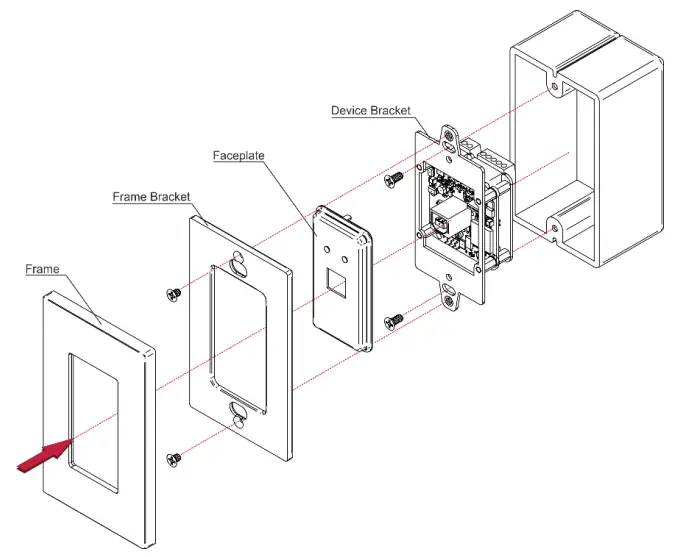

DECORA® design or similar frames are included in US-D models. DECORA® is a registered trademark of Leviton Manufacturing Co., Inc.
We recommend that you use any of the following standard 1 Gang in-wall junction boxes (or their equivalent):
- US-D: 1 Gang US electrical junction boxes.
PT-2UR
Install PT-2UR using one of the following methods:
- Attach the rubber feet and place the unit on a flat surface.
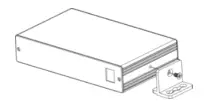
- Fasten a bracket (included) on each side of the unit and attach it to a flat surface
(see www.kramerav.com/downloads/PT-2UT/R). - Mount the unit in a rack using the recommended rack adapter
(see www.kramerav.com/product/PT-2UT/R).

- Ensure that the environment (e.g., maximum ambient temperature & air flow) is compatible for the device.
- Avoid uneven mechanical loading.
- Appropriate consideration of equipment nameplate ratings should be used for avoiding overloading of the circuits.
- Reliable earthing of rack-mounted equipment should be maintained.
- Maximum mounting height for the device is 2 meters.
Step 4: Connect the inputs and outputs
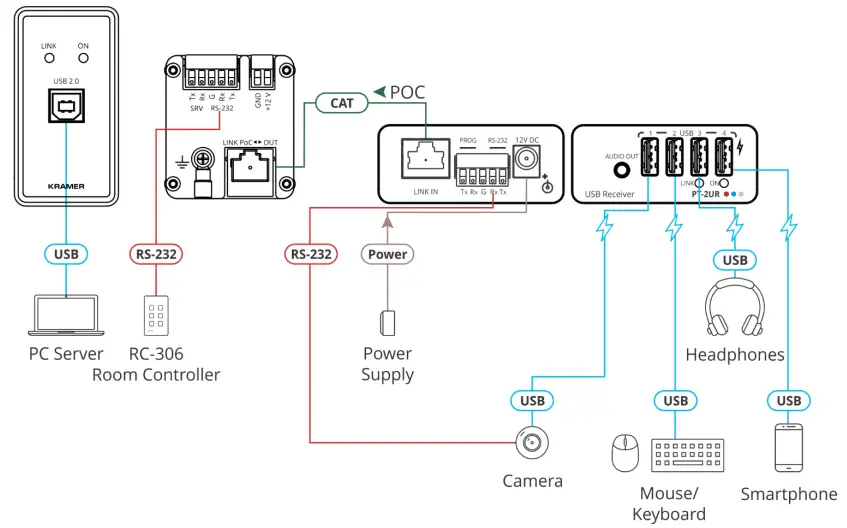
Always switch OFF the power on each device before connecting it to your WP-2UT/R-KIT. For best results, we recommend that you always use Kramer high-performance cables to connect AV equipment to the WP-2UT/R-KIT.
In the following example, devices that are connected to the PT-2UR USB ports are powered/charged while connected.
Only 9600 baud rate is supported for RS-232 communication for both WP-2UT and PT-2UR.
Grounding the WP-2UT (Optional)
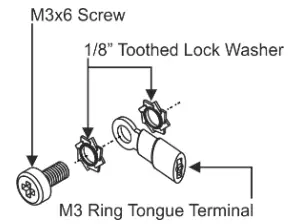
- Connect the ring tongue terminal to the building grounding point wire (a green-yellow, AWG#18 (0.82mm2 ) wire, crimped with a proper hand-tool is recommended).
- Insert the M3x6 screw through the toothed lock washers and the tongue terminal in the order shown above.
- Insert the M3x6 screw (with the two toothed lock washers and ring tongue terminal) into the grounding screw hole and tighten the screw.
Wiring the RJ-45 Connectors
This section defines the TP pinout, using a straight pin-to-pin cable with RJ-45 connectors.
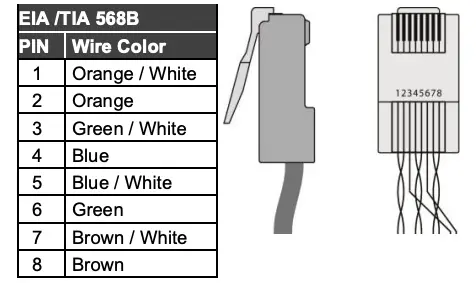
It is recommended that the cable ground shielding be connected/soldered to the connector shield.
To achieve specified extension distances, use the recommended Kramer cables available at www.kramerav.com/product/WP-2UT/R-KIT. Using third-party cables may cause damage!
Step 5: Connect the power
Connect the 12V power adapter to the WP-2UT/R-KIT transmitter or receiver side and plug the power supply into the mains electricity.
Safety Instructions
Caution:
- For products with relay terminals and GPI\O ports, please refer to the permitted rating for an external connection, located next to the terminal or in the User Manual.
- There are no operator serviceable parts inside the unit.
Warning:
- Use only the power cord that is supplied with the unit.
- Disconnect the power and unplug the unit from the wall before installing.
- Do not open the unit. High voltages can cause electrical shock! Servicing by qualified personnel only.
- To ensure continuous risk protection, replace fuses only according to the rating specified on the product label which located on the bottom of the unit.
WWW.KRAMERAV.COM