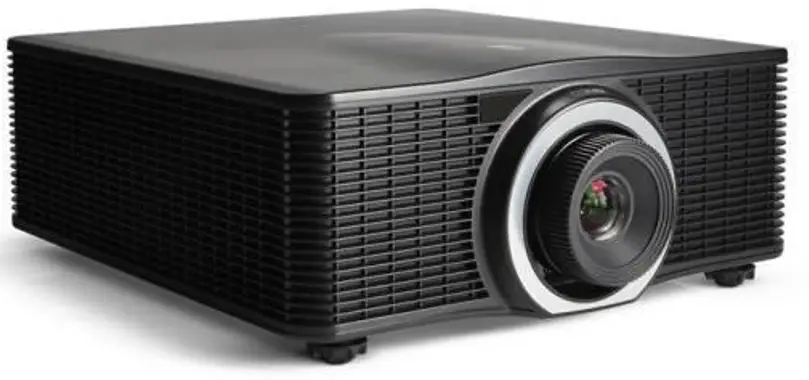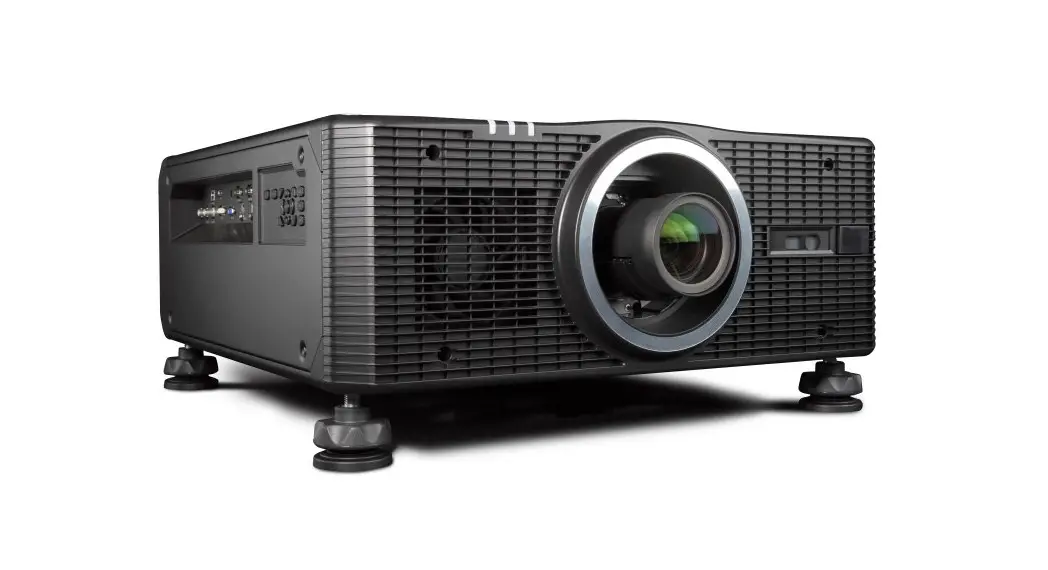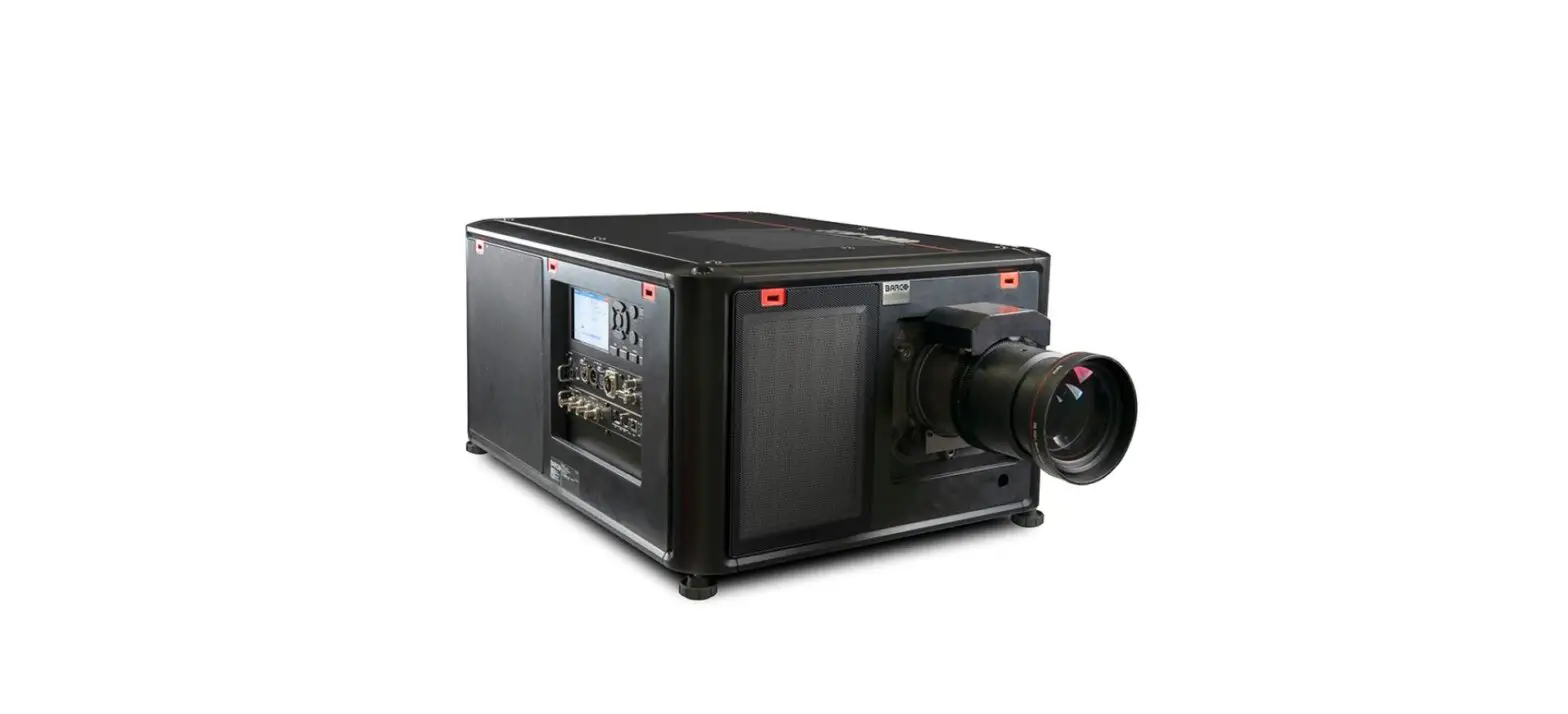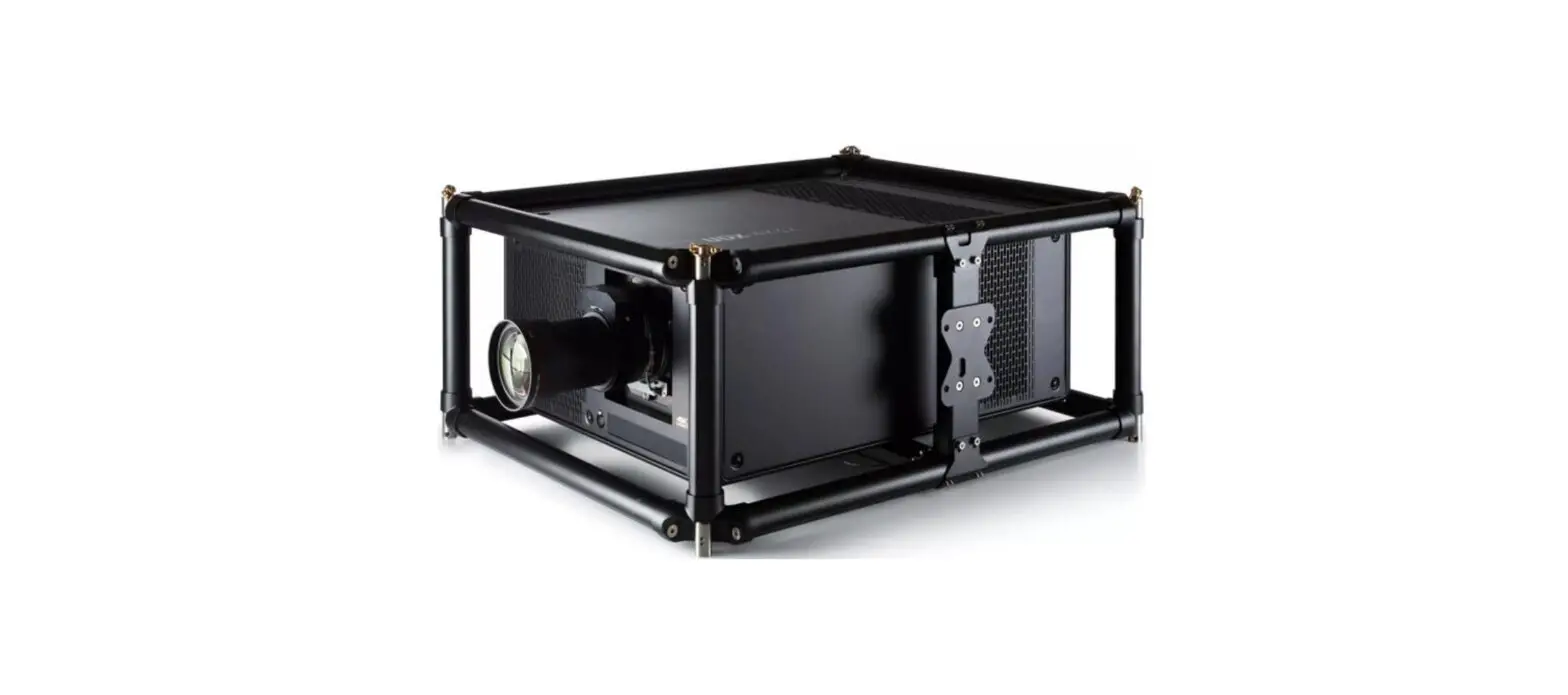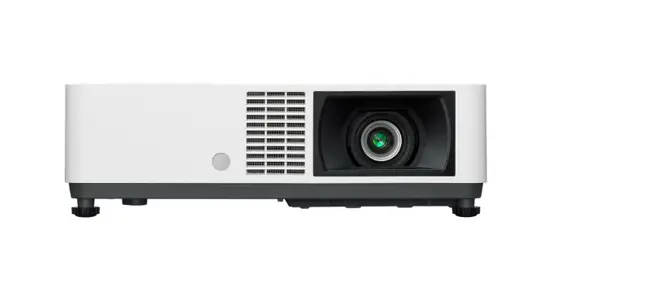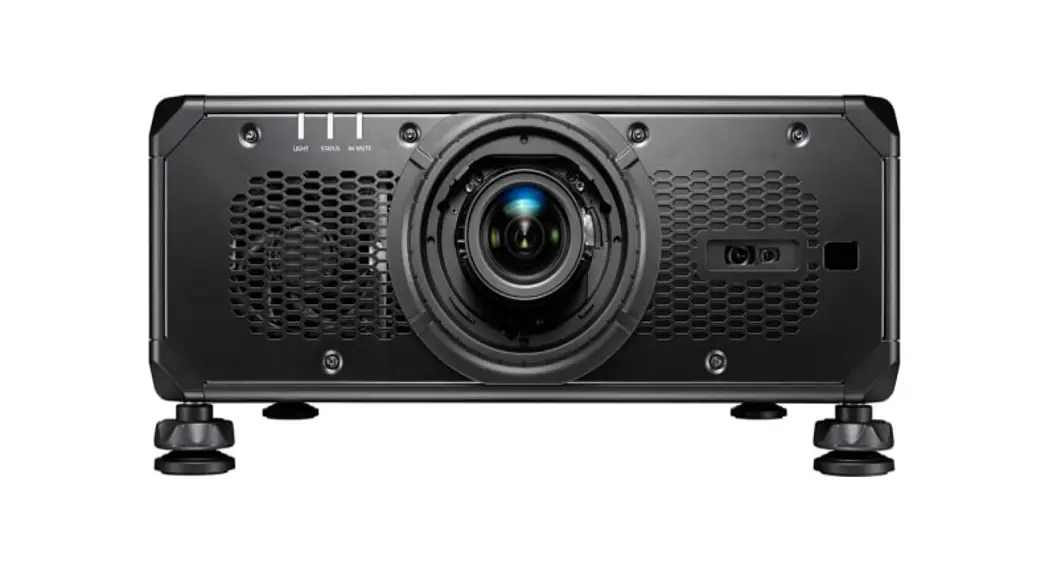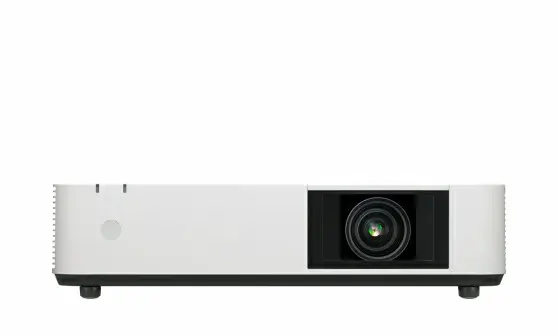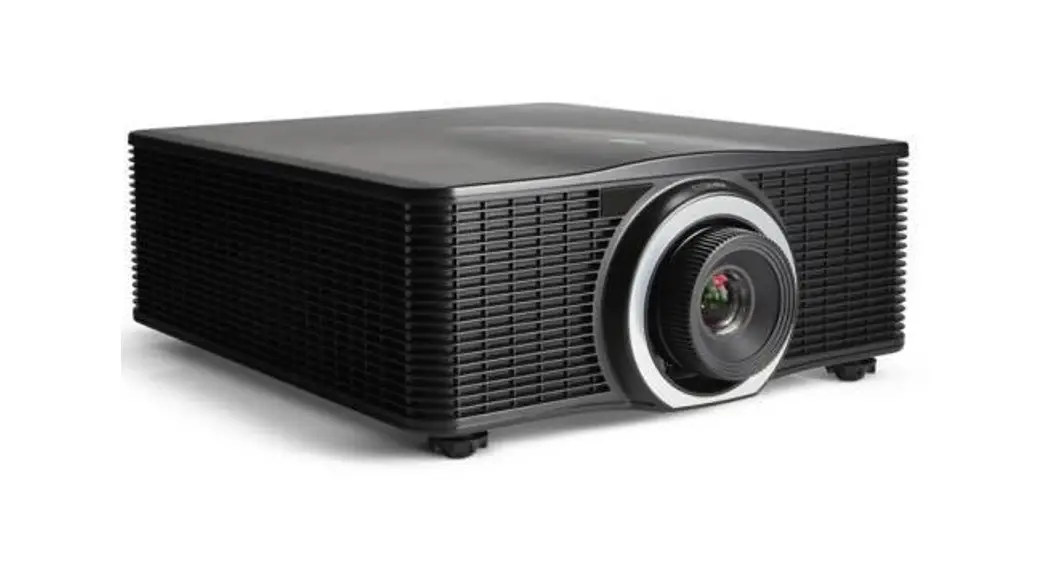

Barco G62 11000 Lumens Wuxga Dlp Laser Phosphor Projector User Guide

Barco G62 11000 Lumens Wuxga Dlp Laser Phosphor Projector User Guide

barco logoG62
Quick Start GuideBARCO G62 11000 lumens WUXGA DLP Laser Phosphor Projector

G62 11000 lumens WUXGA DLP Laser Phosphor Projector

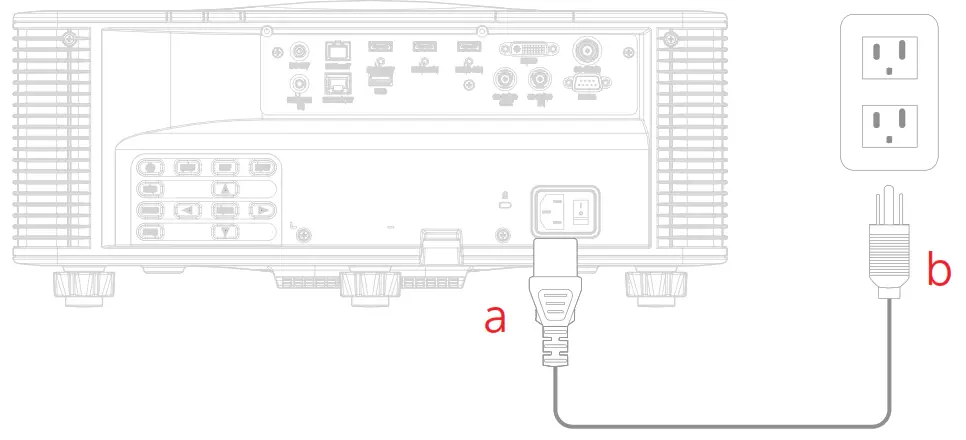
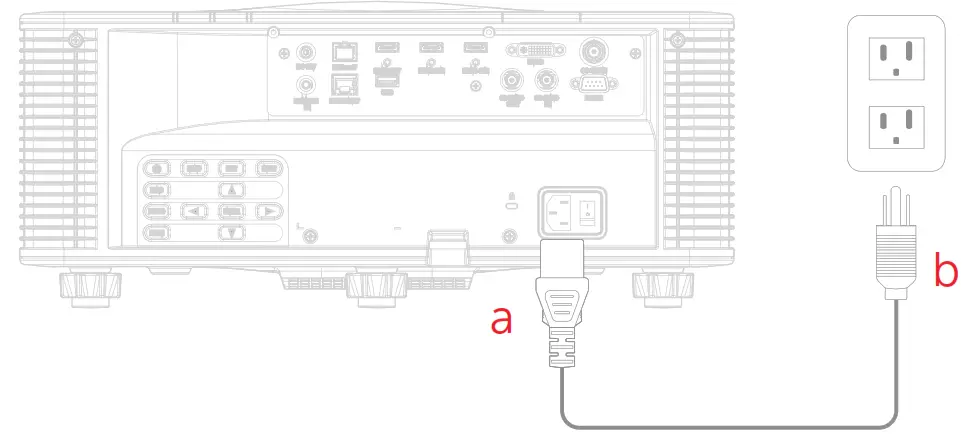
  1. Connect powerBARCO G62 11000 lumens WUXGA DLP Laser Phosphor Projector - Connect power
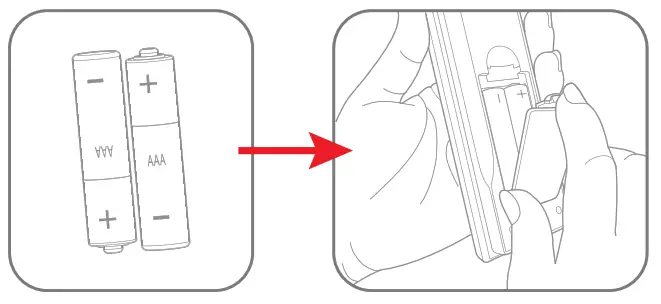
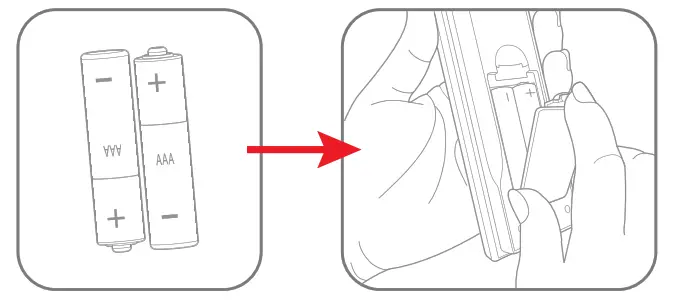
  2.  Install RCU batteriesBARCO G62 11000 lumens WUXGA DLP Laser Phosphor Projector - RCU batteries
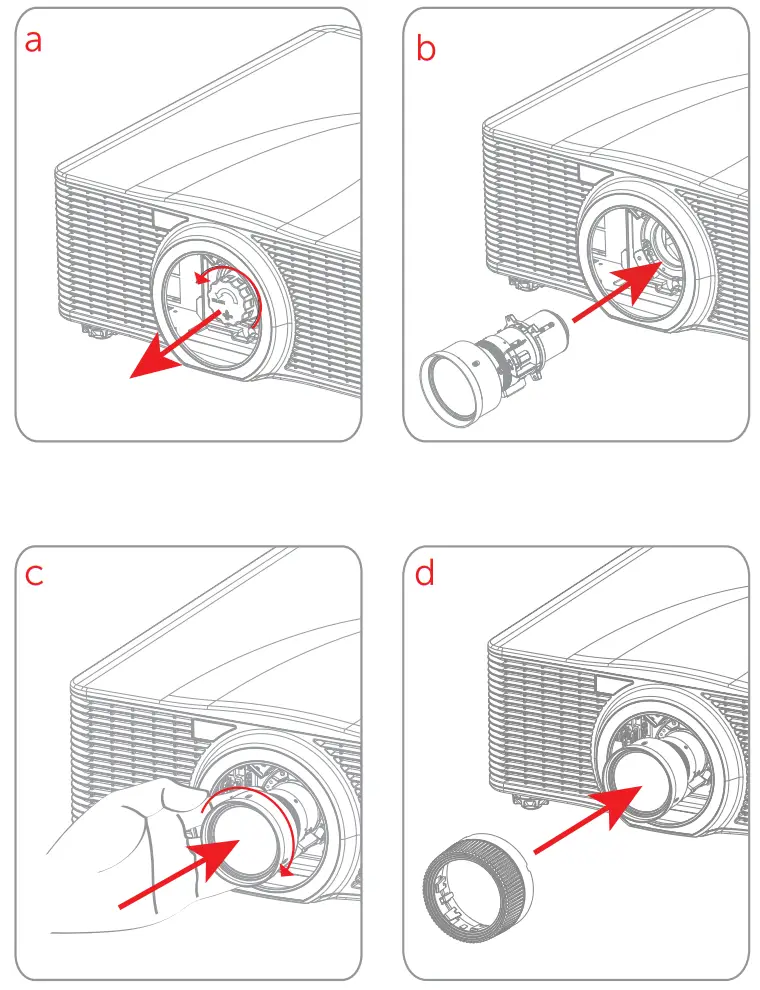
  3. Install lensBARCO G62 11000 lumens WUXGA DLP Laser Phosphor Projector - Install lens
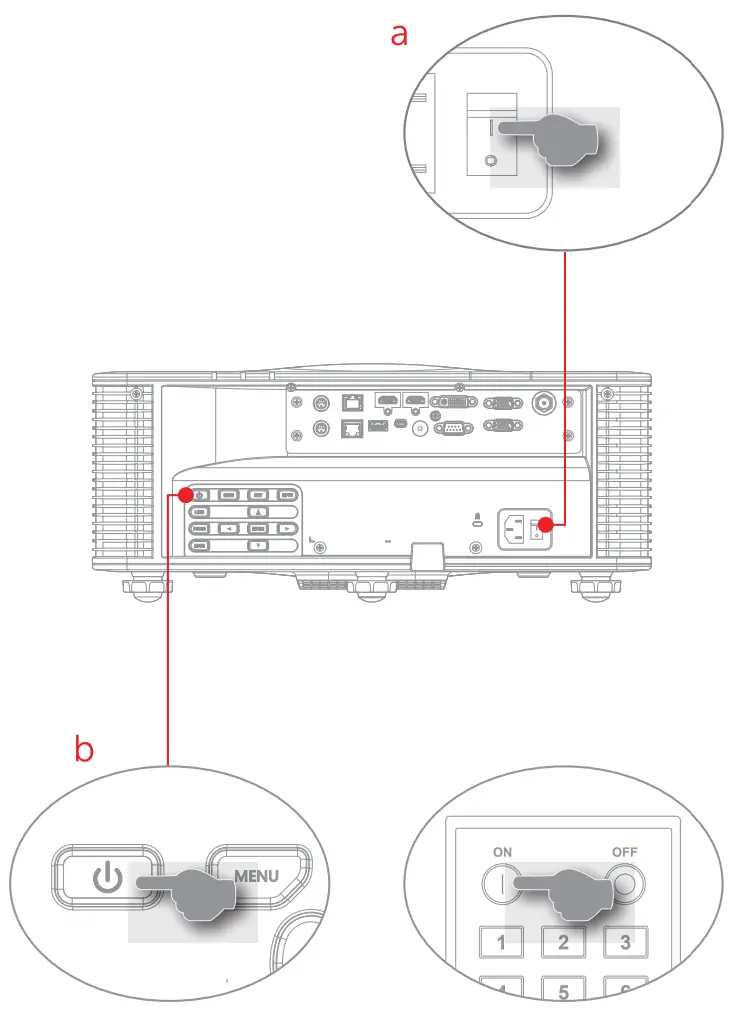
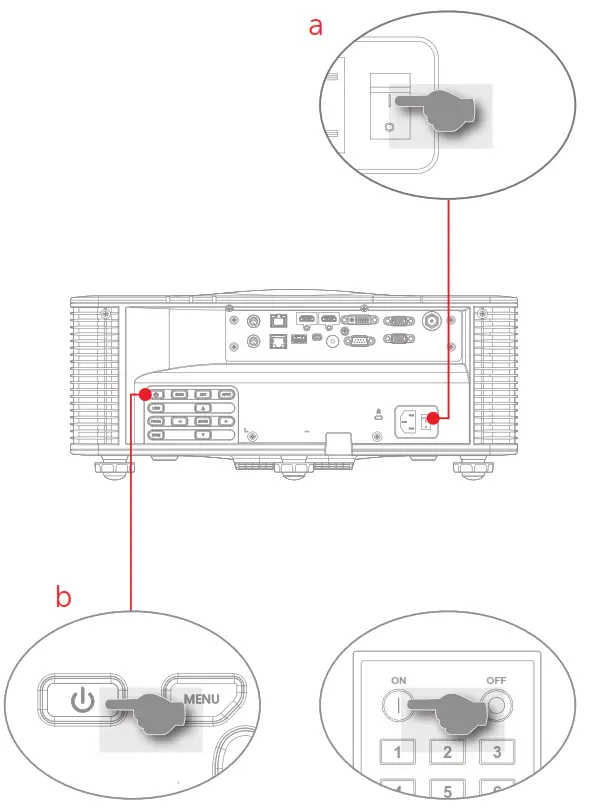
  4. Power onBARCO G62 11000 lumens WUXGA DLP Laser Phosphor Projector - Power on
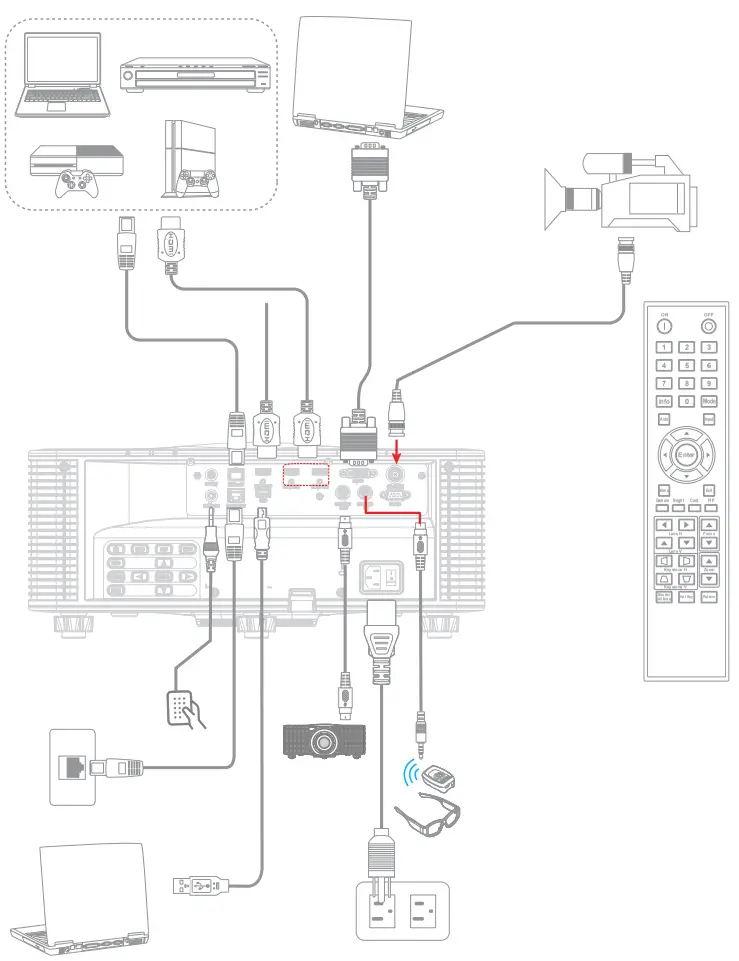
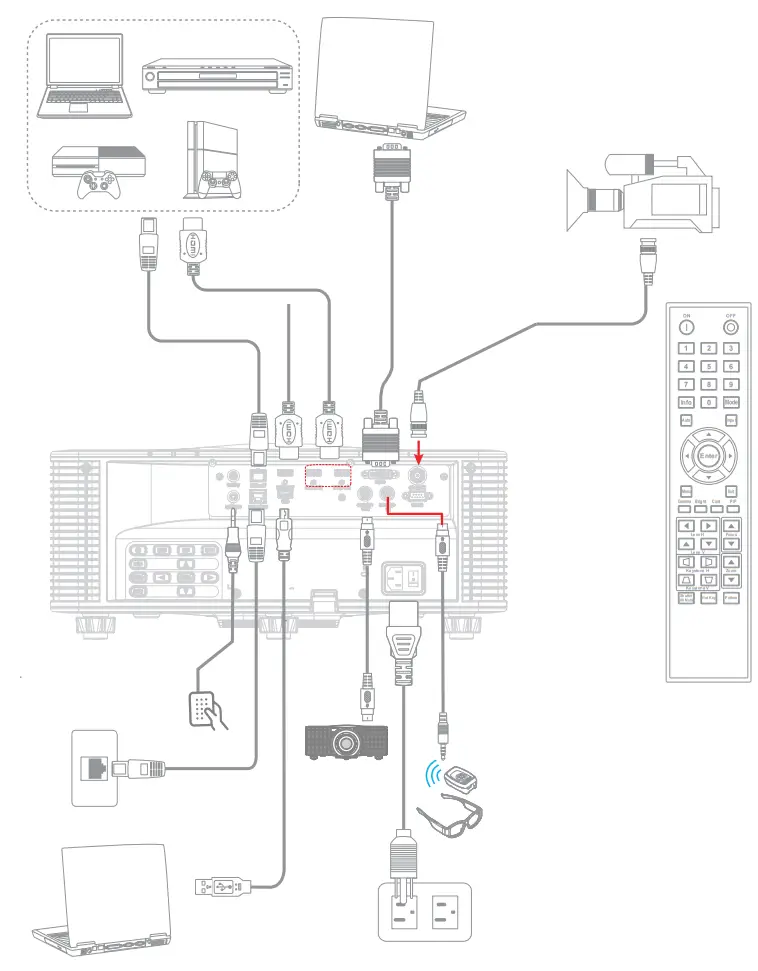
  5. Conect & select sourceBARCO G62 11000 lumens WUXGA DLP Laser Phosphor Projector - select source

1 ) Connect power

BARCO G62 11000 lumens WUXGA DLP Laser Phosphor Projector - Connect power1

2 ) Install RCU batteries

BARCO G62 11000 lumens WUXGA DLP Laser Phosphor Projector - RCU batteries1

3 ) Install lens

BARCO G62 11000 lumens WUXGA DLP Laser Phosphor Projector - select source2

4 ) Power on

BARCO G62 11000 lumens WUXGA DLP Laser Phosphor Projector - select source3

5) Conect & select source

BARCO G62 11000 lumens WUXGA DLP Laser Phosphor Projector - select source1BARCO G62 11000 lumens WUXGA DLP Laser Phosphor Projector - qr code

http://www.barco.com/td/R9010263

BARCO G62 11000 lumens WUXGA DLP Laser Phosphor Projector - iconDownload Product Manual
Product manuals and documentation are available online at www.barco.com/td/R9010263
Registration may be required; follow the instructions given on the website.
IMPORTANT!
Read Installation Instructions before connecting equipment to the mains power supply.barco logo

References

Documents / Resouces

Download manual
Here you can download full pdf version of manual, it may contain additional safety instructions, warranty information, FCC rules, etc.


Related Manuals