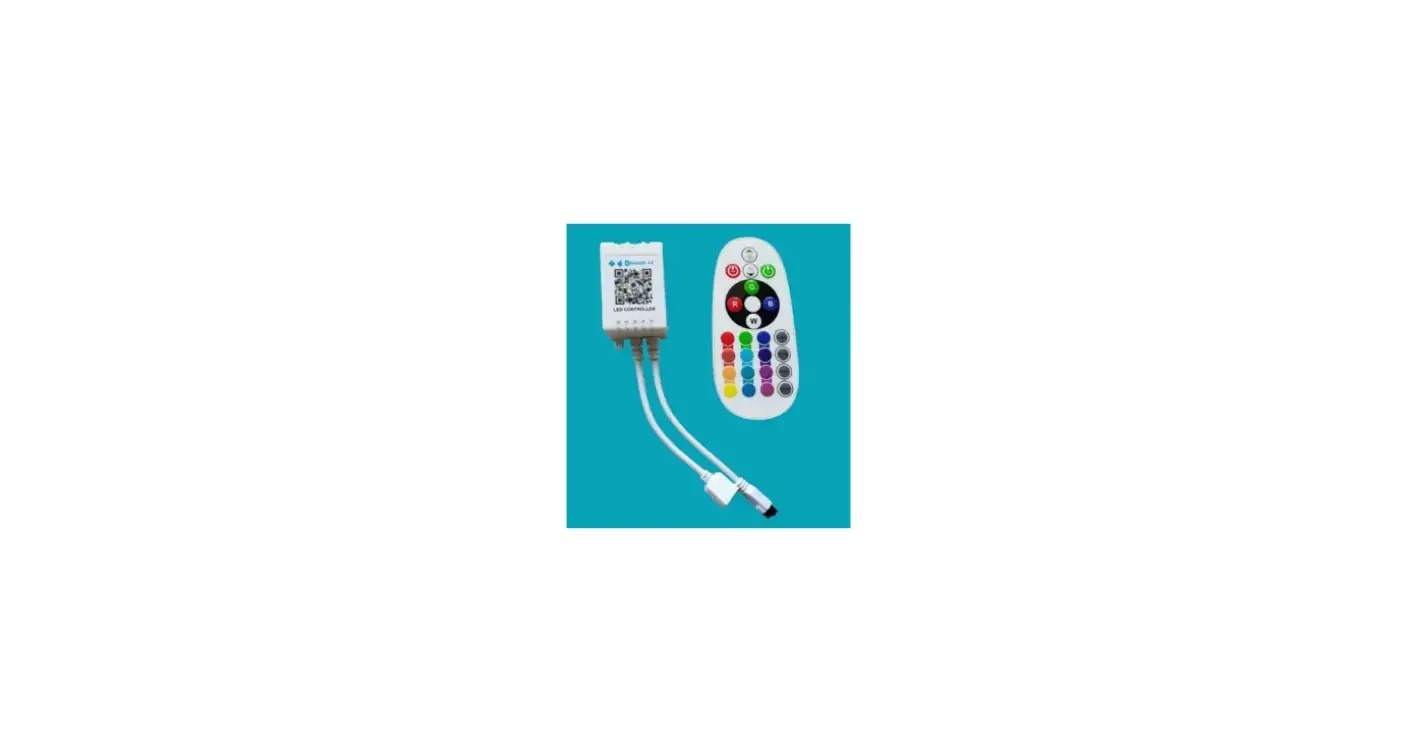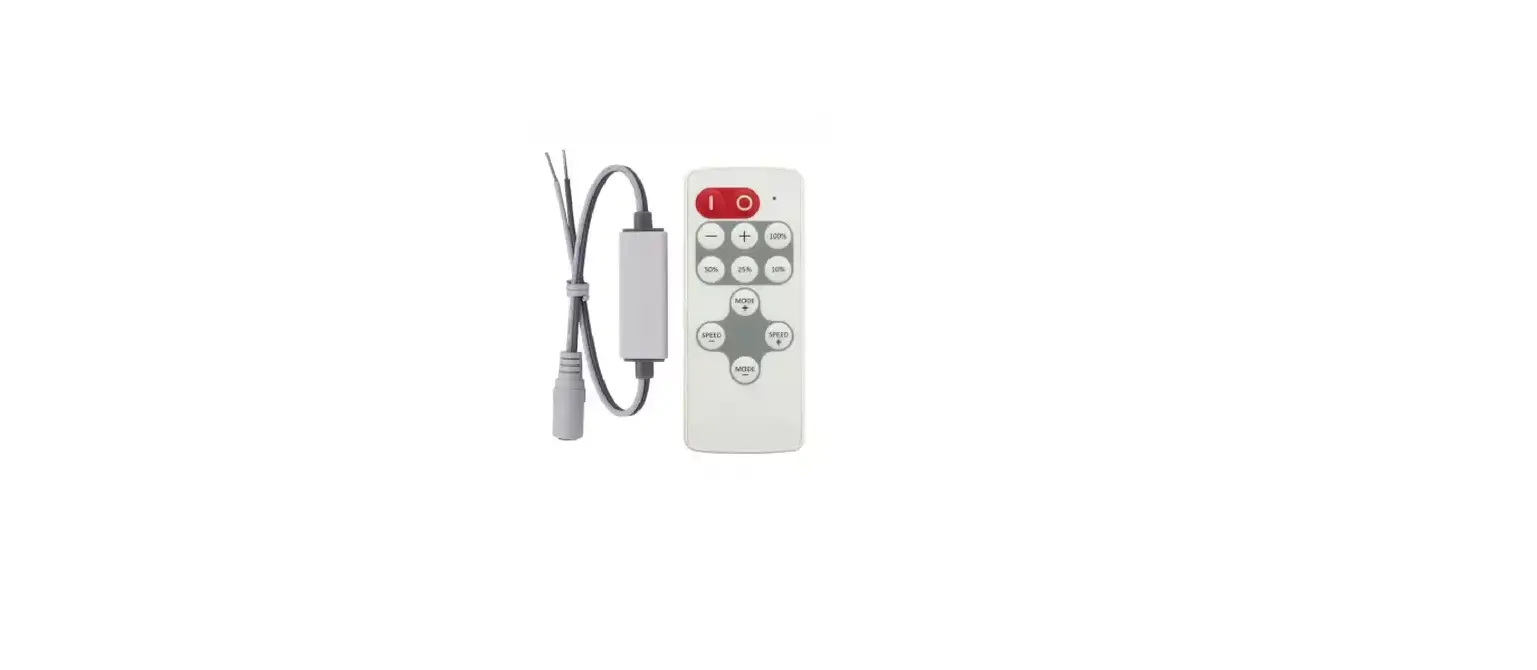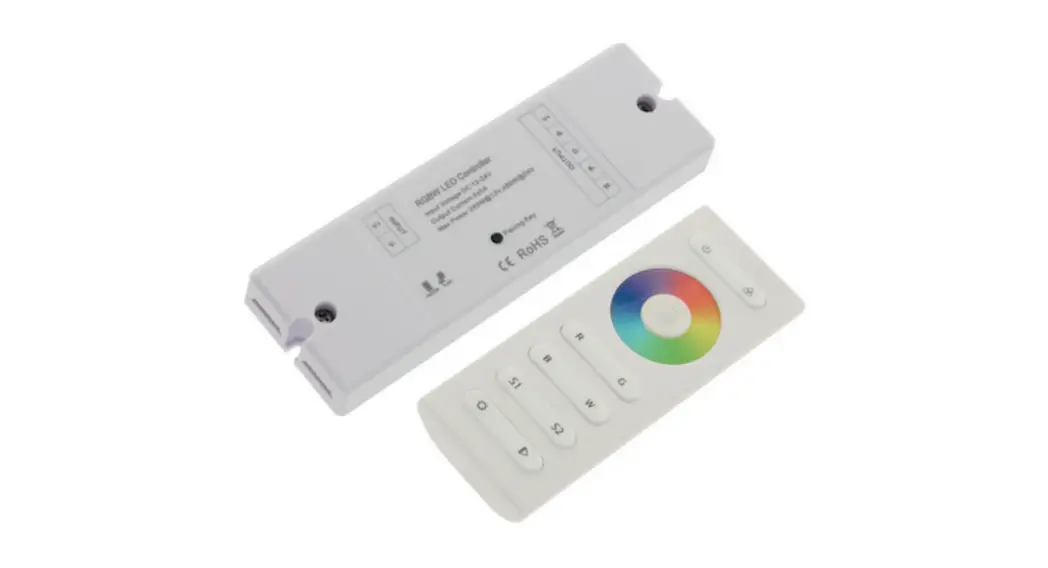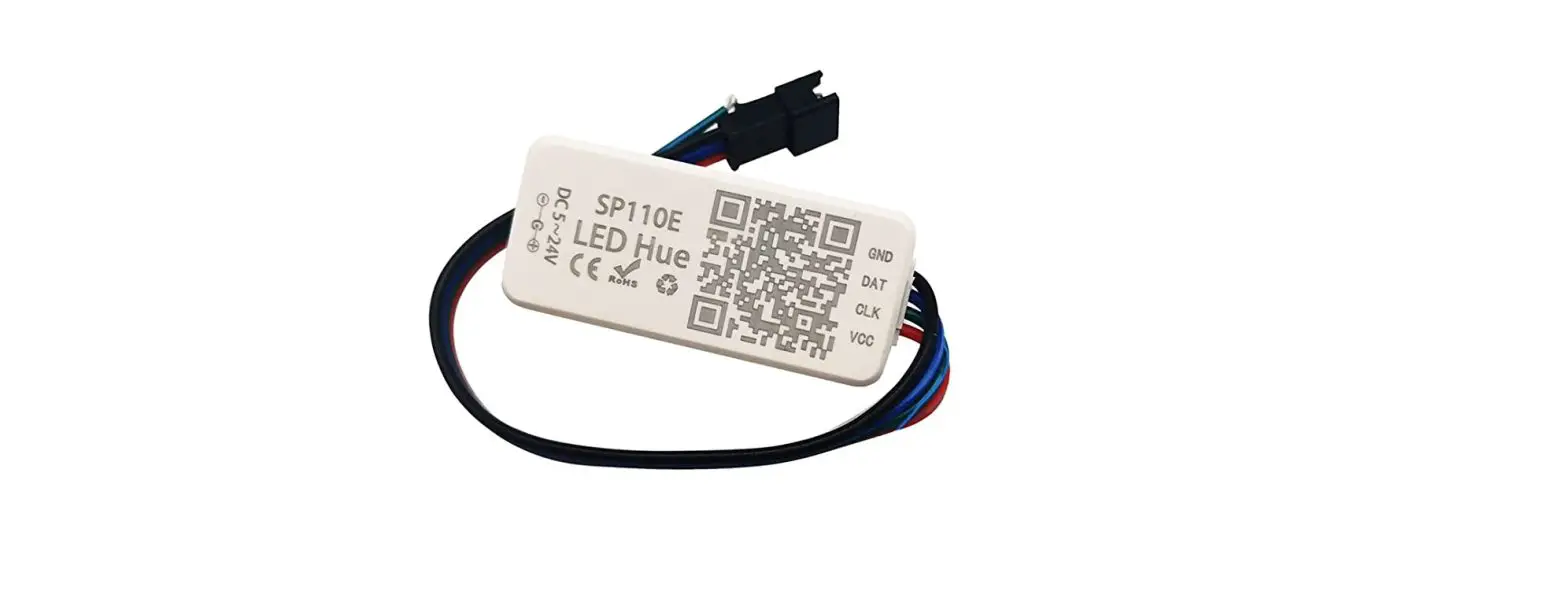

LED CONTROLLER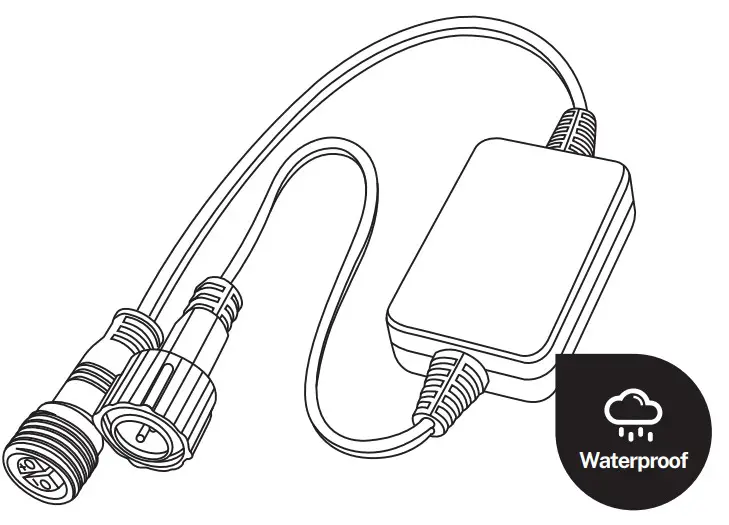

https://smartapp.tuya.com/tuyasmart
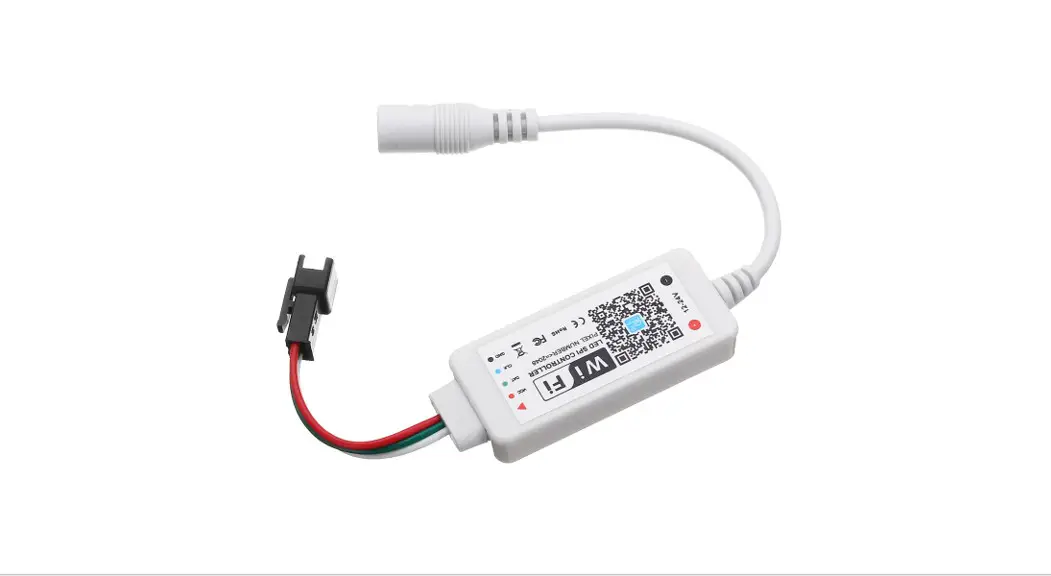
Product specification
| Input voltage | 5-24V |
| Output voltage | 5-24V |
| Output current (MAX) | 4A |
| Model No. | FM-DC01 |
| Interface | 2.35 waterproof male \female plug |
| Product weight | 60±10g |
| Product color | Black |

Installation method

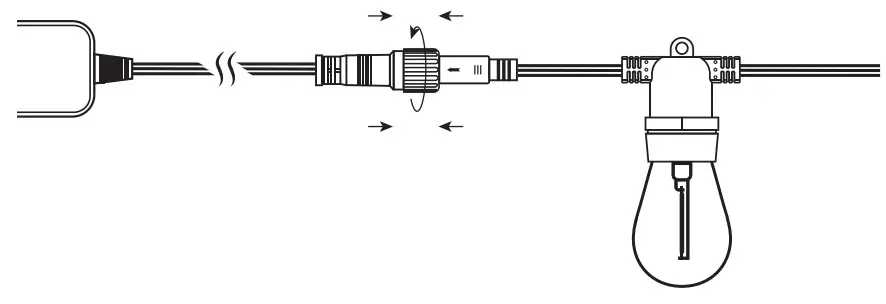
- Connect the waterproof male plug (with waterproof nut) at the input of the controller to the adapter, and tighten the waterproof nut;

- Pay attention to whether the voltage parameter of the adapter is within the voltage range of the controller, connect the output terminal to the light string, and tighten the nut.
Note :
Before powering on the adapter, check whether there is any short/open circuit at each connection.
Installation method
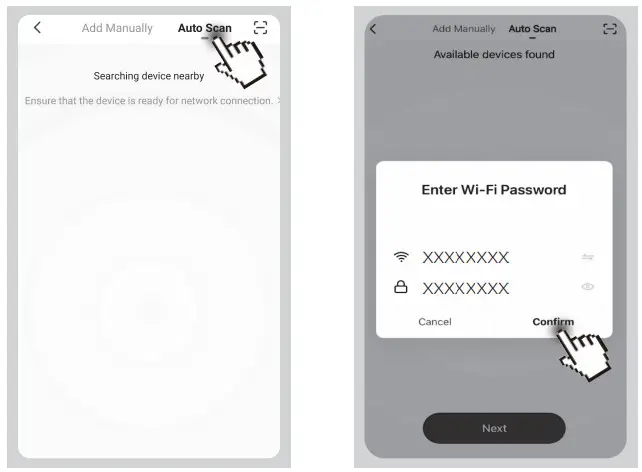
- Automatic mode
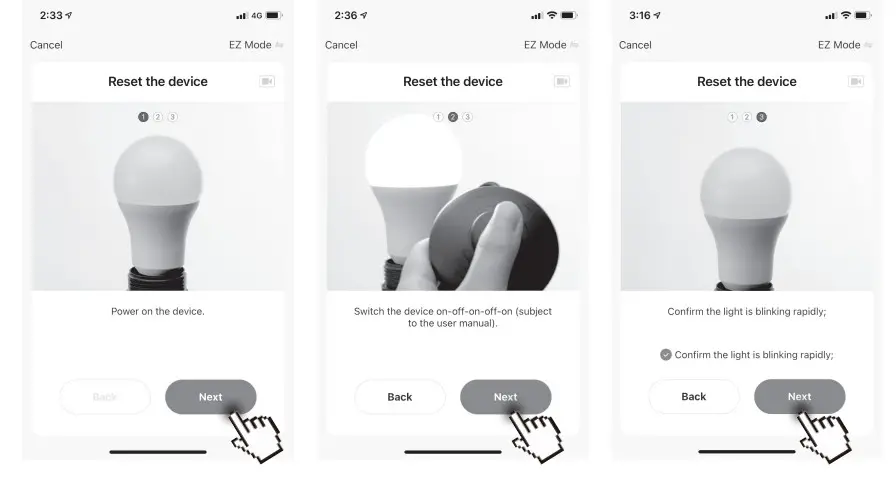
Open the Tuya APP and select “Auto Scan” right above the app. The app will scan the devices that can be added.
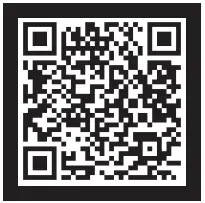
- QR code scanning mode
a. Use Tuya APP to scan the QR code directly, the APP will jump directly to the configuration interface;
b. Power on the device; c. Switch the device on-off-on-off-on;
c. Confirm the light is blinking rapidly, click”next ”
d. Select the network connection to complete the connection.
Manual mode
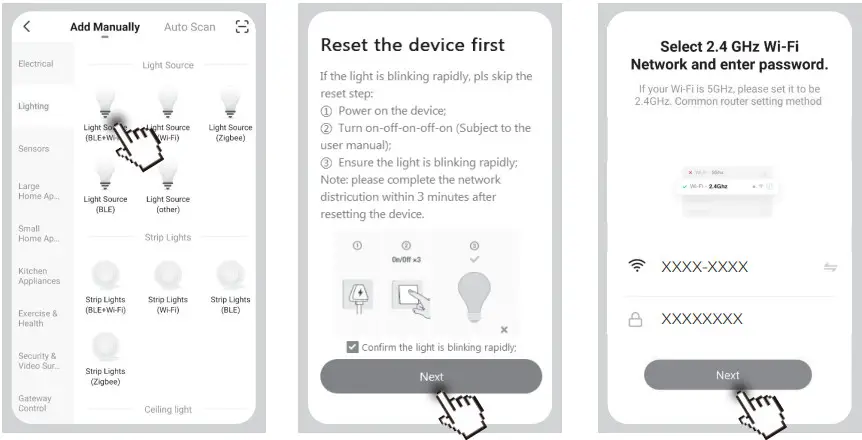
a. Click ” Lighting – “Light Source (BLE+Wi-Fi)
b. Power on the device;
c. Turn on-off-on-off-on;
(If the light is blinking rapidly, pls skip the reser step)
d. Ensure the light is blinking rapidly;
e. After making sure the light flashes quickly, and then click “Next ”
d. Select the network connection to complete the connection.
Function description
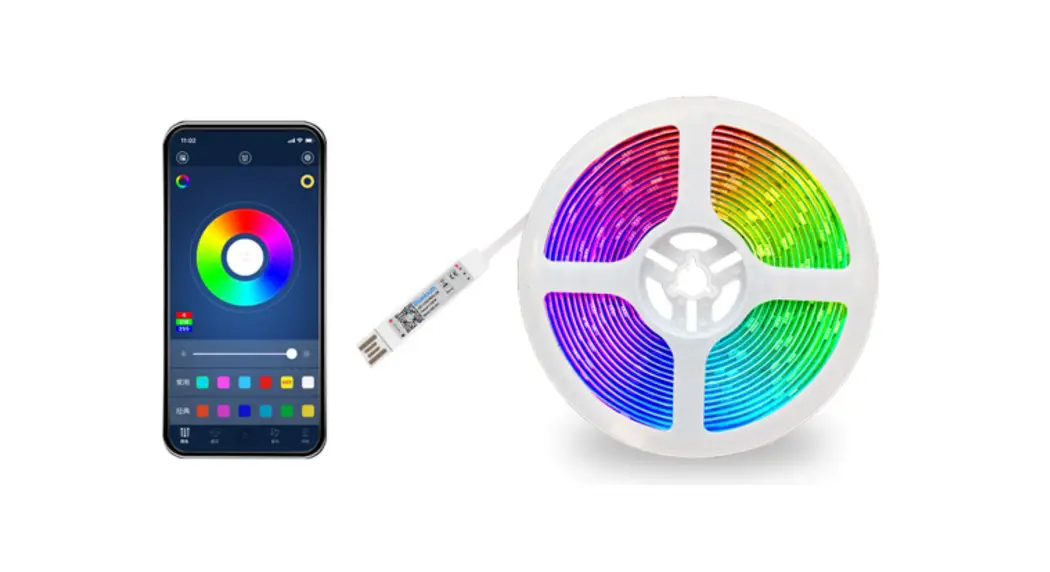
- In the APP operation interface, you can turn on/off the light string and adjust the brightness;
- You can select the model under the APP and customize the mode content.
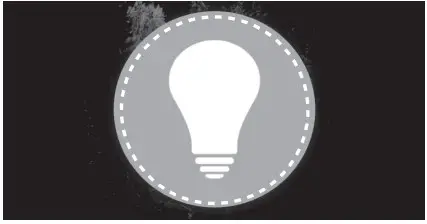 | 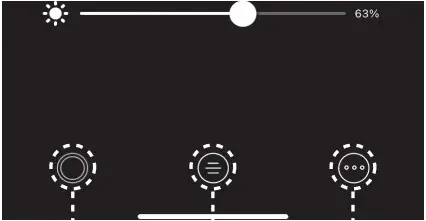 | 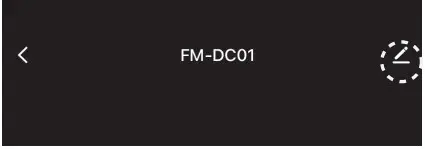 |
| APP controller switch, touch to open/close | Regular mode Custom mode Timing mode | The name of the controller can be customized |
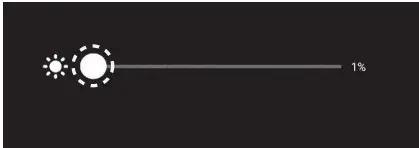 | 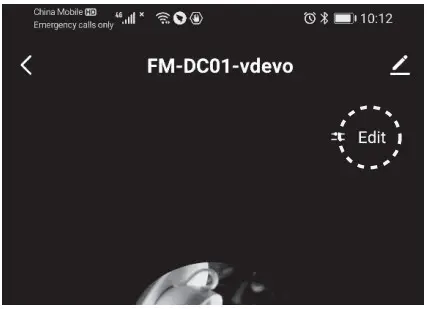 | 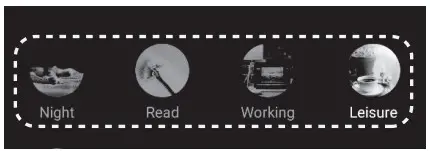 |
| Touch and slide to adjust the the brightness of the light | Mode editing | Custom mode |
 | ||
| Add mode | ||
Timing mode
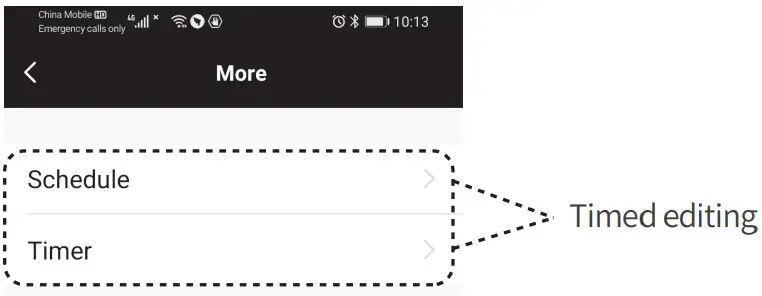
According to personal living habits, set the timing on/off
Product Support

Assurance
- The product is guaranteed for one year from the date of sale, and the accessories are not within the scope of the warranty;
- The product warranty is limited to the scope of normal use;
- All defects caused by man-made damage, disassembly, improper use, and other factors are not covered by the warranty.
 www.amazon.com/firmerst
 sales@firmerst.com
This equipment has been tested and found to comply with the limits for a Class B digital device, pursuant to part 15 of the FCC Rules. These limits are designed to provide reasonable protection against harmful interference in a residential installation. This equipment generates, uses, and can radiate radio frequency energy and, if not installed and used in accordance with the instructions, may cause harmful interference to radio communications. However, there is no guarantee that interference will not occur in a particular installation. If this equipment does cause harmful interference to radio or television reception, which can be determined by turning the equipment off and on, the user is encouraged to try to correct the interference by one or more of the following measures:
- Reorient or relocate the receiving antenna.
- Increase the separation between the equipment and receiver.
- Connect the equipment into an outlet on a circuit different from that to which the receiver is connected.
- Consult the dealer or an experienced radio/TV technician for help.
Caution: Any changes or modifications to this device not explicitly approved by the manufacturer could void your authority to operate this equipment.
This device complies with part 15 of the FCC Rules. Operation is subject to the following two conditions:
(1) This device may not cause harmful interference, and
(2) this device must accept any interference received, including interference that may cause undesired operation.
The device has been evaluated to meet general RF exposure requirements. This equipment complies with FCC radiation exposure limits set forth for an uncontrolled environment. This equipment should be installed and operated with a minimum distance of 20cm between the radiator & your body.