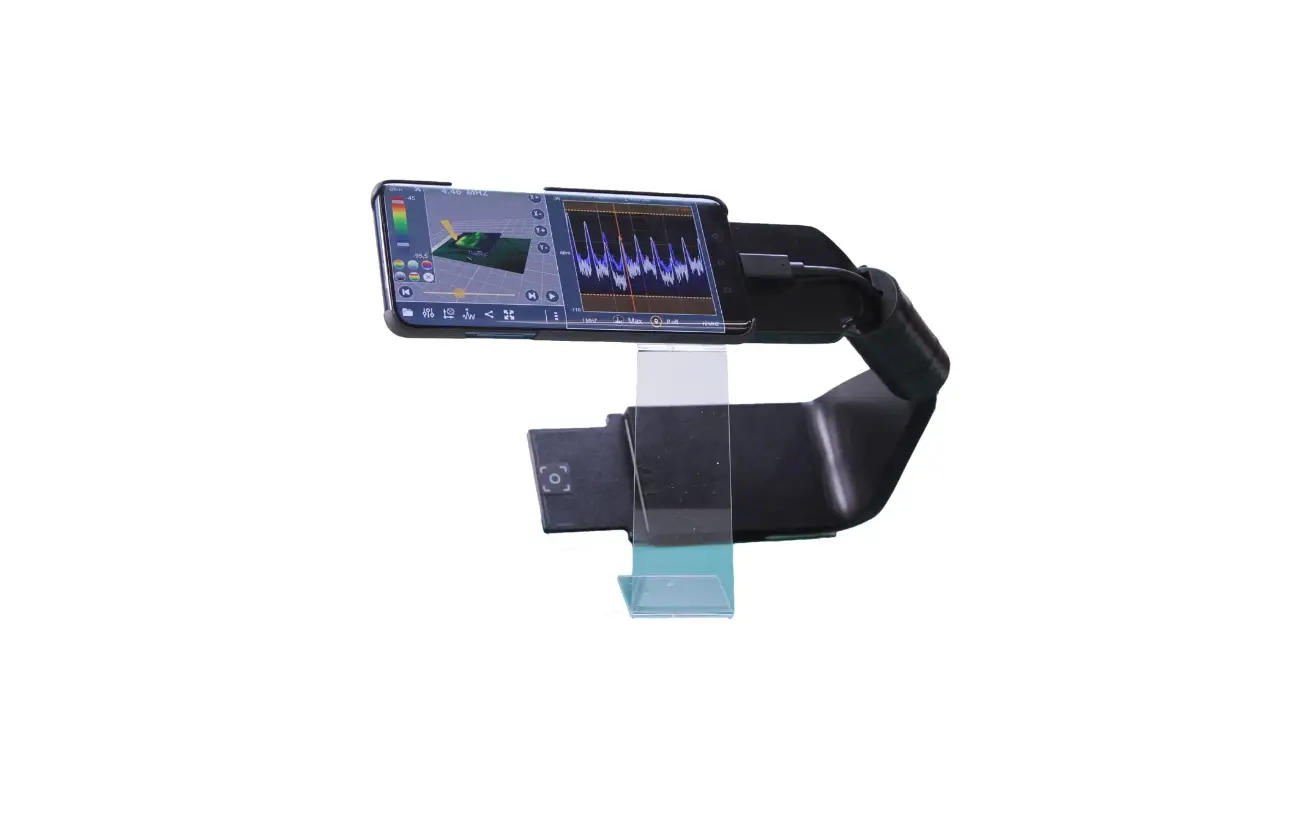
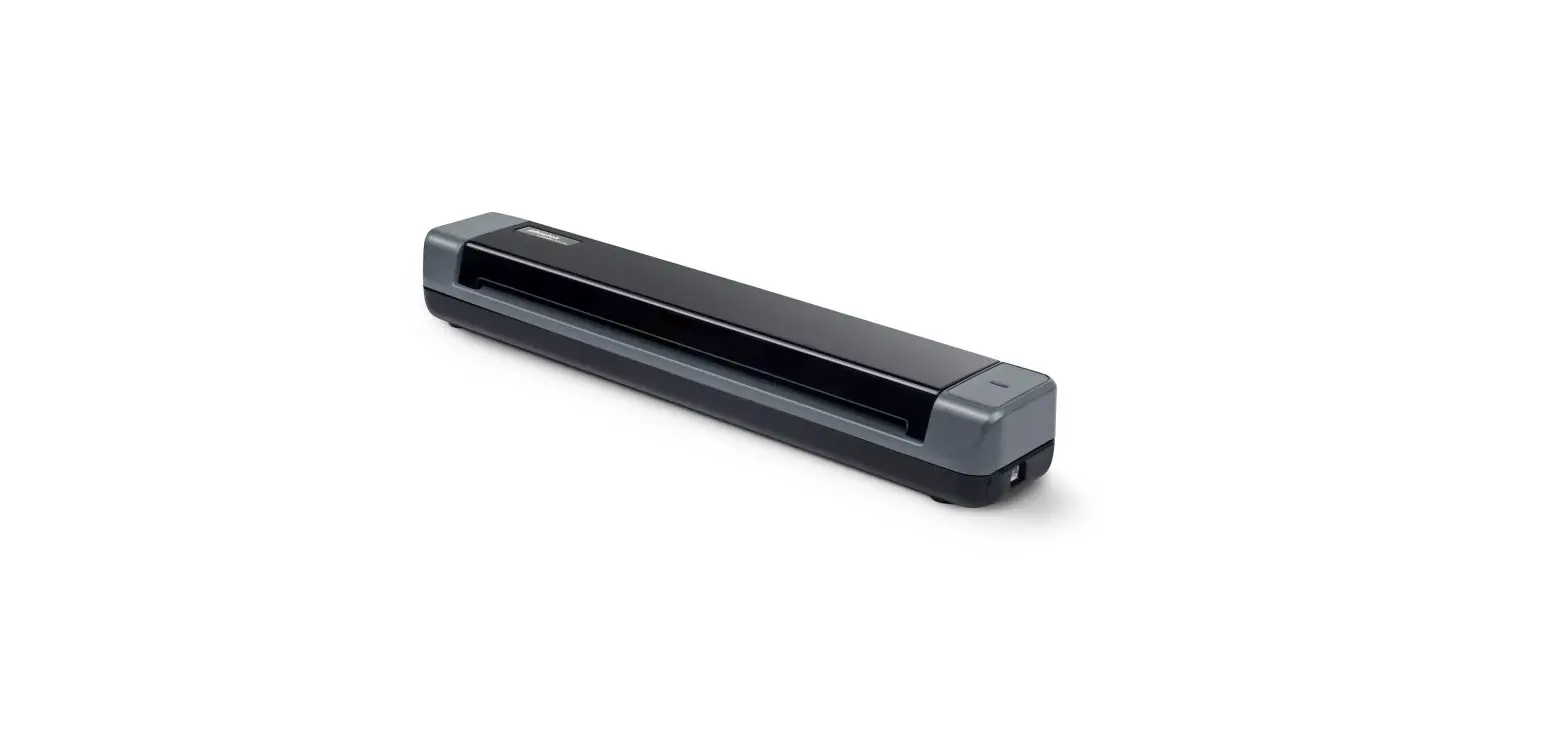
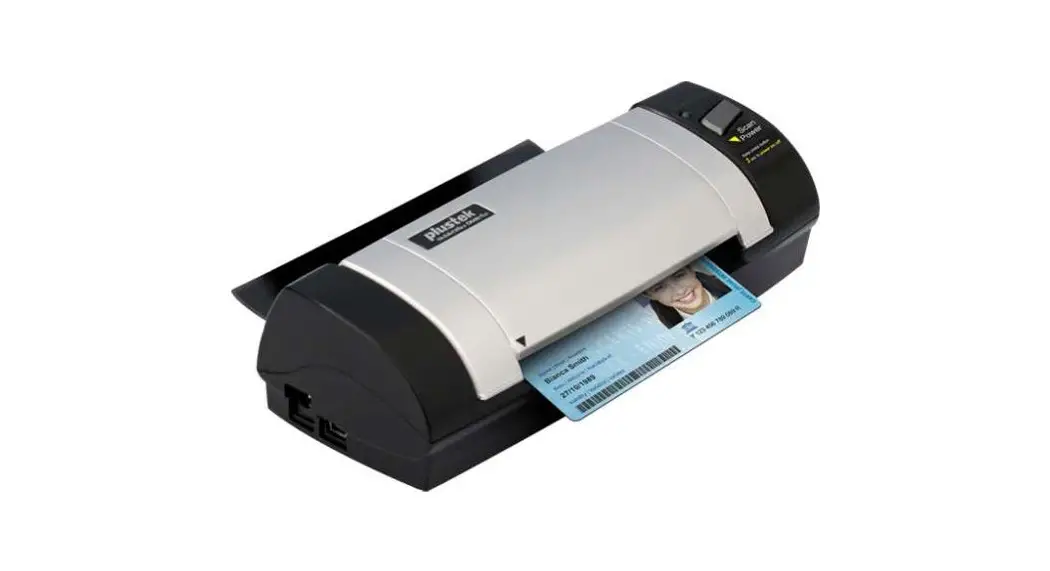
Scanner Combo Bundle for Surface Go
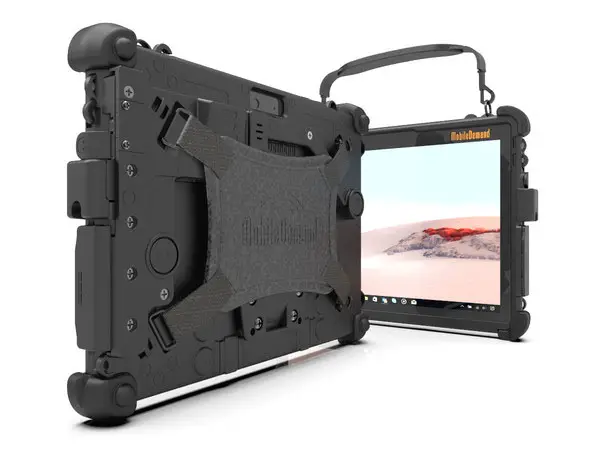 Surface Go Scanner Installation
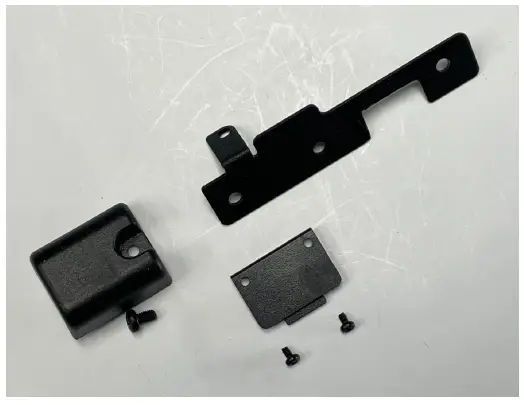
1. Shown are the parts included in the Scanner Only Kit SG-SCN-ONLY-KIT-DFS.
2. Install Tablet into the Case per instructions included with Case.
Make sure the Scanner USB PCB does not extend into Case.
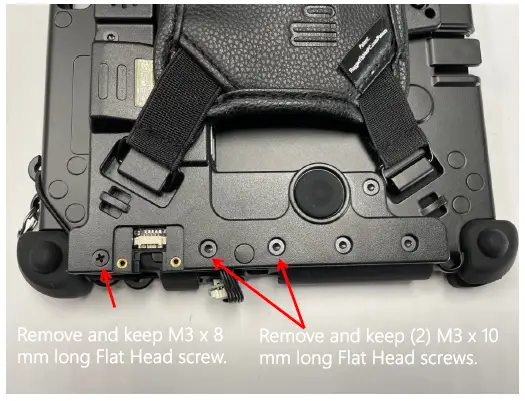
3. Remove M3 x 8 & (2) M3 x 10 Flat Head screws.
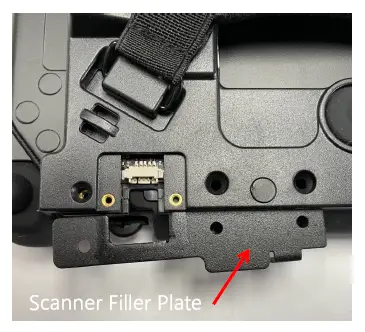
4. Install the Scanner Filler Plate.
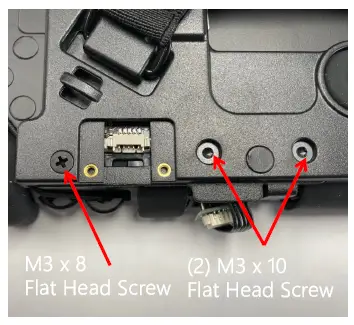
5. Re-install the M3 x 8 and (2) M3 x 10 Flat Head screws.
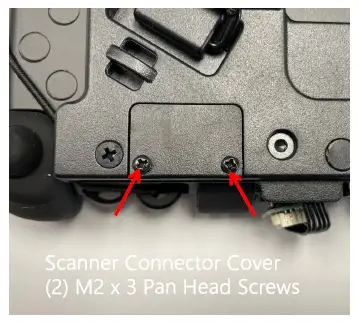
6. Install the Scanner Connector Cover using (2) M2 x 3 Pan Head screws.
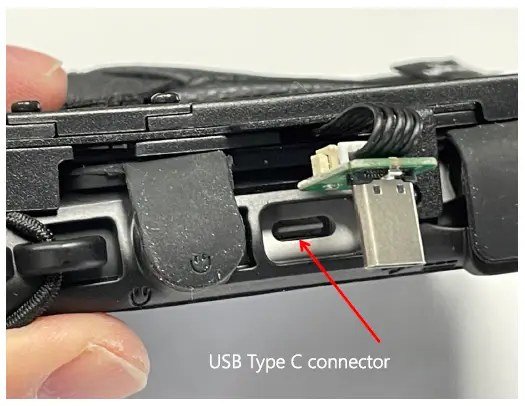
7. Locate USB Type C connector in tablet.
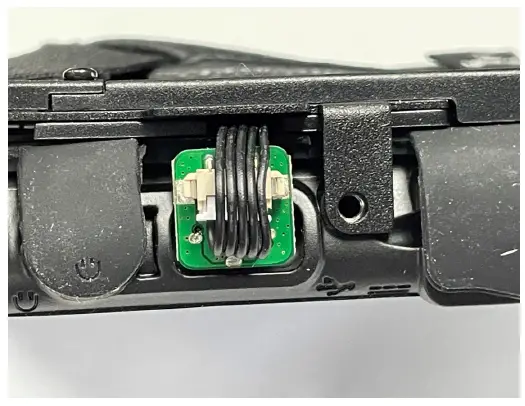
8. Plug USB Type C PCB into USB Type C connector as shown.
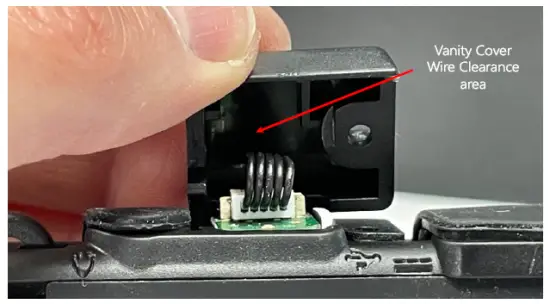
9. Install Vanity Cover over USB Type C PCB. Ensure wires are aligned in Vanity Cover clearance area so that wires are not pinched.
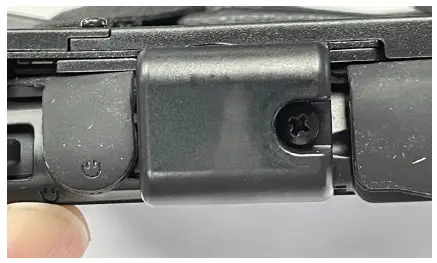
10. Install the M3 x 5 Pan Head screw.
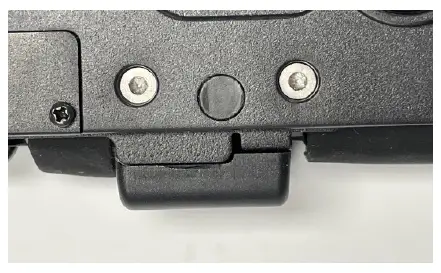
11. Vanity Cover should look like this when properly installed.