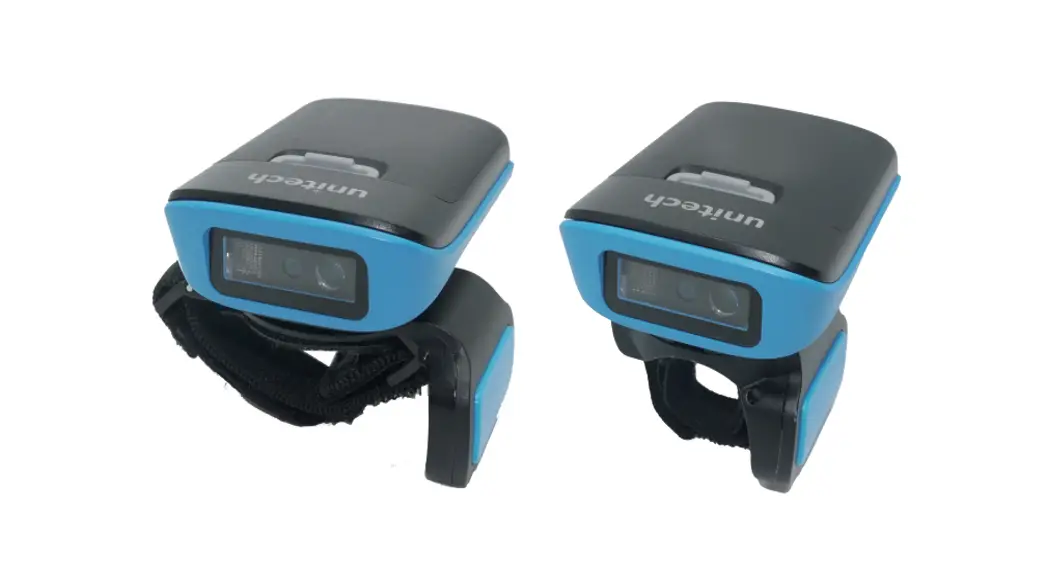
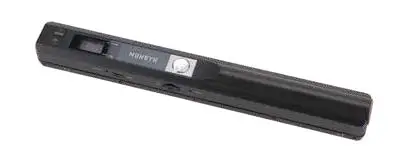
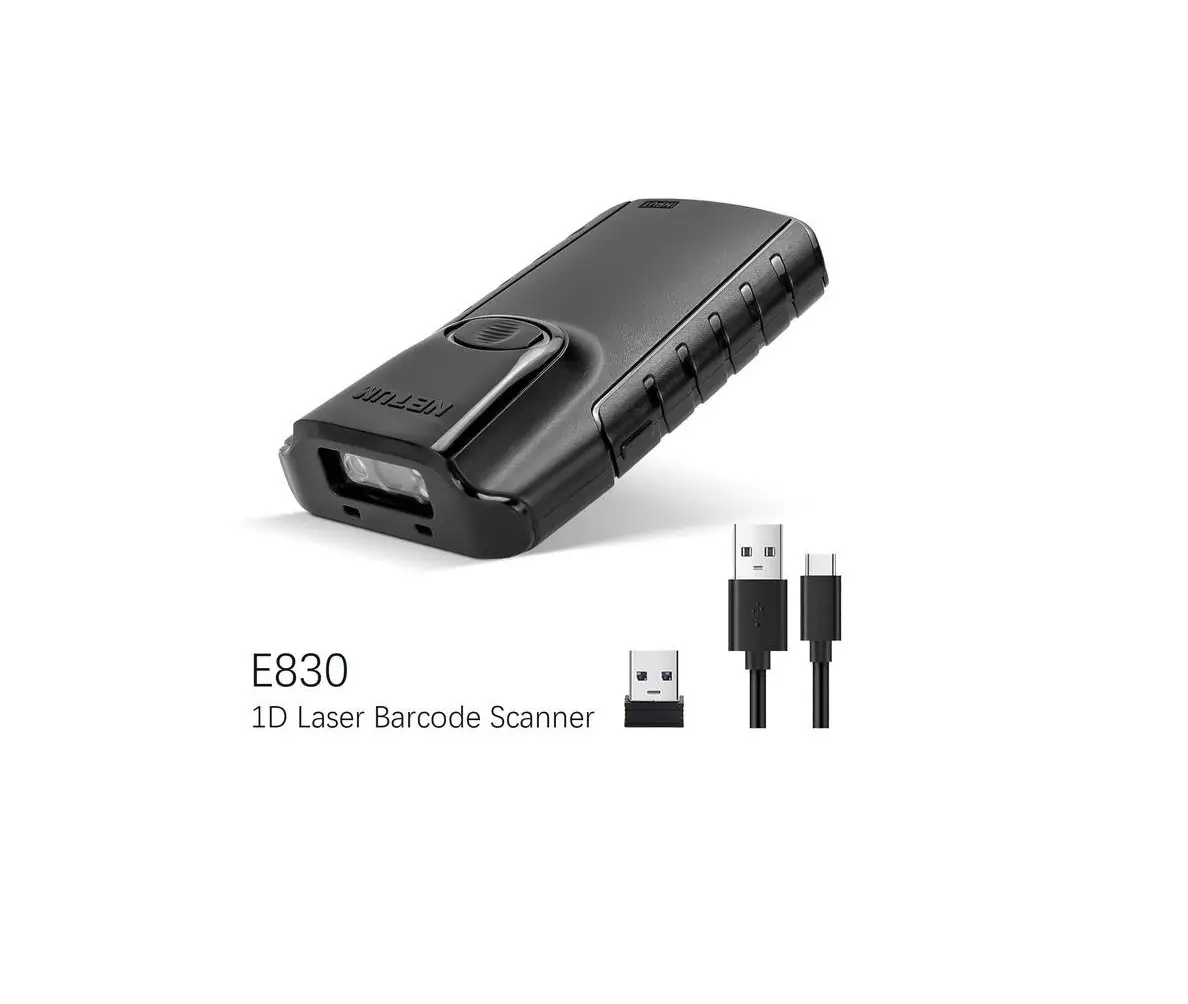
SAVEO-PKT2-E800 Pocket 2D Scanner
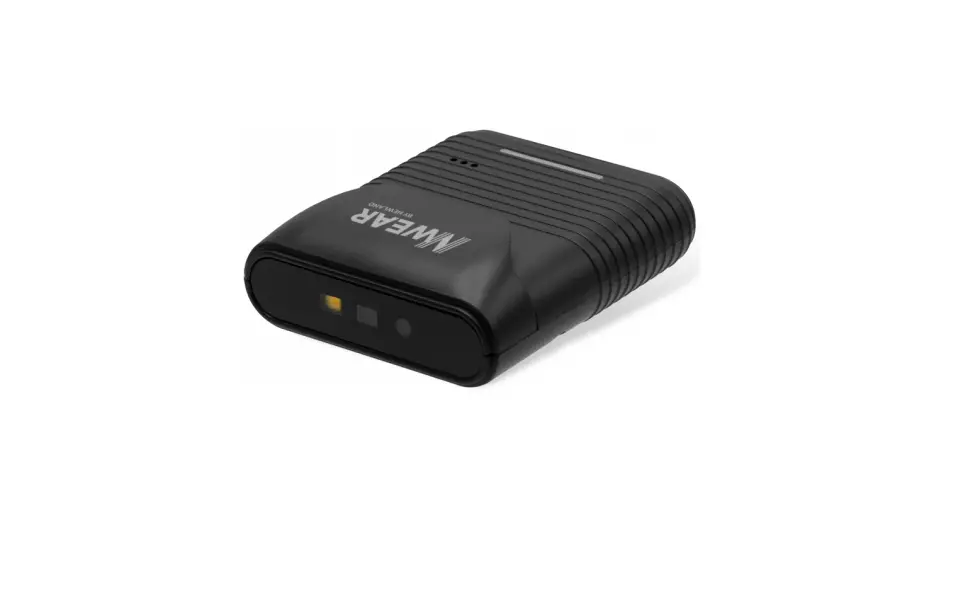
Product Information: The SAVEO-PKT2-**** is a
unified quick set package that includes the PKT2 scanner, a
Bluetooth USB dongle (CSR 4.0, Plug & Play), a charging cable,
an attachable lanyard, a 3MTM VHBTM device mount plate, and a
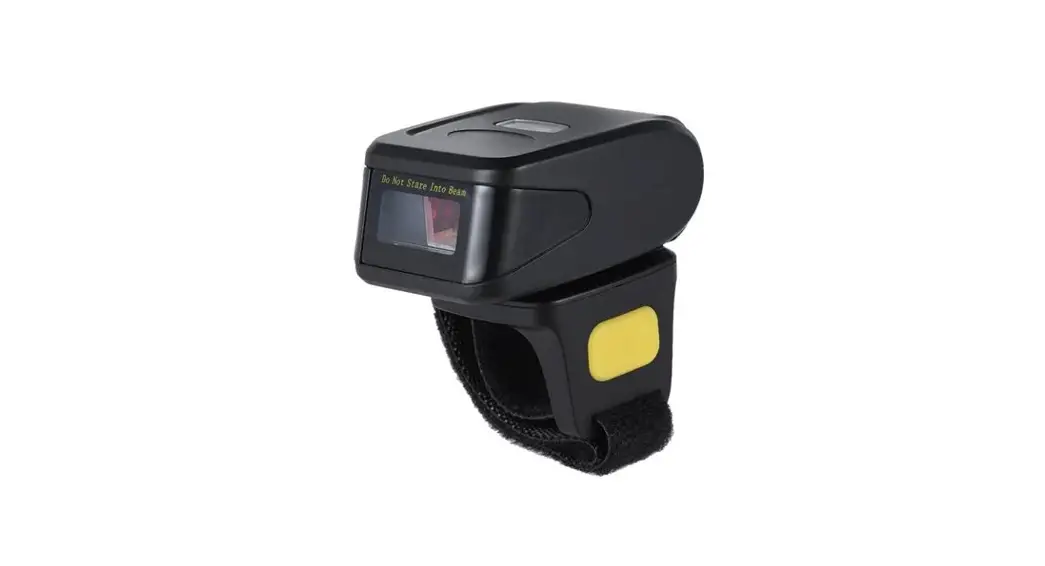
retractable badge reel lanyard. The PKT2 scanner is a portable
scanning device. Product Usage Instructions: 1.
Safety Information: – Avoid placing the scanner or cable in areas
with excessively high temperatures or direct sunlight. – Do not use
the scanner in extremely humid conditions or in conditions with
extreme temperature changes. – Take care not to damage the internal
rechargeable battery, as damaging the casing may lead to explosion
or fire. 2. Scanning Setup: – Connect the Bluetooth USB dongle to
the desired device. – Ensure that the device recognizes the
Bluetooth dongle and establishes a connection. 3. Charging: –
Connect one end of the charging cable to the PKT2 scanner and the
other end to a power source (e.g., USB port or charger). – Leave
the scanner connected until it is fully charged. – Disconnect the
charging cable once the scanner is fully charged. 4. Attaching
Lanyard: – Attach the provided lanyard to the designated slot on
the scanner. – Adjust the lanyard length according to your
preference. 5. Device Mounting: – Use the 3MTM VHBTM device mount
plate to securely attach the scanner to a suitable surface or
object. – Follow the instructions provided by 3MTM for proper
mounting. 6. Retractable Badge Reel Lanyard: – Attach the
retractable badge reel lanyard to the scanner or any other suitable
attachment point. – Use the reel to extend or retract the lanyard
as needed. Note: For detailed instructions on using the scanner,
refer to the complete user manual provided with the product.
Scanning with Simplicity
SAVEO-PKT2-**** Unified Quick Set’
kage
PKT2
c nne
Bluetooth USB Dongle (CSR 4.0, Plug & Play)
U
e Charging c e 1 x Attachable Lanyard
3MTM VHBTM Device Mount Plate
1 x Retractable Badge Reel Lanyard
Important Safety Information
Don’t put scanner or cable in places of excessively high temperature, such as exposure to direct sunlight. Don’t use scanner in extremely humid conditions or in conditions of extreme temperature change. Never damage the internal rechargeable battery. Damaging the casing of the rechargeable battery might cause explosion or fire!
TIP: <W^&KEKd/^Z
V 1.0
Saveo® and Saveo ScanTM are trademarks of Stimare Limited. All other trademarks are property of their respective owners
Quick Setup Mobile (Bluetooth HID)
1.) Enter Pairing Mode
Pair Bluetooth
2.) Enable Bluetooth on your mobile device
Go to your phone’s homescreen and find “Settings”, then “Bluetooth” and turn Bluetooth on. Your device will search for available devices within range.
Scan this barcode code to disconnect from any previously connected devices and put the scanner into “Pairing mode”.
After approx 20 seconds, Saveo Scan will appear as an external keyboard with a unique identifier serial number (PKT2XXXXXXXXXX).
Select the scanner from “Available Devices” and wait for pairing process to complete.
Once “Connected” is displayed, your device is paired to the scanner. Your scanner is now ready to use.
Please Note: Devices only need to be paired once. When they are within Bluetooth range they will automatically attempt to connect to each other. If you wish to connect to another device it is recommended you first unpair this device.
-1-
Charging your device
1.) Connect the USB Type-C Cable (included)
Simply connect the USB Type-C cable to the port on the bottom of the scanner and connect the USB Type-A end to a USB Type-A charging adaptor (Minimum output Rating: 900mA+).
Transmission Modes
Direct Mode (Default)
Memory Mode
Memory Data Upload
Total Storage Count
Clear Memory -2-
System Parameters
Factory Reset Transmits Firmware version information to the connected device.
Connection Modes
Bluetooth HID (Default)
Returns the scanner to it’s factory default settings.
Get Firmware Version
Bluetooth HID Keyboard Emulation Mode (no App required)
Bluetooth SPP Serial Port Profile Mode (requires compatible App or Driver)
Bluetooth SPP Mode
Bluetooth BLE Mode
Bluetooth BLE (GATT Profile, requires
compatible App or Driver)
-3-
Keyboard Languages
U.S. English Keyboard (Default)
French keyboard
Germany keyboard
Italy keyboard
Portugal keyboard
*For more language settings, please contact us for the complete file.
Vibration / Haptic Feedback
Enable (Default) -4-
Disable
Standby time
Standby Immediately
1 Min (Default)
5 Mins *For more Standby settings, please contact us for the complete file.
10 Mins
For Support, please Contact us at:
Email:[email protected] Web: www.saveoscan.com
US: +1-720-257-7070 UK: +44-208-099-8071 IRE: +353-1-685-4600
Limited Warranty
Saveo Scan provides a one year limited warranty. This warranty does not cover any product which has been subject to improper use, neglect or unauthorized repair or installation. This warranty does not cover consumable parts (Cables & batteries are consumables).
-5-
 Handheld Android Barcode Scanners | Saveo Scan