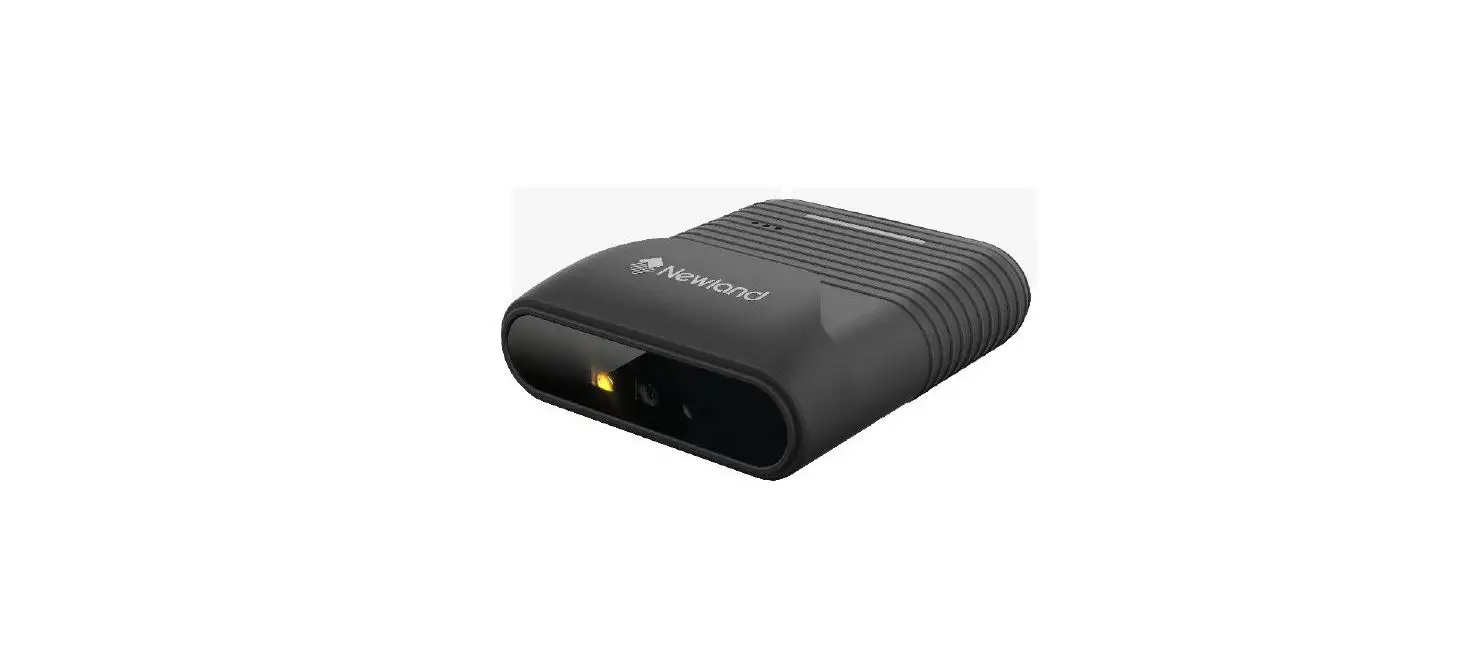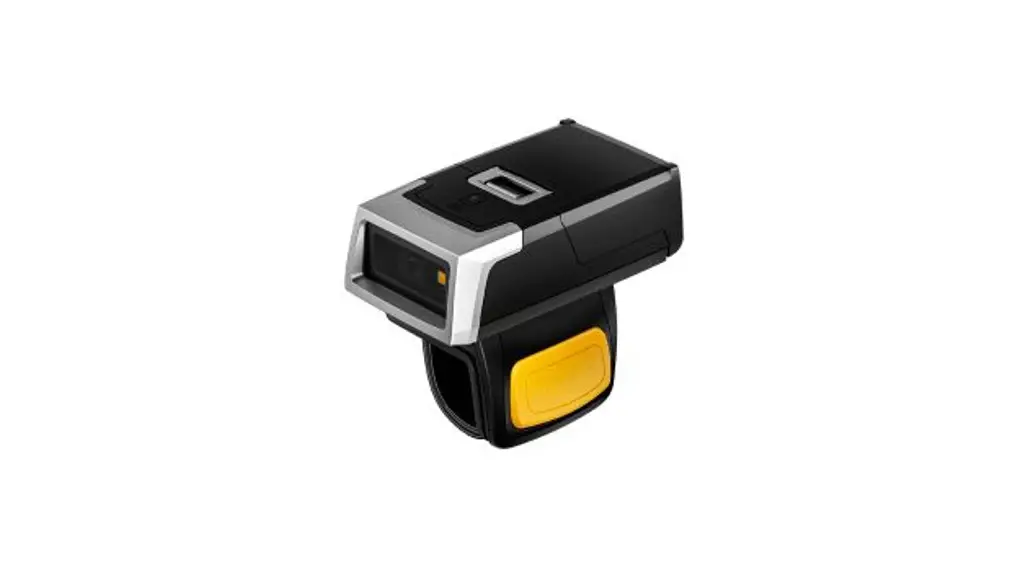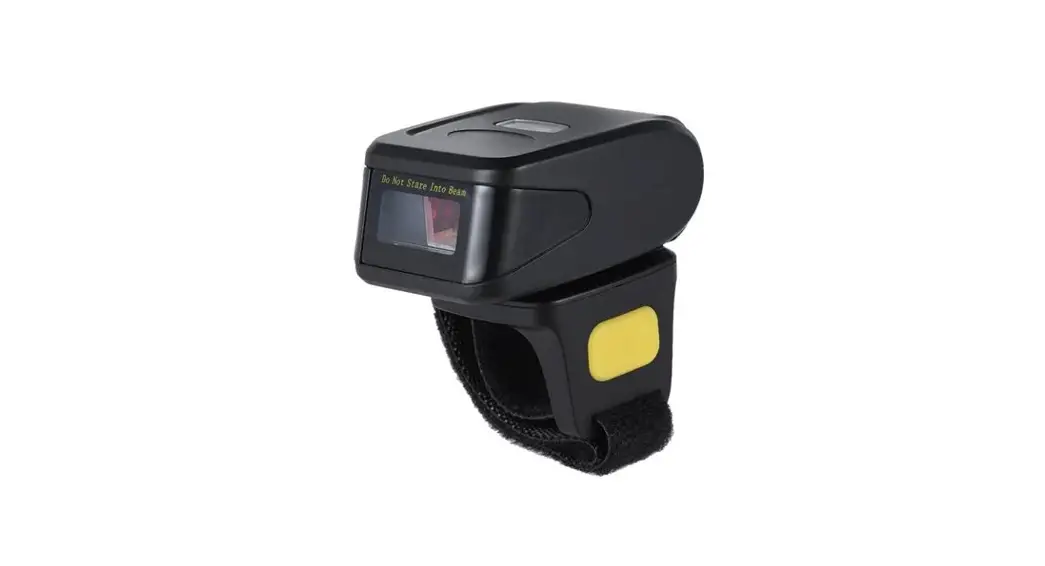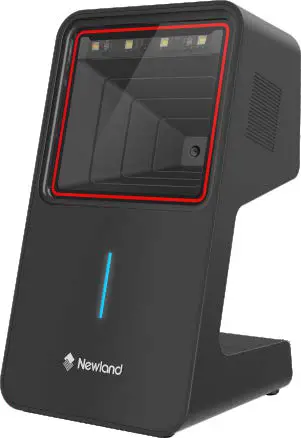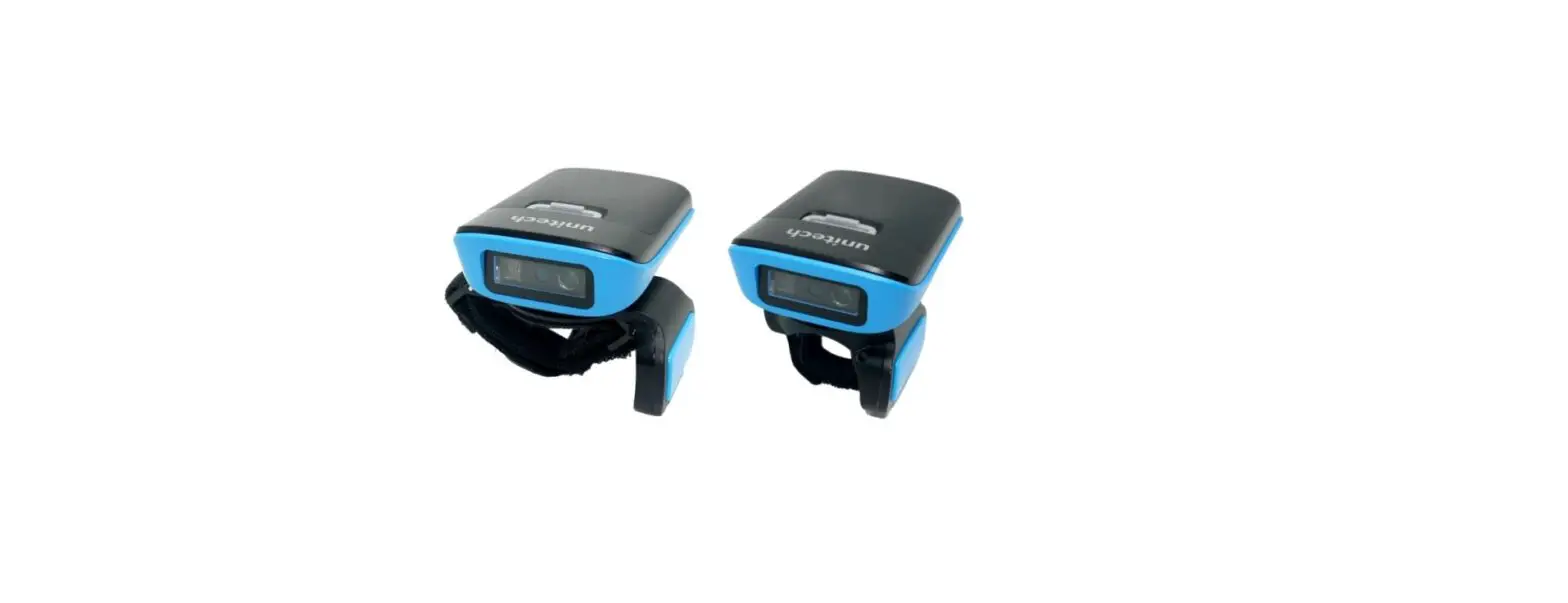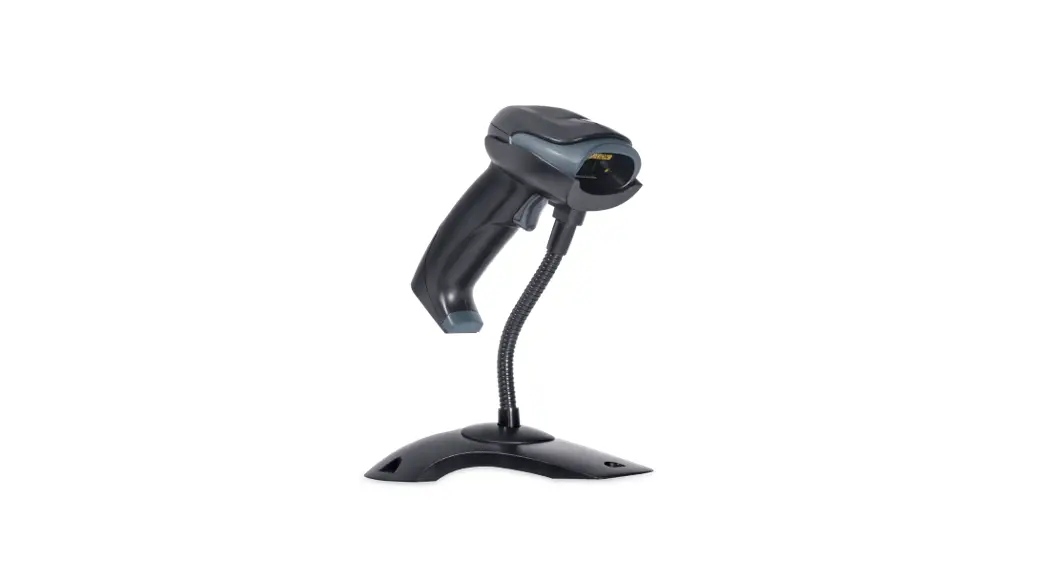
Newland WD2 Wearable Scanner User Guide
Overview
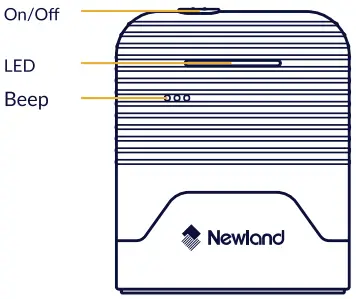
- Press and hold the power button for 3 seconds to power on.
- In manual mode, the scanner will enter standby mode without operating for 5 seconds.
- Press and hold the trigger buttons for 15 seconds to power off.
LED indicator
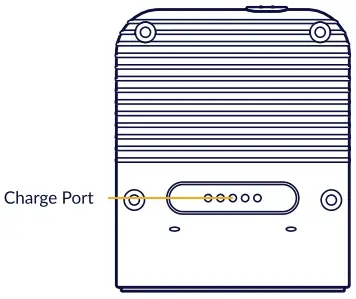
LED off: standby
Red LED on: charging
Green LED on: full charge
Red LED flashing: battery lower than 10%
Blue LED on: Bluetooth connected
Blue LED flashing: Bluetooth disconnected
Enter/Exit setup
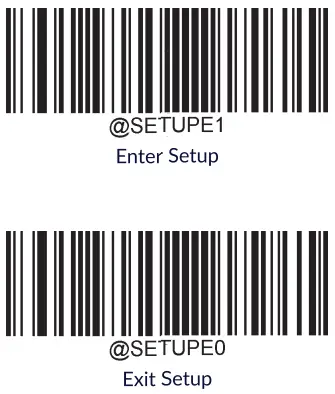
Note: Do not scan the Exit Setup until all settings are completed” indicates default setting.
Good read beep
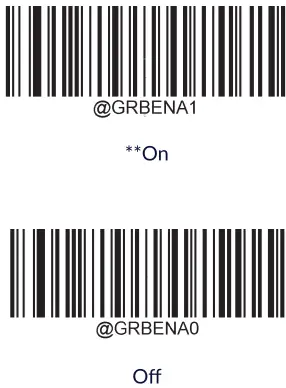
Good read vibration
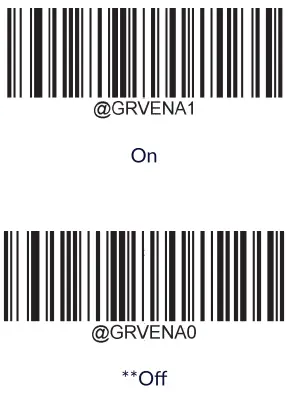
Operation mode
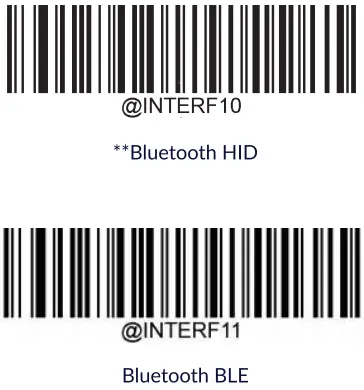
Clear pairing info on scanner

Clear pairing info on scanner
Terminating character suffix
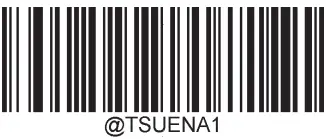
Enable terminating character suffix

“Set terminating character to CR (carriage return)

Set terminating character to CRLF (0x0D, 0x0A)

“Disable terminating character suffix
Scan mode
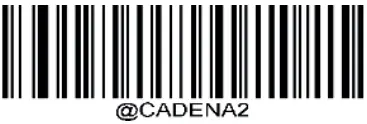
Enable Acuscan

“Disable Acuscan
Factory defaults

Restore all factory defaults
For more information, please visit www.newland-id.com
 Marking and European Economic Area (EEA)
Use of Bluetooth throughout the EEA has the following restrictions:
- Maximum radiated transmit power of 10mIW EIRP in the frequency range 2.400-2.4835 GHZ.
- Italy requires a user license for outside usage.
Radio Frequency Interference Requirements Radio Transmitters (Part 15)
This device complies with Part 15 of the FCC Rules. Operation is subject to the following two conditions: (1) This device may not cause harmful interference, and (2) this device must accept any interference received, including interference that may cause undesired operation.
 Tested to comply with FCC Standards
FOR HOME OR OFFICE USE
WD2-BS50
Name: WD2 Wearable Scanner
Manufacturer: Newland EMEA
All technical information are subject to the actual performance, Newland reser-ve the right of final explanations.
Newland Europe BV
Rolweg 25
4104 AV Culemborg
The Netherlands