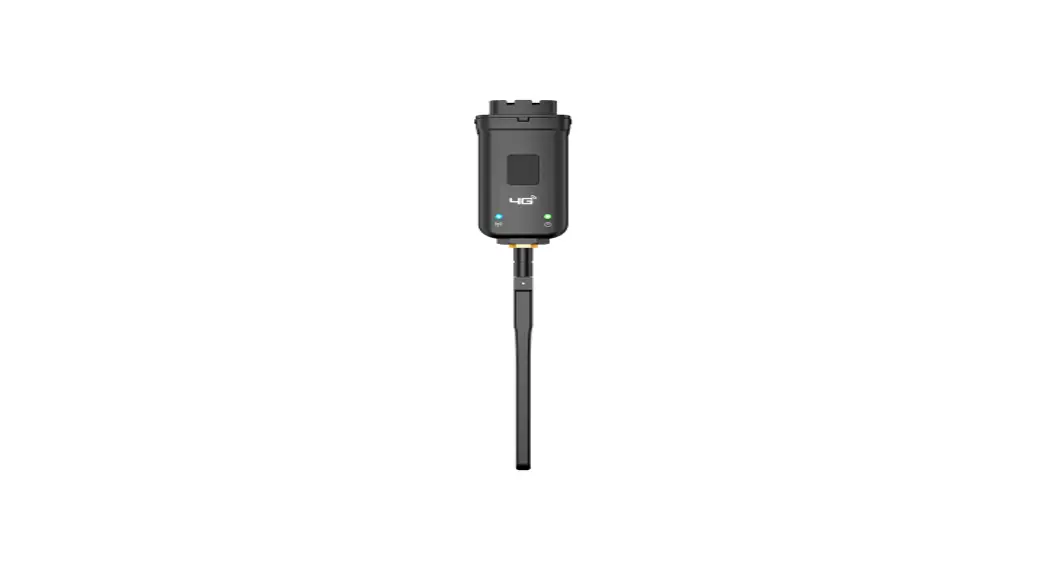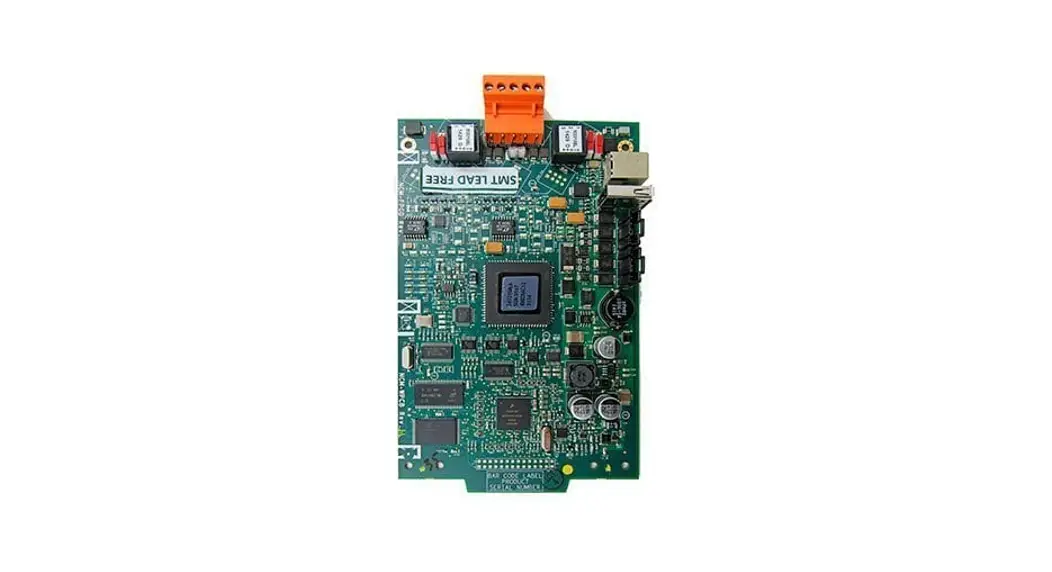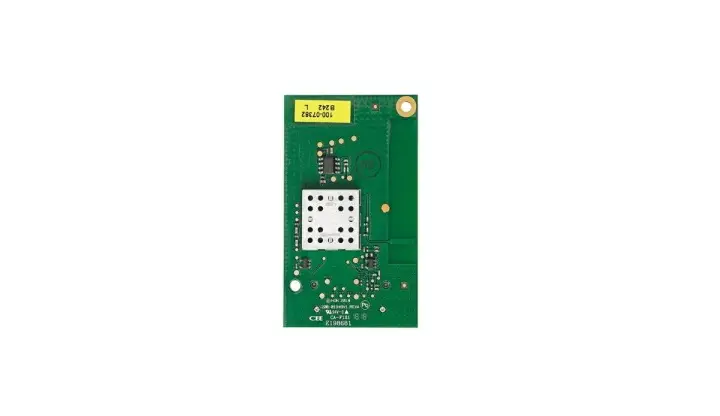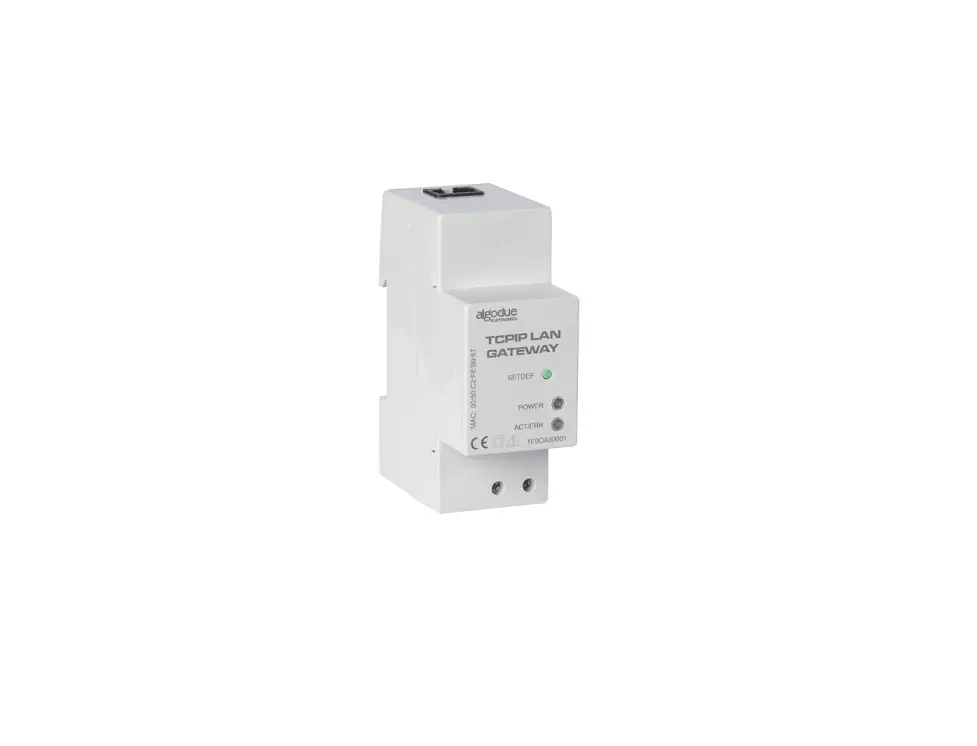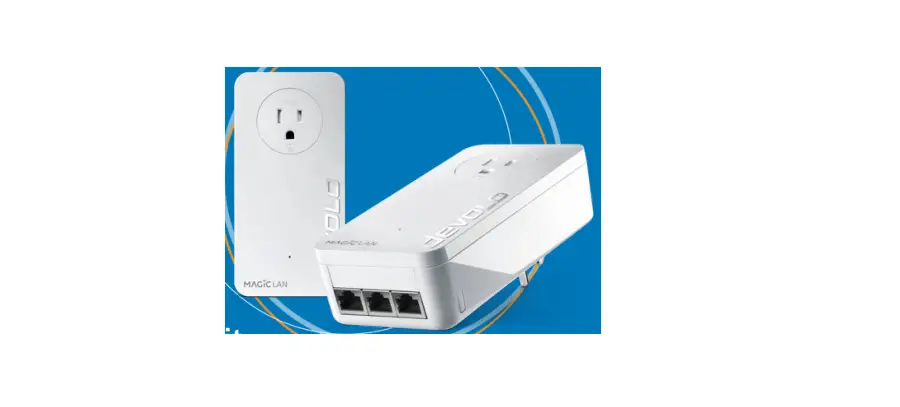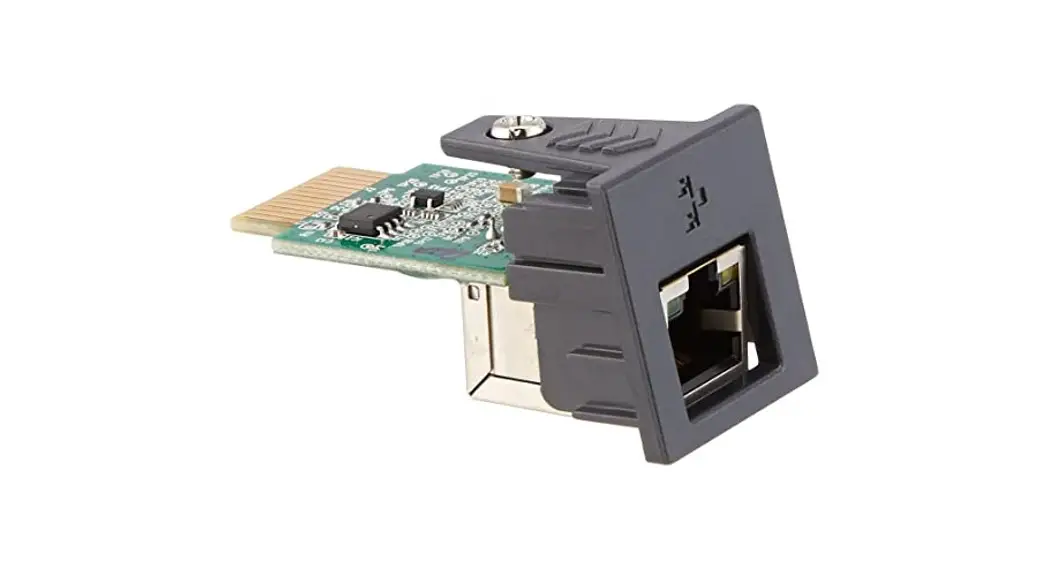
GOODWE LAN Kit Communication Module Installation Guide
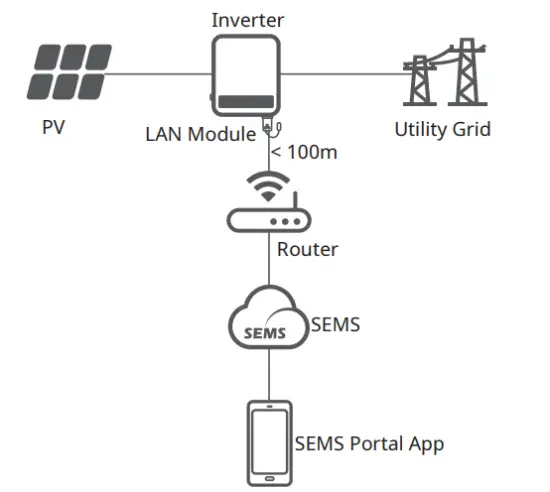
Wiring System
Installation
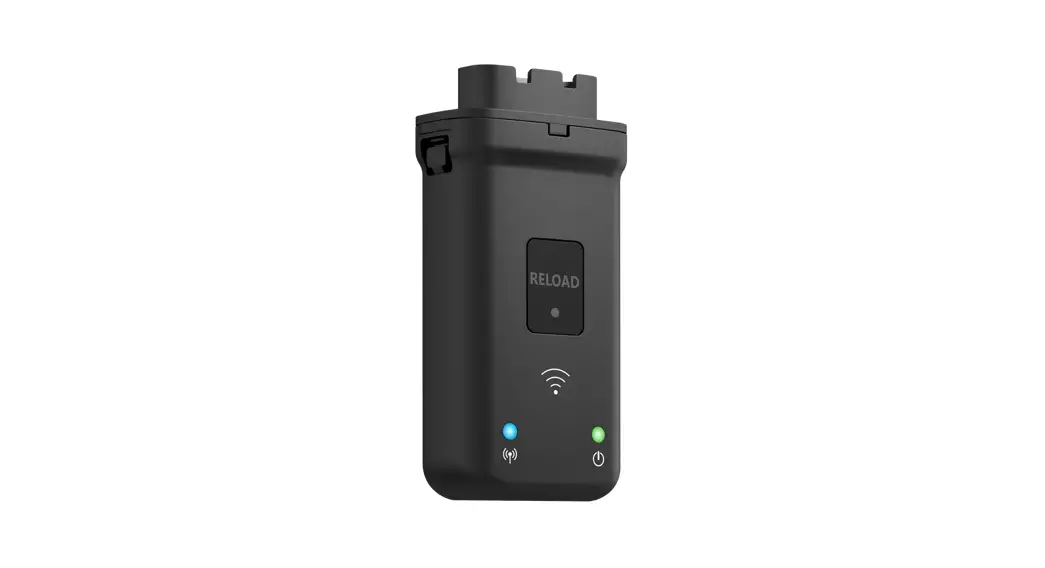
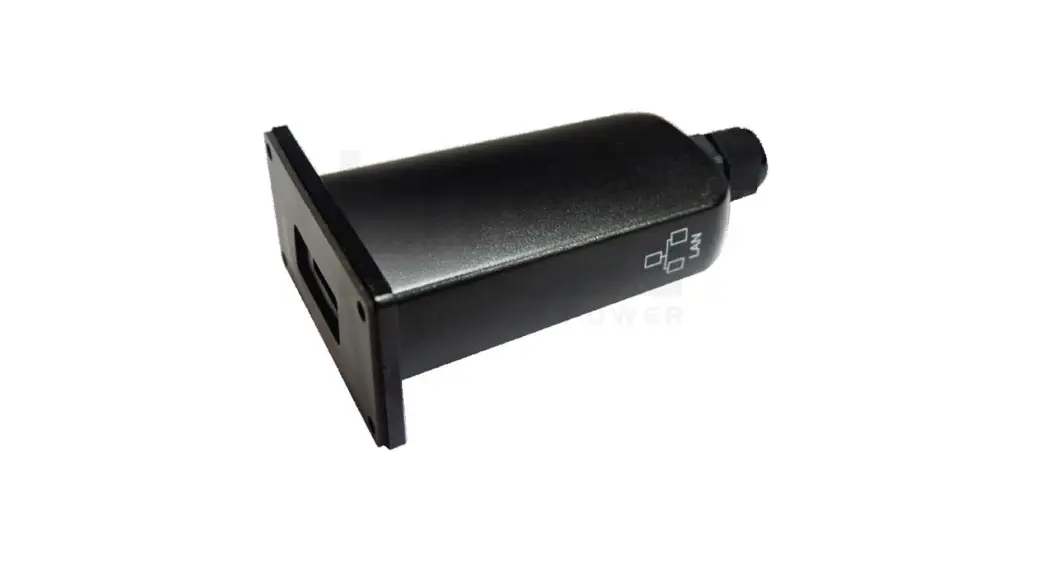
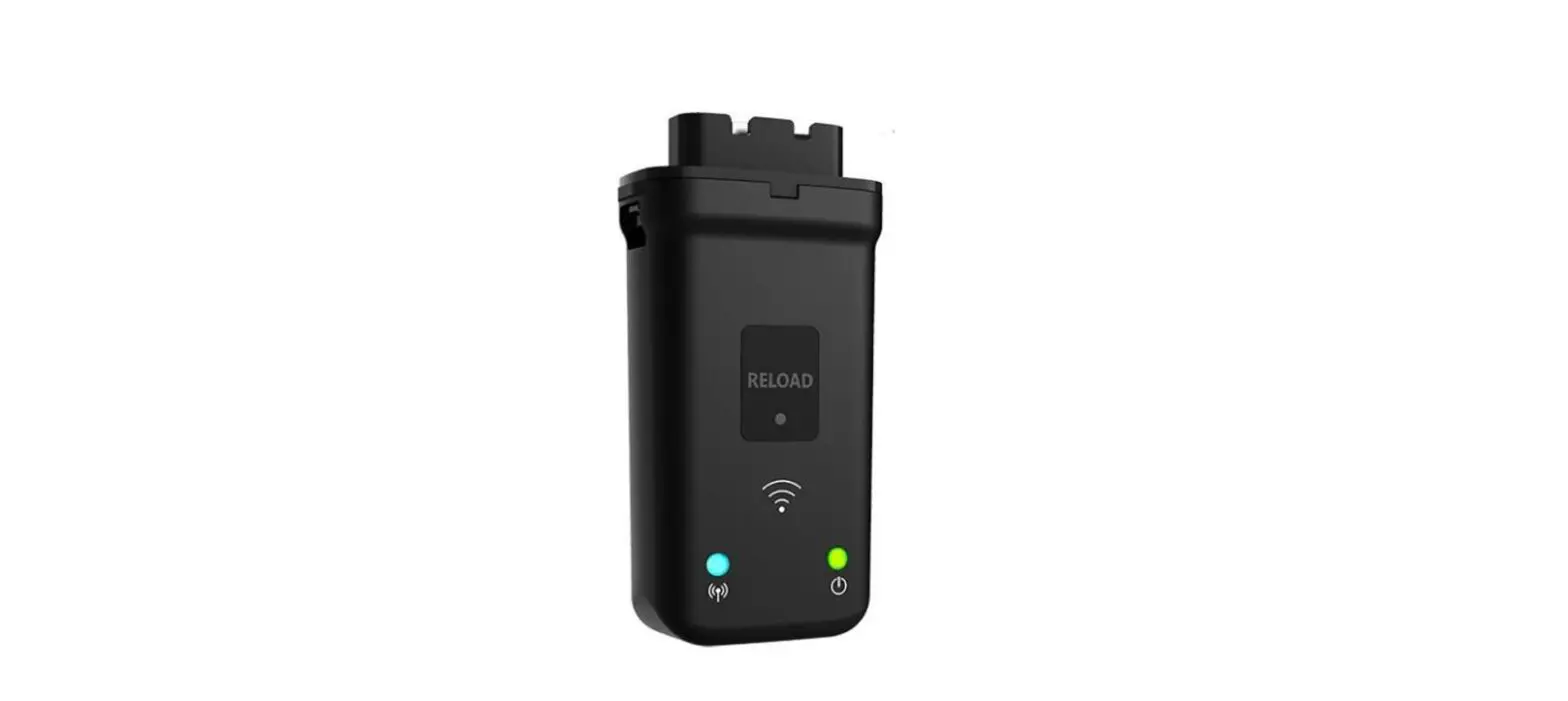
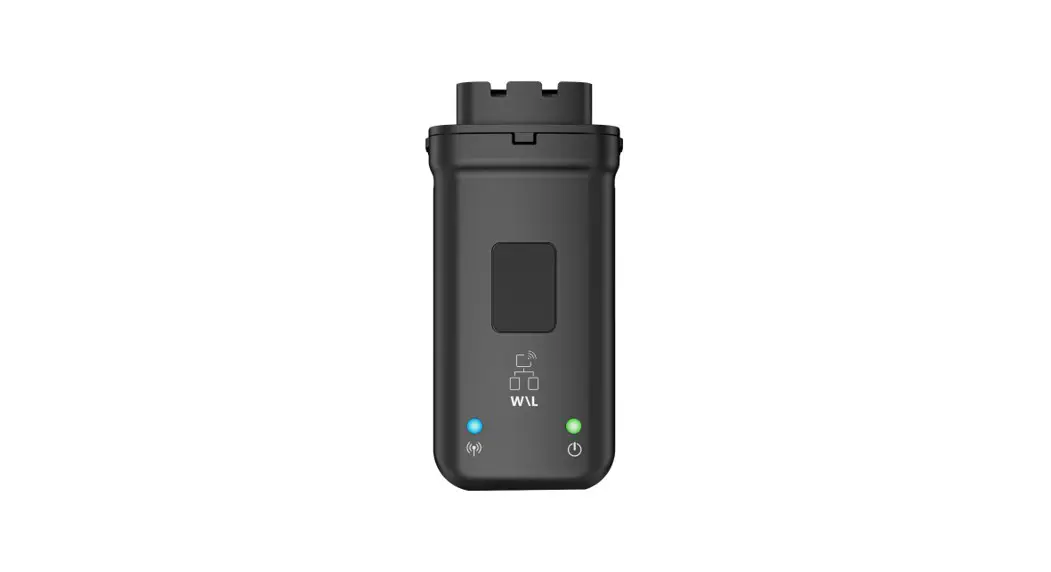
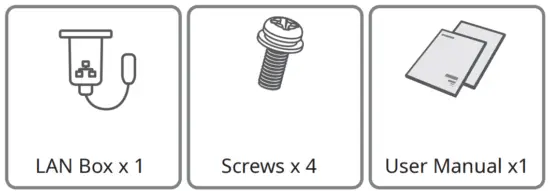
Packing List
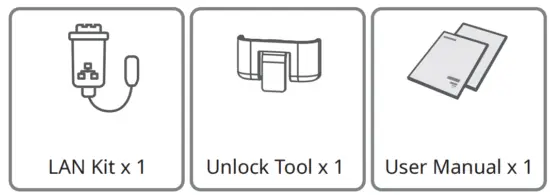
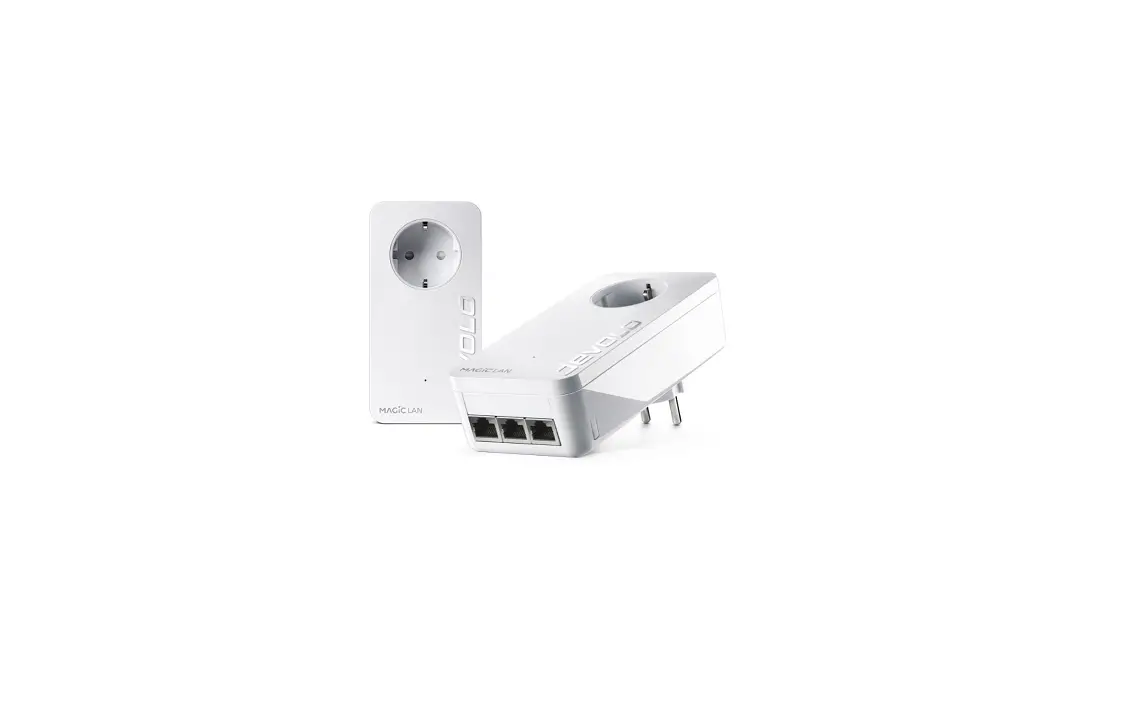
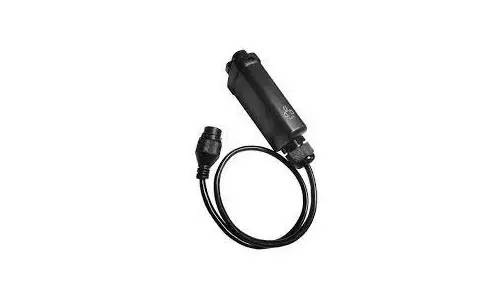
LAN Kit
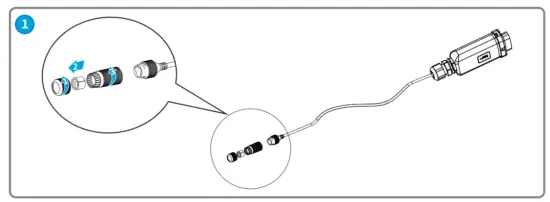
Installing the Module
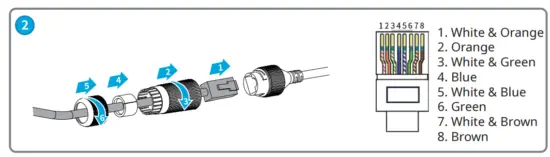
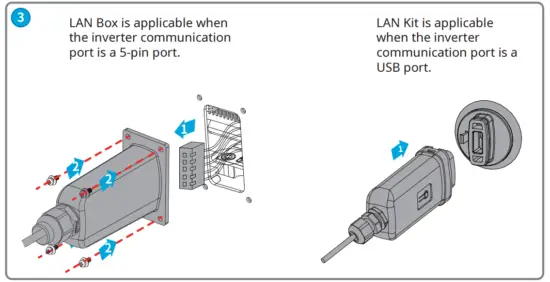
Power On
Step 1 Make sure that the inverter is powered on.
Step 2 Make sure that the router or the switch is powered on.
Commissioning
Step 1 Connect the computer and the LAN module using a network cable.
Step 2 Enter 169.254.1.1 in the browser. User name: admin; password: admin. Set the parameters as shown below.
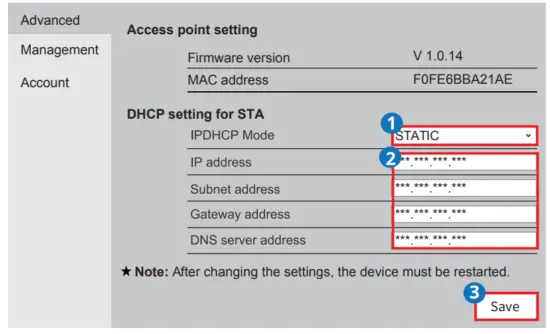
| No. | Parameters | Description |
| 1 | IP DHCP Mode |
|
| 2 | IP address |
|
| Subnet Mask address | ||
| Gateway address | ||
| DNS Server address |
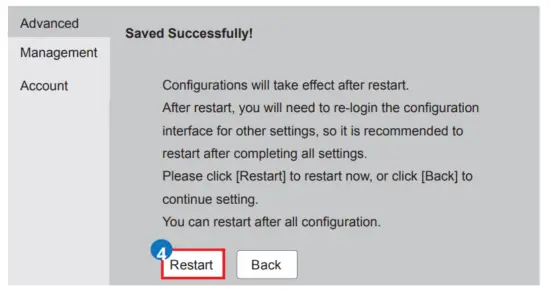
Step 3 Connect the LAN module to the router or the switch.
Notice
- Log in using the newly changed IP address if the LAN module IP has been changed.
- Log in using the default IP (169.254.1.1) if the LAN module has been reset.
Technical Parameters
| Model | LAN Kit | LAN Box |
| Basic Parameter | ||
| Input voltage (V) | 5 | |
| Power consumption (W) | 1.5 | |
| Dimension (L mm×W mm×D mm) | 119 x 46 x 29 | 91.5 x 65 x 39.5 |
| Operating temperature (°C) | -30 ~ 60 | |
| Operating humidity | 0 ~ 100% RH (non-condensing) | |
| Operating altitude | <4000m | |
| Ethernet Interface | ||
| Port | RJ45 | |
| Extension Cable | 0.5m | |
| Protection class | IP65 | |
| Software Parameter | ||
| Conguration | App or Web | |
| Language | English | |
| Transmission rate | UART: 115200bps Ethernet: 100M | |
| Max. Network Cable Transmission Distance | 100m | |
| Supporting device | Routers or Switches | |
| Certificate | CE / RoHS | |
EU Declaration of Conformity
The module sold in the European market meets the following directives and requirements:
- Electromagnetic compatibility Directive 2014/30/EU (EMC)
- Restrictions of Hazardous Substances Directive 2011/65/EU and (EU) 2015/863 (RoHS)
- Waste Electrical and Electronic Equipment 2012/19/EU
- Registration, Evaluation, Authorization and Restriction of Chemicals (EC) No 1907/2006 (REACH)
You can download the EU Declaration of Conformity on https://en.goodwe.com.
Official Website

GoodWe Technologies Co., Ltd.
No. 90 Zijin Rd., New District, Suzhou, 215011, China
Website: www.goodwe.com
Email: [email protected]
340-00702-00
Local Contacts
 固德威——以光伏逆变器为核心的整体解决方案服务商
 GoodWe: Smart Energy Innovator