Hope Tech 3 Shifter Mount Instruction Manual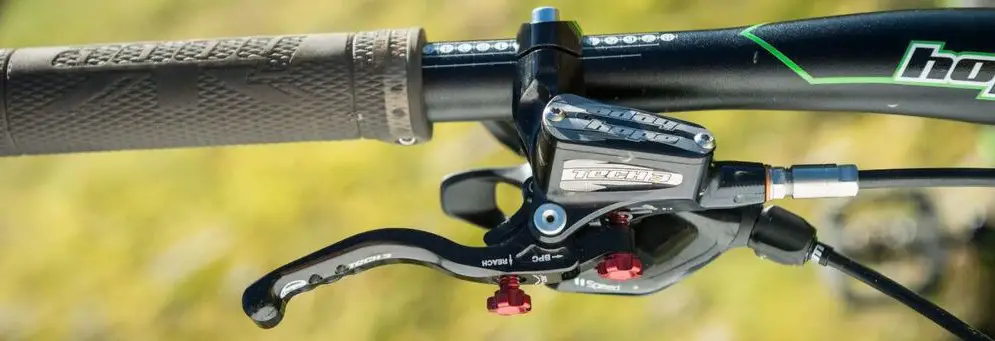
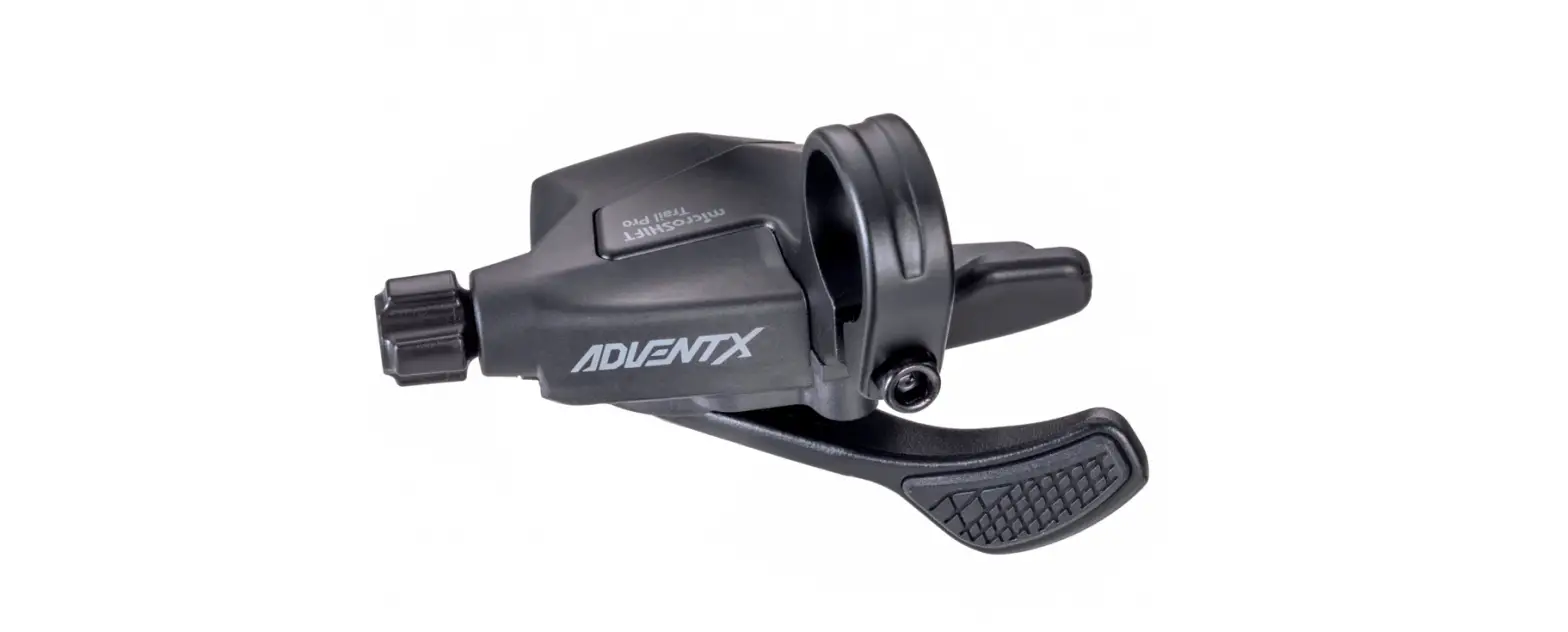
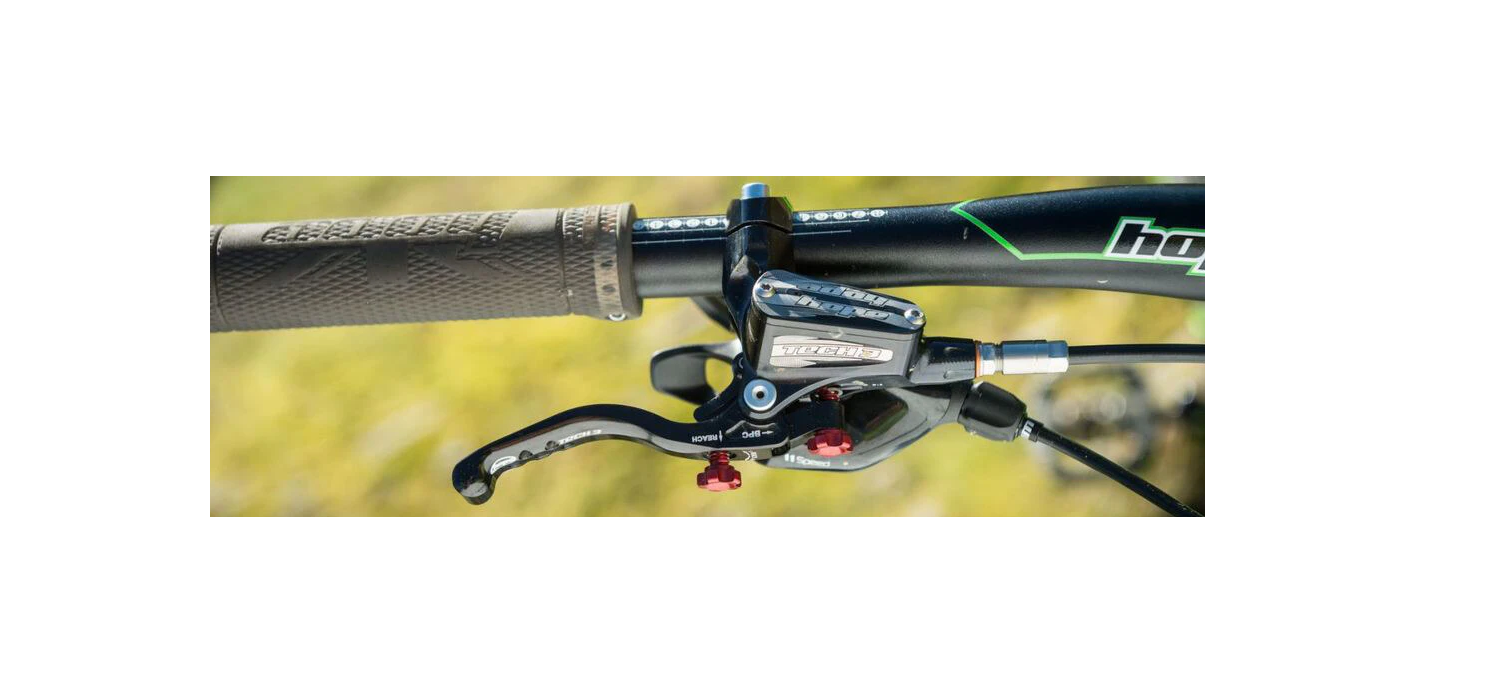
This direct mount for TECH3 and XCR master cylinders will fit all SRAM shifters with removable clamp.
TOOLS REQUIRED
- 4mm Hex
- T25 Torx driver
Installation instruction
001_
If present, remove the gear shifter and its clamp. Locate the shifter mount mounting hole. For XCR and post 2019 TECH3 you should see a MS threaded hole, move directly to step 003. For older TECH3 master cylinders only carry on to step 002.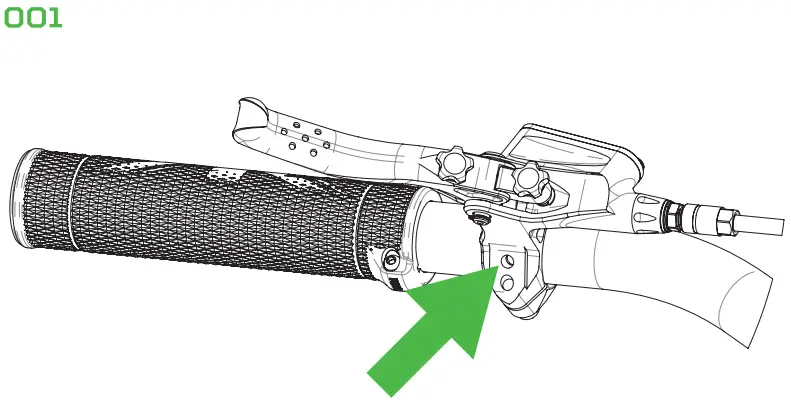
002_
Pre 2019 TECH3 ONLY Undo the bar clamp and move the master cylinder away from the bars. Drop the special square nut into the lever bracket (Square face facing up). Re fit the master cylinder to the handlebar and alternately tighten the clamp bolts using the 4mm hex. Recommended tightening torque: 4-5 N.m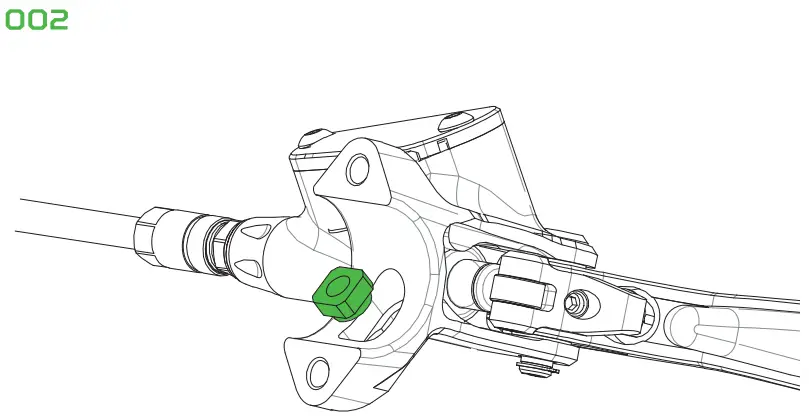
003_
Identify the RH and LH shifter mount and place it over the slot under the master cylinder. Using the T25 Torx driver tighten the MS bolt so the shifter mount is securely fastened to the master cylinder unit. Recommended tightening torque: 4-5 N.m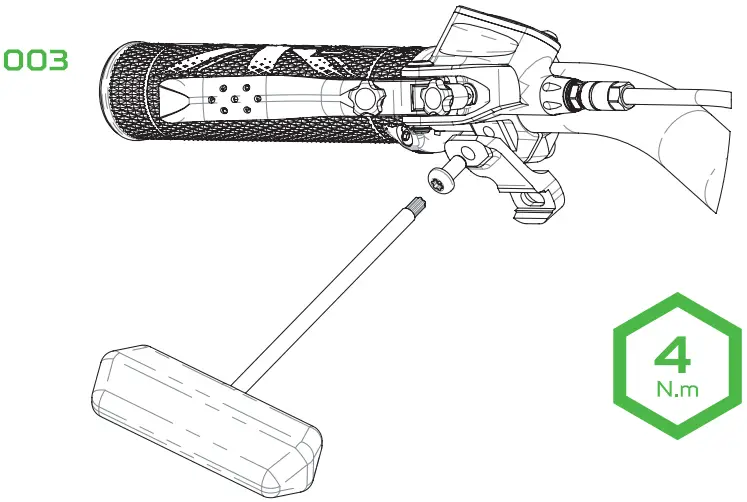
004
Install the shifter lever onto the direct mount and using the T25 Torx driver tighten the M5 bolt. Recommended tightening torque: 4-5 N.m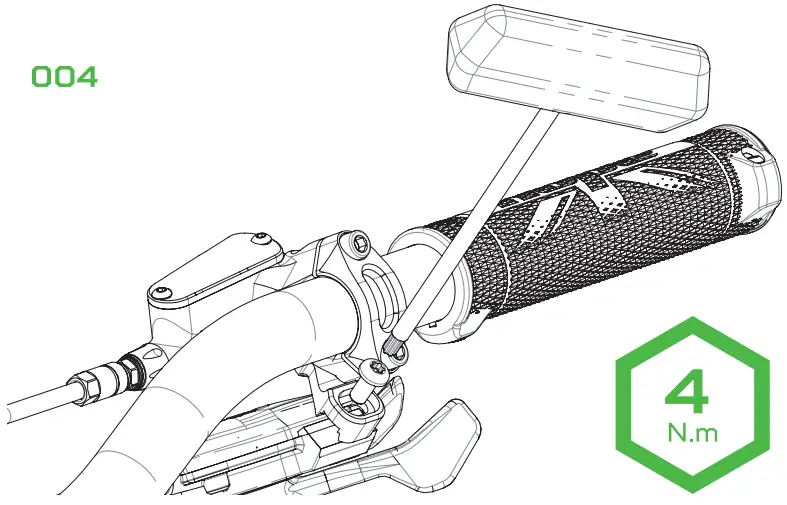
NOTE: Use one or the other tapped hole on the shifter pod and adjustment slot on the direct mount to find the best lateral position for the shifter.
NOTE: TECH3 is show on diagrams as illsutration purposes. Proceed the same way for XCR master cylinder