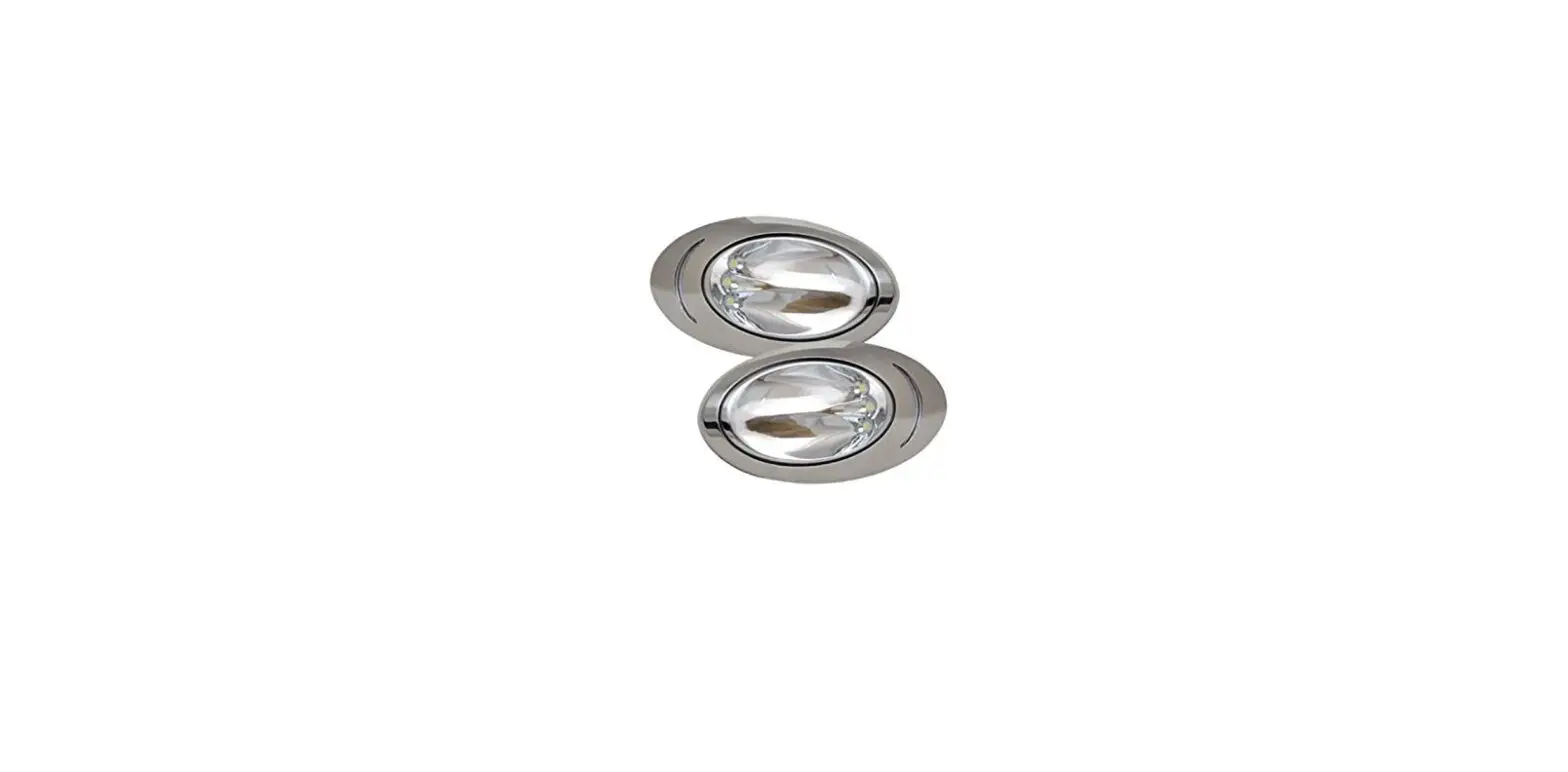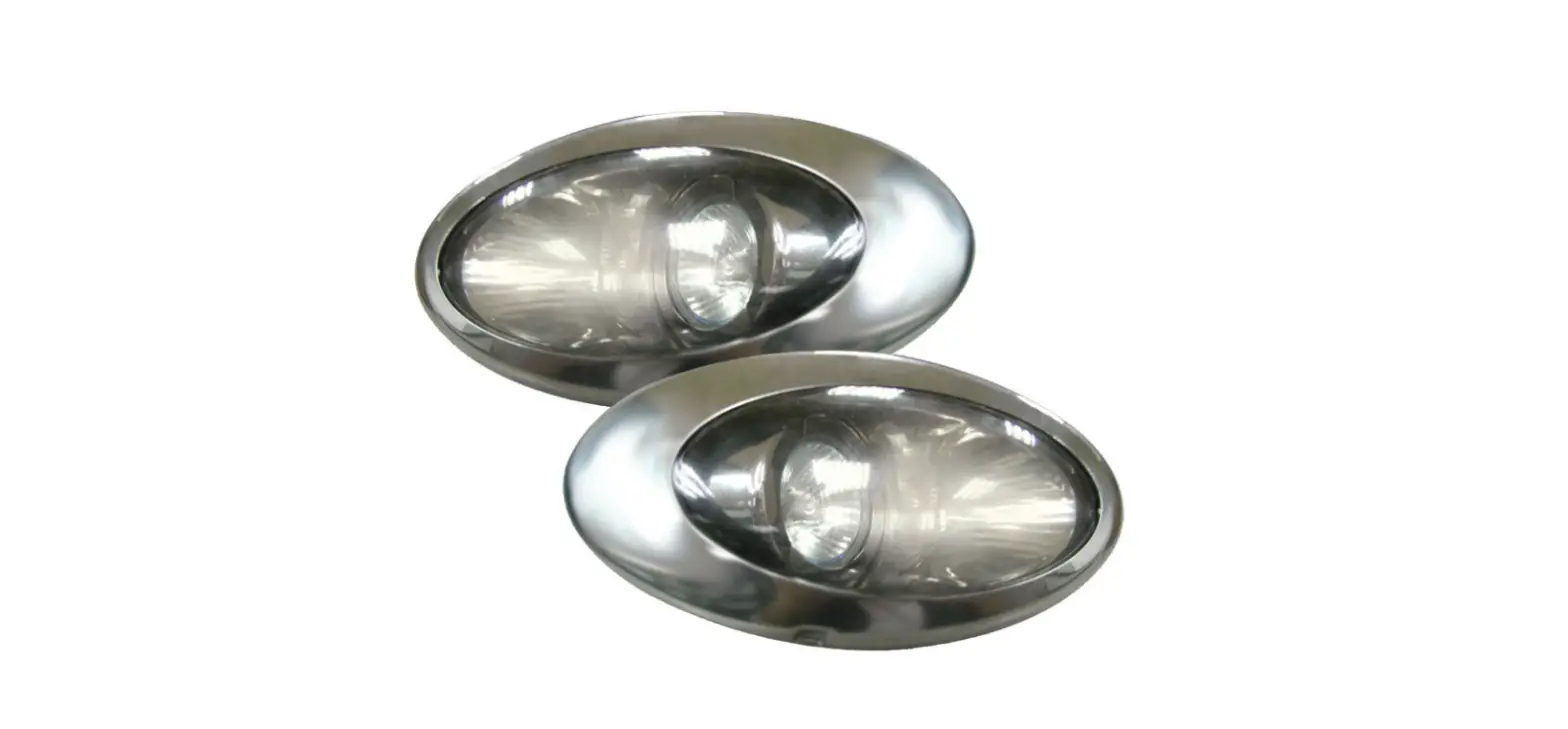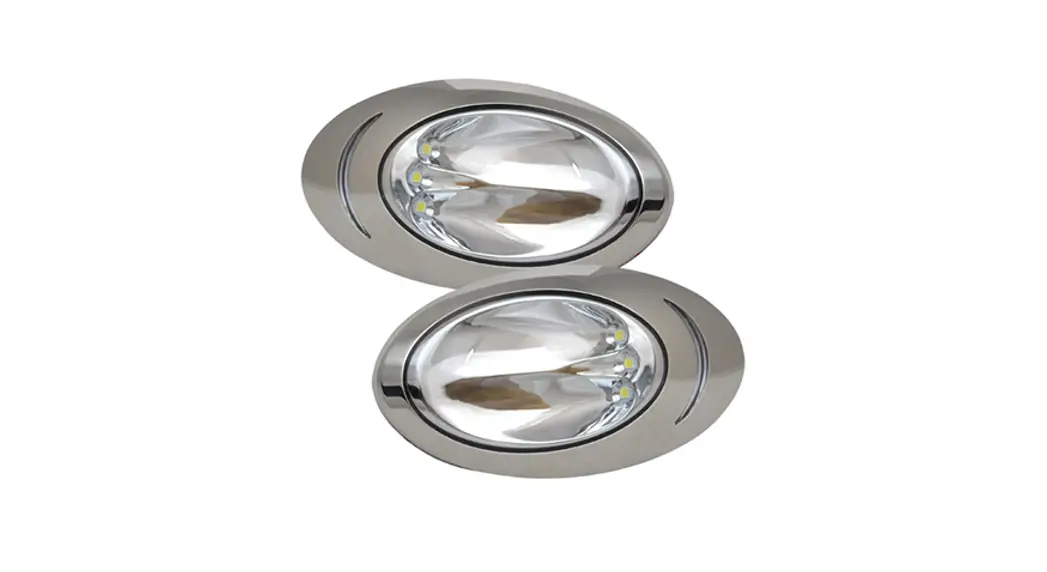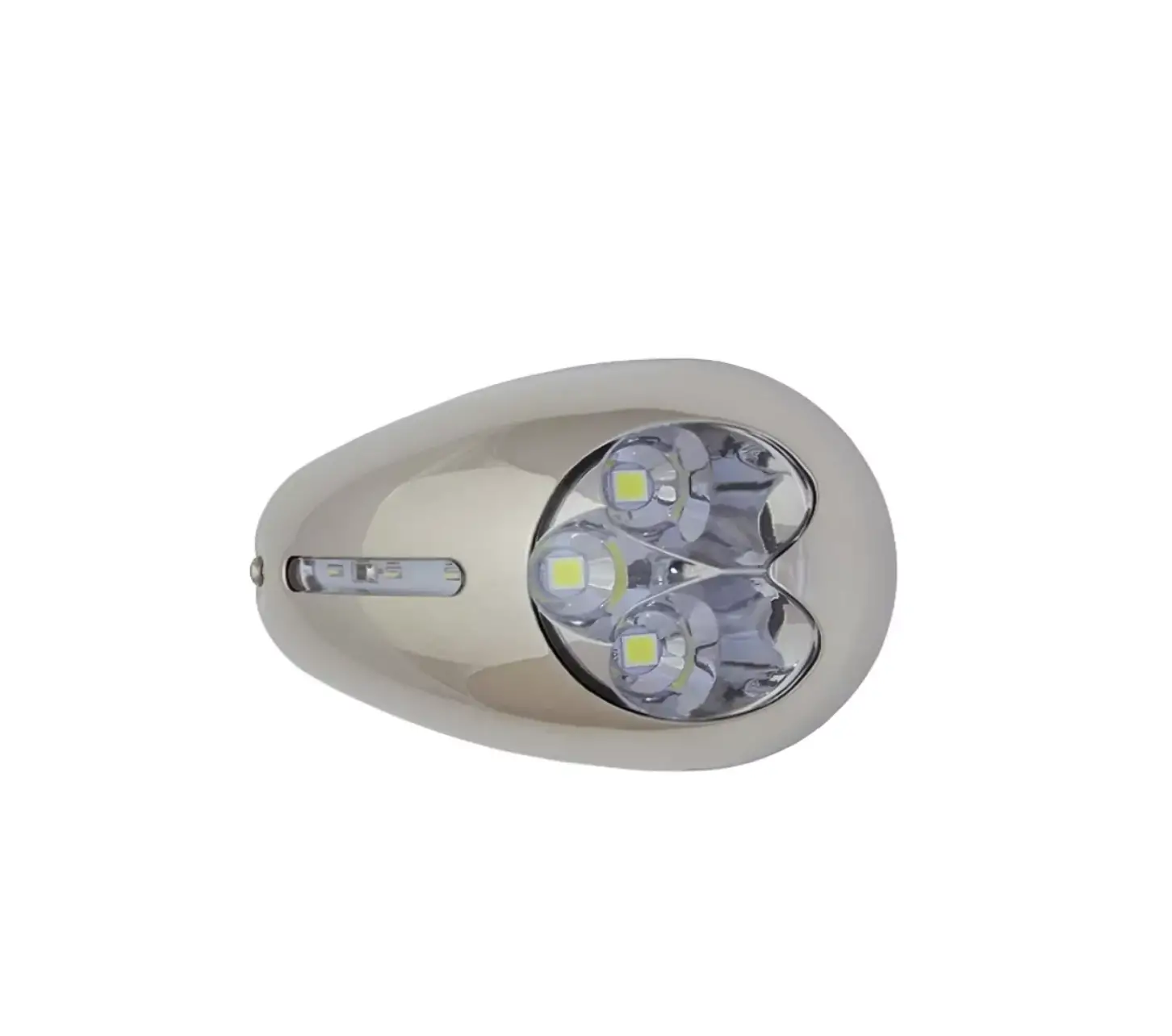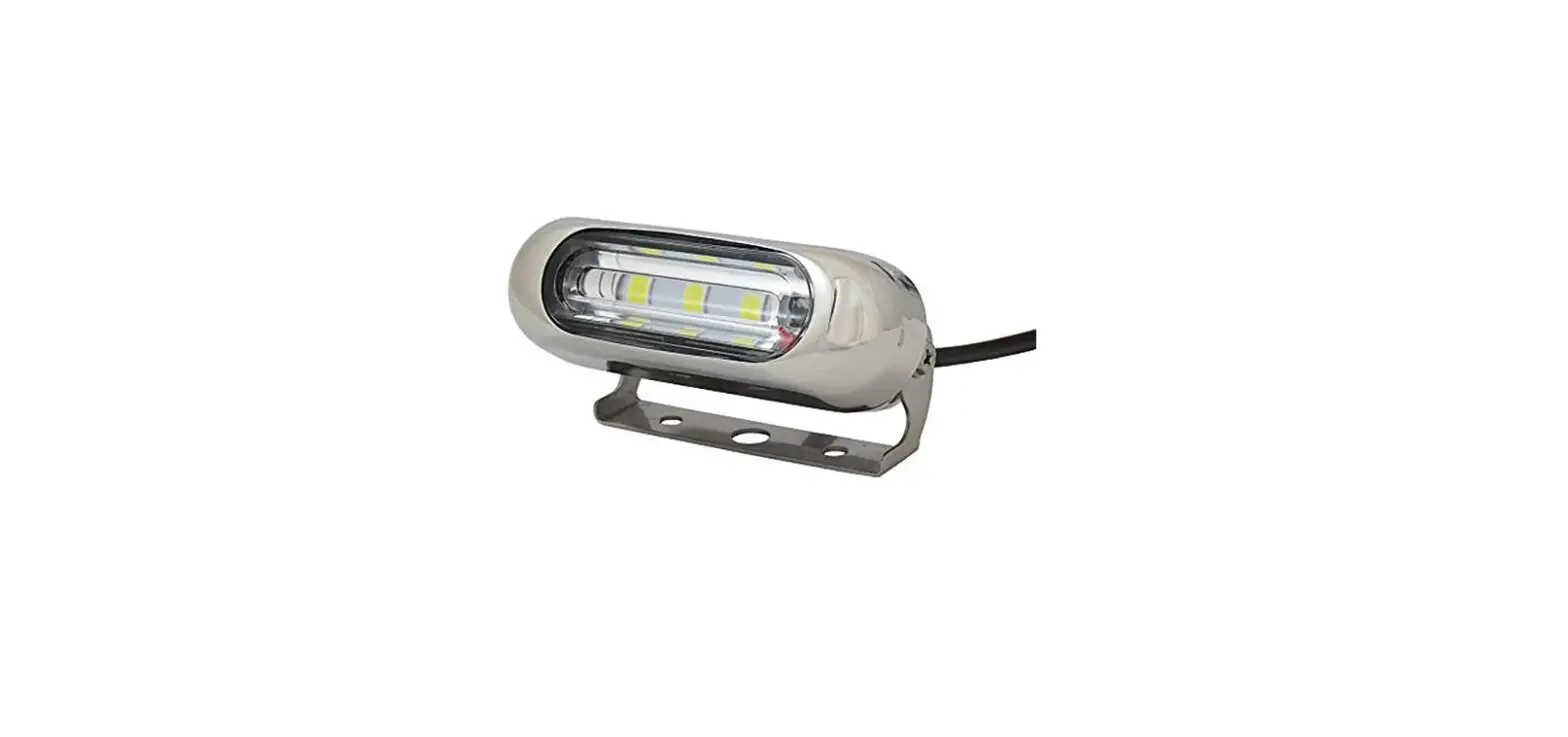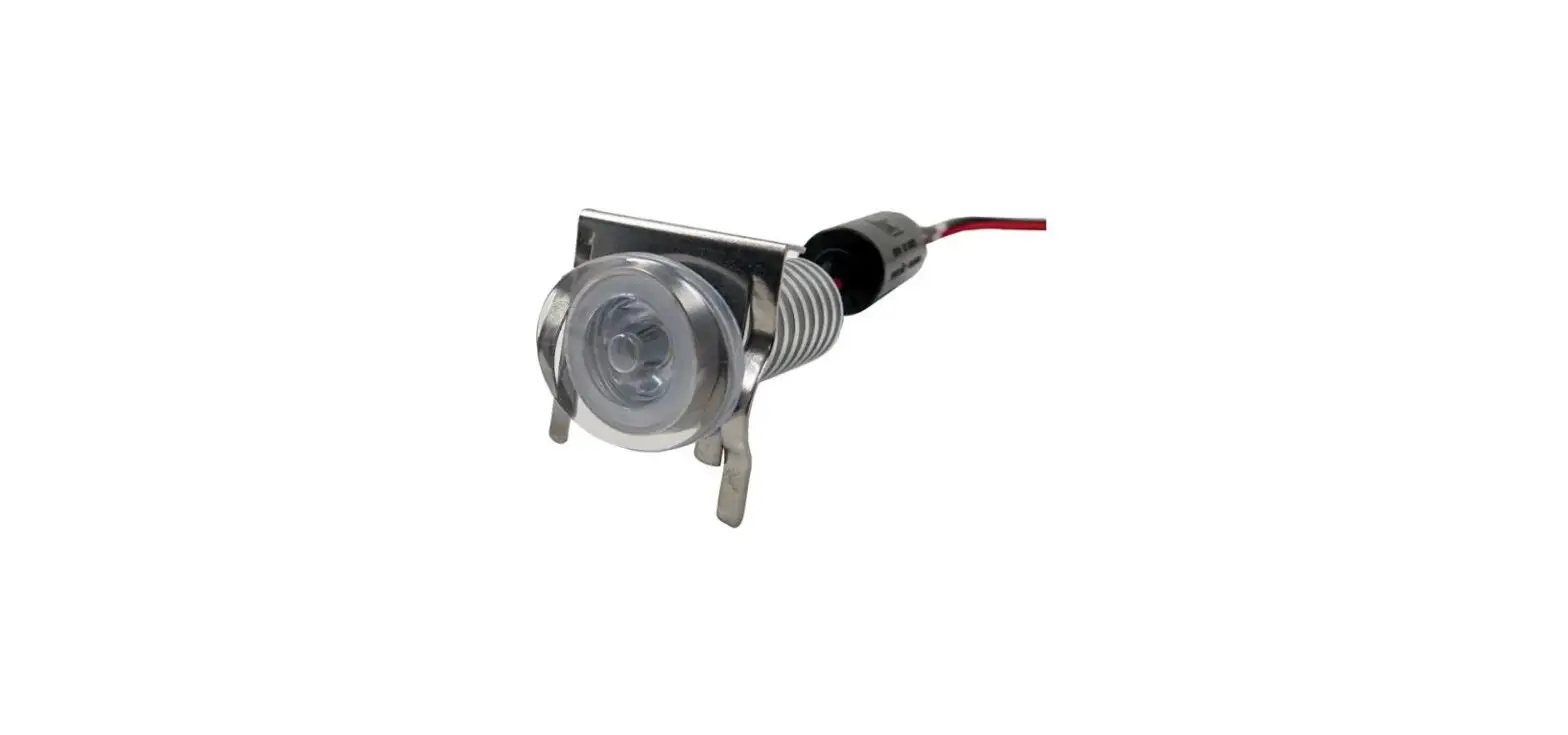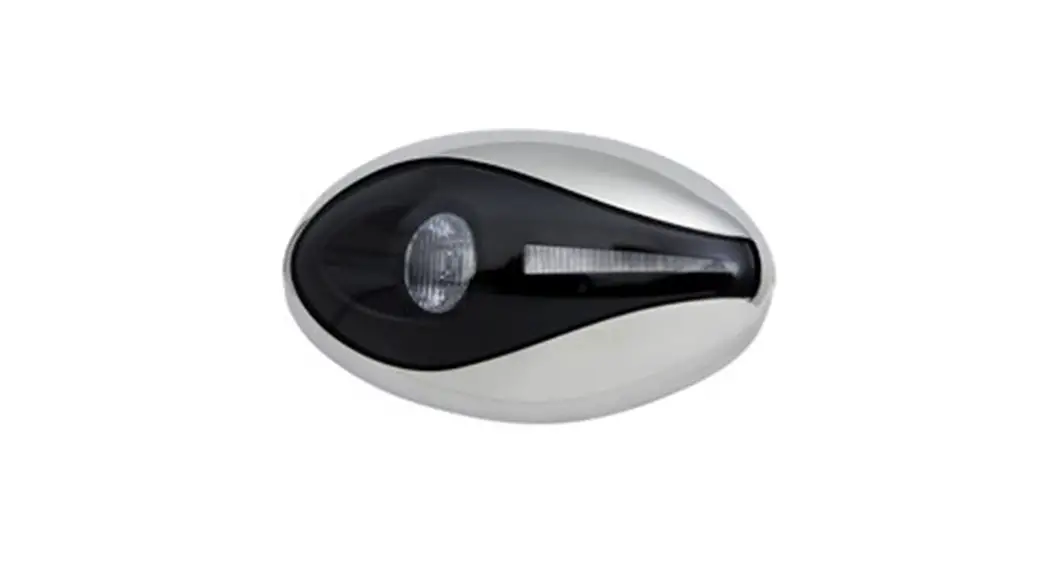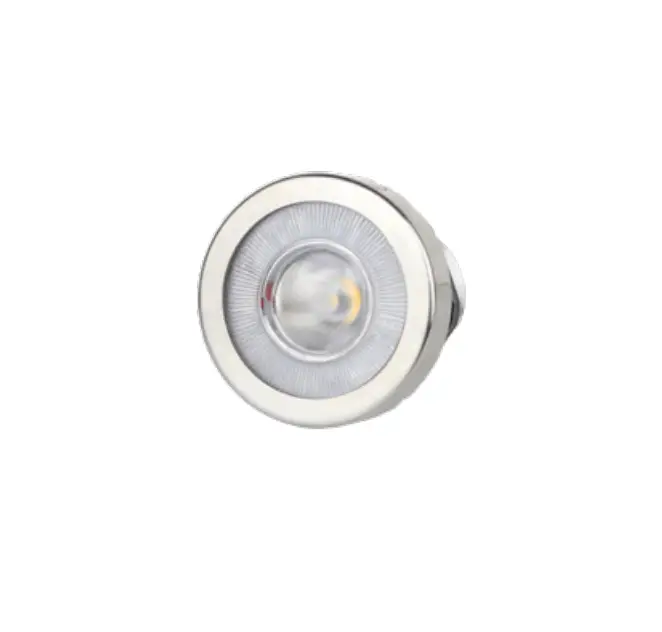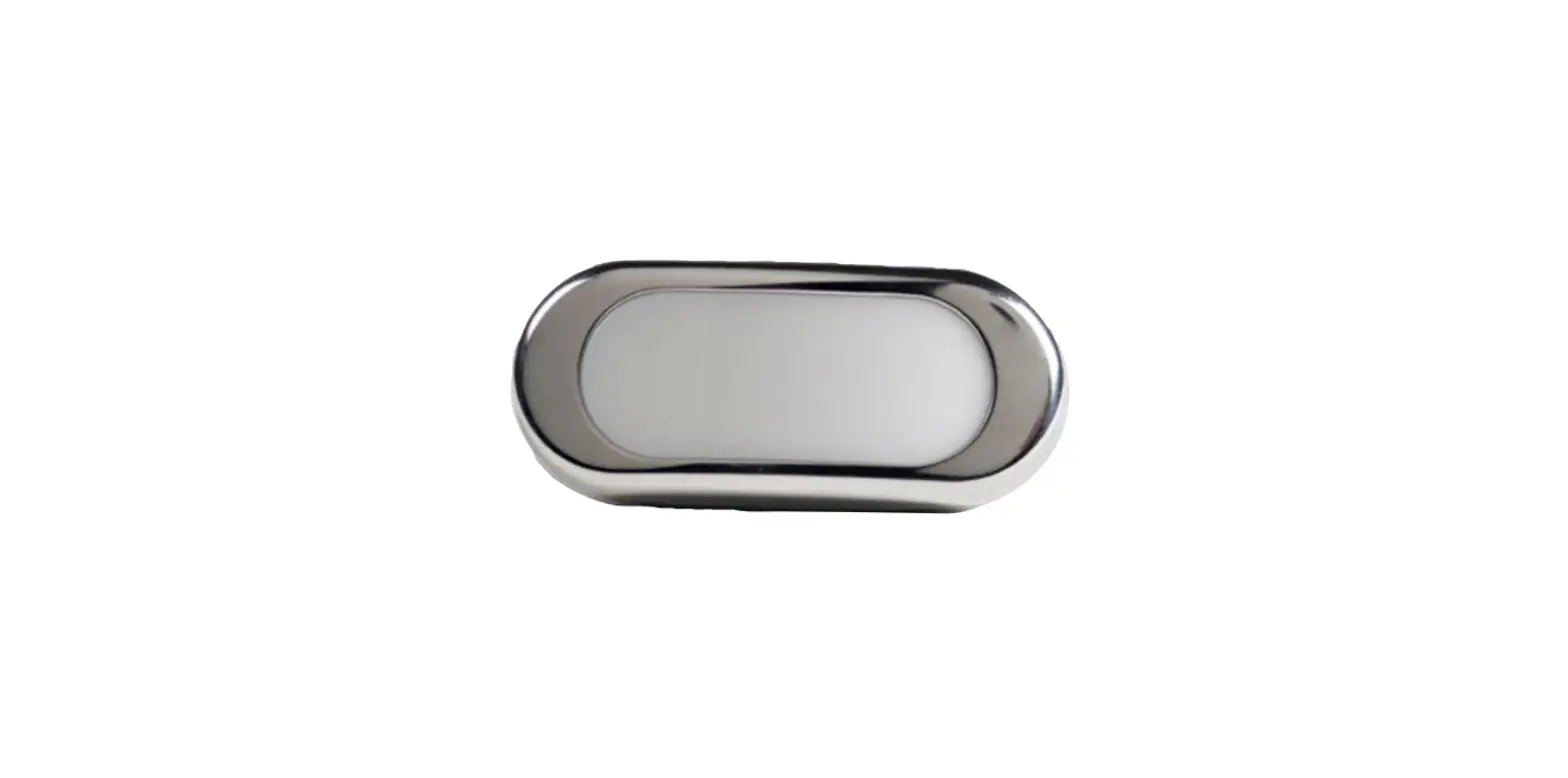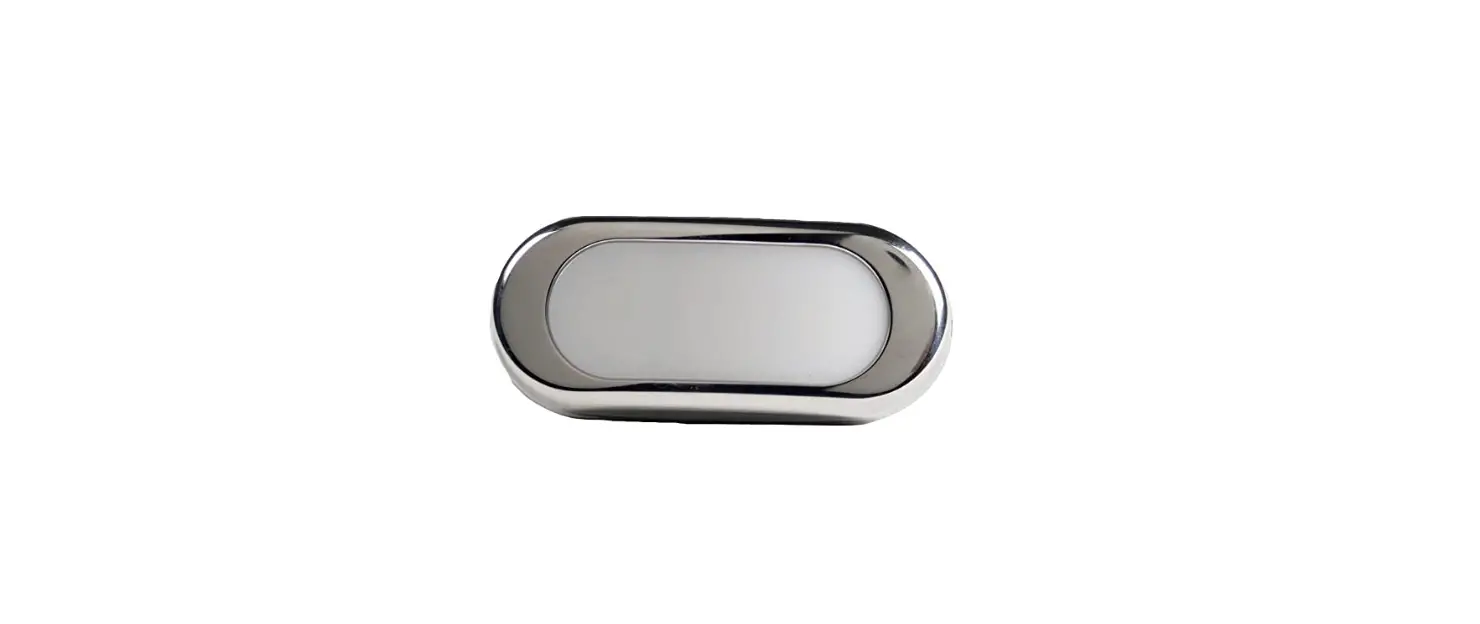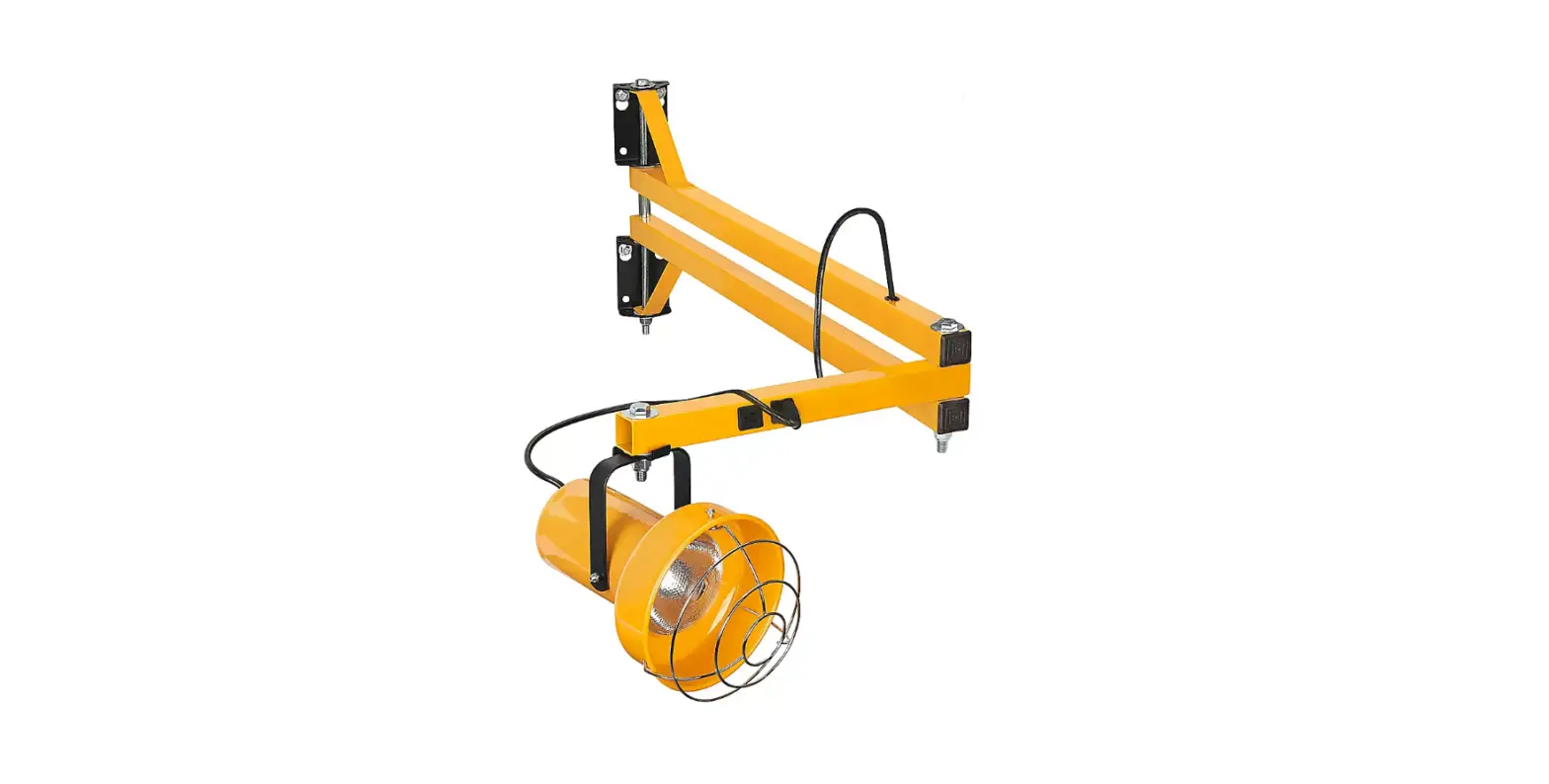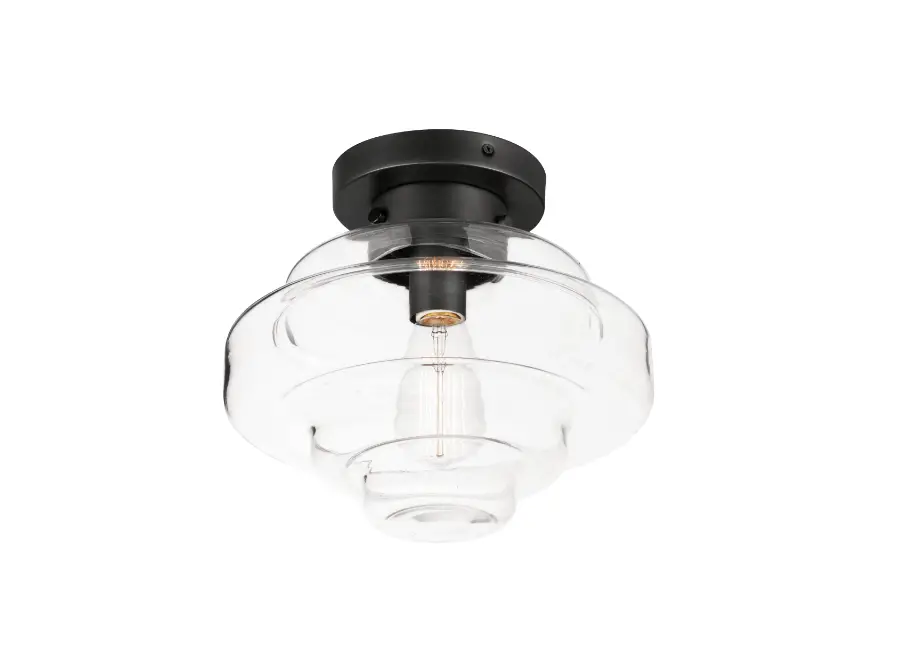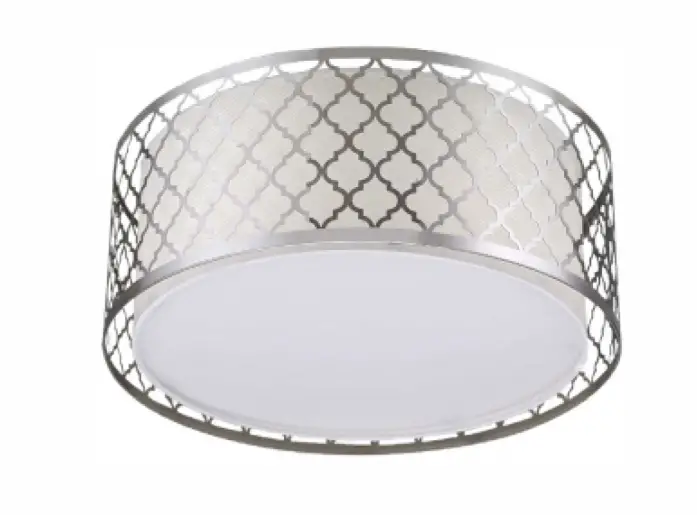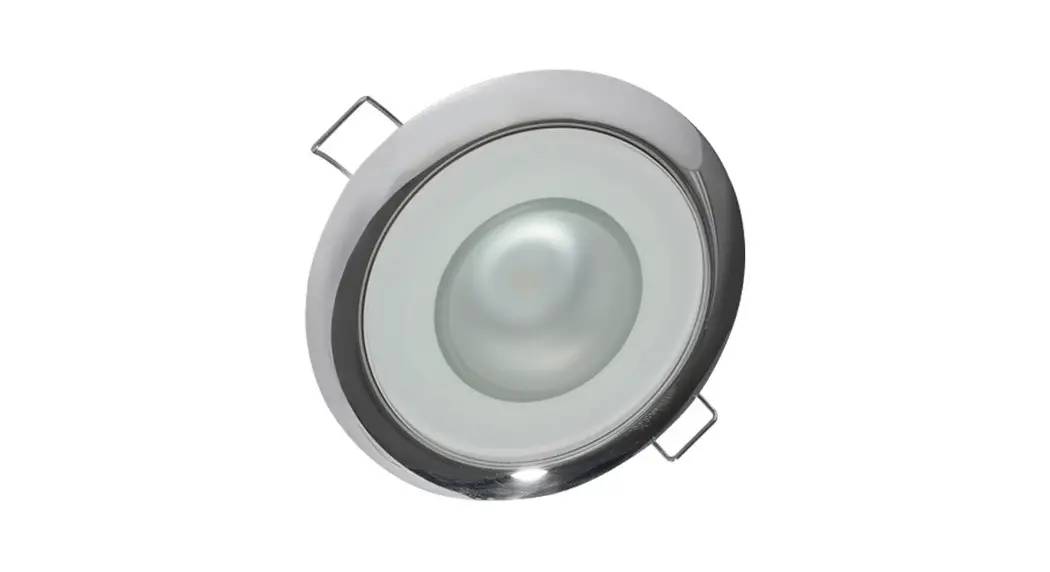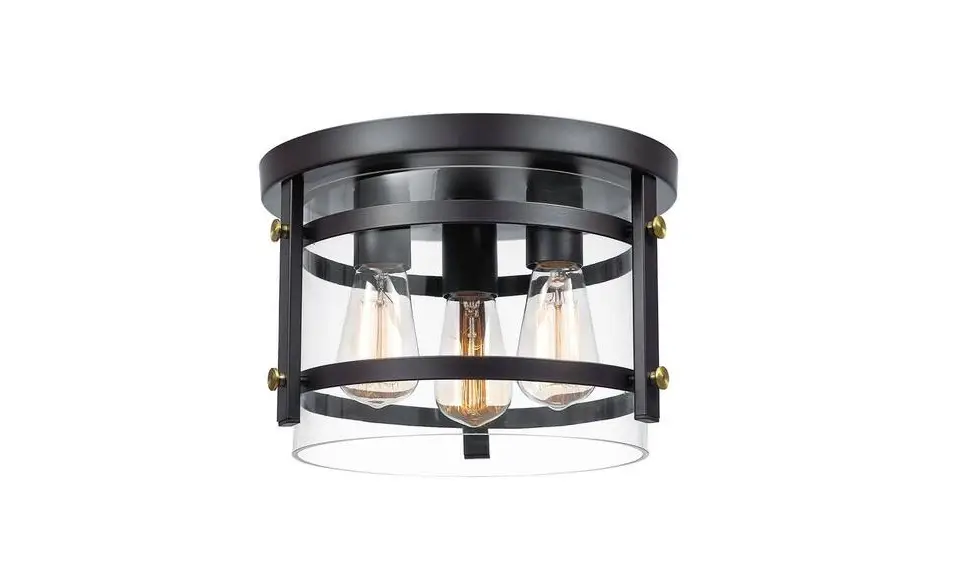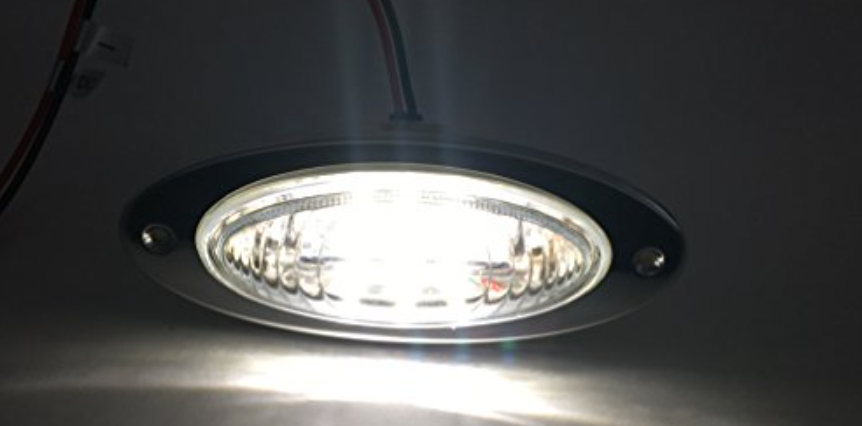

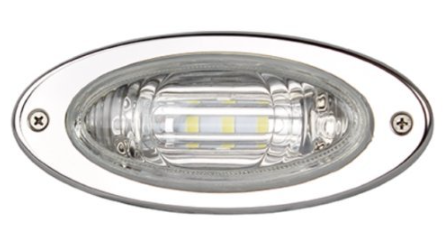
ITC 69369 Flush Mount Docking Light
Tools Required
| PARTS NEEDED: | |||
 | 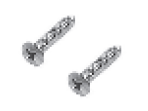 | 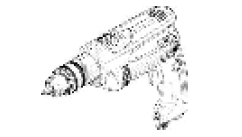 | 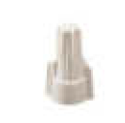 |
| Docking Light | Mounting Screws | Power Drill | Wire Nuts (not provided) |
Safety Instructions
- Disconnect power before installing, adding or changing any component.
- To avoid a hazard to children, account for all parts and destroy all packing materials.
- Operating Voltage: 10 – 14V DC
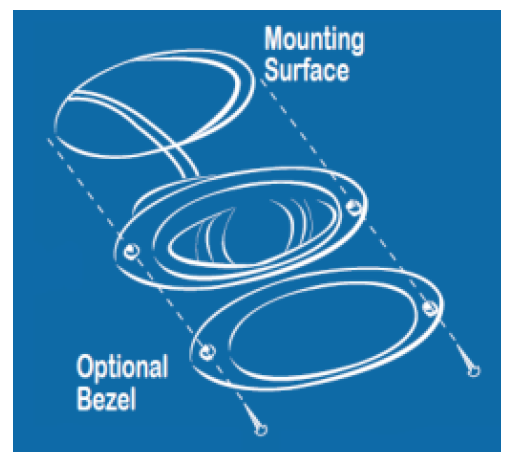
- Using interior hole of bezel, mark mounting area and cut out using a jig saw
- Connect wires to your electrical source
- Insert light into hole
- If the stainless steel bezel will be used, put bezel over the top of the light
- Insert #6 screws and tighten until secure
 ITC Warranty & Return Policy