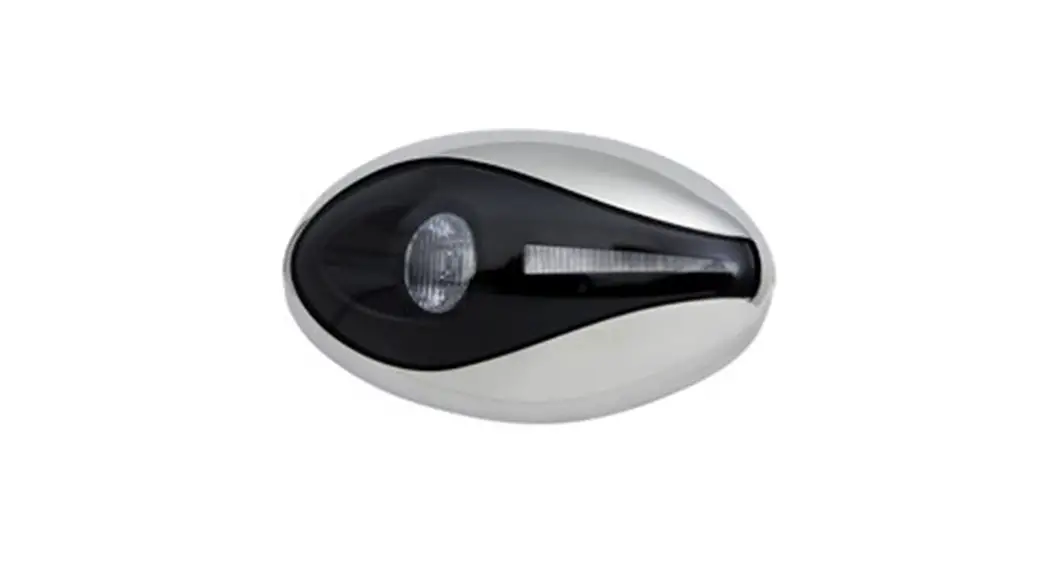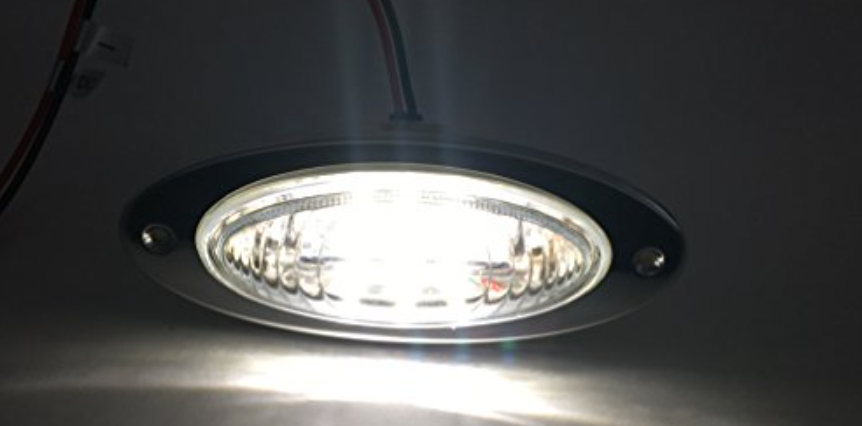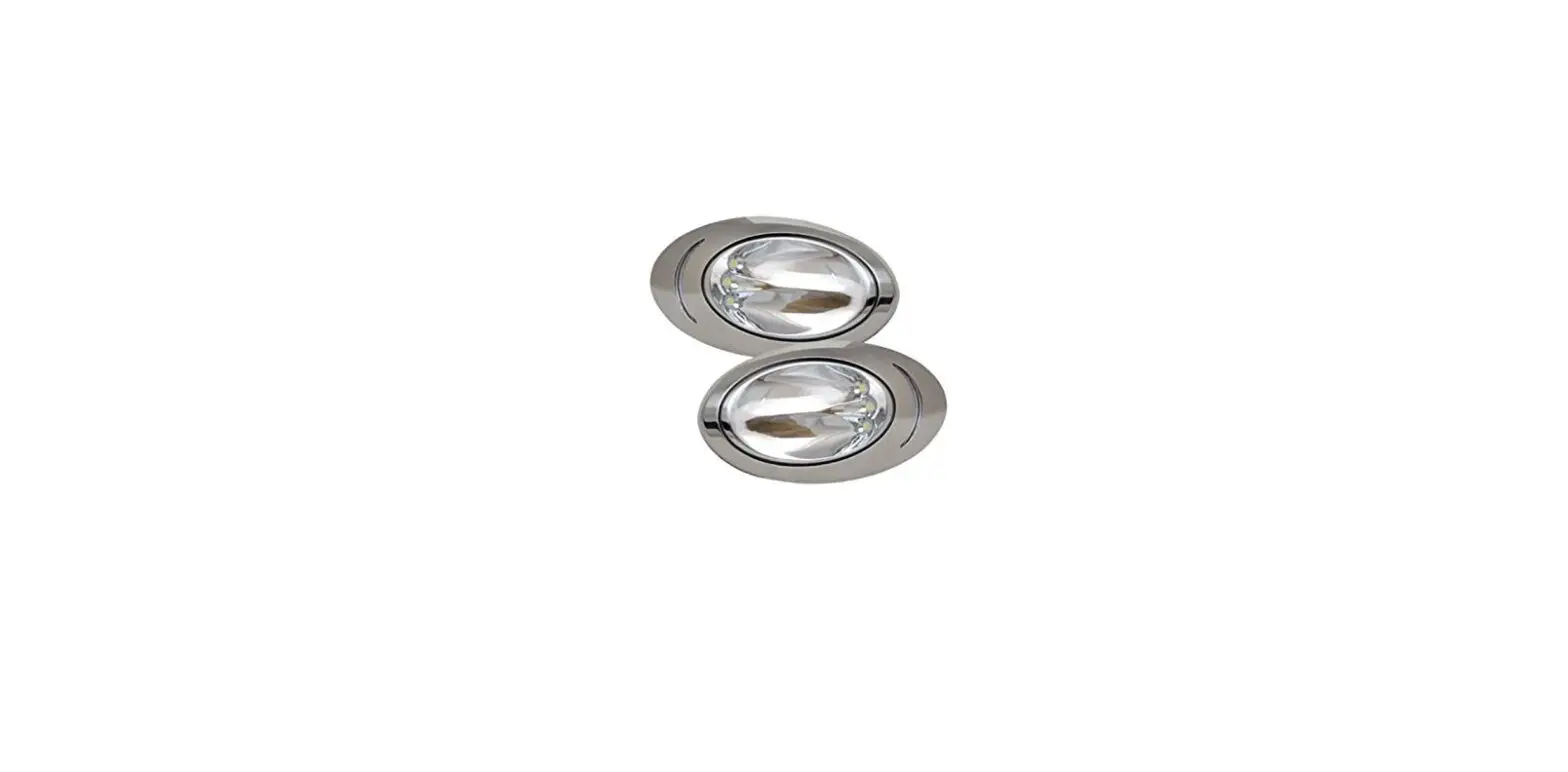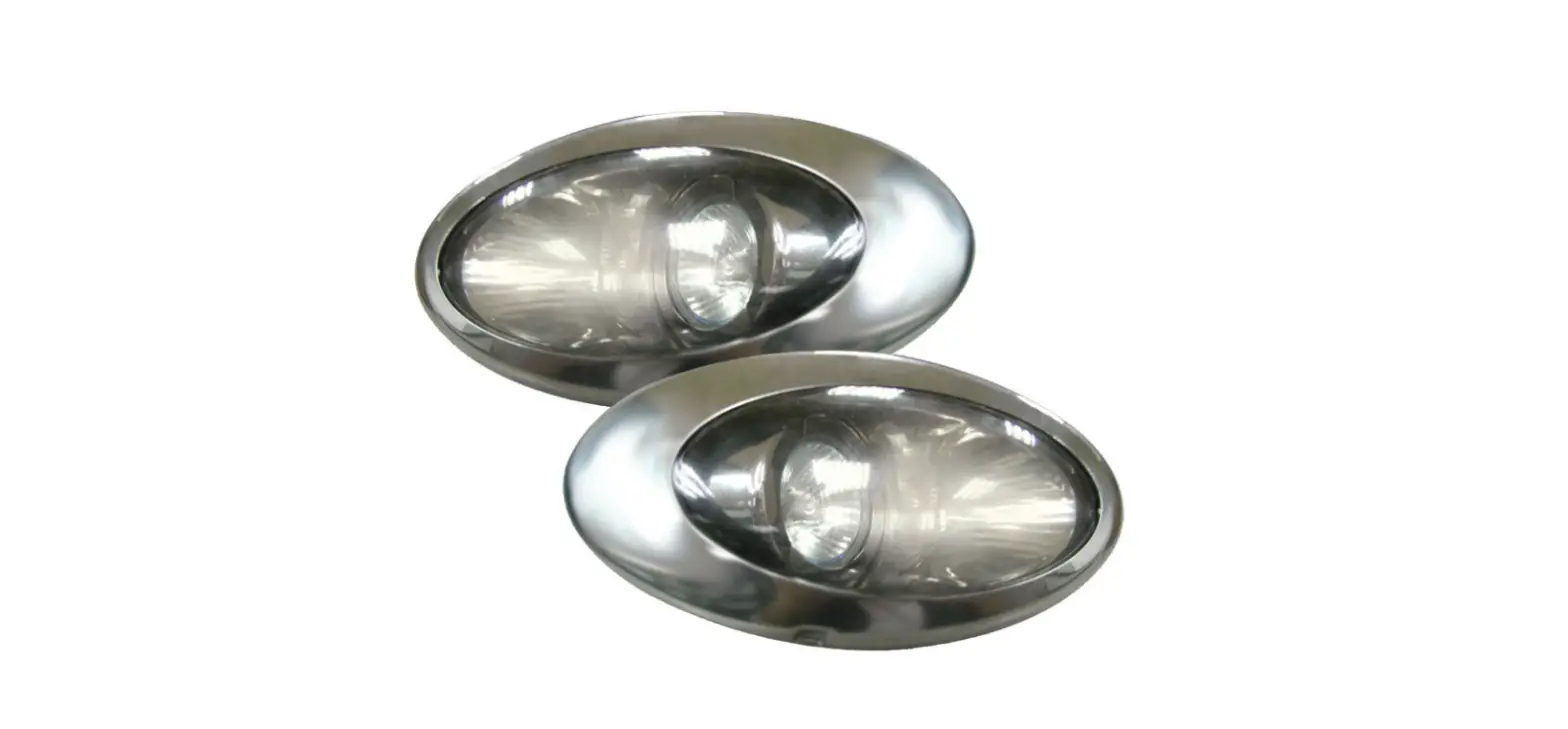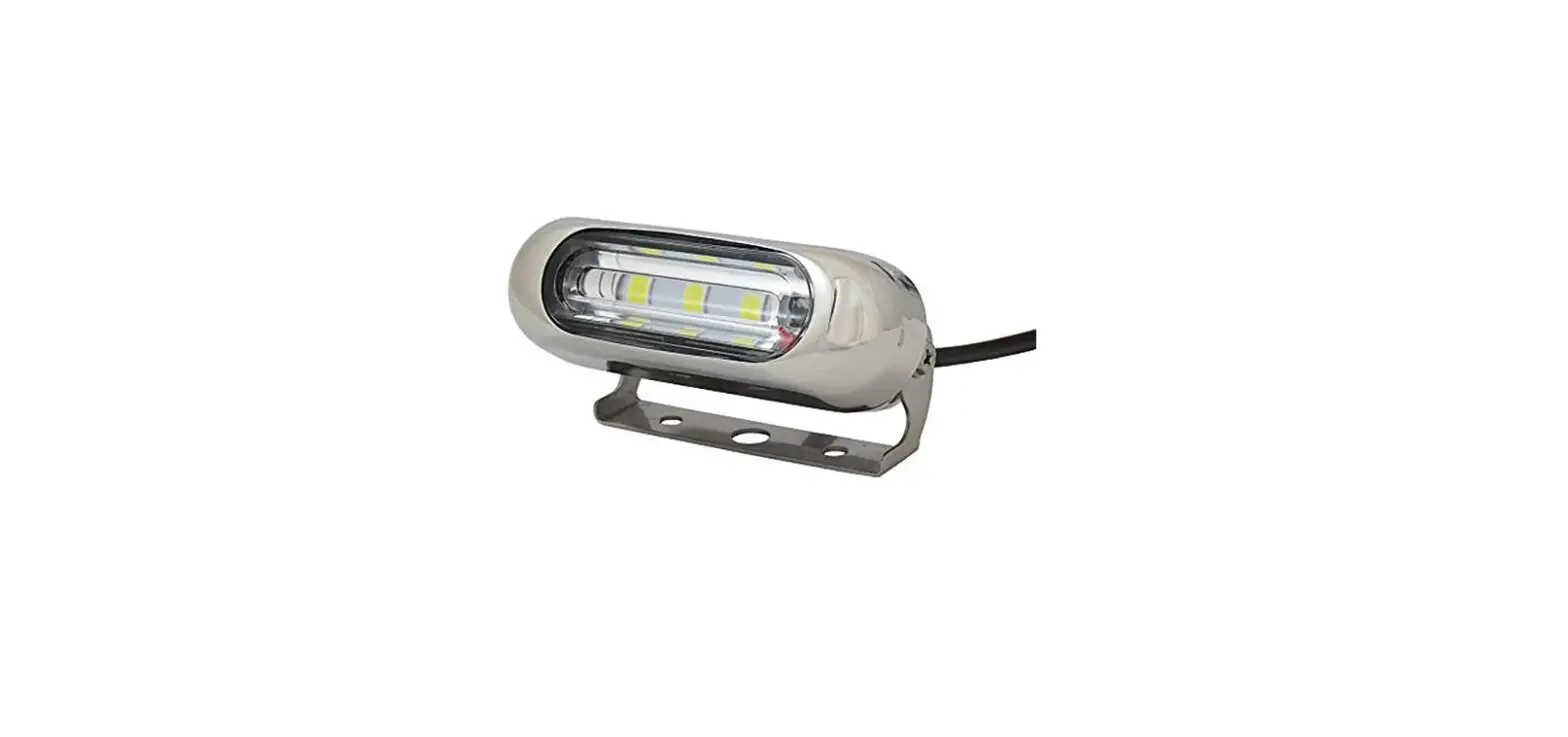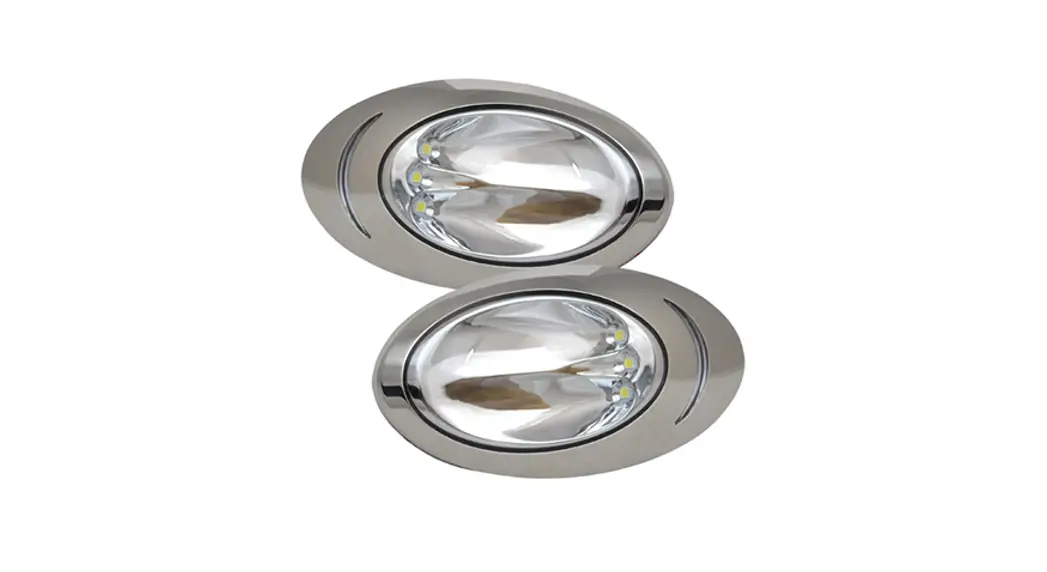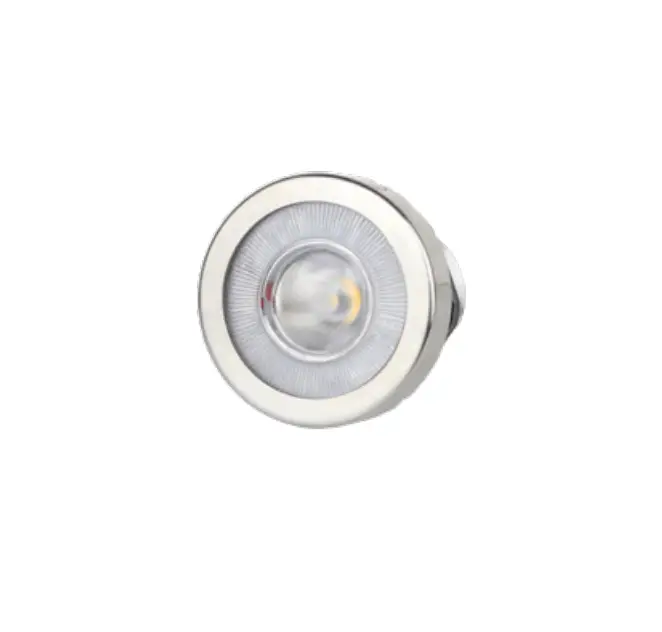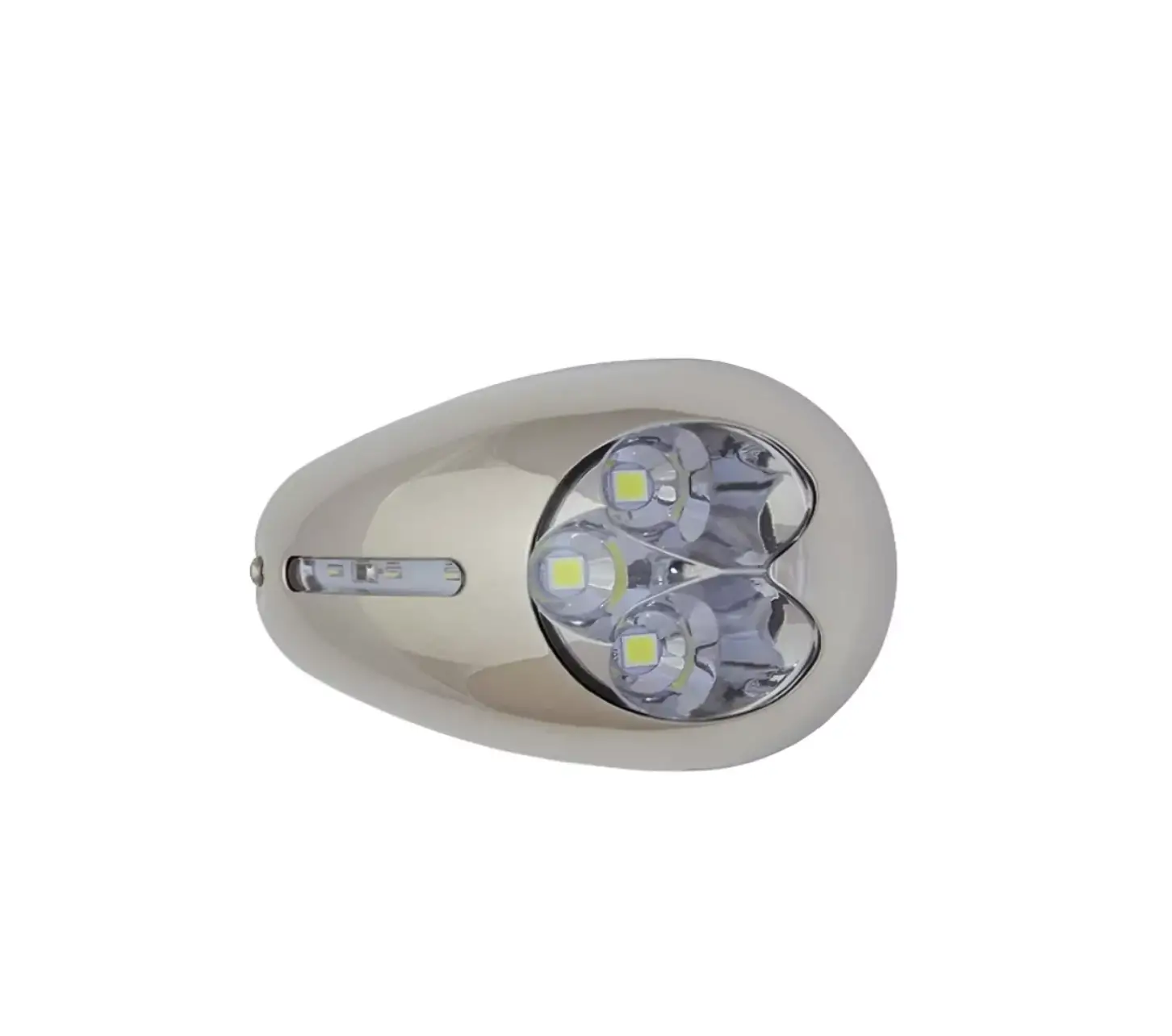
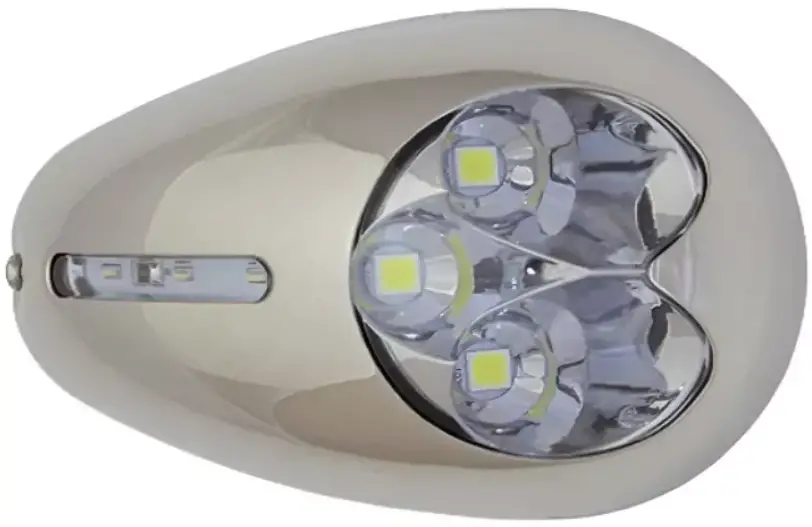
ITC 69388 Surface Mount Docking Light
PARTS NEEDED:
- Docking Light

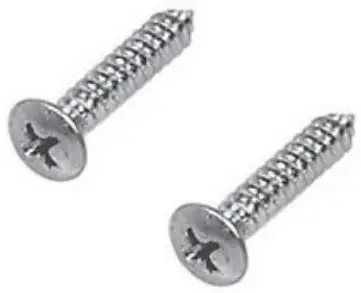
- Mounting Screws

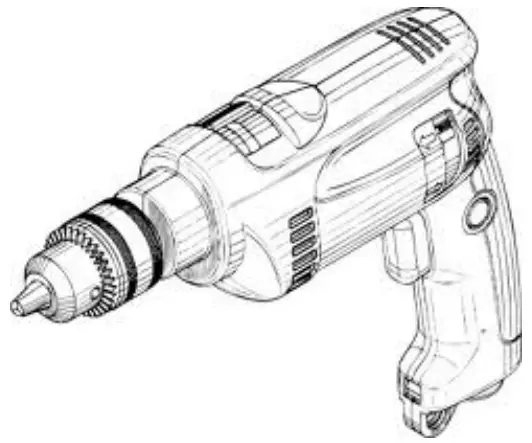
- Power Drill

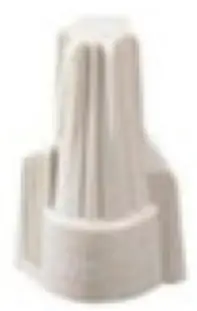
- Wire Nuts (not provided)

Safety Instructions
- Disconnect power before installing, adding or changing any component.
- To avoid a hazard to children, account for all parts and destroy all packing materials.
- Operating Voltage: 10 – 14V DC
- Remove bezel if not already disassembled
- Determine the installation location for your light. Once determined drill a 0.5” hole
- Connect wires to power source
- Feed wires back through the hole and screw the light in place using the screws provided
- Reattach bezel
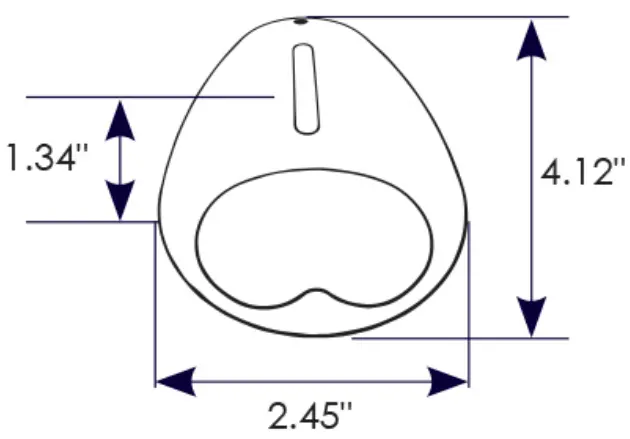
Dimensions
3030 Corporate Grove Dr.
Hudsonville, MI 49426
Phone: 616.396.1355
itc-us.com

 ITC Warranty & Return Policy