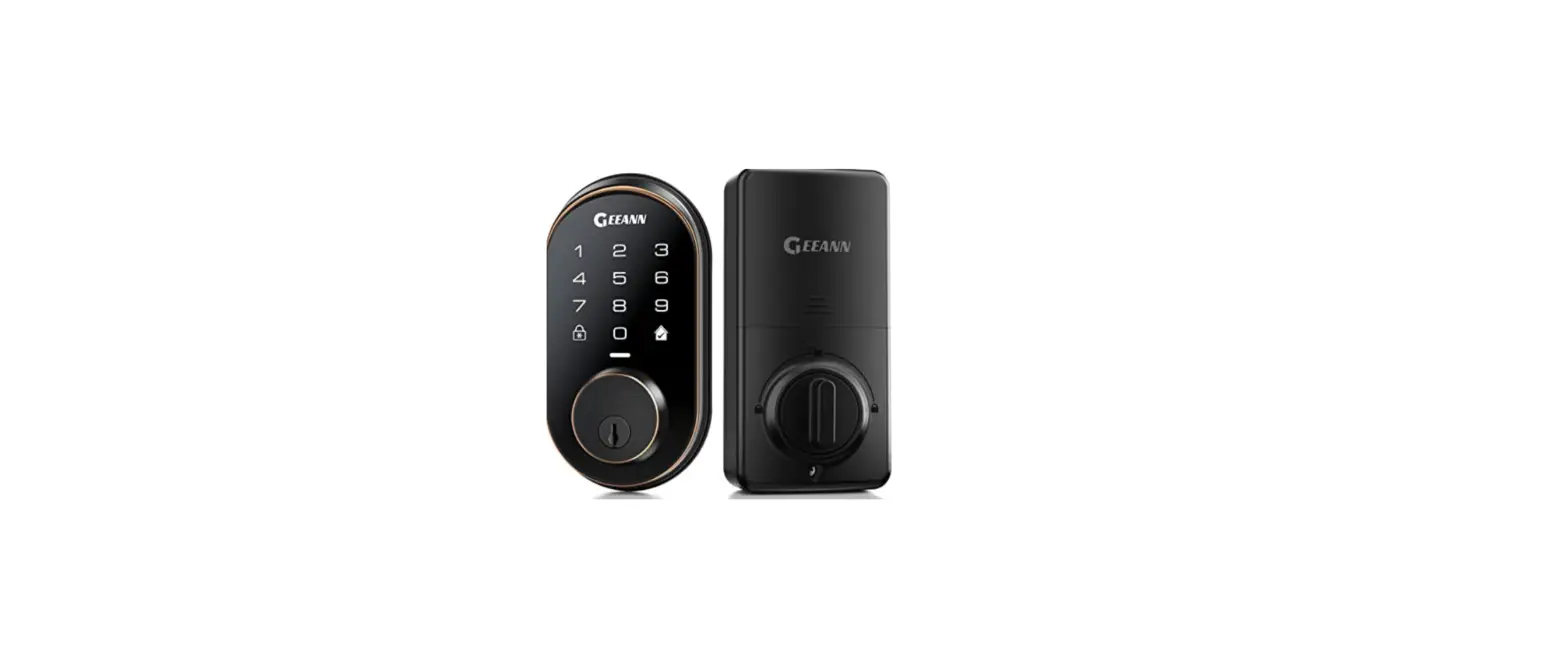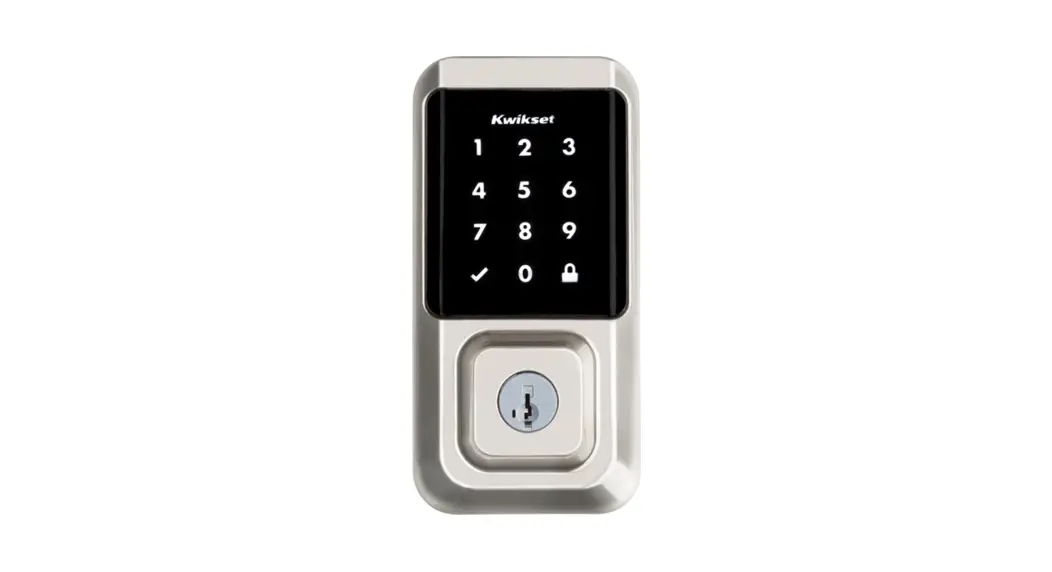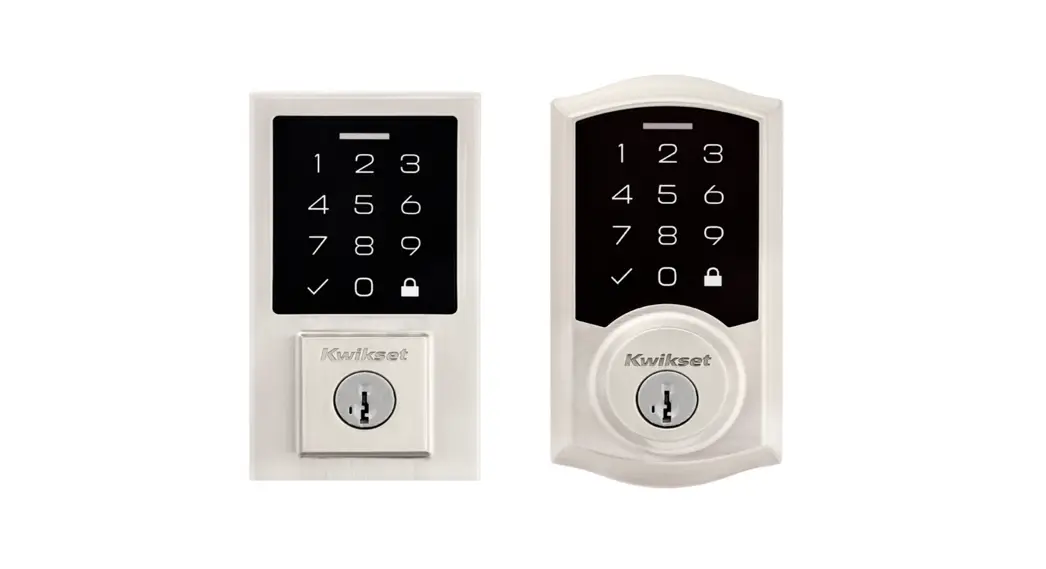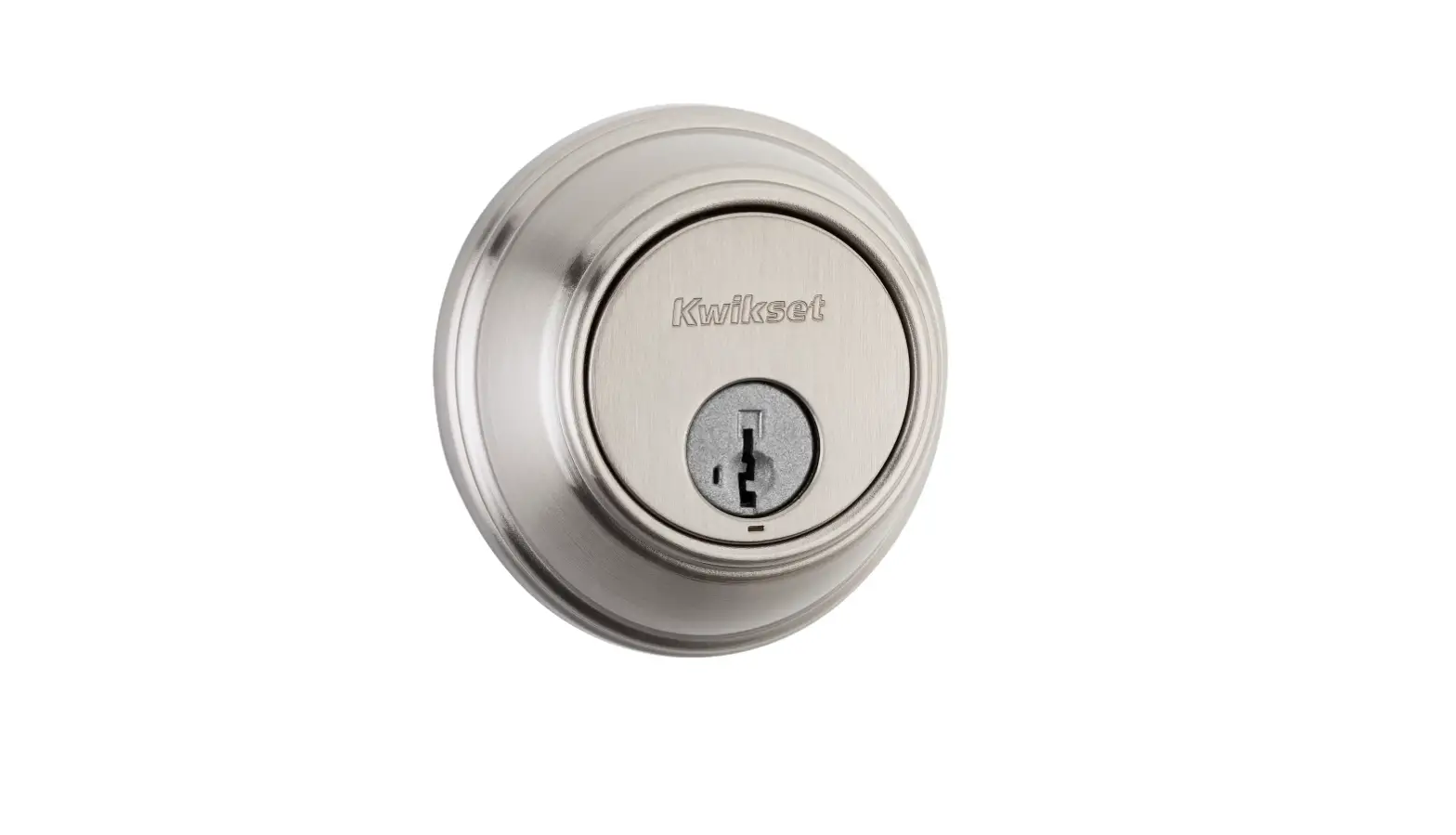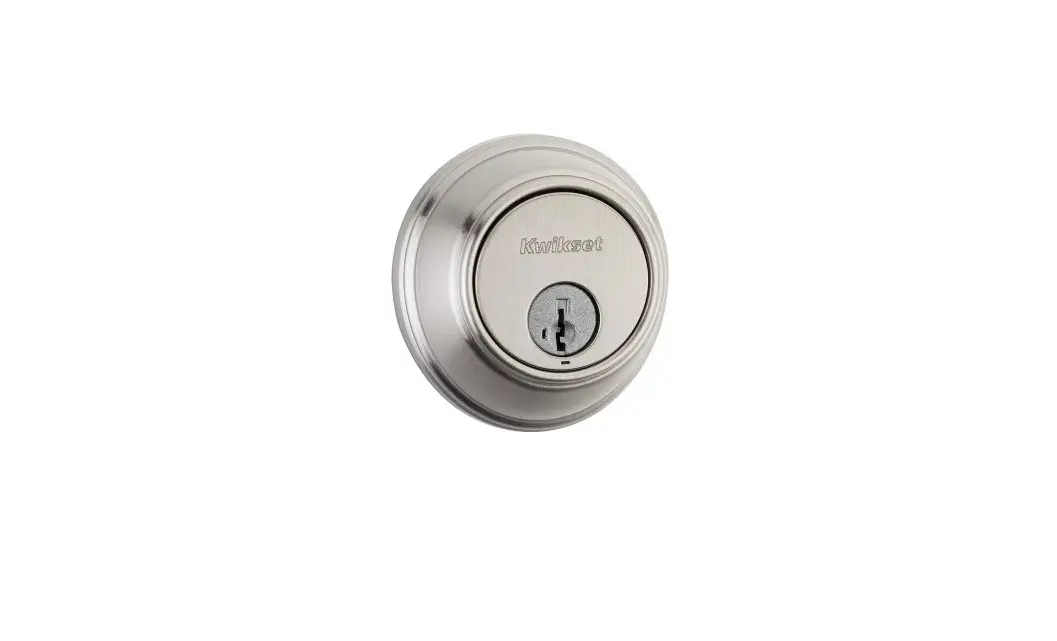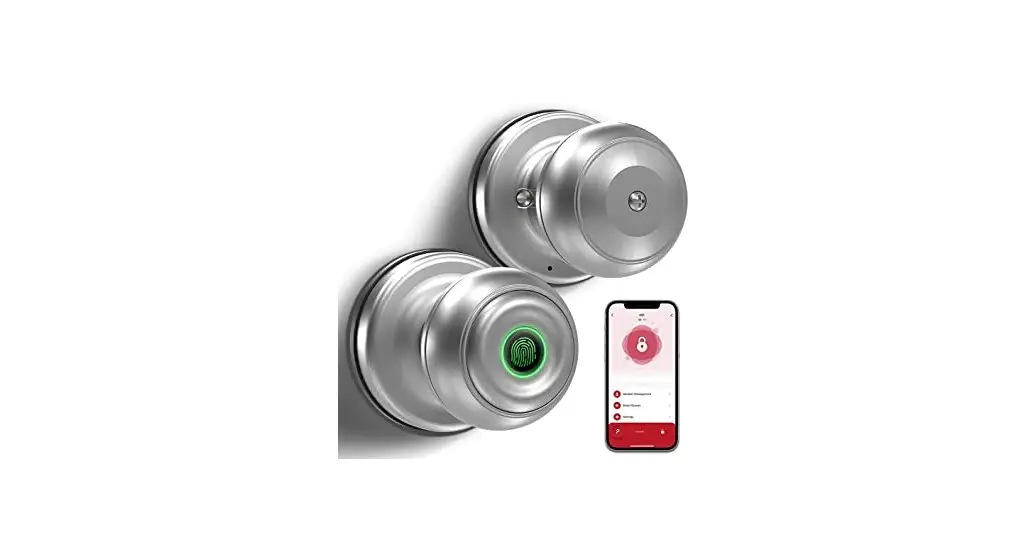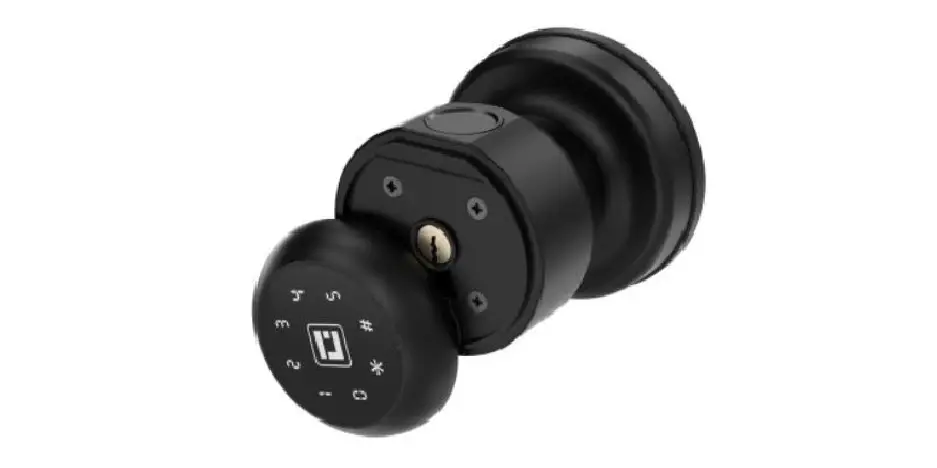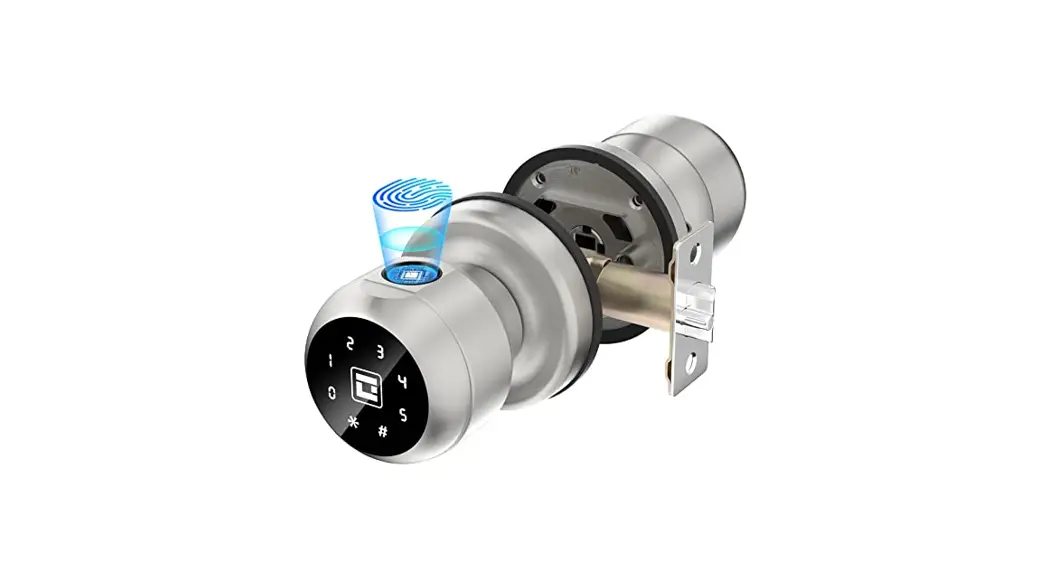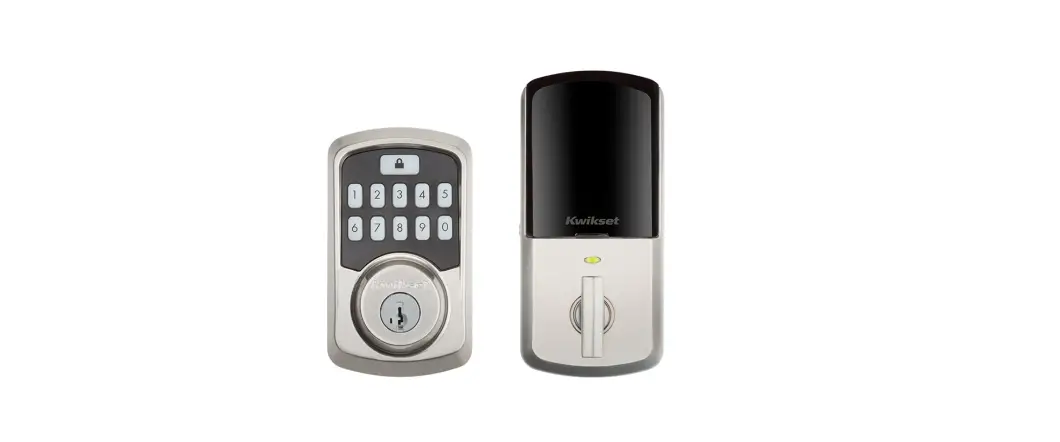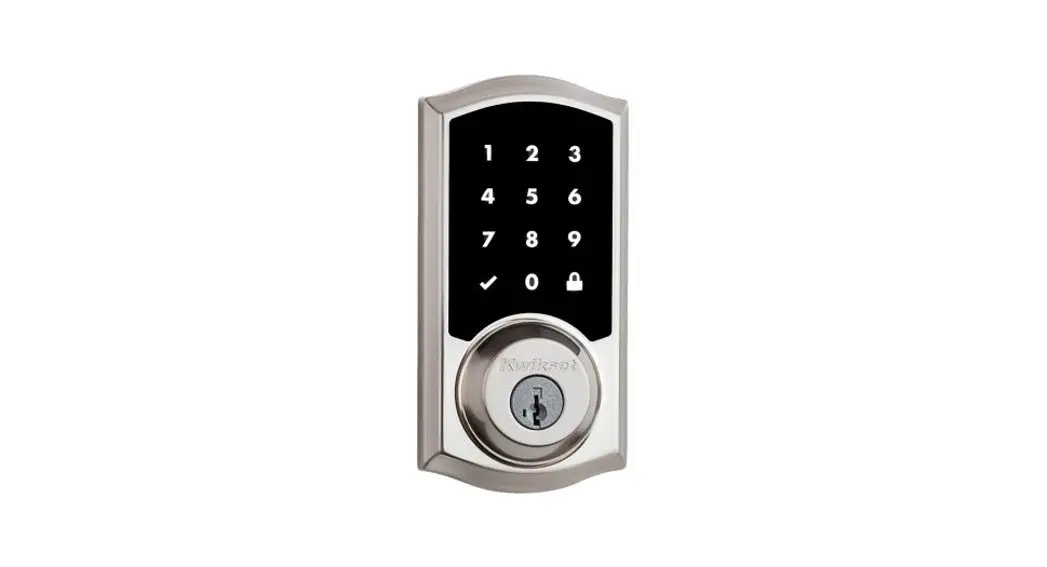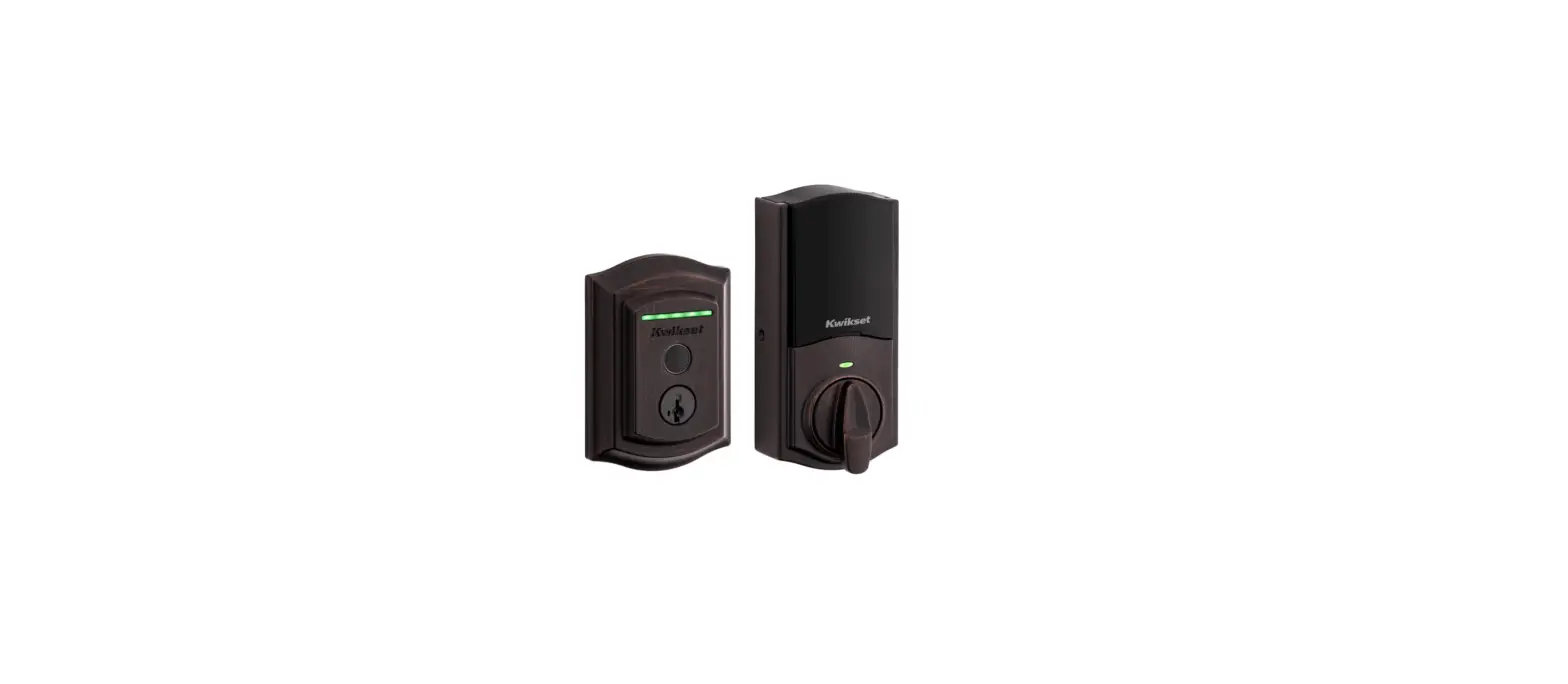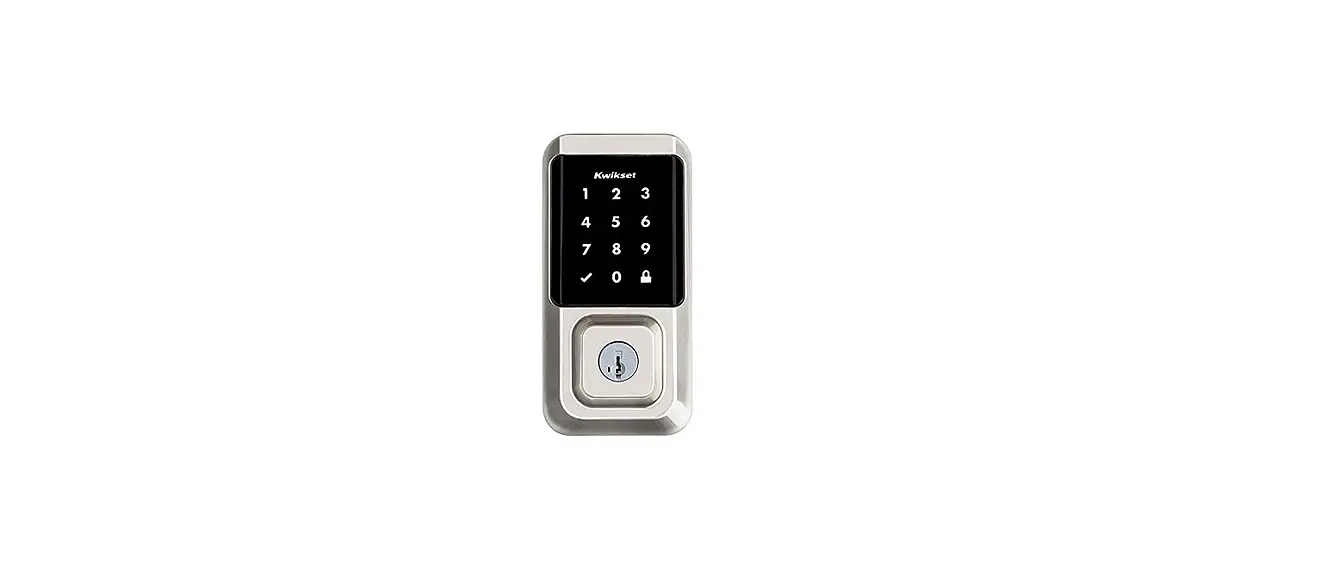

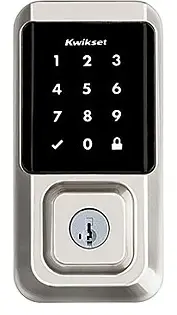
Kwikset 99390-001 Lock Keyless Touchscreen Smart Security
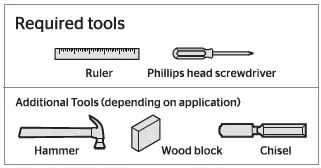
REQUIRED TOOLS
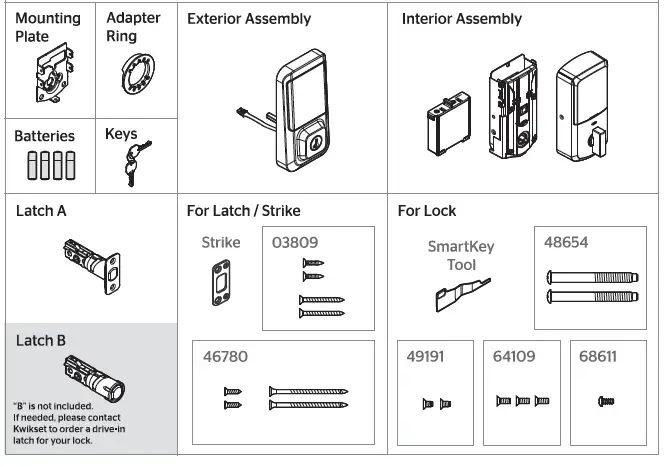
PART LIST
Prepare The Door And Check Dimensions
- Make sure your door is compatible. If you have a standard deadbolt mounted separately from the handle below it, your door is compatible.

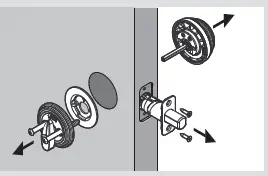
- Remove your existing deadbolt from your door.

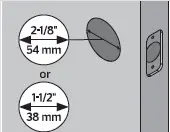
- Measure to confirm that the hole in the door is either 2-1/8″ (54 mm) or 1-1/2″ (38 mm).
 Measure to confirm that the backset is either 2-3/8″ or 2-3/4″ (60 or 7O mm).
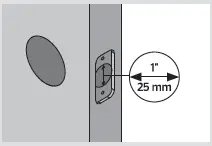
- Measure to confirm that the hole in the door edge is 1″ (25 mm).

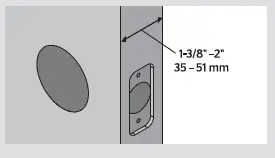
- Measure to confirm that the door is between 1-3/8″ and 2″ (35 mmand 51 mm) thick.

- Make sure your door is compatible. If you have a standard deadbolt mounted separately from the handle below it, your door is compatible.

 Measure to confirm that the backset is either 2-3/8″ or 2-3/4″ (60 or 7O mm).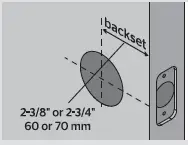
Install the latch and strike
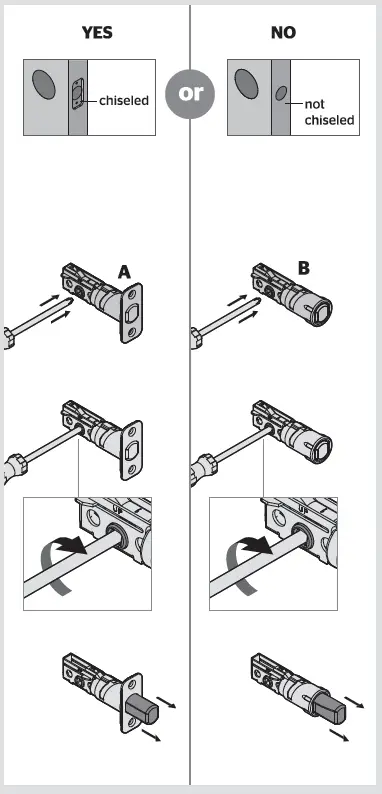
- Is the door edge chiseled?

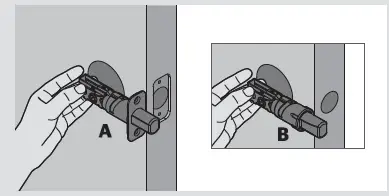
- Hold the latch in front of the door hole, with the latch face flush against the door edge
 .
. - Is the D-shaped hole centered in the door hole?

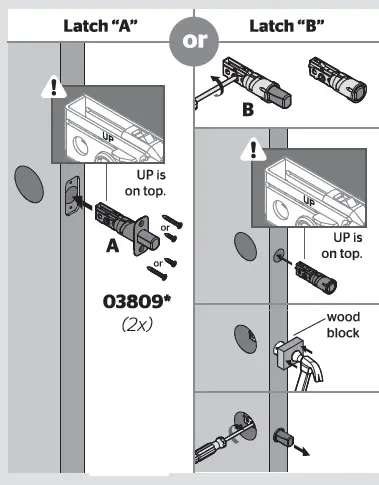
- Which latch are you installing?
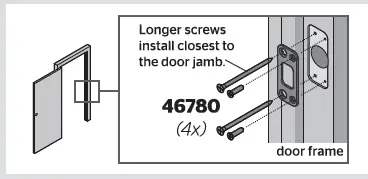
- Install the strike on the door frame.
 .
.
 Install the exterior keypad
 Install the exterior keypad
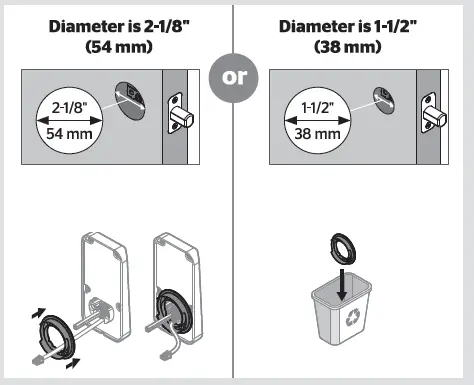
- What is the diameter of the hole in the door?

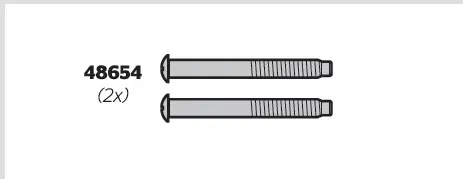
- Locate the screws for step 3D and keep them within reach.

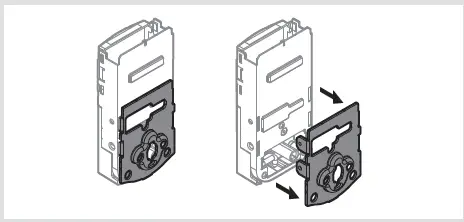
- Remove the mounting plate from the interior assembly.

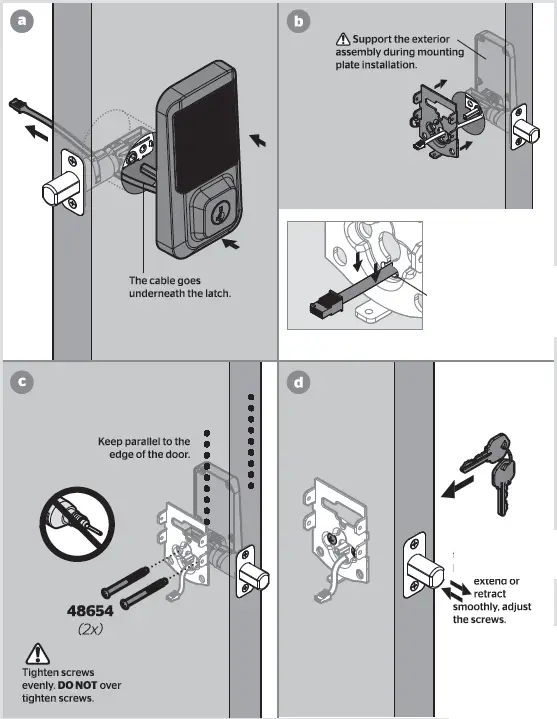
- Install the exterior keypad and mounting plate.

- What is the diameter of the hole in the door?
Install the interior assembly
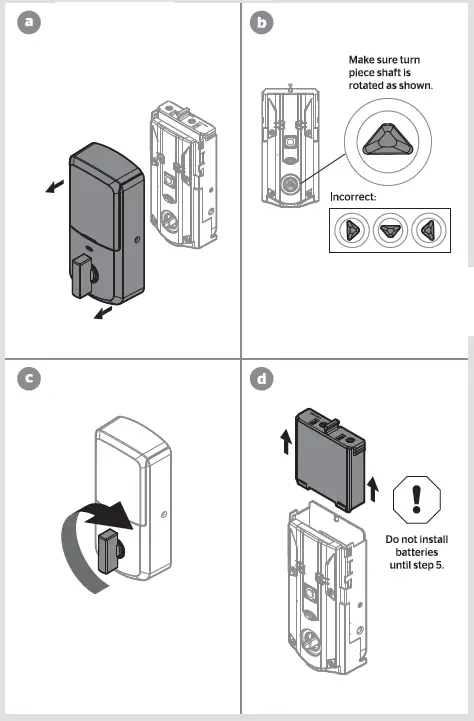
- Ensure the turnpiece shaft is pointing up, and remove the interior cover and battery pack from the interior assembly.

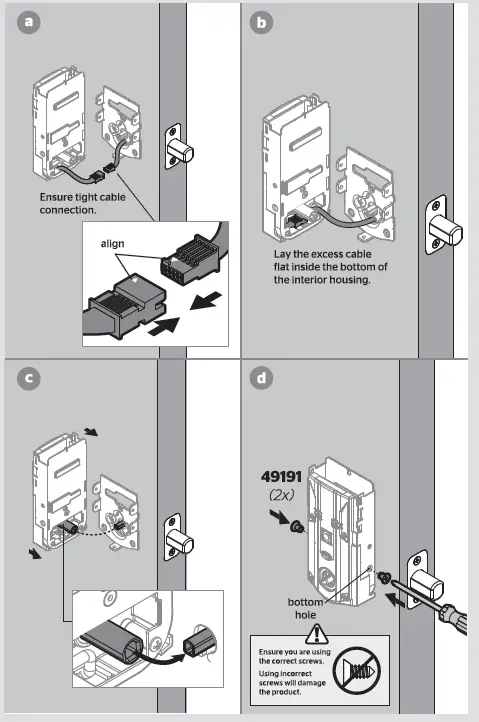
- Install the interior assembly onto the mounting plate.

Install the batteries and perform the door handing process
- Install 4 AA batteries in the battery pack.
- With the door open, install the battery pack to initiate auto-handing.
- After a few seconds, the latch bolt will retract and extend on its own to learn the orientation of the door. This is called the door handing process, and it is crucial to lock operation.
Test the lock and check door alignment
- With the door open, insert the key to extend the latch. Ensure that the latch extends smoothly.
- Turn the key 180° to retract the latch. Ensure that the latch retracts smoothly.
- Close the door. Insert and rotate
- Turn the key 180° to retract the latch. Ensure that the door unlocks smoothly. the key to lock the door. Ensure that the door locks smoothly.

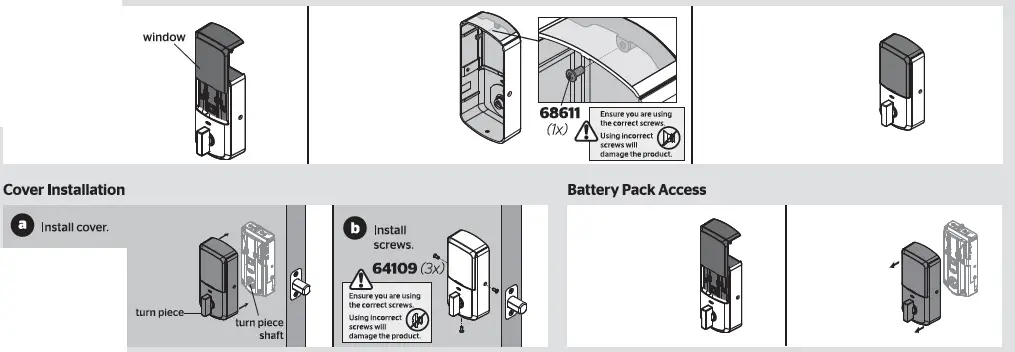
Install the interior cover
Download the app and create an account
- Download the Kwikset app by scanning the QR code or visiting www.kwikset.com/app on your smartphone.
- Create your account and follow the setup instructions in the Kwikset app.
SmartCode at a Glance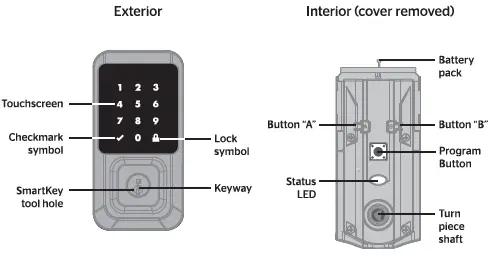
System Alerts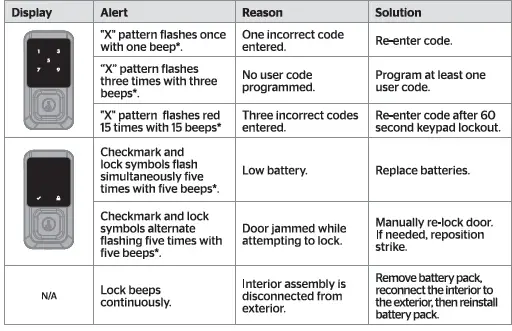
Status LED colors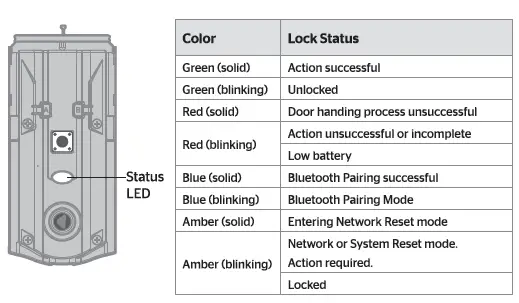
Manual Door Handing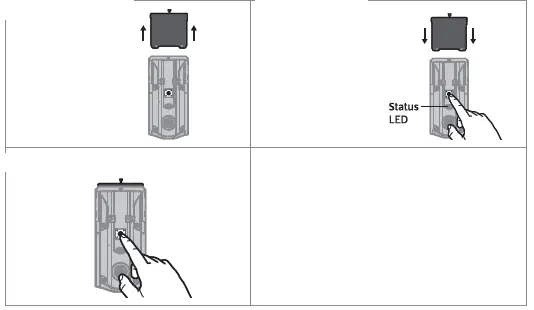
Troubleshooting
A complete Halo Touchscreen Programming and Troubleshooting Guide is available at www.kwikset.com/halo/support
FAQS
How do you reset a Kwikset lock without the code?
Press and HOLD the Program button while reinserting the battery pack. Keep holding the button for 30 seconds until the lock beeps and the status LED flashes red.
What is the master code for Kwikset Smart Lock?
The default Mastercode is 0-0-0-0. It is recommended that you change it to a code of your own. 1. Make sure the lock is unlocked and the door is open.
How do I reset my Kwikset keyless entry code?
Press and hold the “Reset” button for 5 seconds. You will hear 3 long beeps after the 5 seconds is completed indicating the lock has been reset.
Where is the program button on a Kwikset lock?
While the door is open, press the “Program” keypad button located on the interior side of the door.
What if I forgot my master code for my lock door?
You can visit a Master Lock Distributor / Retailer or submit a Lost Combination form. Bring your lock to the retailer.
How many codes can a Kwikset lock have?
The SmartCode 917 supports up to 30 user code between 4-8 digits.
Is there a master key for Kwikset locks?
Key management is now easier! Thanks to the two-cylinder Key Control Deadbolt with SmartKey Security, you can have one master key for all your units and unique keys for all of your tenants.
Why is my Kwikset lock not pairing?
The lock was not removed completely from another network before being paired with the new network
Why is my Kwikset keypad not working?
Test each button on the keypad (one at a time), and listen for a beep as each button is pressed
Why is my Kwikset lock not unlocking?
Make sure the User Code is correct and that the Kwikset button is pushed after entering the User Code
What does red light mean on Kwikset lock?
Amber flashes mean it is locked, while green flashes mean it is unlocked, and red means low battery.
How do you enter a code on a Kwikset lock?
Make sure the door is open If you have enabled a programming code, enter your programming code, then press Kwikset.
How do I reset my Kwikset lock to factory settings?
Slide up the cover to open the back of your lock, exposing the buttons beneath. Push and hold the reset button for 10 seconds,
What is the Master Lock default code?
The factory-set combination is 0-0-0. Push in the button at the bottom of the lock. While holding in the button, turn the dials to your new combination. Once the dials are set to your new combination, release the button.