SC-USB-01 USB Charge Power Boat
Product Information: SC-USB-01
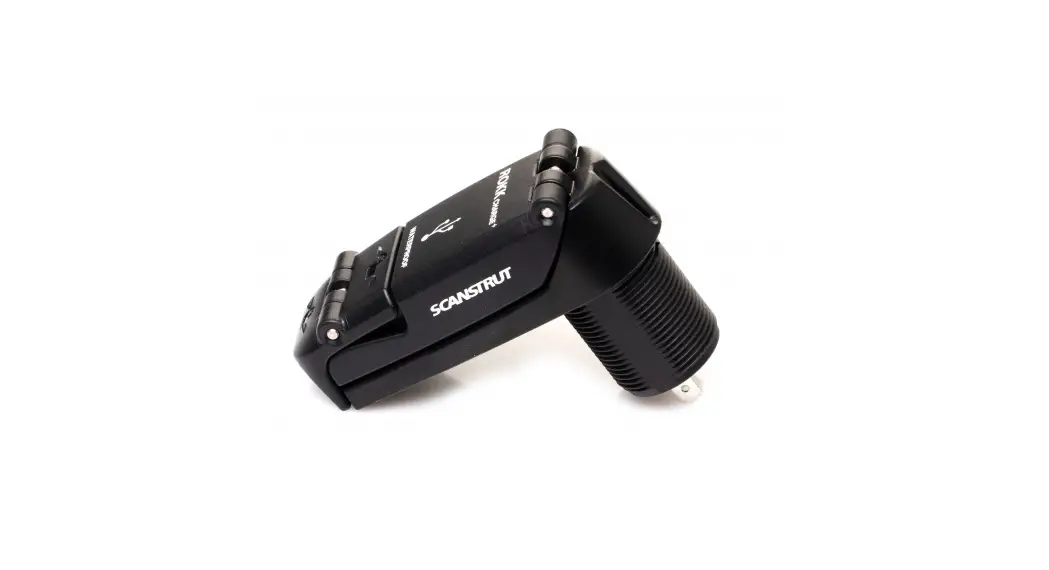
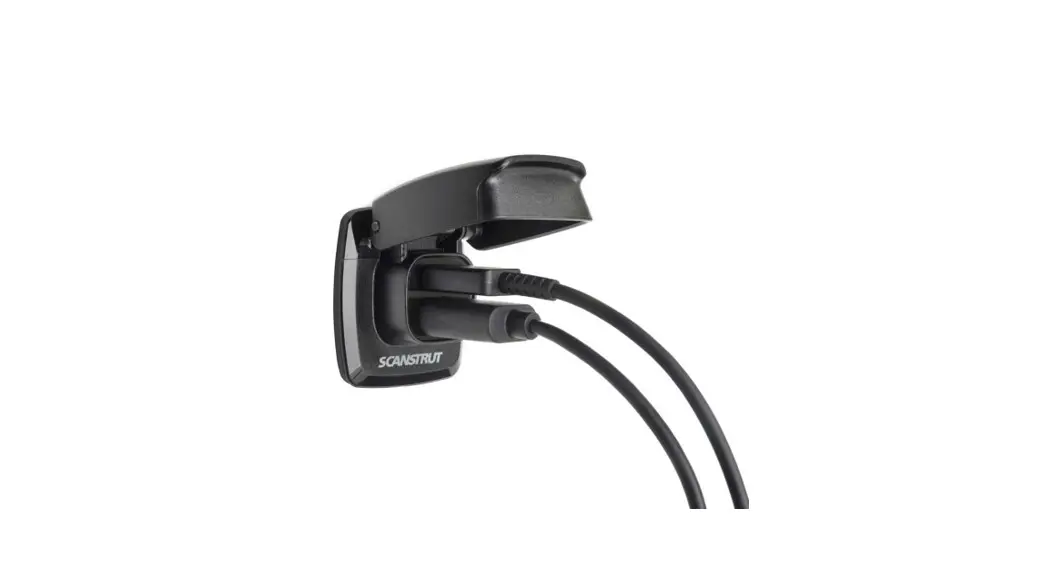
The SC-USB-01 is a product that provides a 5V output for
charging USB devices. It is designed to be installed in a dry and
non-porous surface and can be connected to a 12V DC or 24V DC
battery power source only. The product comes with a gasket, lock
ring, No.6 x 16 screw, and shell X1 for installation. It has a
waterproof rating of IPX4 and is CE and ROHS certified. The product
has a maximum input current of 1.5A and a total output current of
3.1A.
Product Usage Instructions
Before installing the SC-USB-01, read the important safety
information provided in the user manual.
- Tools Required: Drill bit, pozi screwdriver,
hole saw, and silicone. - Step 1: Use the gasket as a template to mark
the hole centers. - Step 2: Drill mounting holes using a drill bit
with a minimum size of 3mm and a maximum size of 25mm depending on
the material of the mounting surface. - Step 3: Stick the gasket down and tighten the
lock ring onto the product until it is securely fixed. Screw the
product into position. - Step 4: Connect the product to a 12/24V
supply, ensuring a waterproof connection. Fuse and select cable
diameter according to input voltage and current for your specific
installation.
It is recommended to hire a professional electrician for wiring
installation. To achieve maximum power output, ensure that the
specified voltage is at the charger. Avoid mounting the product in
areas exposed to heat radiation devices and poor ventilation. Do
not install in a hazardous/flammable atmosphere such as an engine
room. Before drilling any holes, ensure the area behind the
mounting location is clear of wires, fuel, and all other hazardous
objects. Ensure any holes cut will not significantly weaken the
structure of the mounting surface. The SC-USB-01 comes with a
2-year non-transferable warranty covering only the Scanstrut
product and not any devices charged by it.
SC-USB-01
Part List
01-12-2022 (Issue 2)
Installation Instructions
Tools Required
ø2.5mm (3/32″)
Drill Bit
Pozi Screwdriver
Shell X1
Gasket X1
Lock Ring X1
No.6 x 16 X1
ø29mm (1 1/8″)
Hole Saw
Silicone
1 Use the gasket as a template to mark the hole centres.
3 – Stick Gasket down – Tighten lock ring onto product until securely fixed – Screw product into position.
2 Drill mounting holes (see tools required).
3mm Min 25mm Max
4 Connect to 12/24V supply, ensuring a waterproof connection. Fuse and select cable diameter according to input voltage and current
for your specific installation.
Ø29mm
ø29mm (1/18″)
Pilot Hole Size Material Soft Material e.g Plywood Hard Material e.g Fiberglass
No. 6 Screw 2.5mm (3/32″) 3mm (1/8″)
UK & International +44 (0)1392531280 [email protected]
For further installation and warranty information
please visit: www.scanstrut.com
USA +1 860 308 1416 [email protected]
SC-USB-01
01-12-2022 (Issue 2)
Installation Instructions
Technical information Input voltage
12/24V System Input current Max
Output Type A Output Type A Total Output Current Standby draw Waterproof rating Certification
10-30V DC
1.5A 5V 1A 5V2.1A
3.1A 0.01W IPX4 CE, ROHS
Cutting Template 1:1 Scale
READ IMPORTANT SAFETY INFORMATION BEFORE INSTALLING.
WARNING: This product is to be connected to a 12V DC or 24V DC battery power source only. The power supply must be switched off before installation.
and non-porous surface. When choosing a mounting location, avoid areas exposed to heat radiation devices and areas with poor ventilation
An appropriate fuse or circuit breaker must be used between the battery / power source and this product. Check for correct polarity of all wiring before switching the power on.
This product may contain high voltages. Do not tamper with the product.
WIRING: Professional electrician installation recommended, see Technical Information for power requirements.
To achieve max power output, the specified voltage must be at the charger. Battery performance and voltage drop needs to be considered for installation.
This product is NOT approved for use in
ENVIRONMENTAL PROTECTION:
hazardous/flammable atmospheres.
Waste electrical products should not be disposed
Do NOT install in a hazardous/flammable
of with household waste. Please recycle where
atmosphere e.g. engine room.
facilities exist. Check with your Local Authority or
retailer for recycling advice.
Before drilling any holes, ensure the area behind
the mounting location is clear of wires, fuel and all IMPORTANT:
other hazardous objects.
Scanstrut Ltd & Inc. accepts no responsibility for any
injuries or other damages arising from the use of
Ensure any holes cut will not significantly weaken their products in any circumstances.
the structure of the mounting surface.
WARRANTY:
If the product needs to be mounted outside,
A 2 year, non-transferable warranty covers this
it must be mounted in a location safely above Scanstrut product only and not any devices that
the waterline, where it is not at risk of being
are charged by it. No warranty is given for users’
submerged.
devices and users expose their devices to hazards,
known or unknown, at their own risk.
CAUTION:
This product does not contain any user serviceable parts. DO NOT attempt to repair or modify the product in any way.
When used in high ambient temperature or in direct sunlight, the product may turn off temporarily, this is a safety feature of the electronics.
The IP protection rating is only valid if the installation is carried out correctly according to the instructions and on a perfectly flat, smooth
29 mm (1 1/8″)
50 mm 2″
Print document 1:1 Scale for correct cutting
template size.
UK & International +44 (0)1392531280 [email protected]
For further installation and warranty information
please visit: www.scanstrut.com
USA +1 860 308 1416 [email protected]
 Mounts, Waterproof Wireless Chargers, Cable Seals for Marine and Outdoor Technology | Scanstrut