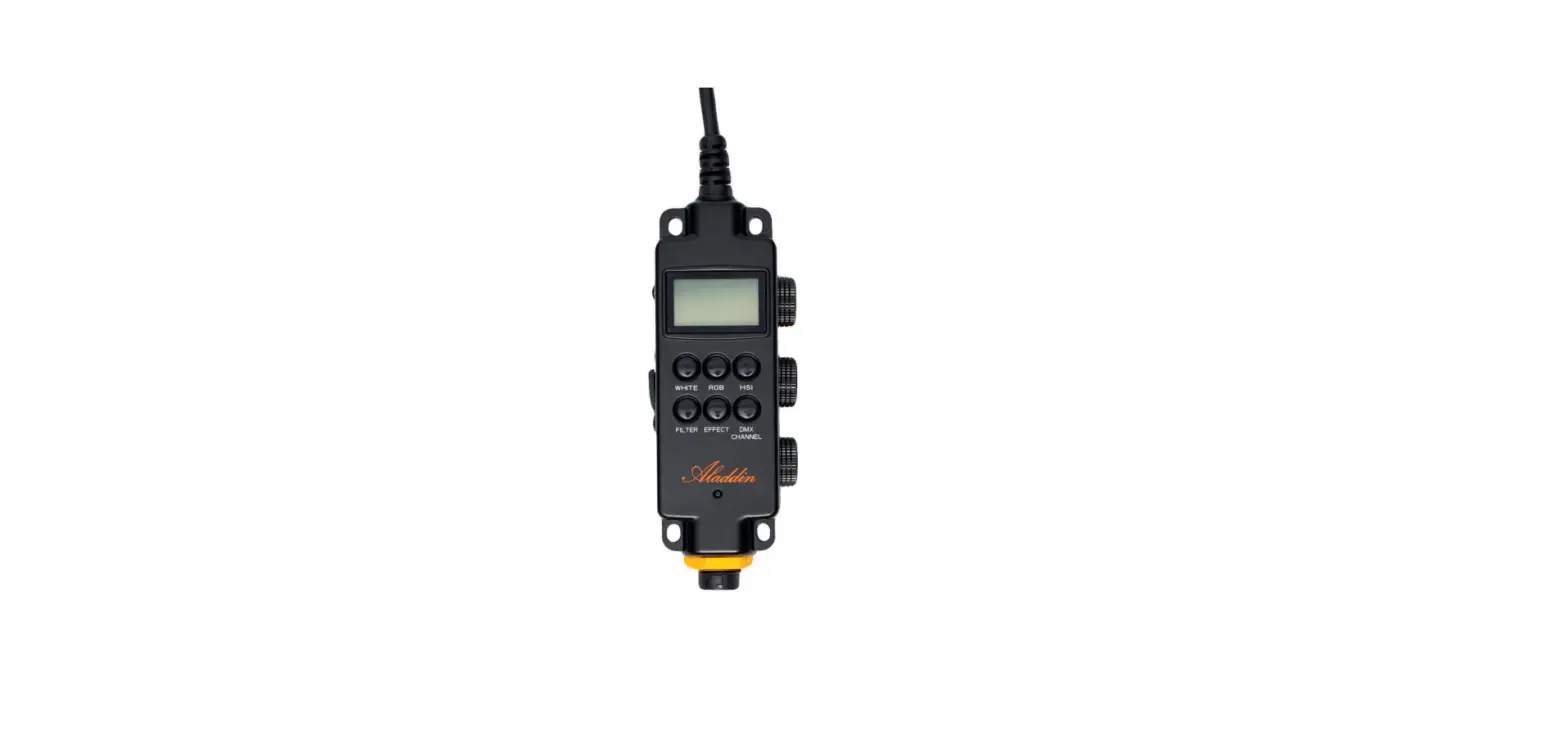

Aladdin AD-ALL-WDIM All-In Controller with Lumenradio and DMX
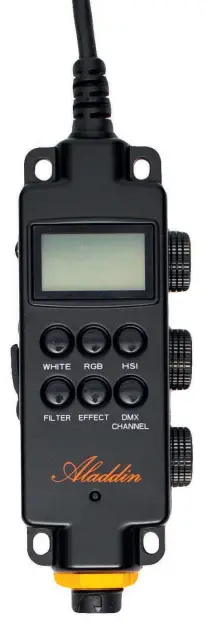
THANK YOU FOR YOUR PURCHASE
START-UP GUIDE
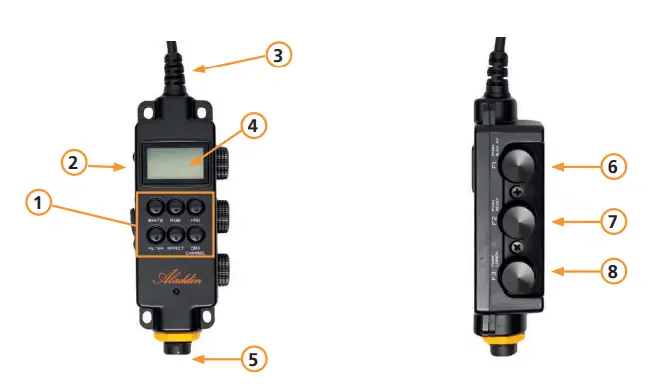
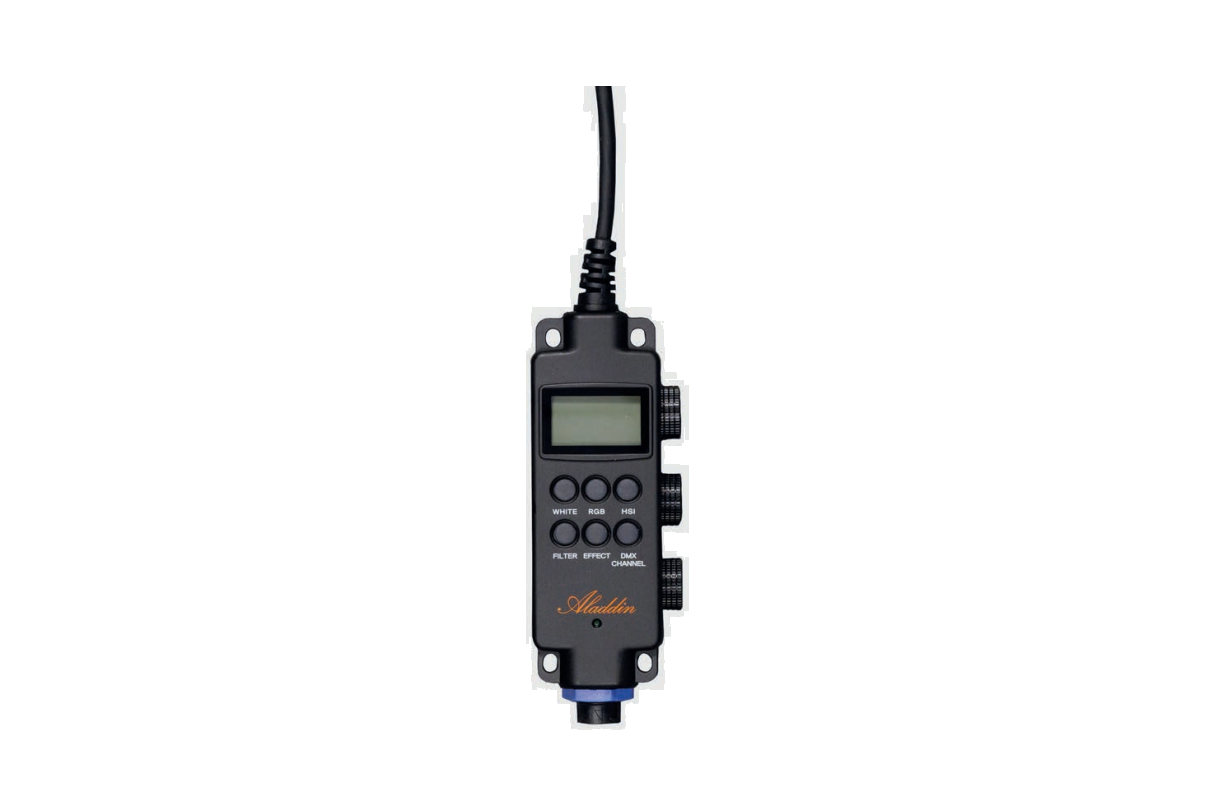
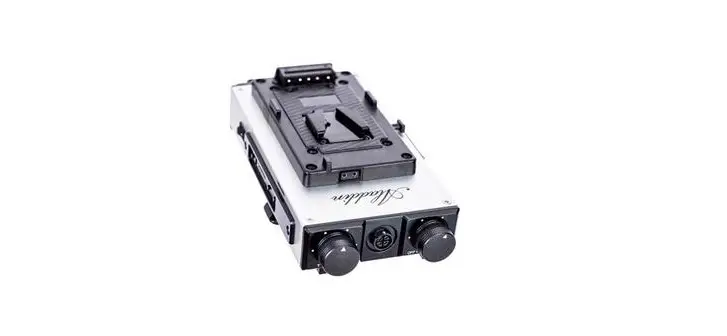
| 1 | Buttons for principal functions |
| 2 | DMX IN/OUT (5-pin) |
| 3 | Output to panel |
| 4 | LED display |
| 5 | Power input socket (D-Tap or AC Adapter) |
| 6 | F1 – Dial with push button for multiple functions |
| 7 | F2 – Dial with push button for multiple functions |
| 8 | F3 – Dial with push button for multiple functions |
Primary Functions
| Black out | Press F1 for 3 seconds |
| Reset all panels | Press F2 for 3 seconds |
| Unlink Lumenradio | Press F3 for 3 seconds |
| Dial accuracy selection | Press any dial shortly |
| Bi-Color mode | Press WHITE |
| RGB mode | Press RGB |
| HSI mode | Press HSI |
| Filter mode | Press FILTER |
| Effect mode | Press EFFECT |
| Lock / Unlock | Press any button for 3 seconds |
Secondary Functions
Controls in BI-COLOR mode
| F1 | Controls intensity |
| F2 | Controls color temperature |
| F3 | Controls green and magenta (+ / -) |
Controls in RGB mode
| F1 | Controls intensity of red |
| F2 | Controls intensity of green |
| F3 | Controls intensity of blue |
Controls in HSI mode
| F1 | Controls hue from 0 – 360° |
| F2 | Controls saturation |
| F3 | Controls intensity |
Controls in FILTER mode
| F1 | Turn dial for filter selection, press to select |
| F2 | Turn dial for slot selection, press to save settings |
| F3 | Turn dial for load slot selection, press to load |
Controls in EFFECT mode
| F1 | Turn dial to select effect, press to select |
| F2 | Turn dial to control effect speed (from 50%-100%) |
| F3 | Turn dial to control effect intensity |
Controls in DMX mode
| F1 | Turn dial to select between CABLE and LUMENRADIO, press to select |
| F2 | Set DMX channel from 10 to 510 |
| F3 | Set DMX channel from 1 to 9 |
| Unlink Lumenradio | Press F3 for 3 seconds |
IMPORTANT CAUTIONS AND WARNINGS
- Do not use near flammables and heaters.
- Do not expose the unit to direct sunlight for a long period (applies also for storing in a car).
- Do not damage the product with improper force or cause any impact with heavy objects.
- Keep out of reach of children.
- Use the product only within temperature range of -10°C – +40°C.
- When you have technical problems while using the product, stop using it immediately and contact your dealer / reseller.
ADDITIONAL NOTES
- When the unit is connected to the panel, it is not possible to access the panel via bluetooth (mobile app). Therefore please remove the unit to have full access via app.
WARRANTY
- We provide a one year warranty period after the purchase.
- This warranty covers repairs or a replacement for faulty products within this period.
- After this warranty has been expired, you can still get repairs for your product which will be charged extra.
- Aladdin Lights reserves the right to refuse warranty service on products under disputable conditions.
WARRANTY EXCLUSIONS
- In case of any of the below listed causes, the warranty does not apply, even if it is within the free warranty period.
- Product failure due to consumer negligence.
- Product failure due to usage of not compatible power sources.
- Product failure due to disassembly by not official resellers/distributors.
TECHNICAL SPECIFICATIONS
| Article code | ALL-WDIM |
| Compatibility | ALL-IN-ONE, ALL-IN TWO |
| Dimmer | Dimming: (0.5%–100%) |
| Cooling | Passive cooling |
| Dimensions | 160mm (W) x 50mm (H) x 40mm (D) |
| Weight | 140g |
| Temperature range | -10°C – +40°C |
| DMX512 support | IN&OUT (5-pin) / Lumenradio |
| DMX512 | 2 Channels – White Bi-Color / 3 channels RGB |
| Dimming range | 0.5% – 100% |
| Temperature range | 2900K – 6100K |
| IP-Rating | 24 |
- www.aladdin-lights.com
- PICTURE BY FAUZEE NASIR
- User Manual
- Version: 8. February 2023, 4:25 PM
- Aladdin Lights
- [email protected]
 Modern Light Fixtures and Home Decor | Lights.com