CHAUVET DJ DMX Rt-4 Dmx Controller User Guide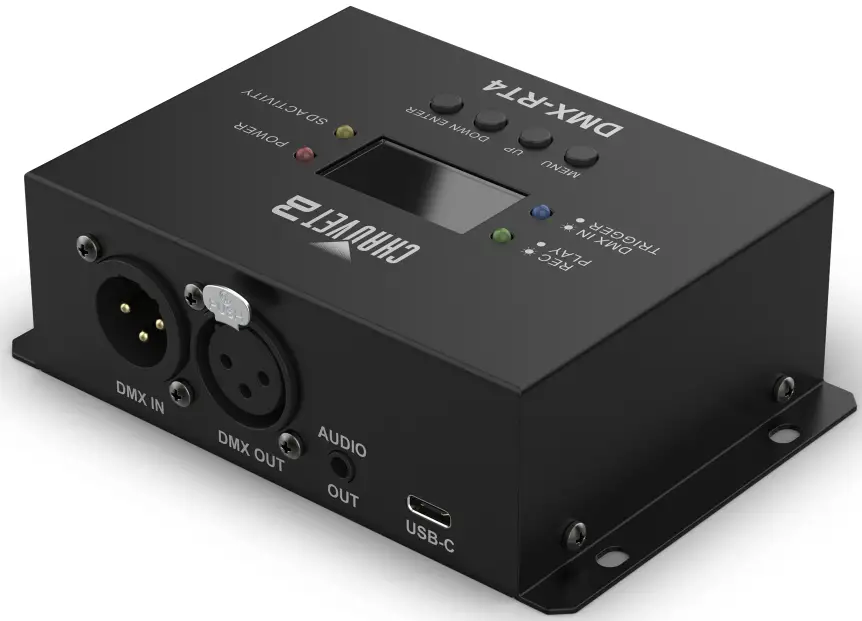
About This Guide
The DMX-RT4 Quick Reference Guide (QRG) has basic product information such as mounting, menu options, and DMX values.
Download the User Manual from www.chauvetdj.com for more details.
Disclaimer
The information and specifications contained in this QRG are subject to change without notice
Safety Notes
These Safety Notes include important information about installation, use, and maintenance.
 Make sure the power cord is not crimped or damaged.
- Never disconnect this product from power by pulling on the cord.
- When mounting this product overhead, ALWAYS use a safety cable.
- DO NOT allow flammable materials close to the product when it is operating.
- The voltage of the outlet to which you are connecting this product must be within the range stated on the decal or rear panel of the product.
- This product is for indoor use only! (IP20) To prevent risk of fire or shock, do not expose this product to rain or moisture.
- Always mount this product in a location with adequate ventilation, at least 20 in (50 cm) from adjacent surfaces.
 Never connect this product to a dimmer or rheostat.
- Never carry the product by the power cord. Use only the hanging bracket or handle to carry this product.
- The maximum ambient temperature is 104 °F (40 °C). Do not operate this product at higher temperatures.
- In the event of a serious operating problem, stop using immediately.
- DO NOT open this product. It contains no user-serviceable parts.
- To eliminate unnecessary wear and improve its lifespan, during periods of non-use completely disconnect the product from power via breaker or by unplugging it.
 Never connect this product to a dimmer or rheostat.
Contact
Outside the U.S., U.K., Ireland, Benelux, France, Germany, or Mexico, contact your distributor to request support or return a product.
Refer to Contact Us at the end of this QRG for contact information.
What is Included
- DMX-RT4
- External power supply
- Quick Reference Guide
To Begin
Unpack the DMX-RT4 and make sure all parts have been received in good condition.
If the box or contents appear damaged, notify the carrier immediately, not Chauvet.
AC Power
This product has an auto-ranging power supply that works with an input voltage range of 100 to 240 VAC, 50/60 Hz
 To eliminate wear and improve its lifespan, during periods of non-use completely disconnect the product from power via breaker or by unplugging it.
Product Description
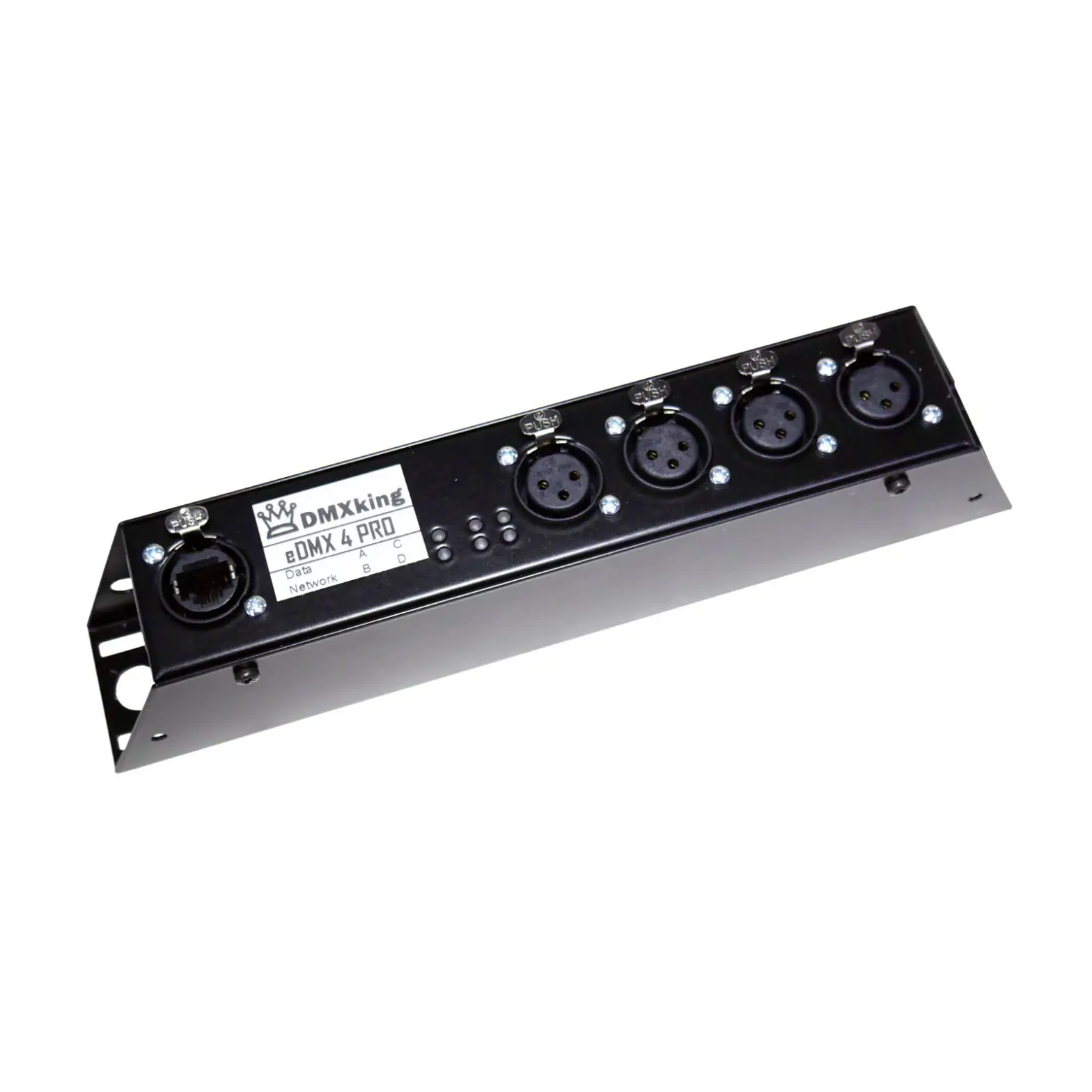
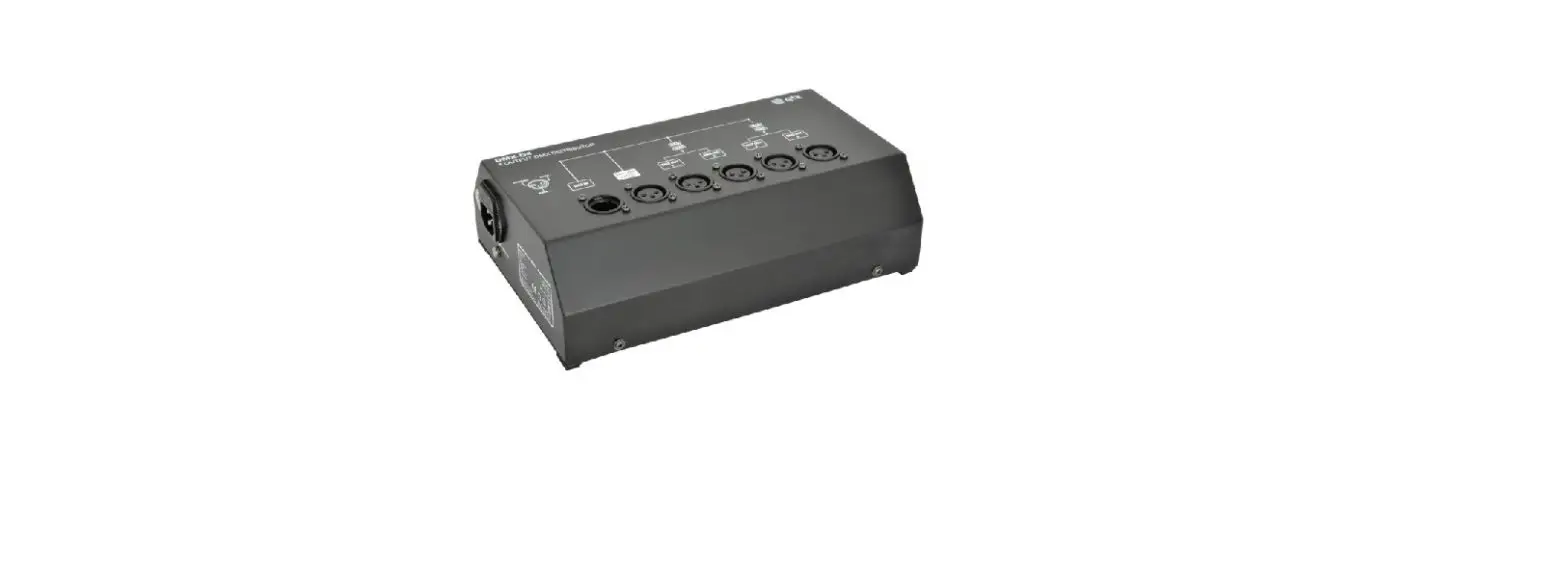
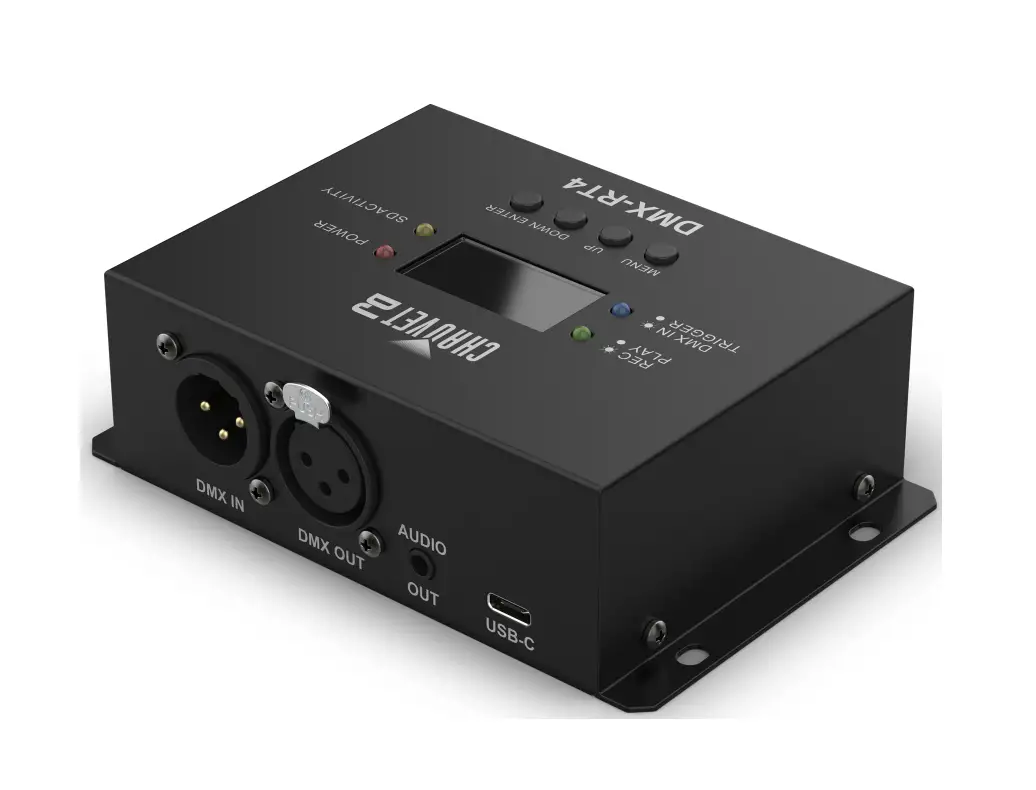
The DMX-RT4 is a rugged and compact DMX recording device with trigger-able playback.
The device connects to external audio systems and can copy, backup, and transfer show files.
The DMX-RT4 also includes a DC power out for sensors that require DC power to operate.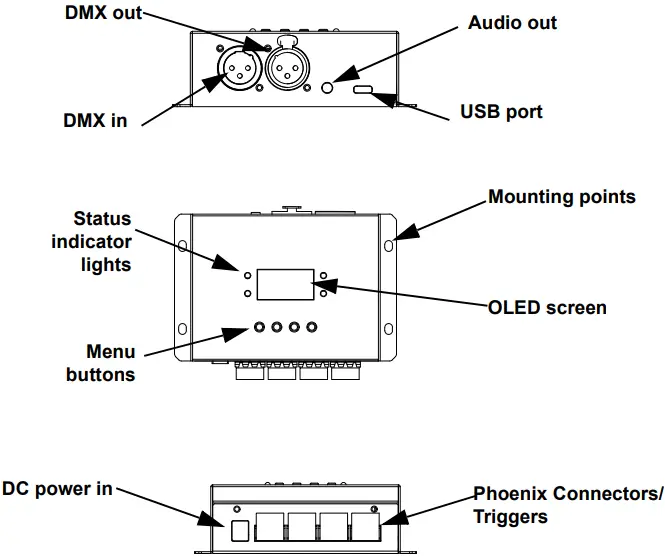
Status Indicator Lights
| Color | Status | Function |
| Green | Steady | File is playing |
| Blinking | Show is recording | |
| Blue | Steady | Trigger has been activated |
| Blinking | DMX input detected | |
| Red | Steady | Power ON |
| Blinking | N/A | |
| Yellow | Steady | SD activity in progress |
| Blinking | SD activity in progress |
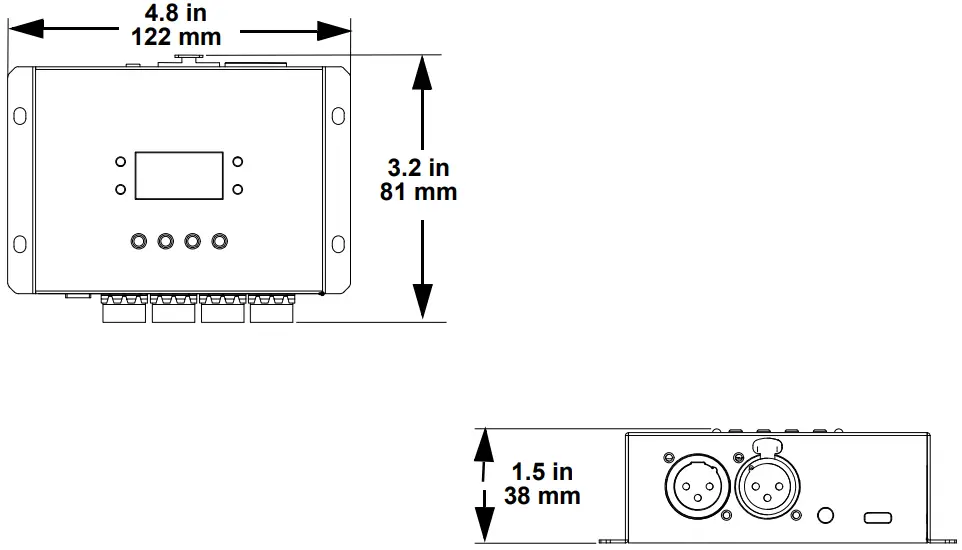
Dimensions
Connection
The DMX-RT4 has 4 3-pin Phoenix connectors which connect the device to triggers, which may require additional power.
See below for demonstrative purposes:
Connection Diagram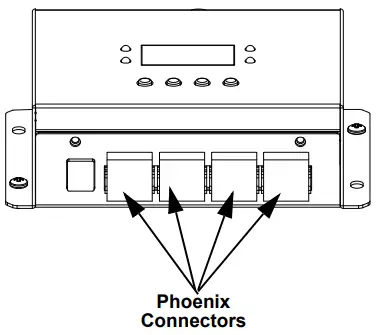
Phoenix Connector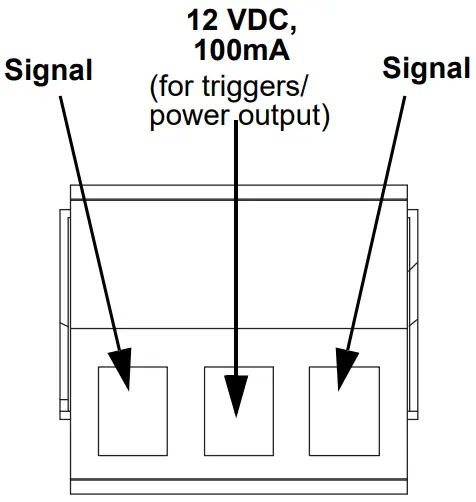
Control Panel Description
| Button | Function |
| <MENU> | Exits from the current menu or function |
| <UP> | Navigates upwards through the menu list and increases the numeric value when in a function |
| <DOWN> | Navigates downwards through the menu list and decreases the numeric value when in a function |
| <ENTER> | Enables the currently displayed menu or sets the currently selected value into the selected function |
Refer to the DMX-RT4 product page on www.chauvetdj.com for the latest menu map.
| Main Level | Programming Levels | Description | ||
| 1. Play Audio | Audio | – | Selects audio file (12 character max) | |
| Mode | One Play | Sets audio to play once or loop | ||
| Loop Play | ||||
| Start Play | Stop Play (If audio file selected) | Enables/ disables audio | ||
| Return (If audio file not selected) | ||||
| 2. Delete Audio | – | Delete Audio | Continue | Delete audio file or return to previous menu |
| Return | ||||
| 3. Play Show | Show | – | Selects saved show file to play | |
| Mode | One Play | Sets show to play once or on repeat | ||
| Loop Play | ||||
| Start Play | Stop Play (When show is selected) | Starts and stops selected show | ||
| Return (When show is not selected) | ||||
|
4. Record Show | Name | _ _ _ _ _ _ _ _ _ | Customize name for file to be recorded (11 character max) | |
| Cancel | ||||
| Enter | ||||
| Mode | Manual | Records via manual command | ||
| Auto | Records upon recognizing DMX signal | |||
| Semi Auto | Records via manual command/ stops automatically | |||
| Start Record | Manual Start (When Start Record is selected in Manual Mode or Semi Auto Mode) | Starts recording show | ||
| Stop Record (When Start Record is selected in Auto Mode or Manual Record is selected in Manual or Semi Auto Mode) | ||||
| 5. Delete Show | – | Delete Show | Continue | Deletes selected show/Return to Main Menu |
| Return | ||||
| Main Level | Programming Levels | Description | ||
| 6. Trigger Event | 1. Trigger 1 2. Trigger 2 3. Trigger 3 4. Trigger 4
(The higher the trigger, the higher the priority) | 1. Status | Enable | Enables/ disables trigger |
| Disable | ||||
| 2. Rename | _ _ _ _ _ _ _ _ _ _ _ | Renames the trigger | ||
| Cancel | ||||
| Enter | ||||
| 3. Show List | All Show File | Select show file(s) for trigger | ||
| 4. DMX | Once | Play once or on repeat | ||
| Loop | ||||
| 5. Audio | – | Select audio file(s) for trigger | ||
| 6. MP3 | Once | Set trigger audio to play once or on repeat | ||
| Loop | ||||
| 7. Mode | NO_TR | Does not trigger until circuit is closed | ||
| AUTO_TR | Automatically triggers | |||
| TOGGLE_TR | Sets each trigger to on/off | |||
| NC_TR | Does not trigger until circuit is open | |||
| 8. Delay | 000–120 | Sets trigger delay | ||
|
9. Interrupt | Self | Can be interrupted only by same trigger | ||
| Priority | Only higher numbered triggers can interrupt | |||
| On | Any other trigger can interrupt | |||
| Off | Cannot be interrupted | |||
| Self + Prio | Can be interrupted by Self or higher priority | |||
| 10. Save | Save parameters for trigger | |||
| 11. Cancel | Cancel parameters for trigger | |||
| 7. Stop TR Event | 1. Trigger 1 | Stop (when trigger 1 is playing) | Manually stops trigger 1 | |
| 2. Trigger 2 | Stop (When trigger 2 is playing) | Manually stops trigger 2 | ||
| 3. Trigger 3 | Stop (When trigger 3 is playing) | Manually stops trigger 3 | ||
| 4. Trigger 4 | Stop (When trigger 4 is playing) | Manually stops trigger 4 | ||
| 8. Enter Mass Storage | 1. Connect to PC | – | Allows user to transfer audio/ update firmware | |
| Return | ||||
| 2. Format SD Card | Continue | Format SD card/ return | ||
| Return | ||||
| 9. Lock Device | 1. PIN | 000–999 | Sets PIN code to unlock device | |
| 2. Lock | Disable | Disables lock/ sets lock to 30 sec timer | ||
| Timeout | ||||
| 3. Manual lock | PIN | 000–999 | Select PIN code to unlock device | |
| Unlock | Unlocks device w/ preset PIN | |||
| Main Level | Programming Levels | Description | ||
| 10. Device Settings | 1. Device Label | _ _ _ _ _ _ _ _ _ _ _ | Sets device label on timeout screen | |
| Cancel | ||||
| Enter | ||||
| 2. DMX Trigger Option | 1. Trigger | ENABLE | Allows DMX signal to trigger 4 scenes | |
| DISABLE | ||||
| 2. DMX Address | 001–512 | Sets address for DMX Trigger | ||
| 3. Display Option | 1. Mode | Normal | Enables/disables inverted display | |
| Inverse | ||||
| 2. Backlight | On | Enables/disables timer for display blackout | ||
| 0–60 | ||||
| 4. Version | CPU1:_ _. _ V_ . _ | Displays software version | ||
| 11. Save Configuration | Name | _ _ _ _ _ _ _ _ _ _ _ | Sets name for the current configuration | |
| Cancel | ||||
| Enter | ||||
| Backup Data | Return (upon successful backup) | Saves current configuration | ||
| 12. Load Configuration | – | Restore | Selects configuration to be loaded | |
| Del | ||||
| 13. Default Setting | Yes | Restores ALL settings to default | ||
| No | ||||
Contact Us
General Information
World Headquarters
Address: 5200 NW 108th Ave. Sunrise, FL 33351
Voice: (954) 577-4455
Fax: (954) 929-5560
Toll Free: (800) 762-1084
Technical Support
Voice: (844) 393-7575
Fax: (954) 756-8015
Email: [email protected]
Website: www.chauvetdj.com