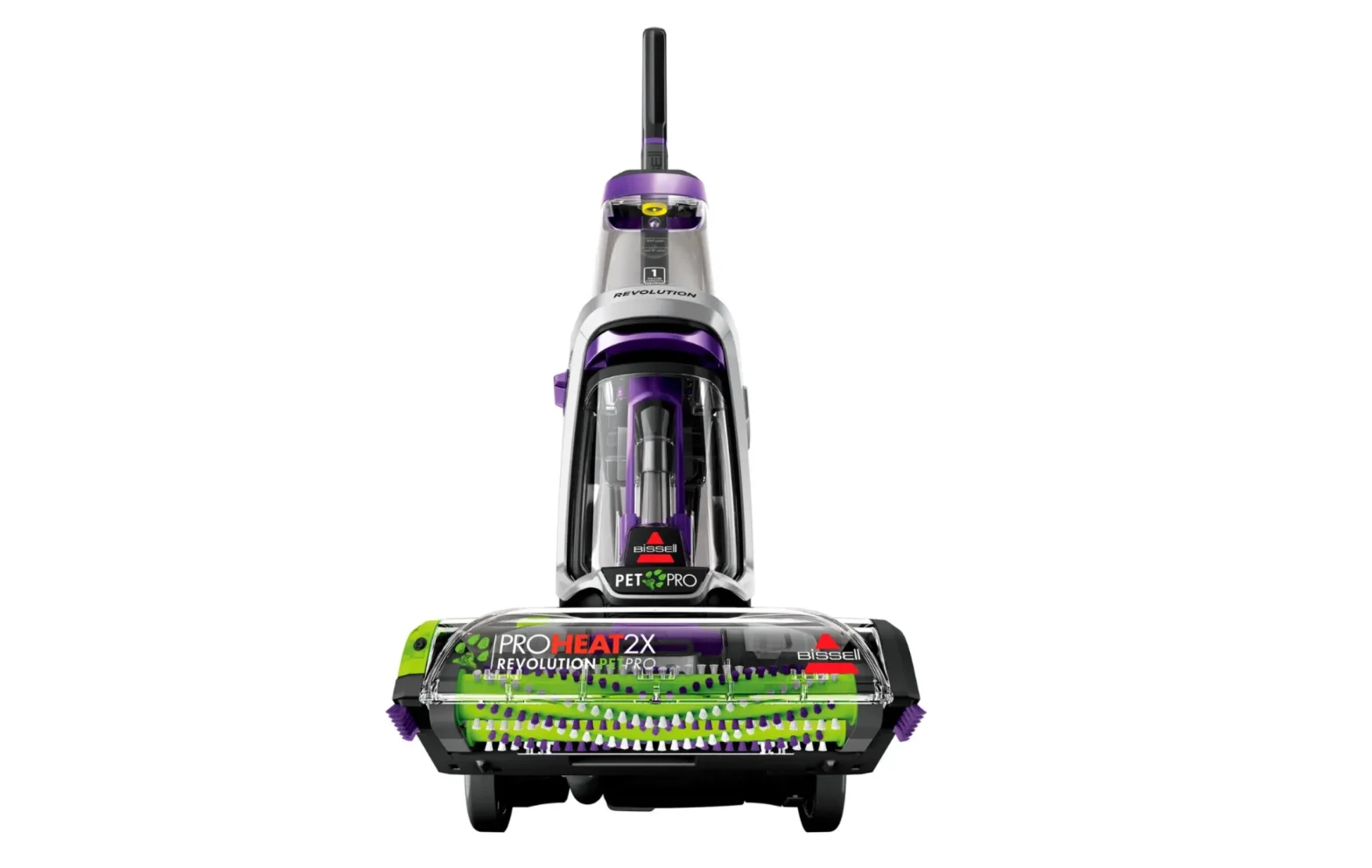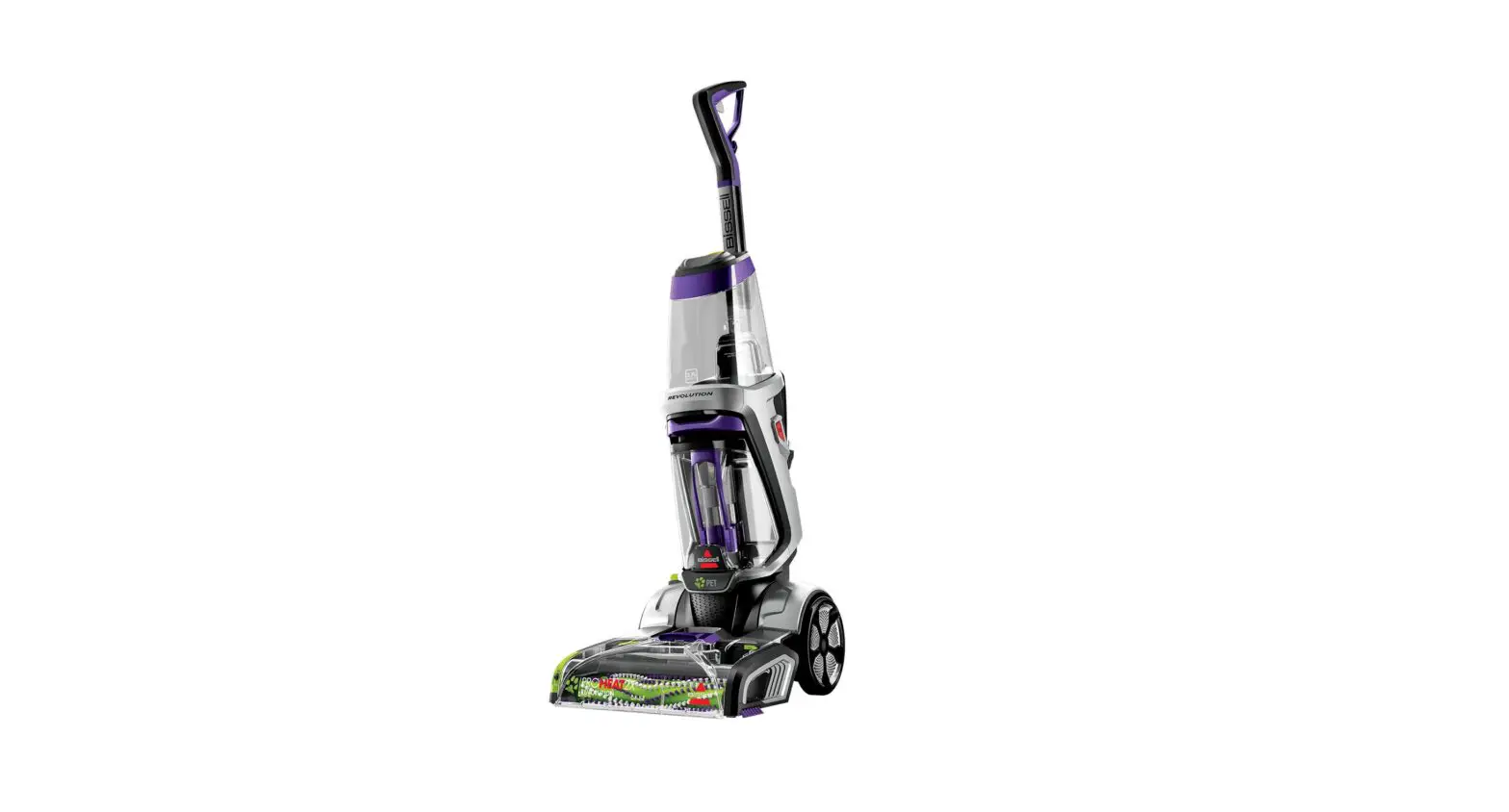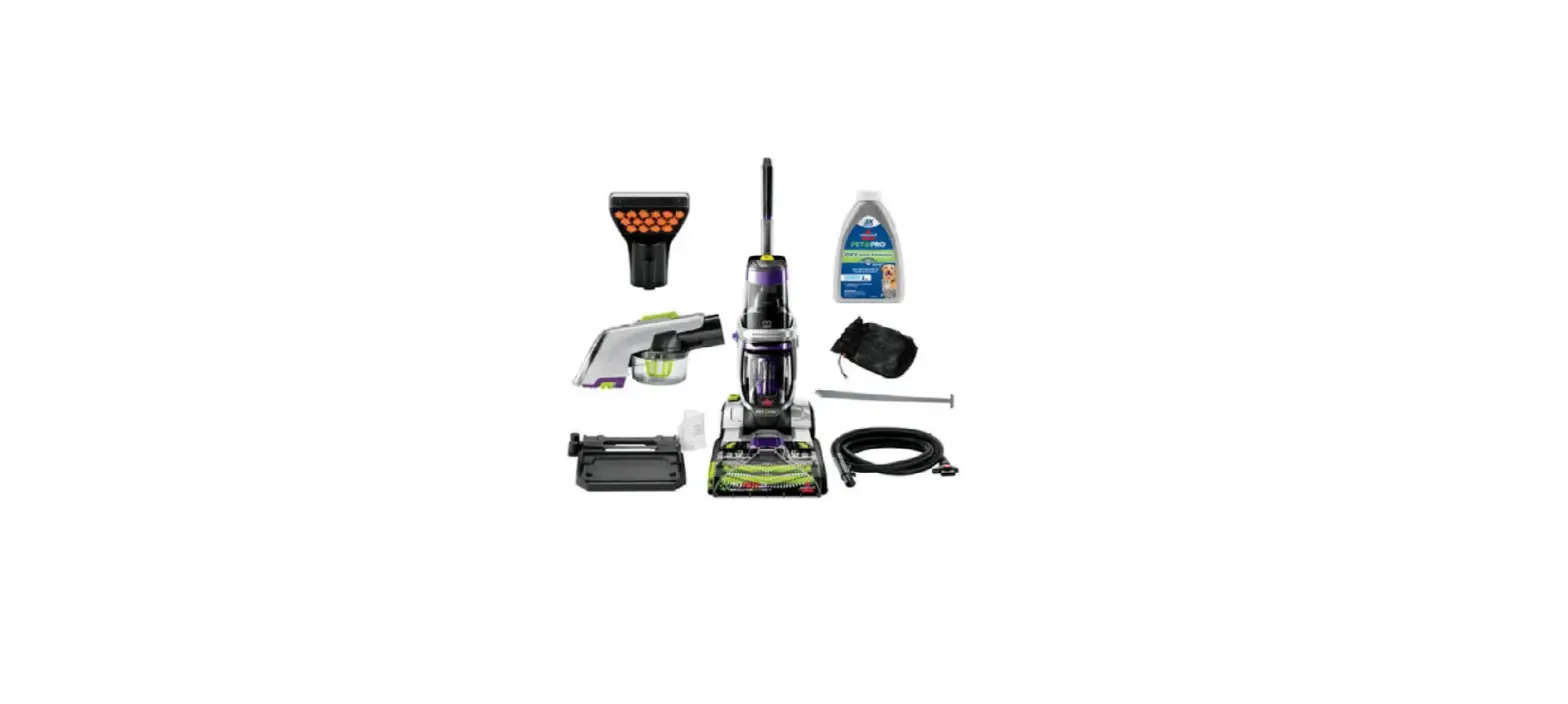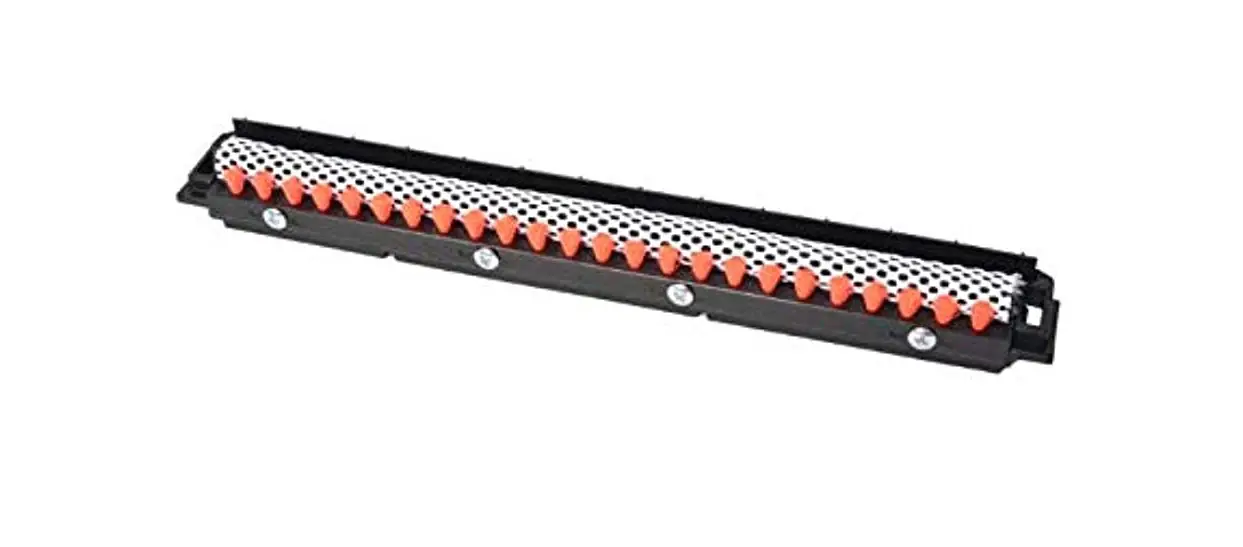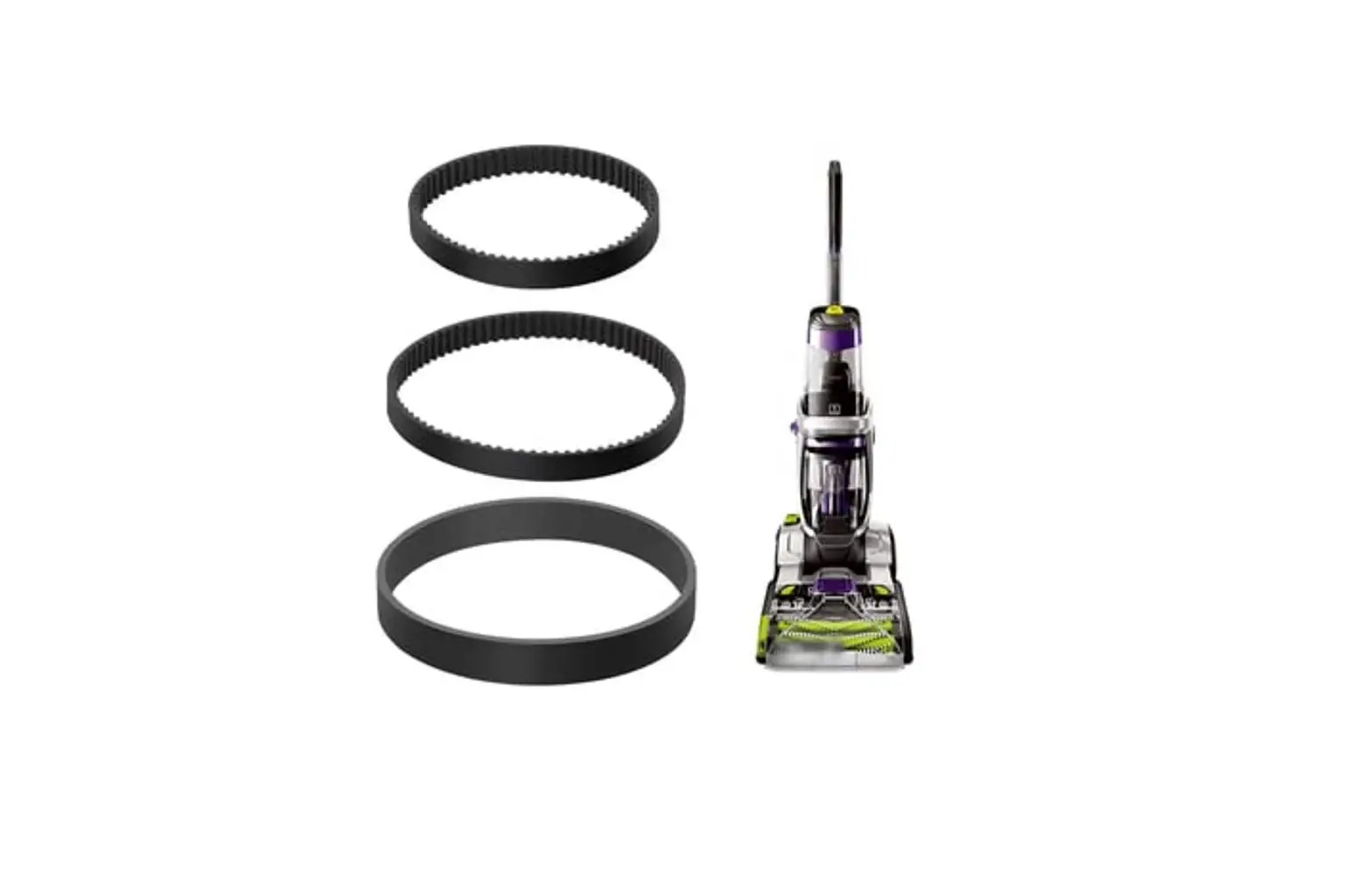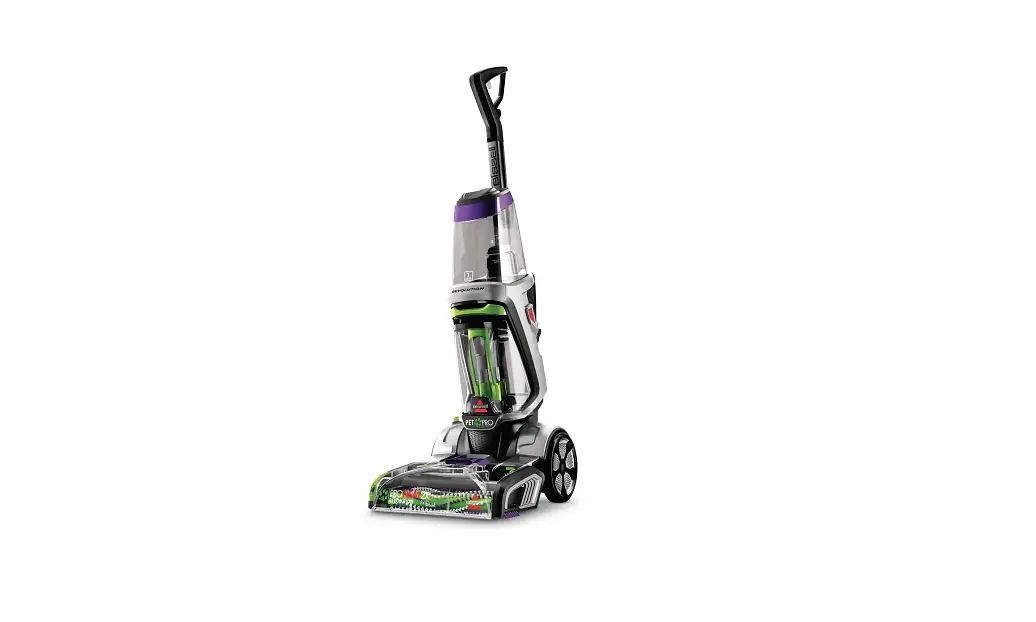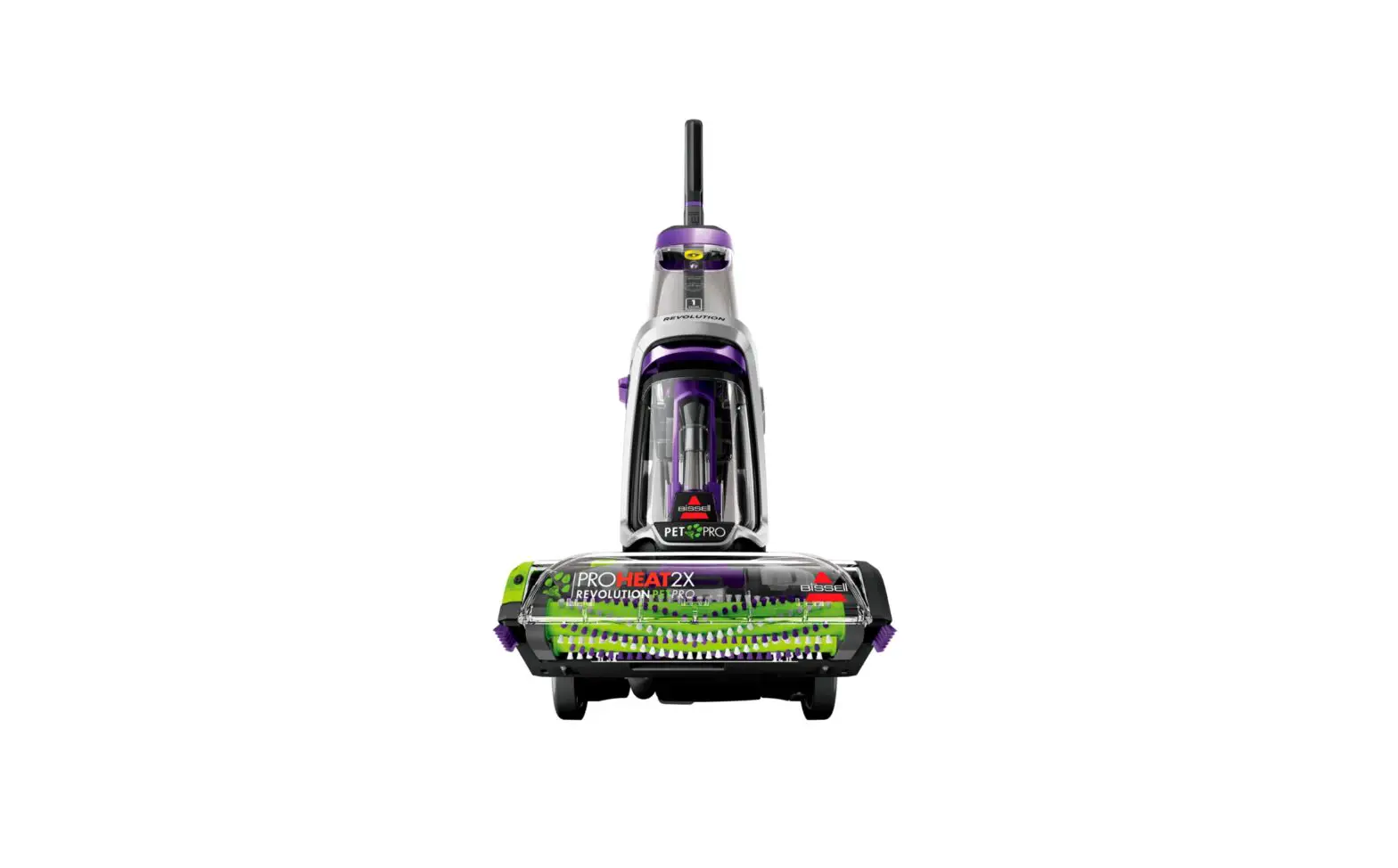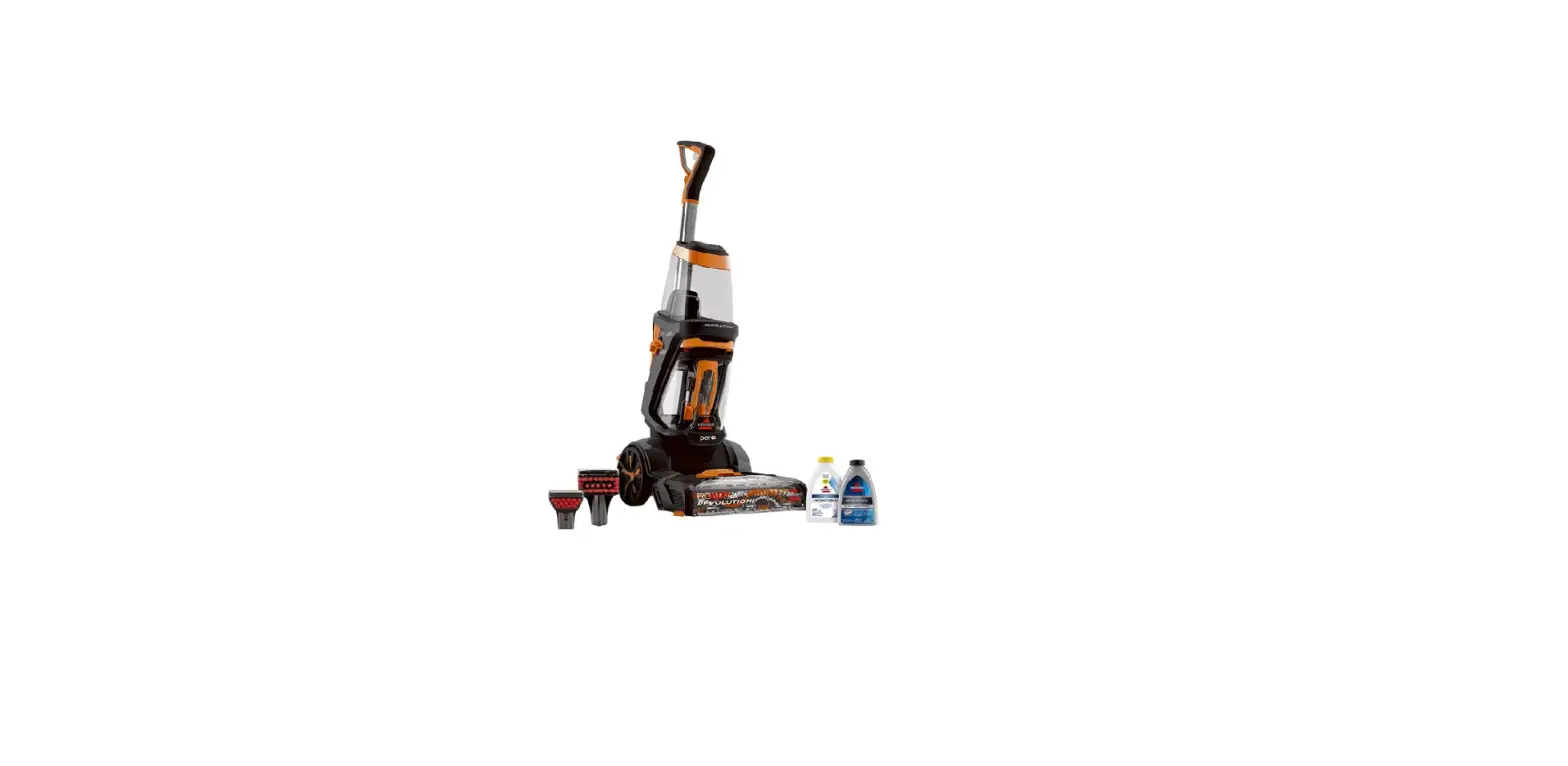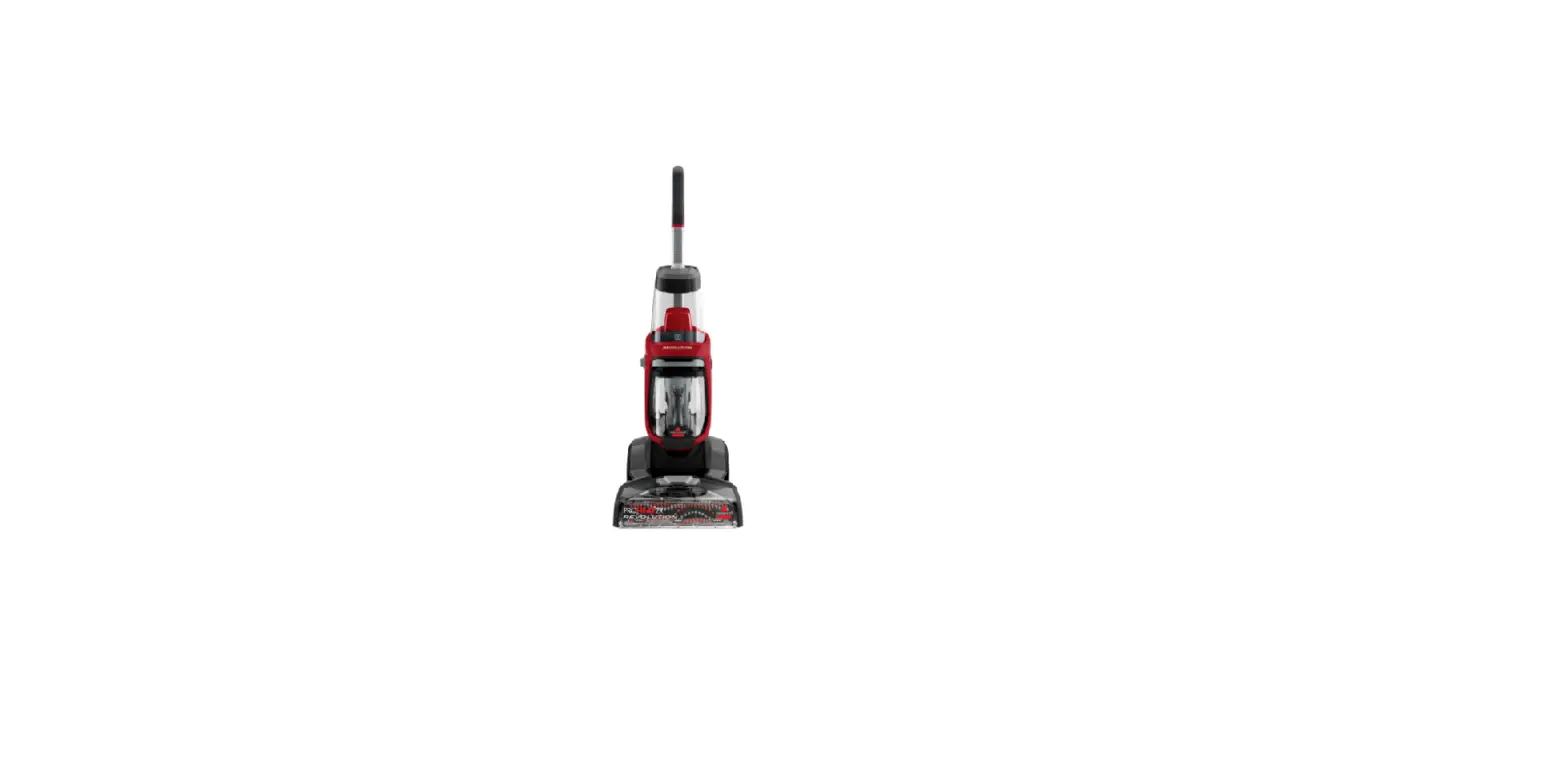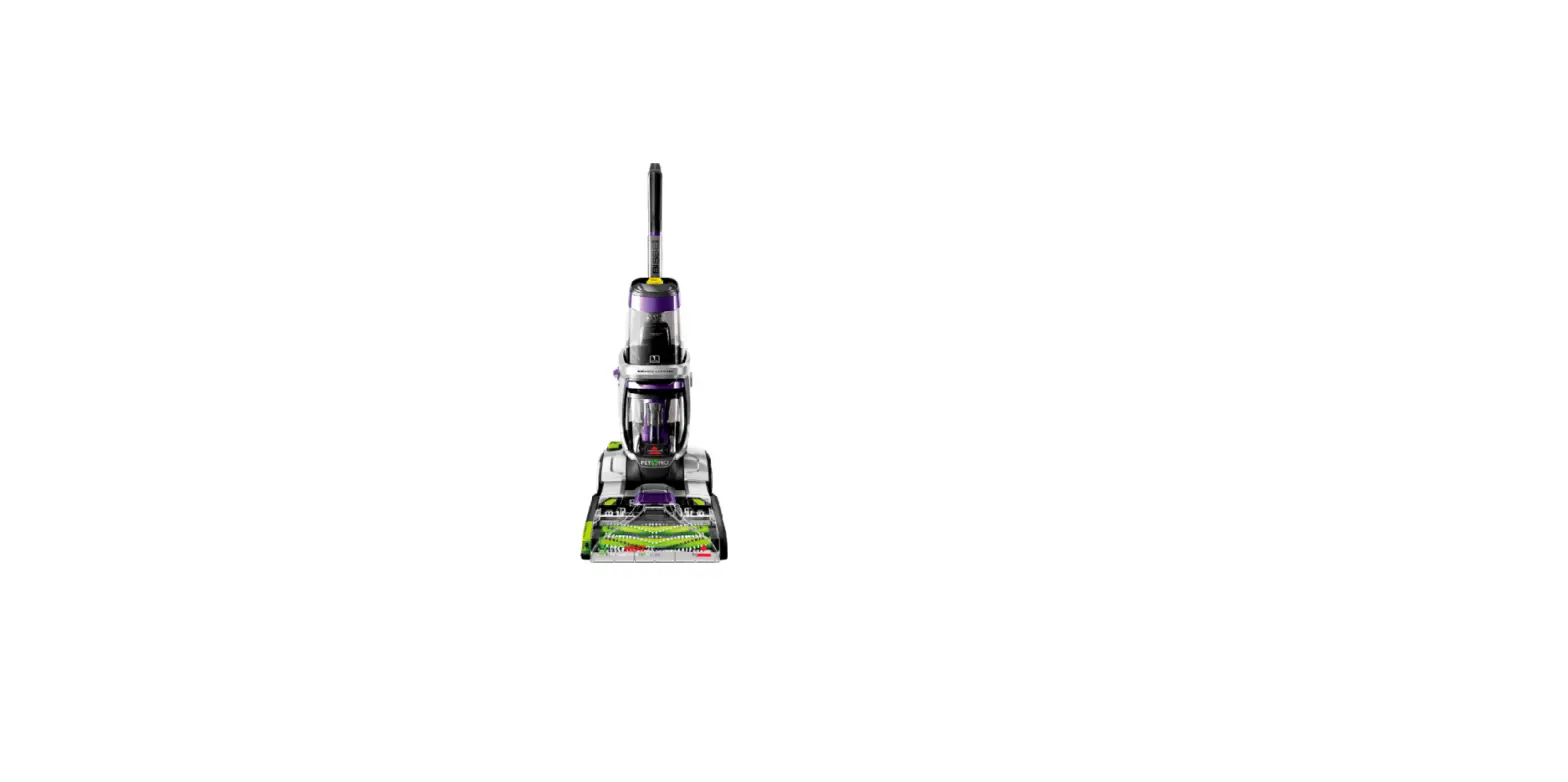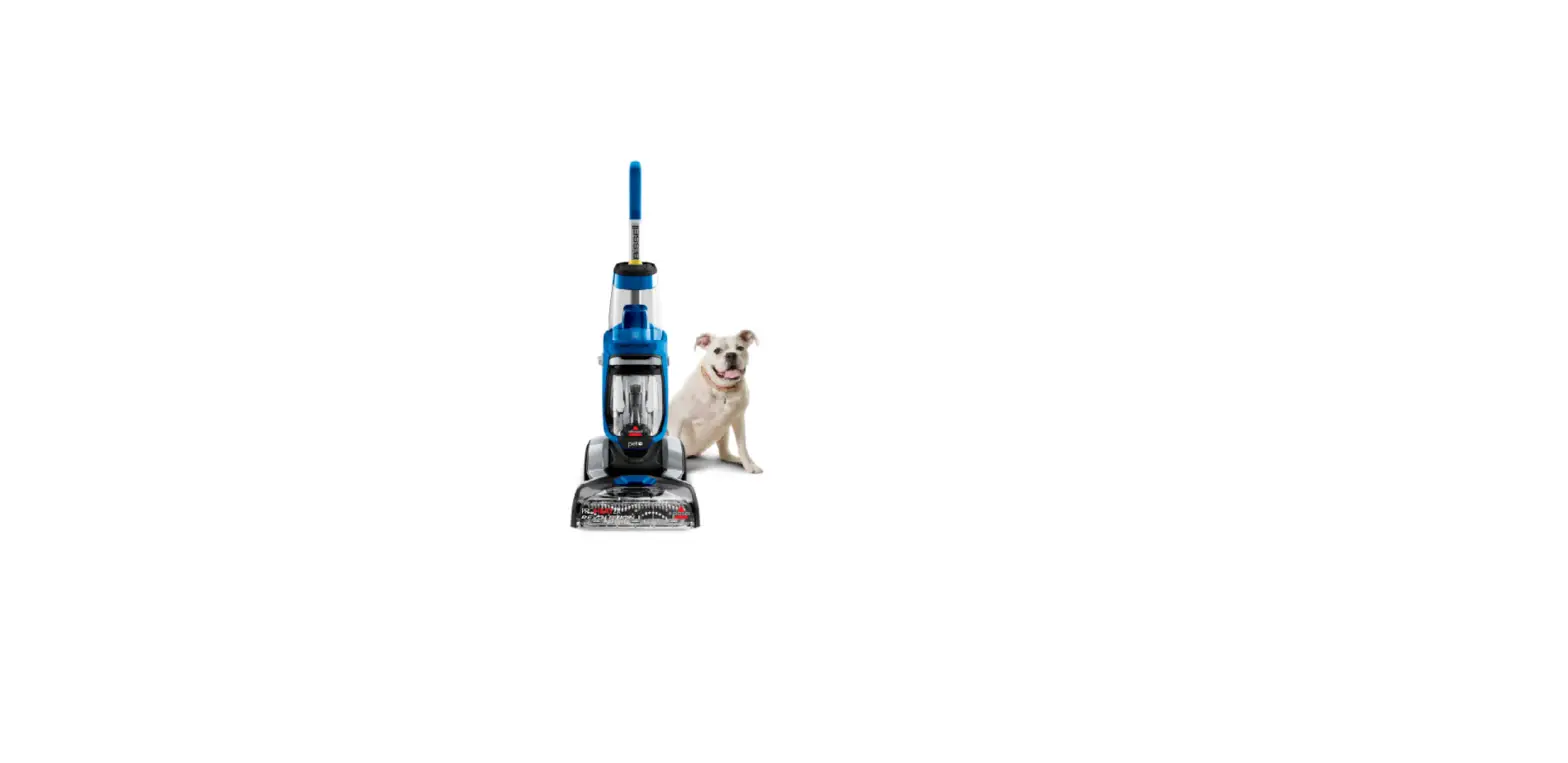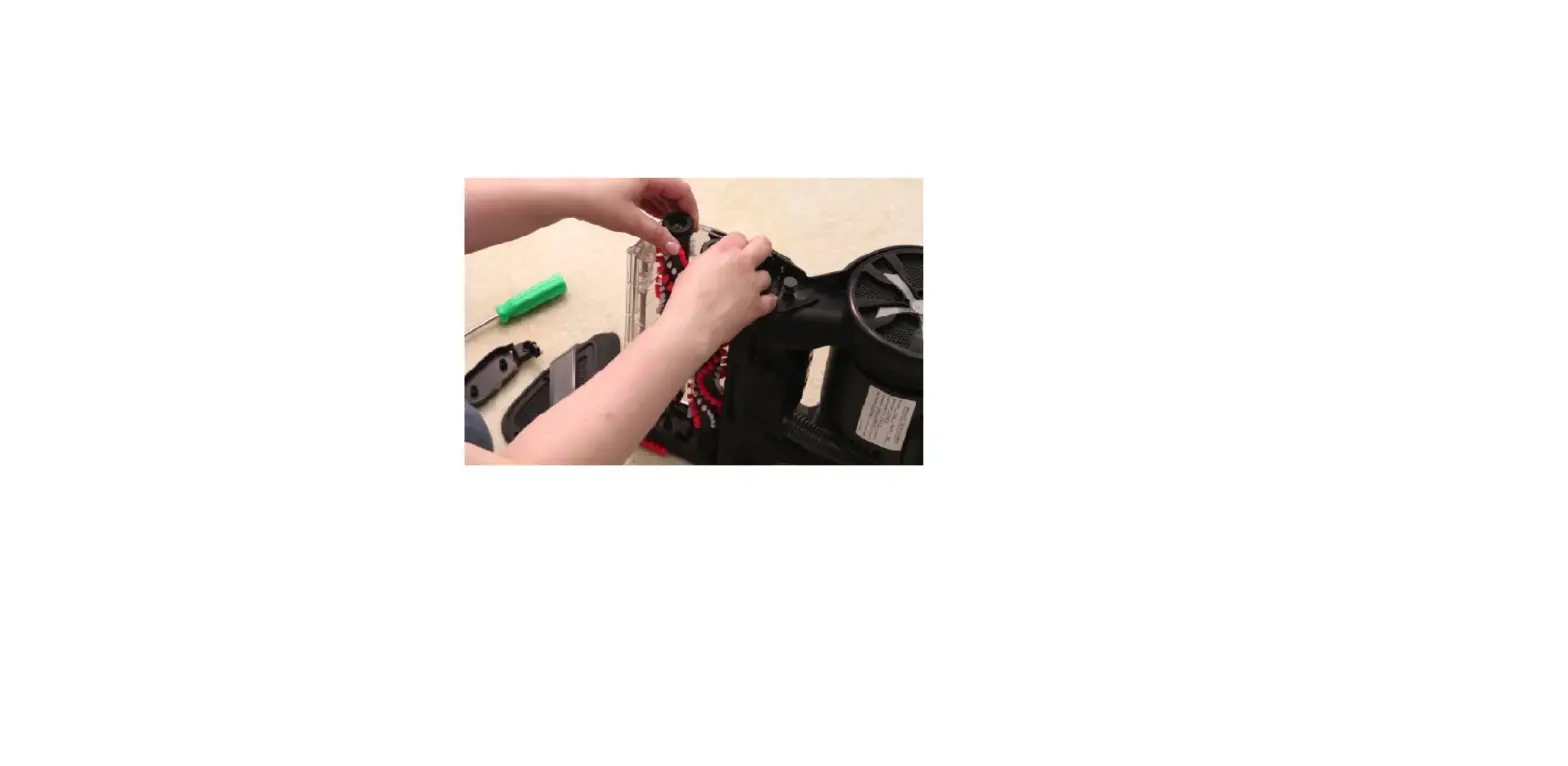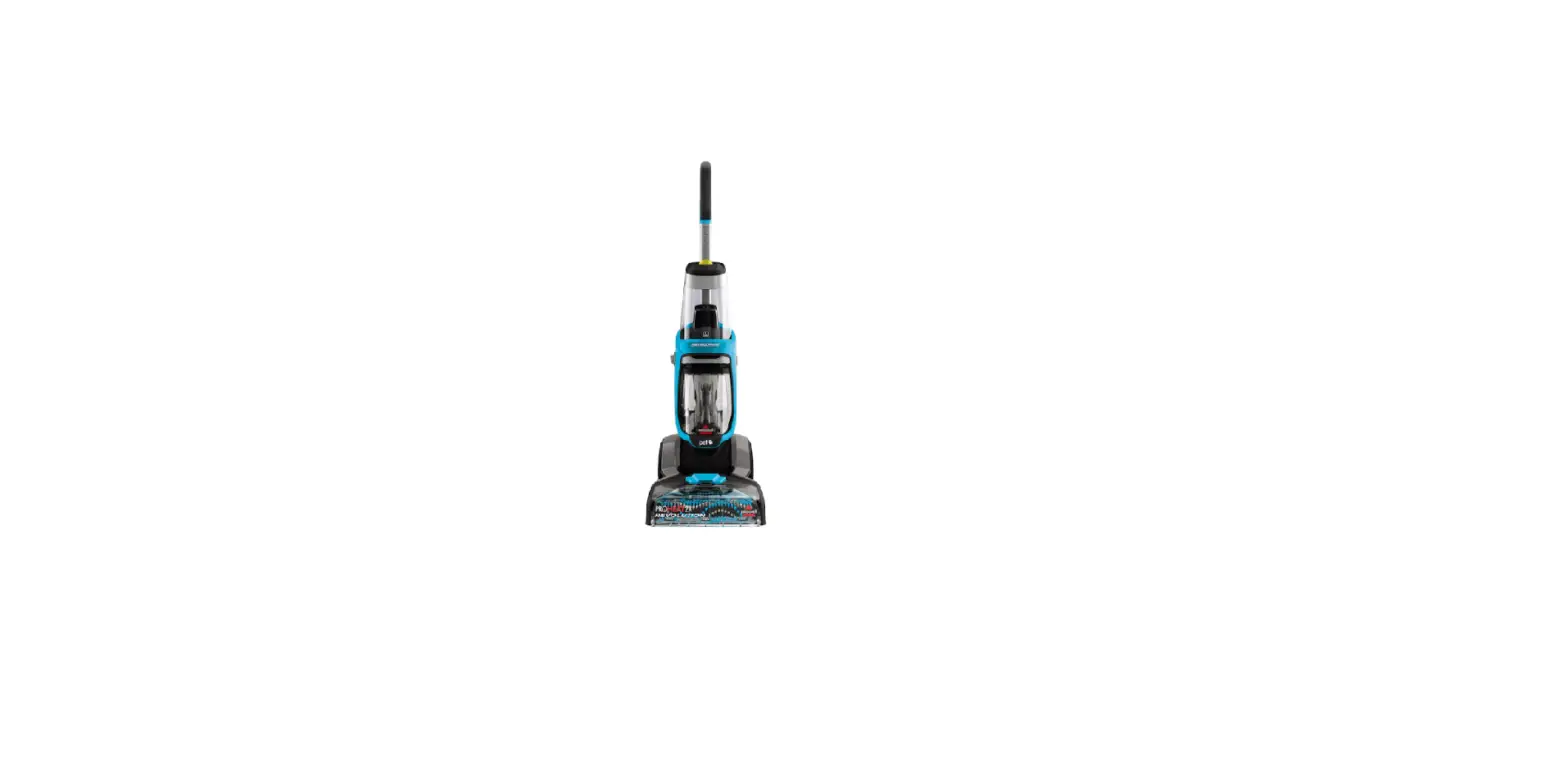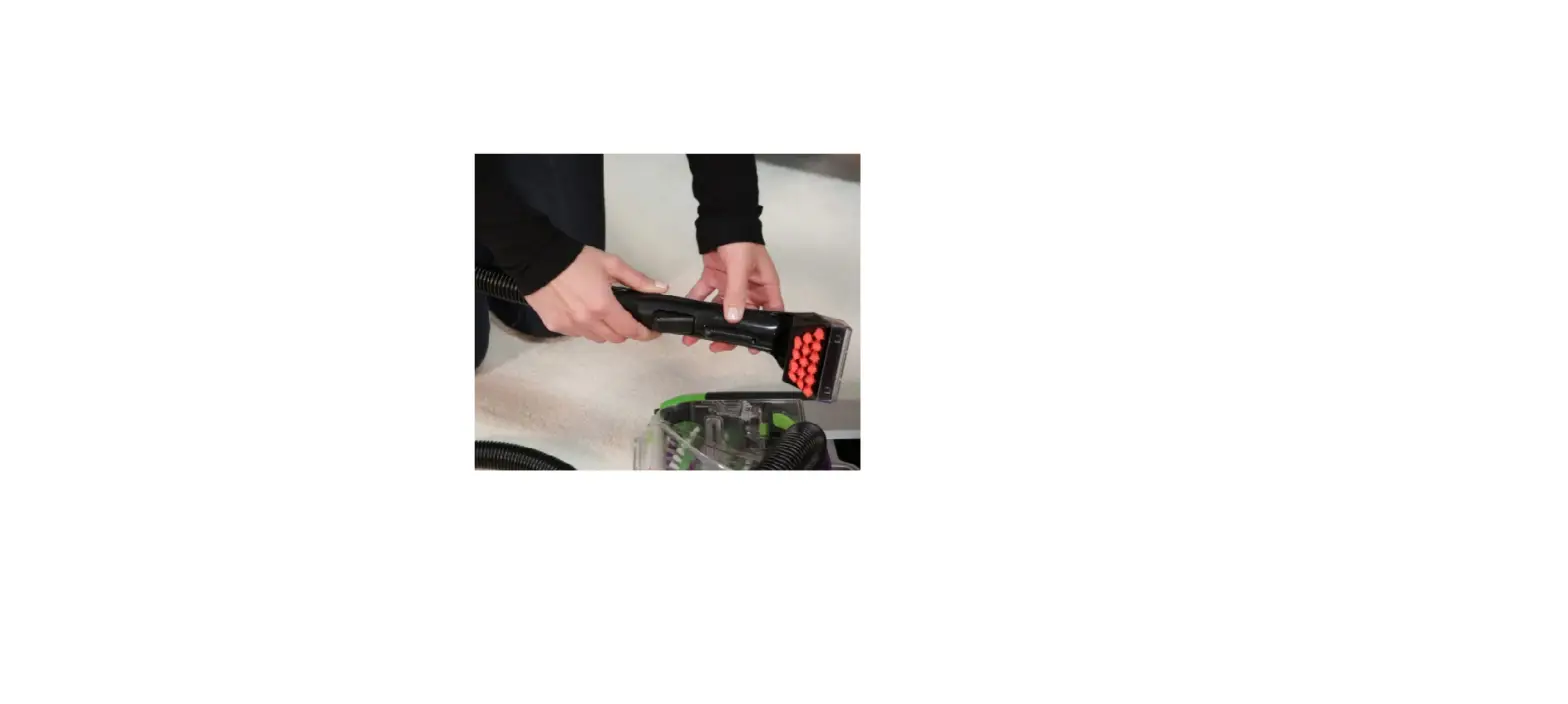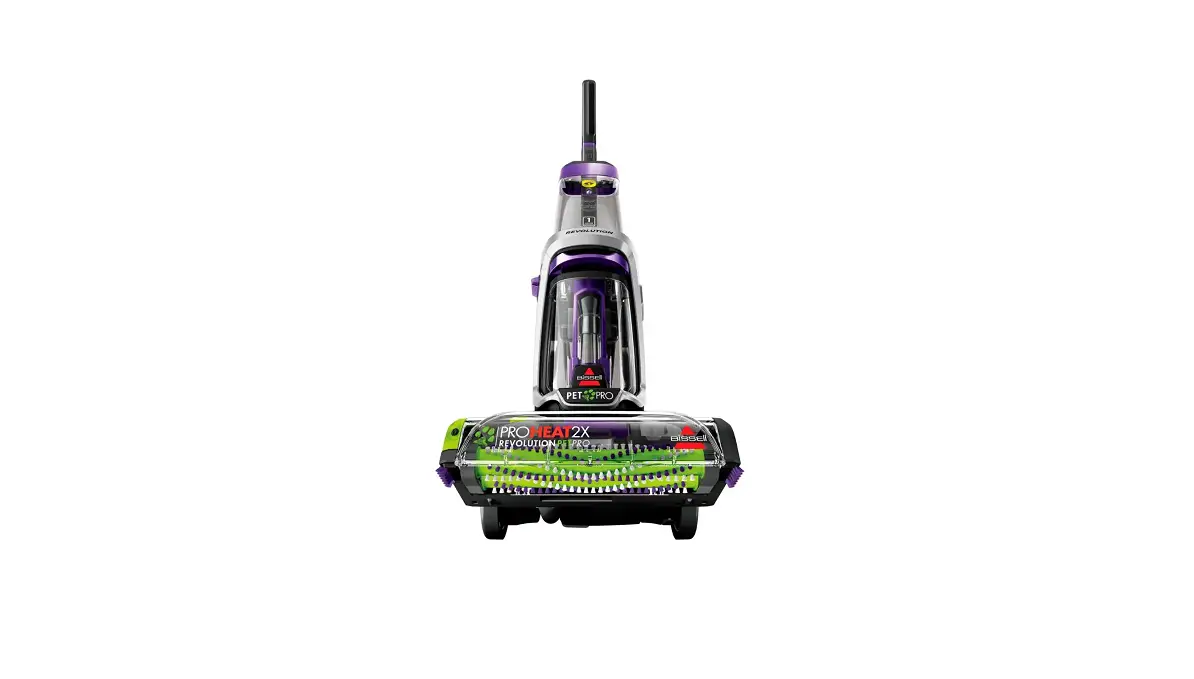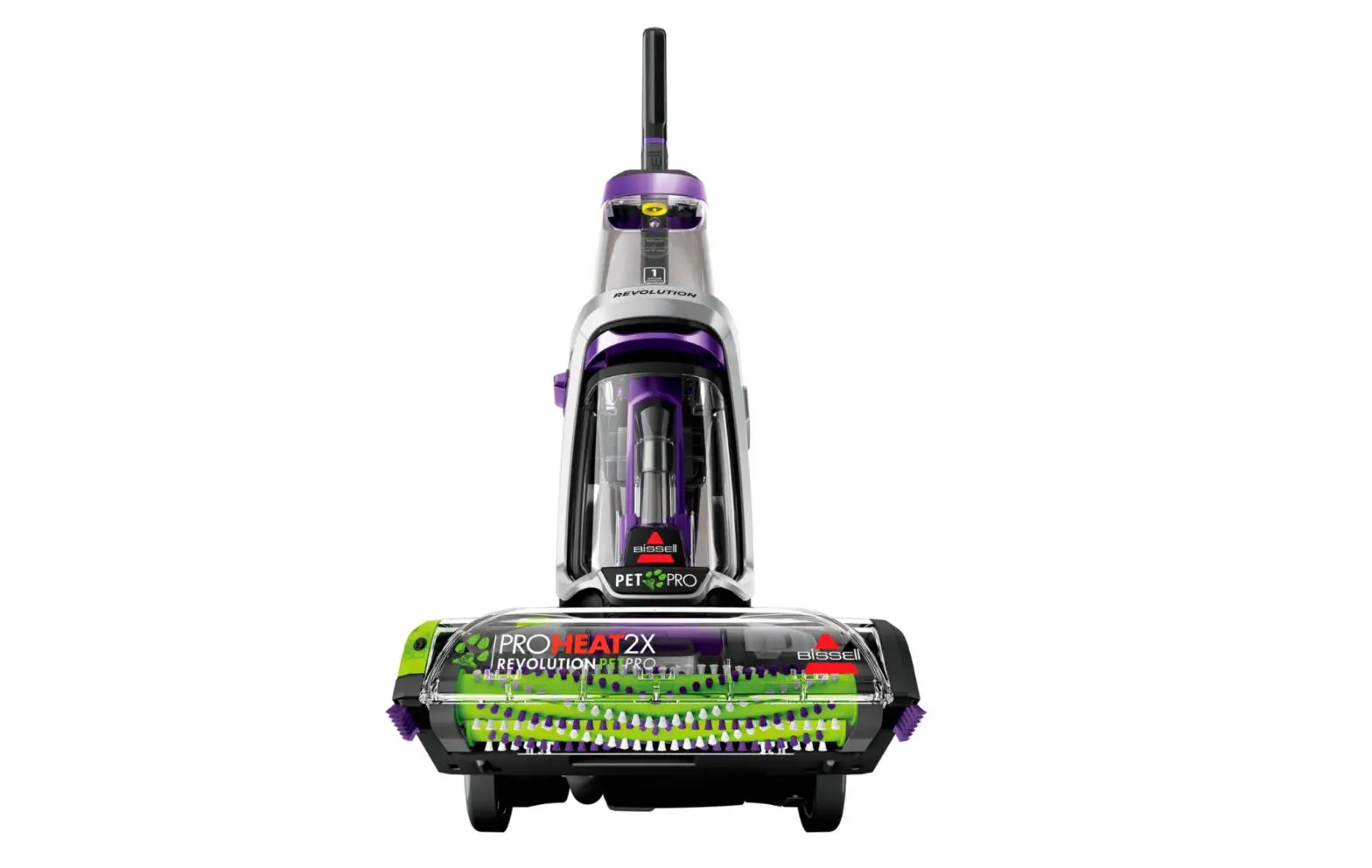
- Unplug the unit before troubleshooting and remove the clean water tank
- A Philips head screwdriver and a thin flathead screwdriver are needed to remove the handle
- Remove the screw in the back of the unit going thru the carry handle using a Phillips head screwdriver.
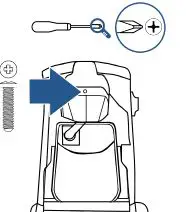
- Gently pry the carry handle off by pulling outward at the sides with your hand
- Repeat on both sides
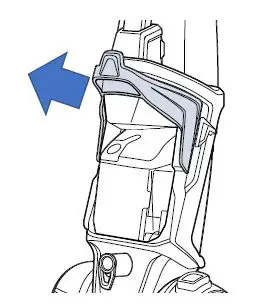
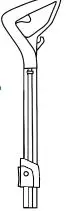
- Carefully use a flathead screwdriver to pry up the grey plastic tab on the plastic base of handle
- While you pry this forward the metal handle can easily slide right up and out of it
- Remove the base of the handle by hand, it should pop off easily and can be slid back on the handle