 100 Field Layout of Wall Panels
Installation Guide
100 Field Layout of Wall Panels
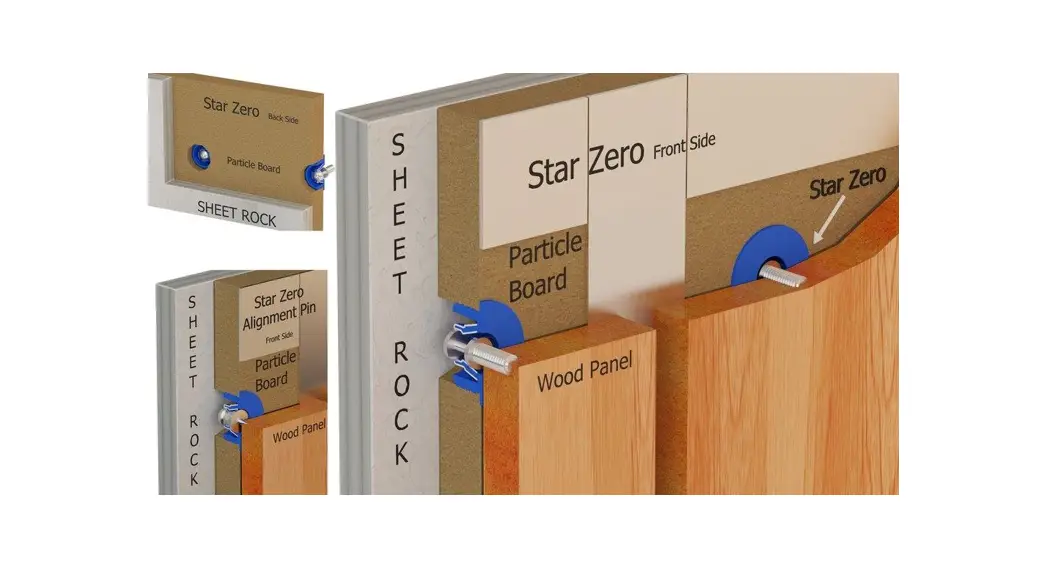
 Required Tools.
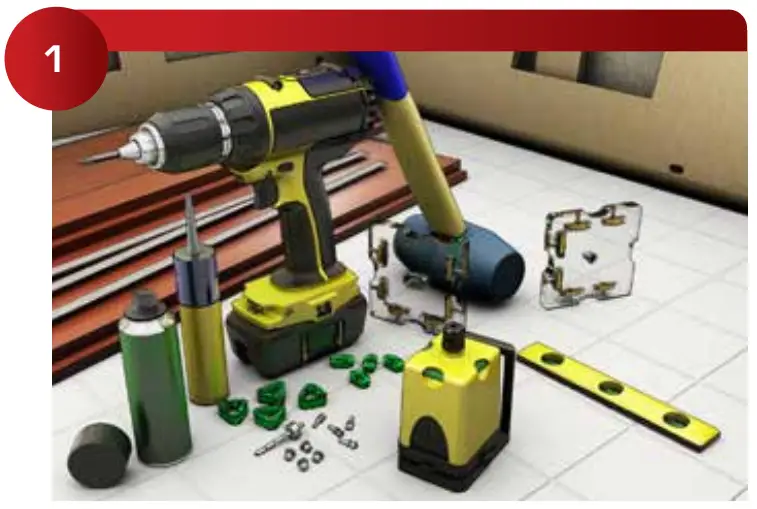
 Look around the project’s site conditions and plans, you need to know what you are laying out and identify any changes from the plan
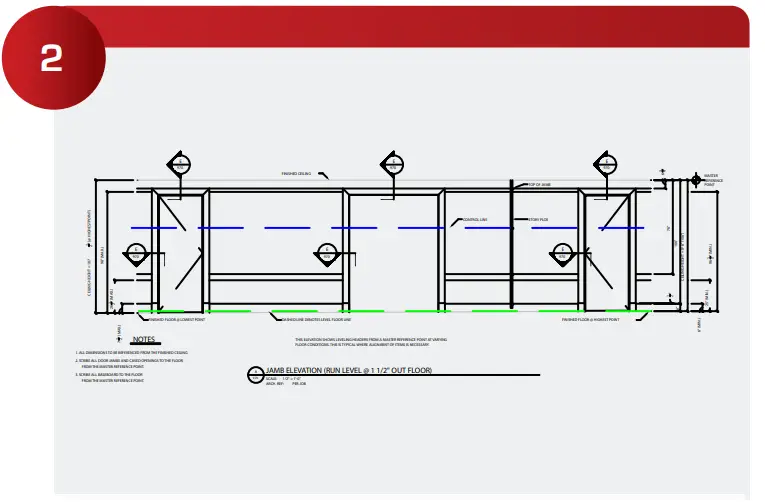
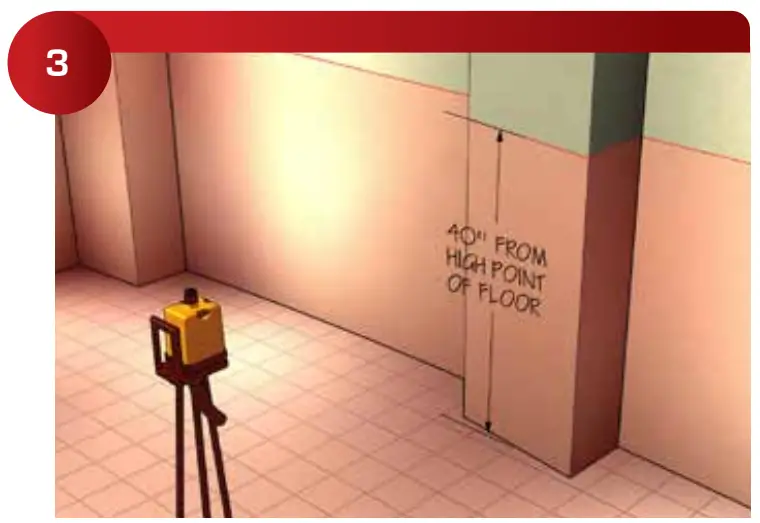 Find the high point of the floor, and check to see if the project has a pre-set horizontal benchmark. If not set your own horizontal benchmark.
 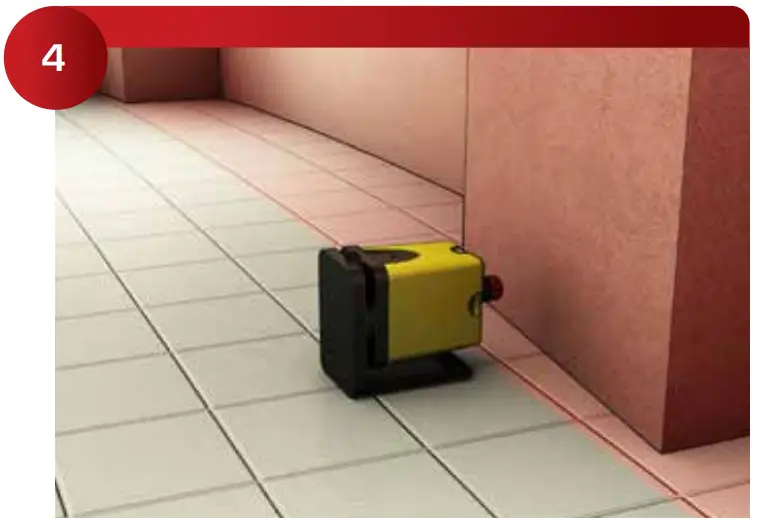 Determine the greatest projection (bump out in the wall). This will determine the face of the panels. Discuss the layout options with the GC. If there is a large bump you have two options, shim out most of your furring or have the projection corrected.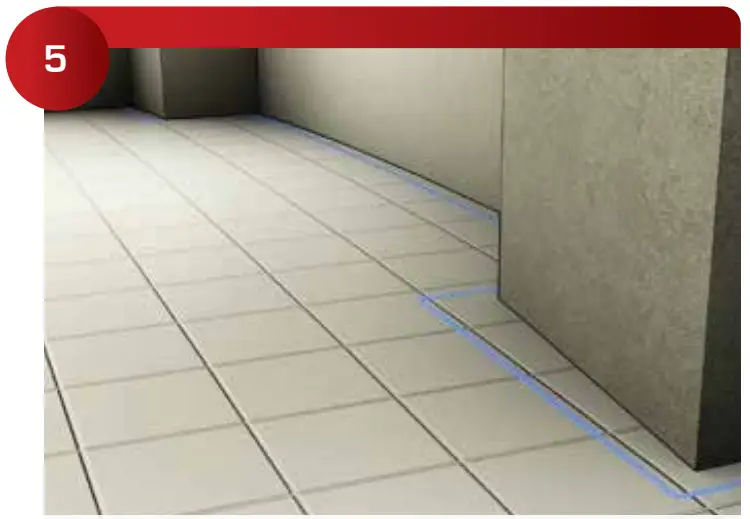
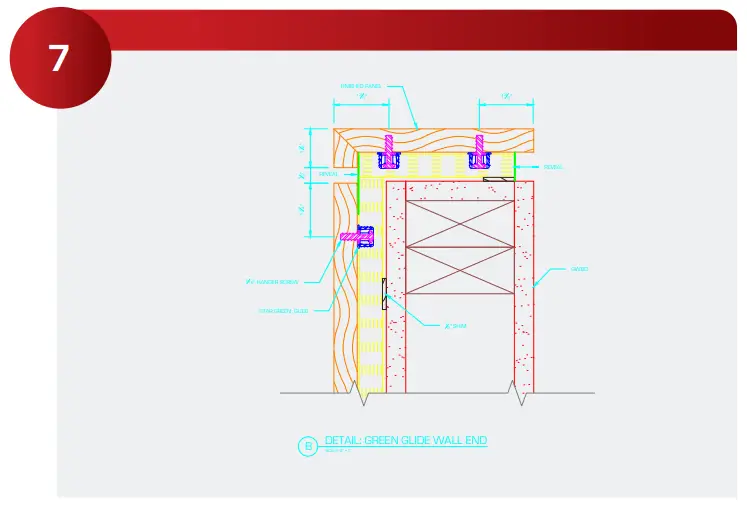
If the project is simple, shimming out the furring works well. If the panels have other constraints, you need to be very careful. There are many possible conflicts when furring out large areas, panel alignments, widths of door jambs, electrical build-outs, and held dimensions, are just a few examples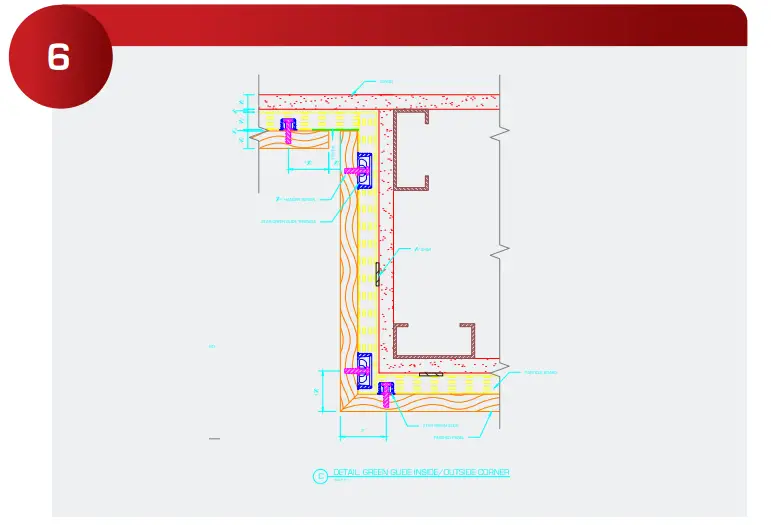 Review the section details for all the panel intersections (many can be downloaded from starhanger.com). On large projects, it works well to print out full-scale inside corners, outside corners, door jambs, and any other complex areas. Then simply spray adhesive the layout in
 Determine panel widths based on horizontal lines and field alignment requirements.
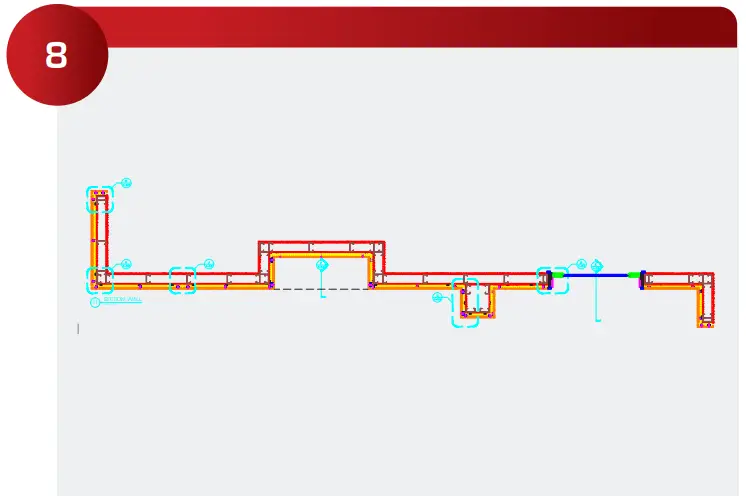 Field verify all required site dimensions based on the face of panels for both fields horizontal & vertical lines.
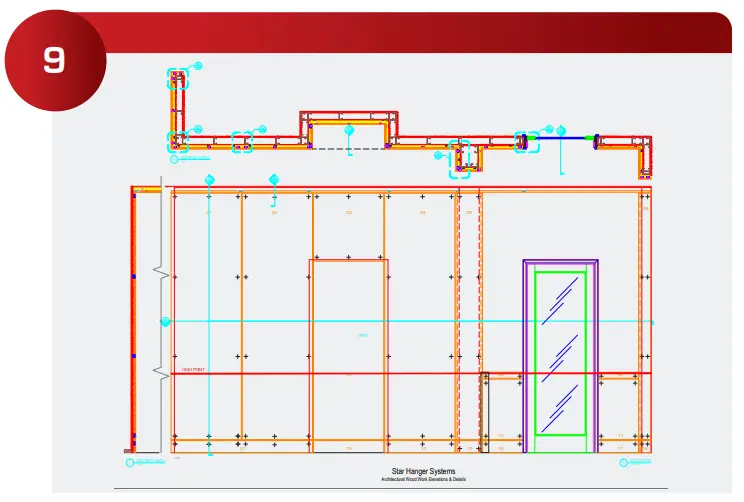 Revise elevations on the shop drawing based on panel heights horizontal & vertical level lines & end conditions. Determine the face of all panel sizes on the primary drawing layer.
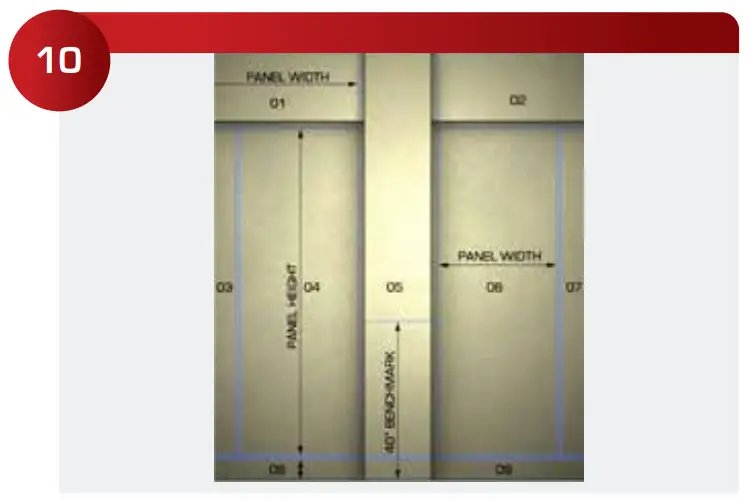 Starting installation; re-verify all required site dimensions based on field horizontal & vertical level lines.
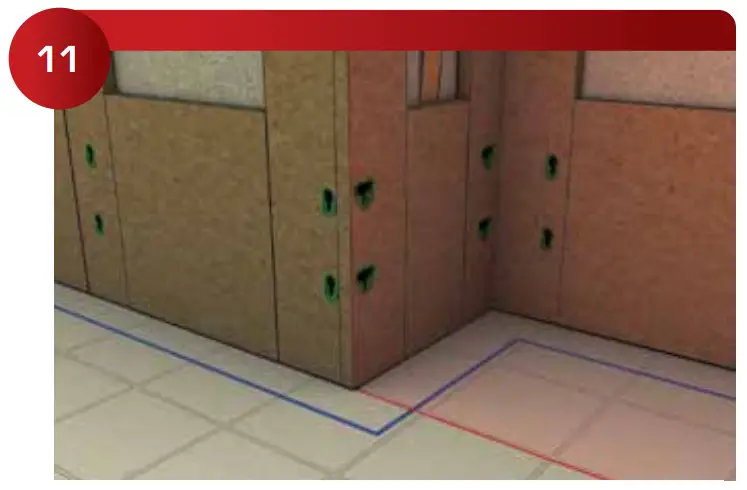 Start the installation of the furring systems, other Star Hanger Installation Guides may be helpful here.
ENGINEERED FURRING
| CONNECTS TO: | Wood |
| REVEALS: | Laminate |
| INSERTION: | Dead Blow |
| REMOVAL: | Vacuum Cup |
“Hidden Fastener Specialists”
www.starhanger.com
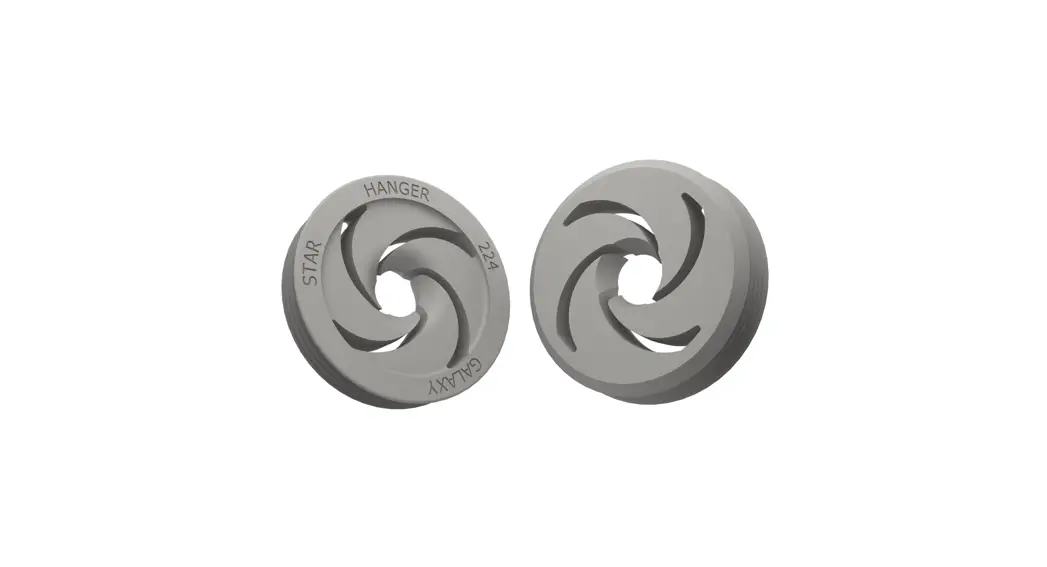
CONNECTS TO: WOOD
REVEALS: LAMINATE
INSERTION: DEAD BLOW
REMOVAL: VACUUM THE CUP
 Hanger Clips | Wall Panel Mounting | Star Hanger Systems
 Hanger Clips | Wall Panel Mounting | Star Hanger Systems