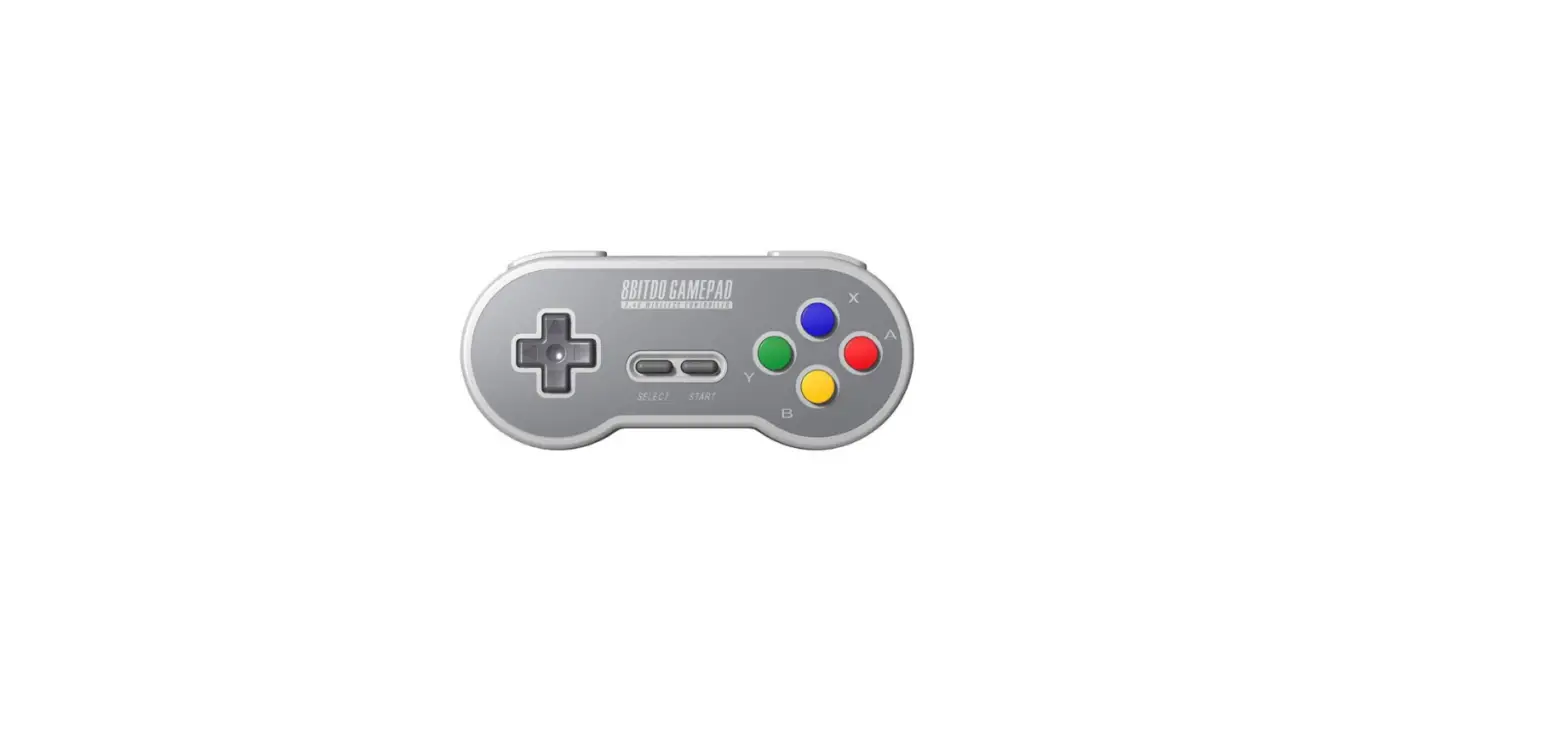
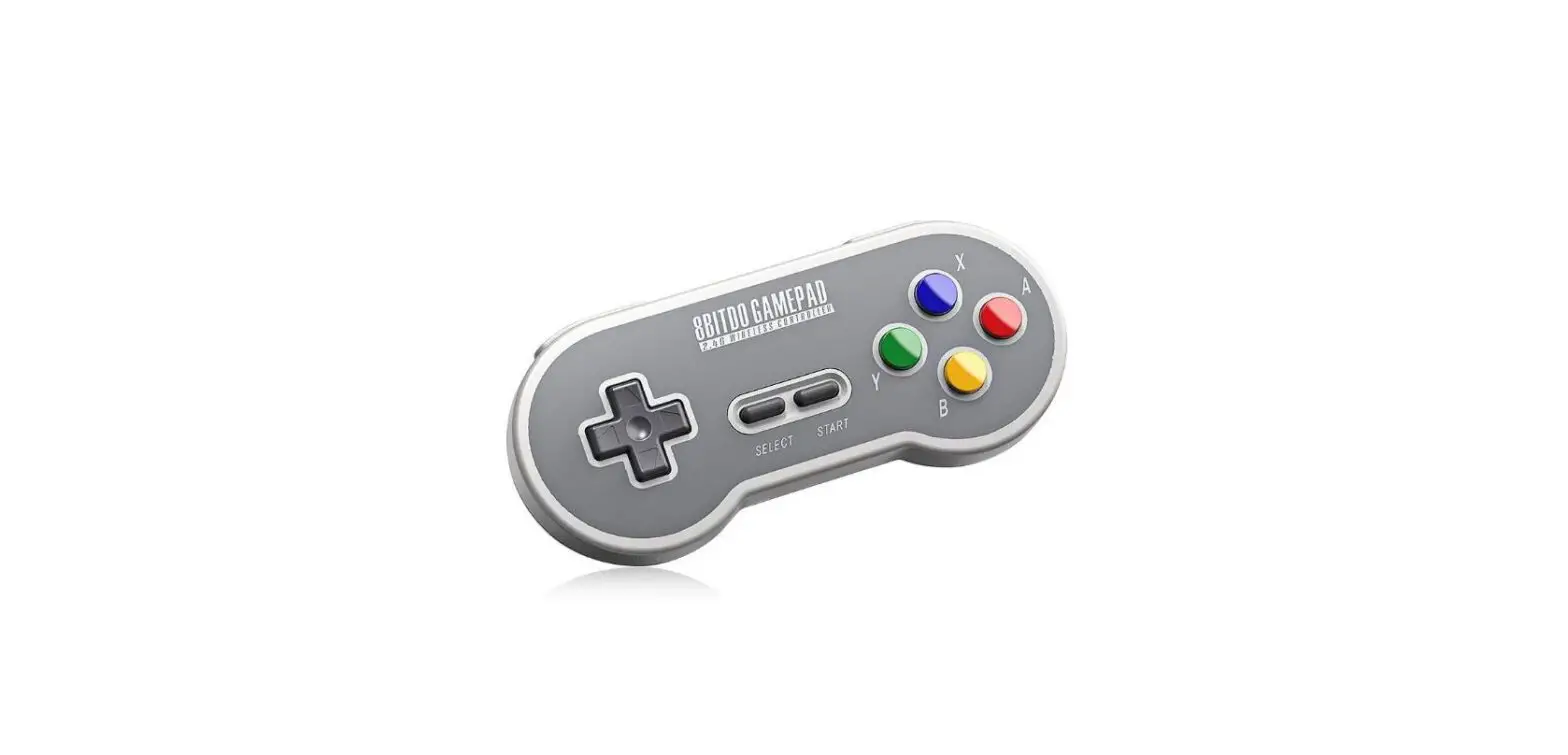
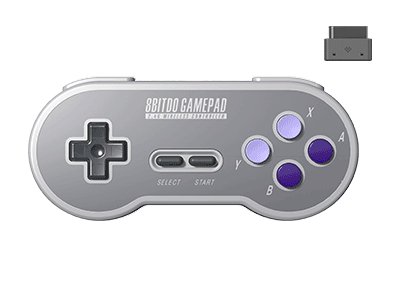
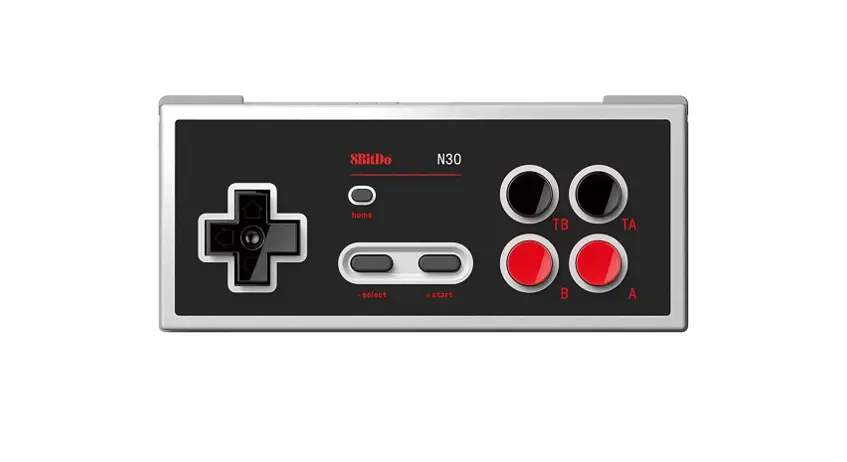
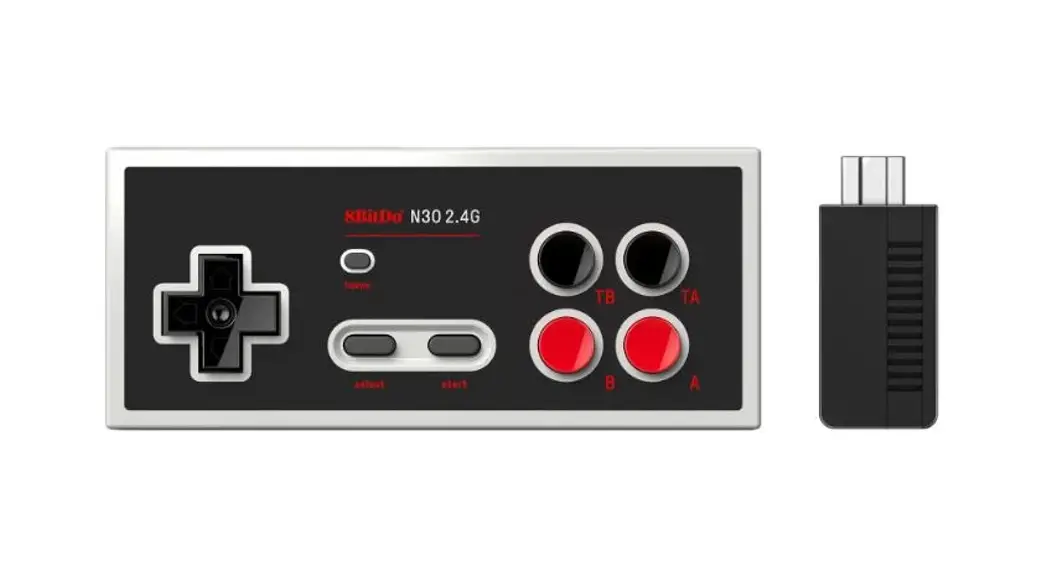
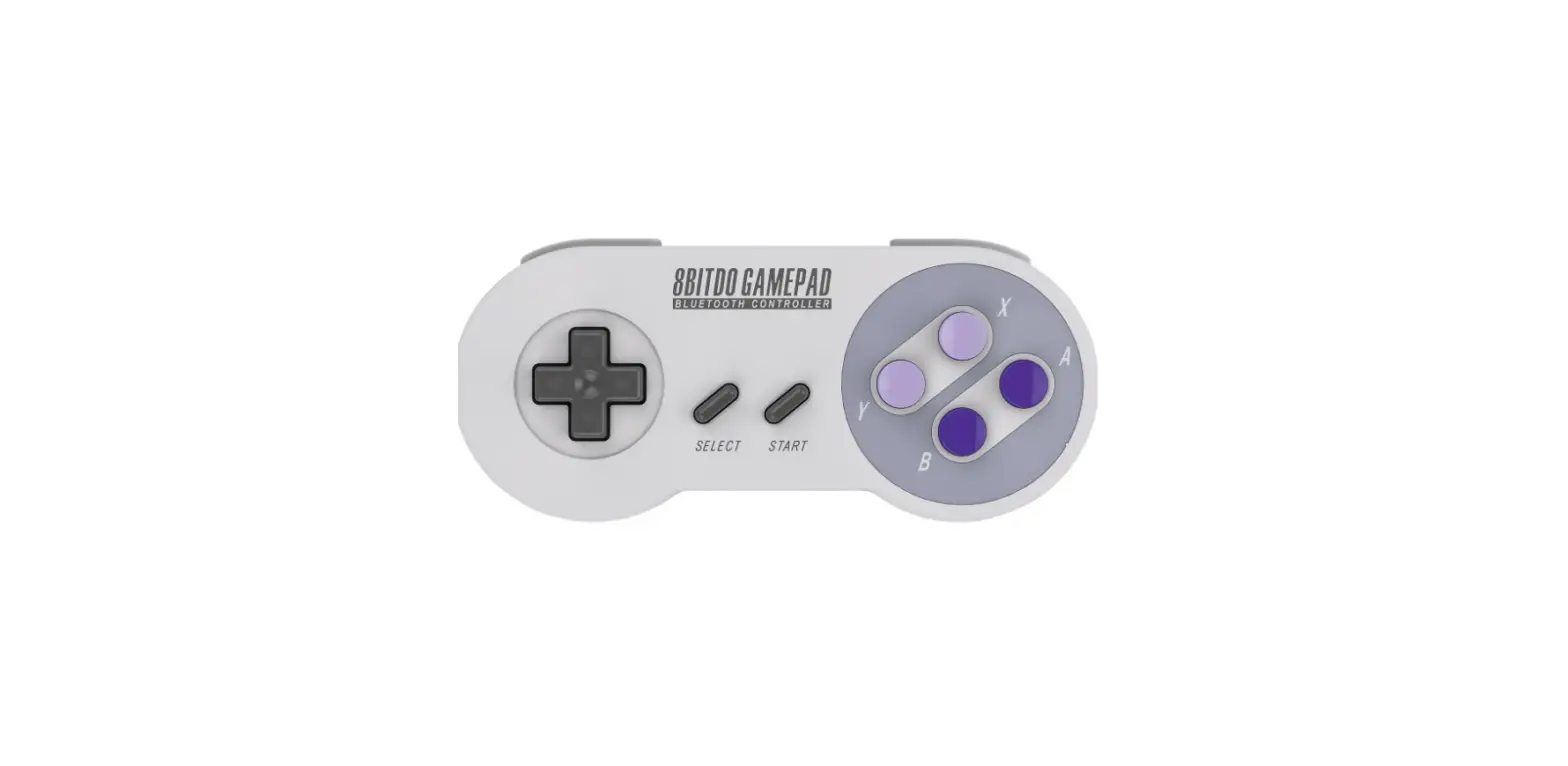
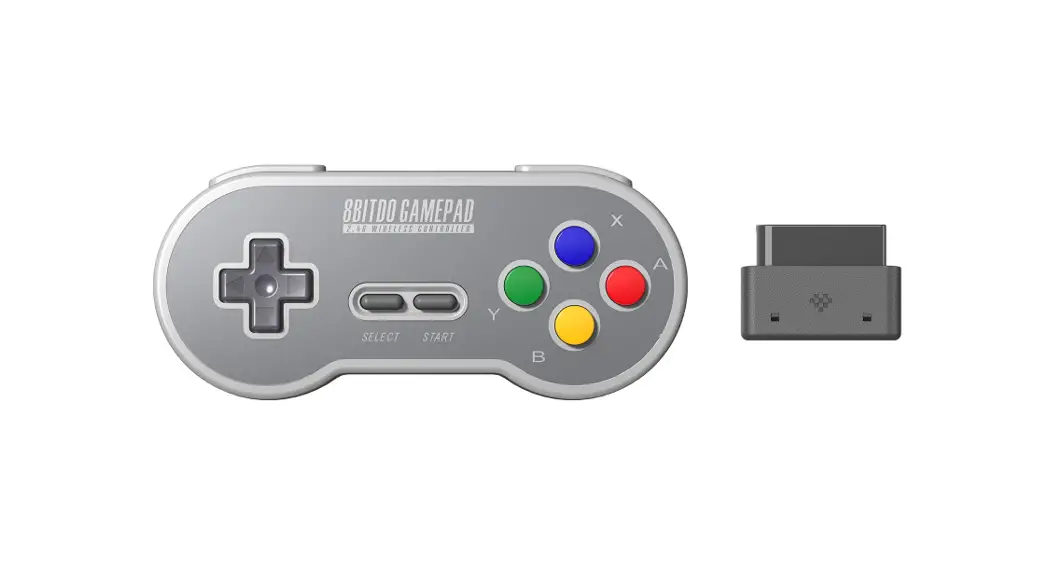
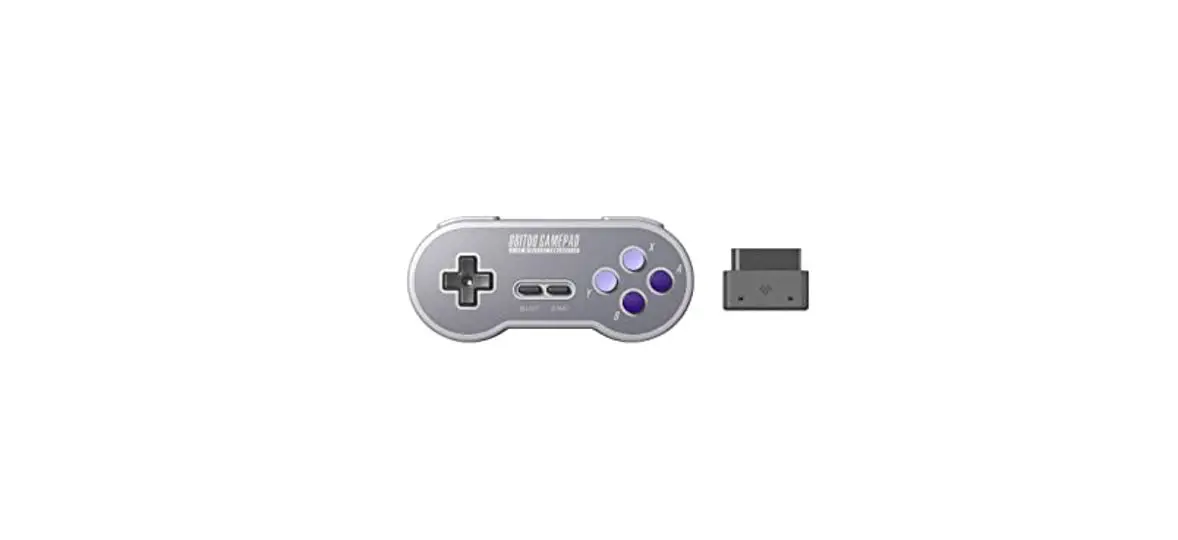
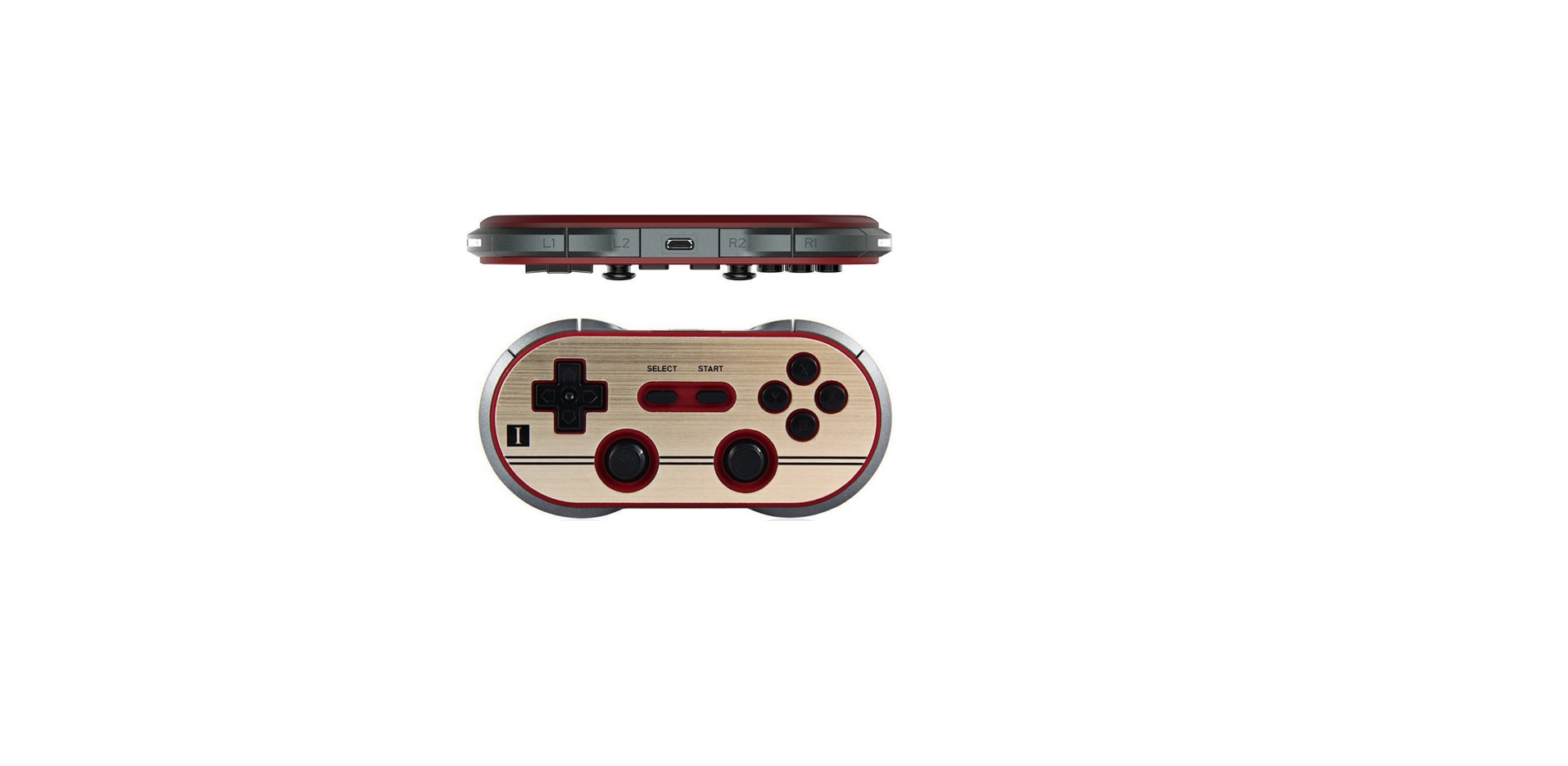
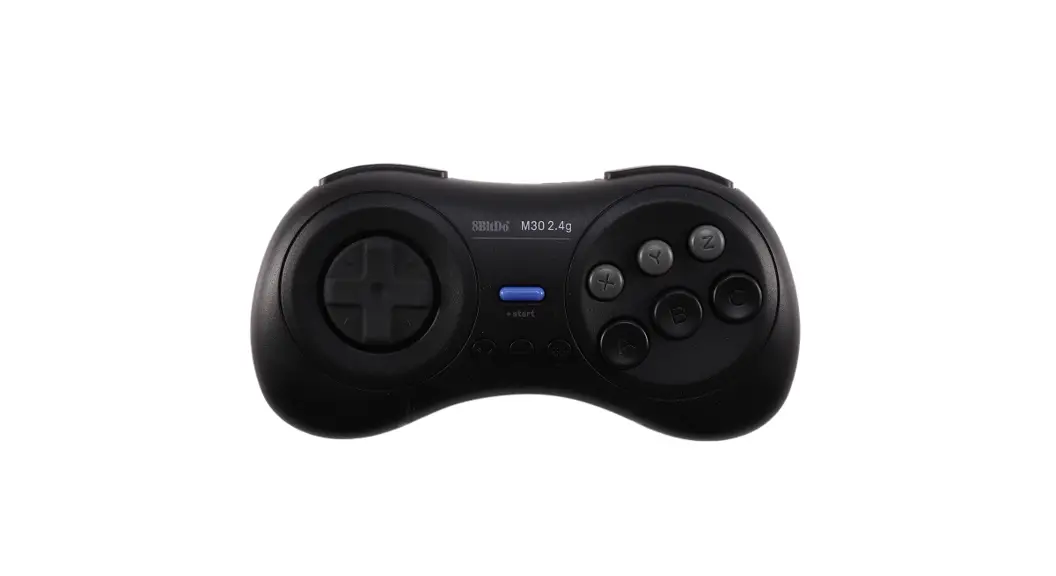
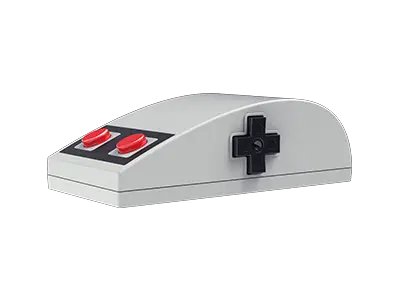
8BitDo SN30 2.4G Wireless Controller User Manual
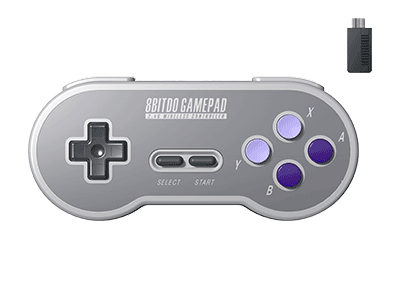
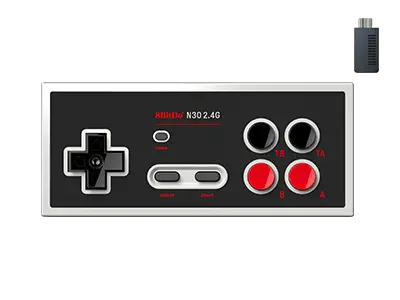
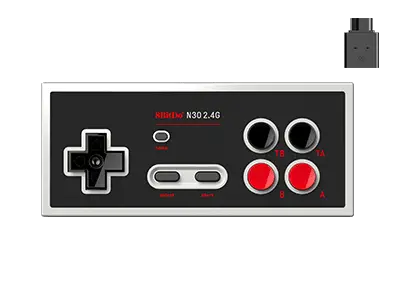
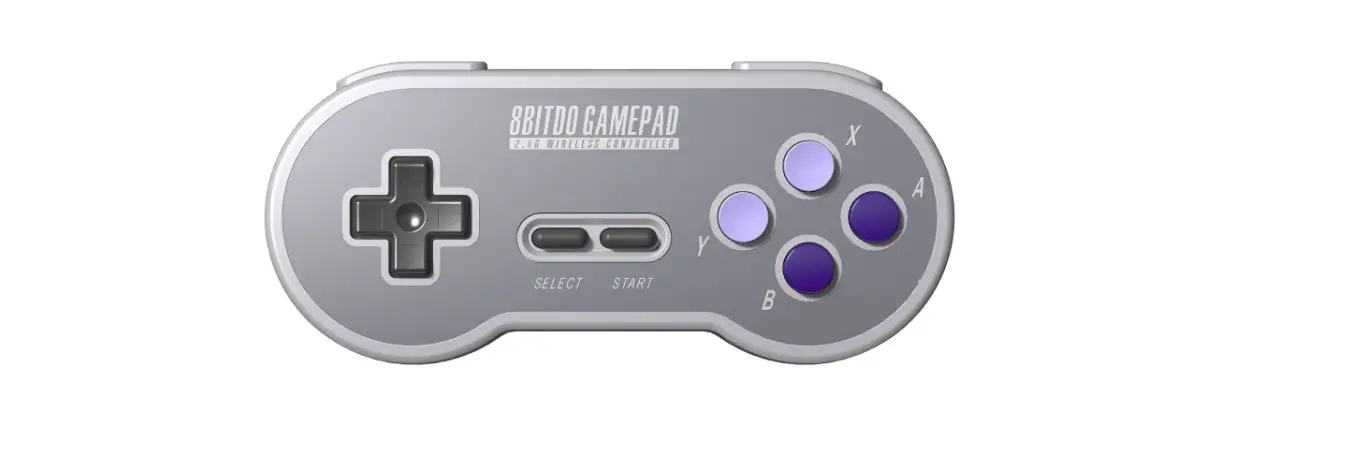
N30 2.4G and SF30 2.4G Instruction
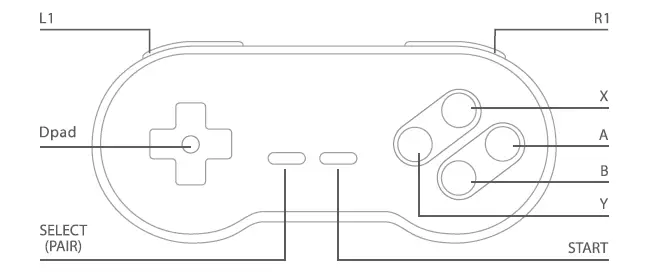
To enter pairing mode: Press and hold SELECT for 3 seconds.
Wireless Connection
Controllers will auto reconnect to your devices once they have been paired.
Wireless Connection
1. Plug the retro receiver to your NES / SFC / SNES Classic console.
2. Press START on the controller, the controller will look to pair with the receiver.
3. Blue LED will stay solid when the connection is successful.
USB Connection
1. Connect the controller to your Windows/macOS/Android via the USB cable.
2. Blue LED will stay solid when the connection is successful.
Press and hold START for 3 seconds to switch the controller modes between Xinput, Dinput and Mac.
- Xinput is the default mode.
Battery
| Status | LED Indicator |
| Low battery mode | LED blinks in red |
| Battery charging | LED blinks in green |
| Battery fully charged | LED stops blinking |
- Built-in 180 mAh Li-on with 25 Hours of play time.
- Rechargeable via USB cable with 30 minutes charging time.
Power Saving
1. Sleep mode – 1 minute with no wireless connection.
2. Sleep mode – 15 minutes with wireless connection but no use.
Support
Please visit http://support.8bitdo.com for further information and additional support.
FAQ – Frequently Asked Questions
es, you can. SN30 2.4g works with NES and SNES/SFC Classic Editions.
*This does not work on original NES or SNES/SFC.
Yes, you can. One receiver for each controller port. One controller for one receiver.
Yes, it does. DOWN+SELECT = Reset
Yes, you can. Just use DOWN+SELECT key combination to access the manual remotely.
No, it does not. It only works with the 2.4g receiver which comes with it.
No, it does not have a USB port on the receiver.
However, you can connect the controller itself to Windows 10, macOS, Android, Raspberry Pi via a USB cable.
*This does not apply to Switch.
We suggest you charge it via a phone power adapter.
The controller uses 180mAh rechargeable battery with 1-2 hour charging time. The battery can last up to 25 hours when fully charged.
Yes, you can.
You can use it with Windows 10, macOS, Android and Raspberry Pi via a USB cable.
*This does not apply to Switch.
Download
8BitDo N30 2.4G and SF30 2.4G Wireless Controller User Manual – [ Download PDF ]