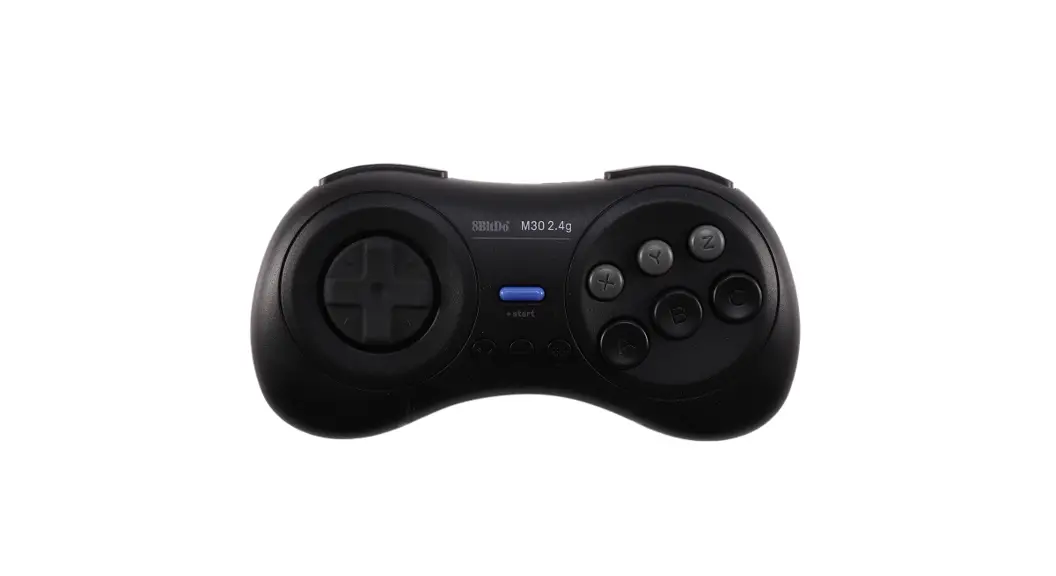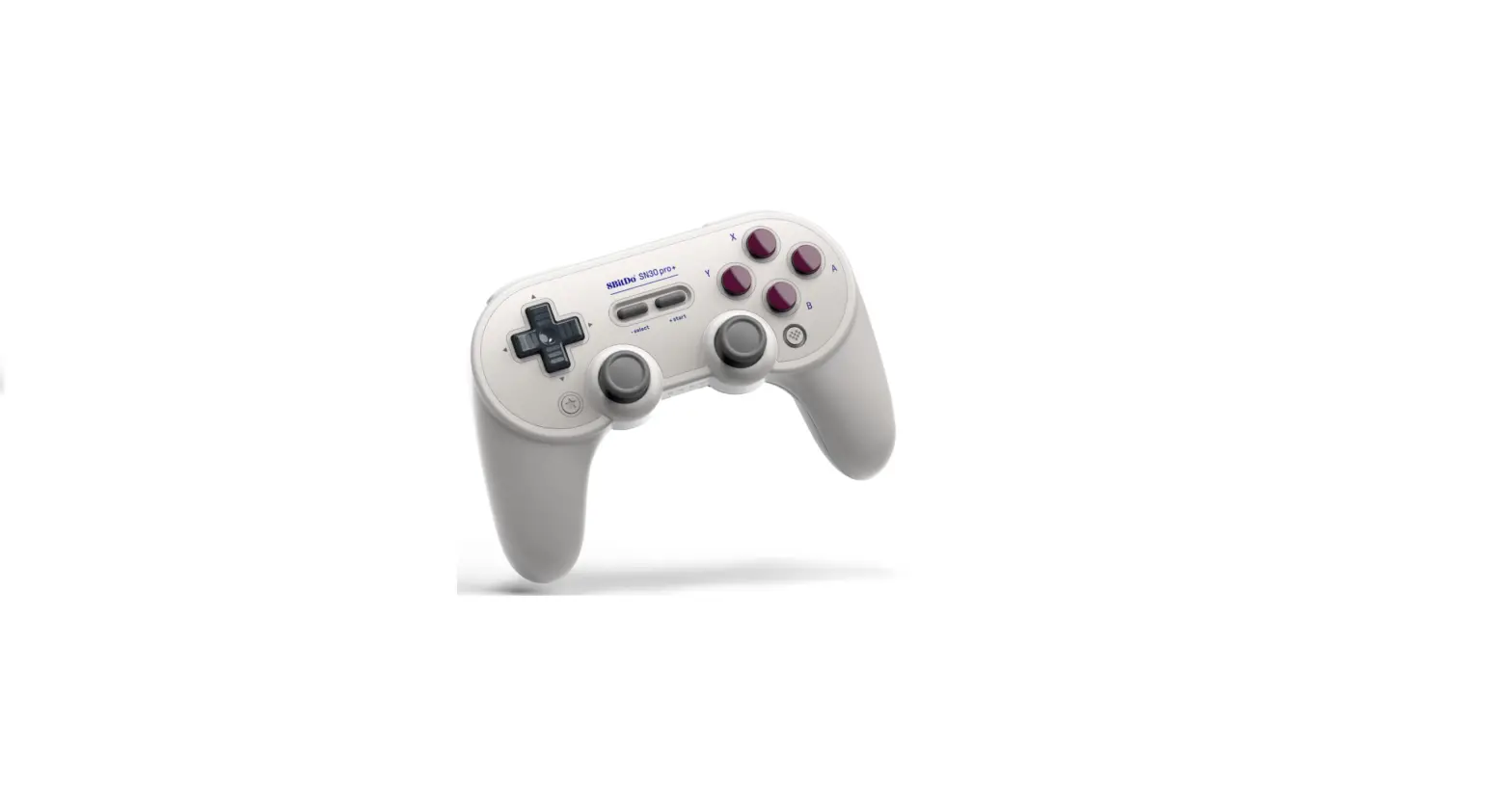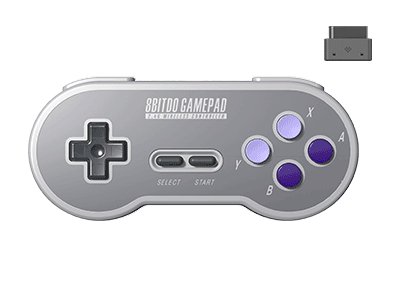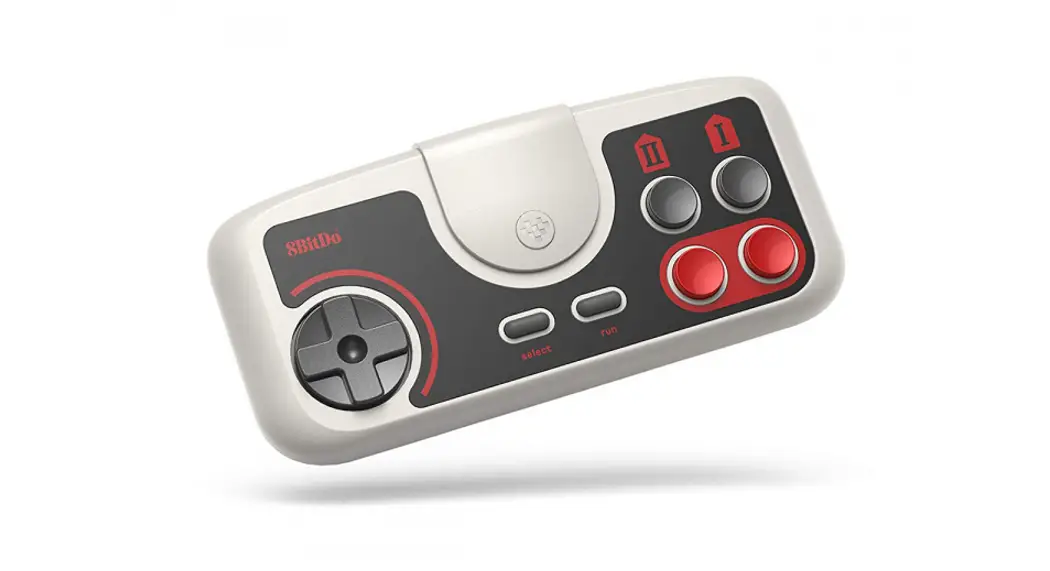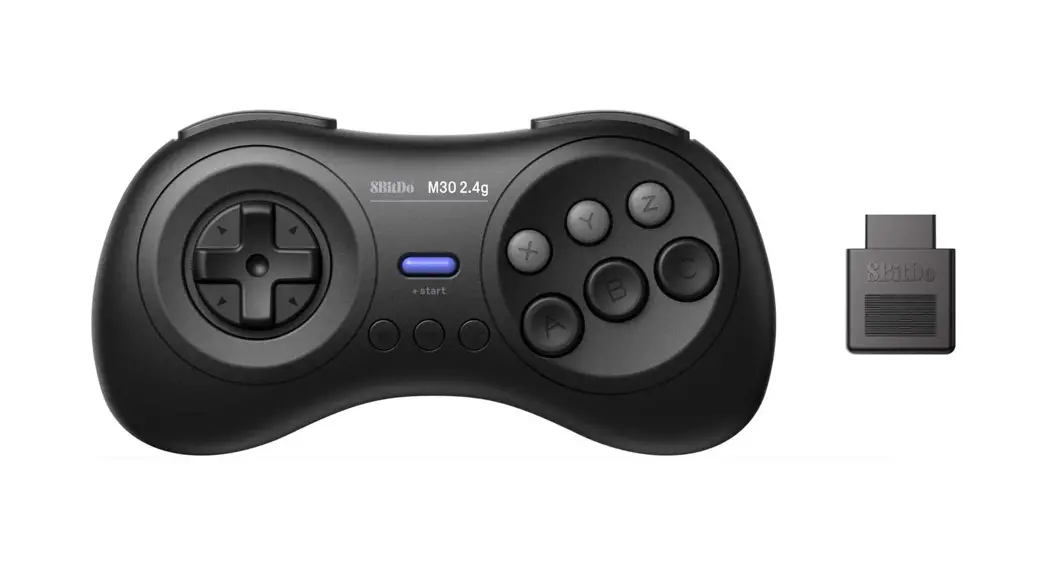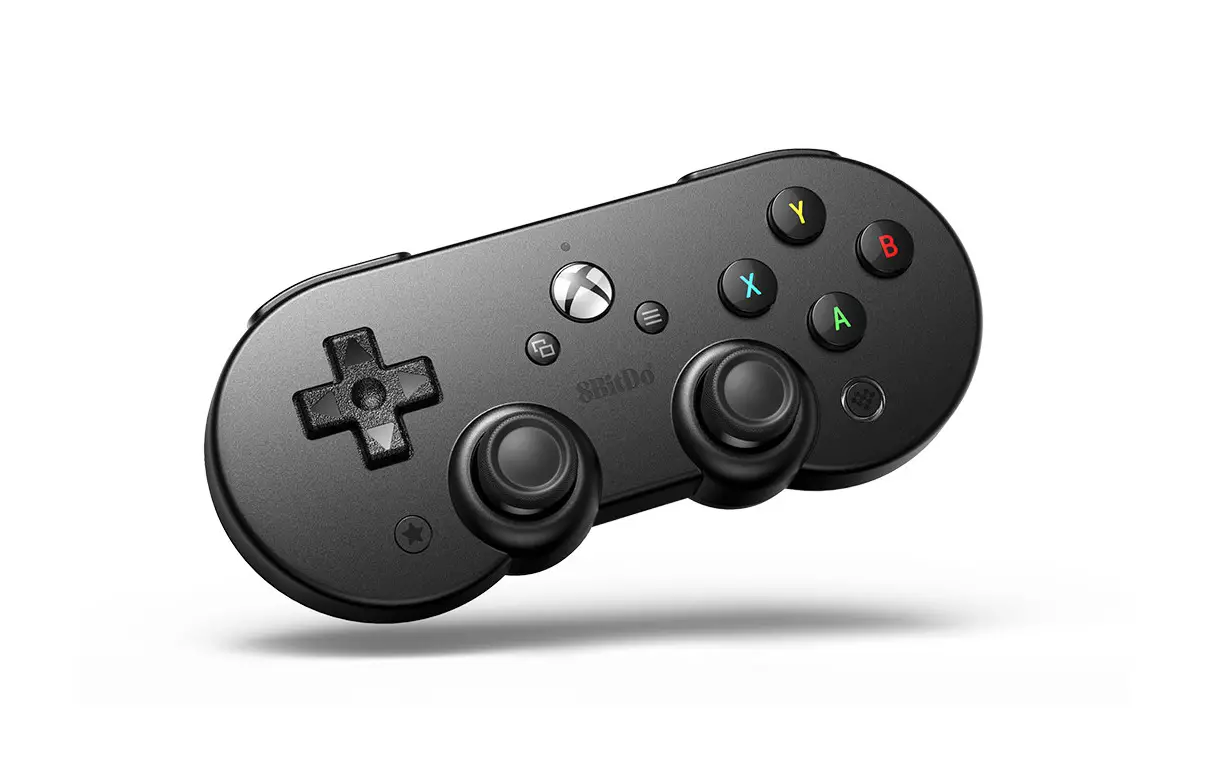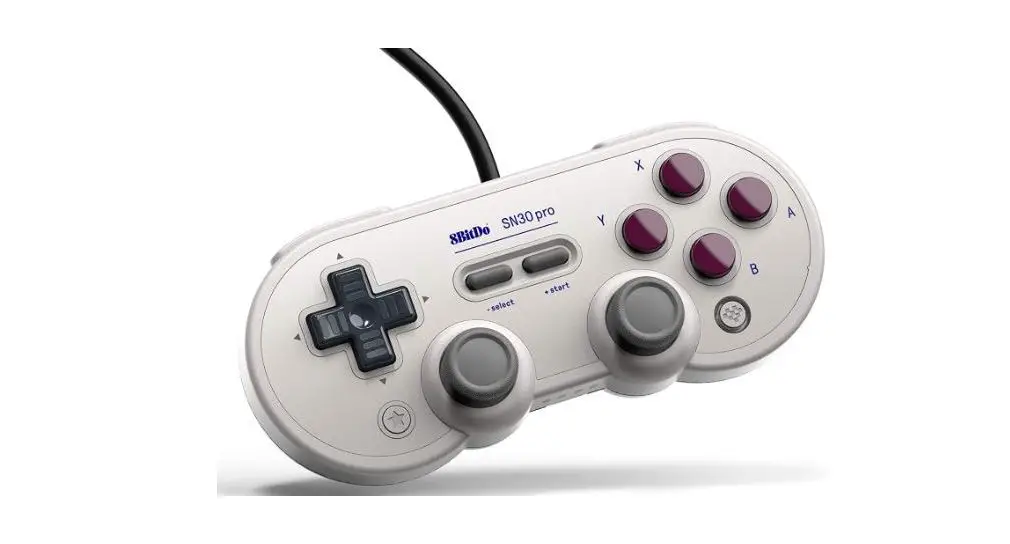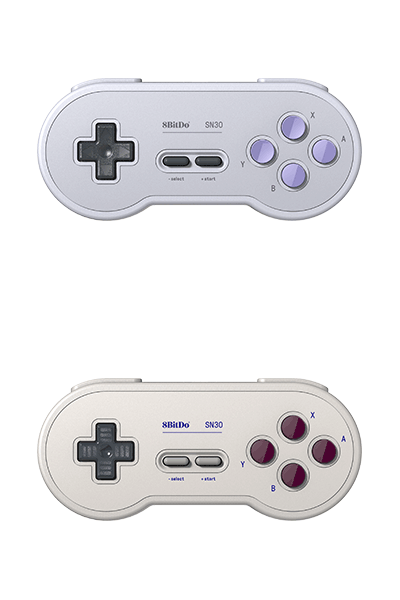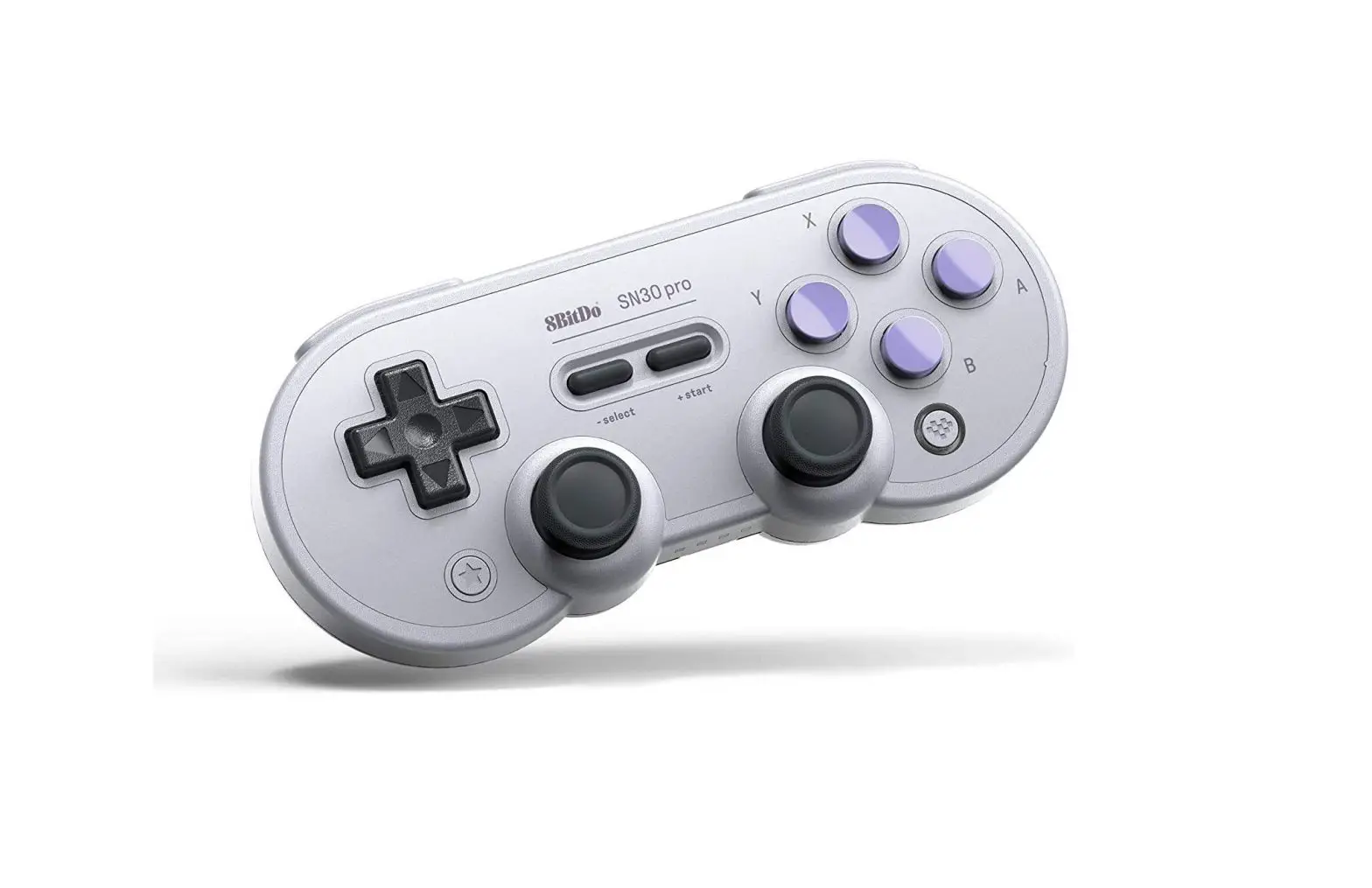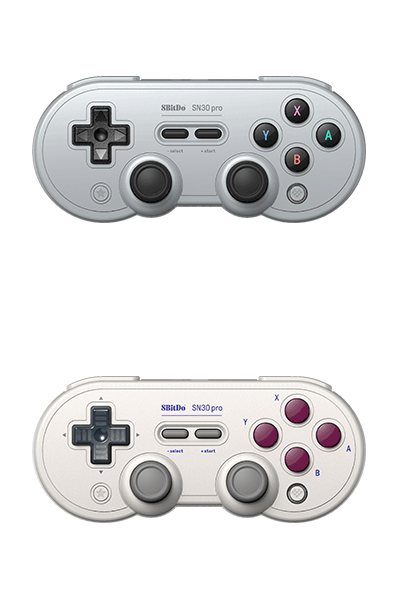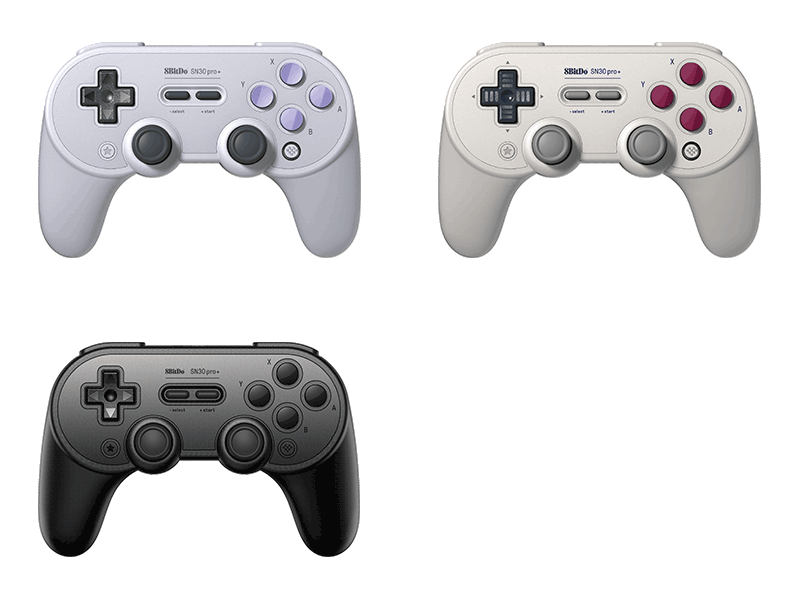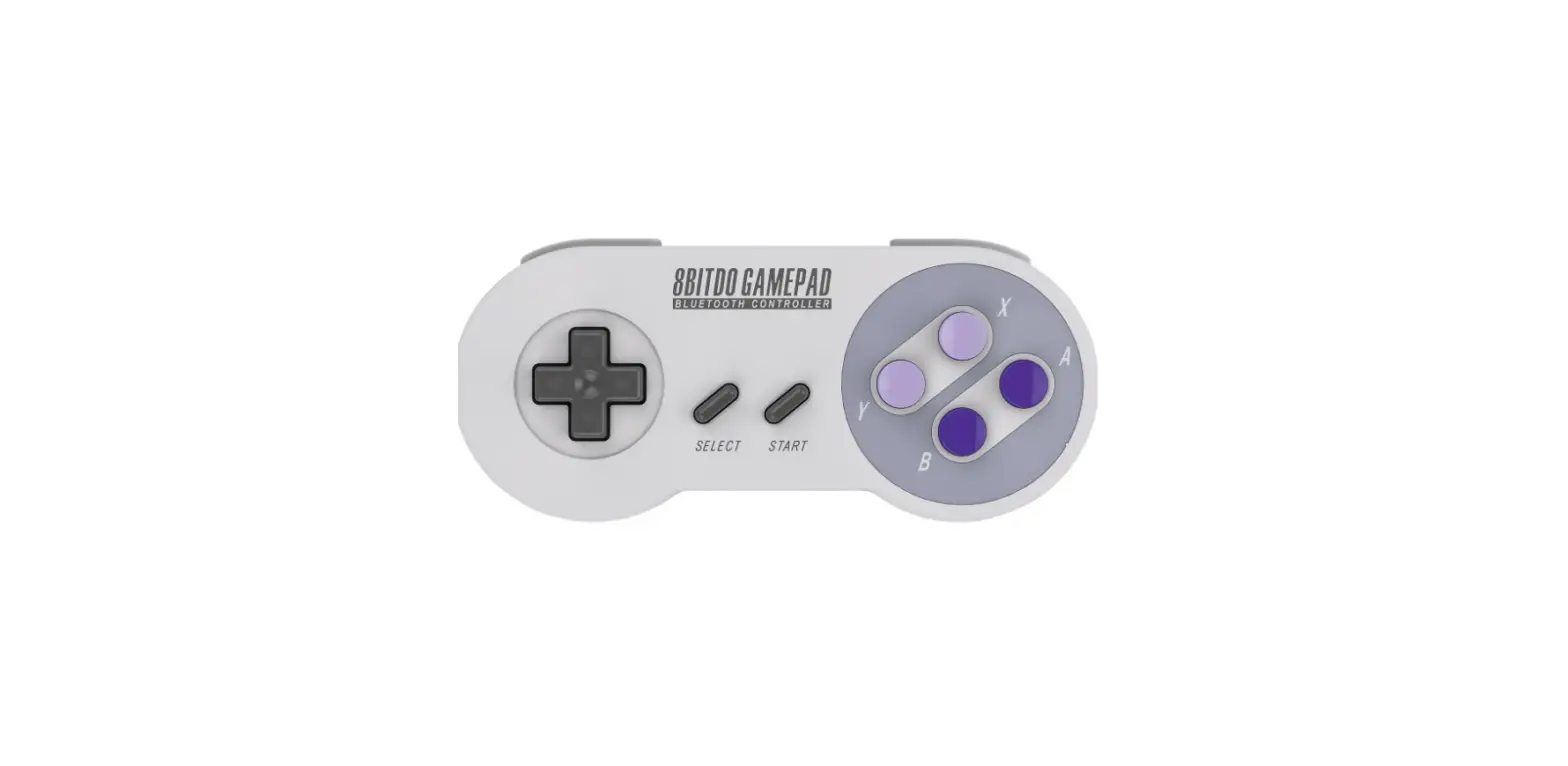

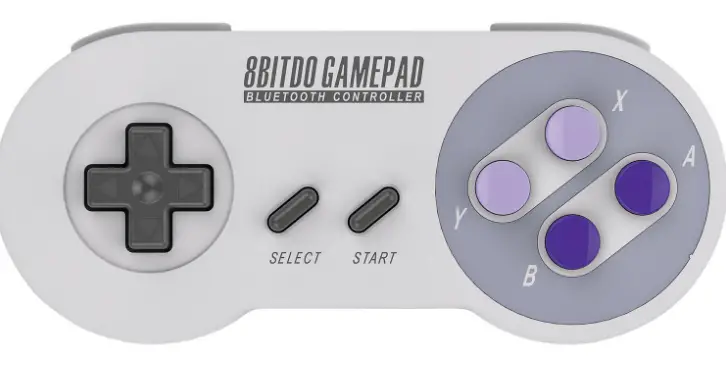
8BitDo SN30 2.4G Wireless Controller/Gamepad
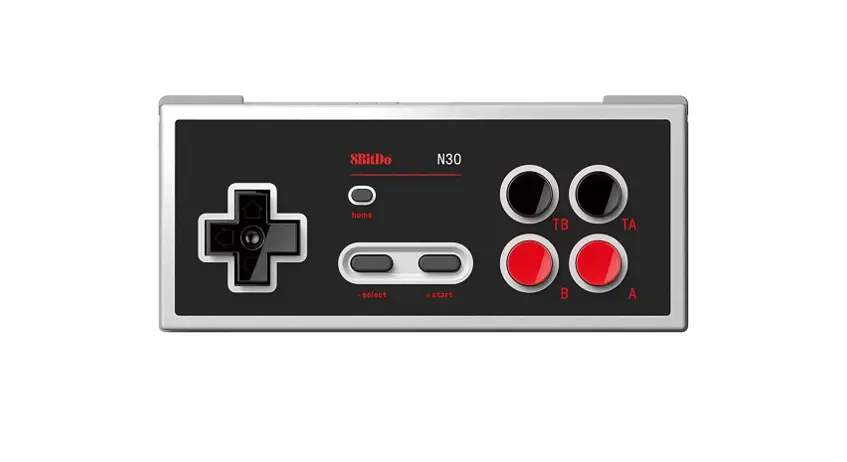
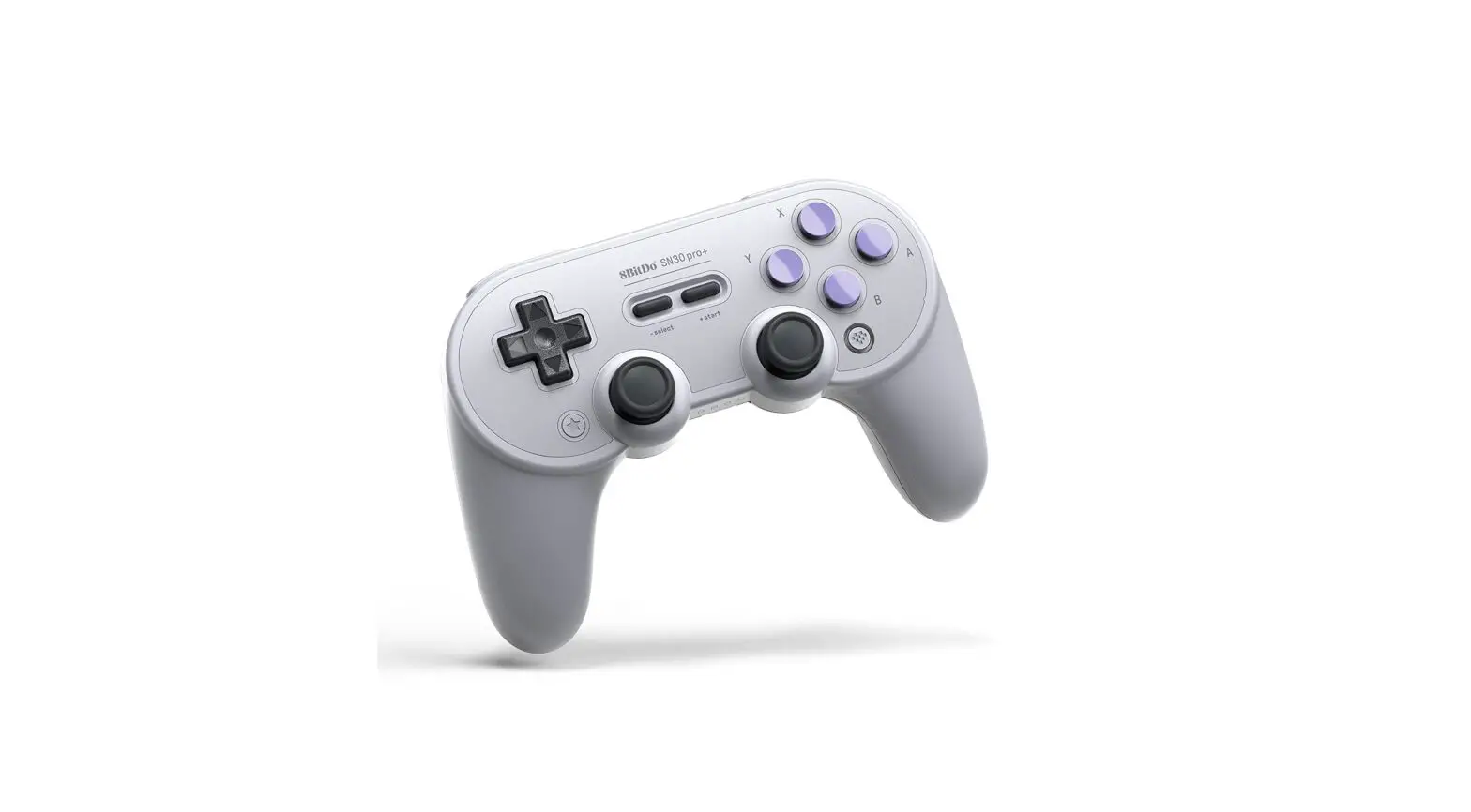
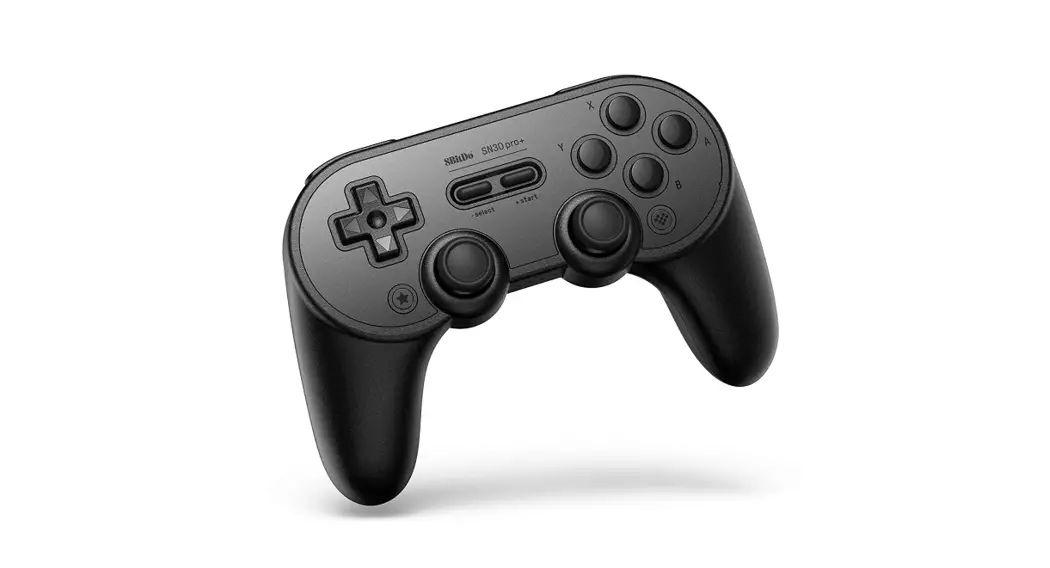
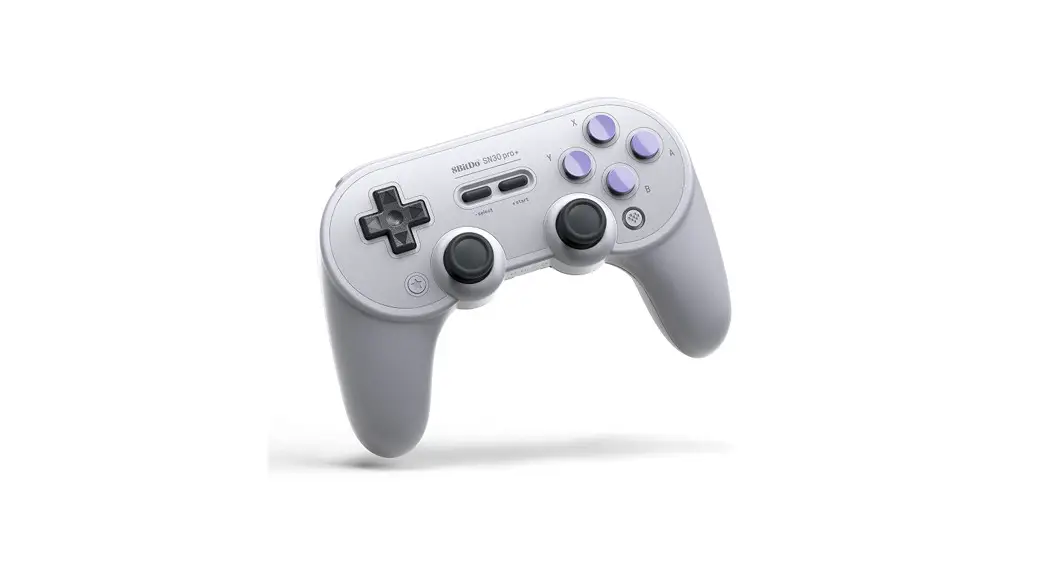
To enter pairing mode, press and hold SELECT for 3 seconds.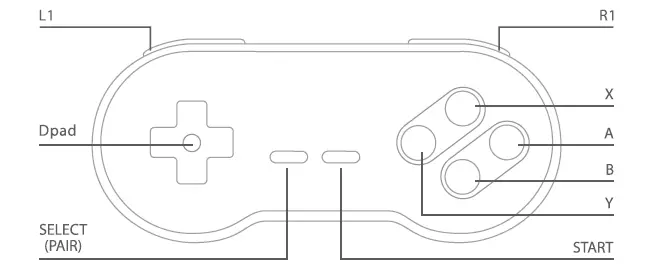
Wireless connection
Controllers will auto-reconnect to your devices once they have been paired.
Wireless connection
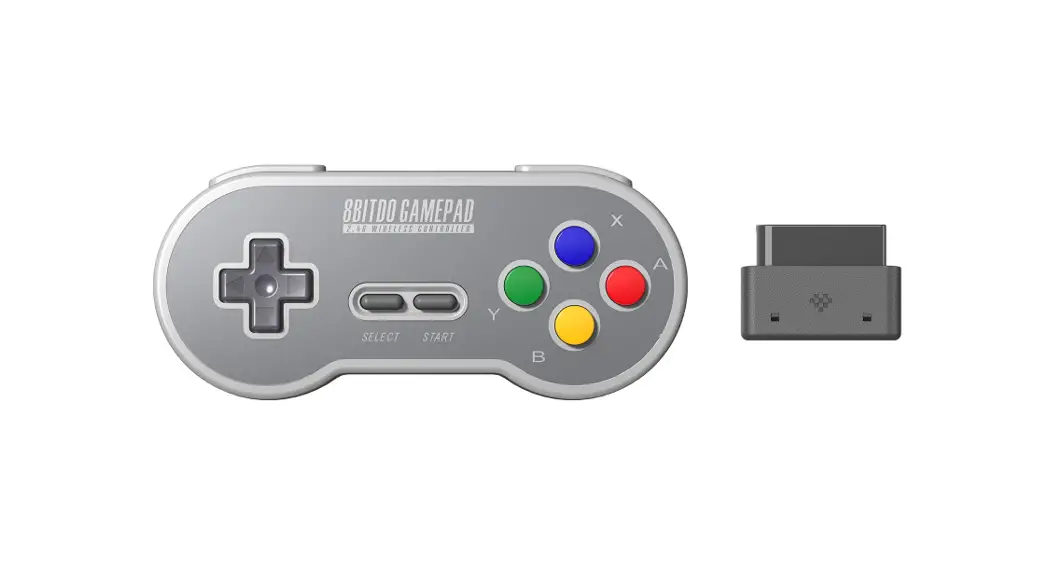
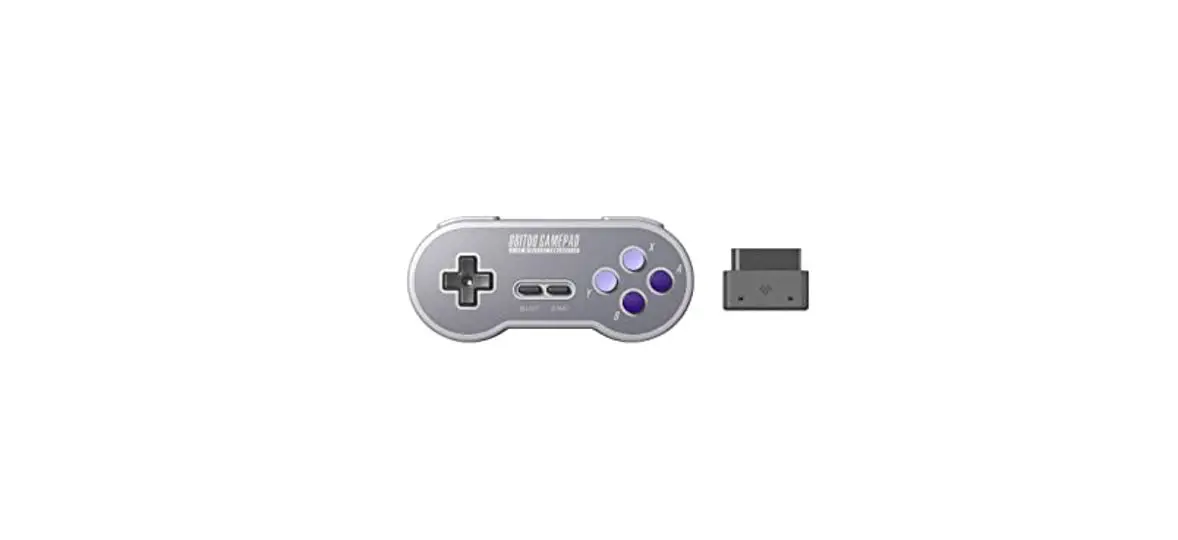
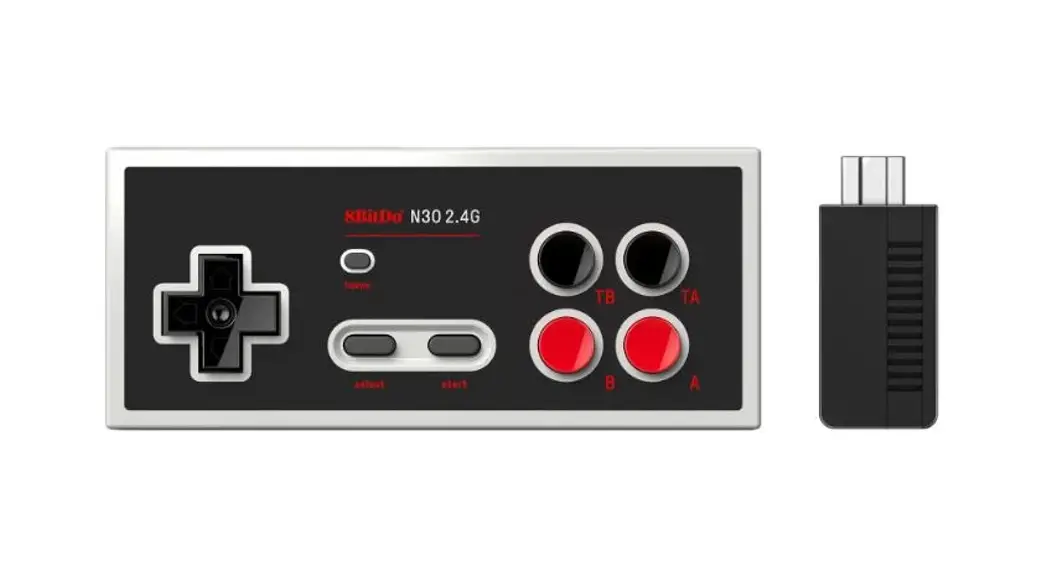
- Plug the retro receiver to your NES/SFC/ SNES Classic console.
- Press START on the controller, the controller will look to pair with the receiver.
- Blue LED will stay solid when the connection is successful.
USB connection
- Connect the controller to your Windows/macOS/Android via the USB cable.
- Blue LED will stay solid when the connection is successful.
- Press and hold START for 3 seconds to switch the controller modes between Xinput,
Input and Mac. - Xinput is the default mode.
- Press and hold START for 3 seconds to switch the controller modes between Xinput,
Battery
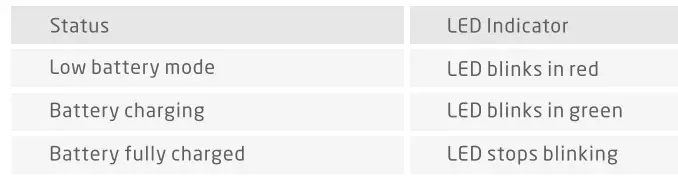
Power Saving
- Sleep mode – 1 minute with no wireless connection.
- Sleep mode – 15 minutes with wireless connection but no use
Support
Please visit http://support.8bitdo.com for further information and additional support.