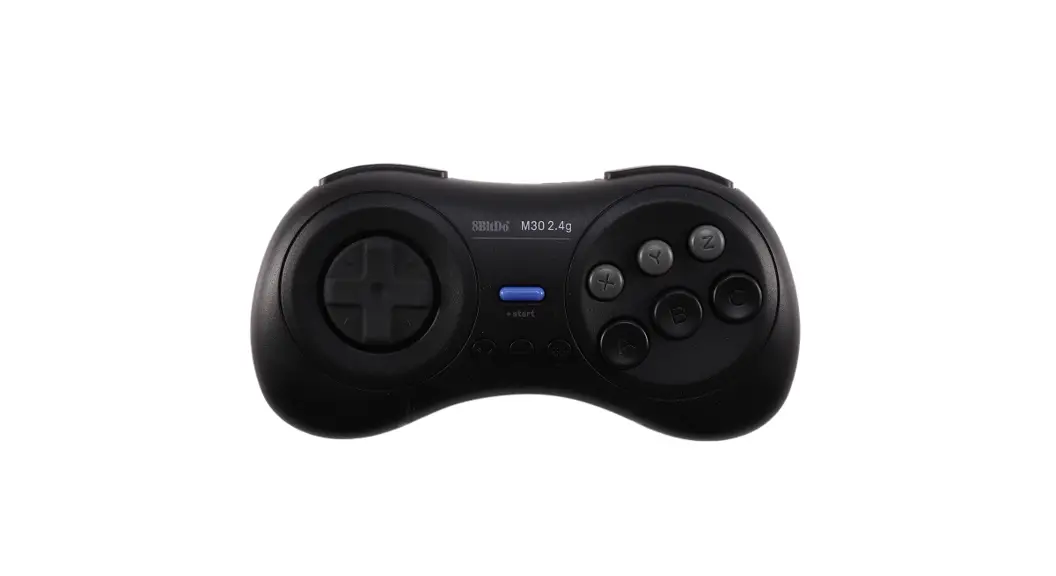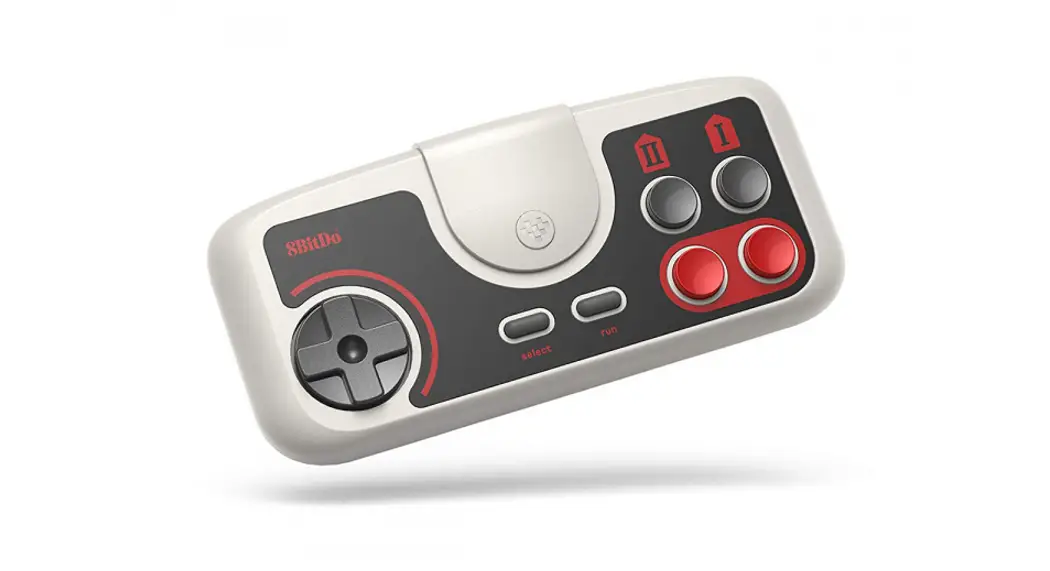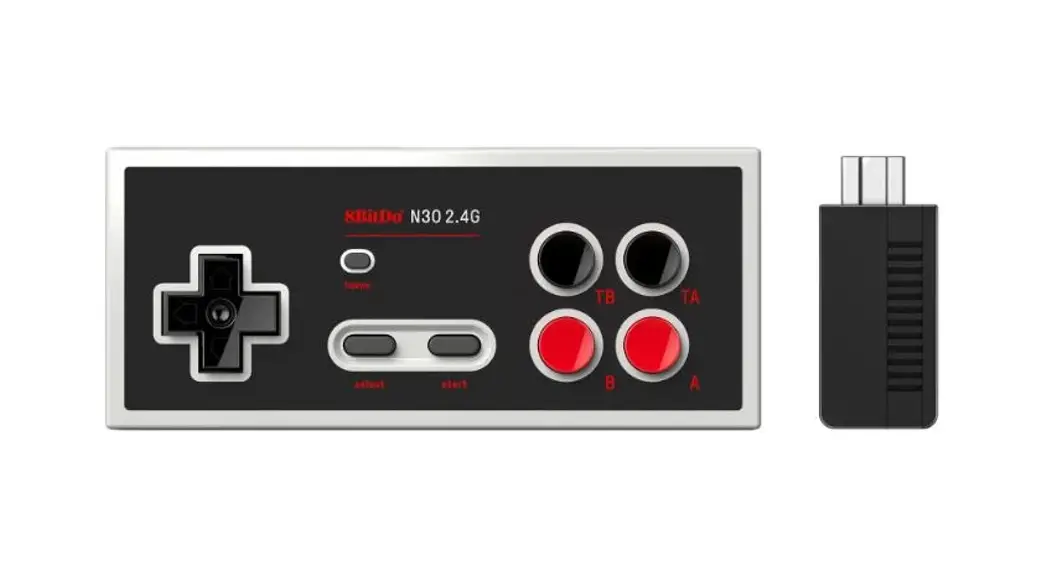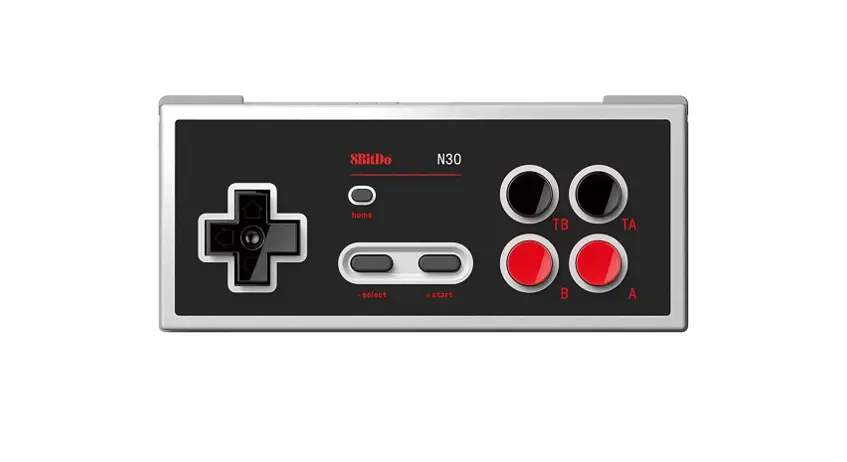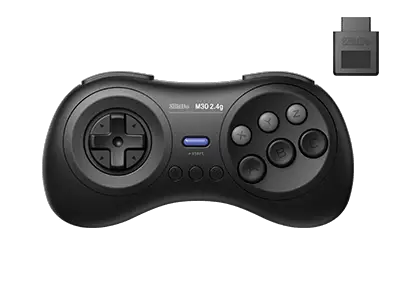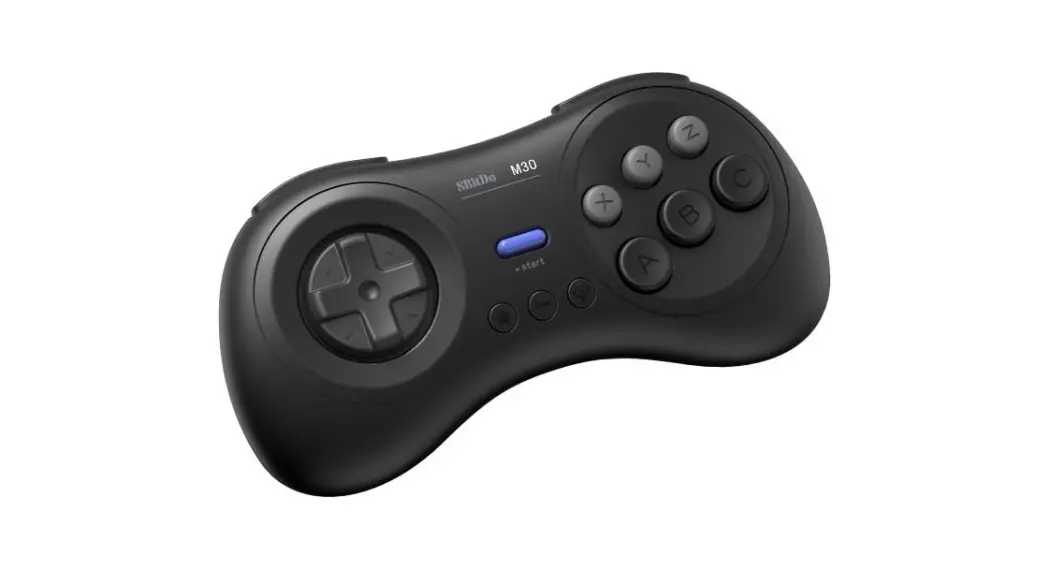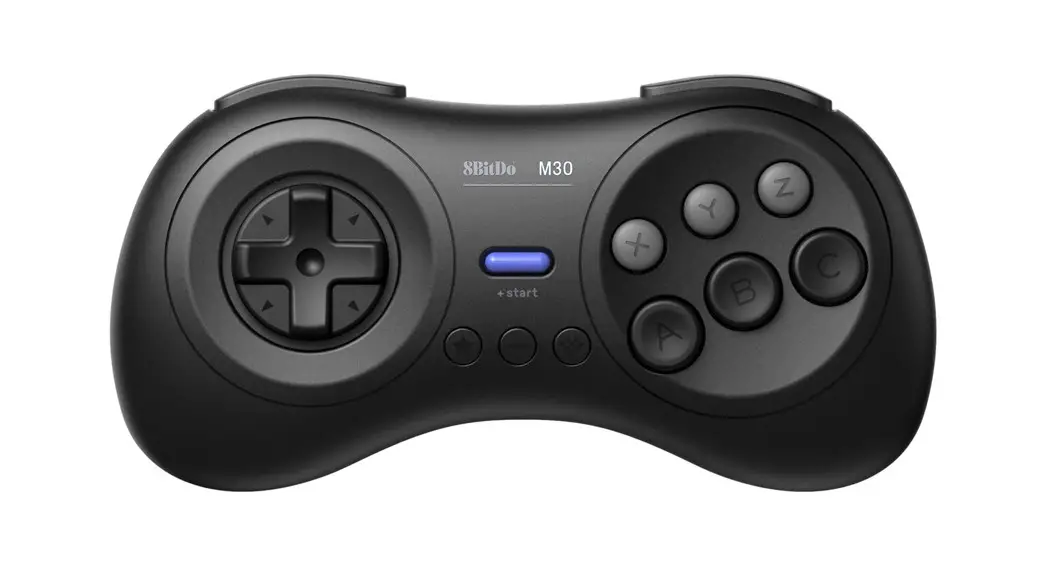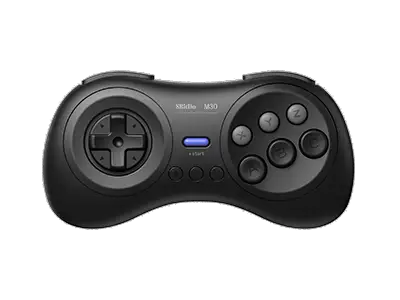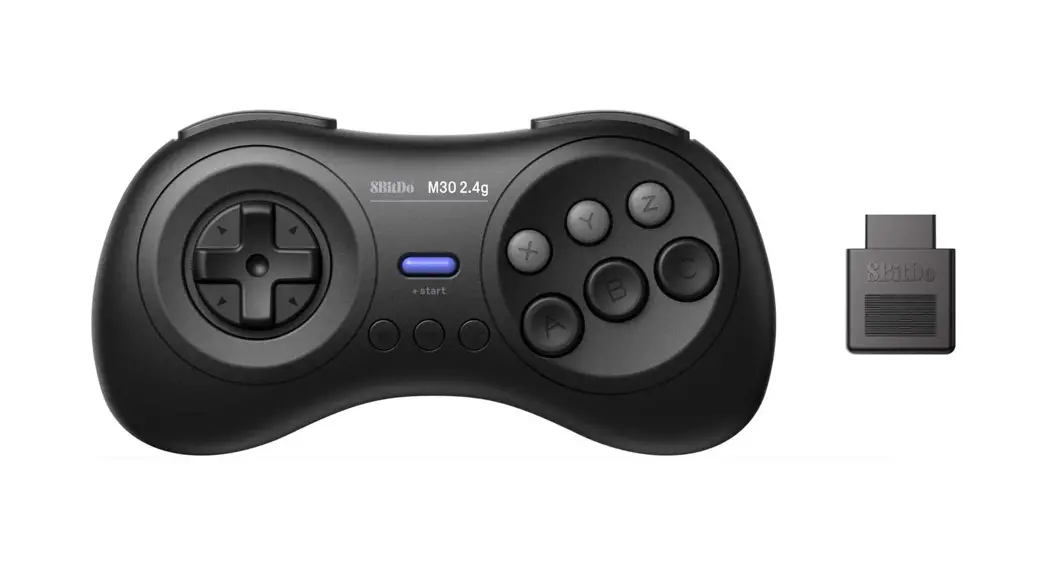
 M30 2.4G Wireless Gamepad
Instruction Manual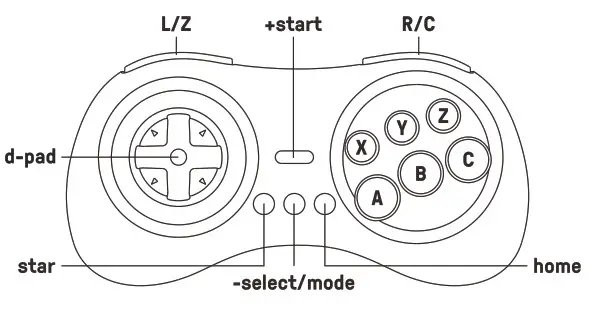
 Genesis & Mega Drive(wireless connection)
 Genesis & Mega Drive(wireless connection)
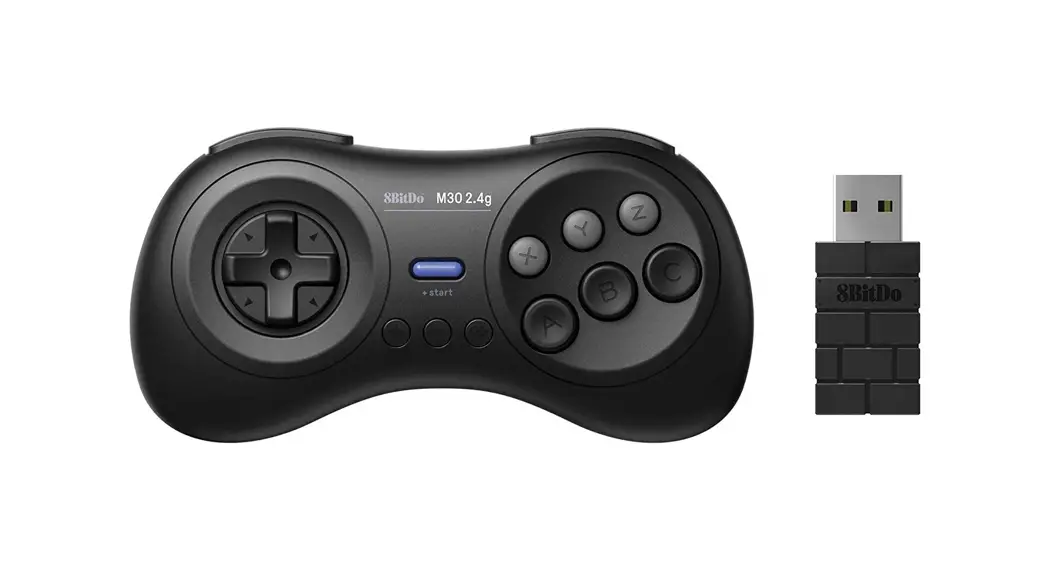
- plug the receiver to the controller port on the system. LED on the receiver will start to blink
- Press the mode button on the controller to pair with it. Blue LED becomes solid when the connection is successful
- 6 button mode a> 3 button mode switching can be achieved by pressing the mode button on the controller for 3 seconds. LED on the receiver will blink twice to indicate the change
- press and hold the mode button on the controller for 3 seconds to re-connect with a new receiver or to retrieve the lost connection. Blue LED becomes solid when the connection is successful
Windows/Switch(wired connection)
- connect the controller to your Windows/Switch via USB cable. Green LED becomes solid when the connection is successful
- The switch system needs to be 3.0.0 or above. Then go to System Setting > Controller and Sensors > turn on Pro Controller Wired Communication
 Turbo function
 Turbo function
 - hold the button you would like to set turbo functionality to and then press the start button to activate/deactivate its turbo functionality
- blue LED blinks twice to indicate the success of activation/deactivation
- d-pad is not included
- this does not apply to Switch on a wired connection
 battery
 battery
| status | LED indicator |
| low battery mode | red LED blinks |
| battery charging | red LED stays solid |
| battery fully charged | LED turns off |
- built-in 480 mAh Li-on with 35 hours of playtime
- rechargeable via USB cable with 1- 2 hour charging time
 power saving
 power saving
- Sleep mode -15 minutes without use
 support
 support
 - please visit 8bitdo.com for further information & additional support