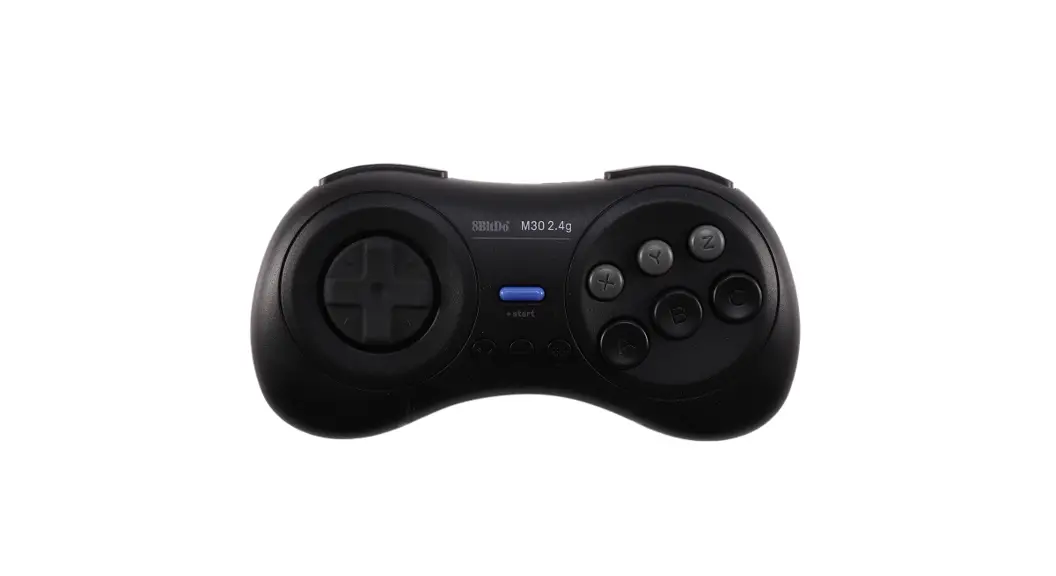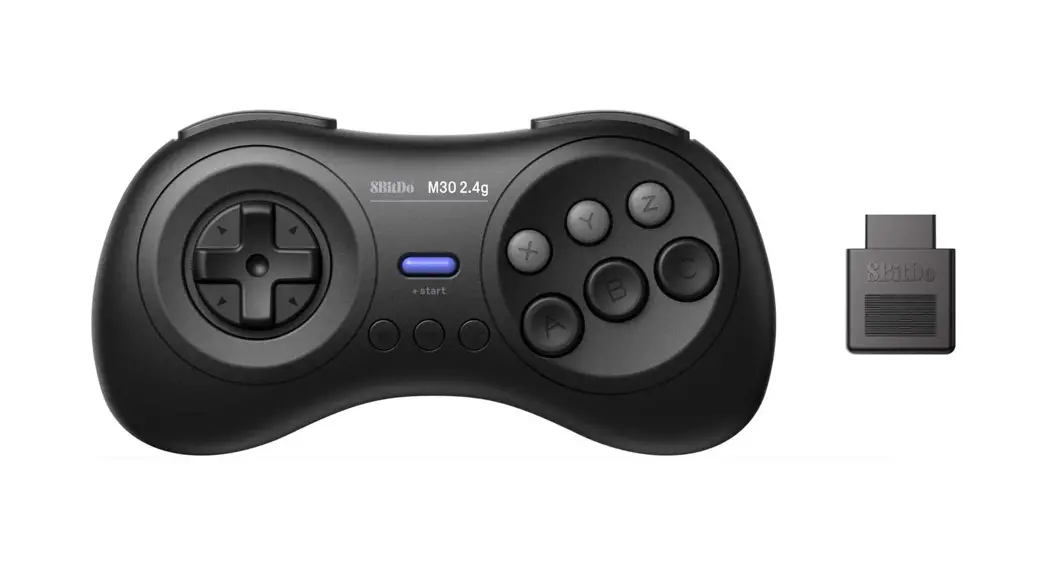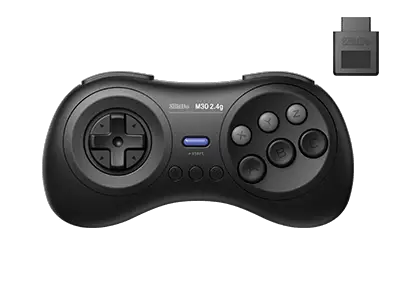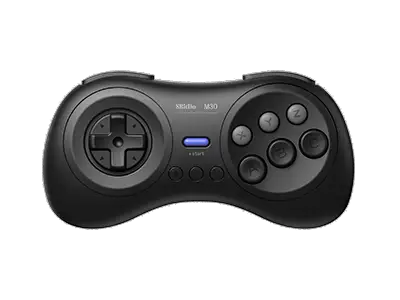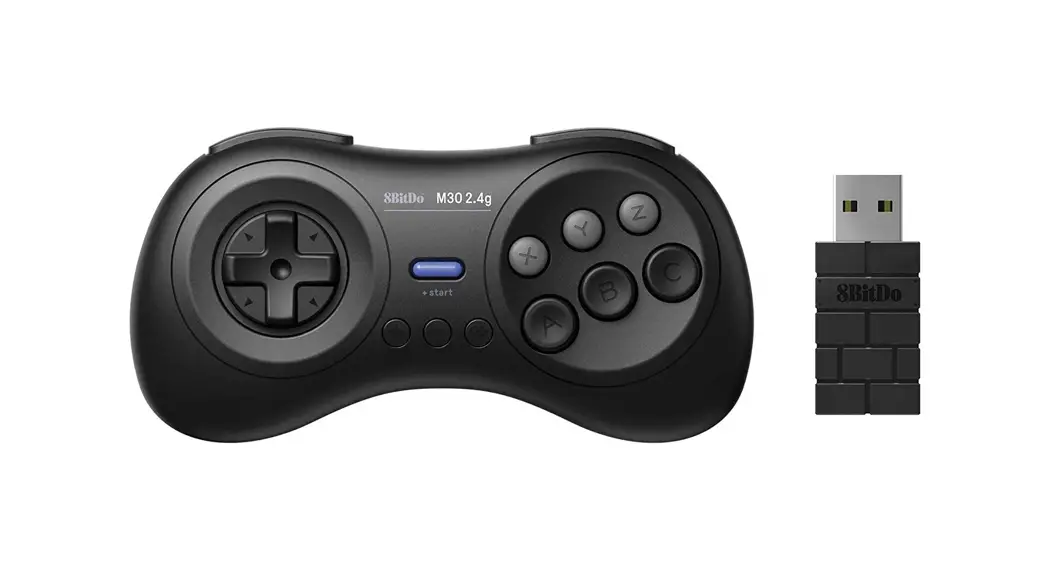

M30 2.4g for Sega Genesis & Mega Drive Mini –
– instruction manual
Sega Genesis & Mega Drive Mini &
- plug the receiver into your Sega Genesis & Mega Drive Mini, blue LED blinks once per cycle
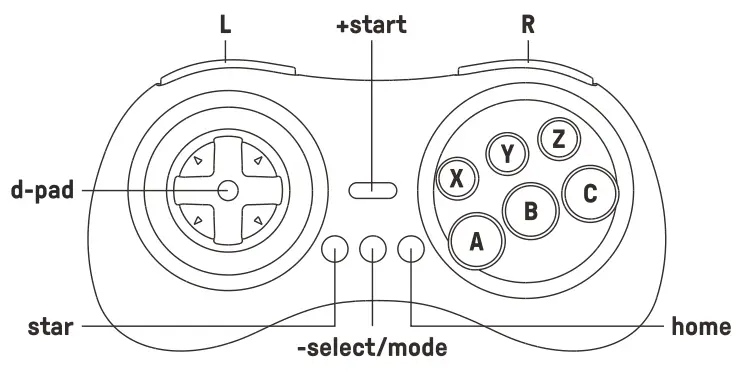
- Press start on the controller to pair
- blue LEDs on both the controller and receiver become solid when the connection is successful
• please press the mode button for 3 seconds to retrieve a lost connection or repair the receiver. Blue LED rapidly blinks when in pairing mode and becomes solid when the connection is successful
Switch
- plug the receiver into your Switch, blue LED blinks 4 times per cycle
- Press start on the controller to pair
- blue LEDs on both the controller and receiver become solid when the connection is successful
• Switch system version 3.0.0 or above
• Turn on ‘Pro Controller Wired Communication’
Turbo function
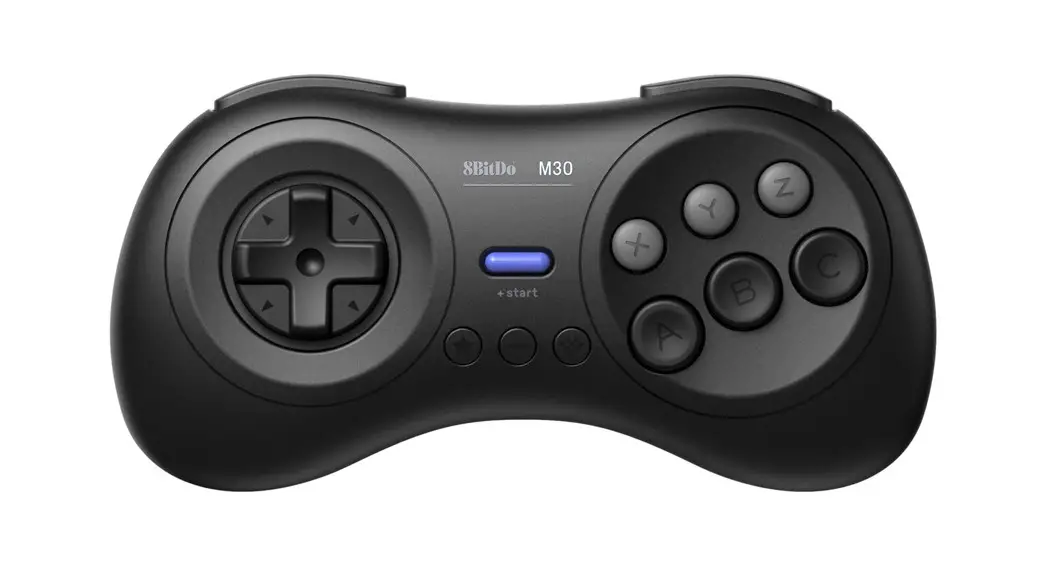
hold the button you would like to set turbo functionality to and then press the start button to activate/deactivate its turbo functionality
• D-pad is not included
battery
| status — | LED indicator - |
| low battery mode | LED indicator - |
| battery charging | red LED stays solid |
| battery fully charged | red LED stays solid |
- built-in 480 mAh Li-on with 35 hours of playtime
- rechargeable via USB cable with1-2 hour charging time
power saving
- sleep mode -15 minutes without use
support
- please visit support.Bbitdo.com for further information & additional support