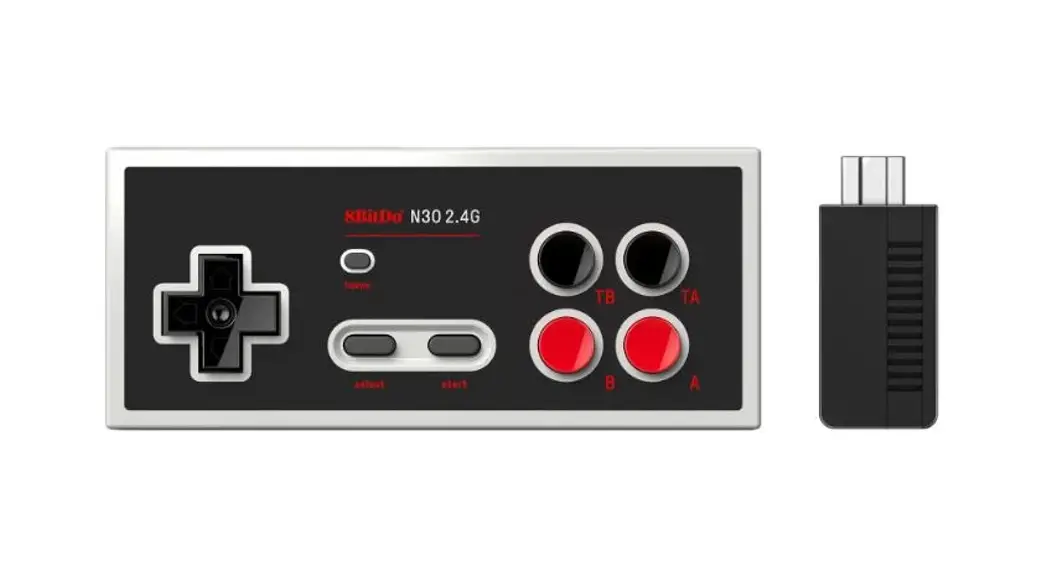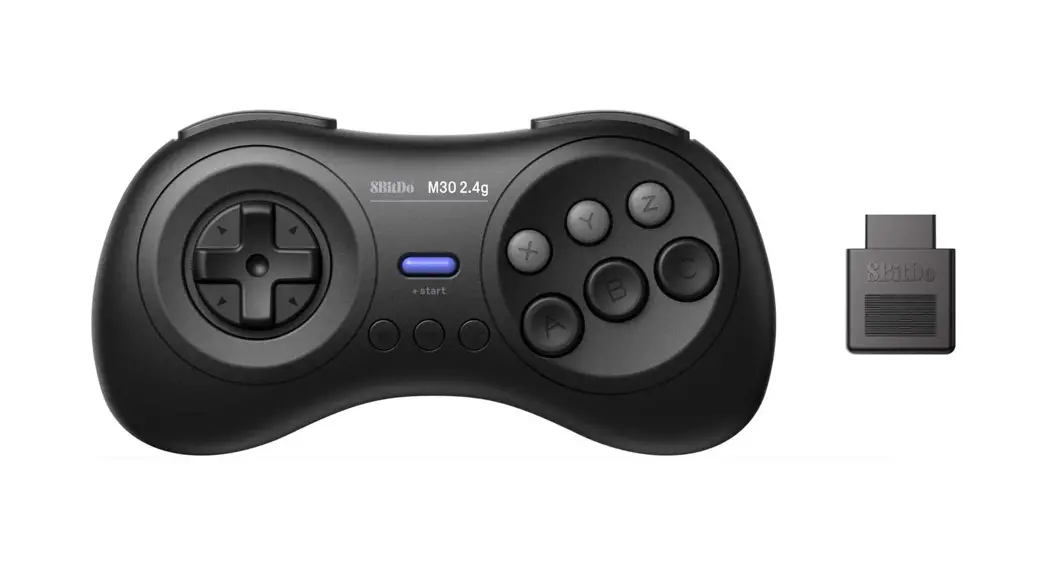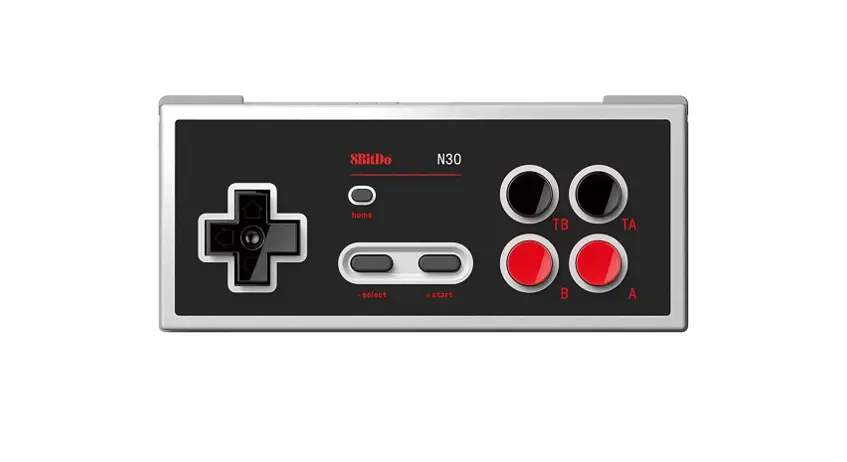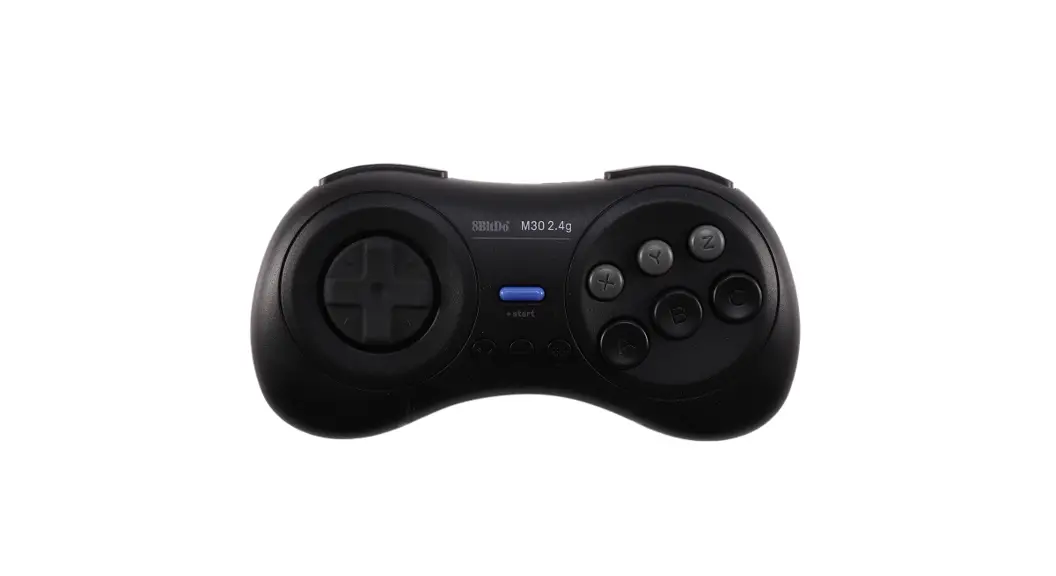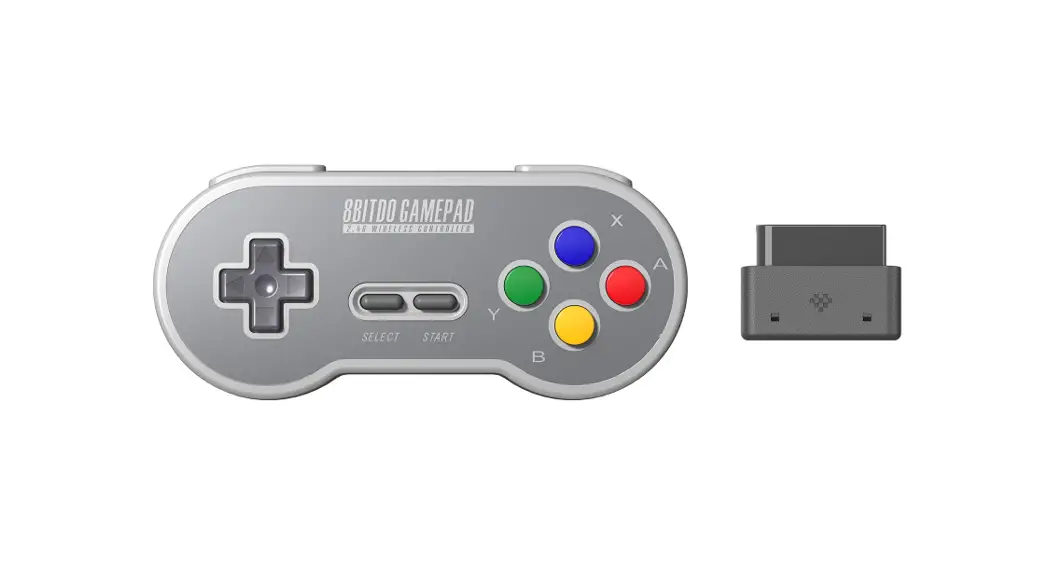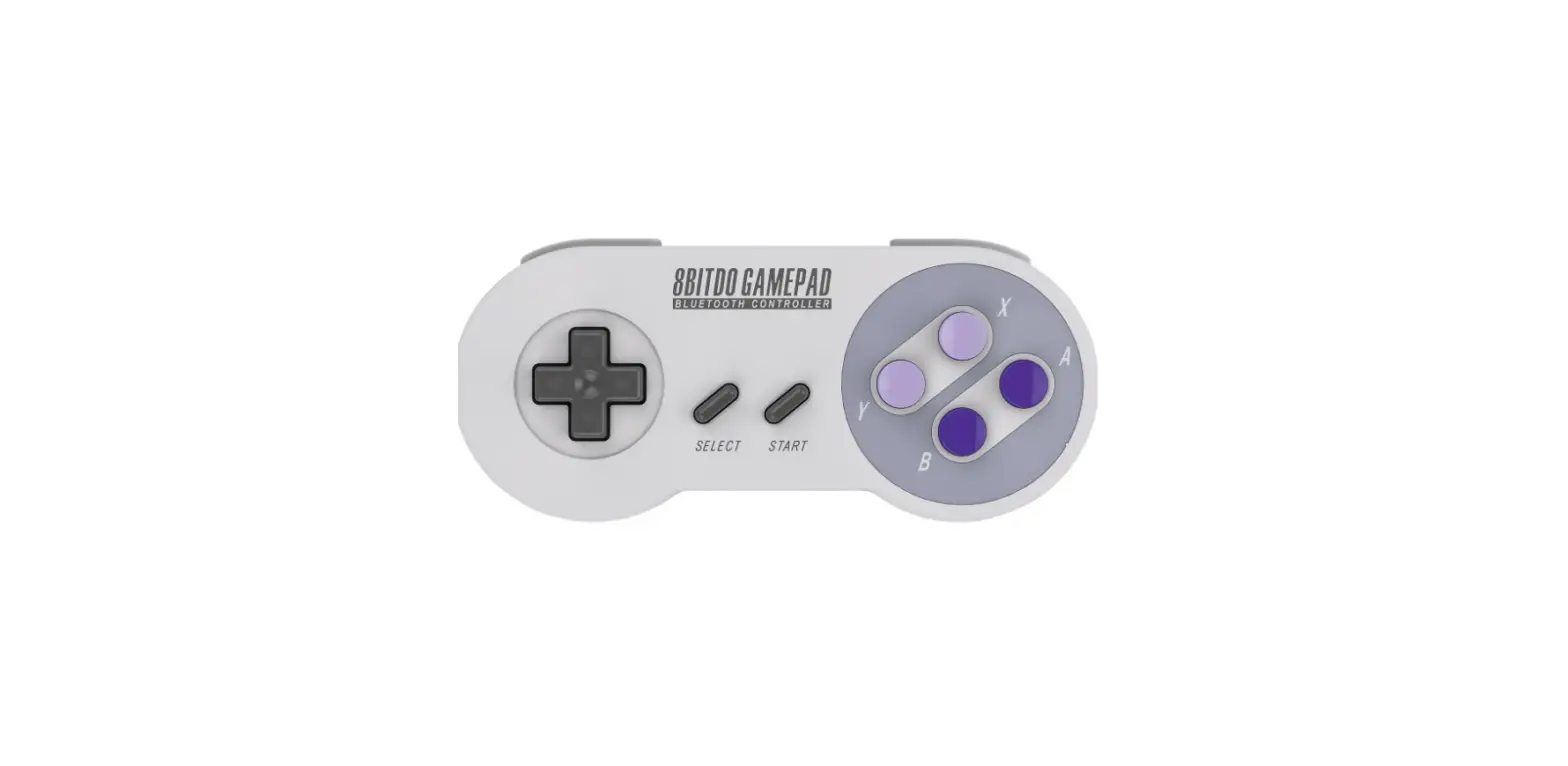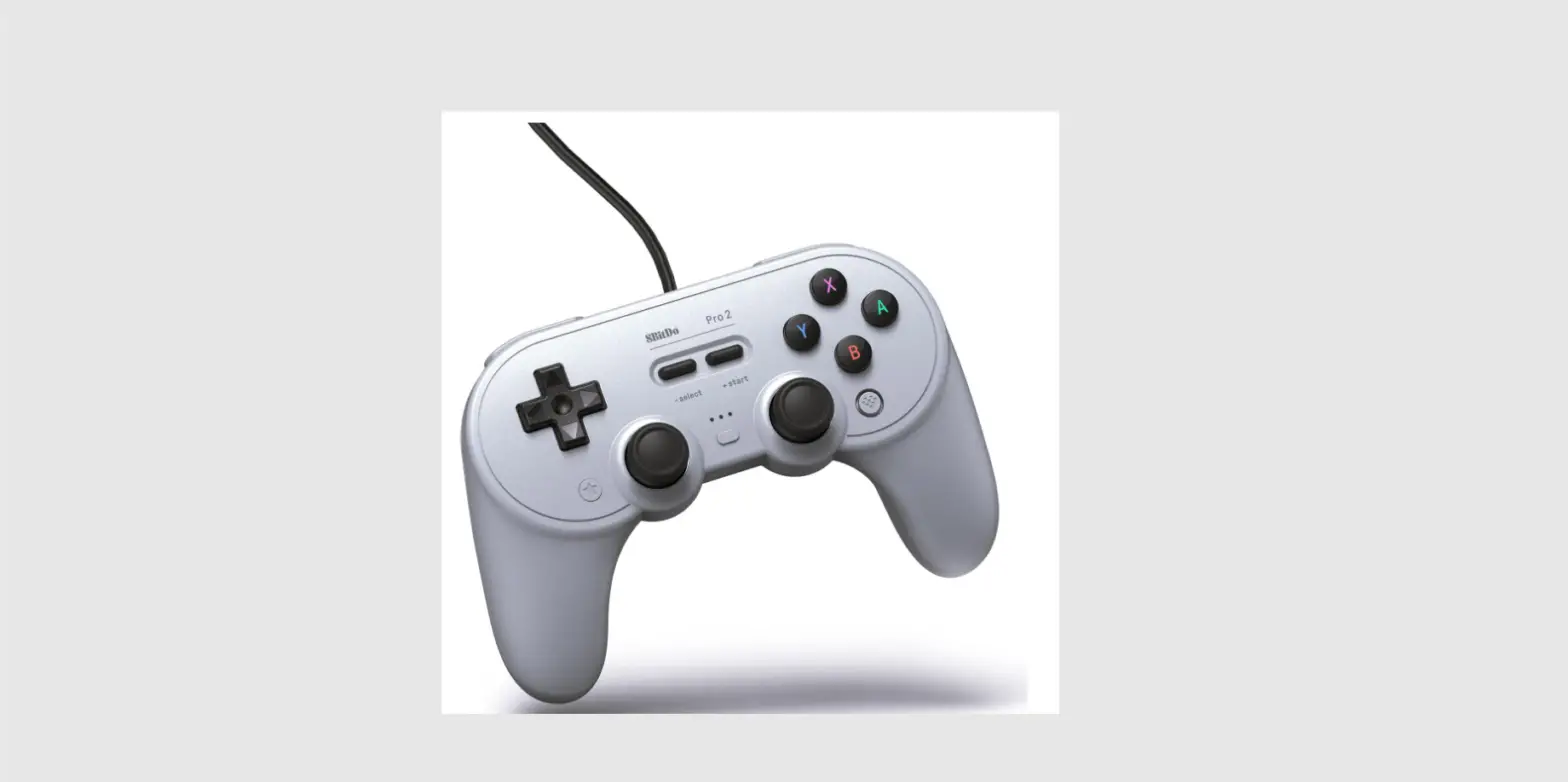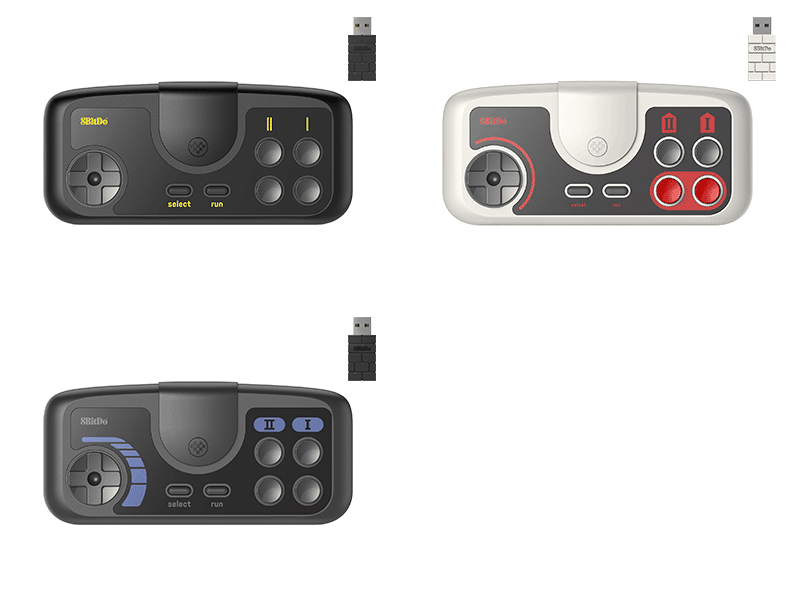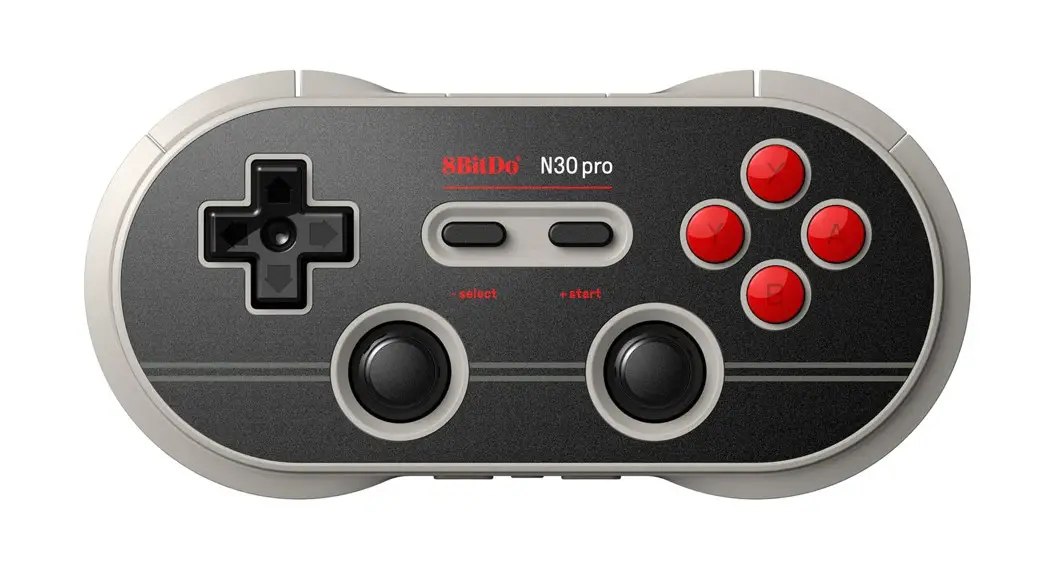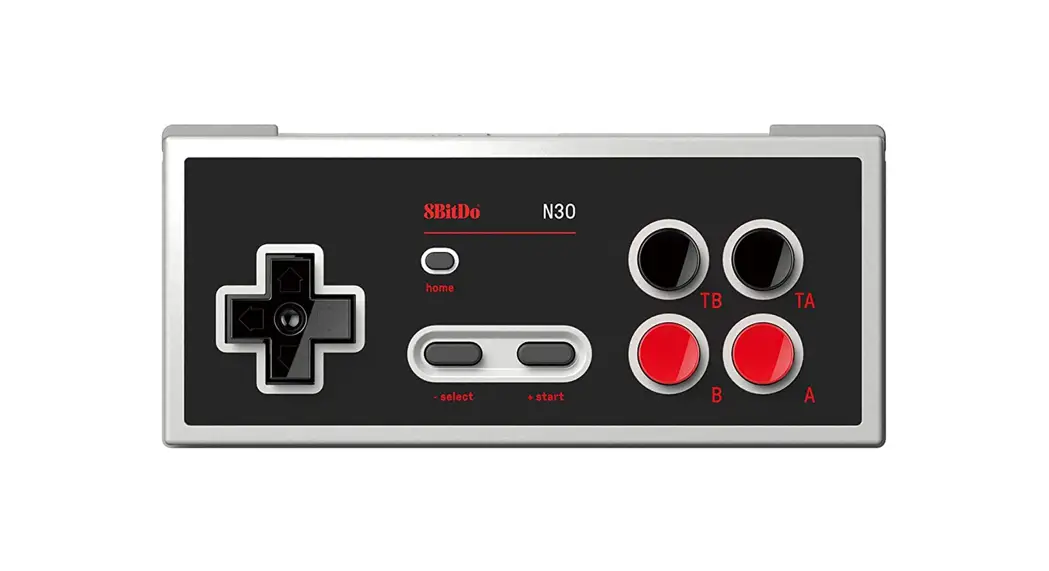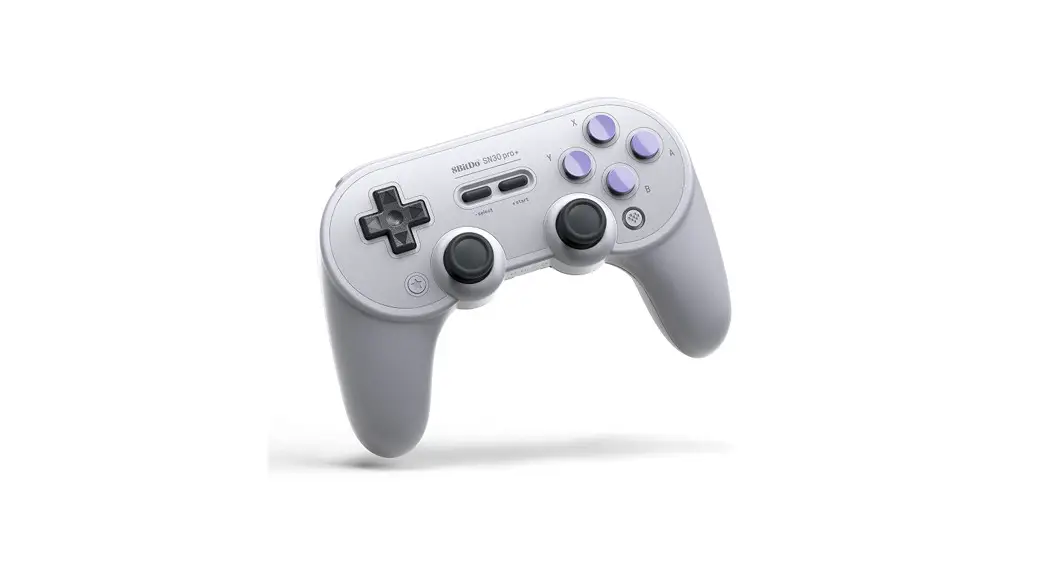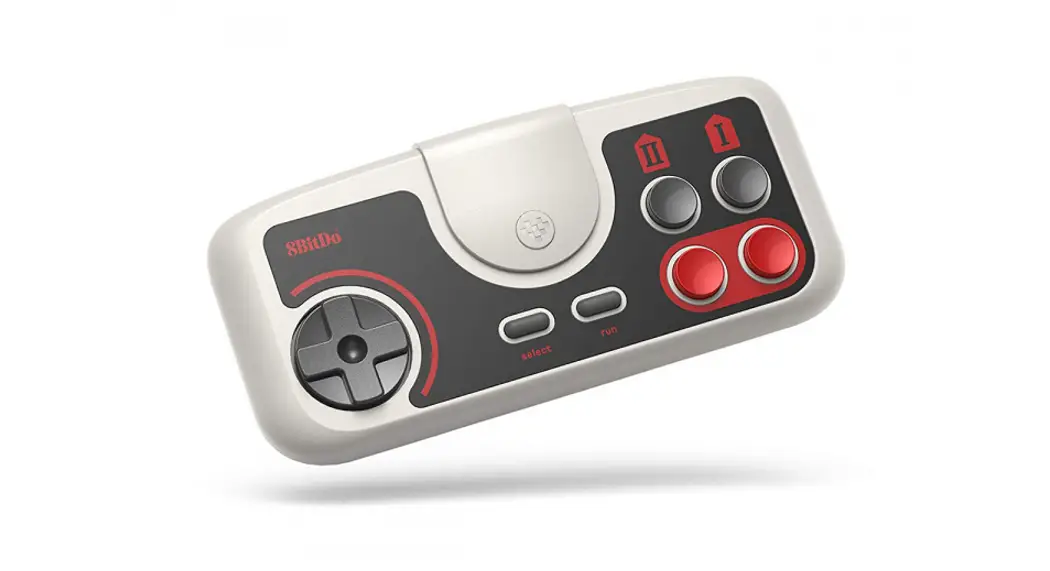

PCE 2.4g /TG16 2.4g / PCE Core 2.4g
– instruction manual
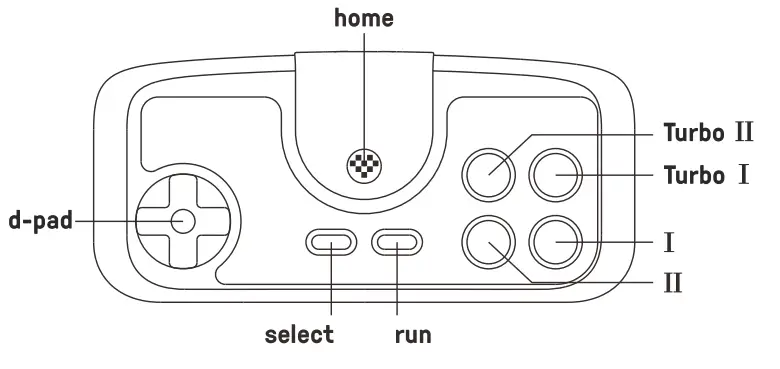
PC Engine mini & PC Engine Core Grafx mini & TurboGrafx-16 mini
- Plug the receiver to your chosen device, blue LED blinks once per cycle
- Press the home button on the controller to pair
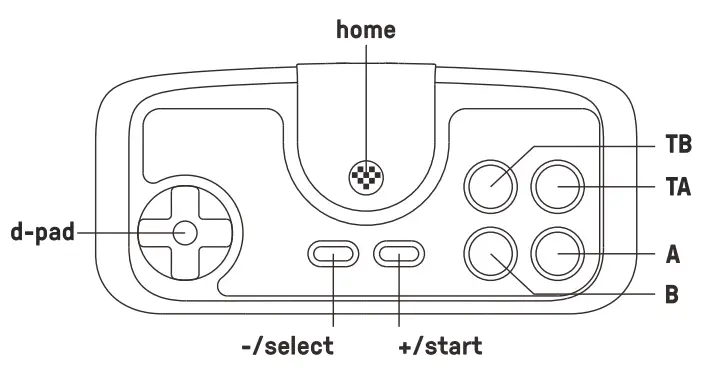
Switch
- Plug the receiver into your Switch, blue LED blinks 4 times per cycle
- Press the home button on the controller to pair
- Blue LEDs on both the controller and receiver become solid when the connection is successful Controller Wired Communication
• Switch system needs to be 3.0.0 or above. Go to System Setting> Controller and Sensors> turn on Pro
battery
| status — | LED indicator - |
| low battery mode | LED indicator - |
| battery charging | red LED stays solid |
| battery fully charged | red LED stays solid |
- built-in 180 mAh Li-on with 18 hours of playtime
- rechargeable via USB cable with1-2 hour charging time
- The controller turns off in 1 minute with no connection and 15 minutes with connection but no use
Retrieve a lost connection or connect to a new receiver
- Turn on the controller then press and hold the select button for 3 seconds. Blue LED starts to rapidly blink
- Move the controller close to the receiver. Blue LED becomes solid when the connection is successful
support
- please visit support.8bitdo.com for further information & additional support