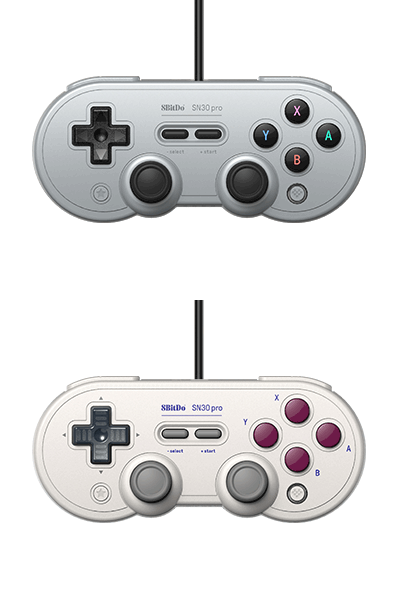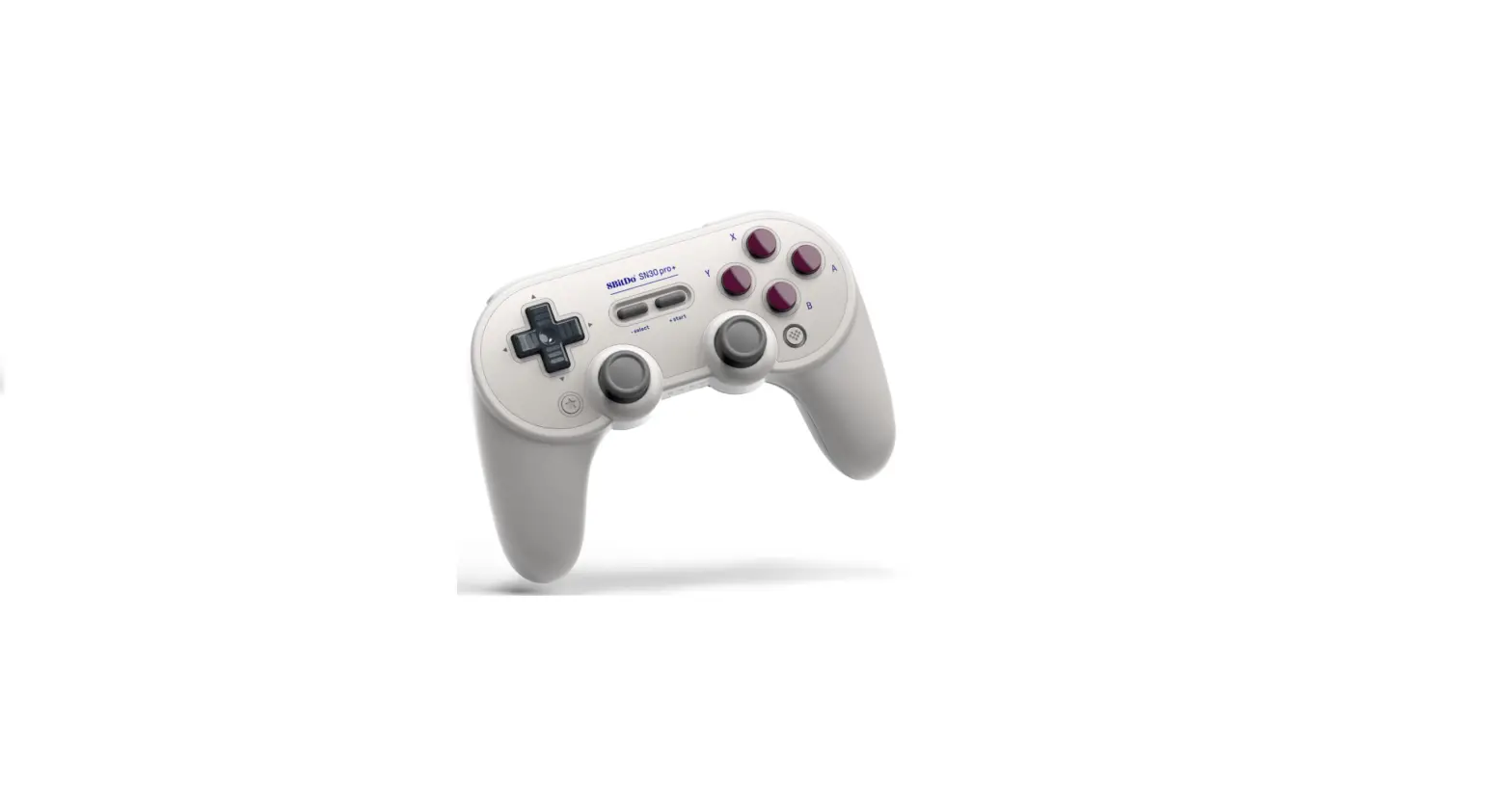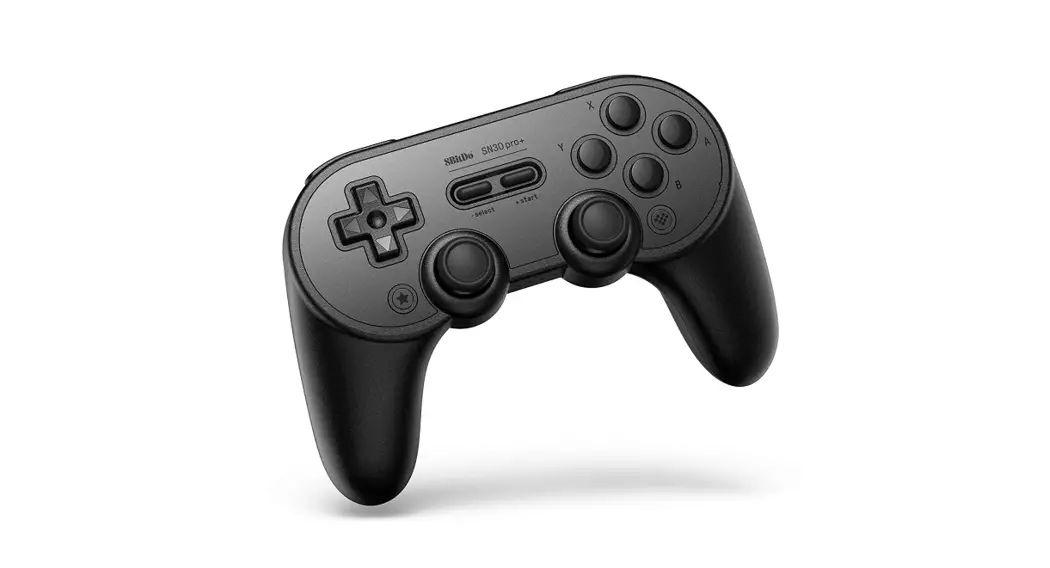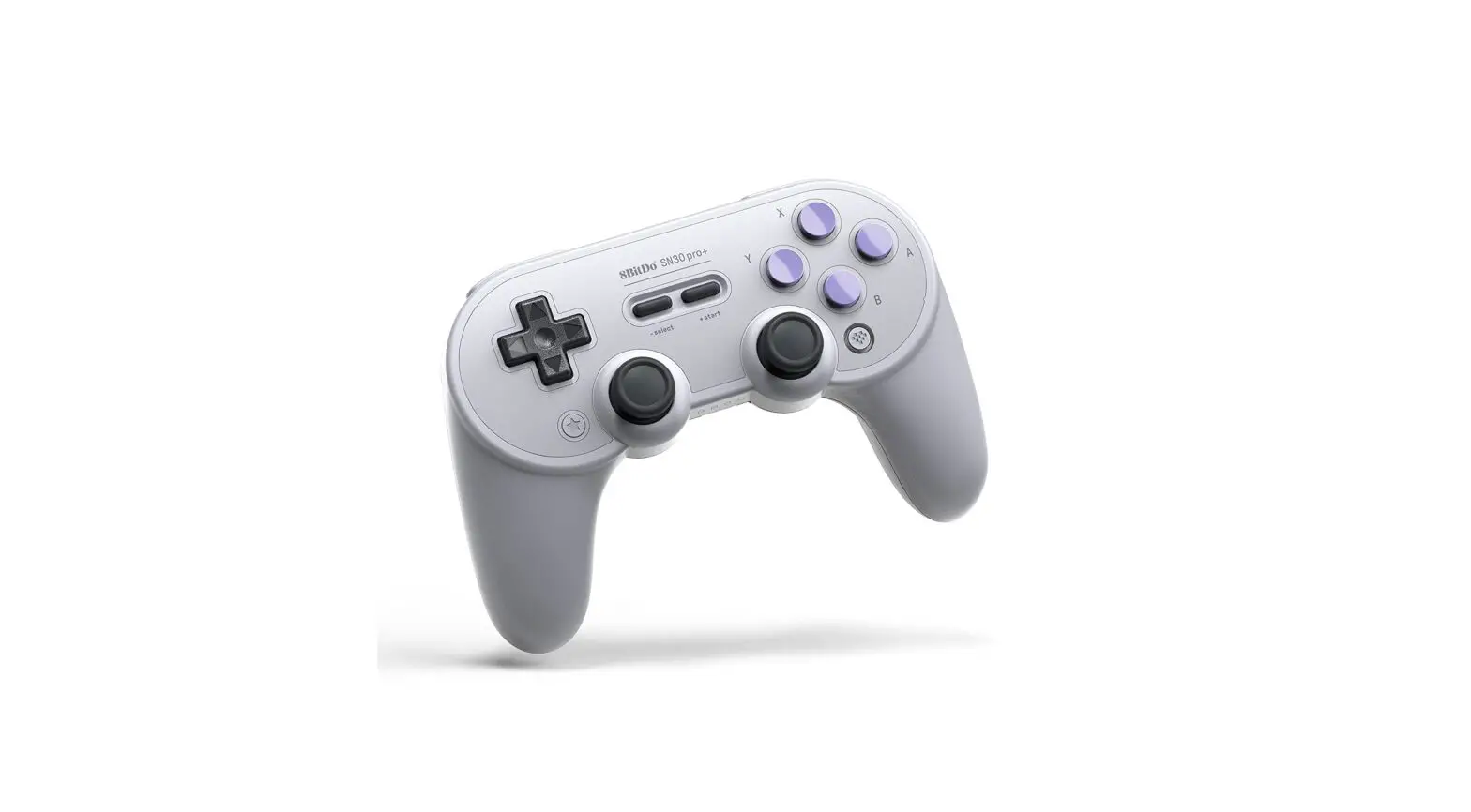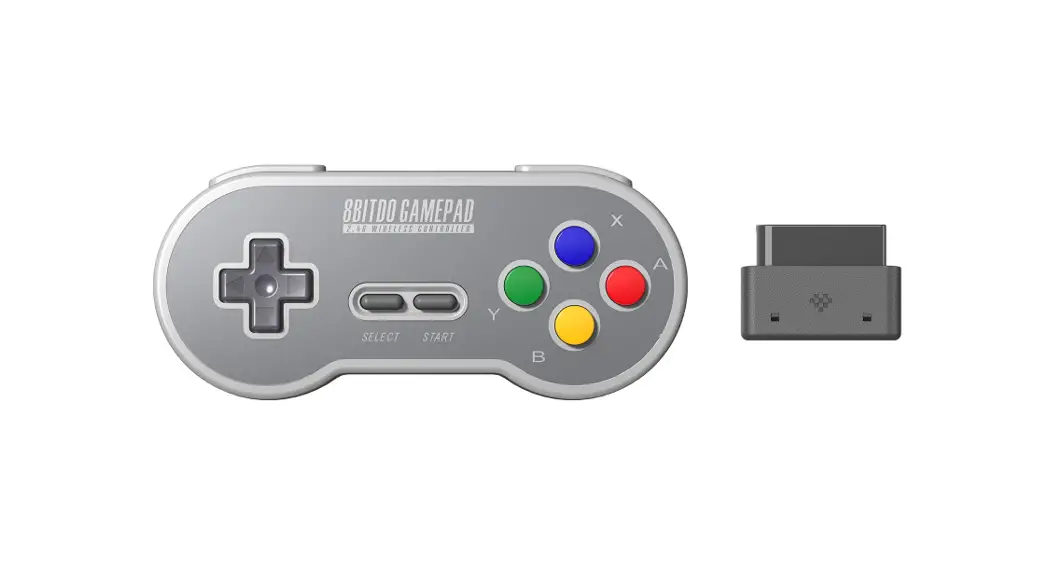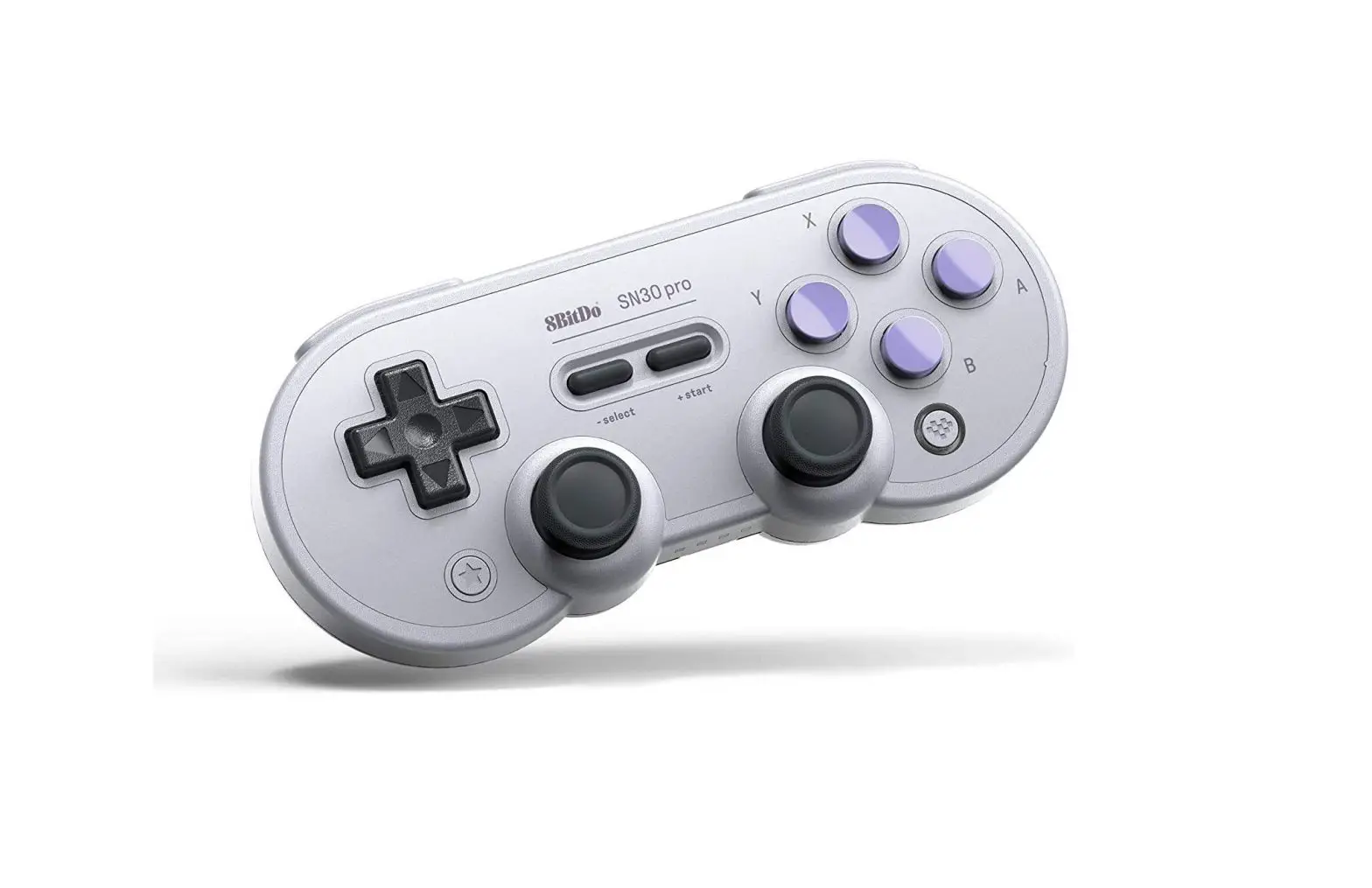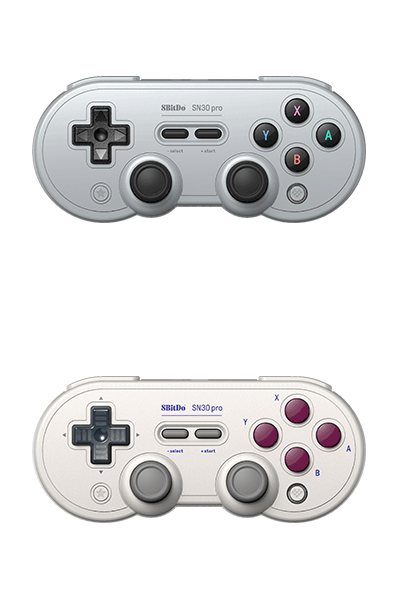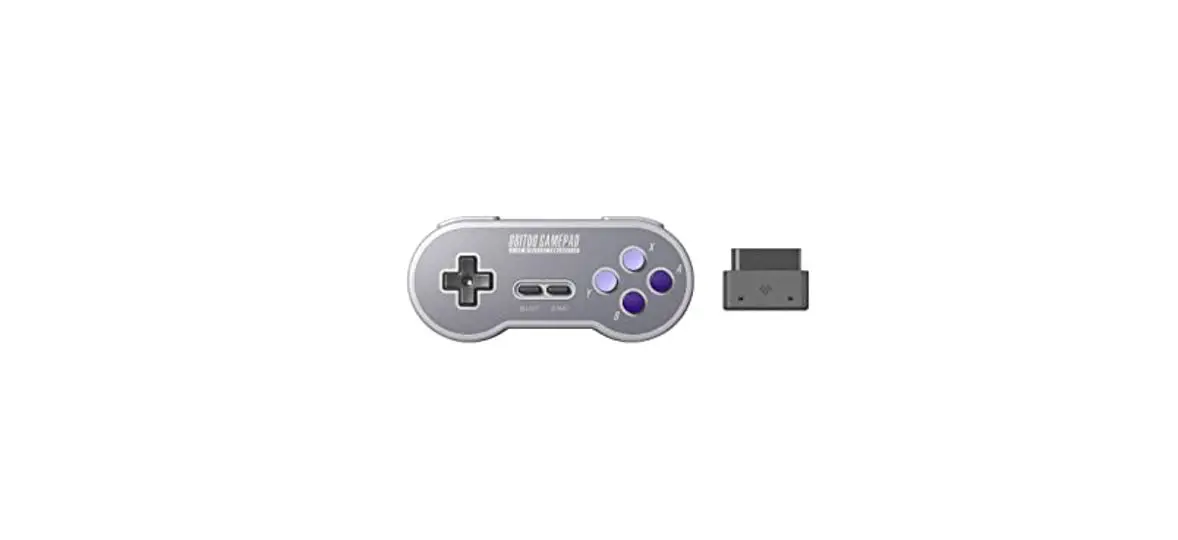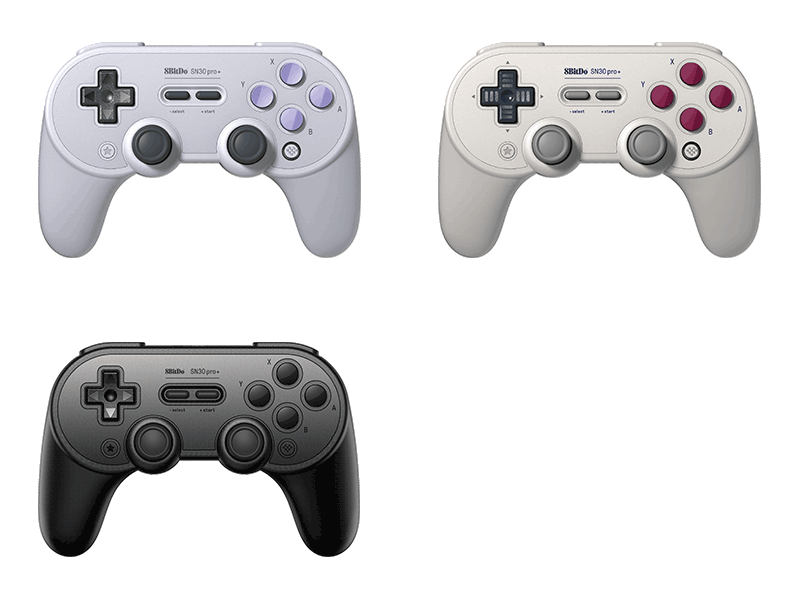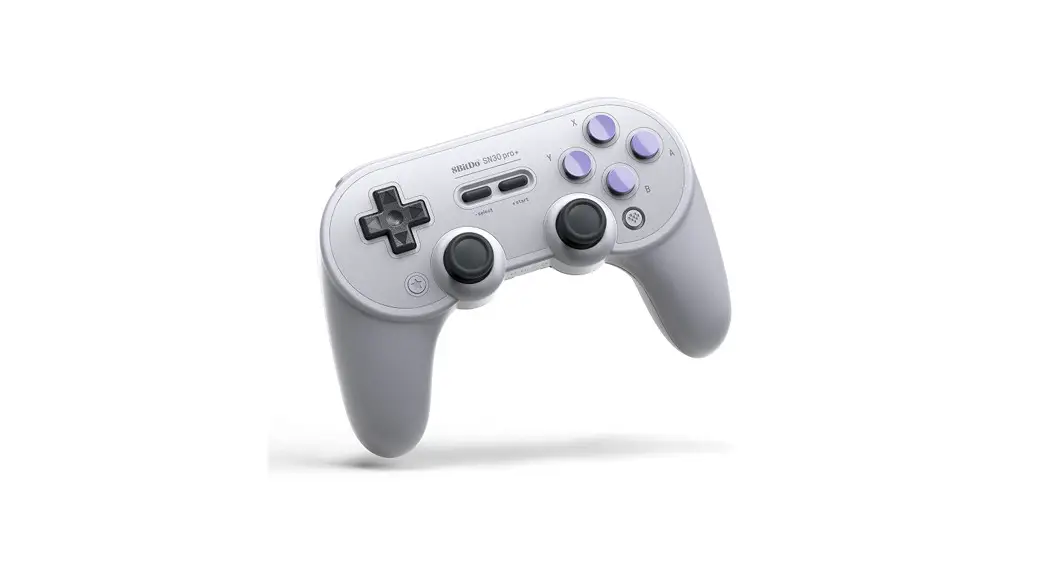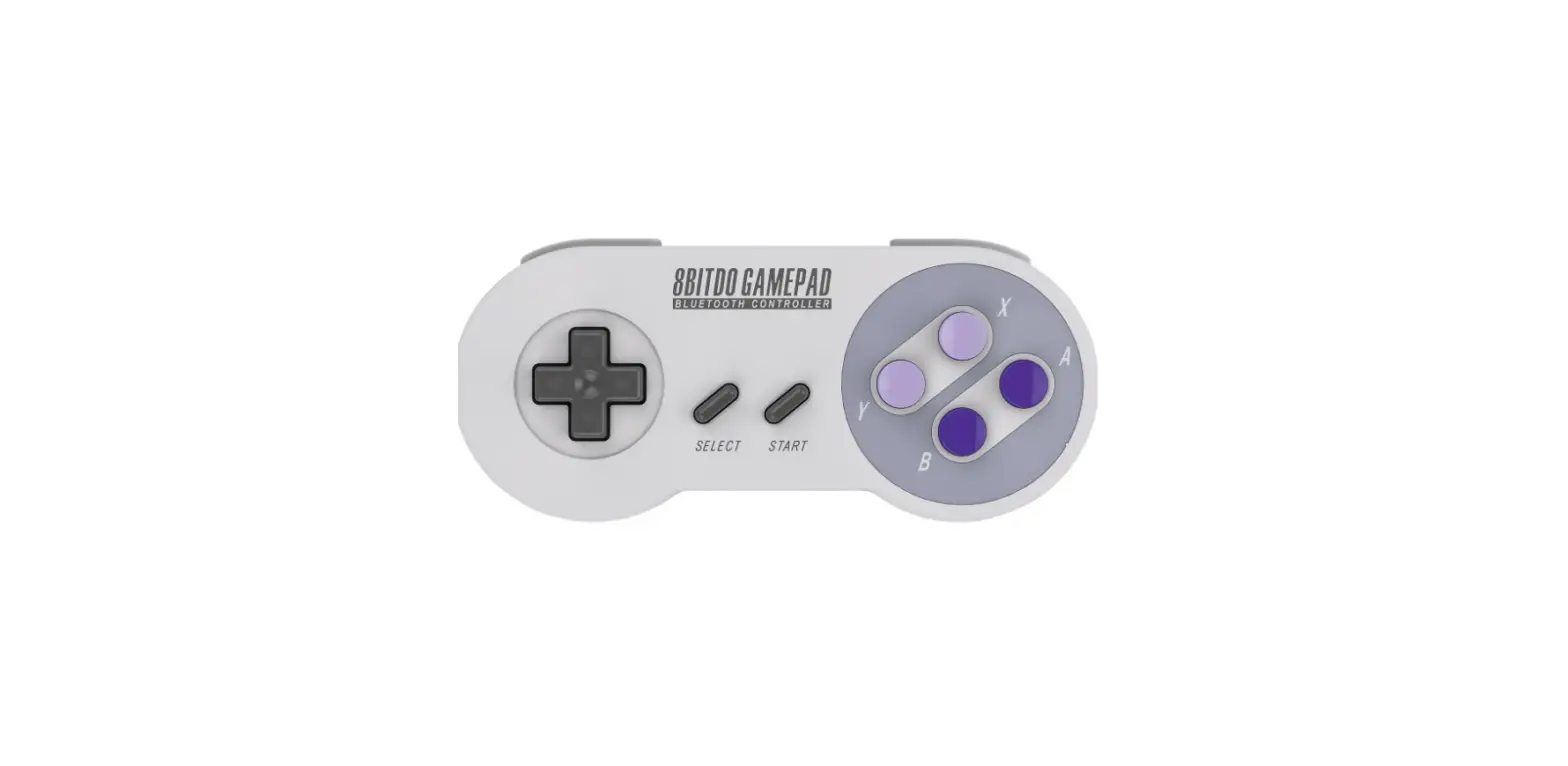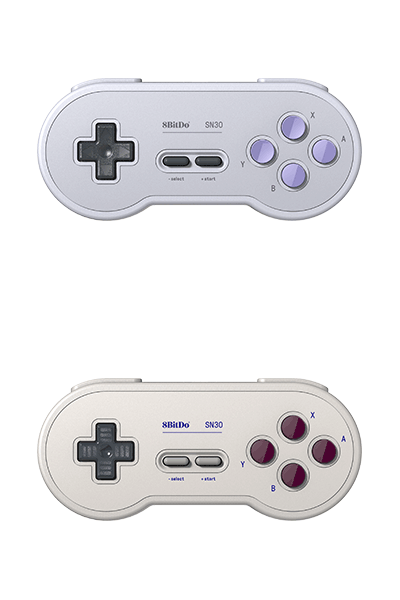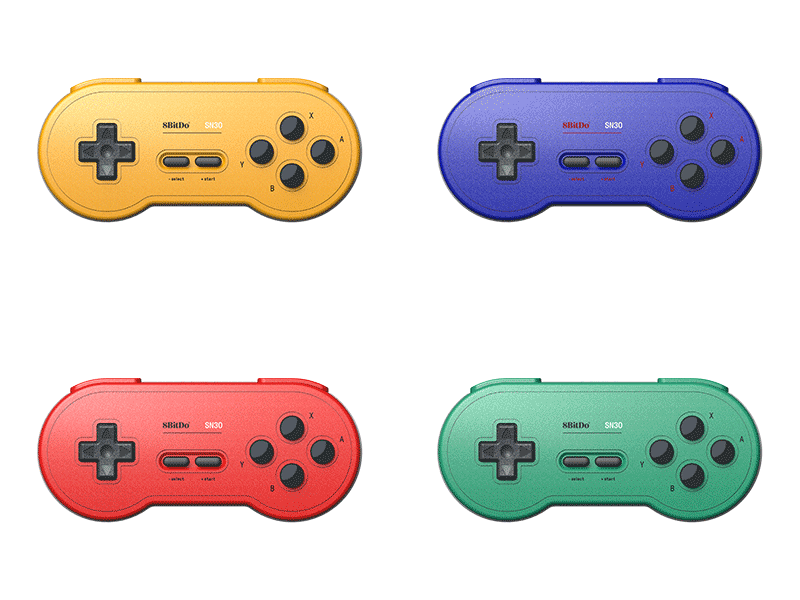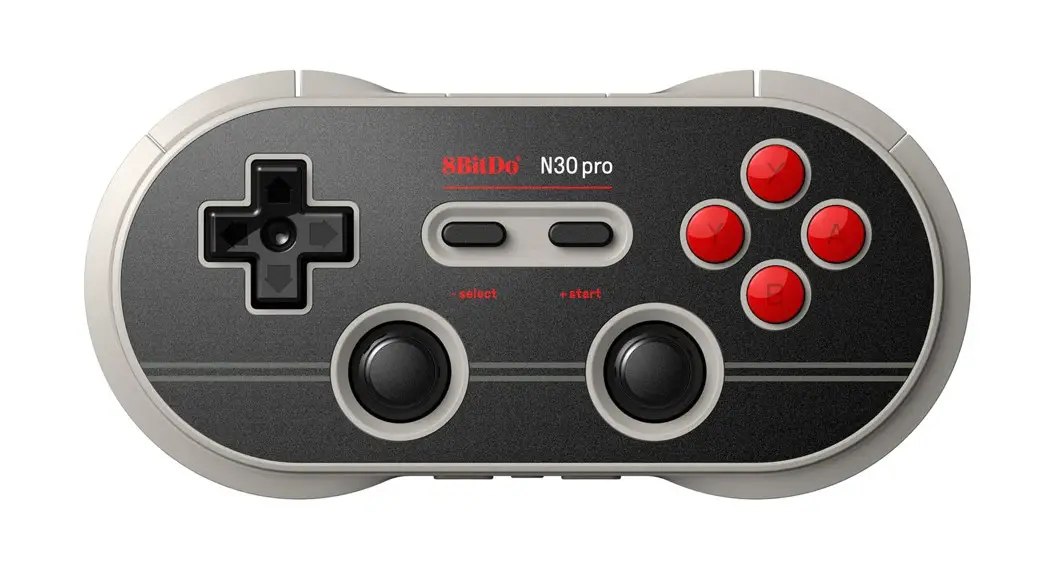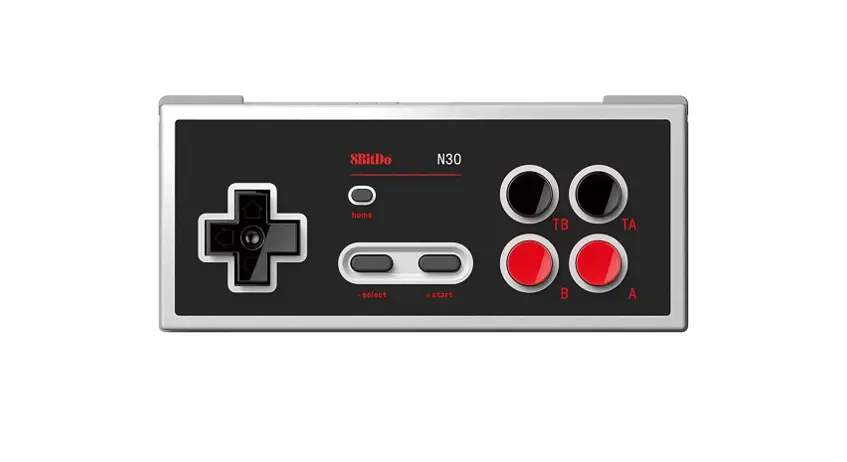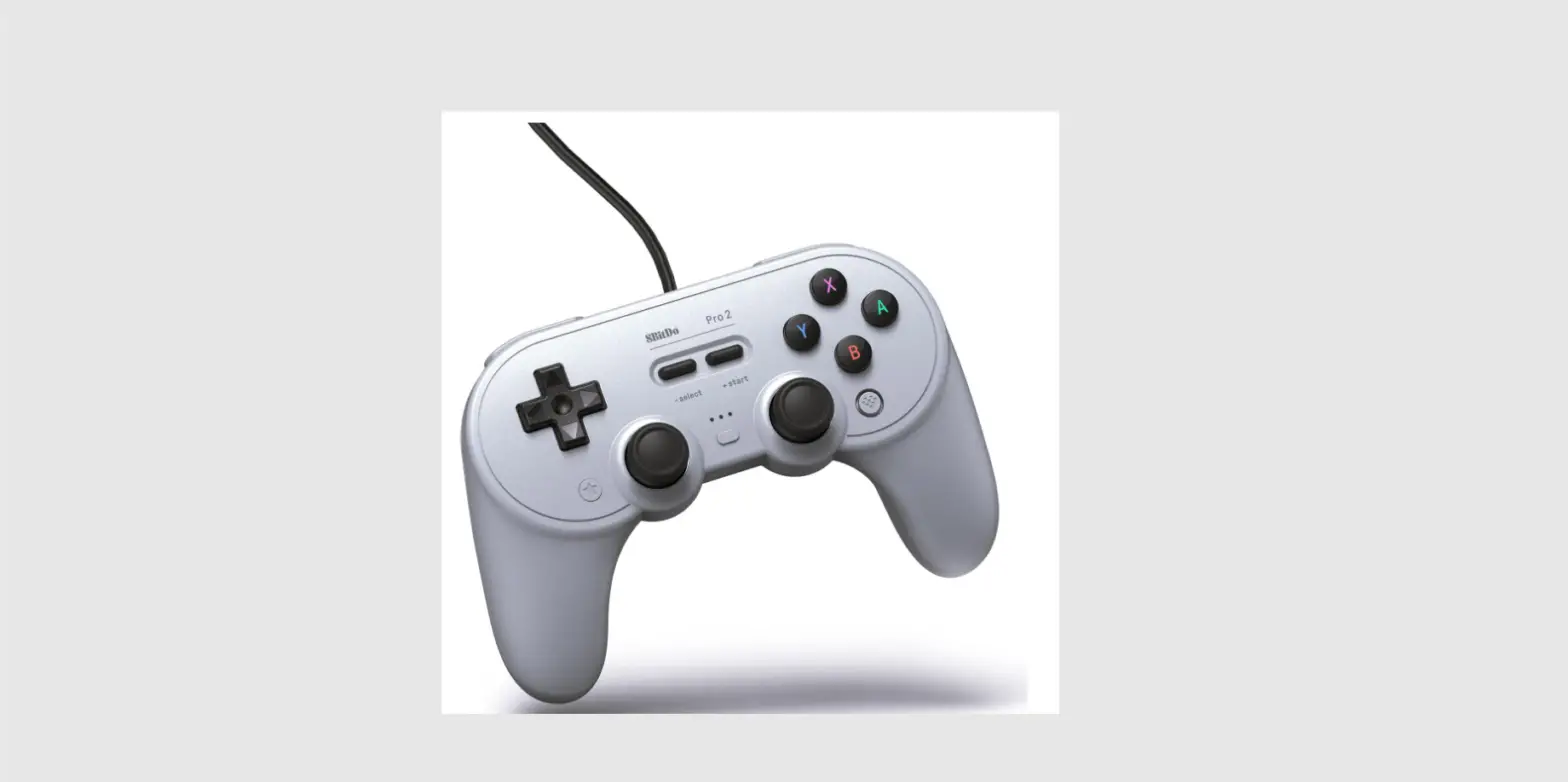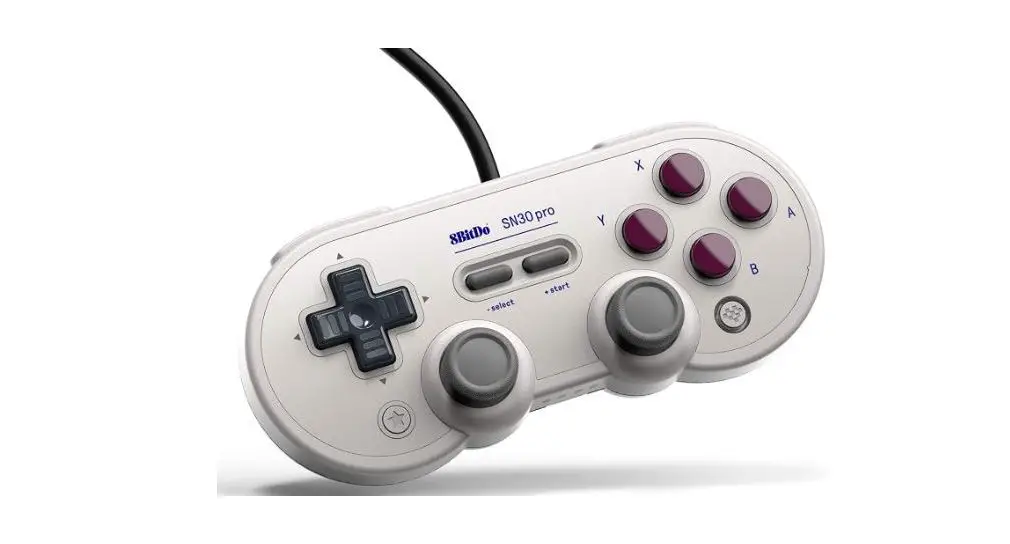

8BitDo SN30 Pro USB Gamepad 
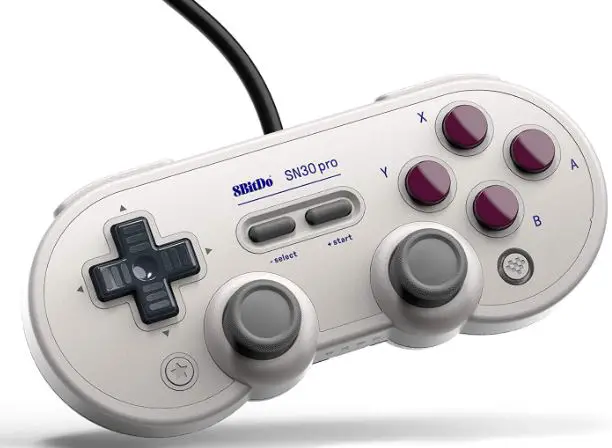
Overview
Switch
- Connect SN30 Pro USB controller to your Switch dock via the USB cable
- Switch system version 3.0.0 or above
- Turn on ‘Pro Controller Wired Communication
Windows ex – input
- Connect SN30 Pro USB controller to your Windows device via the USB cable
- Windows 7 or above
Turbo function
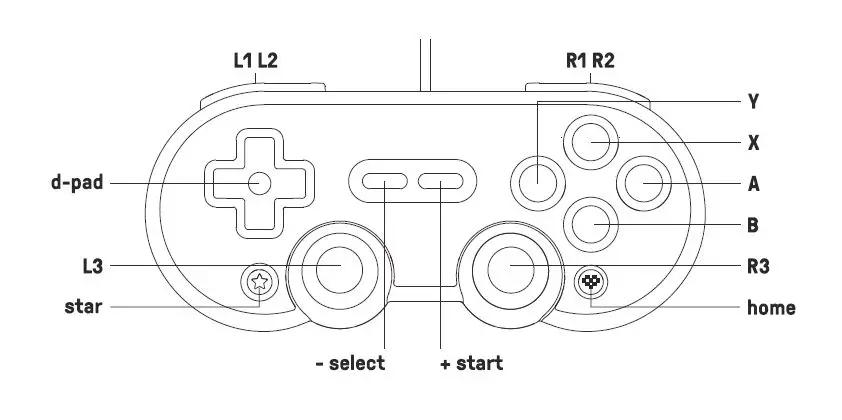
- Hold the button you would like to set turbo functionality to and press the STAR button to activate/deactivate turbo functionality
- LED on the right will blink when the button with turbo function is pressed
- STAR button = Switch screenshot button on Switch mode
support
- please visit support.8bitdo.com for further information & additional support