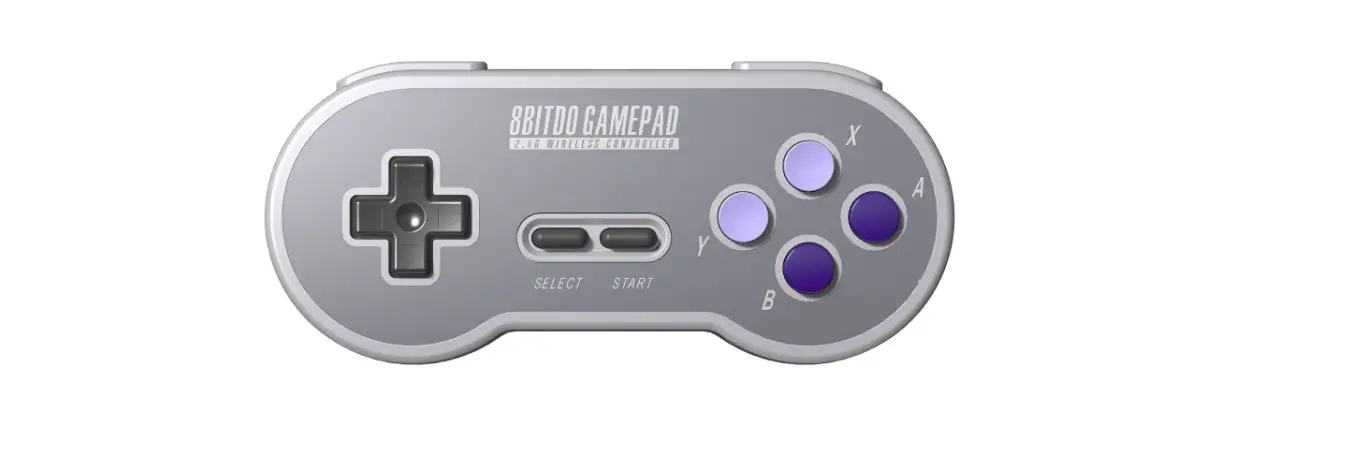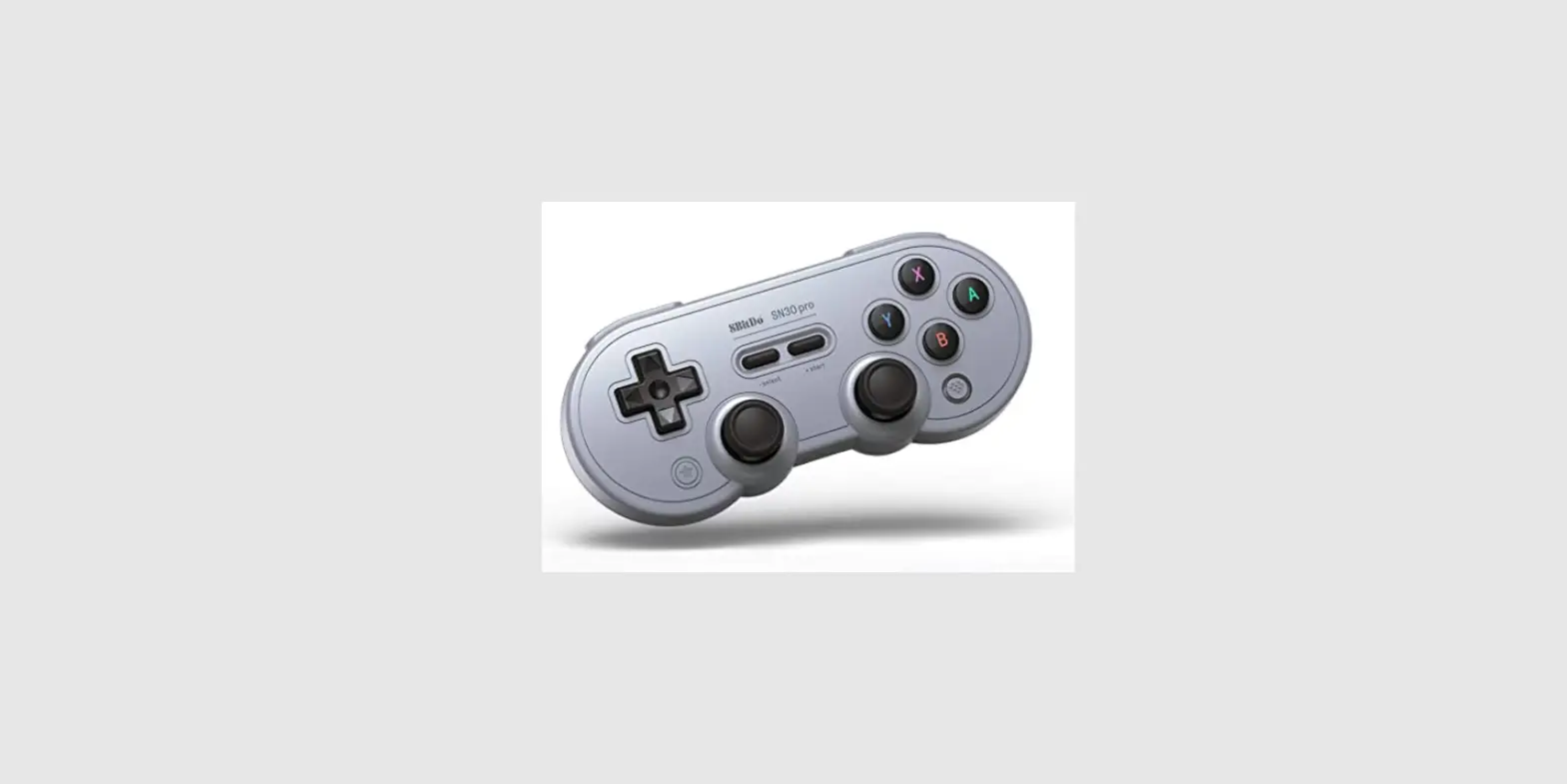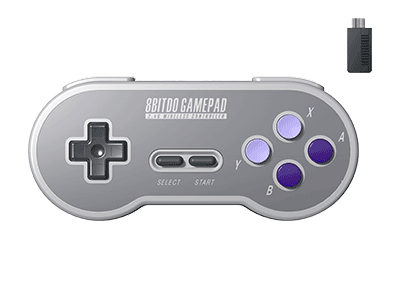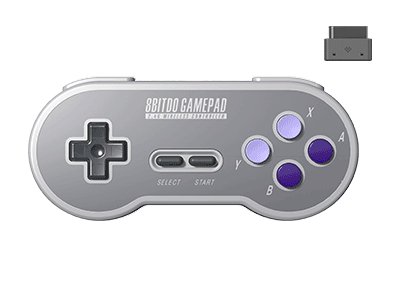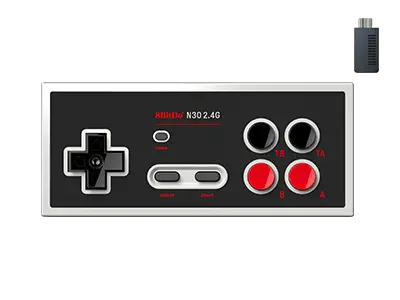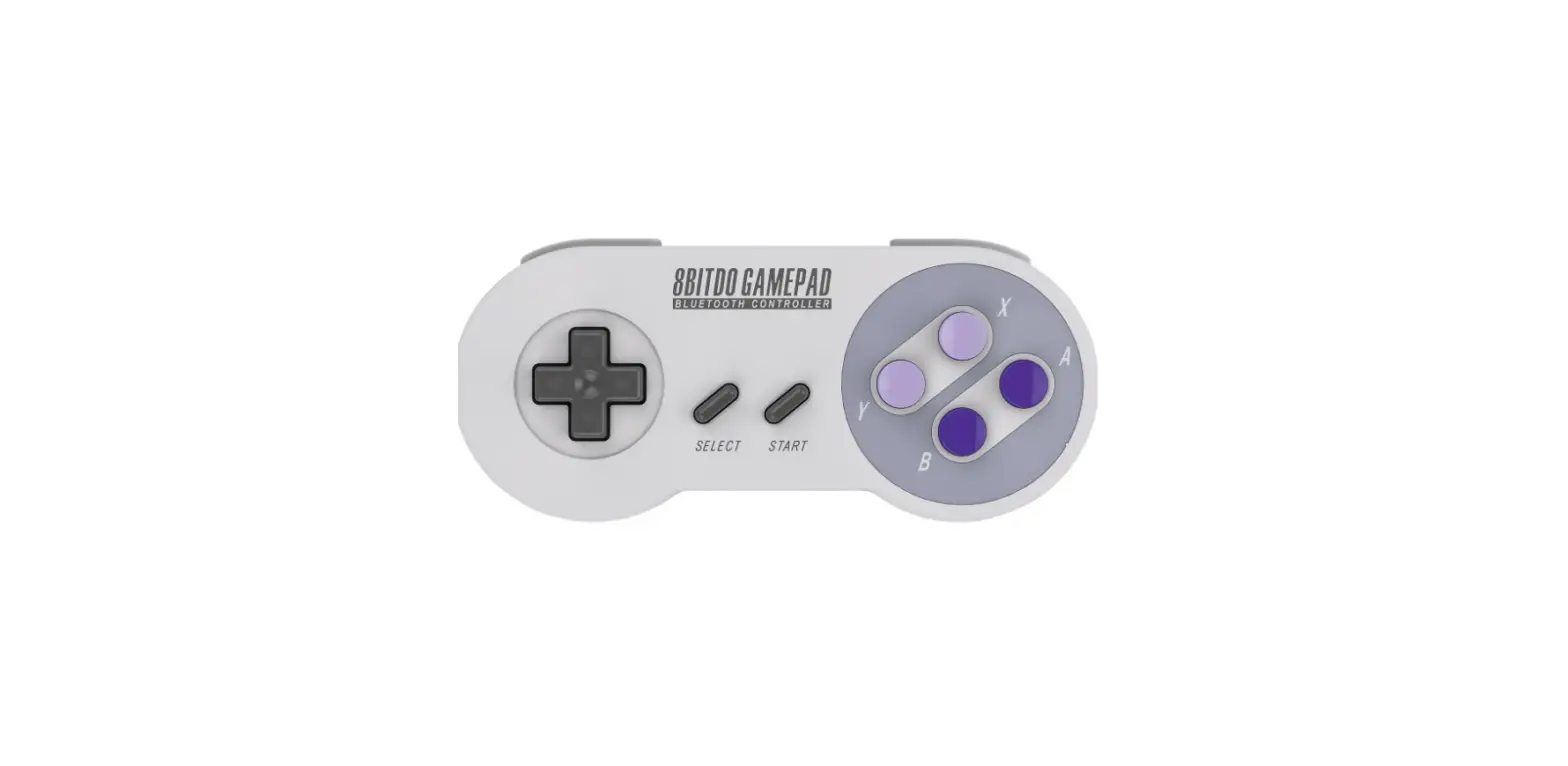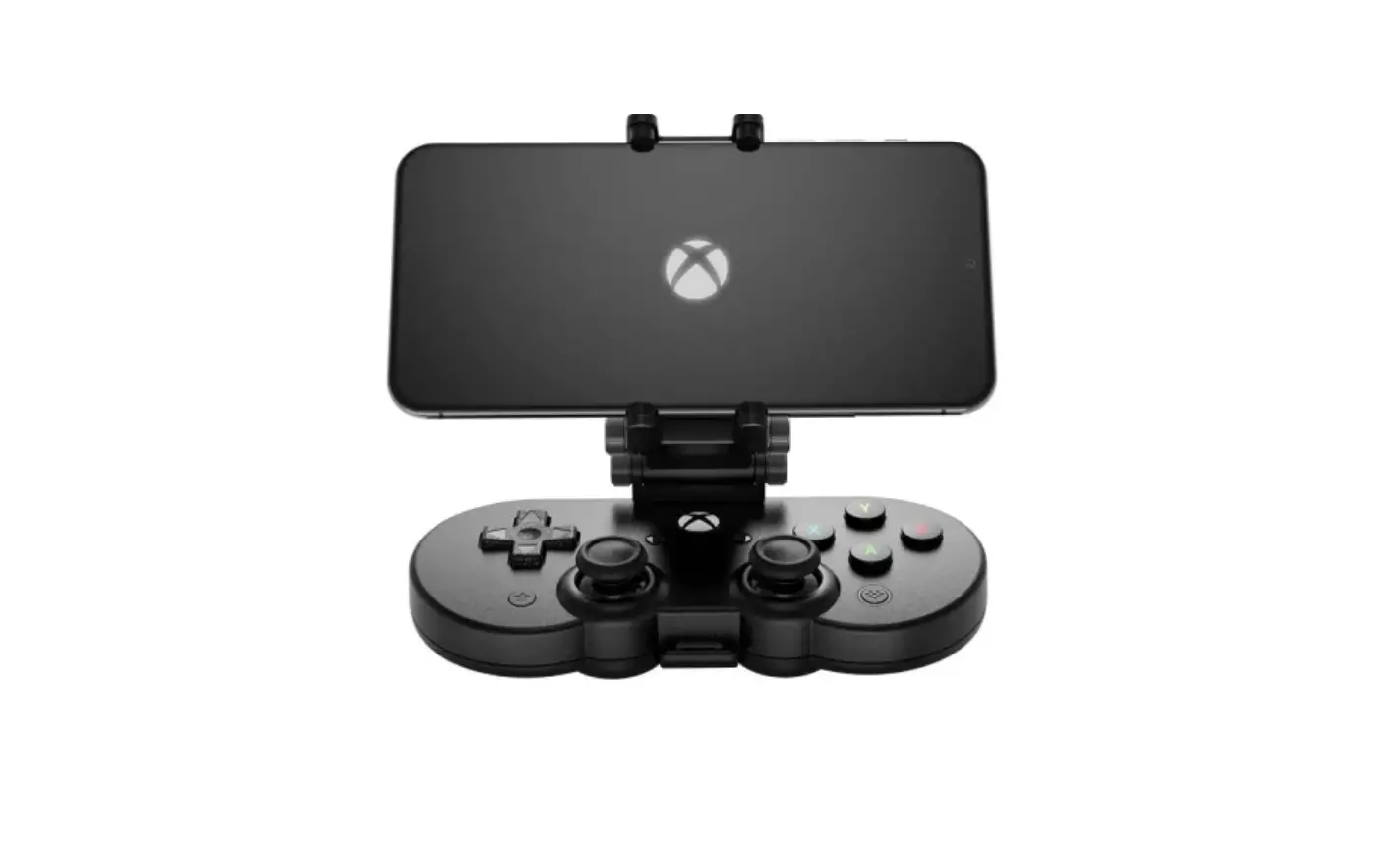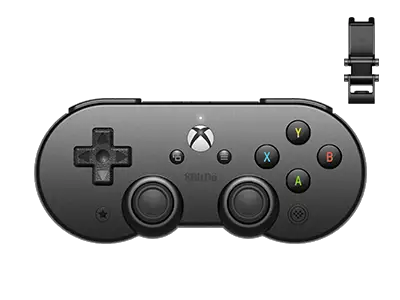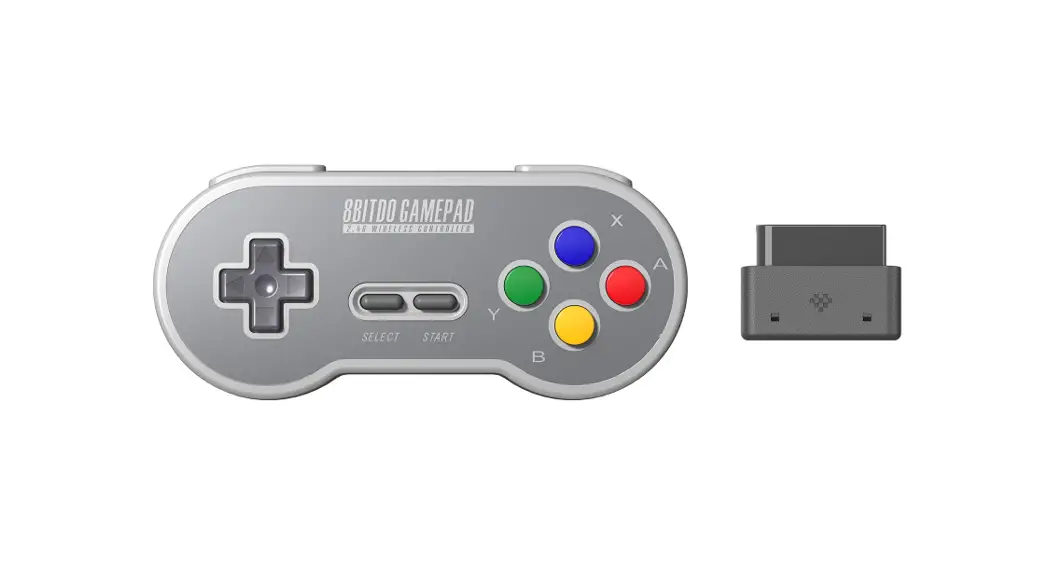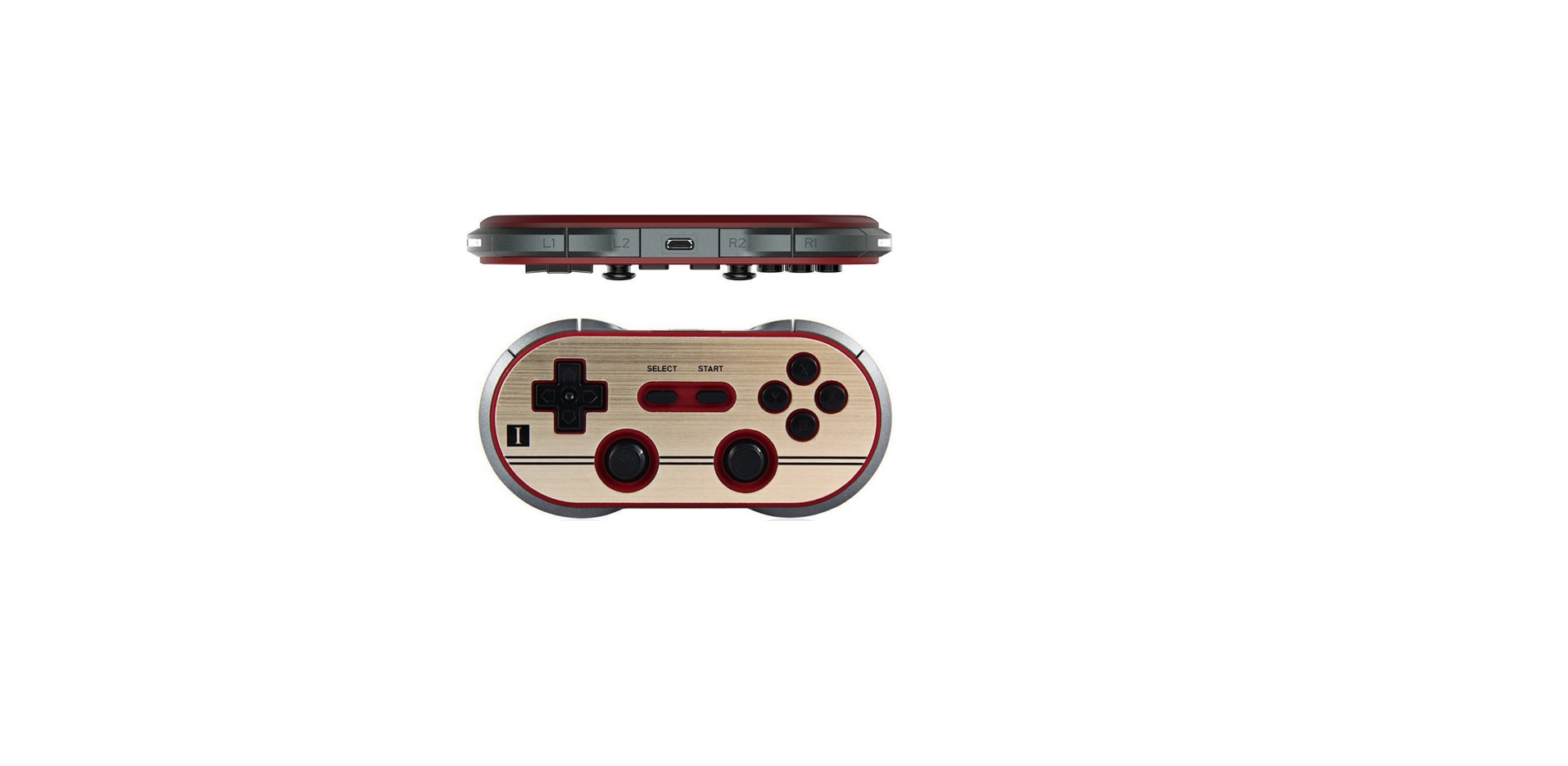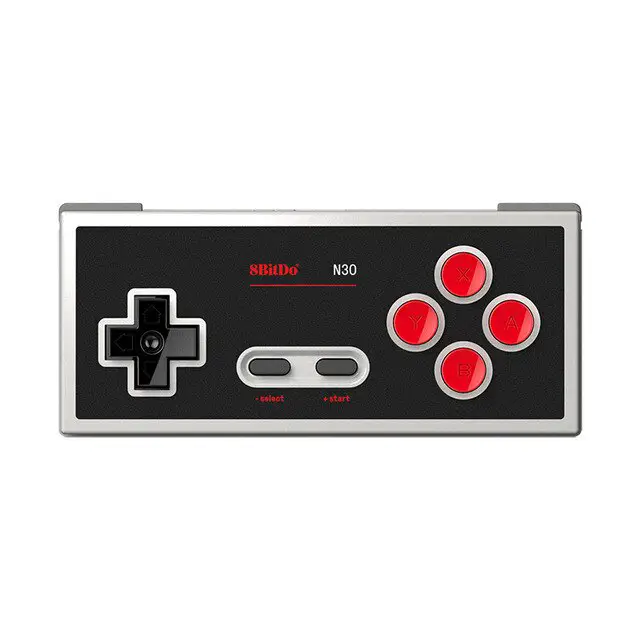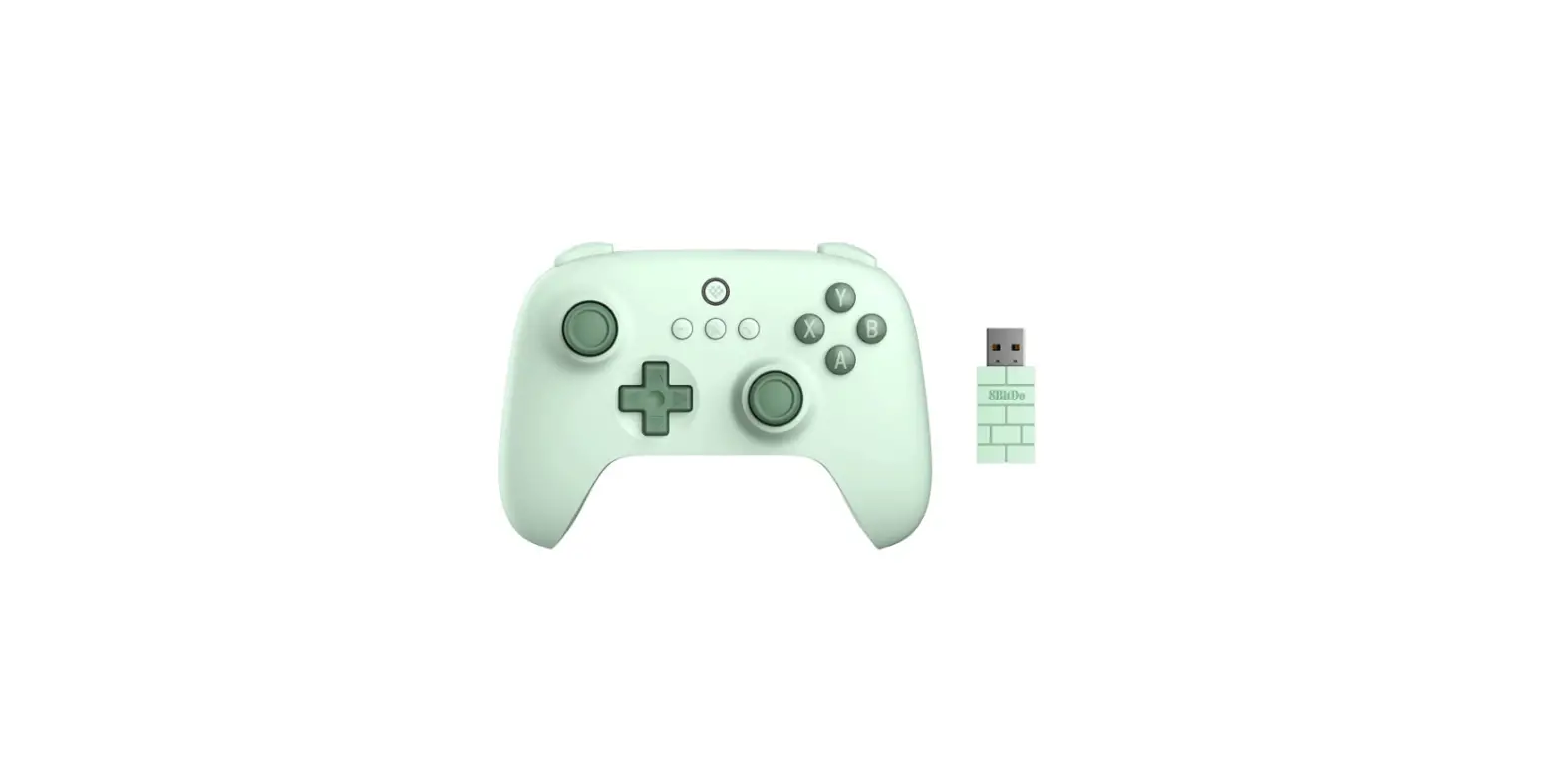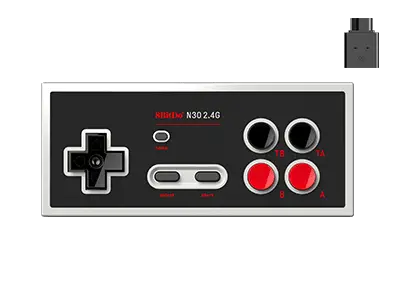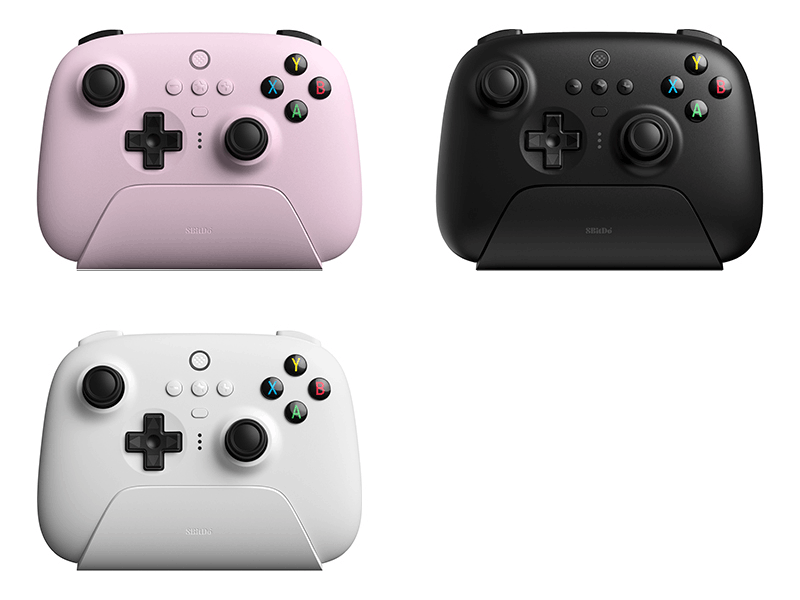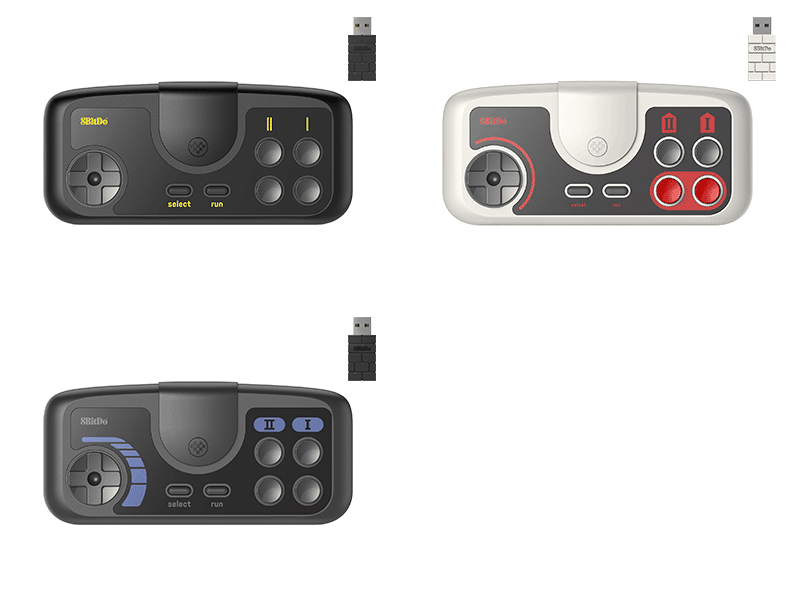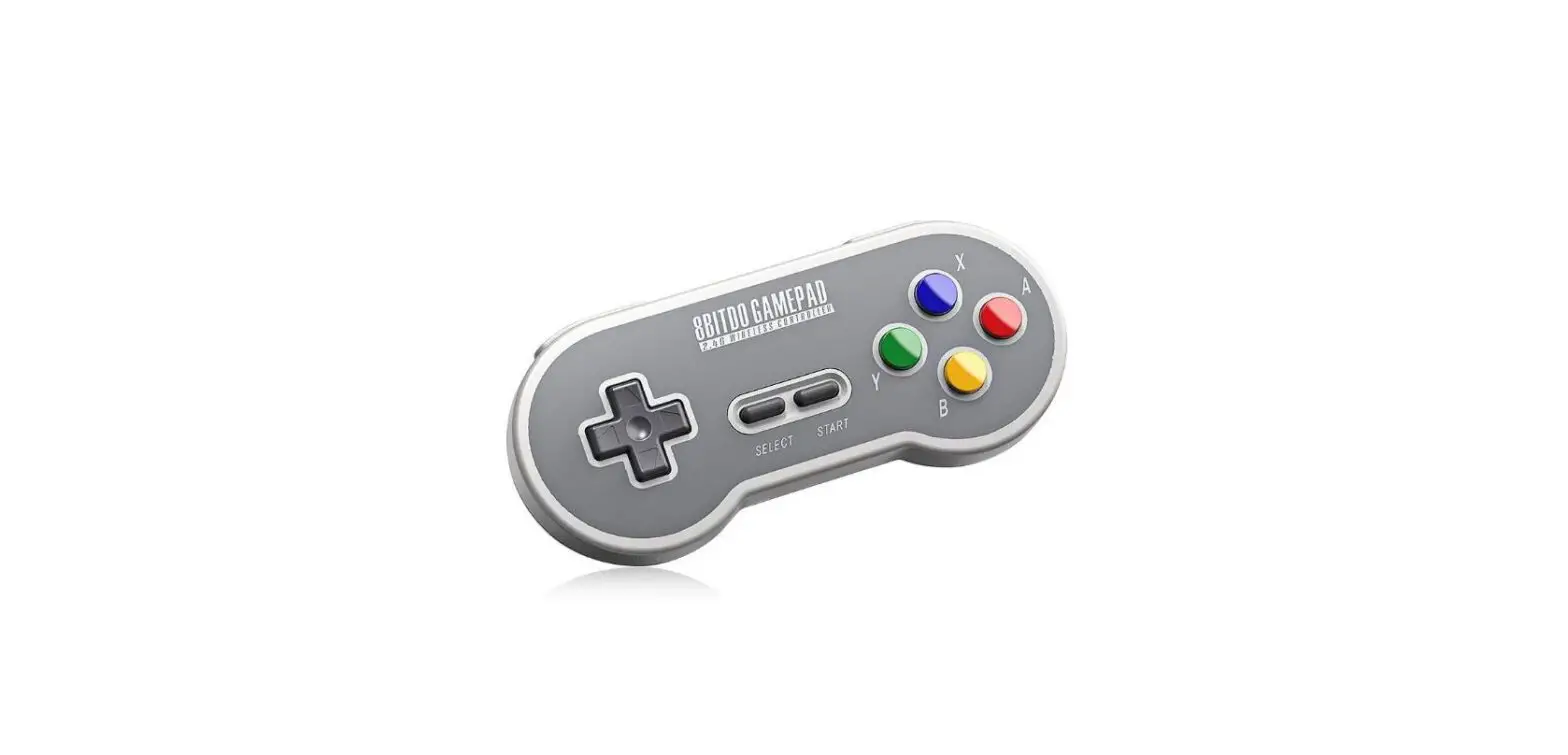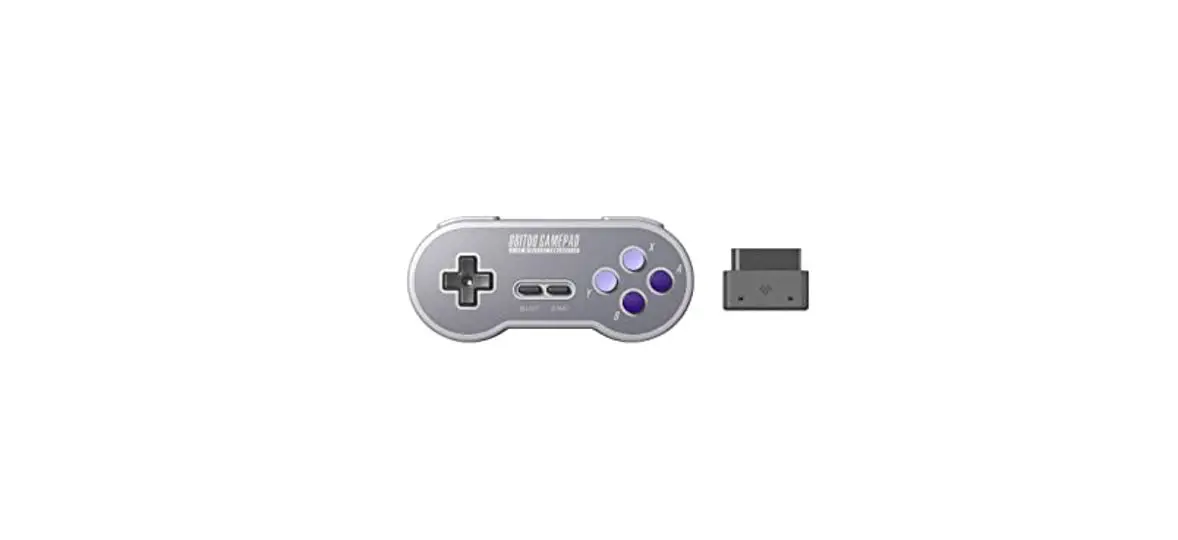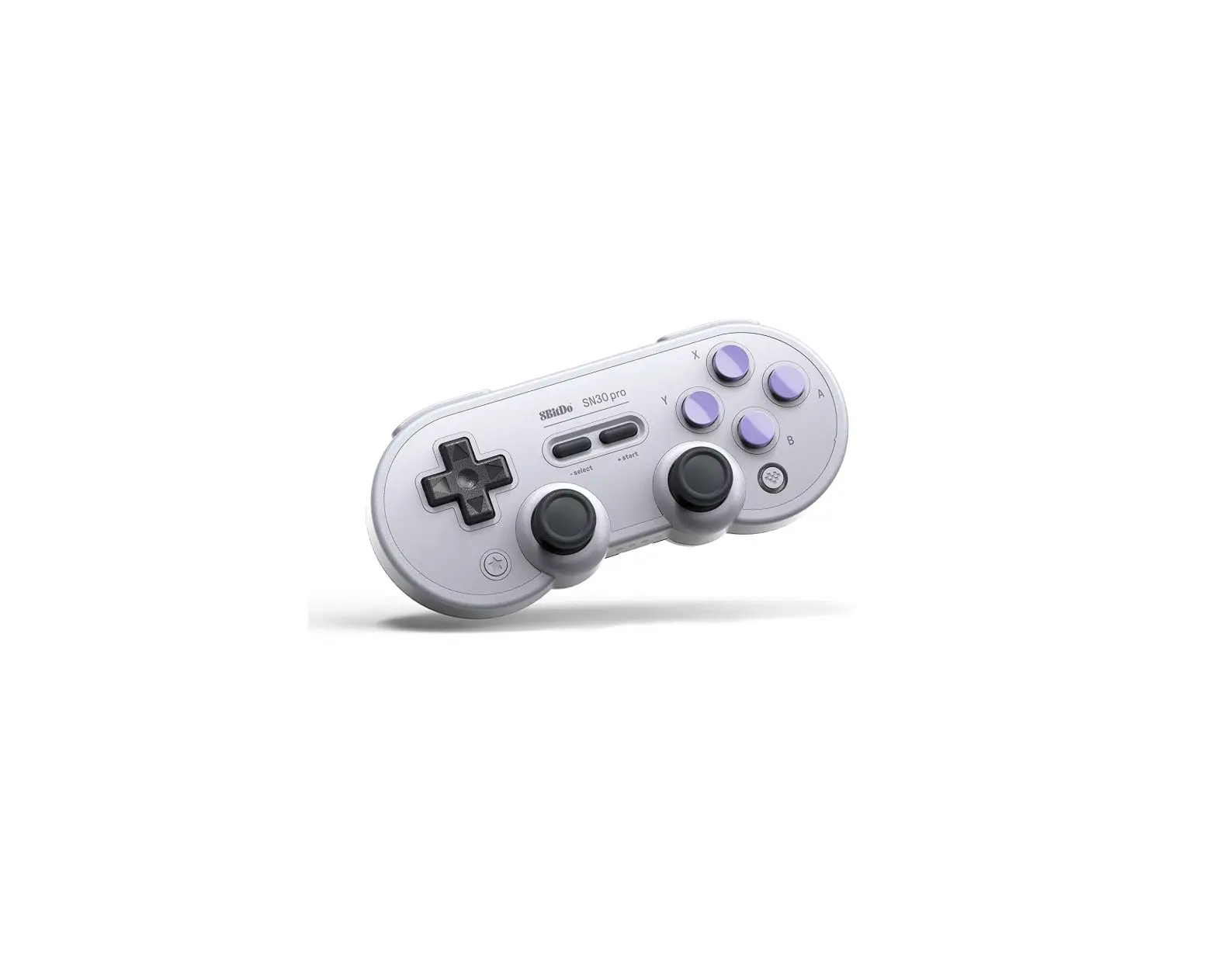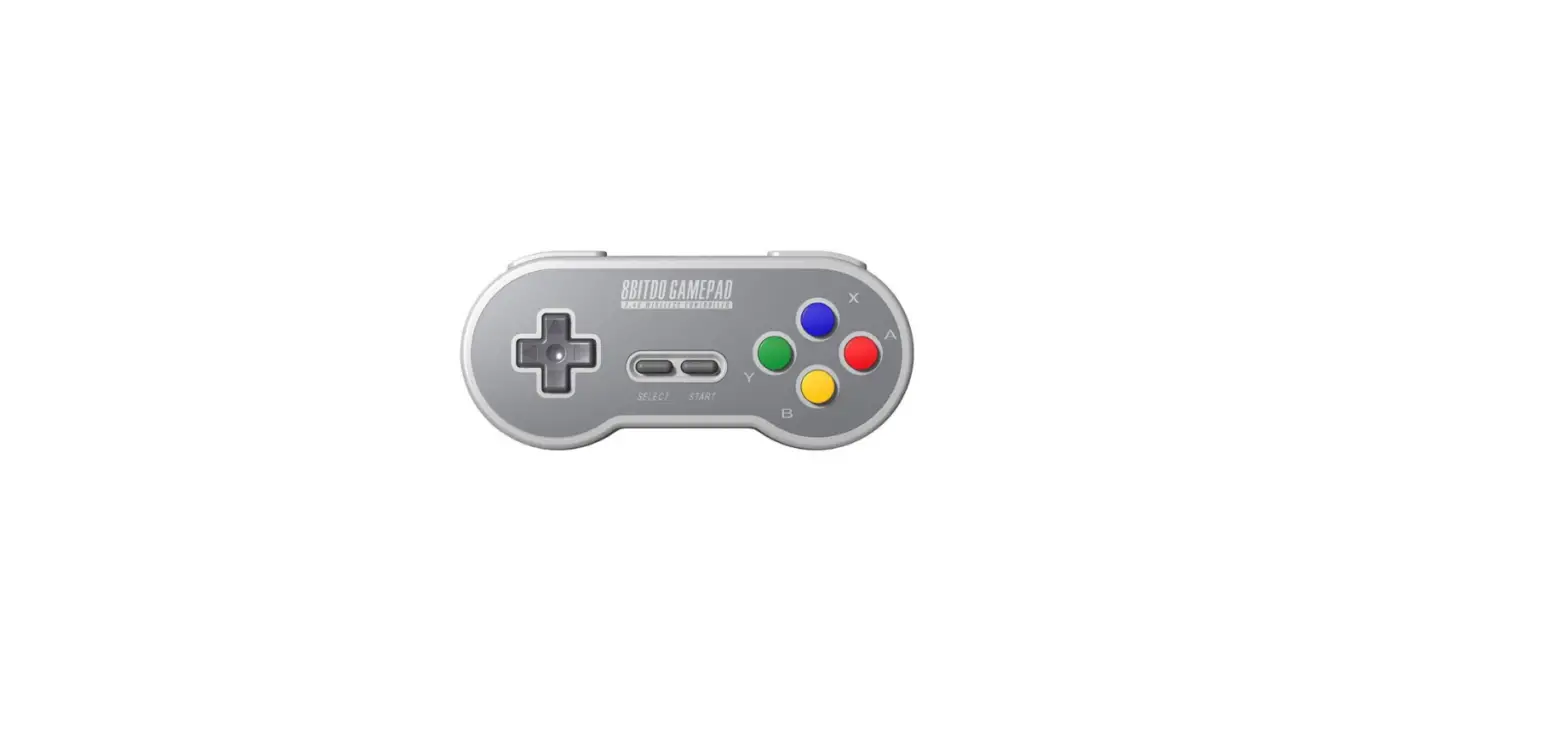
SN30 2.4G and SF30 2.4G
Instruction Manual
Connection
NES/SNES/SFC Classic Edition (wireless connection)
1. Plug the 2.4G Retro Receiver into your NES / SFC / SNES Classic Edition.
2. Press START on your controller to connect to the Retro Receiver.
3. LED will be solid blue when connection is successful.
Home Menu Access for NES/SNES/SFC Classic Edition.
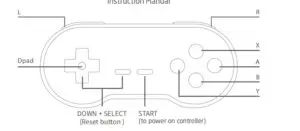
SELECT + DOWN = RESET
If connection is lost or you wish to pair with a new retro receiver, press and hold SELECT on the
controller for 3 seconds. Blue LED will rapidly blink and be solid blue when connection is successful
Windows/macOS/Android (wired connection)
1. Connect the controller to your Windows/macOS/Android via the USB cable.
2. LED will be solid blue when connection is successful.
X-Input: press and hold START+X for 3 seconds, blue LED blinks twice to indicate mode activation.
D-Input: press and hold START+B for 3 seconds, blue LED blinks twice to indicate mode activation.
macOS: press and hold START+A for 3 seconds, blue LED blinks twice to indicate mode activation.
Default mode: D-input.
| Status | LED indicator |
|---|---|
| Low battery mode | POWER LED in Red |
| Battery Charging | POWER LED in green |
| Battery fully charged | POWER LED turns off |
Built-in 180 mAh Li-on with 25 Hours of play time.
Rechargeable via USB cable with 60 minutes charging time.
Power Saving
Sleep mode – 15 minutes with wireless connection but no use.